Pixelcut
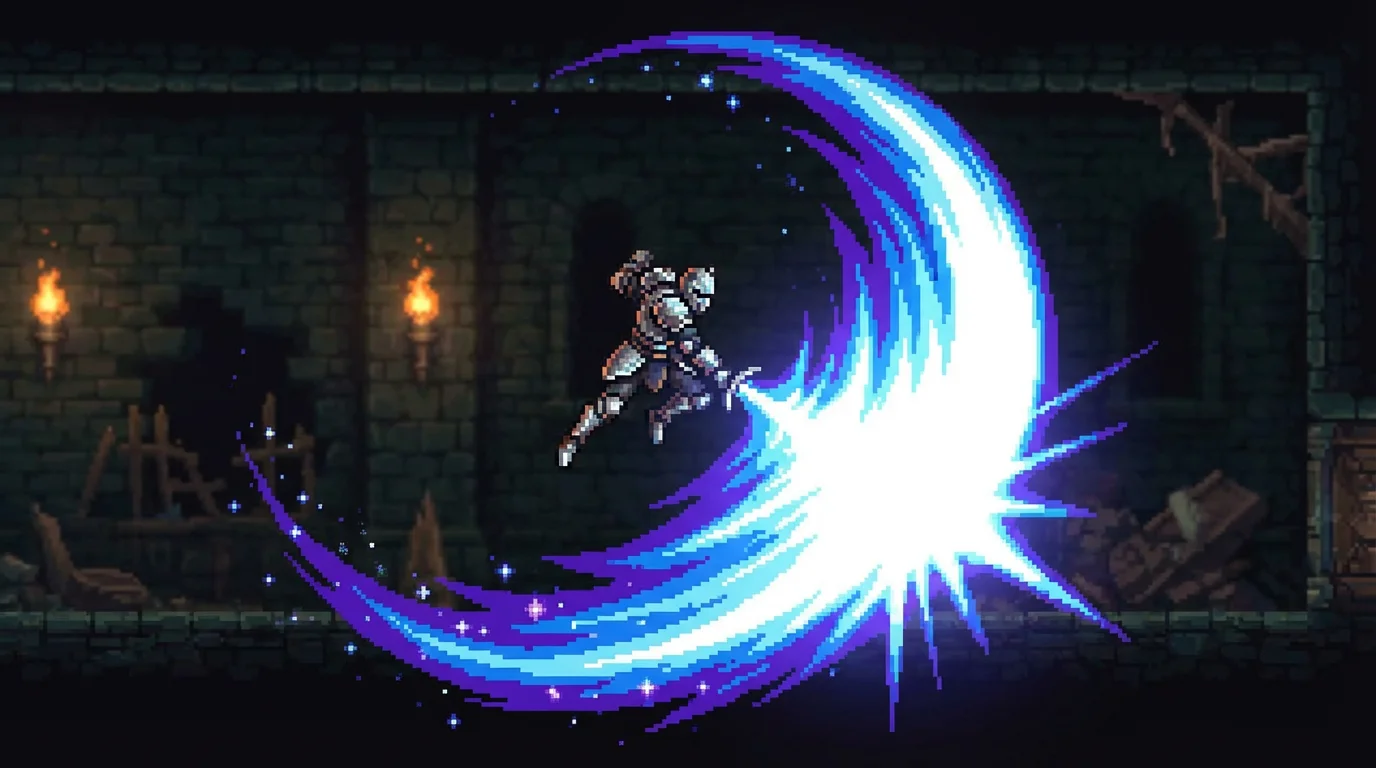
A polished 16-bit pixel art video game scene showing a knight's powerful sword attack, which creates a large, glowing blue and purple slash effect.

AI Pixel Art Slash Effect Generator

Trusted by 70 million people
171,800 Reviews
Developer API
Available on iPhone & Android

How to Create a Pixel Art Slash Effect

  1. 1

    Upload your character sprite

    Begin by uploading the image of your game character or object that you want to add the slash effect to.

  2. 2

    Describe your slash effect

    In the text box, write a clear description of the effect. For example, 'add a fast, white and blue pixel art slash effect to the sword'.

  3. 3

    Generate your effect

    Click the generate button and let the AI create the pixel art slash effect based on your prompt and uploaded image.

  4. 4

    Download your new asset

    Your game asset is ready. Download the high-resolution image and import it directly into your game project.

Speed up your game development workflow by instantly creating visual effects. Instead of designing animations pixel by pixel, just upload your character sprite and describe the slash effect you imagine. Our AI generator produces high-quality, retro-style visual effects in moments, saving you hours of manual work. This allows you to focus more on gameplay and level design, knowing your combat animations will look dynamic and engaging. Get from concept to a ready-to-use asset with incredible speed.

Generate Custom Game VFX in Seconds

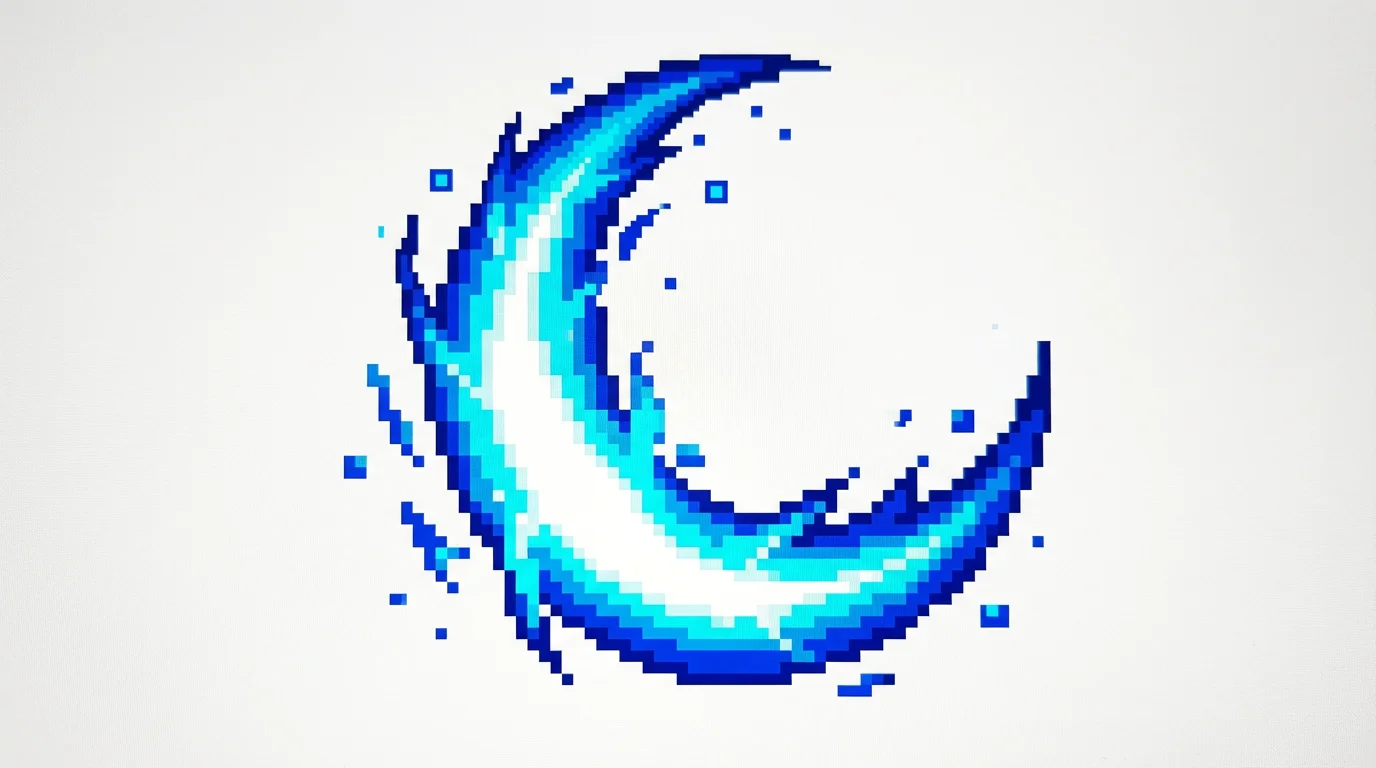
A dynamic pixel art slash effect, rendered in a 16-bit video game style, with bright blue and white energy and sparkling particles, isolated on a white background.
Match your game’s unique aesthetic with highly customizable slash effects. Your text prompt gives you full creative control. Specify colors, shapes, and styles to generate the perfect visual. Whether you need a fiery arc for a magic sword, a clean glint for a dagger, or an energetic burst for an axe, our tool can create it. Describe effects for different weapons and character classes to build a rich and varied combat system. The AI interprets your ideas to produce a slash that fits your world perfectly.

Fully Customizable Slash Animations

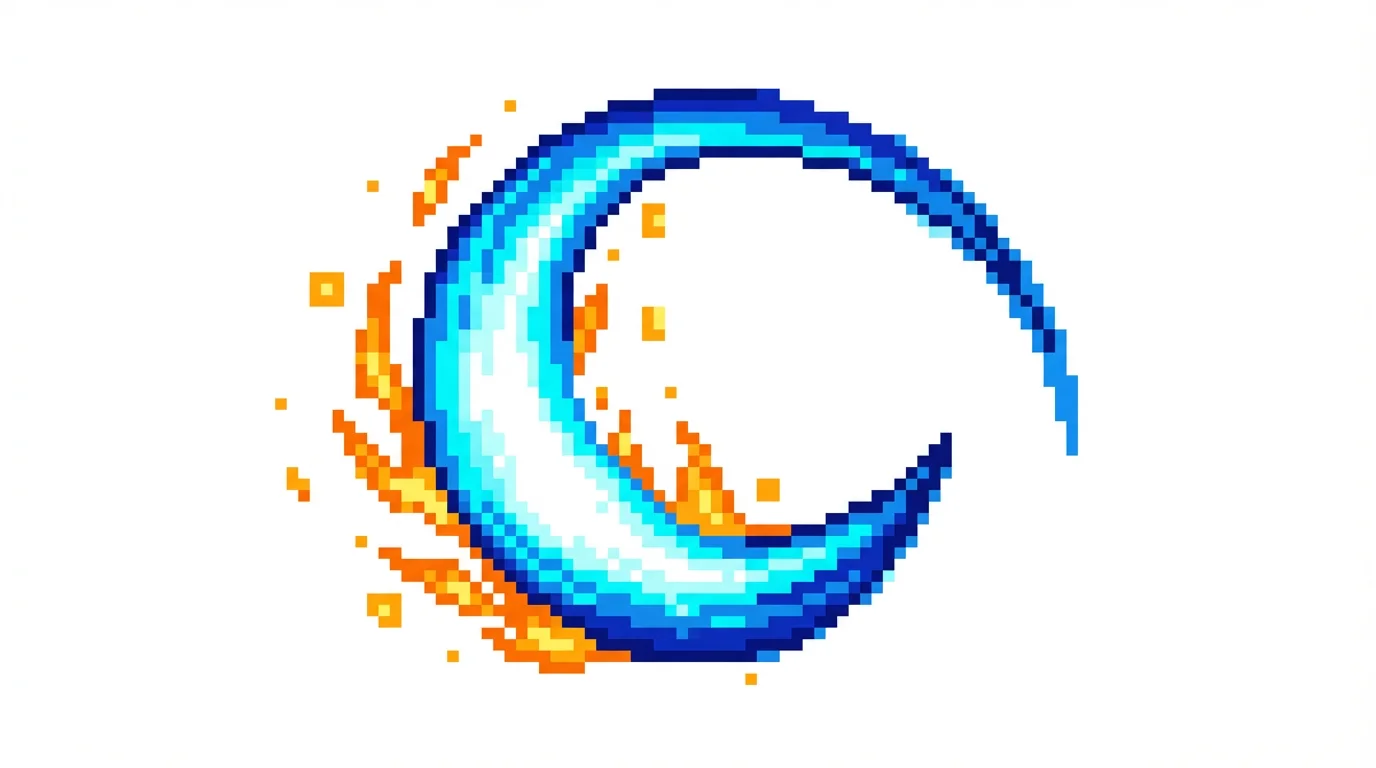
A pixel art illustration of a powerful, arcing slash effect in bright blue and white, with a trail of orange pixelated sparks, set against a plain white background.
Ensure all your game's visual effects feel like they belong in the same universe. By using consistent descriptions and styles in your prompts, you can generate a whole library of VFX that share a unified aesthetic. Create slash effects, impacts, and other animations that align with your game's pixel art style, whether it's 8-bit, 16-bit, or something completely new. This process helps you build a visually consistent experience for players, making your game world more immersive and professional looking.

Maintain a Cohesive Art Style

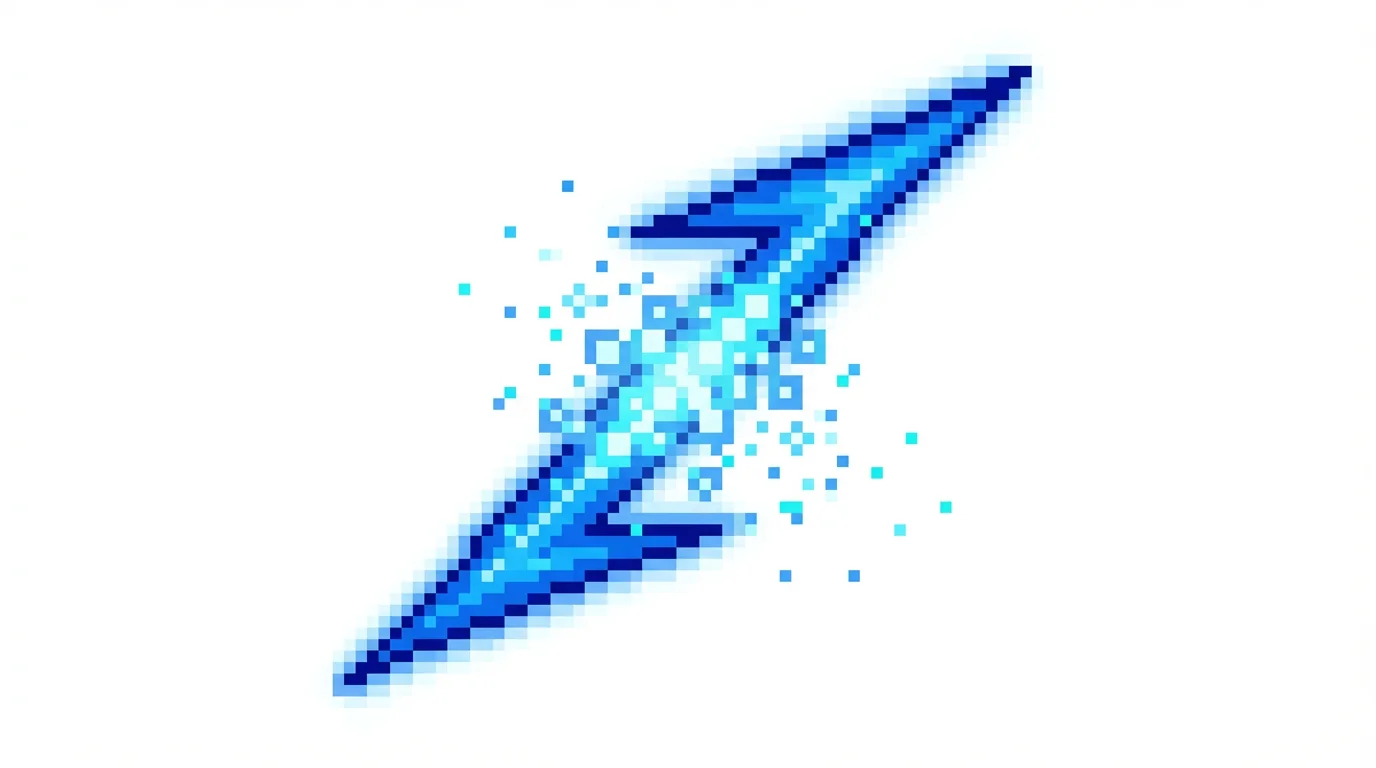
A vibrant pixel art depiction of a video game-style slash effect, glowing in electric blue against a plain white background.
It’s Fast: Create complete slash effects in seconds, not hours. It’s Customizable: Use text prompts to define the color, shape, and energy of the slash. AI-Powered: Leverage artificial intelligence to generate unique and complex pixel art animations. Easy to Use: No animation software required. Just upload your sprite and type what you want to see. Game-Ready Assets: Download high-resolution PNGs ready to be imported into your game engine.

Why use Pixelcut's AI Pixel Art Slash Effect Generator?

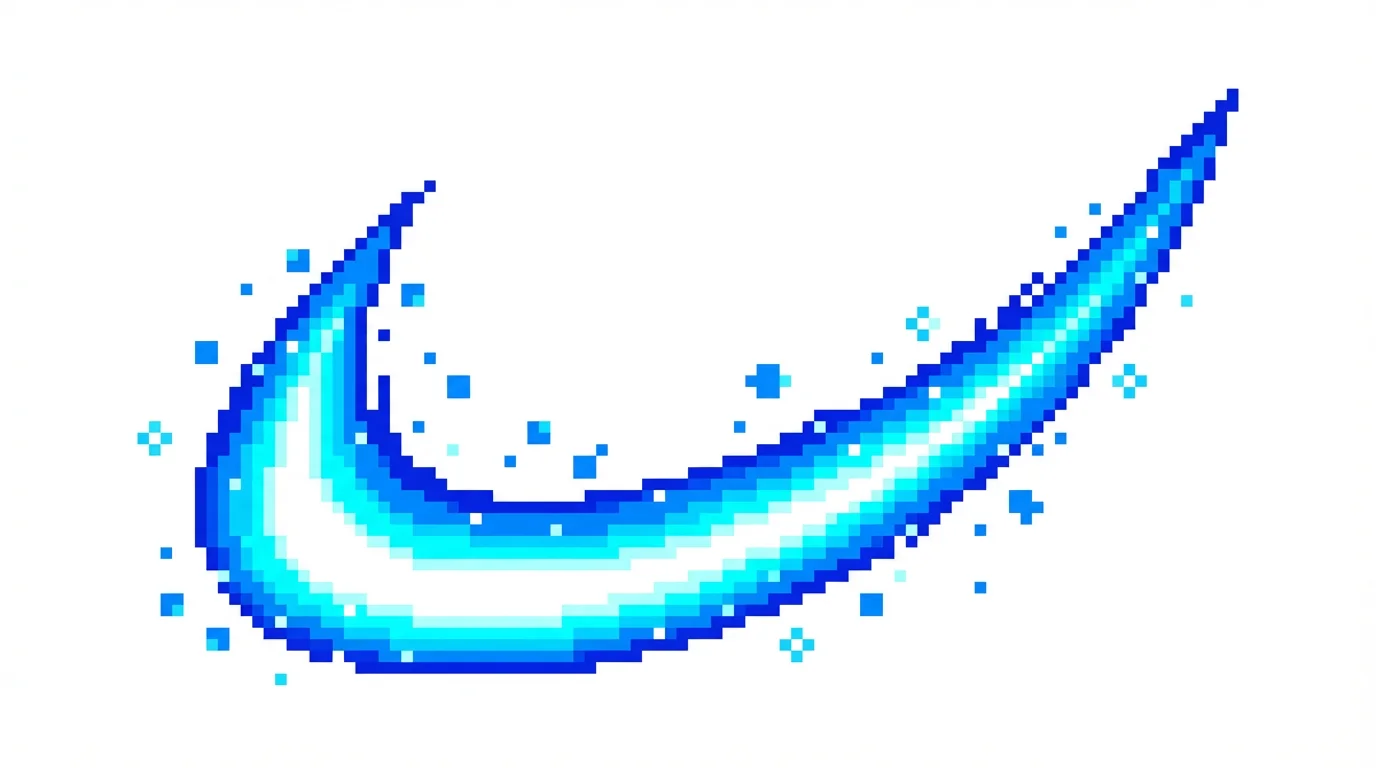
A dynamic 16-bit pixel art slash effect in vibrant blue and cyan, shown as an arcing trail of energy with sparkling particles against a plain white background.
Character Attacks: Design unique slash animations for different weapons like swords, axes, and claws. Special Moves: Visualize powerful finishing moves with dramatic and energetic visual effects. Enemy Actions: Create distinct attack visuals for various enemy types to signal their abilities to the player. UI Feedback: Generate animated icons or effects for user interface elements to indicate a successful action. Magic Spells: Produce visuals for offensive spells that involve a cutting or slashing motion.

Pixel Art Slash Effect Use Cases

A dynamic pixel art slash effect, designed in a 16-bit video game style, with vibrant blue and white energy arcing against a clean white background.

Frequently Asked Questions

Pixelcut is loved by over 2 million people

  • My favorite app

    Great app, easy to use. Helps our small business save time and money to create different marketing materials professionally. Thank you.
    Shaelyn D.
  • Best background remover

    I need a good background remover for my work and I've been through them all it feels like. This one is the best by far. It's so easy to use and the results always look amazing. Thank you Pixelcut!
    Kira H.
  • Love it

    It's amazingly easy and gives the perfect results for my bags and accessories. It looks like it was done by a professional photographer.
    Mary J.