My favorite app
Great app, easy to use. Helps our small business save time and money to create different marketing materials professionally. Thank you.
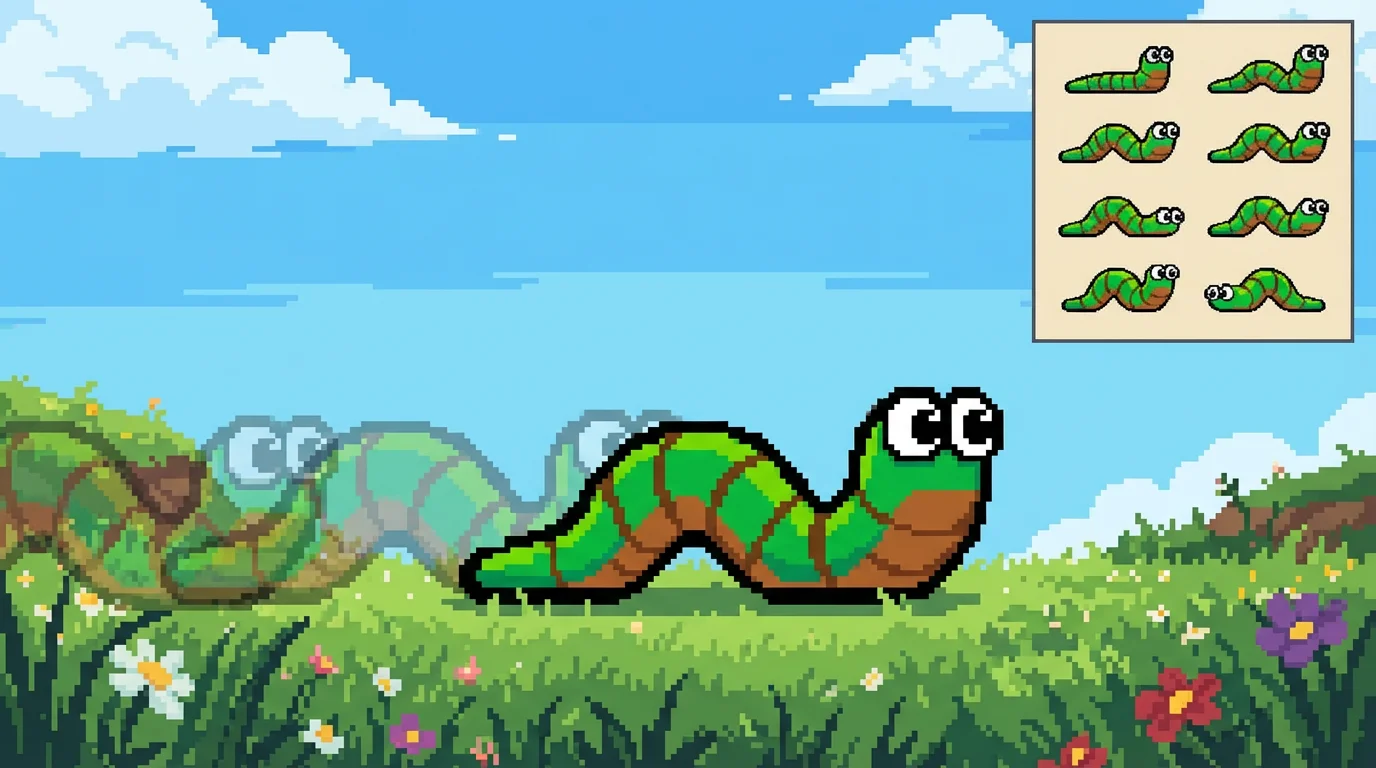
Start by uploading a single, static image of your pixel art worm character. A clear image with a distinct character works best.
In the text box, tell the AI how you want your worm to move. For example, type 'a worm inching forward' or 'a cute wiggling animation'.
Click the generate button and our AI will bring your pixel art to life, creating a full animation based on your prompt in just a few moments.
Your animated pixel art worm is ready to go. Download the high-resolution video to use in your games, videos, or other creative projects.
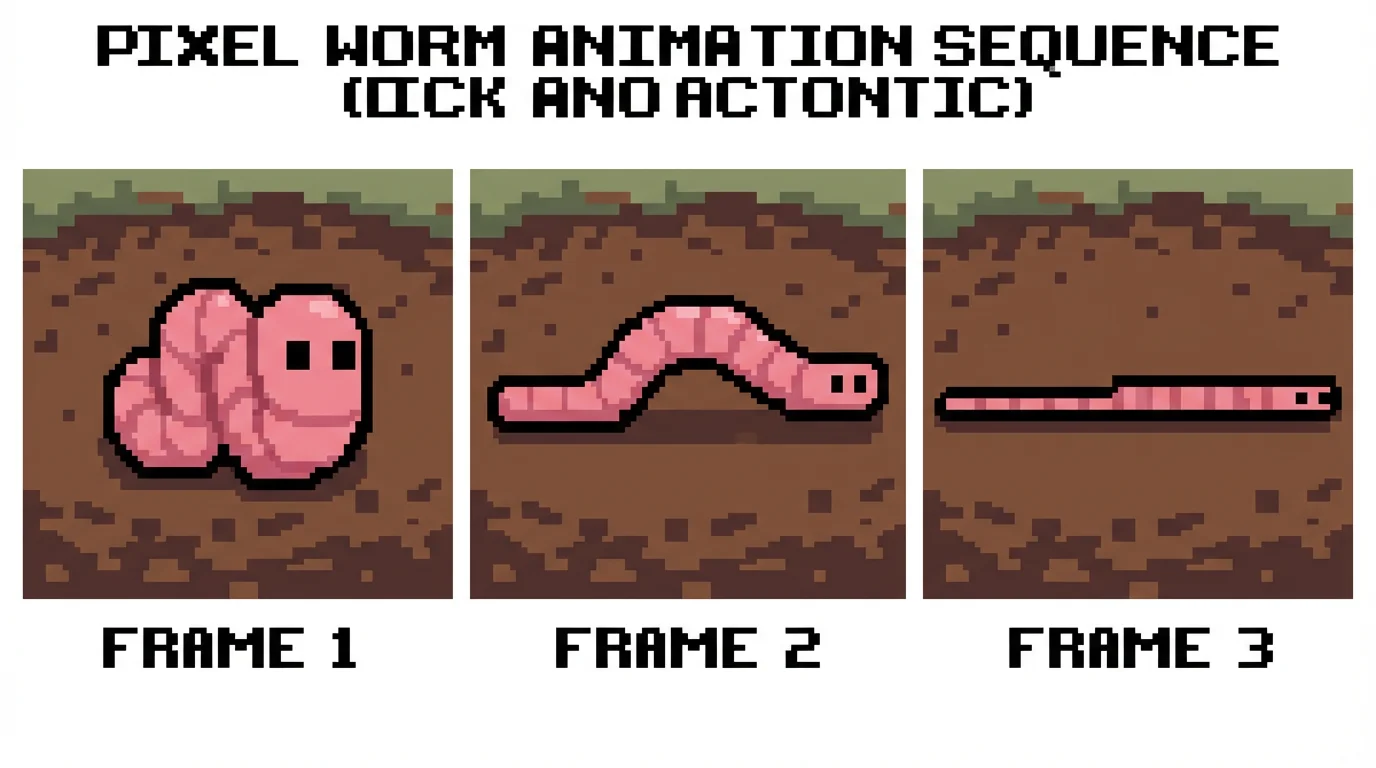
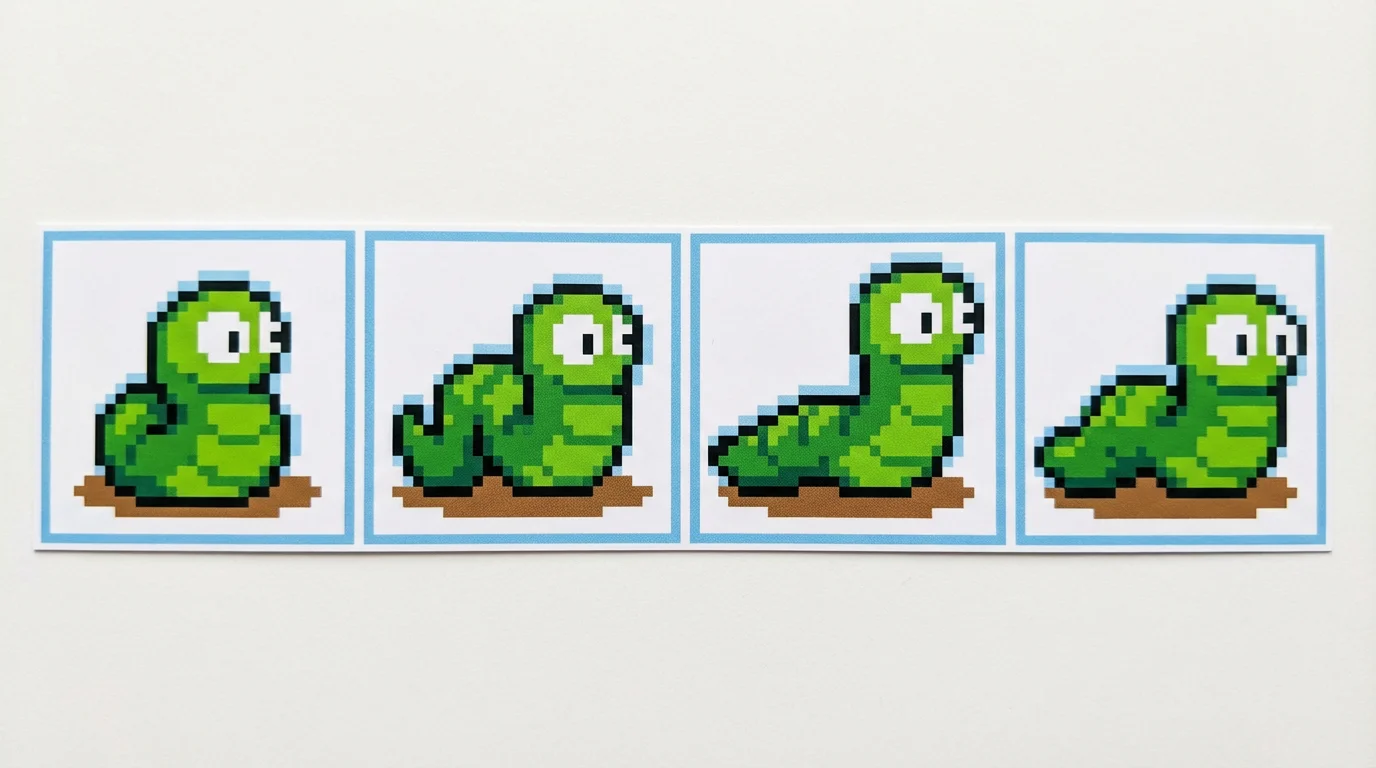
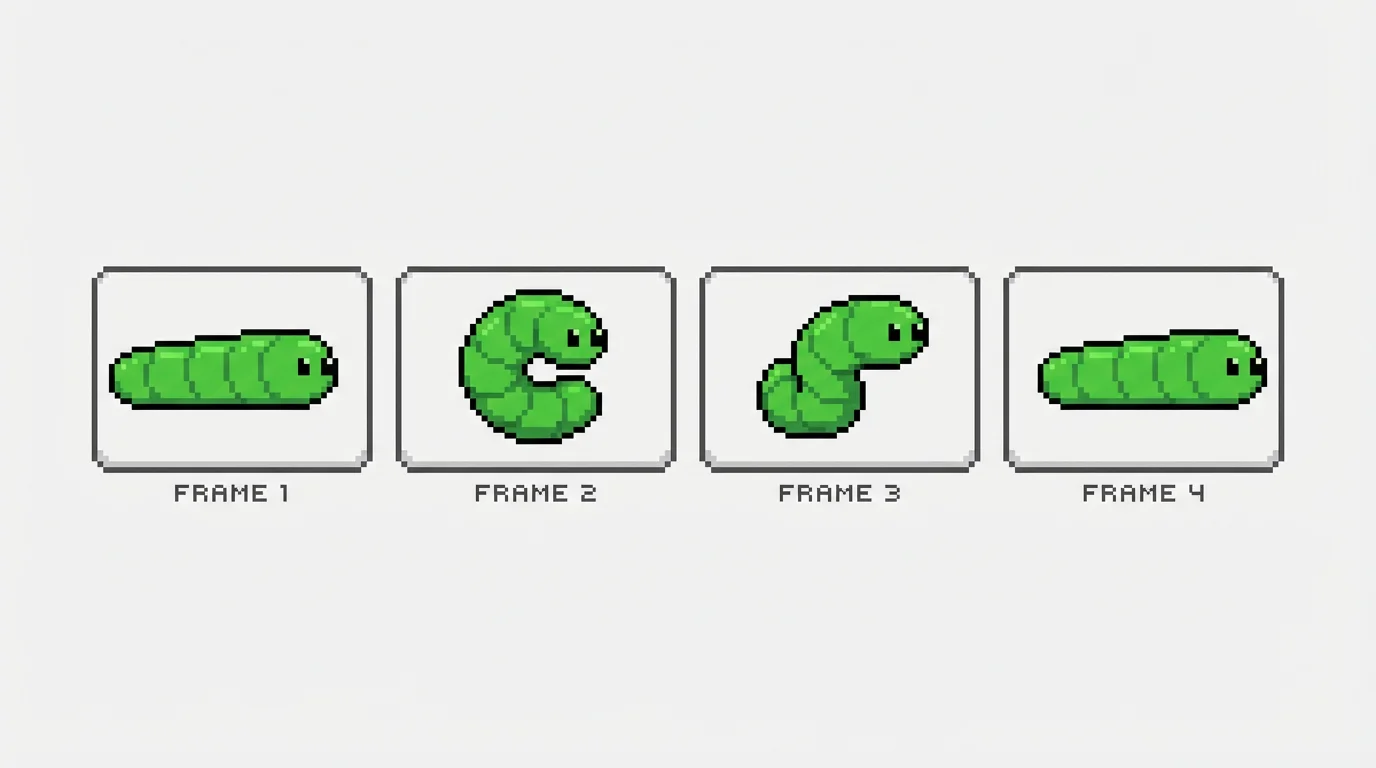
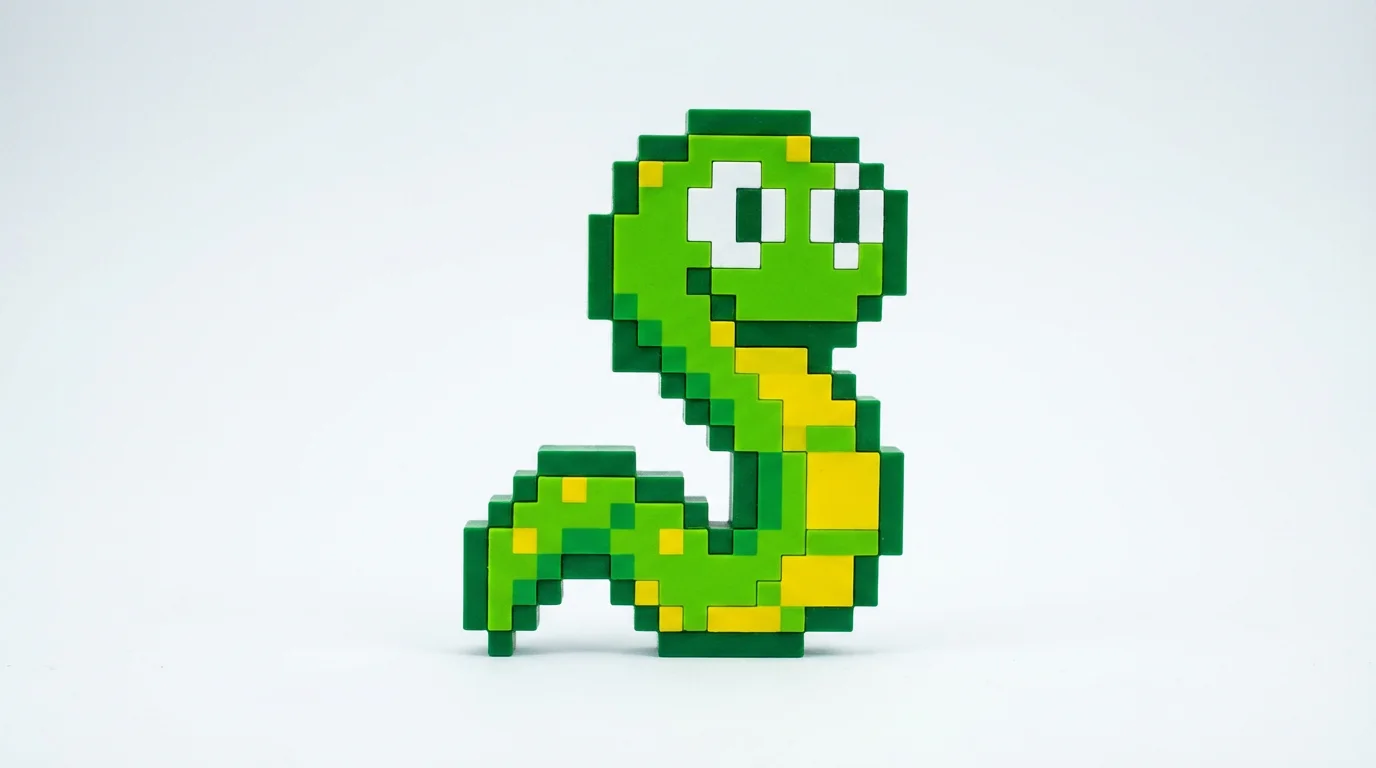
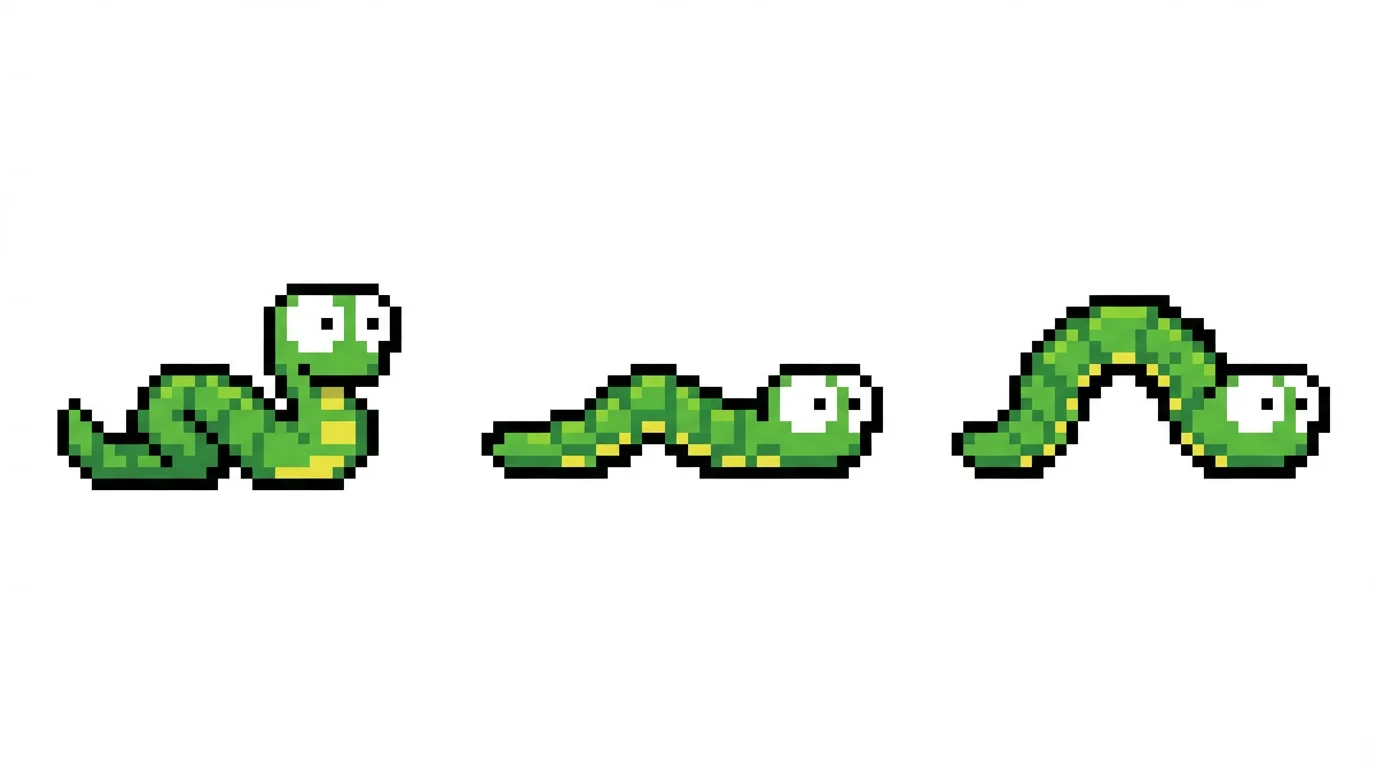
Simply upload a static image of your pixel art worm. Then, in the prompt box, describe the movement you want to see, for instance, 'a happy worm wiggling' or 'a worm crawling slowly'. The AI will generate a video animation based on your instructions.
Yes, our tool is designed for you to upload your own pixel art. Whether it's a character you've spent hours designing or a quick sketch, you can bring it to life with AI animation.
You can create a wide variety of motions. The animation is guided by your text prompt, so you can generate crawling cycles, wiggling, burrowing, idle movements, or even simple attack animations for your game's worm character.
Not at all. Traditional animation requires knowledge of keyframes, timing, and drawing multiple frames. Our AI tool bypasses this by letting you describe the motion in plain text, making animation accessible to everyone, regardless of skill level.
You can download your generated animation for free as a high-resolution MP4 video file. These files are ready to be used in video projects, shared on social media, or converted into GIFs or sprite sheets for game development.
Traditional software like Aseprite or Piskel requires you to draw each frame of an animation by hand. Our AI animator generates all the frames for you from a single image and a text description, saving you a significant amount of time and effort.
Great app, easy to use. Helps our small business save time and money to create different marketing materials professionally. Thank you.
I need a good background remover for my work and I've been through them all it feels like. This one is the best by far. It's so easy to use and the results always look amazing. Thank you Pixelcut!
It's amazingly easy and gives the perfect results for my bags and accessories. It looks like it was done by a professional photographer.