My favorite app
Great app, easy to use. Helps our small business save time and money to create different marketing materials professionally. Thank you.
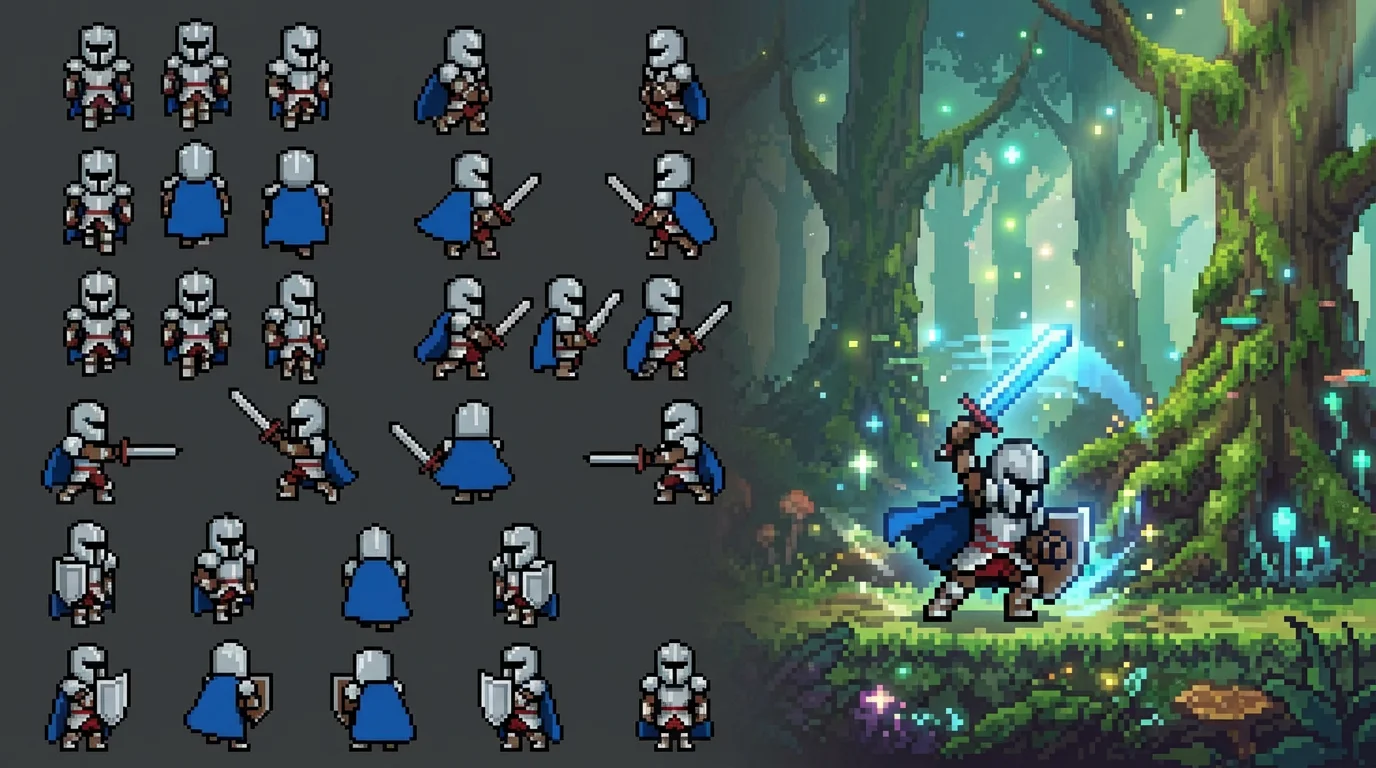
Start by uploading a static image of your pixel art character. This will serve as the visual basis for the AI to build all the animations upon.
In the text box, detail all the actions you need. For example, 'Create a sprite sheet with an 8-frame run, a 4-frame sword attack, and a block animation.'
With a single click, our AI will process your character and prompt to generate a complete sprite sheet containing all the requested animation frames.
Your high-resolution pixel art sprite sheet is ready for download. Save the transparent PNG file and import it directly into your game engine to get started.
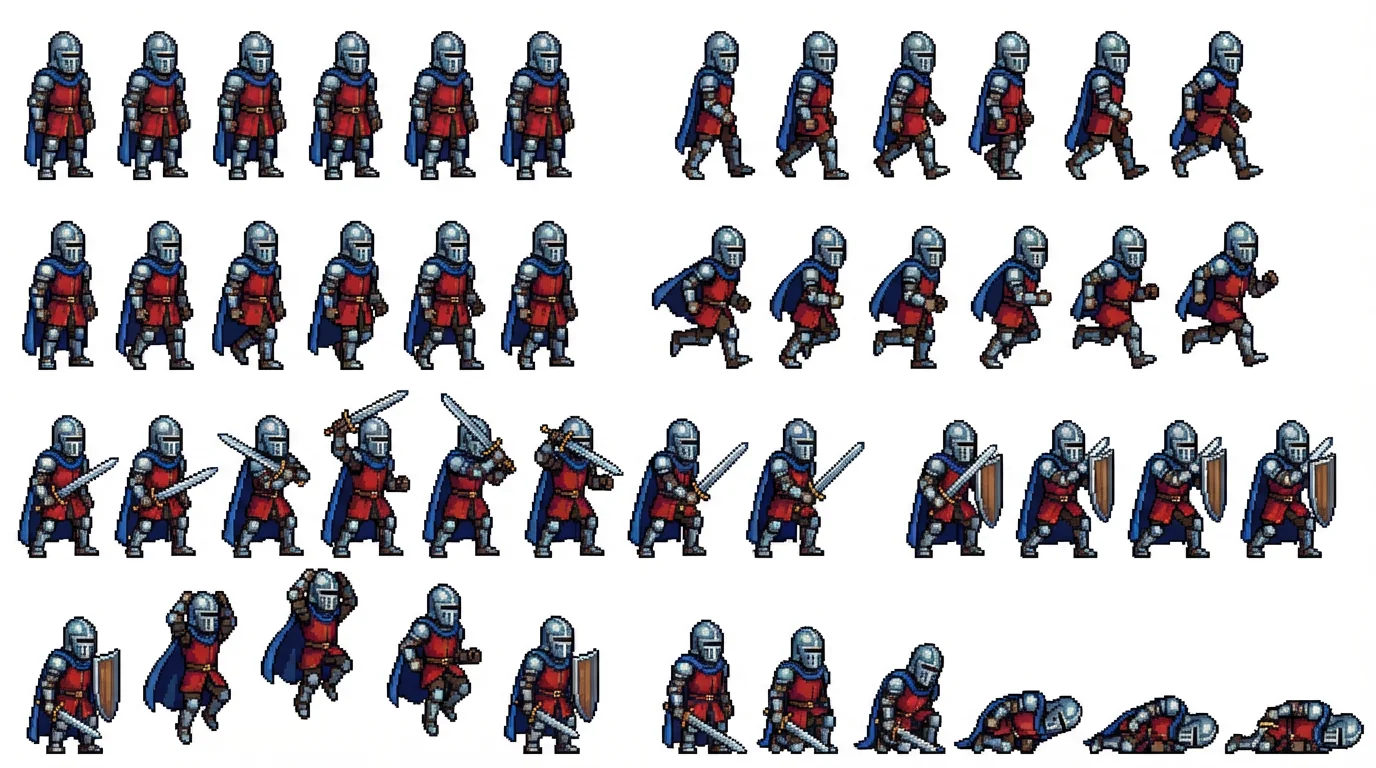
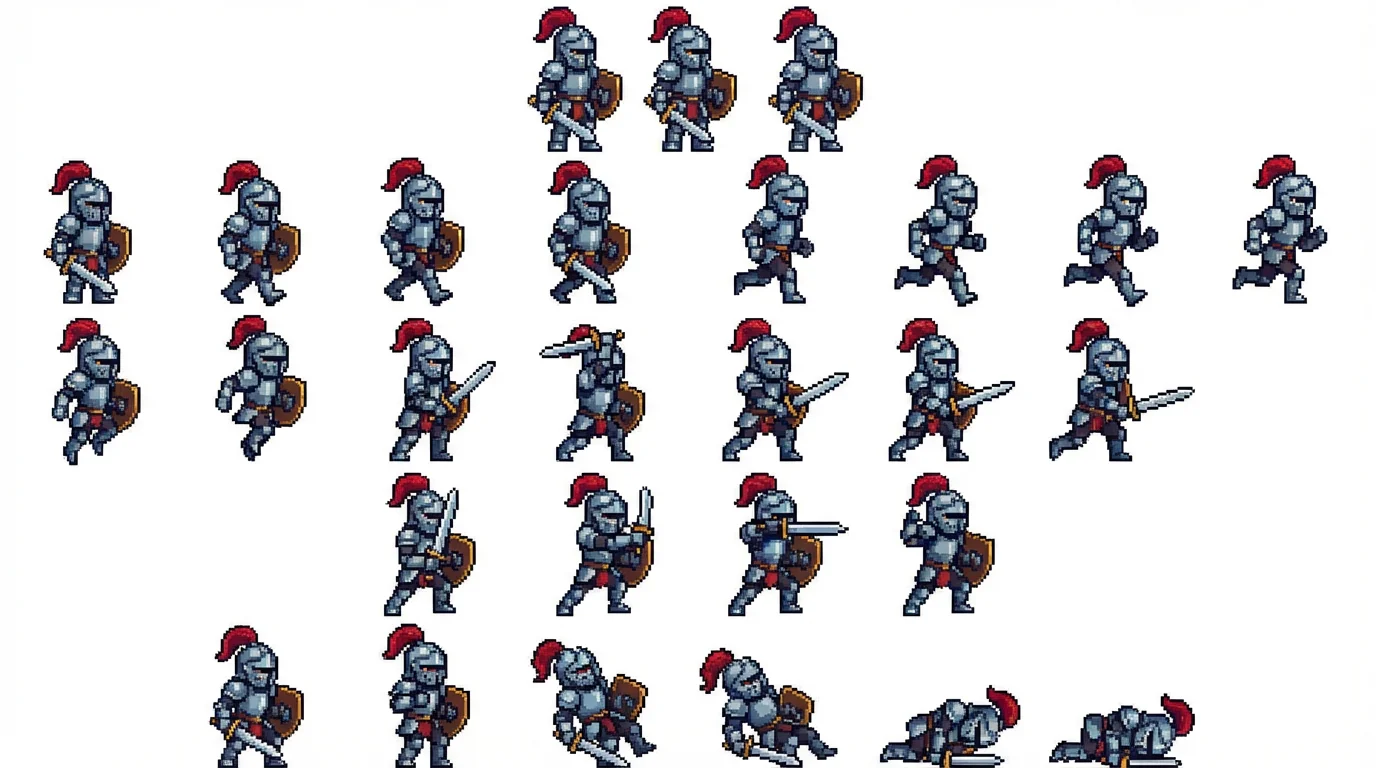
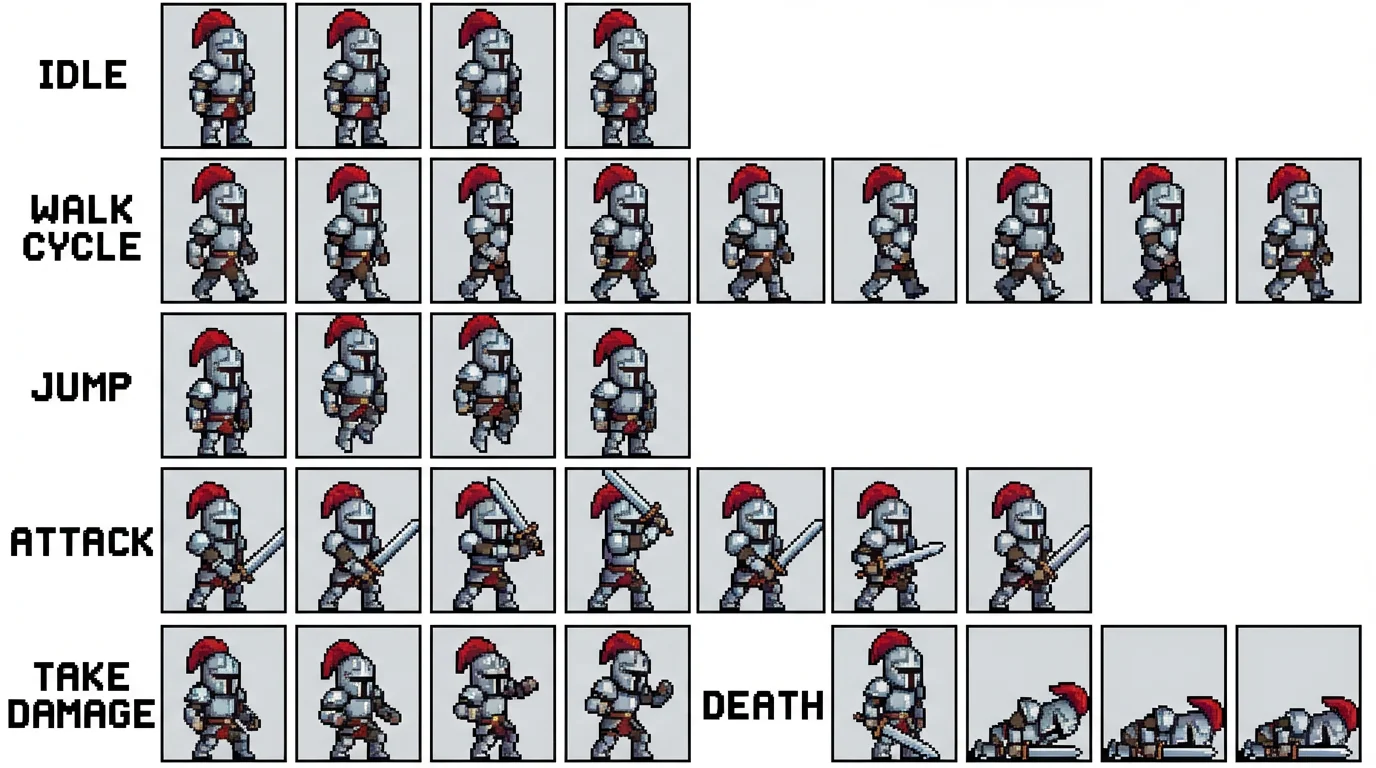
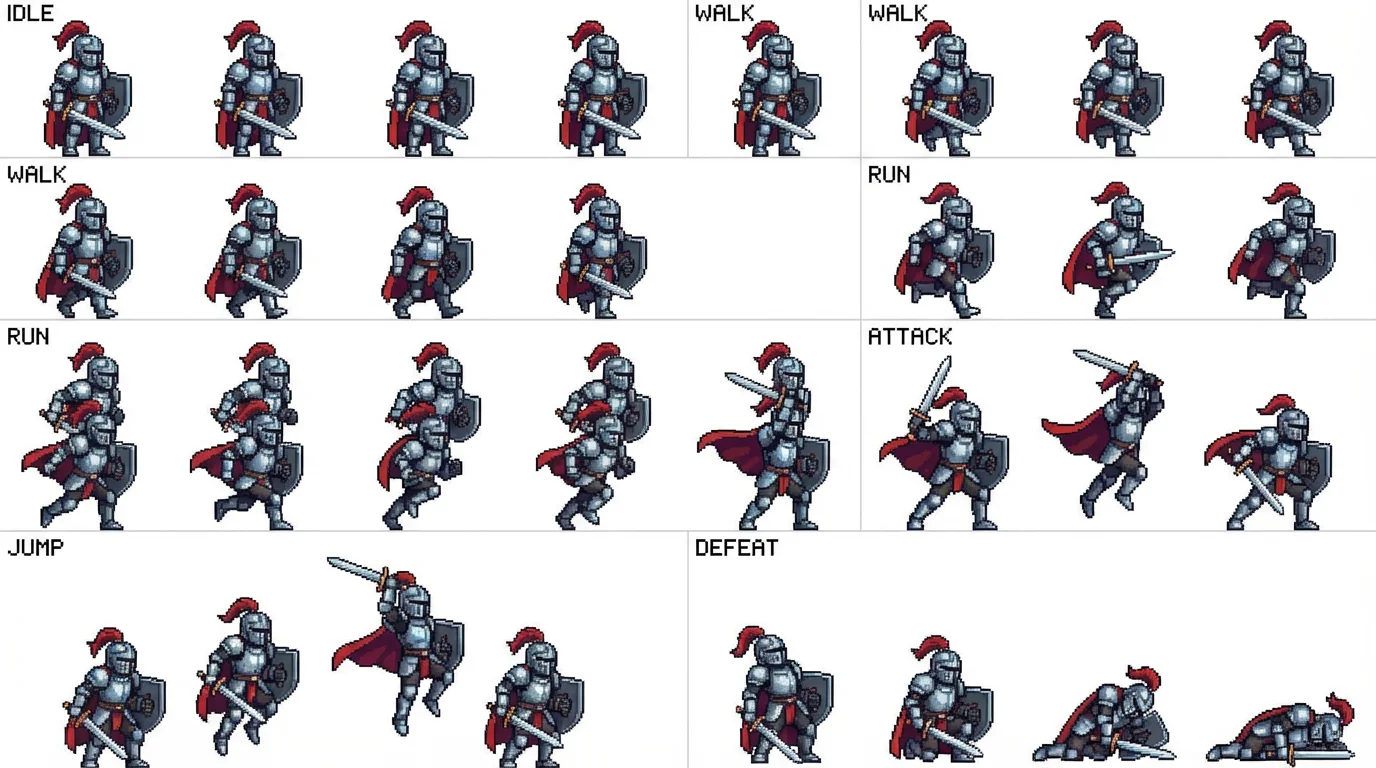
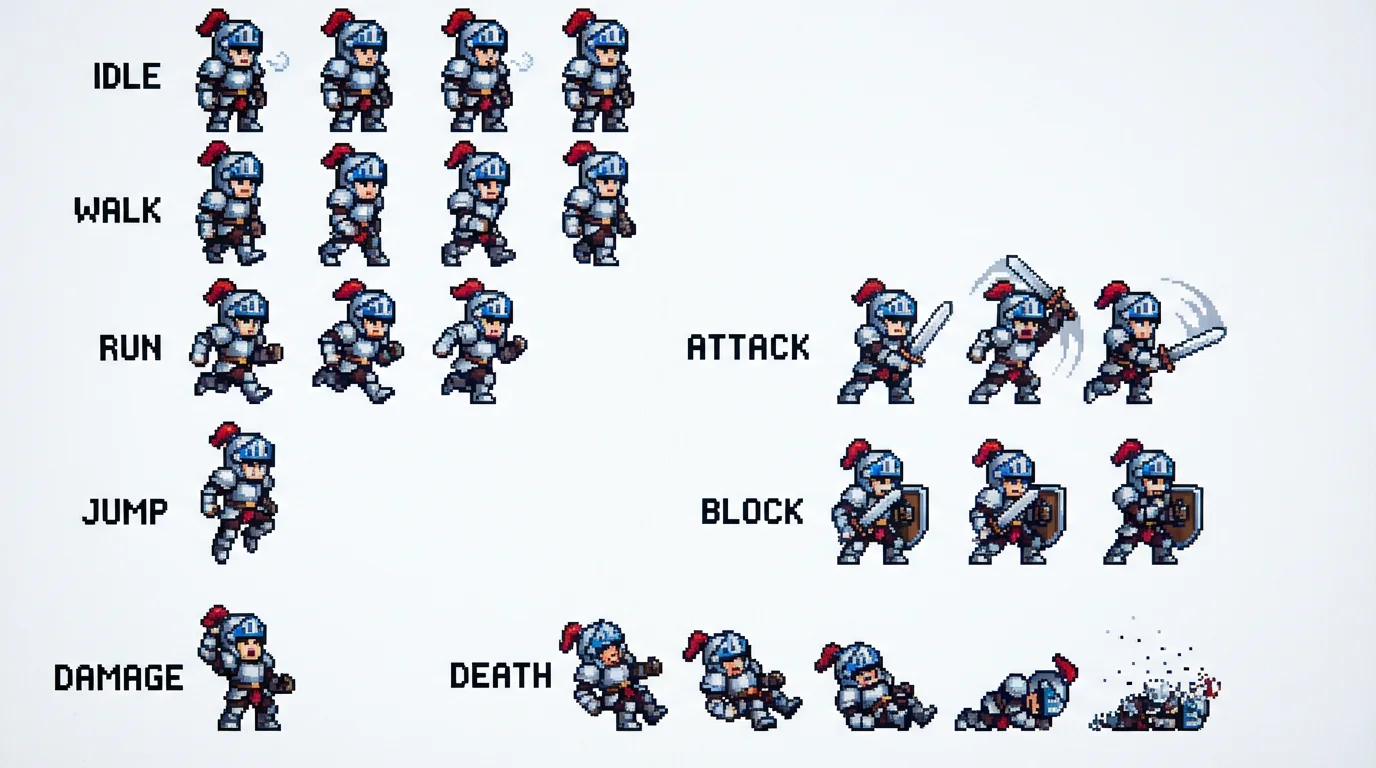
A pixel art sprite sheet is a single image file that contains all the individual frames of a character's animation arranged in a grid. Game engines read these frames in sequence to create the illusion of movement, such as walking or attacking.
To get the best results, be as descriptive as possible in your text prompt. Instead of just saying 'attack,' try specifying 'a two-handed overhead sword swing animation' or 'an 8-frame walk cycle to the right.' The more detail you provide, the closer the AI will get to your vision.
Yes, images you create are free to use for both personal and commercial projects. This allows you to safely populate your game with AI-generated characters without worrying about complex licensing.
For best results, upload a clear, full-body image of your pixel knight character. A character in a neutral 'T-pose' or 'A-pose' facing forward often works best as a base for the AI to generate different actions from.
Yes, all sprite sheets are generated with a transparent background. This is ideal for game development as it allows you to place your character into any game environment without needing to manually edit the image.
Absolutely. While this page focuses on knights, you can upload an image of any pixel art character, whether it's a wizard, a robot, or an alien, and describe the animations you want to create a custom sprite sheet for them.
Great app, easy to use. Helps our small business save time and money to create different marketing materials professionally. Thank you.
I need a good background remover for my work and I've been through them all it feels like. This one is the best by far. It's so easy to use and the results always look amazing. Thank you Pixelcut!
It's amazingly easy and gives the perfect results for my bags and accessories. It looks like it was done by a professional photographer.