My favorite app
Great app, easy to use. Helps our small business save time and money to create different marketing materials professionally. Thank you.
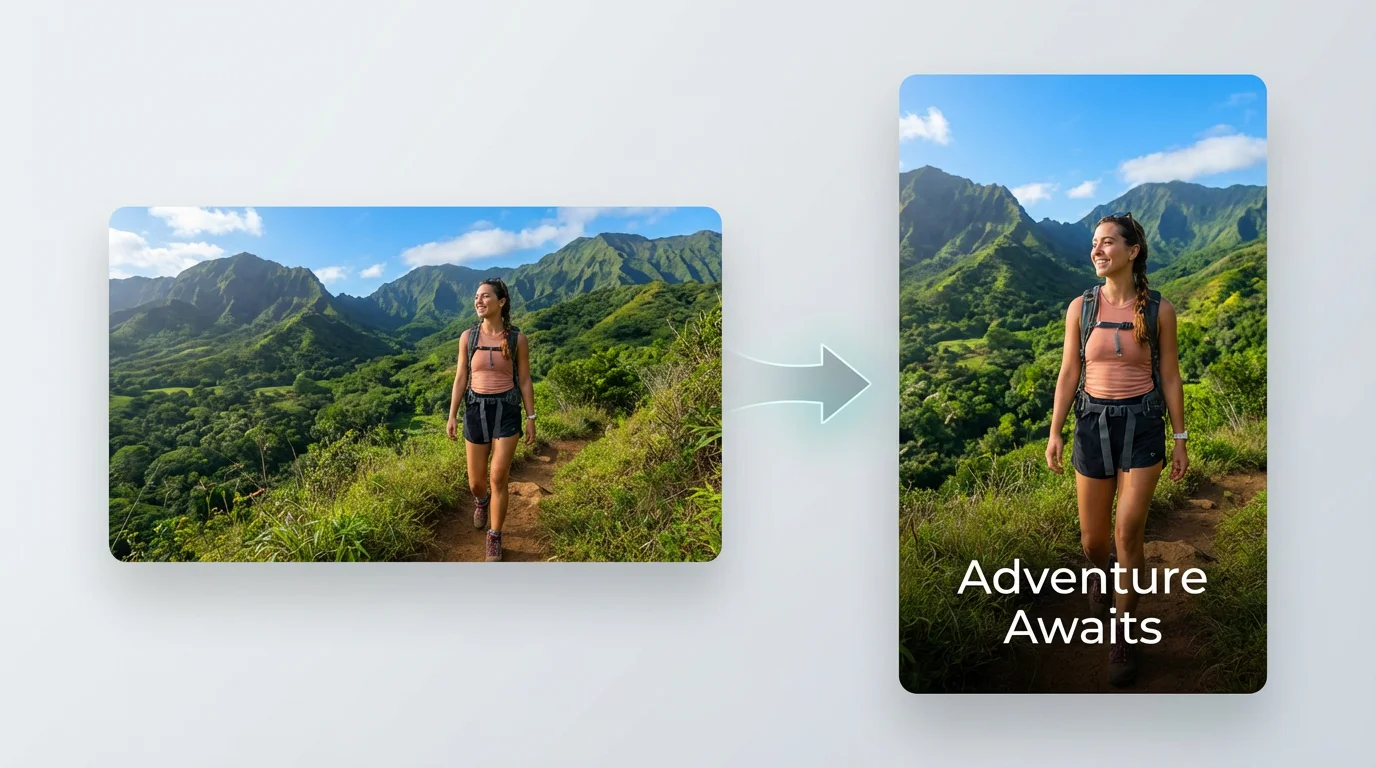
Start by uploading the horizontal video file you want to convert. You can drag and drop it directly from your computer.
Tell the AI how to reframe your video. For instance, type 'Convert this to a 9:16 video and keep the person in the center of the frame.'
With one click, the AI will process your video, intelligently cropping and reframing it into a vertical format based on your instructions.
Your new vertical video is ready to download in a high-resolution format. Share it directly to TikTok, Instagram Reels, or any other mobile platform.
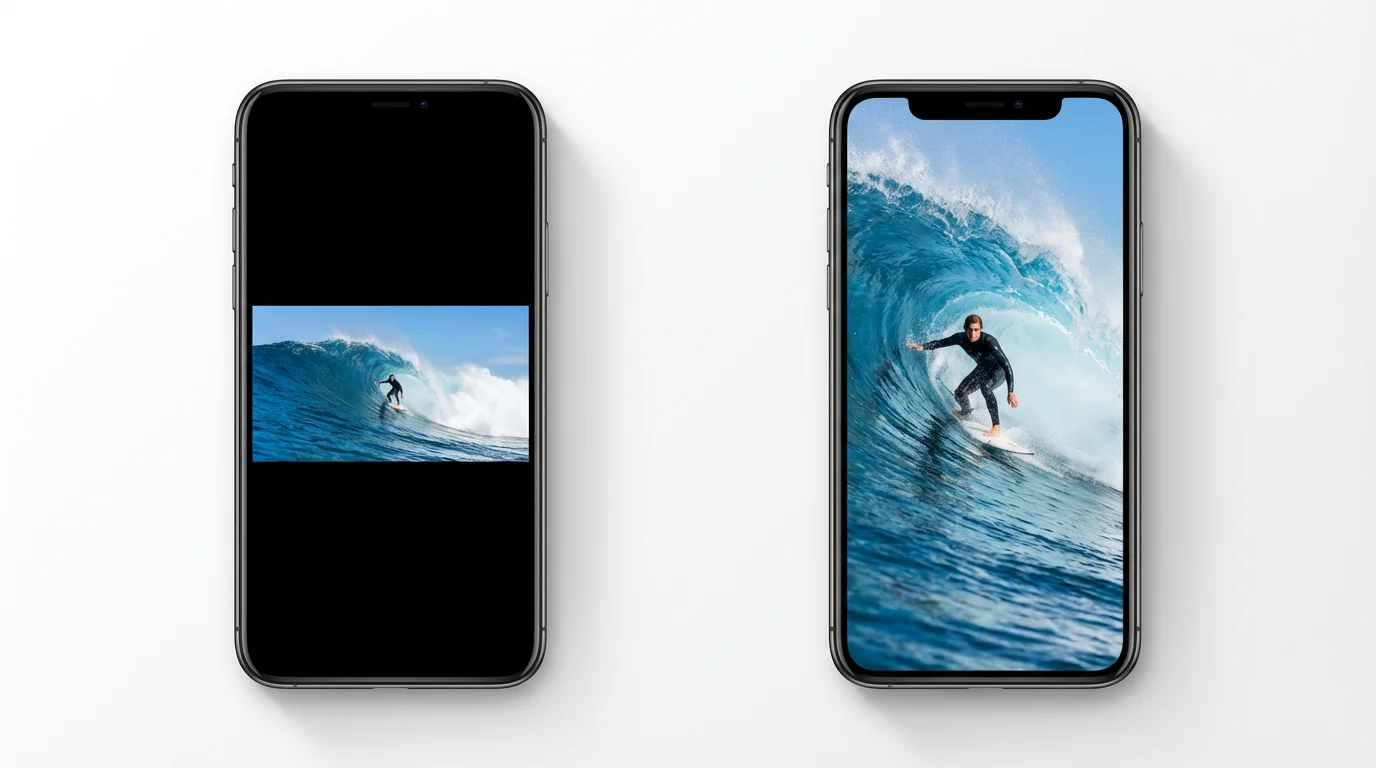
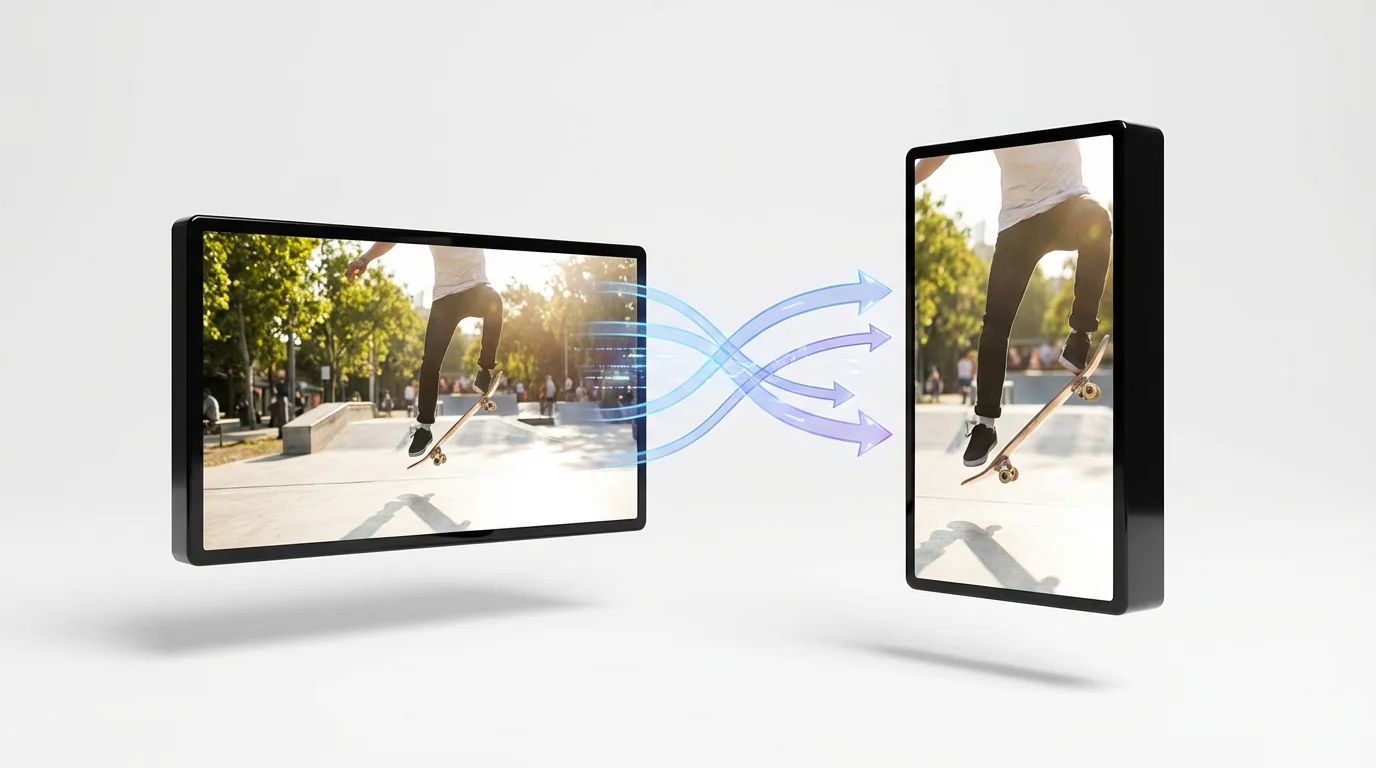
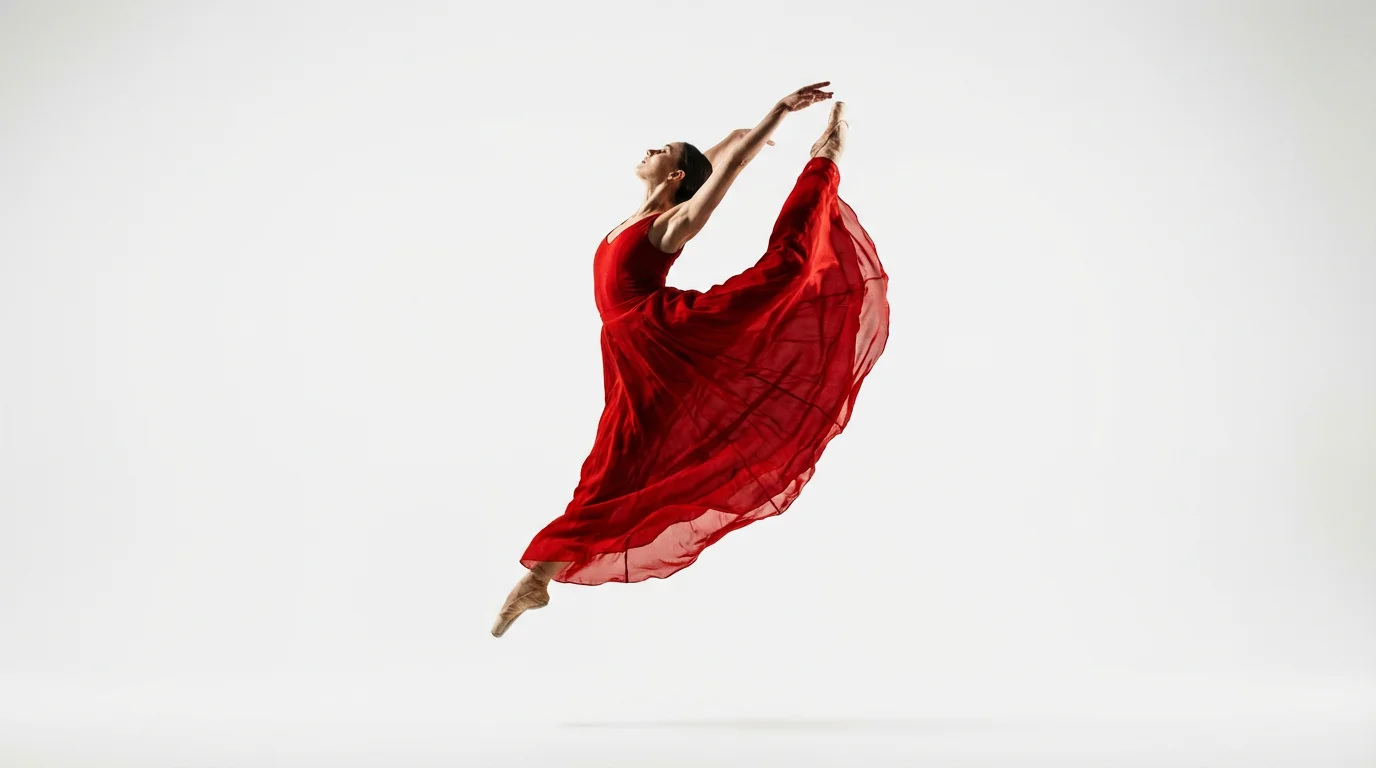
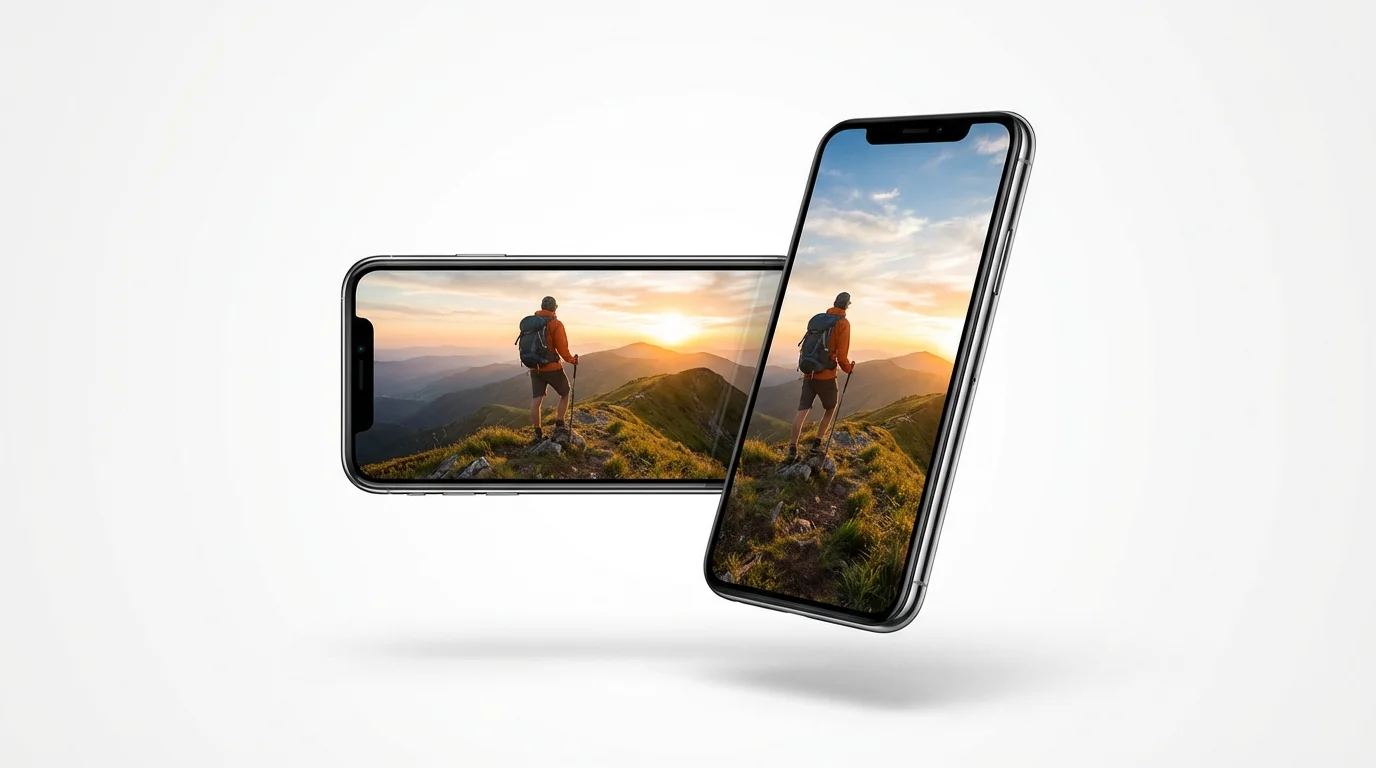
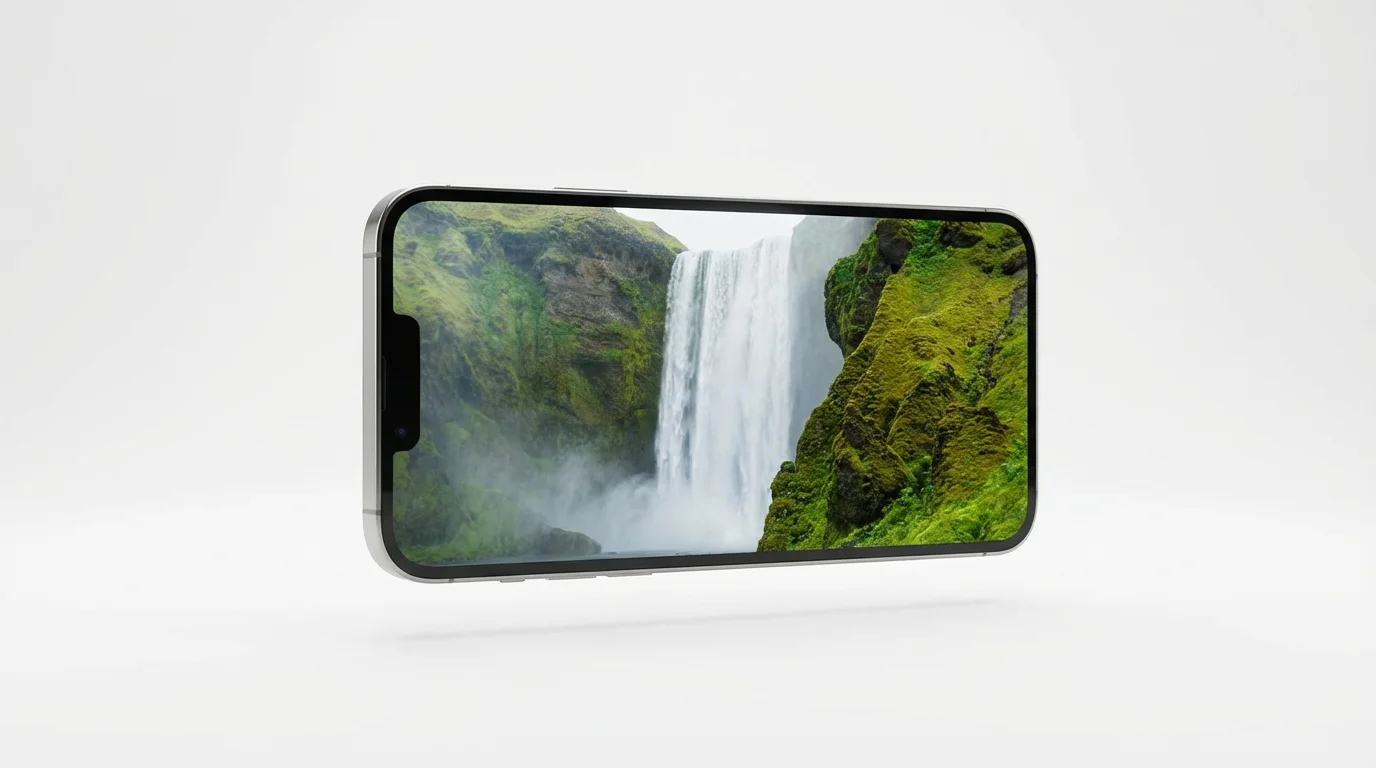
An AI portrait video converter is a tool that uses artificial intelligence to automatically change a horizontal (landscape) video into a vertical (portrait) format. It intelligently analyzes the video to keep the main subject in the frame, making it perfect for social media platforms that prefer vertical content.
Our AI tool is designed to solve this exact problem. When you upload your video, the AI's smart framing technology identifies the most important person or action in the scene and automatically keeps them centered within the new vertical aspect ratio. You can also add instructions in the prompt to guide the AI.
For platforms like TikTok, Instagram Reels, and YouTube Shorts, the ideal aspect ratio is 9:16. This vertical format fills the entire mobile screen, providing a more immersive viewing experience for your audience. Our tool makes it easy to convert your videos to this specific ratio.
Our portrait video converter is designed to maintain the highest possible quality. While cropping is necessary to change the aspect ratio, the tool reframes the video intelligently rather than simply stretching it, which helps preserve the clarity and detail of your original footage.
Yes, our tool is free to try. You can upload your video and convert it to a portrait format to see how it works. After using your free credits, you have the option to purchase more to continue converting videos.
You can upload a variety of common video file formats. Our tool supports formats like MP4, MOV, AVI, and WMV, making it easy to convert almost any video you have.
Great app, easy to use. Helps our small business save time and money to create different marketing materials professionally. Thank you.
I need a good background remover for my work and I've been through them all it feels like. This one is the best by far. It's so easy to use and the results always look amazing. Thank you Pixelcut!
It's amazingly easy and gives the perfect results for my bags and accessories. It looks like it was done by a professional photographer.