My favorite app
Great app, easy to use. Helps our small business save time and money to create different marketing materials professionally. Thank you.
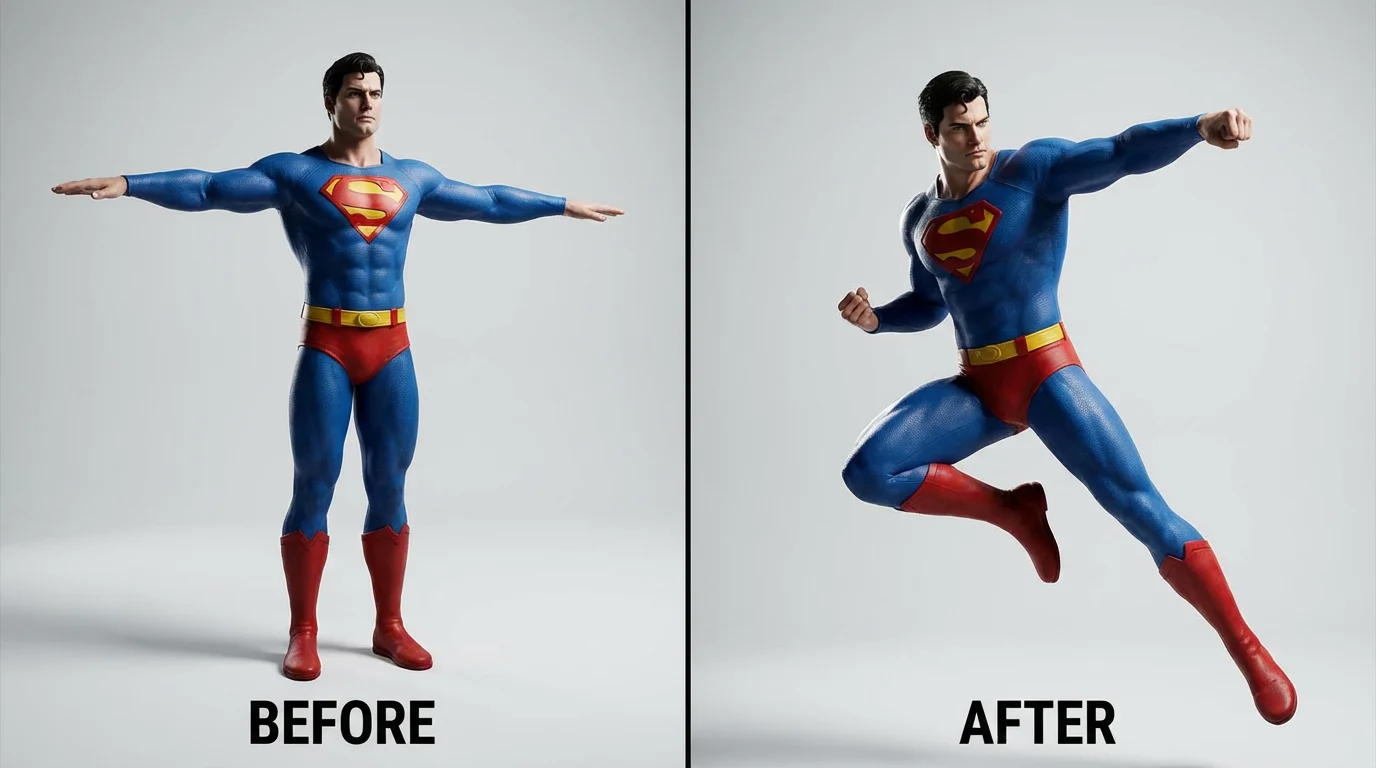
Start by selecting the photo you want to edit. A clear, well-lit image of a person or character works best.
In the prompt box, type a clear instruction for the AI. For example, 'make her stand with hands on hips' or 'turn him to face the camera'.
Click the generate button and let the AI work its magic. It will create a new version of your photo with the updated posture.
Your new, perfectly posed photo is ready. Download it in high-resolution and use it for your project.
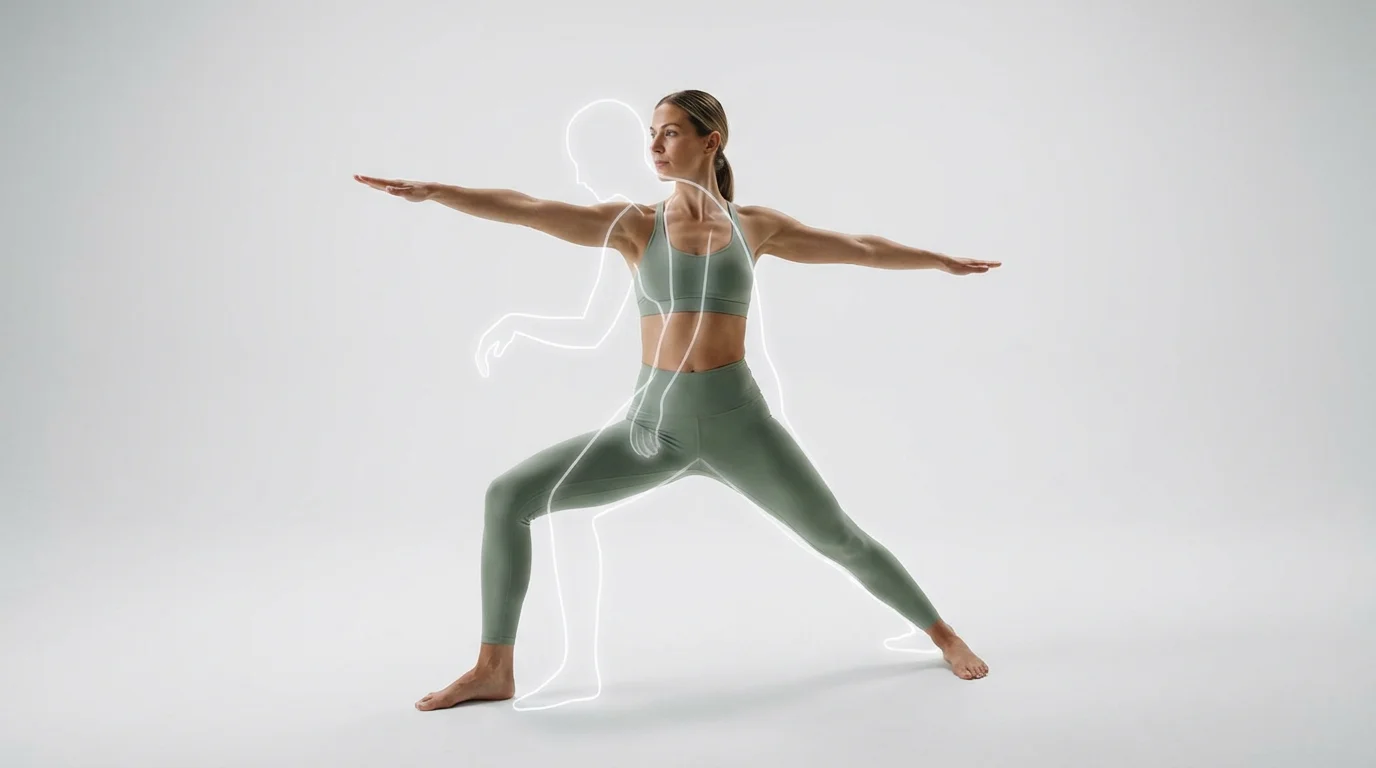
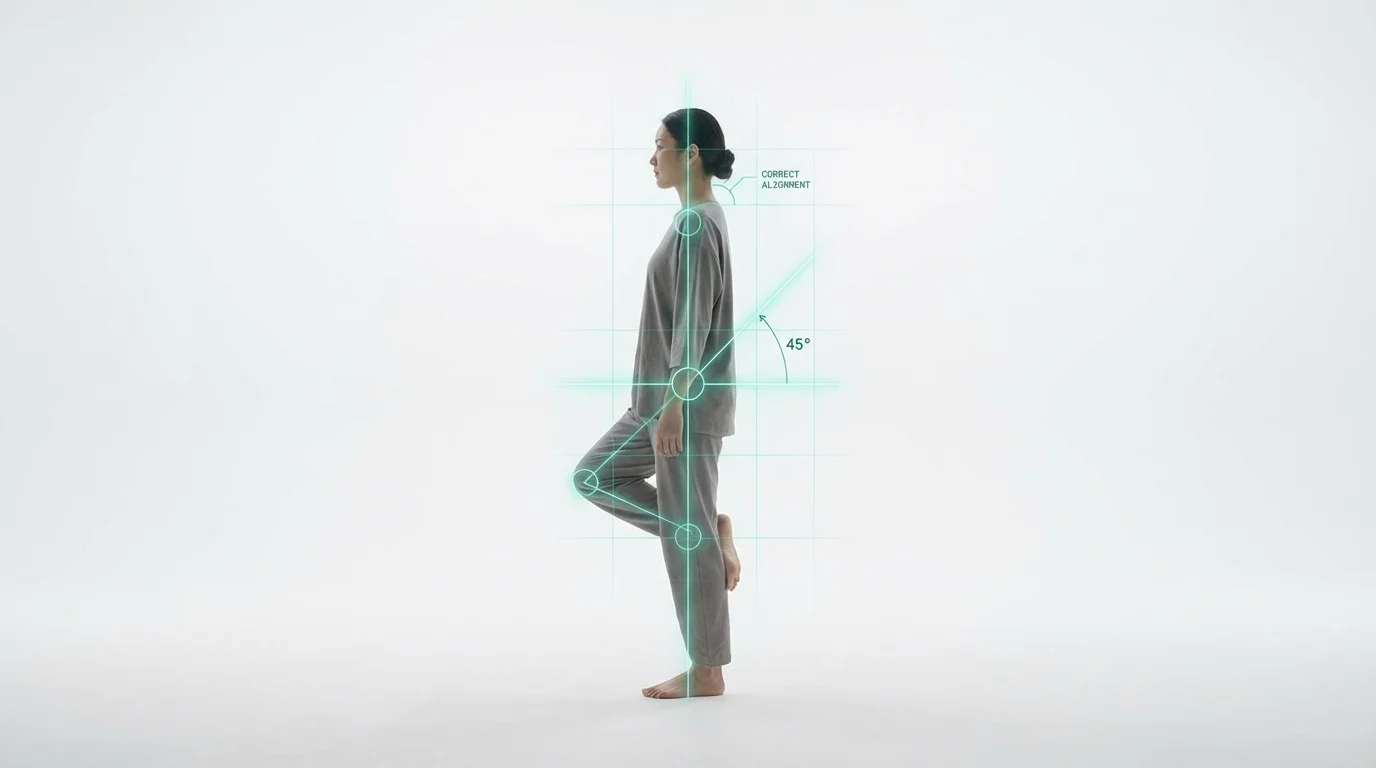
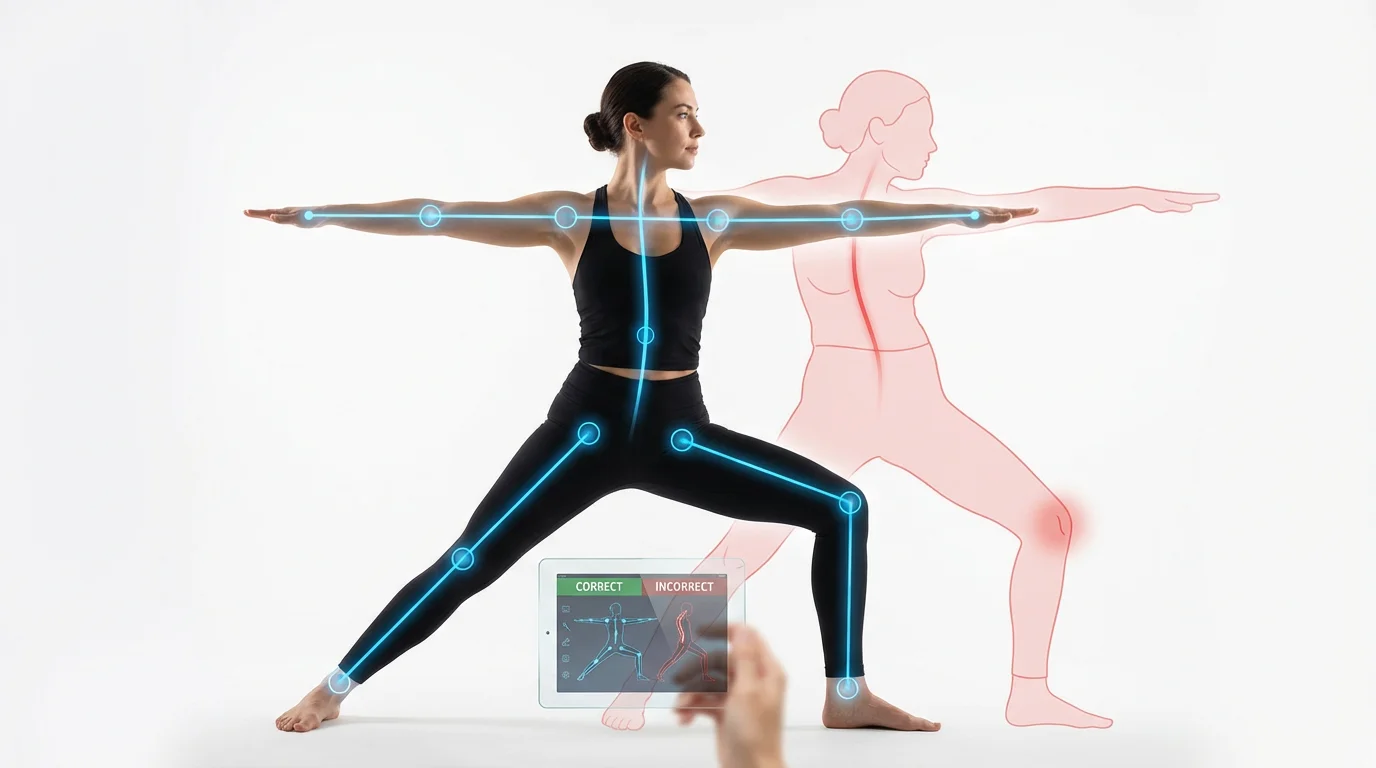
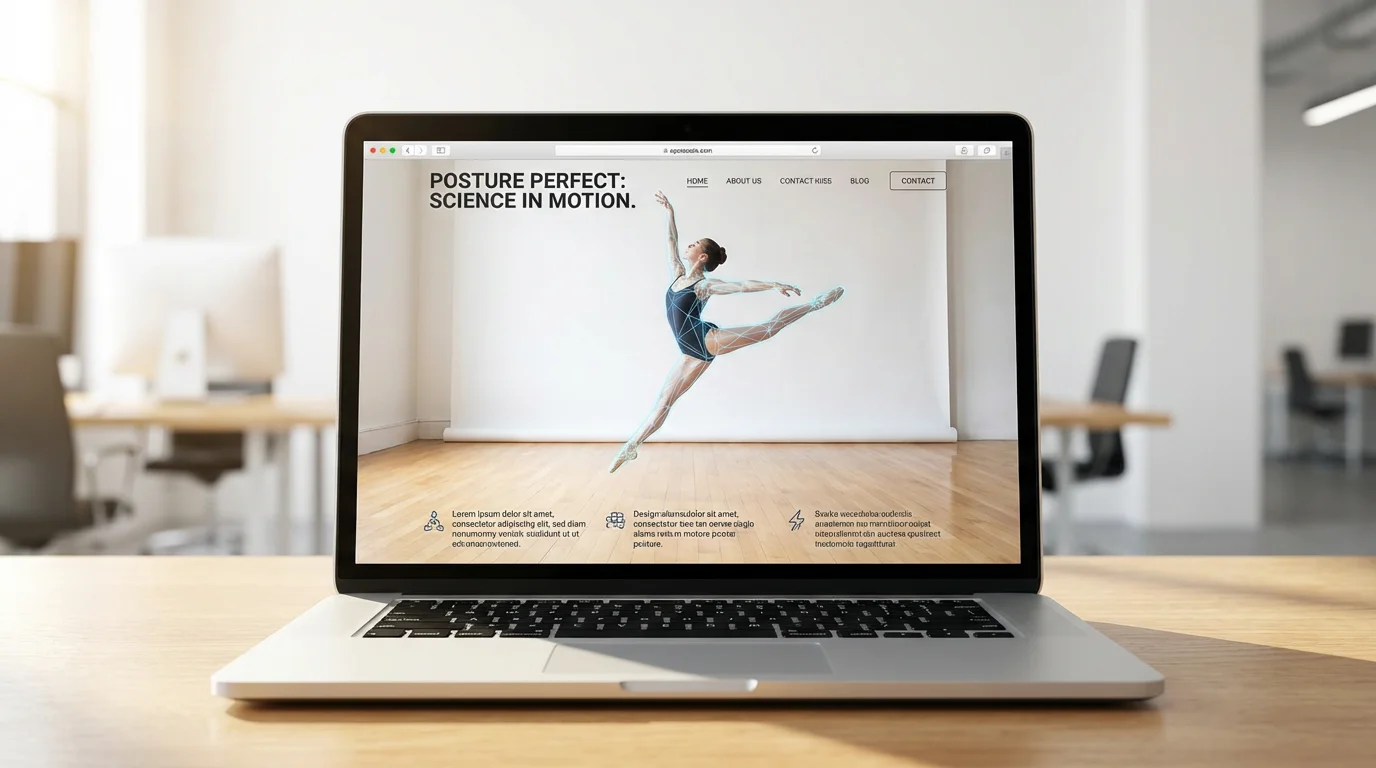
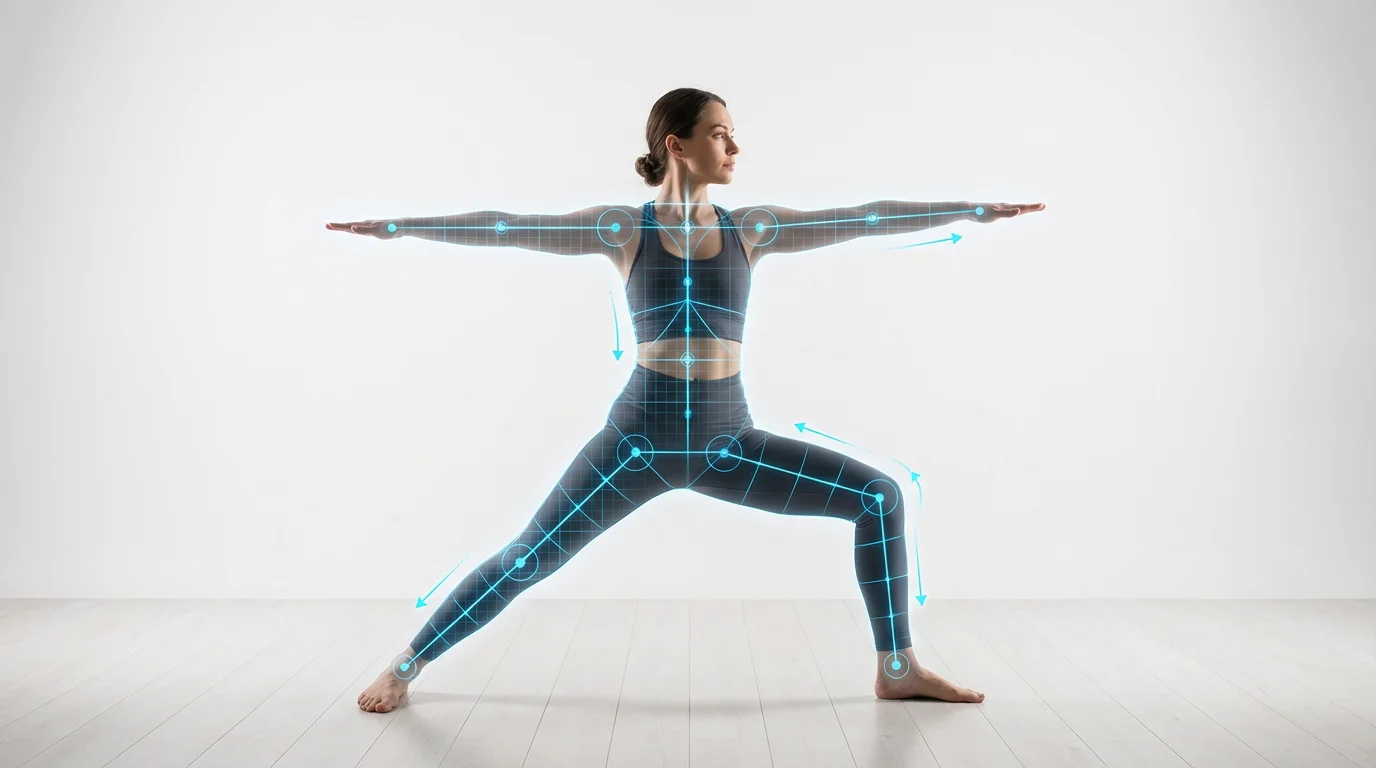
An AI pose correction tool allows you to edit and adjust the posture and stance of a person or character in an image using text prompts. Instead of manual editing, you simply describe the change you want, and the AI redraws the subject in the new pose.
To use the tool, upload the image you wish to edit. Then, in the text box, type a clear description of the new pose, such as 'make the person sit down' or 'cross his arms.' The AI will process your request and generate a new image with the adjusted pose.
Yes, you can edit the poses of multiple people. In your text prompt, be specific about who you want to change. For example, you could write, 'make the man in the blue shirt raise his hand' to target a specific person in a group.
Yes, the AI pose editor is versatile and can be used on various image styles, including photographs, illustrations, and images of 3D models. It's a great tool for digital artists looking to refine character poses in their concept art.
You can make a wide range of adjustments, from subtle posture corrections like 'straighten the back' to significant changes like 'change from standing to dancing.' You can direct limbs, change the direction they are facing, or alter the overall body language of the subject.
Our AI is designed to produce natural and realistic results. It understands human anatomy and considers the original photo's lighting and environment to ensure the new pose blends seamlessly and looks authentic.
Yes, the tool is powerful enough to handle significant pose changes, including transitioning a subject from a sitting to a standing position or vice versa. Provide a clear prompt describing the final pose you want to achieve.
Great app, easy to use. Helps our small business save time and money to create different marketing materials professionally. Thank you.
I need a good background remover for my work and I've been through them all it feels like. This one is the best by far. It's so easy to use and the results always look amazing. Thank you Pixelcut!
It's amazingly easy and gives the perfect results for my bags and accessories. It looks like it was done by a professional photographer.