My favorite app
Great app, easy to use. Helps our small business save time and money to create different marketing materials professionally. Thank you.
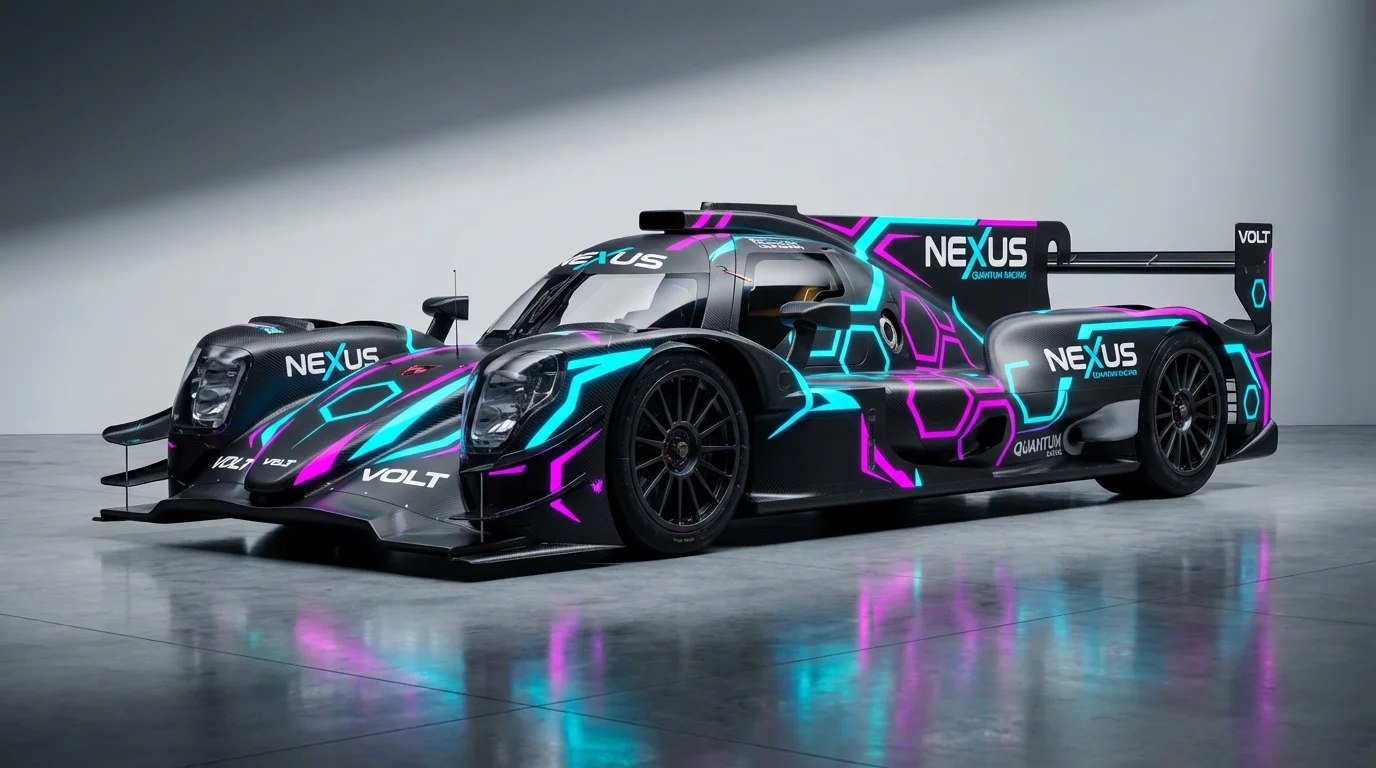
Start by uploading a clear photo of your car. A side-view image against a simple background works best to showcase the livery design.
In the prompt box, detail the design you imagine. Include colors, patterns, and placements of graphics or sponsor logos for the best results.
Click the generate button and let our AI work its magic. It will interpret your prompt and apply the custom livery directly onto your car's photo.
Your new race car livery concept is ready. Download the high-resolution, watermark-free image to share with your team or wrap designer.
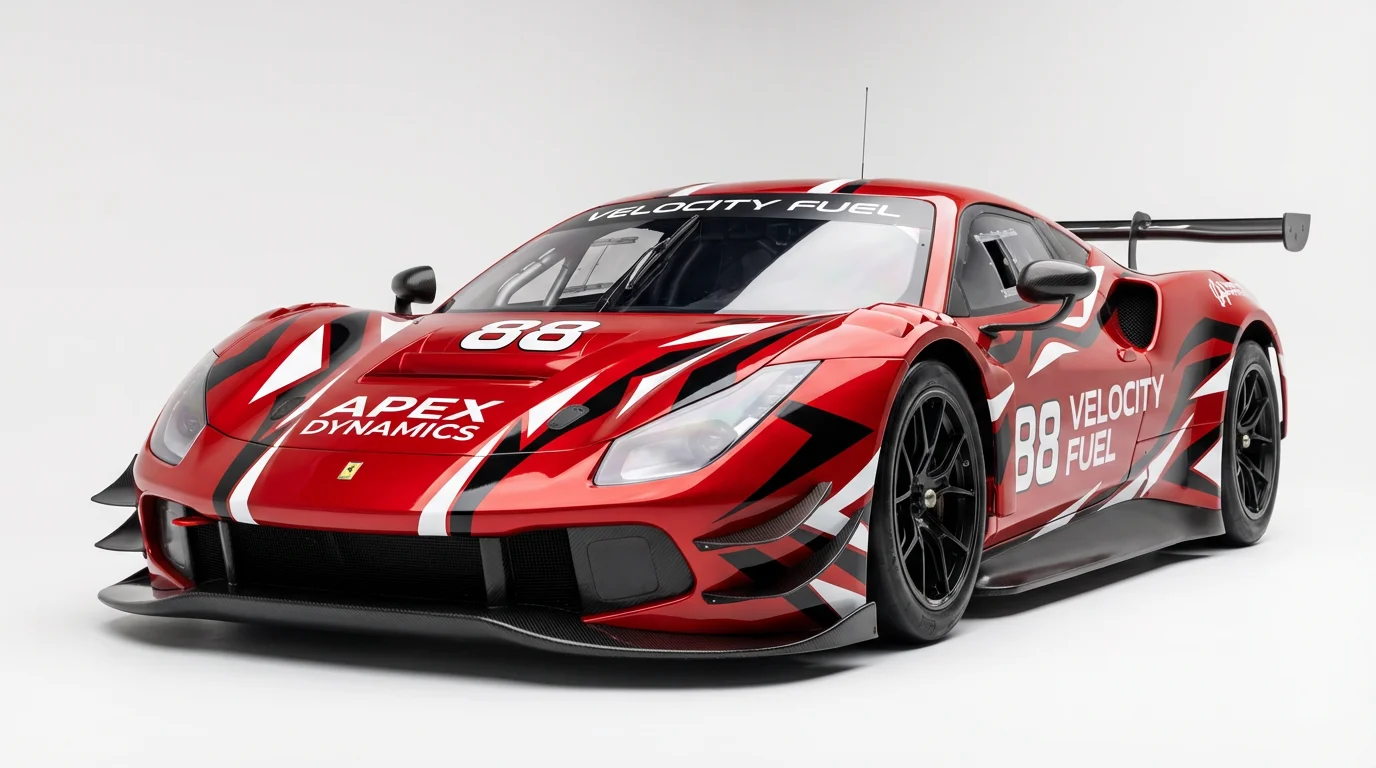
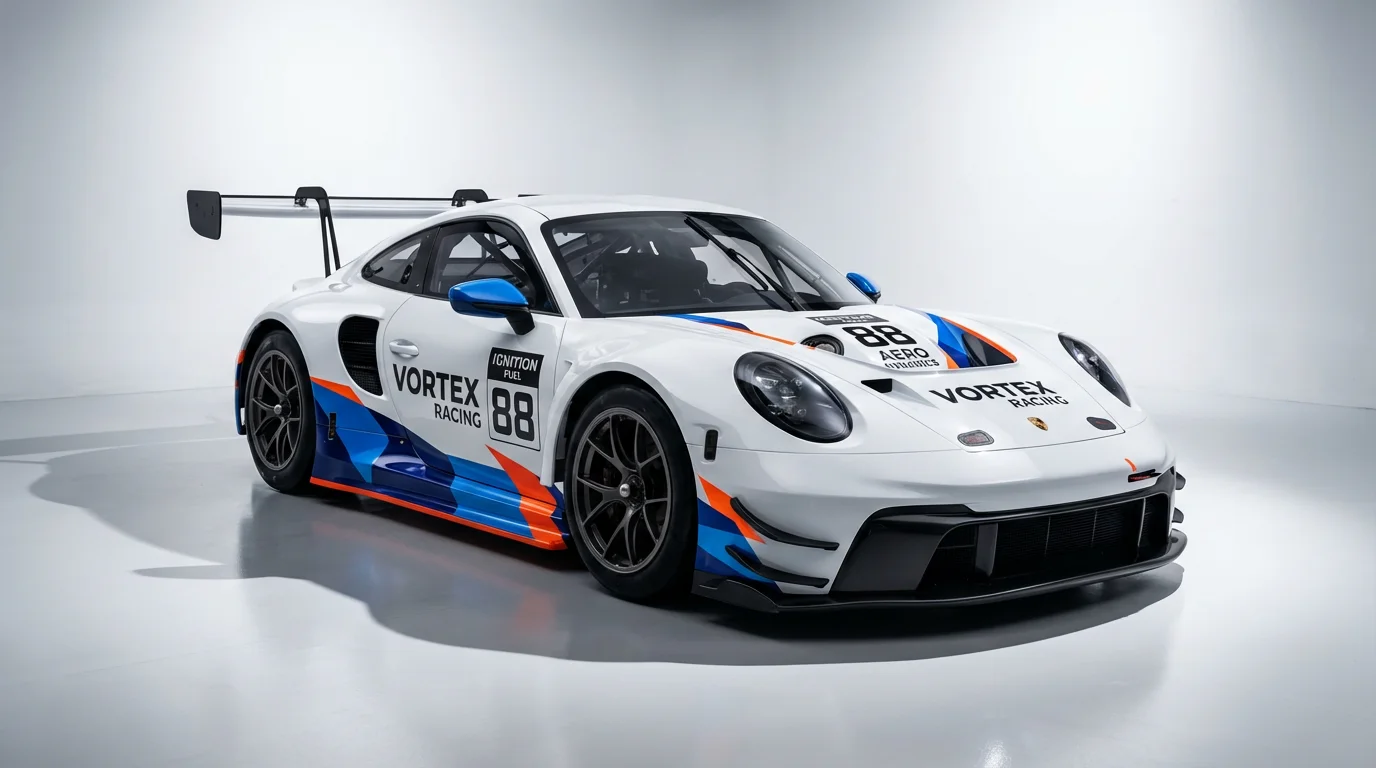
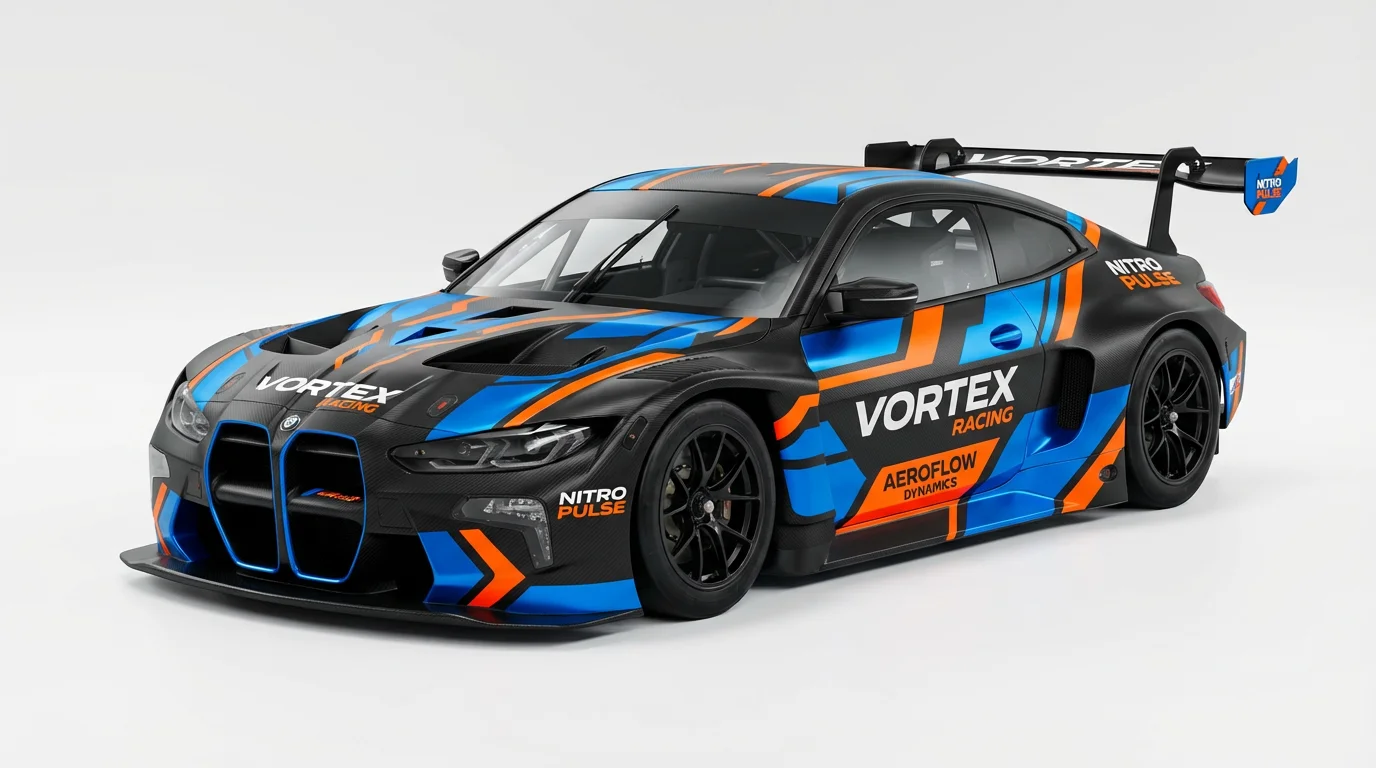
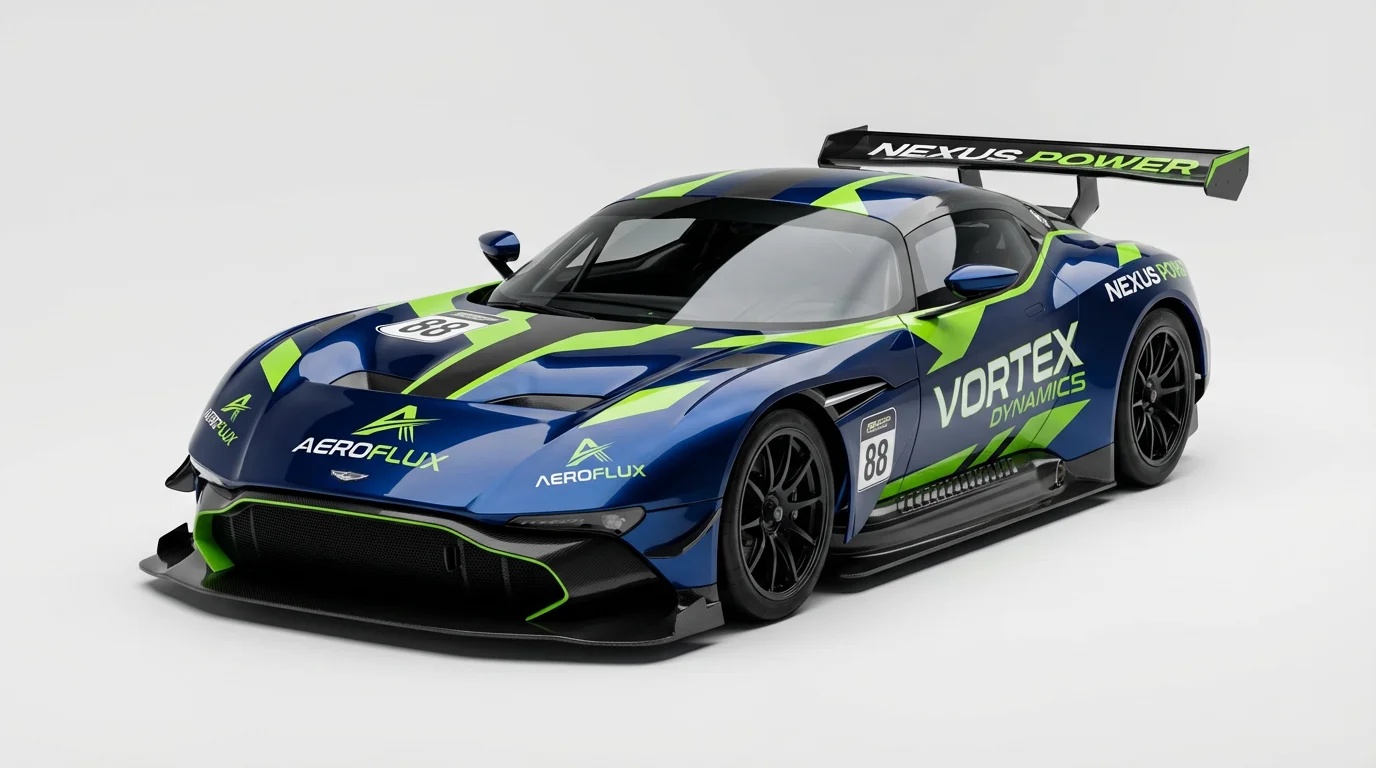
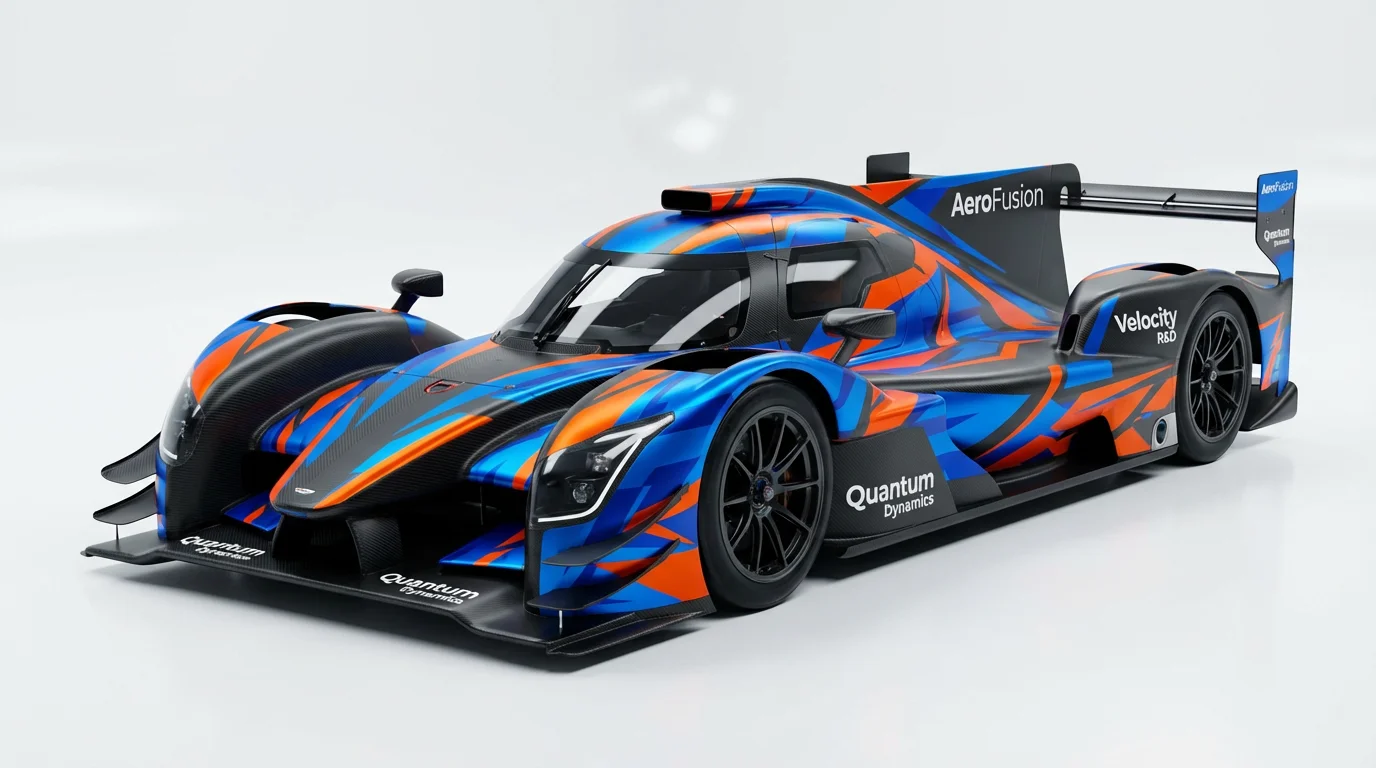
An AI race car livery generator is a tool that uses artificial intelligence to create custom wrap designs on an image of a car. You upload a photo of your vehicle and provide a text prompt describing the colors, style, graphics, and sponsor logos you want, and the AI generates a visual concept.
For optimal results, upload a clear, high-quality photo of your car, preferably a side-profile shot in good lighting. In your prompt, be as descriptive as possible. Mention specific colors, design styles (e.g., 'geometric,' 'fluid,' 'retro'), and where you'd like to see certain elements like logos or stripes.
Yes, you can include sponsor logos by describing them and their placement in your text prompt. For example, you could write, 'a modern GT race car with a red and white livery, with the 'Pixelcut' logo prominently on the side doors and a 'Speed' logo on the hood.'
It's for both. The tool generates high-resolution image concepts that can be used for any purpose. Sim racers can use the image as a detailed reference to create a game-ready skin, while real-world car owners and teams can use it to visualize a design before sending it to a professional wrap installer.
You can download your generated livery designs for free as high-resolution PNG or JPEG files. For more advanced options like SVG, WEBP, or compressed PNG formats, you can upgrade to Pixelcut PRO.
No, the tool does not create a 3D model. It applies the livery design you describe directly onto the 2D image of the car that you upload, creating a realistic mockup on your specific vehicle.
Great app, easy to use. Helps our small business save time and money to create different marketing materials professionally. Thank you.
I need a good background remover for my work and I've been through them all it feels like. This one is the best by far. It's so easy to use and the results always look amazing. Thank you Pixelcut!
It's amazingly easy and gives the perfect results for my bags and accessories. It looks like it was done by a professional photographer.