My favorite app
Great app, easy to use. Helps our small business save time and money to create different marketing materials professionally. Thank you.
Start by typing a detailed description of your ideal rainbow apple logo. Mention colors, styles, and any other elements you want to see.
Click the generate button and let our AI create a variety of unique logo designs based on your prompt in just a few seconds.
Choose your favorite logo from the options provided. You can then download it as a high-resolution PNG file to use anywhere.
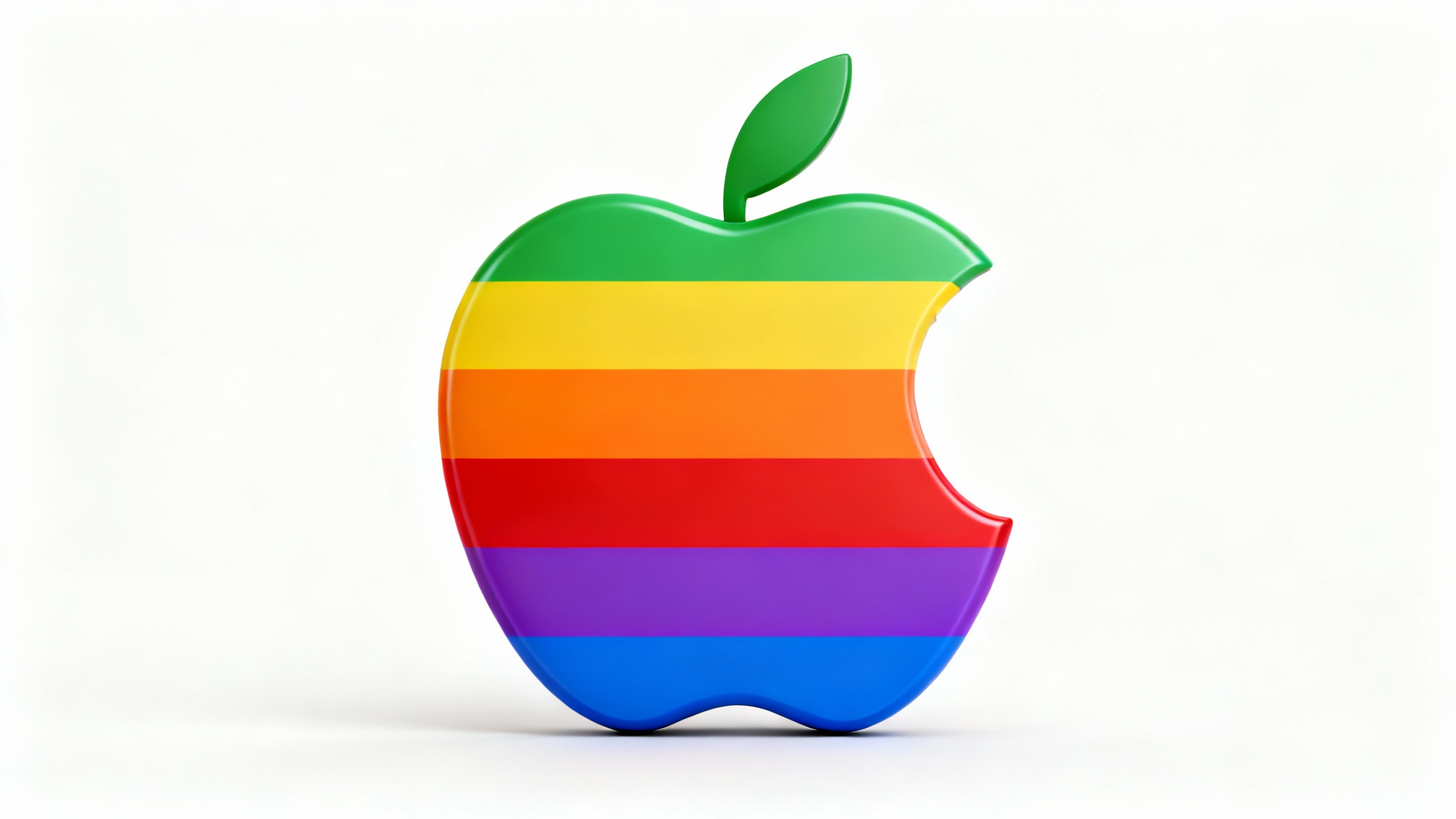
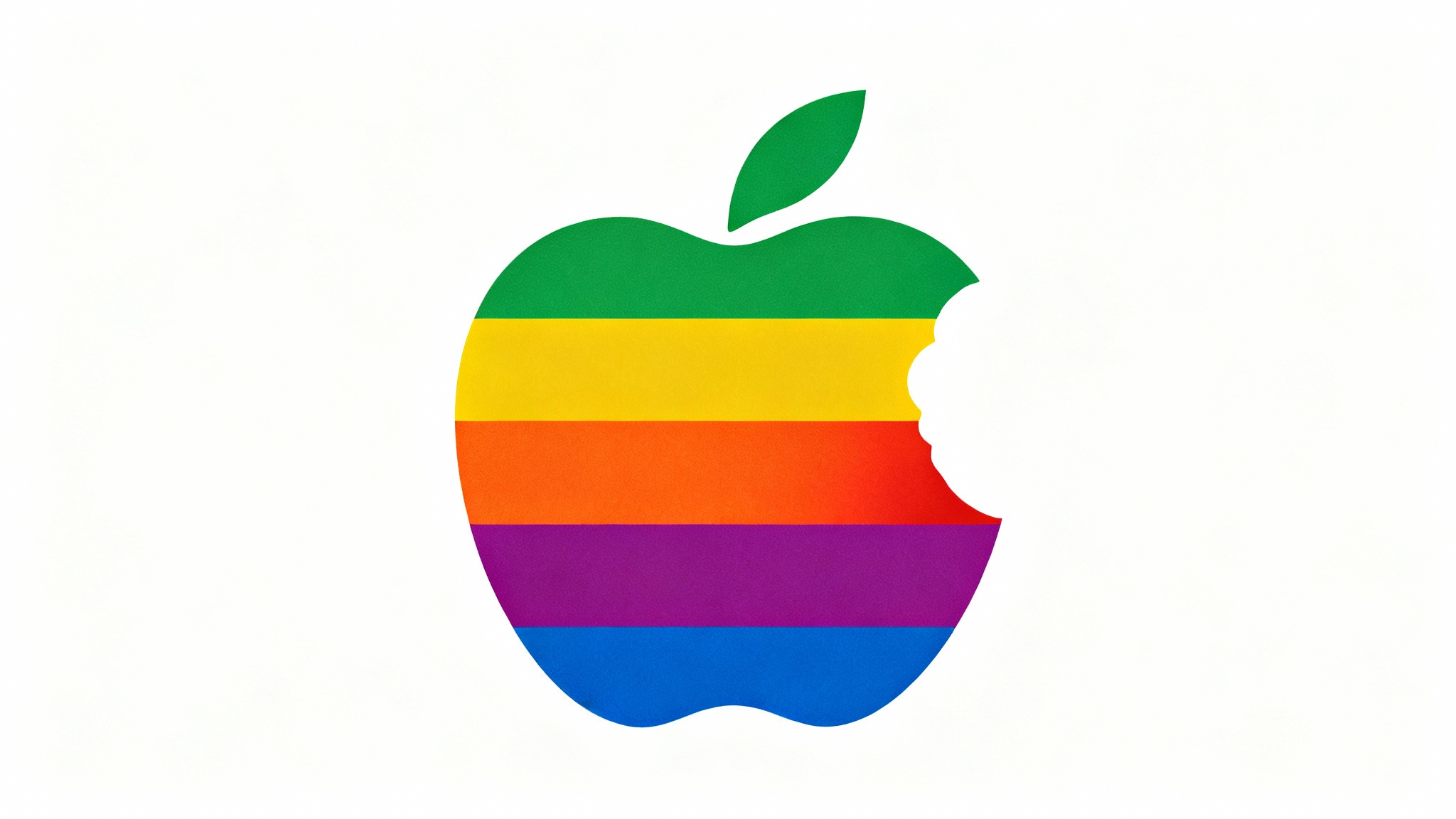
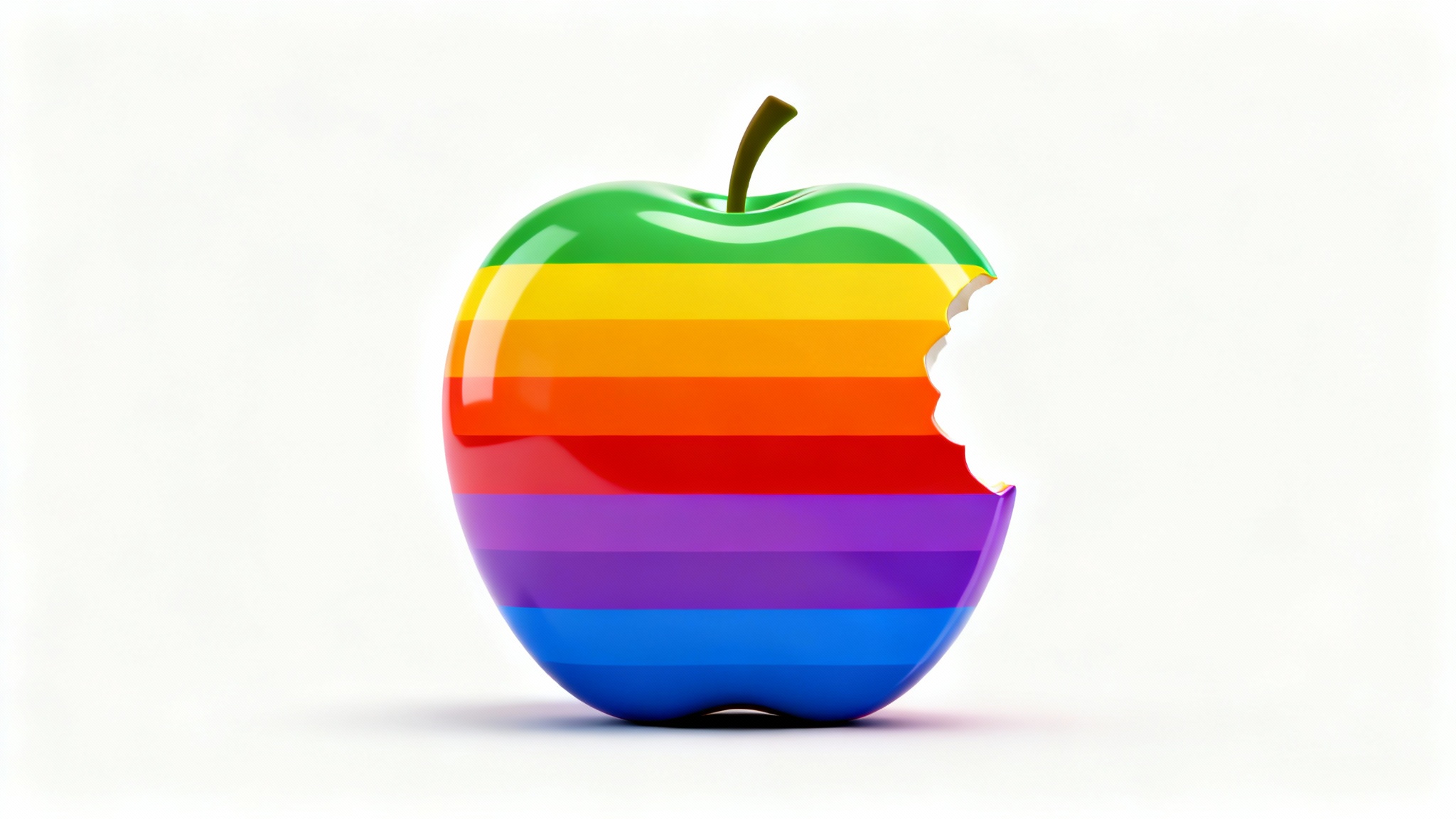
An AI rainbow apple logo generator is a tool that uses artificial intelligence to create new logos inspired by the classic apple shape and rainbow color scheme. You provide a text description of the logo you want, and the AI generates a unique design based on your input.
No design skills are required. The generator is designed to be user-friendly for everyone. All you need to do is type a prompt describing the logo you envision.
To make your logo unique, be descriptive in your prompt. Instead of just saying 'a rainbow apple,' try specifying the style (e.g., '80s retro style'), texture ('liquid metal texture'), or colors ('pastel rainbow colors') to guide the AI toward a more specific and original result.
Yes, you can download your generated logo and use it for your business, such as on your website, social media, or marketing materials. All downloads are high-resolution and watermark-free.
Detailed prompts produce the most interesting results. Try combining styles, elements, and colors. For example: 'A minimalist apple logo, made of glowing neon rainbow lines on a dark background' will yield a more specific outcome than a simple prompt.
Yes, you can include text in your prompt. For example, you could ask for 'a rainbow apple logo with the word innovate below it in a sleek font' to have the AI render the text as part of the image.
Great app, easy to use. Helps our small business save time and money to create different marketing materials professionally. Thank you.
I need a good background remover for my work and I've been through them all it feels like. This one is the best by far. It's so easy to use and the results always look amazing. Thank you Pixelcut!
It's amazingly easy and gives the perfect results for my bags and accessories. It looks like it was done by a professional photographer.