Pixelcut
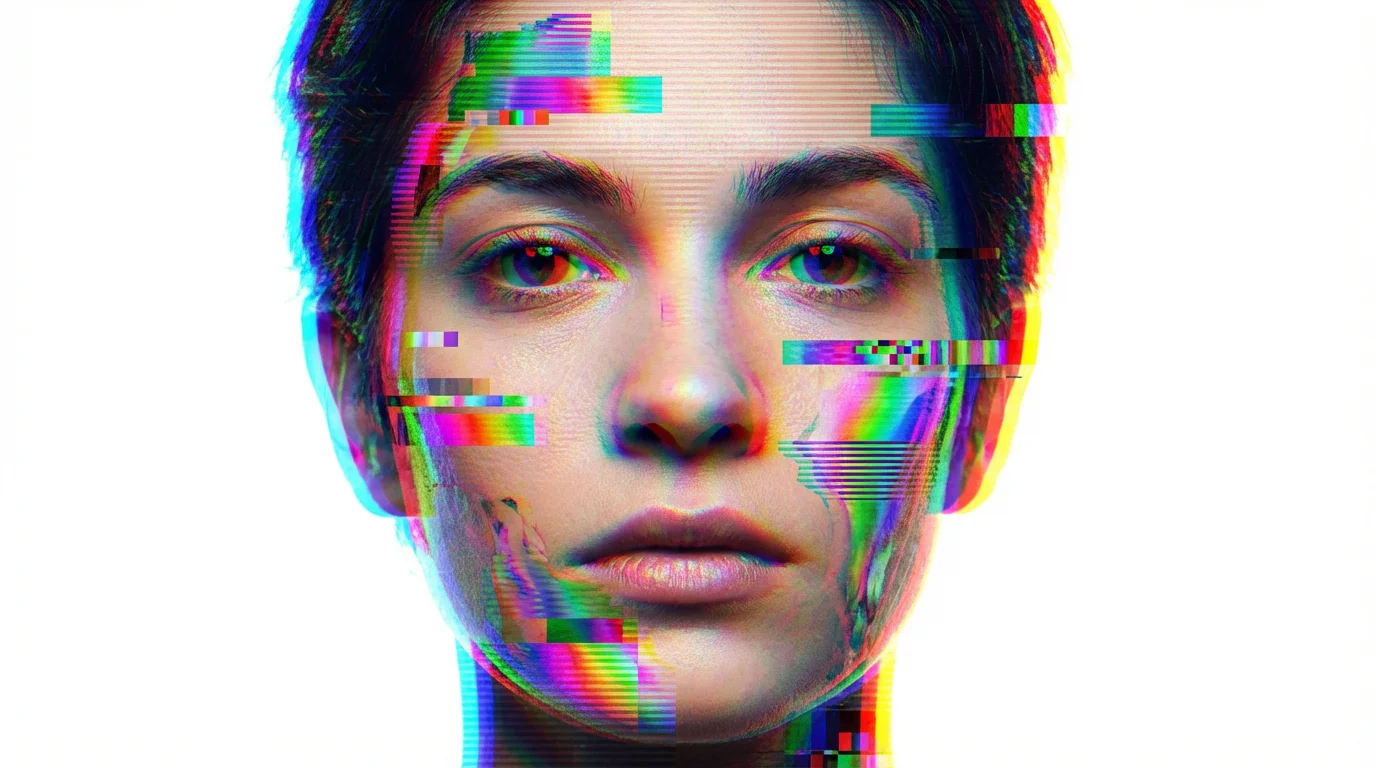
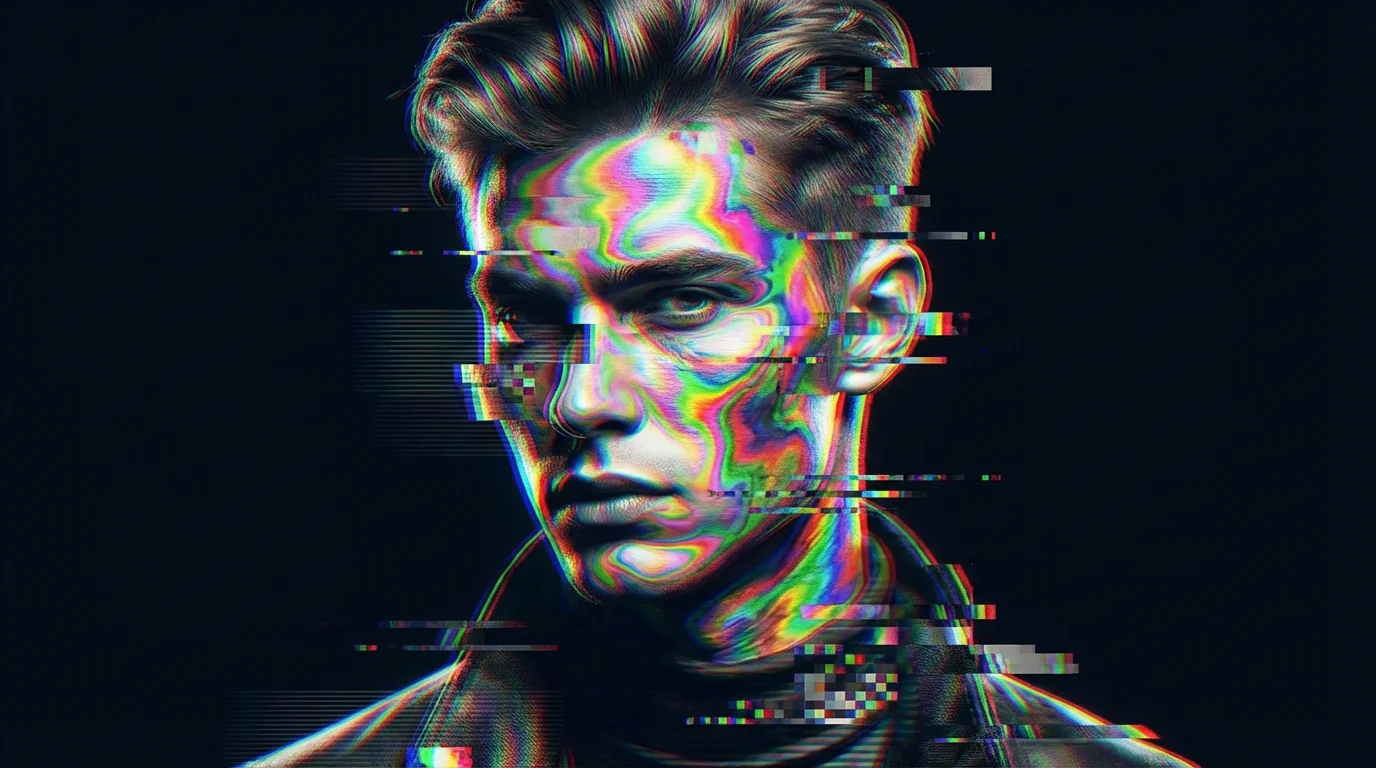
A dramatic portrait of a person with a vibrant rainbow glitch effect applied, showing fragmented colors, pixelation, and digital artifacts across their face against a dark background.

Generate Rainbow Glitch Effect with AI

Trusted by 70 million people
171,800 Reviews
Developer API
Available on iPhone & Android

How to Create a Rainbow Glitch Effect

  1. 1

    Upload your image

    Select the photo you want to transform. Our tool supports all common image formats.

  2. 2

    Enter your prompt

    Describe the glitch effect you want to see. Try 'add rainbow color split and horizontal distortion lines'.

  3. 3

    Generate effect

    Our AI will apply a unique rainbow glitch effect based on your prompt. Experiment with different descriptions to get new results.

  4. 4

    Download your image

    Your high-resolution, glitched image is ready to download and share. All downloads are watermark-free.

Transform your pictures into eye-catching glitch art with a single click. Our AI tool makes it easy to add a digital distortion look to any photo. Simply upload an image and let the AI apply a stylish glitch filter, complete with vibrant color shifts and retro vibes. You don’t need any complicated software or design skills. It’s perfect for giving your photos a futuristic, edgy feel that stands out on social media feeds, in digital portfolios, or for any creative project you can imagine.

Instantly Create Stunning Glitch Art

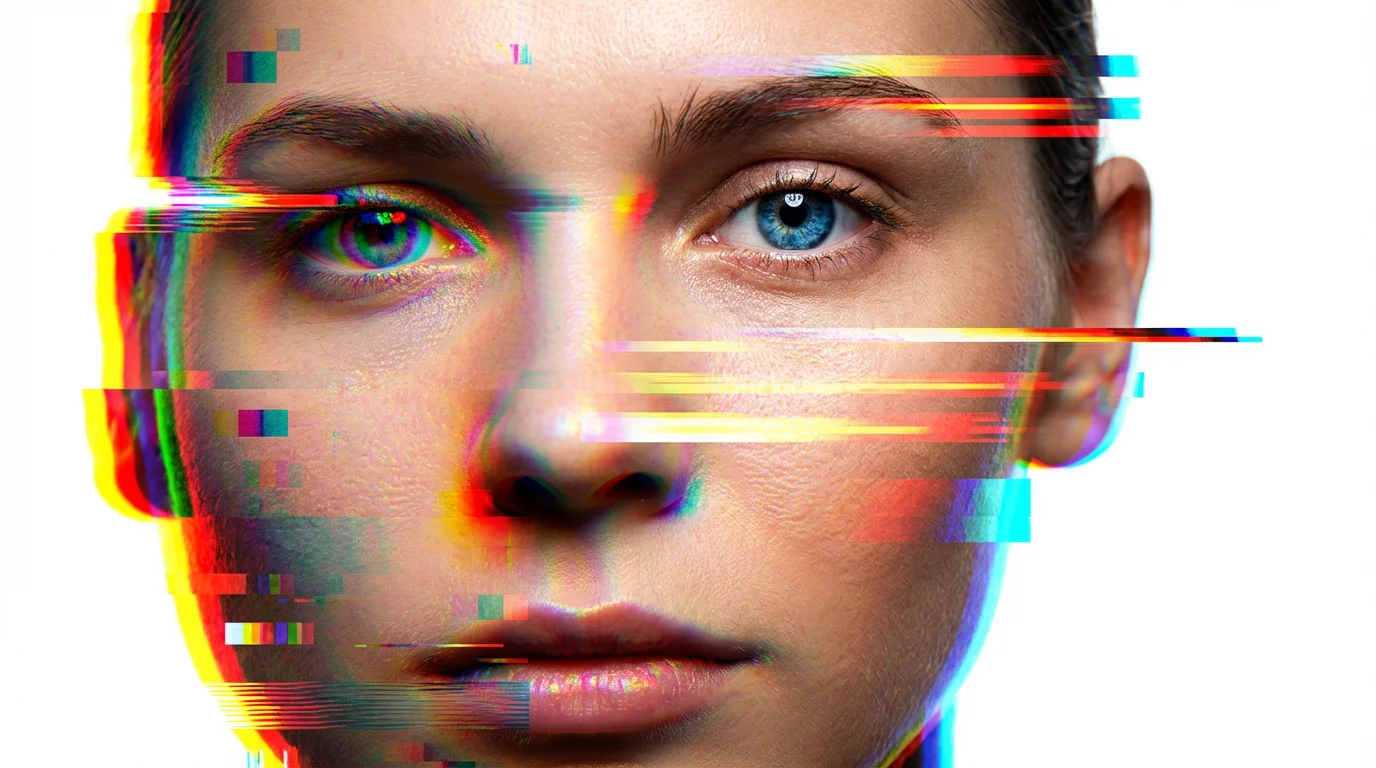
A close-up photorealistic portrait of a person's face being distorted by a colorful rainbow glitch effect, featuring pixelation, scanlines, and RGB color separation, all set against a plain white background.
Achieve the exact look you want by describing the effect in your own words. You can guide the AI to create the perfect rainbow glitch by specifying the intensity of the distortion, the direction of the color bleed, and the amount of pixelation. Ask for subtle chromatic aberration or dramatic, fragmented color explosions. This text-based control allows you to experiment with different styles, from a nostalgic VHS feel to a modern cyberpunk aesthetic, ensuring your final image is perfectly tailored to your creative vision.

Control Your Digital Distortion

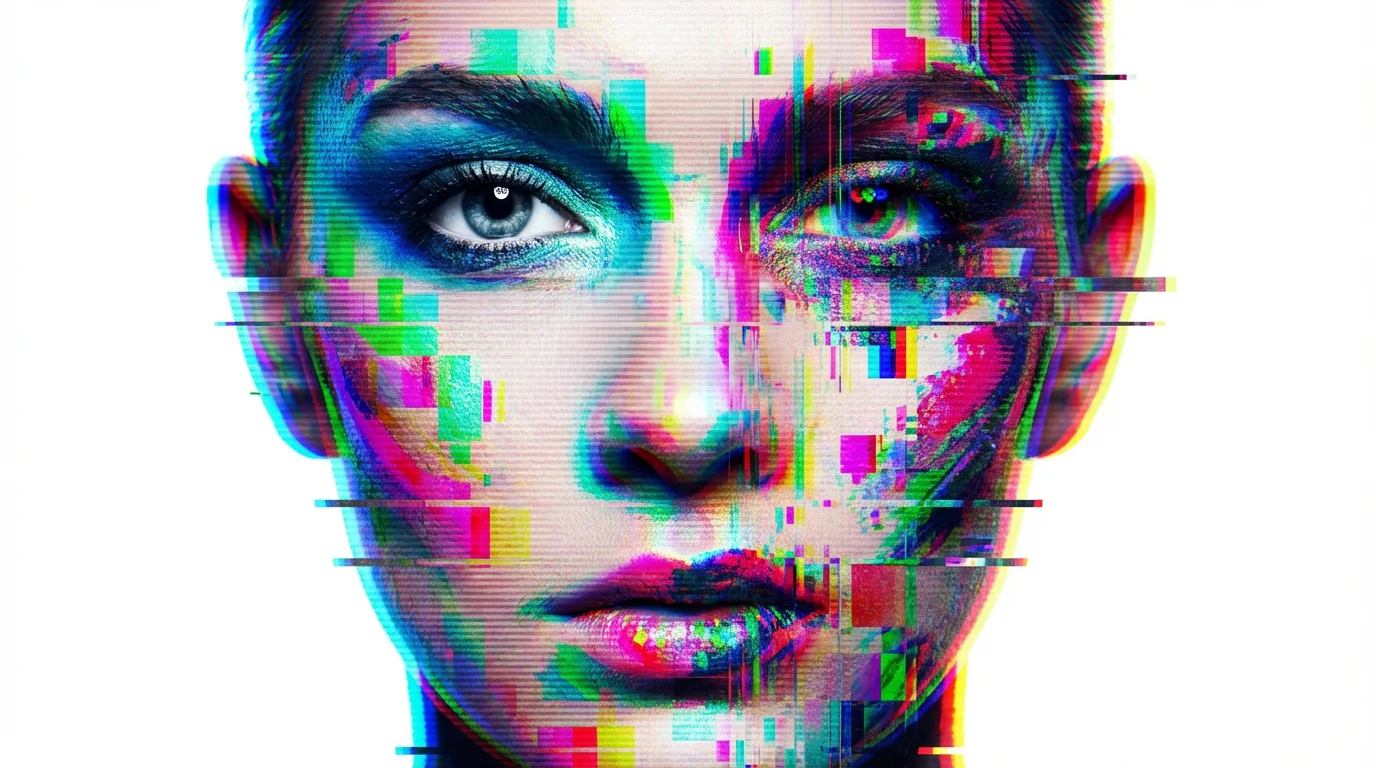
A photorealistic portrait of a face being torn apart by a digital glitch effect, with vibrant rainbow-colored streaks and pixelation distorting the image against a plain white background.
Download your glitched images in high resolution, ready for any use. Whether you're creating a bold background for your phone, designing unique event flyers, or making prints of your digital art, your images will be crisp and clear. The high-quality output ensures that all the intricate details of the rainbow glitch, from the subtle color fringing to the pixelated fragments, are preserved. Get professional-looking results that maintain their quality whether viewed on a screen or printed for physical use.

High-Resolution Effects for Any Project

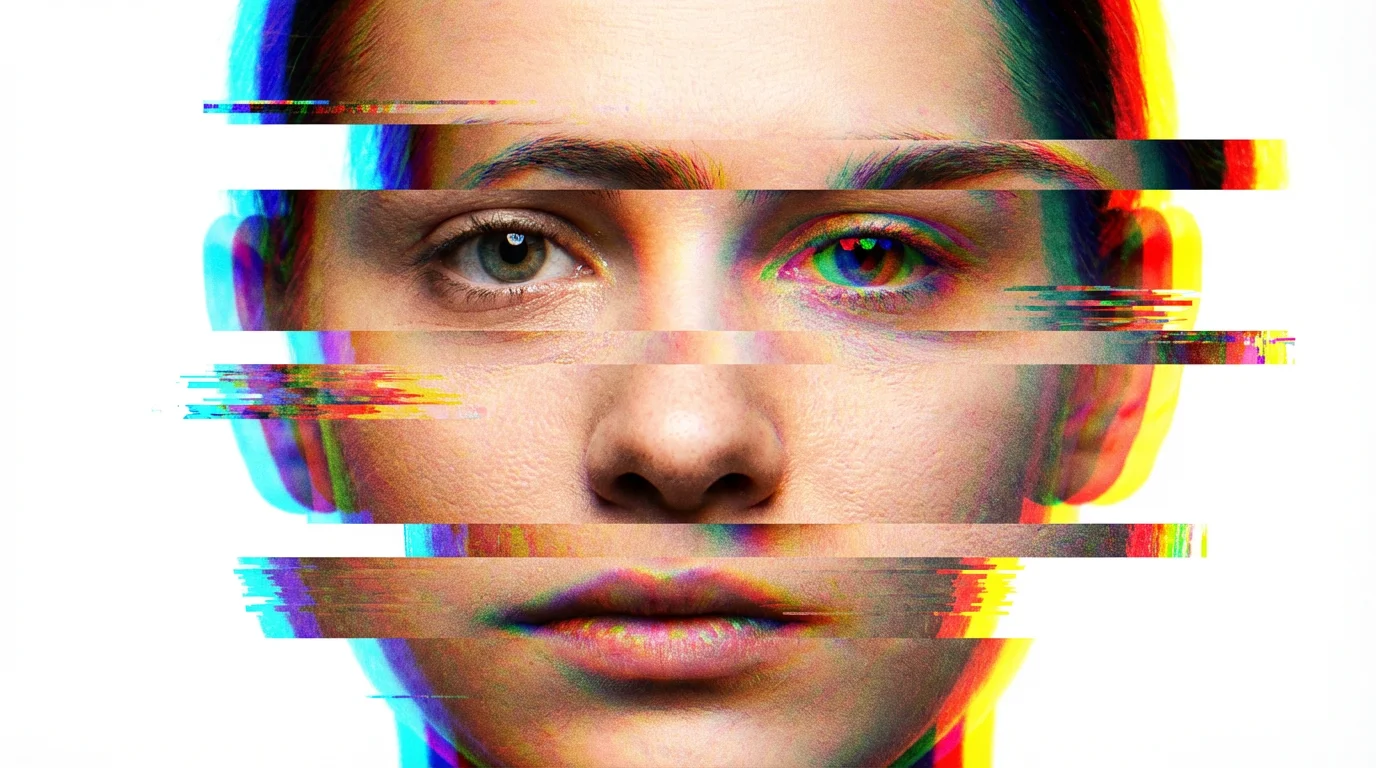
A photorealistic portrait of a face being deconstructed by a colorful rainbow glitch effect, with pixelation and color channel separation, on a solid white background.
It’s Fast: Apply complex glitch effects in seconds, not hours. It's Customizable: Use text prompts to fine-tune the color shifts, distortion, and pixelation. AI-Powered: Our AI intelligently interprets your descriptions to create unique glitch art every time. Easy to Use: Upload your photo, type a prompt, and generate. No complicated tools or manuals needed. Use Anywhere: Create striking visuals for social media profiles, album covers, posters, or any personal and commercial project.

Why use Pixelcut's AI Rainbow Glitch Effect?

A photorealistic portrait of a person's face being artistically distorted by a colorful rainbow glitch effect, with pixelation and color streaks, set against a plain white background.
Social Media Posts: Create scroll-stopping images for Instagram, TikTok, and other platforms to grab your audience's attention. Digital Art: Add a layer of complexity and texture to your digital paintings and illustrations. Album Covers: Design a futuristic or retro-themed album cover for your music. Profile Pictures: Make your profile picture stand out with a unique and colorful distorted effect. Event Promotion: Design edgy flyers and banners for concerts, parties, and tech-related events.

Rainbow Glitch Effect Use Cases

Frequently Asked Questions

Pixelcut is loved by over 2 million people

  • My favorite app

    Great app, easy to use. Helps our small business save time and money to create different marketing materials professionally. Thank you.
    Shaelyn D.
  • Best background remover

    I need a good background remover for my work and I've been through them all it feels like. This one is the best by far. It's so easy to use and the results always look amazing. Thank you Pixelcut!
    Kira H.
  • Love it

    It's amazingly easy and gives the perfect results for my bags and accessories. It looks like it was done by a professional photographer.
    Mary J.