My favorite app
Great app, easy to use. Helps our small business save time and money to create different marketing materials professionally. Thank you.
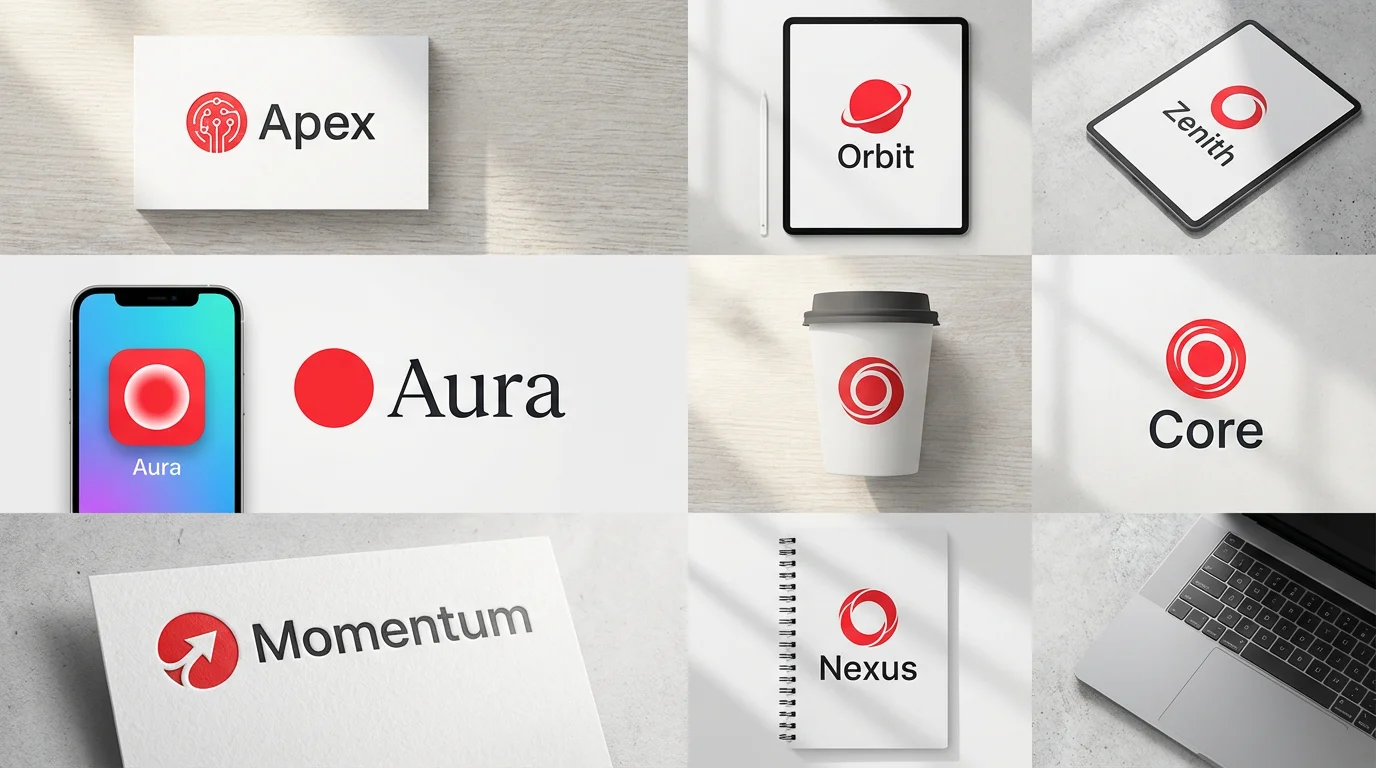
Start by typing a detailed description of your ideal red circle logo. Mention any specific icons, text, or styles you have in mind.
Click the generate button and let the AI bring your vision to life. It will create a custom logo based on your prompt in just a few seconds.
Your new red circle logo is ready to be downloaded. Save the high-resolution, watermark-free file and start using it across your brand.


An AI red circle logo generator is a tool that uses artificial intelligence to create unique logo designs from text descriptions. You can specify elements like icons, text, and overall style, and the AI will generate a visual representation of your idea.
No design skills are required. The tool is built for everyone. Simply type a description of the logo you want to create, and the AI handles the design process for you.
Circles often represent concepts like unity, community, wholeness, and movement. This makes them a versatile and powerful shape for brands looking to convey messages of trust, stability, and connection.
Yes, you can. When you write your prompt, be sure to include the text you want to appear in your logo. For example, you could write, 'a logo for 'Apex Tech' with a stylized 'A' inside a red circle'.
You can download your generated logos for free in high-resolution PNG and JPG formats. Pixelcut PRO users have additional options, including SVG and WEBP formats.
Yes, you can create a logo with a transparent background by specifying it in your prompt. For example, add 'with a transparent background' to your description to get a PNG file without any background color.
Great app, easy to use. Helps our small business save time and money to create different marketing materials professionally. Thank you.
I need a good background remover for my work and I've been through them all it feels like. This one is the best by far. It's so easy to use and the results always look amazing. Thank you Pixelcut!
It's amazingly easy and gives the perfect results for my bags and accessories. It looks like it was done by a professional photographer.