Pixelcut
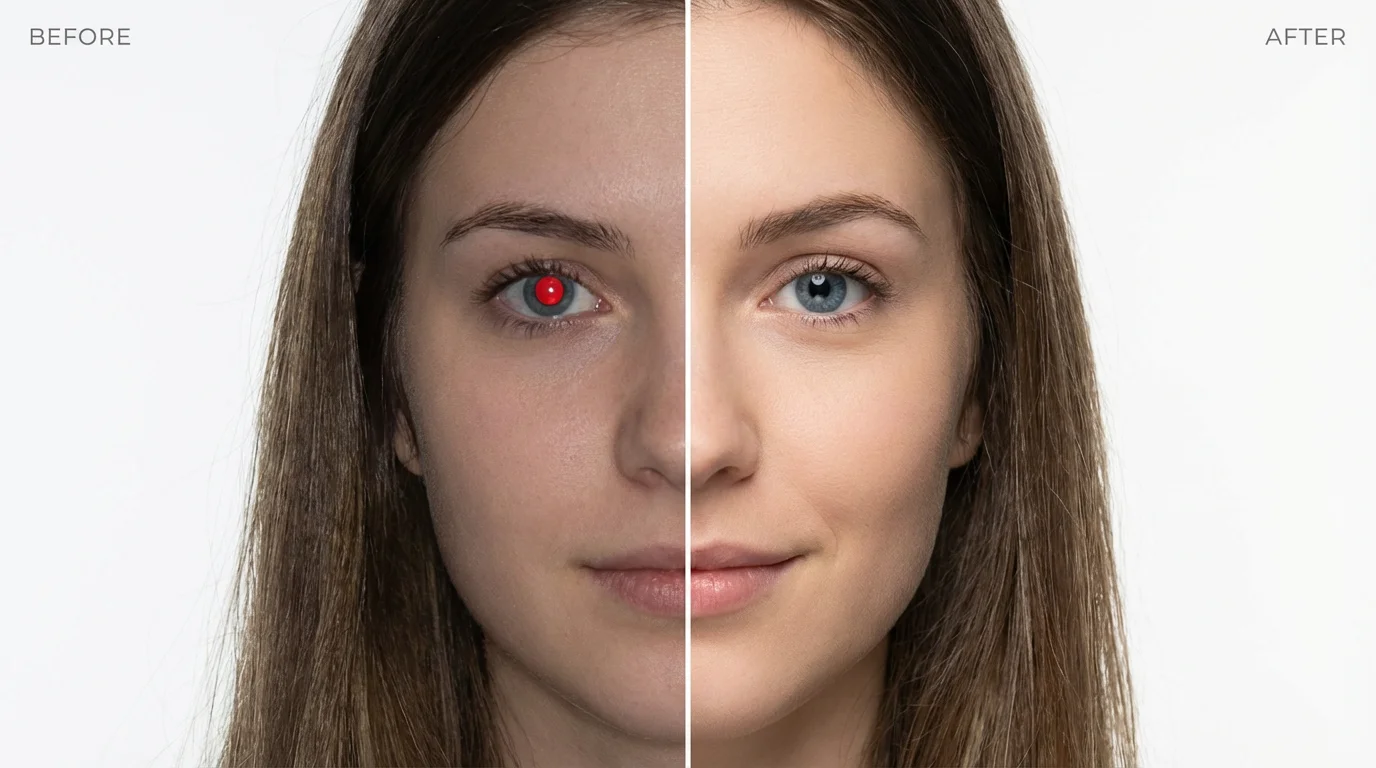
A before-and-after comparison image showing a woman's portrait. In the 'before' half she has red eyes from flash photography, and in the 'after' half her eyes are corrected and look natural.

Free AI Red Eye Remover

Trusted by 70 million people
171,800 Reviews
Developer API
Available on iPhone & Android

How to Fix Red Eye in Photos

  1. 1

    Upload your photo

    Click the button to upload the photo with red eye. The tool accepts common image formats like PNG and JPEG.

  2. 2

    Enter your prompt

    Briefly describe the edit you want. Something as simple as "remove the red eye" works perfectly to guide the AI.

  3. 3

    Generate the corrected image

    Our AI will automatically detect and remove the red eye from your photo, replacing it with a natural-looking eye color.

  4. 4

    Download your photo

    Your photo is now fixed and ready. Download the high-resolution image for free and share your perfected memory.

Fixing the red eye effect in your favorite photos is now faster than ever. Simply upload your image and our AI will automatically detect and correct any red eyes. There's no need for manual selection or complicated editing tools. Our intelligent red eye remover does all the work for you, delivering high-quality, natural-looking results in just a few moments. From solo portraits to group shots, you can rescue your pictures from the distracting glow of red eye with a single click.

Instant, Automatic Red Eye Correction

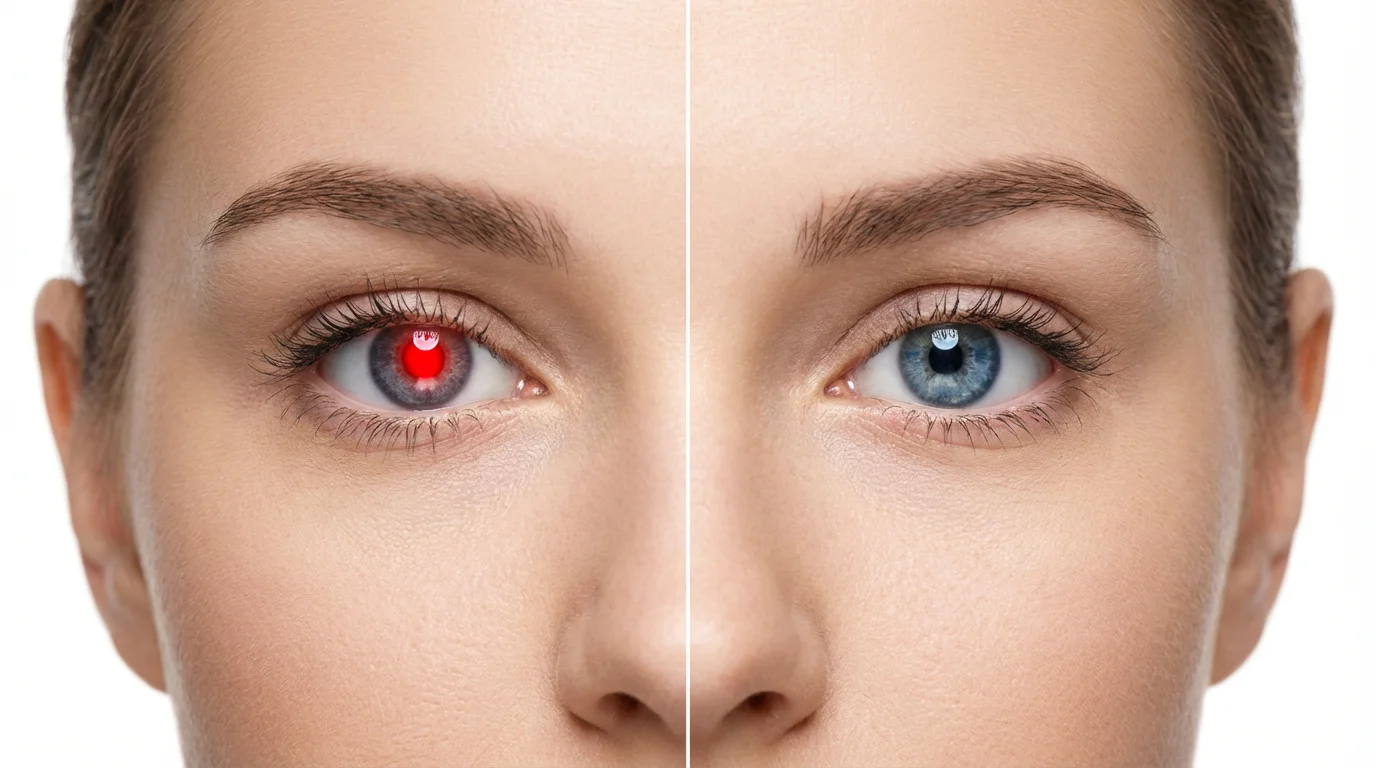
A close-up, split-screen portrait of a woman's face demonstrating red-eye removal. The left half shows her eye with a glowing red pupil, and the right half shows the eye corrected to its natural blue color.
Go beyond basic red eye removal. Our AI-powered tool is designed to restore the natural color and detail of the eyes, ensuring a realistic finish. Unlike older tools that can leave pupils looking flat or artificially dark, our technology preserves the subtle reflections and sparkle that make eyes look vibrant and alive. The AI intelligently analyzes the image to correct only the red pixels, leaving the rest of your photo untouched and maintaining its original quality. Your corrected photos will look so natural, no one will know you edited them.

Achieve Flawless, Natural-Looking Eyes

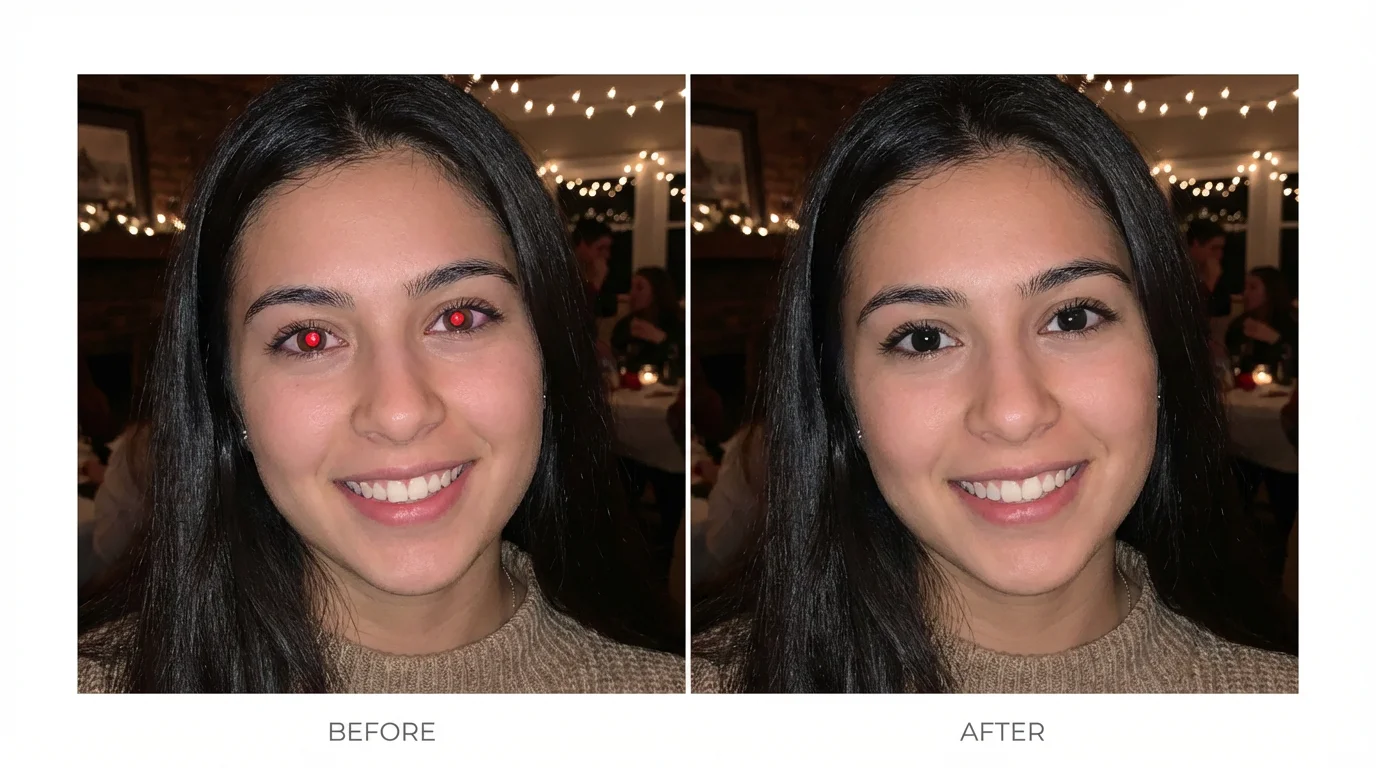
A split-screen comparison image demonstrating a red-eye remover. The left side shows a woman's portrait with severe red-eye, and the right side shows the same portrait with her eyes corrected to look natural.
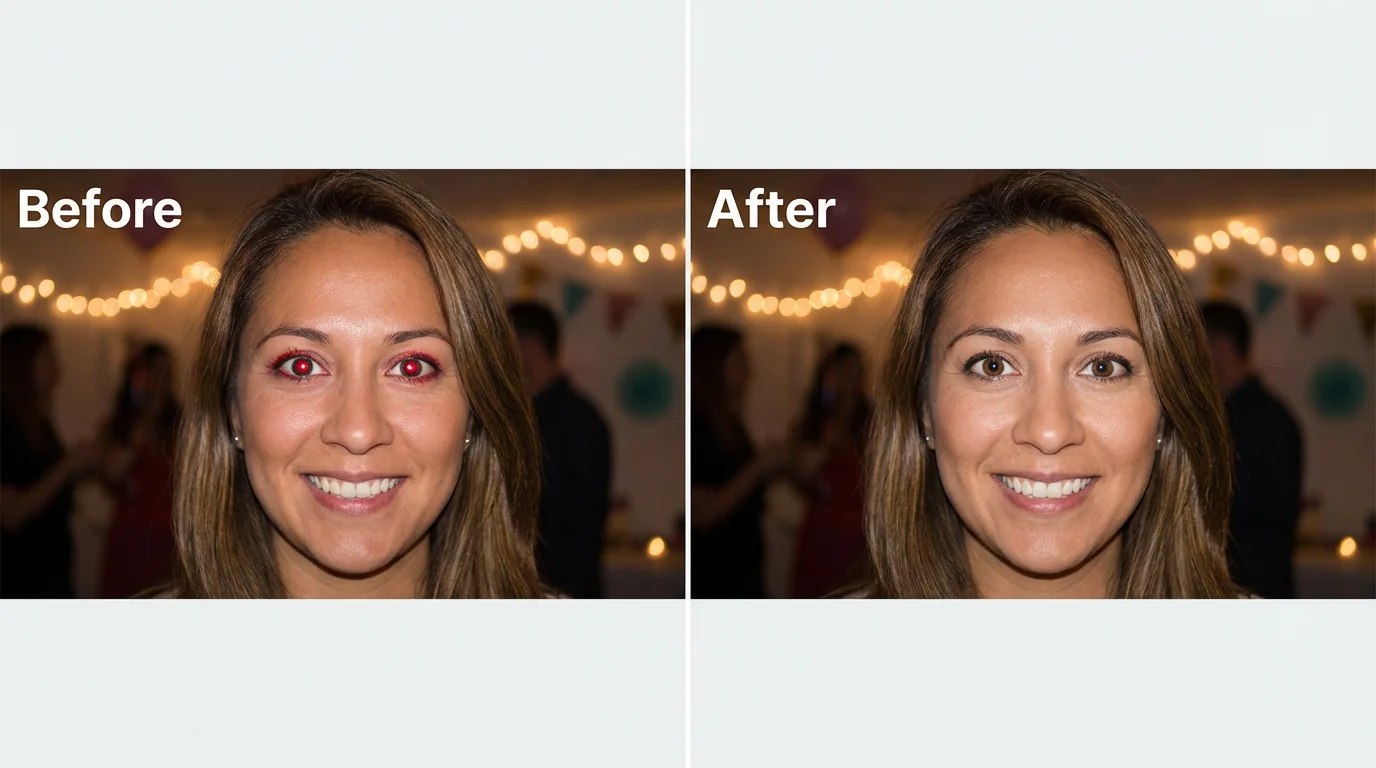
Whether you're fixing a brand new photo taken with a flash or restoring an old scanned family picture, our red eye remover is up to the task. It's the perfect tool for a wide range of photos, from party snapshots and family gatherings to formal portraits and candid moments. Don't let the common problem of red eye caused by flash photography keep you from sharing your memories. Upload your JPEG or PNG files and let our tool bring back the natural beauty of your subjects' eyes.

Perfect for Any Photo, Old or New

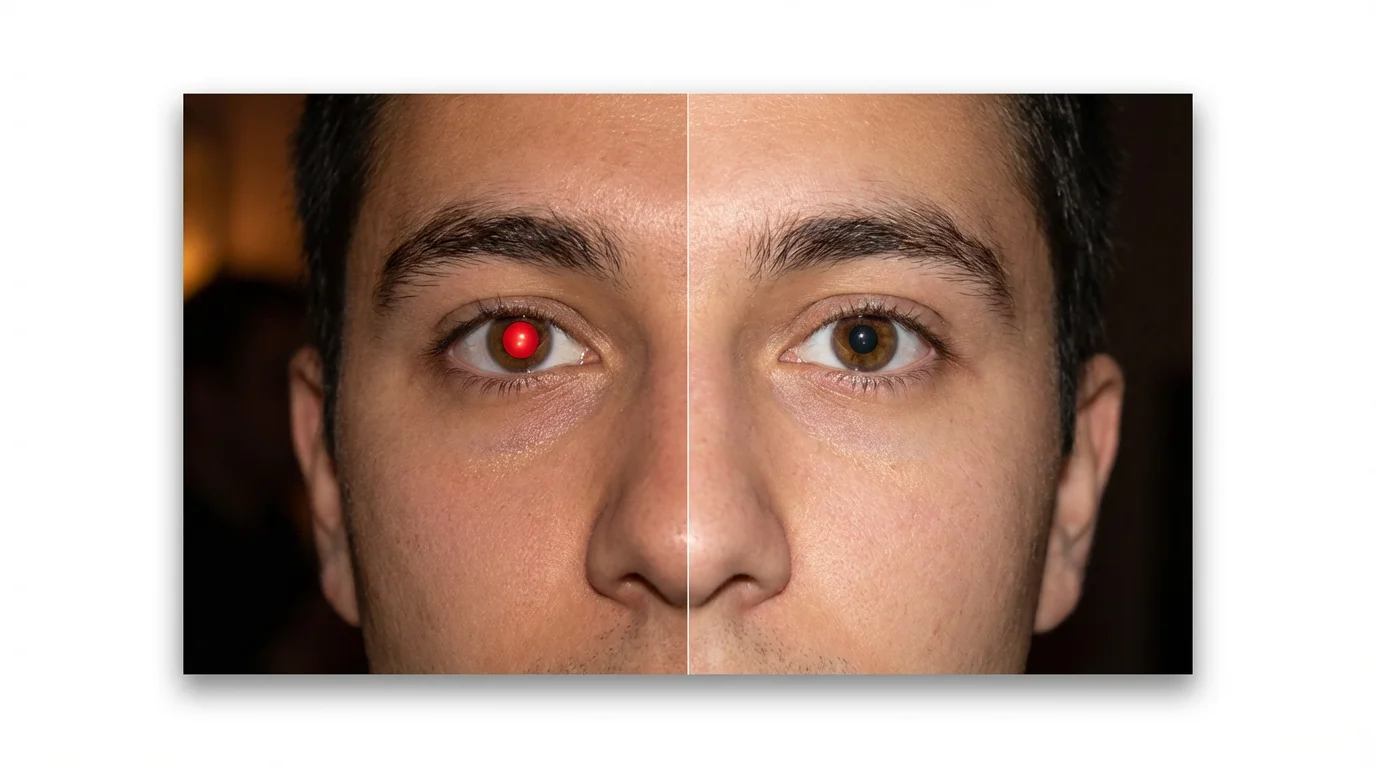
A before-and-after image demonstrating a red eye remover. The left side shows a person with bright red eyes from a camera flash, and the right side shows the same person with their eyes corrected to their natural color.
It’s Effortless: Upload your photo and the AI handles the rest automatically. No manual editing skills are needed. It’s Fast: Correct distracting red eyes in just a few seconds, not minutes. Natural Results: Our AI restores natural eye color and detail for a realistic finish that avoids the artificial look of other editors. High-Quality Downloads: Download your corrected image in high resolution, perfect for printing or sharing. Free to Try: Quickly fix your photos and see the results for yourself at no cost.

Why use Pixelcut's AI Red Eye Remover?

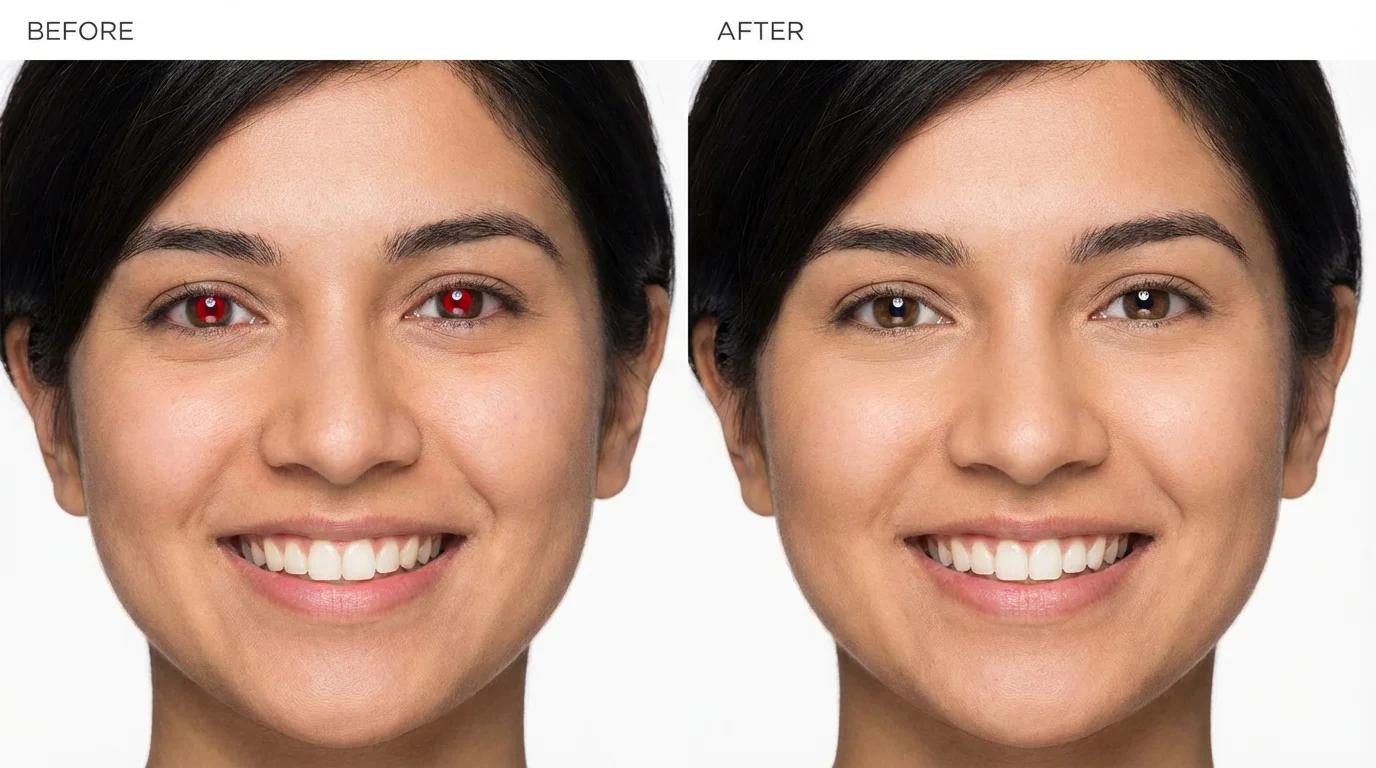
A before-and-after portrait showing the red-eye removal effect. The left side of the face has glowing red eyes, while the right side has natural, corrected eyes.
Family Photos: Quickly correct red eyes in group pictures from holidays and celebrations to create perfect keepsakes. Nightlife Snapshots: Remove the red eye glare from photos taken at parties, concerts, or other low-light events. Pet Portraits: While optimized for human eyes, you can also try it on photos of your pets who sometimes get a similar glow from the flash. Archived Photos: Digitize and restore old printed photos that have red eye, bringing new life to cherished memories. Professional Headshots: Ensure a polished and professional look by removing any red eye from headshots taken with a flash.

Red Eye Remover Use Cases

A before-and-after image demonstrating a red eye remover. The left side shows a woman's eye with a red pupil, and the right side shows the same eye corrected to look natural.

Frequently Asked Questions

Pixelcut is loved by over 2 million people

  • My favorite app

    Great app, easy to use. Helps our small business save time and money to create different marketing materials professionally. Thank you.
    Shaelyn D.
  • Best background remover

    I need a good background remover for my work and I've been through them all it feels like. This one is the best by far. It's so easy to use and the results always look amazing. Thank you Pixelcut!
    Kira H.
  • Love it

    It's amazingly easy and gives the perfect results for my bags and accessories. It looks like it was done by a professional photographer.
    Mary J.