Pixelcut
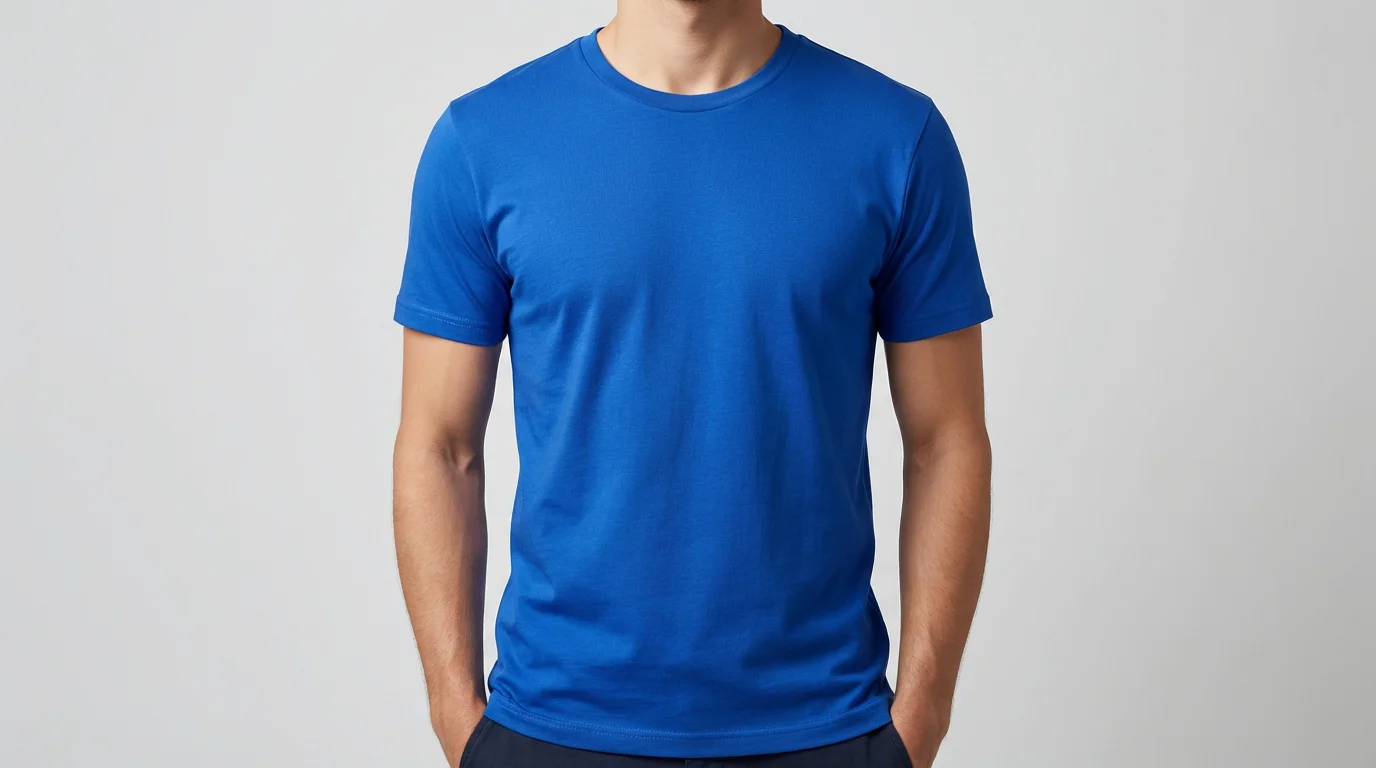
A professional product photograph showing the final result of using a design tool: a model wearing a crisp, vibrant blue t-shirt against a clean studio background, ready for an e-commerce store.

AI Shirt Product Photography Generator

Trusted by 70 million people
171,800 Reviews
Developer API
Available on iPhone & Android

How to create shirt product photos

  1. 1

    Upload your shirt image

    Start by uploading a clear, well-lit picture of your shirt. A photo of the shirt on a flat surface or a hanger works best.

  2. 2

    Enter your prompt

    Describe the scene you want to create. For example, 'A folded white t-shirt on a clean marble background with soft lighting'.

  3. 3

    Generate your photo

    Click the generate button and let our AI create a professional product photo based on your image and prompt.

  4. 4

    Download your image

    Your new, high-resolution shirt photo is ready to be downloaded and used for your e-commerce store, social media, or marketing campaigns.

Say goodbye to expensive photoshoots and complicated lighting setups. Create high-resolution, professional product photos for your shirts from the comfort of your home. Simply upload an image of your shirt, whether it's on a hanger or laid flat, and our AI will place it in a realistic scene of your choosing. Describe a setting, like a rustic wooden table or a clean marble surface, and generate perfect e-commerce images in seconds. This approach saves you time and resources while producing visuals that convert.

Create Studio-Quality Photos Instantly

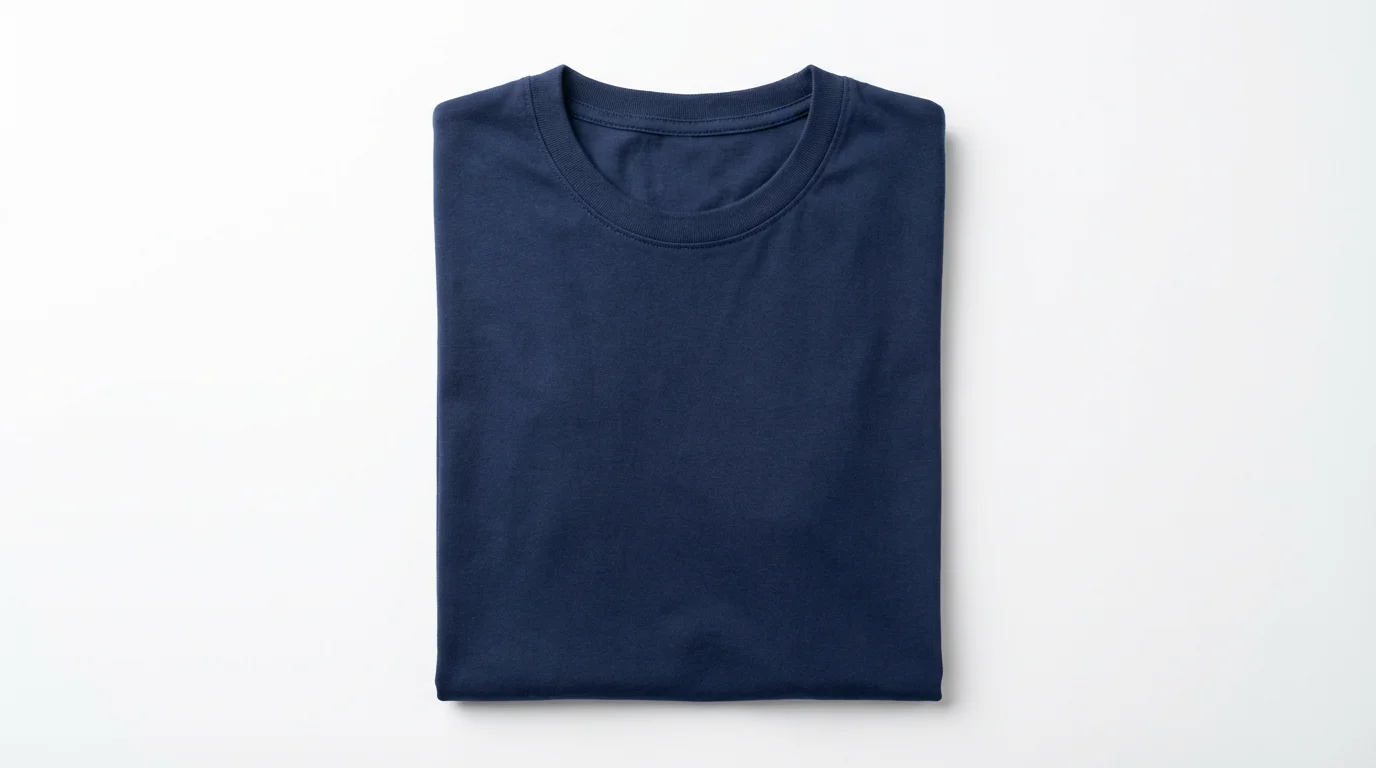
A professional, top-down product photograph of a neatly folded navy blue t-shirt centered on a stark white background.
Why settle for a plain white background when you can showcase your shirts in any environment imaginable? Our AI tool lets you generate endless background options to match your brand's aesthetic. From minimalist studio settings to vibrant lifestyle scenes, you have complete creative control. Just type a description of the background you want, and watch it appear. This flexibility allows you to create a diverse and engaging product catalog that captures your customers' attention and helps them visualize wearing your apparel.

Unlimited Backgrounds and Scenes

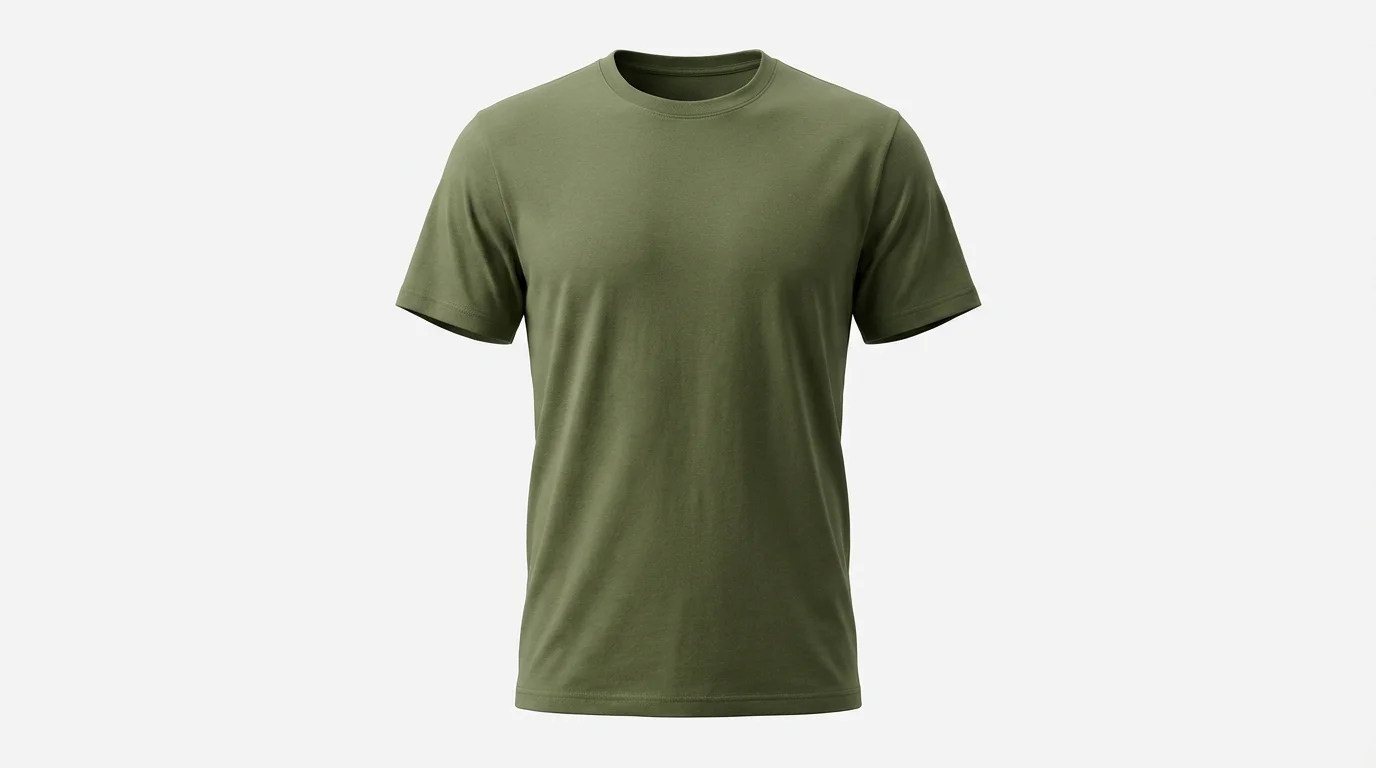
A professional product photograph of a high-quality olive green t-shirt on a ghost mannequin, set against a stark white background to highlight its texture and shape for online retail.
Highlight the quality and texture of your fabrics with perfectly lit, high-resolution images. Our AI ensures that every stitch, button, and design detail is presented clearly and accurately. You provide the shirt, and our tool generates a scene with balanced, professional lighting that makes your product shine. This eliminates the common problems of shadows and poor lighting that can occur with DIY photography, ensuring your shirts always look their best and build customer trust in your brand's quality.

Showcase Every Detail Flawlessly

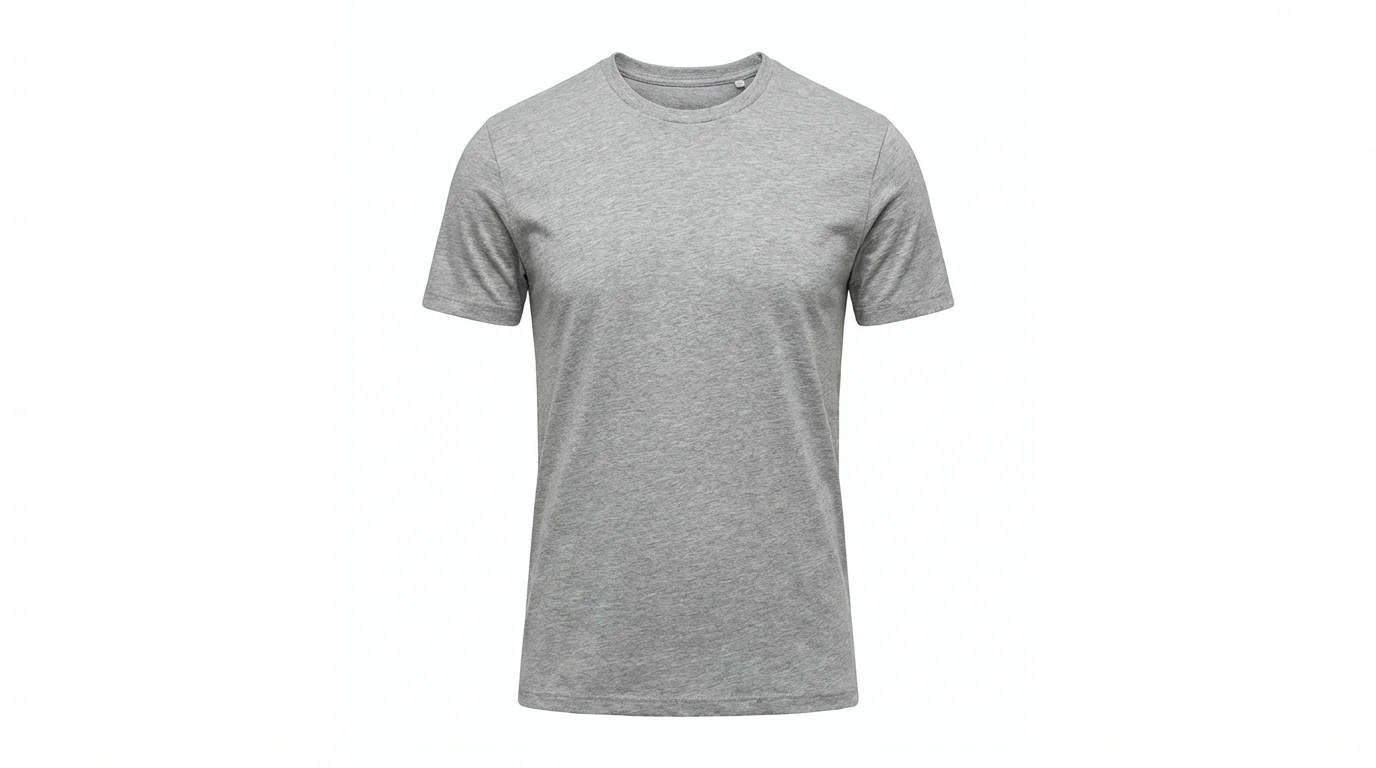
A high-quality product photograph of a heather grey t-shirt on a ghost mannequin, showcasing its shape and fabric texture against a clean white background.
It's Fast: Turn a simple shirt photo into a polished, ready-to-use product image in seconds. It’s Easy: No photography experience needed. Just upload your photo and type a prompt to generate your scene. It's Consistent: Create a unified look across your entire product line with consistent backgrounds and lighting for a professional brand appearance. AI-Powered: Leverage artificial intelligence to generate limitless creative scenes and styles without needing physical props or locations.

Why use Pixelcut's AI Shirt Product Photography?

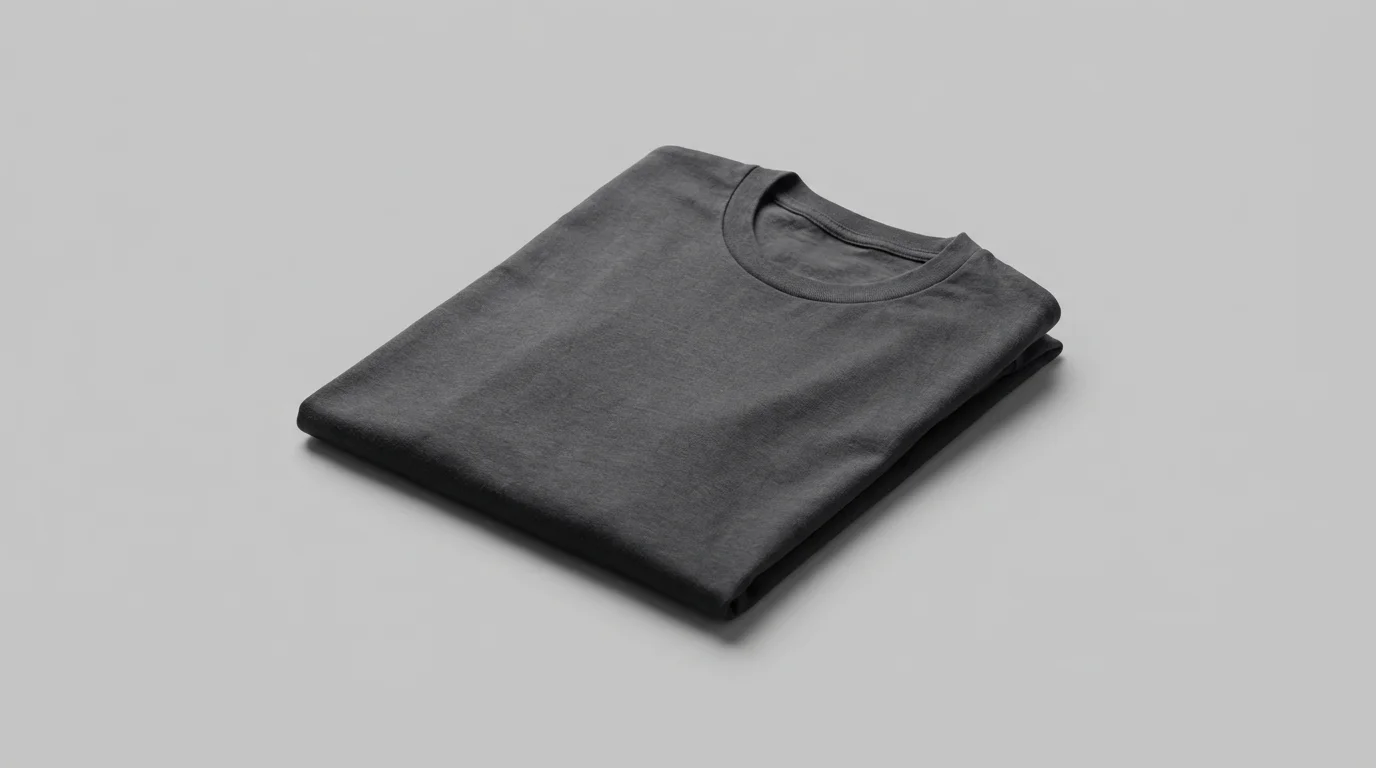
A neatly folded, premium charcoal gray t-shirt displayed on a clean, light gray background, highlighting the soft texture of the fabric in a professional product photograph.
E-commerce Stores: Create clean, consistent product listings for Shopify, Amazon, and other online marketplaces. Social Media Marketing: Generate eye-catching lifestyle shots of your shirts for Instagram, Facebook, and Pinterest to drive engagement. Digital Lookbooks: Build beautiful, on-brand lookbooks to showcase your latest collection without a physical photoshoot. Brand Portfolios: Develop a professional portfolio of your apparel designs to share with potential buyers or collaborators.

Shirt Product Photography Use Cases

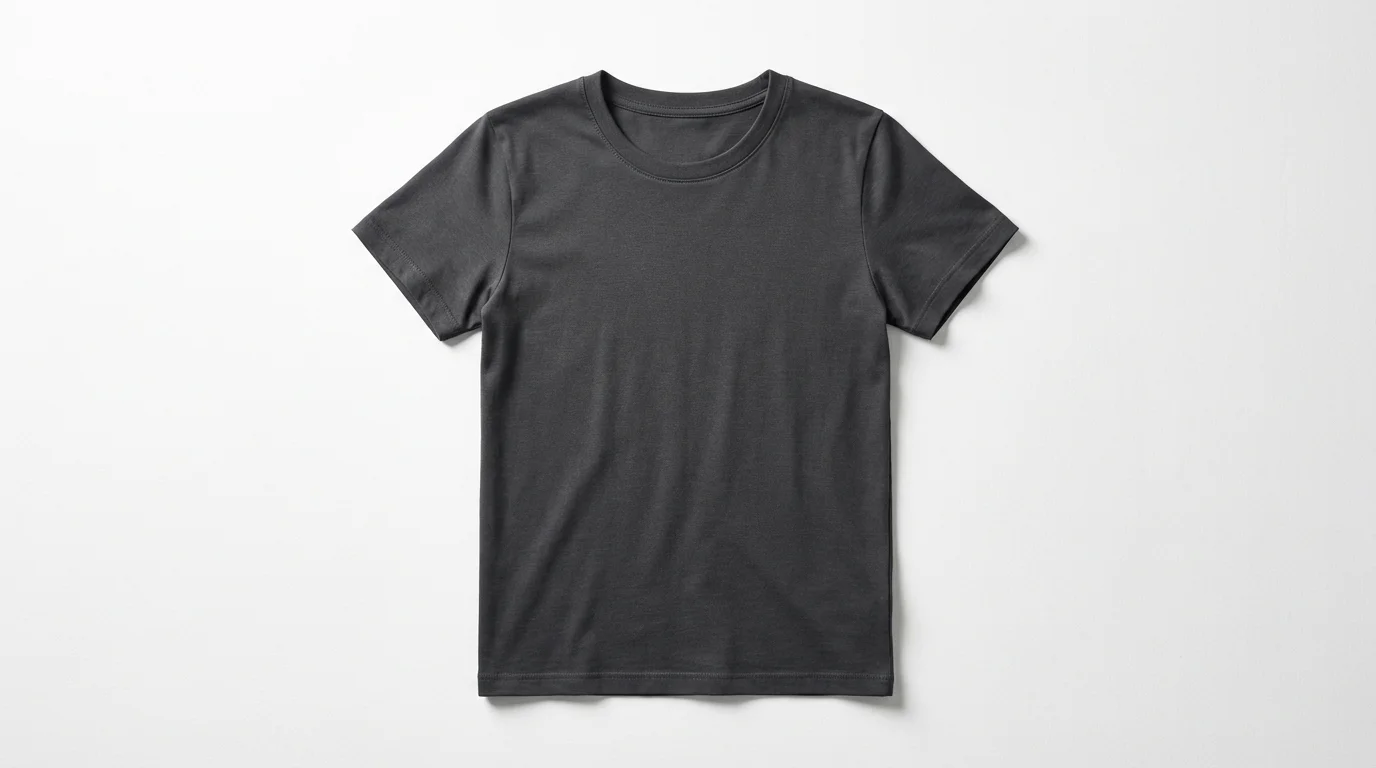
A professional flat lay photograph of a plain charcoal gray t-shirt, neatly arranged on a solid white background, showcasing its texture and quality.

Frequently Asked Questions

Pixelcut is loved by over 2 million people

  • My favorite app

    Great app, easy to use. Helps our small business save time and money to create different marketing materials professionally. Thank you.
    Shaelyn D.
  • Best background remover

    I need a good background remover for my work and I've been through them all it feels like. This one is the best by far. It's so easy to use and the results always look amazing. Thank you Pixelcut!
    Kira H.
  • Love it

    It's amazingly easy and gives the perfect results for my bags and accessories. It looks like it was done by a professional photographer.
    Mary J.