Pixelcut
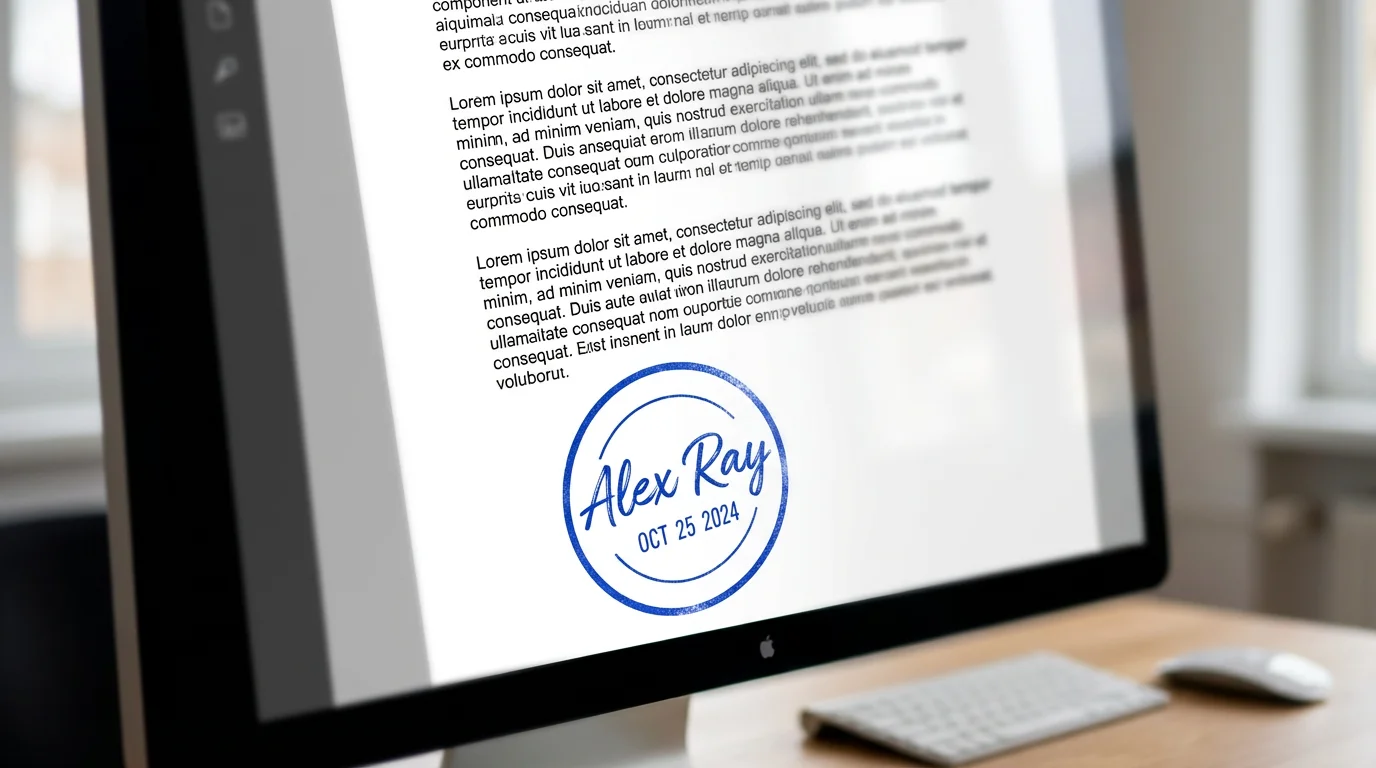
A close-up of a digital contract with a freshly applied blue circular signature stamp. The stamp contains a stylish signature for 'Alex Ray' and the current date, showcasing the final result of a digital signature stamp generator.

AI Signature Stamp Generator

Trusted by 70 million people
171,800 Reviews
Developer API
Available on iPhone & Android

How to create your signature stamp

  1. 1

    Upload your signature

    Start by uploading a clear image of your handwritten signature. A photo taken on a plain background works best.

  2. 2

    Enter your prompt

    Describe how you want your stamp to look. Specify ink color, borders, or any extra text like 'Paid' or a date.

  3. 3

    Generate your stamp

    Click the button to let the AI create a custom digital stamp based on your image and instructions.

  4. 4

    Download your stamp

    Your high-resolution signature stamp is ready. Download it as a PNG or JPEG to use on any digital document.

Transform your handwritten signature into a polished digital stamp with ease. Simply upload a photo of your signature, and our AI tool will convert it into a versatile digital format. There is no need for complex design software or manual tracing. Describe the look you want, from the ink color to the border style, and generate a ready-to-use stamp in moments. This process is perfect for creating a consistent and professional look across all your digital documents, saving you time and effort.

Convert Your Signature to a Stamp Instantly

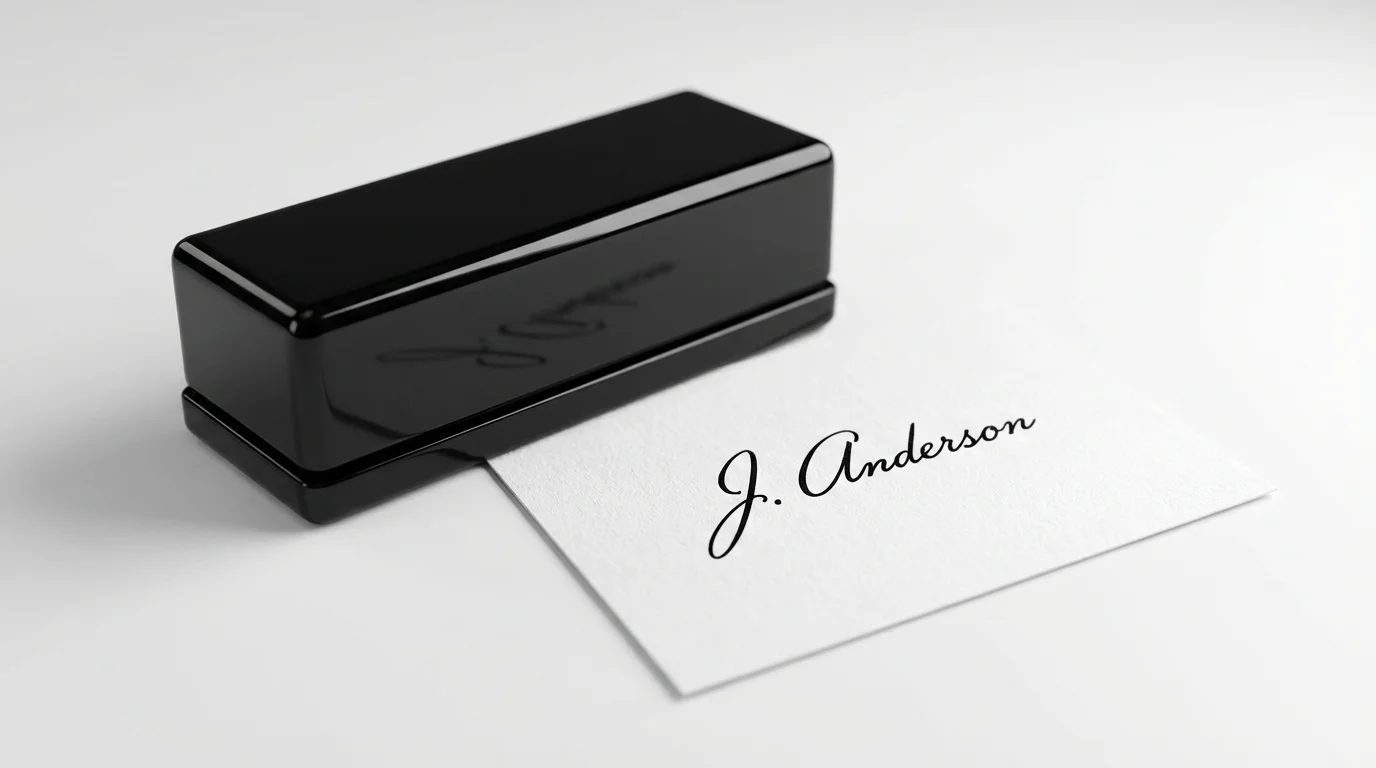
A mockup of a modern black self-inking signature stamp shown next to its crisp, black ink impression of the signature 'J. Anderson' on a white document.
Personalize your digital stamp using simple text descriptions. After uploading your signature, you can instruct the AI to add specific elements or styles. For instance, you could ask for a 'red ink stamp with an oval border' or 'a black signature stamp with today's date underneath.' This feature gives you creative control to ensure the final design meets the specific requirements for your contracts, invoices, or personal letters, providing a unique and functional digital asset for any purpose.

Customize Your Digital Stamp with Text Prompts

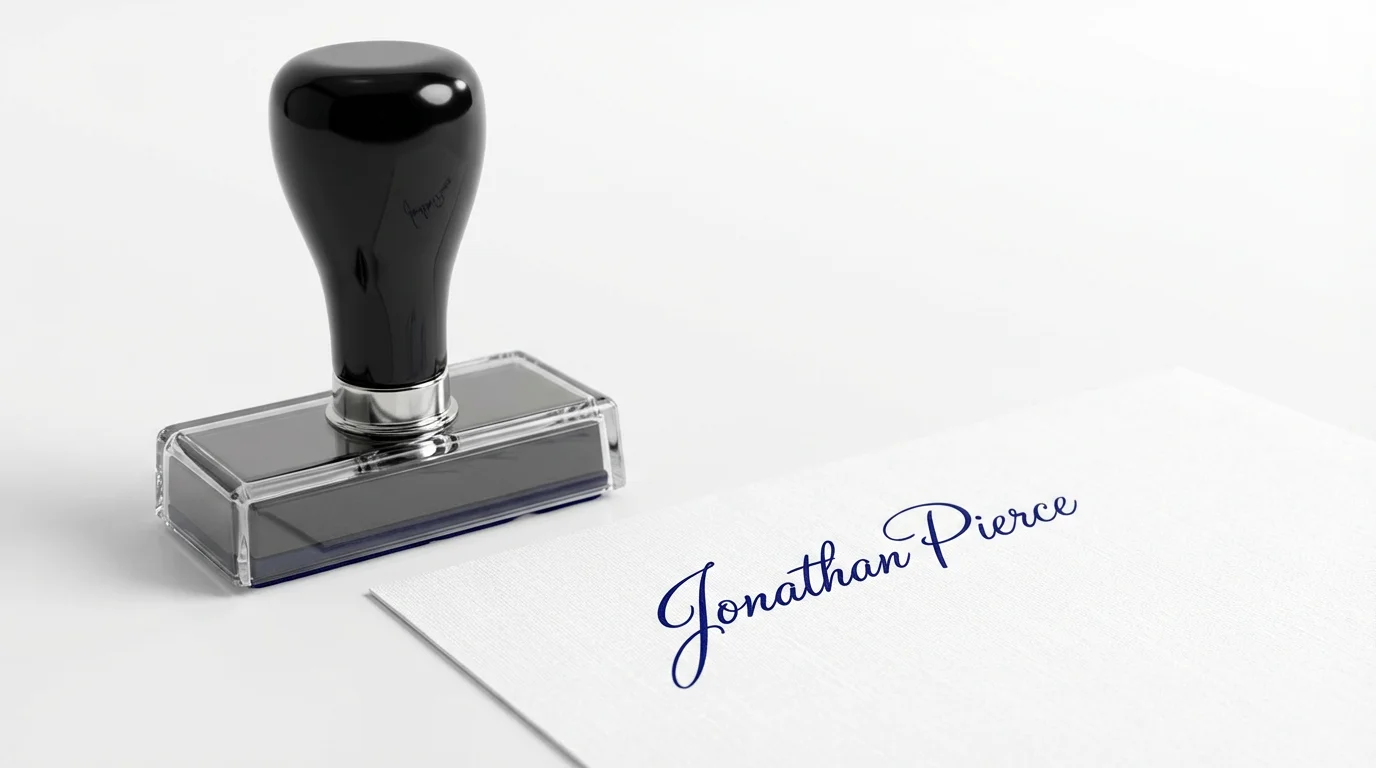
A professional black self-inking signature stamp resting on a white surface next to a document that has been stamped with the name 'Jonathan Pierce' in elegant blue ink.
Generate high-quality signature stamps suitable for a wide range of digital paperwork. Whether you're signing PDFs, Word documents, or email attachments, the generated stamp will appear sharp and clear. You can request a transparent background to seamlessly overlay your stamp onto any document without obscuring important information. This makes it simple to authorize forms, approve reports, or add a personal touch to your digital correspondence, all while maintaining a professional appearance.

Professional Stamps for Any Document

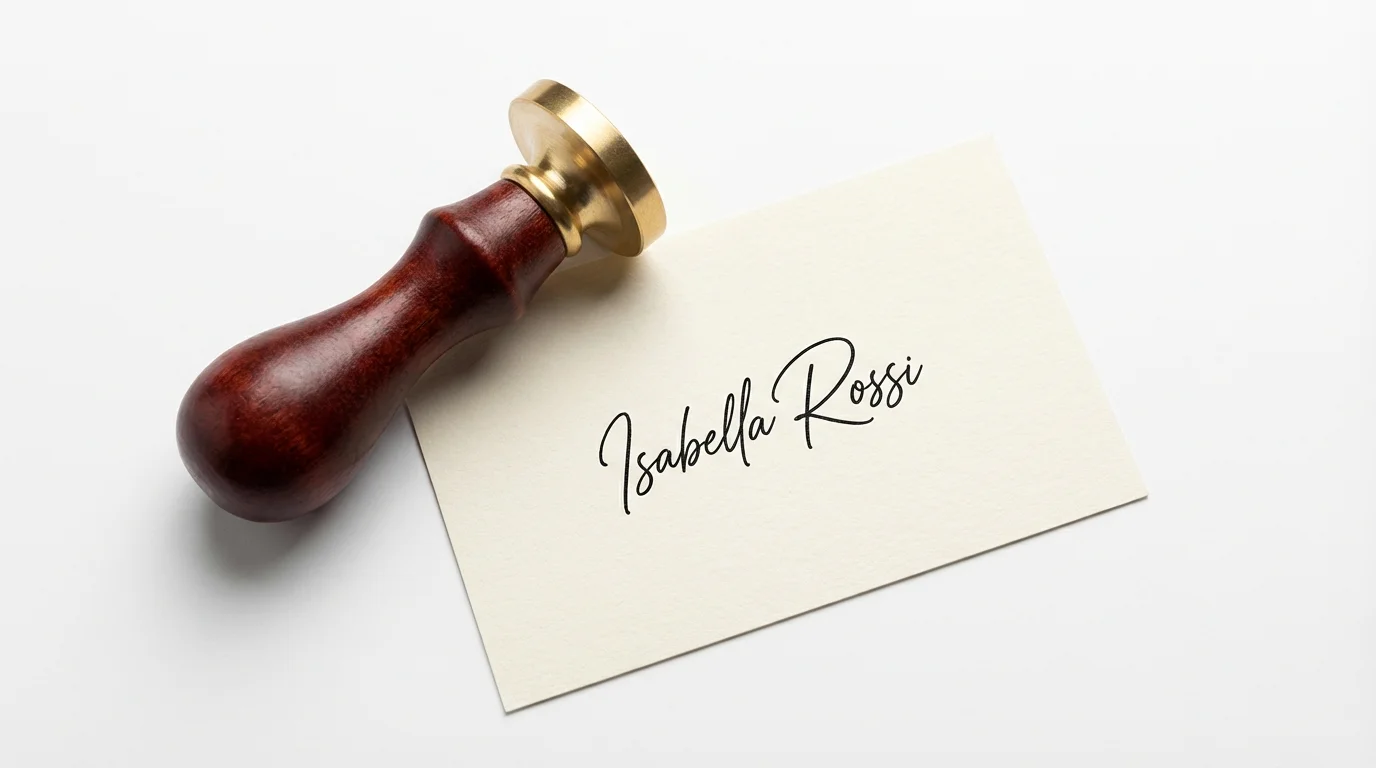
A professional mockup of a signature stamp with a dark wood handle, shown next to a piece of paper with a clear, elegant signature stamped in black ink on a white background.
It’s Quick: Go from a photo of your signature to a downloadable digital stamp in seconds. It’s AI-Powered: Use AI to interpret your style requests and apply them to your signature image. It’s Customizable: Use text prompts to define the color, shape, and text elements like dates or titles. Easy to Use: Upload your signature image, describe your ideal stamp, and let the AI do the rest. Versatile Use: Apply your digital stamp to invoices, contracts, forms, and email communications.

Why use Pixelcut's AI Signature Stamp Generator?

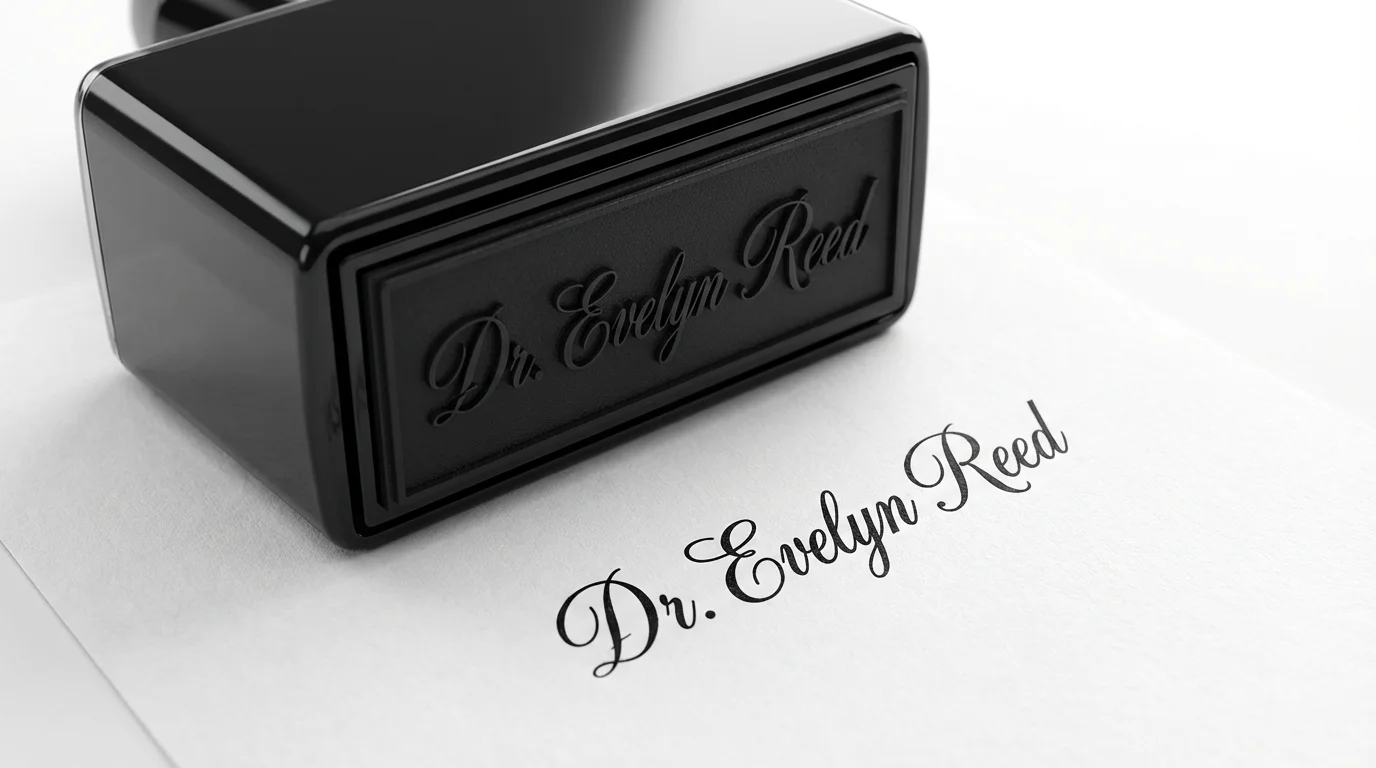
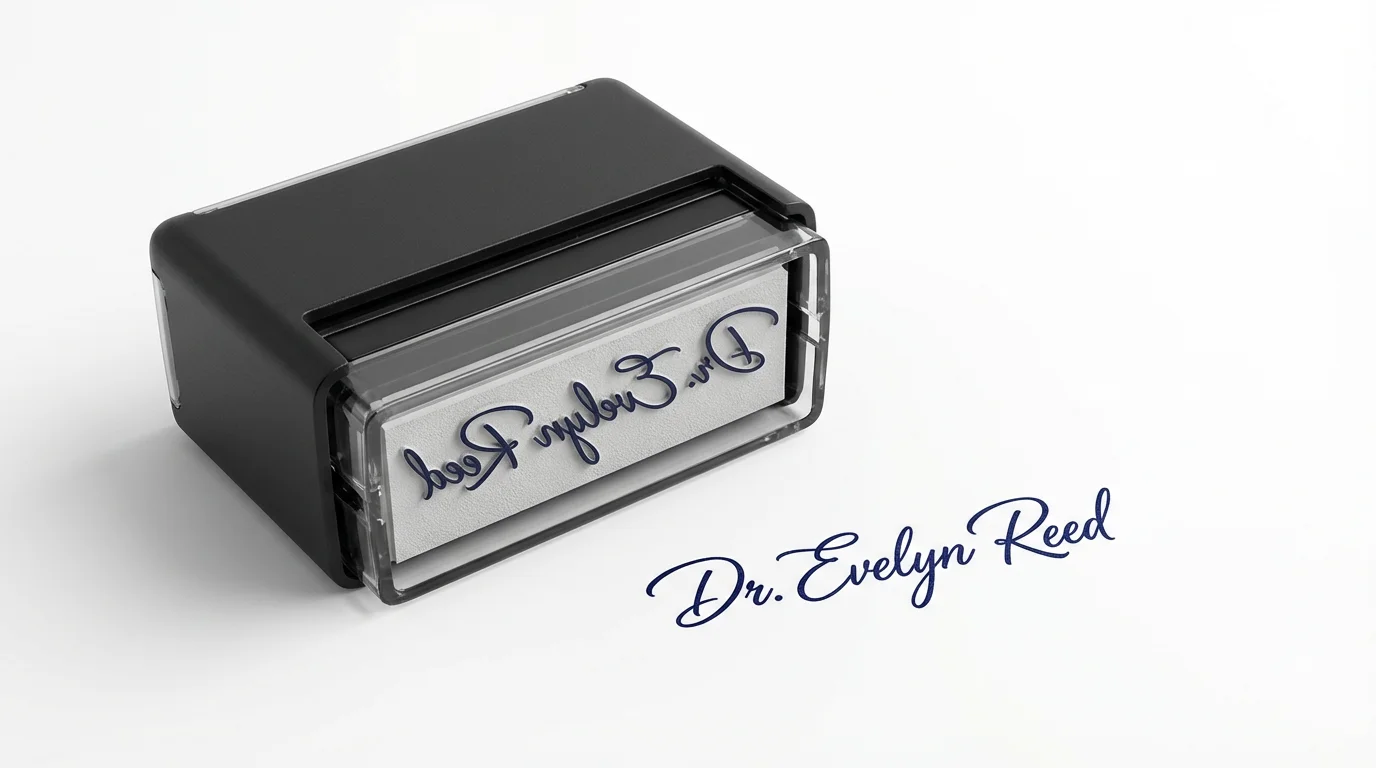
A photorealistic image of a sleek black self-inking signature stamp pressing a clear, elegant signature for 'Dr. Evelyn Reed' onto a white document, set against a clean white background.
Business Documents: Quickly apply a consistent, professional signature stamp to invoices, purchase orders, and internal memos. Contract Signing: Streamline the approval process by adding a digital stamp of your signature to contracts and agreements. Freelancer Branding: Create a unique signature stamp to add to your client work, proposals, and digital art, reinforcing your personal brand. Personal Correspondence: Add a classic touch to digital letters, thank-you notes, or invitations with a custom-made signature stamp.

Signature Stamp Generator Use Cases

A photorealistic mockup of a modern black self-inking stamp with the signature 'Dr. Evelyn Reed', placed on a white background next to a crisp blue ink impression of the signature.

Frequently Asked Questions

Pixelcut is loved by over 2 million people

  • My favorite app

    Great app, easy to use. Helps our small business save time and money to create different marketing materials professionally. Thank you.
    Shaelyn D.
  • Best background remover

    I need a good background remover for my work and I've been through them all it feels like. This one is the best by far. It's so easy to use and the results always look amazing. Thank you Pixelcut!
    Kira H.
  • Love it

    It's amazingly easy and gives the perfect results for my bags and accessories. It looks like it was done by a professional photographer.
    Mary J.