Pixelcut
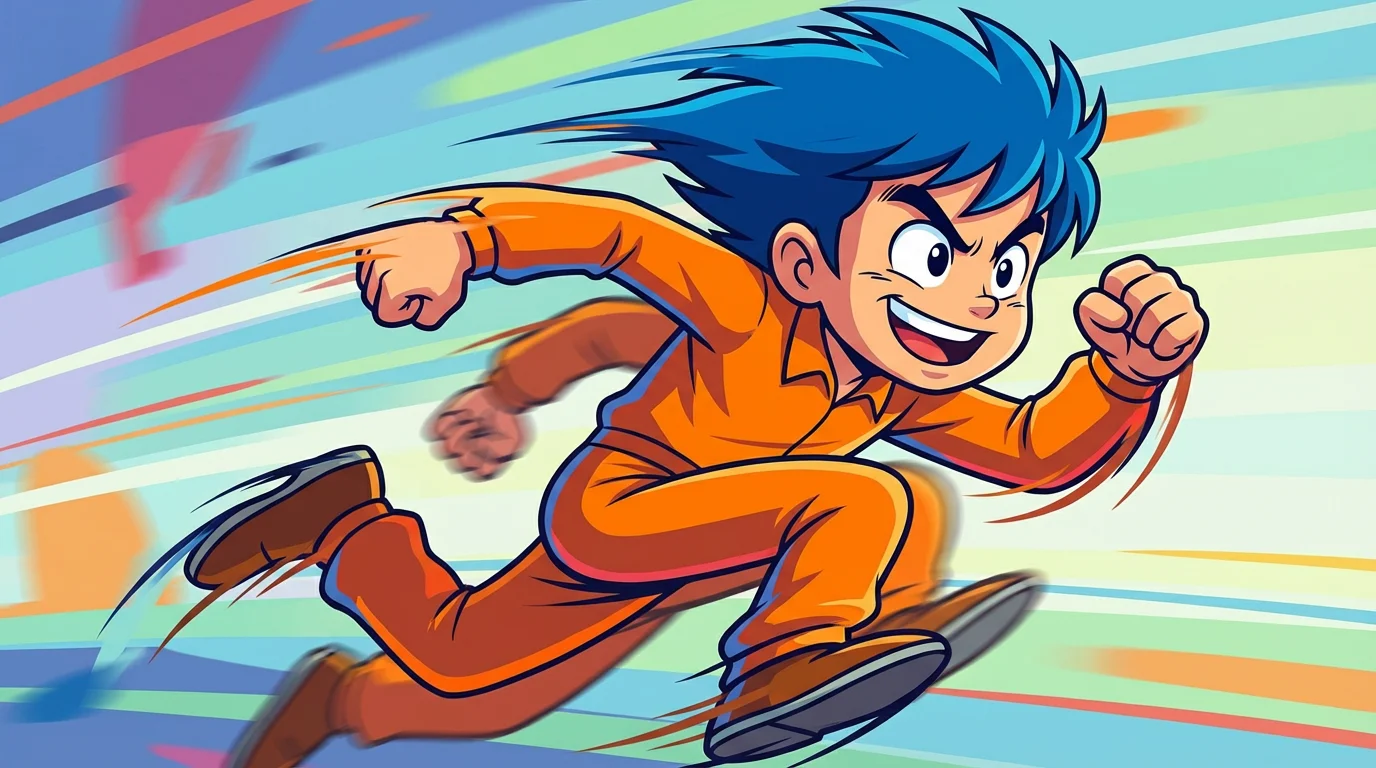
A high-quality still frame from a 2D animation demonstrating the smear frame technique. A cartoon character is running at high speed, with its legs and arms blurred and stretched into colorful streaks of motion against a simple background.

AI Smear Frame Animation Generator

Trusted by 70 million people
171,800 Reviews
Developer API
Available on iPhone & Android

How to create smear frame animations

  1. 1

    Upload your image

    Start by uploading the static image you want to bring to life. This can be a character illustration, a sports photo, or any picture you want to add motion to.

  2. 2

    Describe the animation

    In the text box, describe how you want the image to be animated. For example, type 'Animate the soccer ball with a fast motion blur as it flies toward the goal'.

  3. 3

    Generate your animation

    Click the generate button and let the AI work its magic. It will process your image and prompt to create a dynamic animation with smear frames.

  4. 4

    Download your animation

    Your animated image is ready to download. Save the high-resolution video and share it with the world.

Transform your static pictures into scenes of incredible action and energy. With our AI smear frame tool, you can add classic animation effects that convey rapid movement. This technique stretches and blurs objects, turning a simple photo into a dynamic animation that captures the viewer's eye. Whether you're animating a character illustration, a sports photo, or any image you want to inject with life, our tool makes it easy to create the illusion of high-speed motion, making your visuals more engaging and exciting to look at.

Bring Your Images to Life with Dynamic Motion

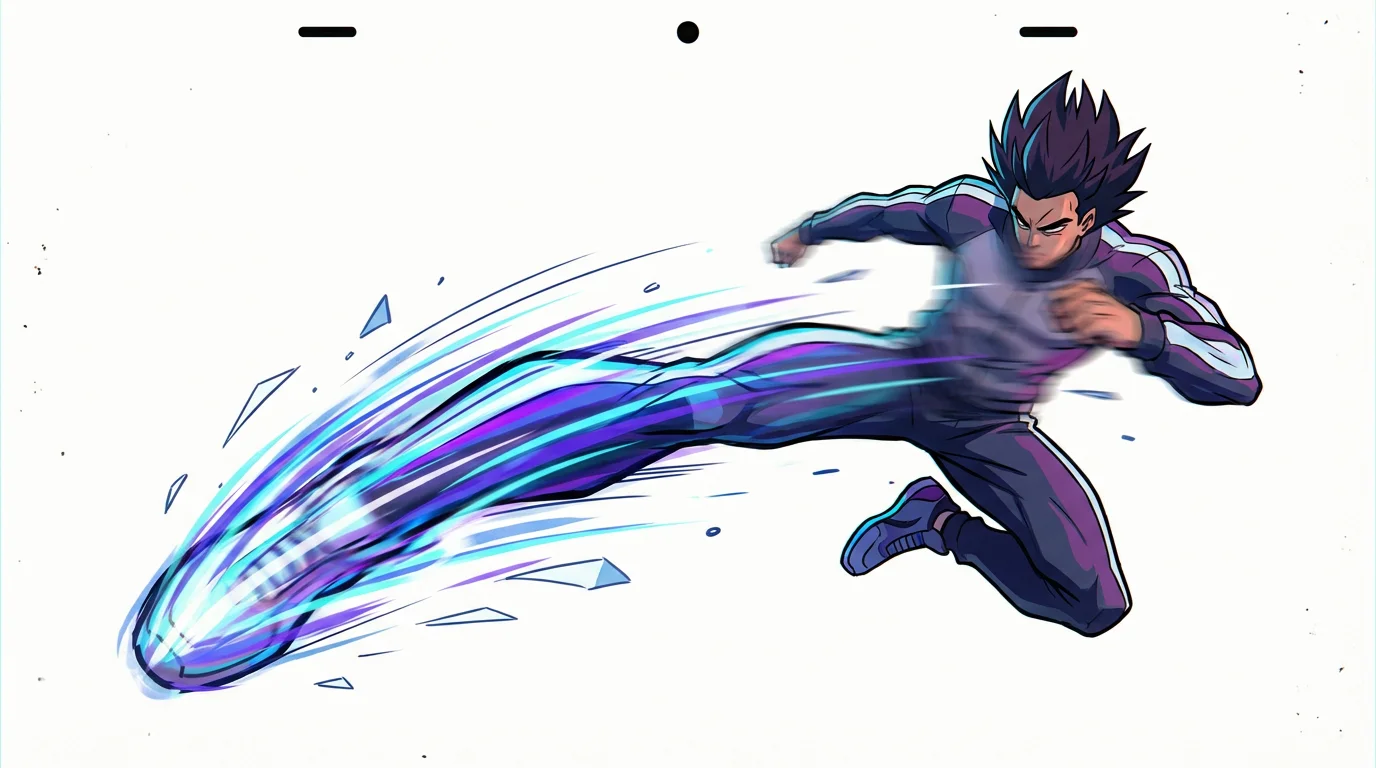
An animation cel illustrating the smear frame technique, showing a character's leg distorted into a colorful blur of motion as they perform a fast kick against a plain white background.
You have full creative control over the animation. By typing a simple description, you guide the AI on how to apply the smear effect. Specify the direction of movement, which parts of the image should be blurred, and the intensity of the motion. For example, instruct the AI to create long, exaggerated smear frames on a running character's legs or add a quick motion trail to a thrown object. This text-based approach means you don't need any complex software or animation skills to produce compelling motion effects.

You Direct the Action with Simple Text

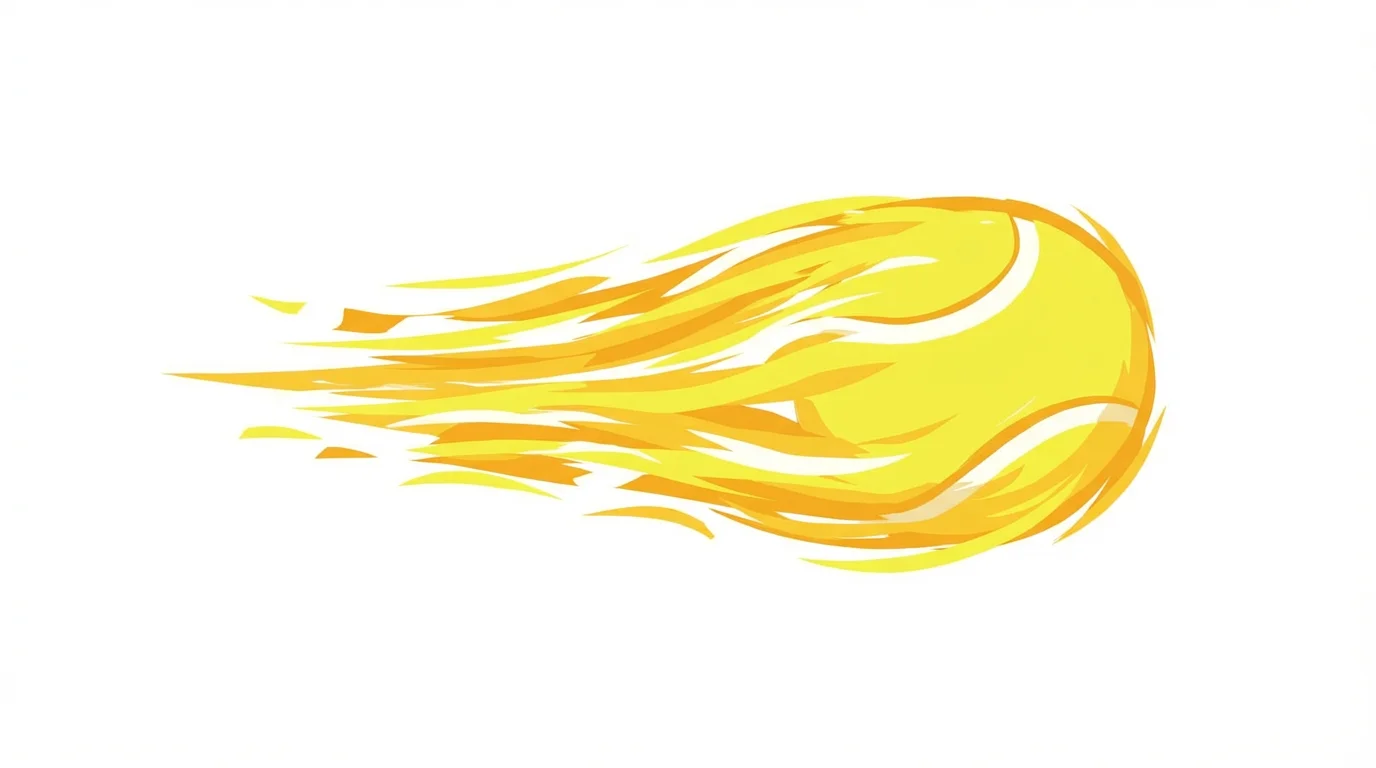
An animation still demonstrating a smear frame, showing a yellow tennis ball moving so fast its shape is stretched into a horizontal blur against a white background.
Traditionally, creating smear frames is a manual and time-intensive process reserved for skilled animators. Our AI-powered tool changes that completely. Instantly generate smooth and stylish motion blur effects that would otherwise require hours of frame-by-frame drawing or complicated video editing. This efficiency allows artists, designers, and content creators to experiment with animation and produce high-quality, action-packed visuals in a fraction of the time, freeing you up to focus on your creative vision.

Create Complex Animations in Seconds, Not Hours

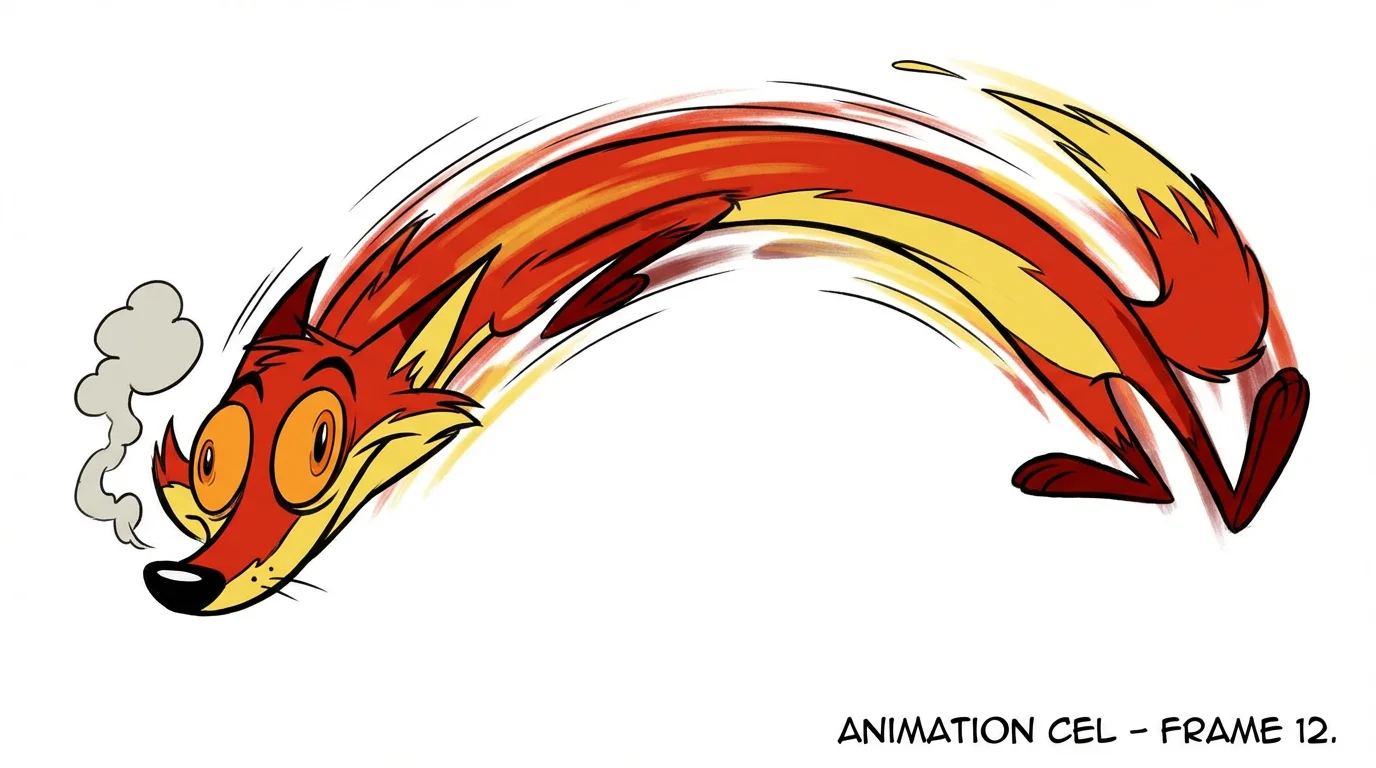
An animation still illustrating the smear frame technique, showing a stylized cartoon character stretched out in a colorful blur as it leaps across a white background.
It’s Fast: Go from a static image to a dynamic animation in just a few seconds. It’s Customizable: Use text prompts to define the exact motion, direction, and intensity of the smear effect. AI-Powered: Leverage artificial intelligence to generate professional-looking animation effects without any manual editing. Easy to Use: If you can describe an action, you can create an animation. No prior experience is needed. Use Anywhere: Download your high-resolution animation to share on social media, use in presentations, or add to any digital project.

Why use Pixelcut's AI Smear Frame Animation?

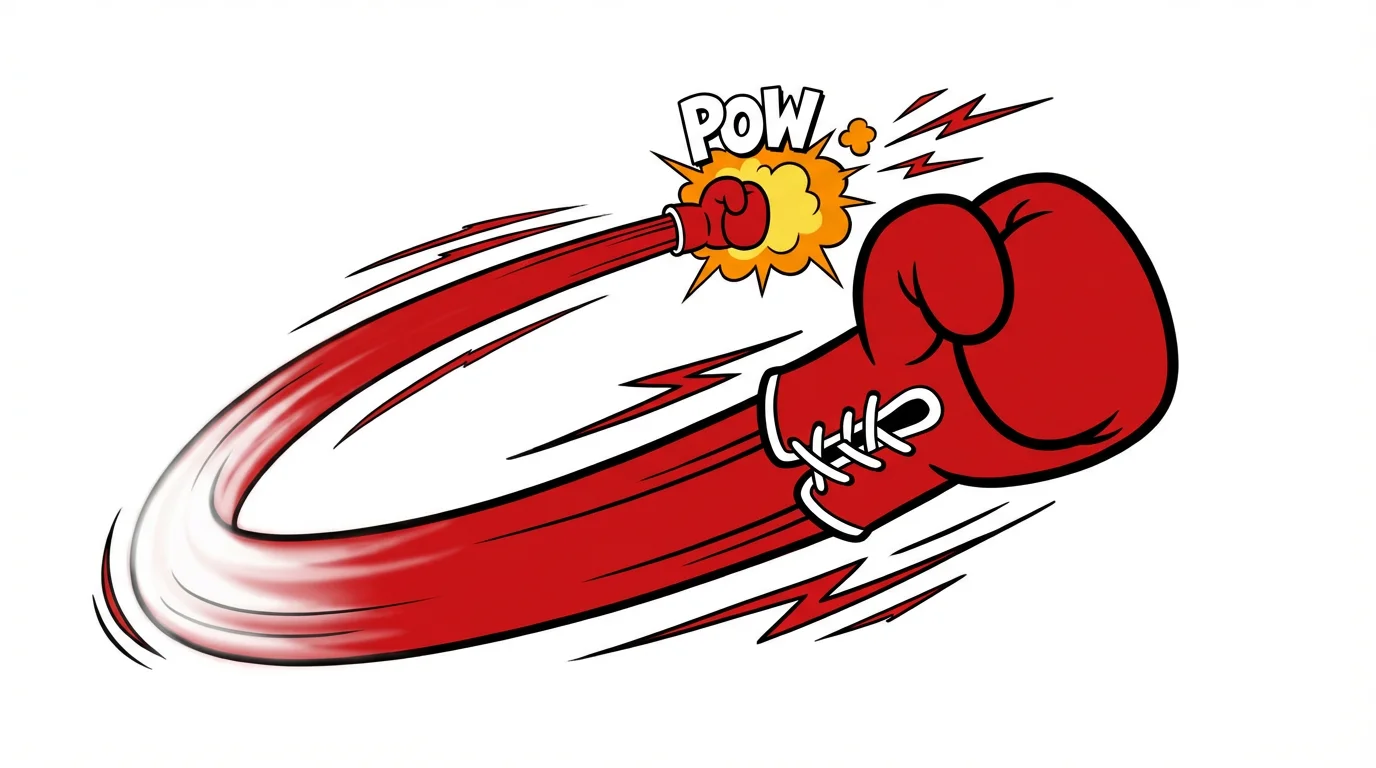
An illustration of a smear frame animation, showing a red boxing glove stretched across the frame mid-punch to create a motion blur effect.
Comic Book Effects: Add dramatic action lines and motion blur to your comic panels to make characters and objects feel like they're jumping off the page. Video Game Assets: Quickly animate sprites and in-game assets to show fast attacks, jumps, or special moves, adding a professional touch to your game's visuals. Action-Packed Social Media Posts: Make your social media content stand out by animating static photos. Perfect for sports photography, dance pictures, or any image where you want to emphasize movement. Character Animation: Bring your character designs to life by adding expressive motion smears, perfect for showcasing their speed and agility.

Smear Frame Animation Use Cases

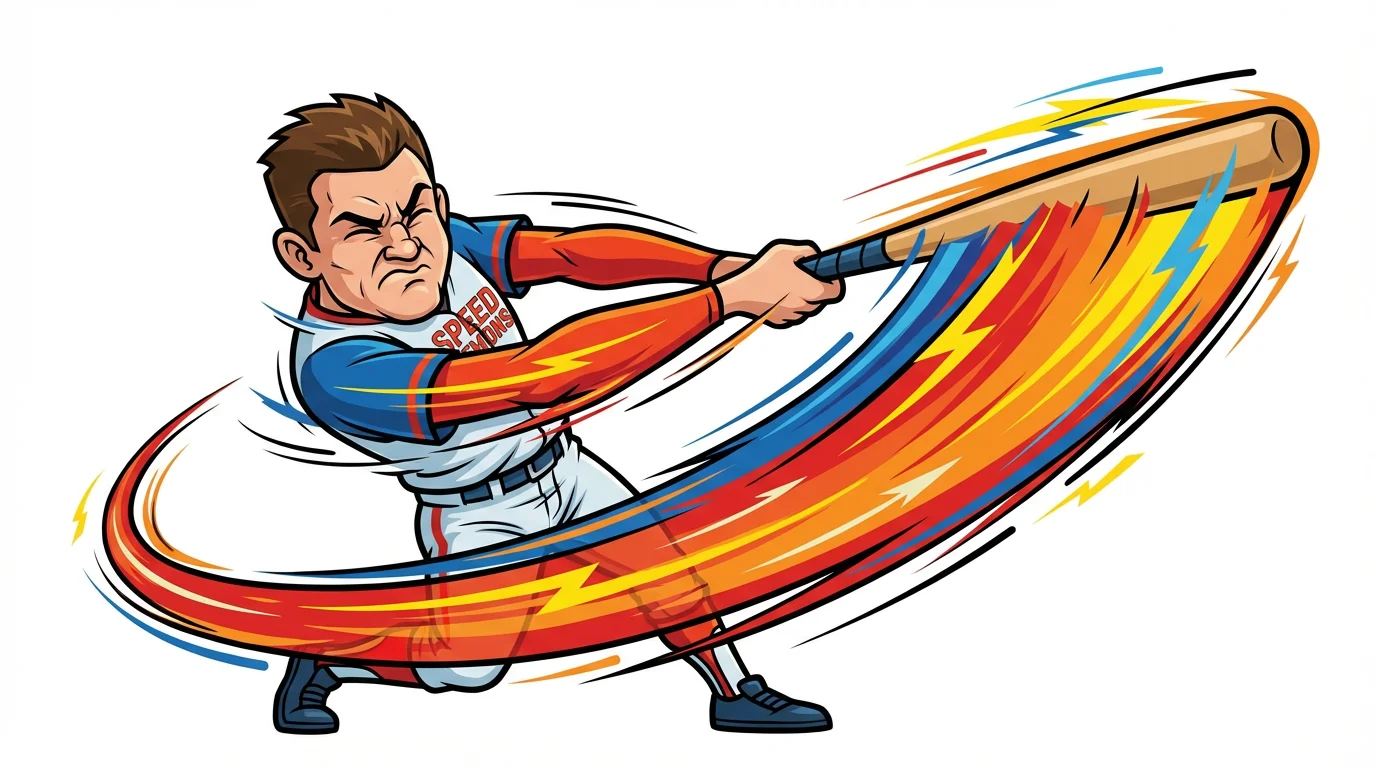
An illustration demonstrating smear frame animation, showing a cartoon baseball player mid-swing. The bat and arms are stretched into a colorful arc to visually represent extreme speed, isolated on a white background.

Frequently Asked Questions

Pixelcut is loved by over 2 million people

  • My favorite app

    Great app, easy to use. Helps our small business save time and money to create different marketing materials professionally. Thank you.
    Shaelyn D.
  • Best background remover

    I need a good background remover for my work and I've been through them all it feels like. This one is the best by far. It's so easy to use and the results always look amazing. Thank you Pixelcut!
    Kira H.
  • Love it

    It's amazingly easy and gives the perfect results for my bags and accessories. It looks like it was done by a professional photographer.
    Mary J.