My favorite app
Great app, easy to use. Helps our small business save time and money to create different marketing materials professionally. Thank you.
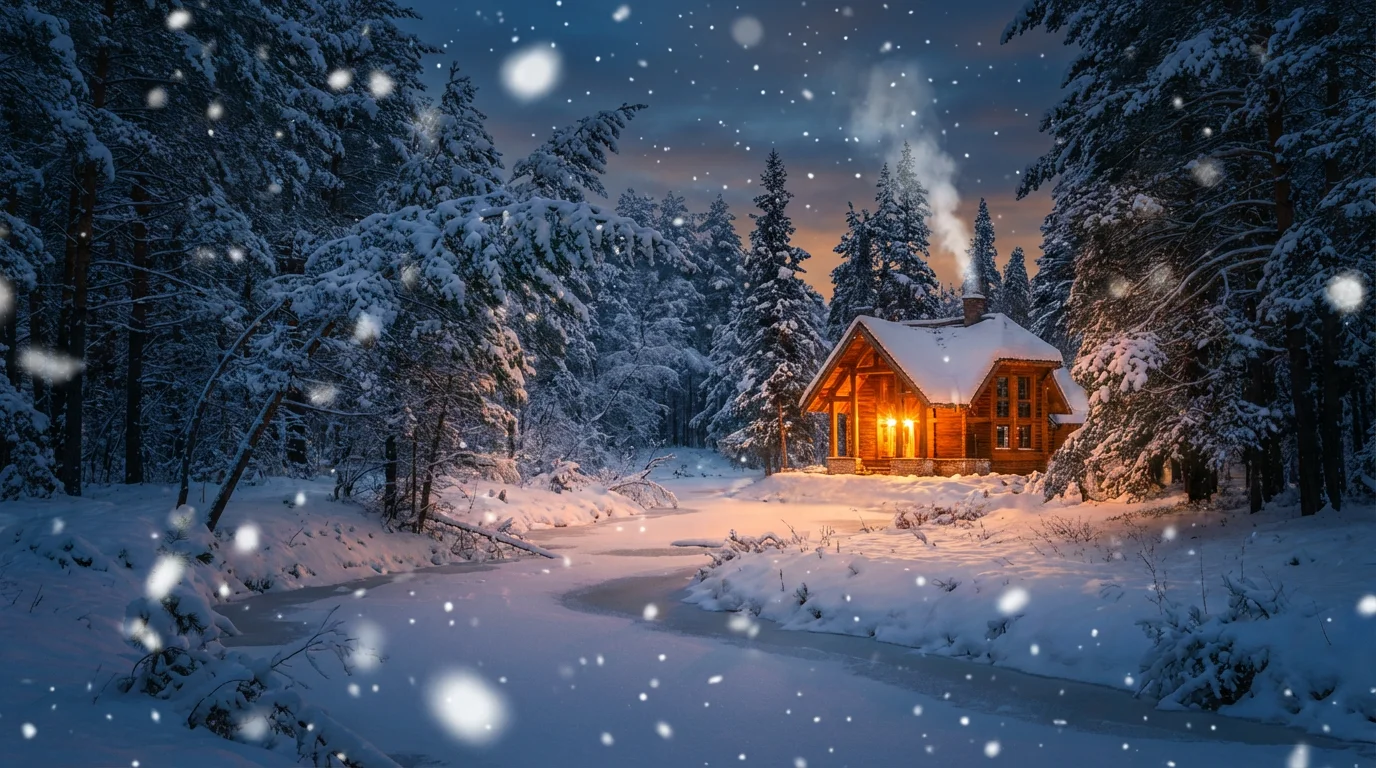
Choose the photo you want to add a winter effect to. It can be a portrait, landscape, or any other picture.
Describe the snow effect you want. Be specific with terms like 'light snow flurries' or 'heavy blizzard'.
Click the generate button and let our AI apply a realistic snow particle overlay to your image in just a few seconds.
Your winter wonderland photo is ready. Download the high-resolution image for free and share it with the world.
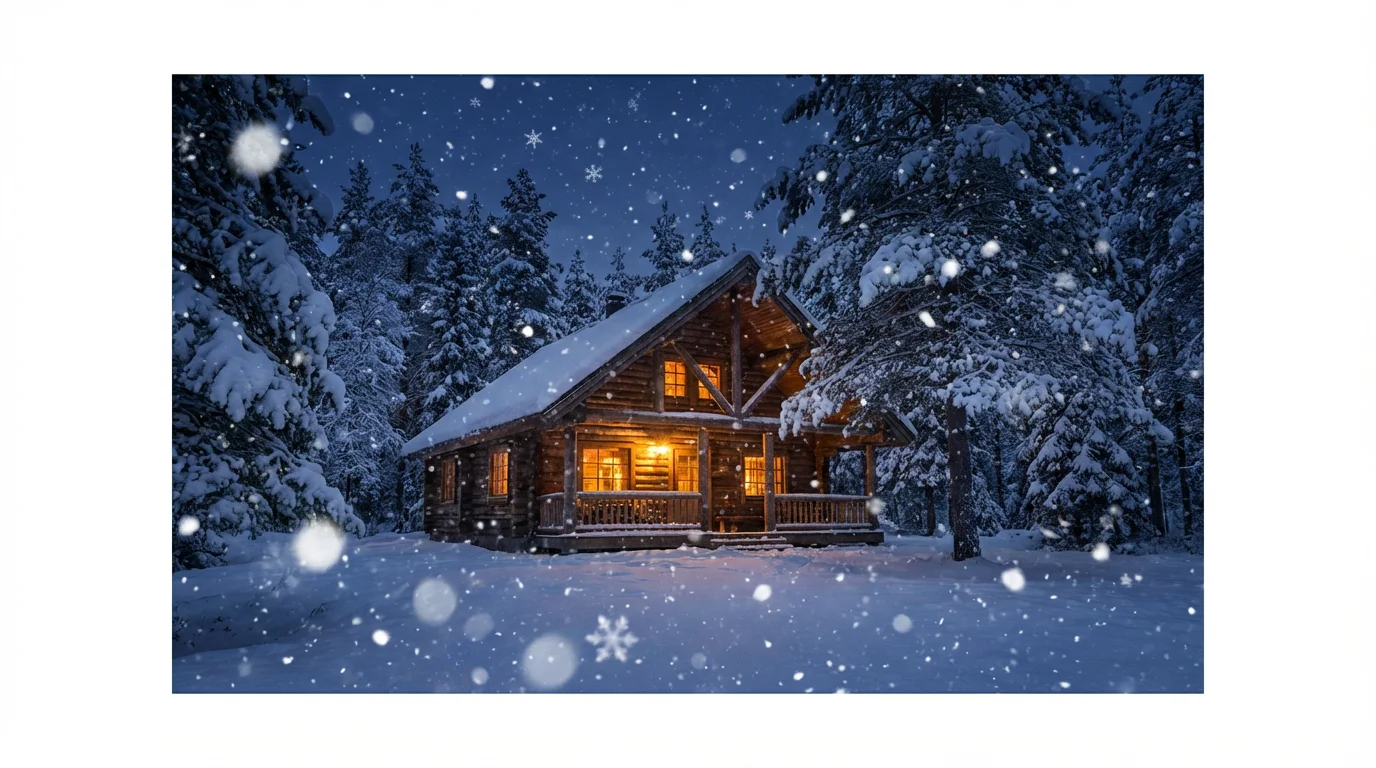
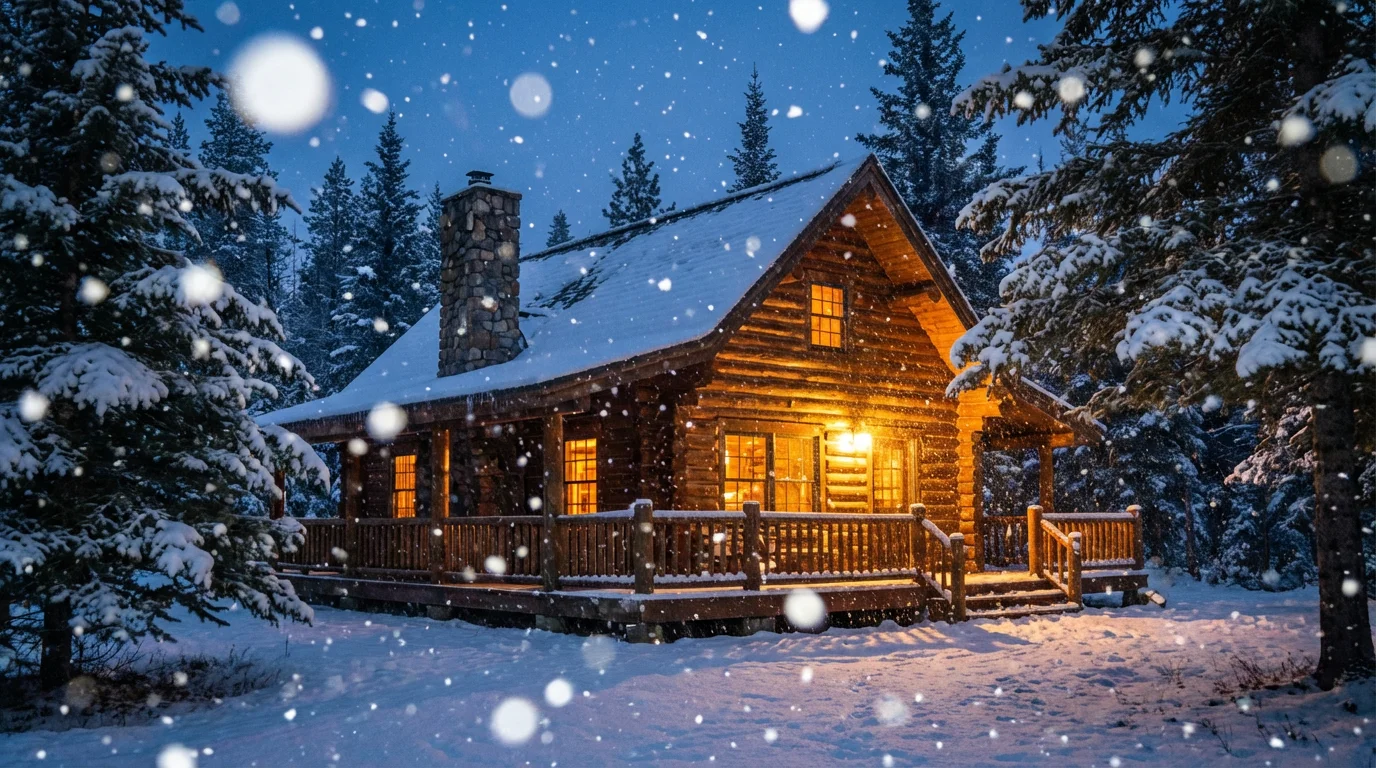
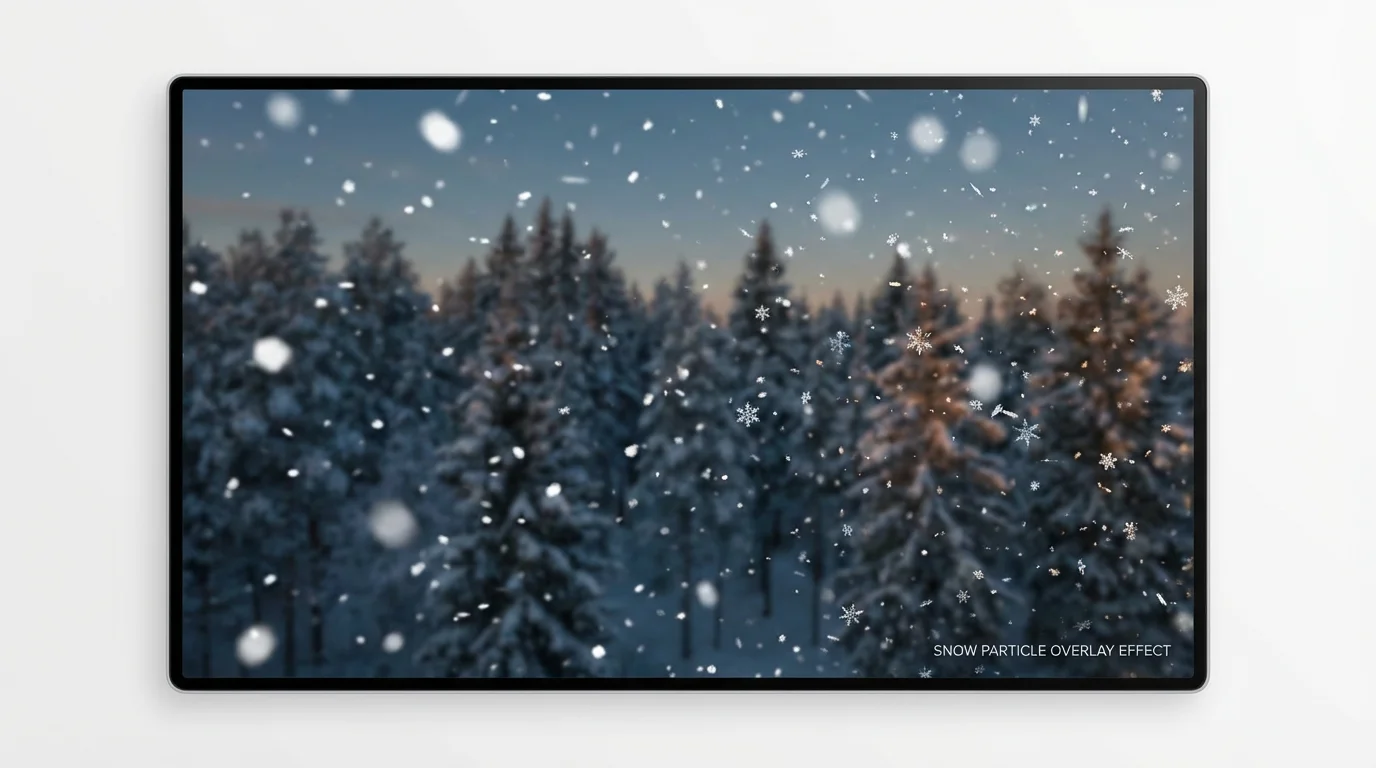
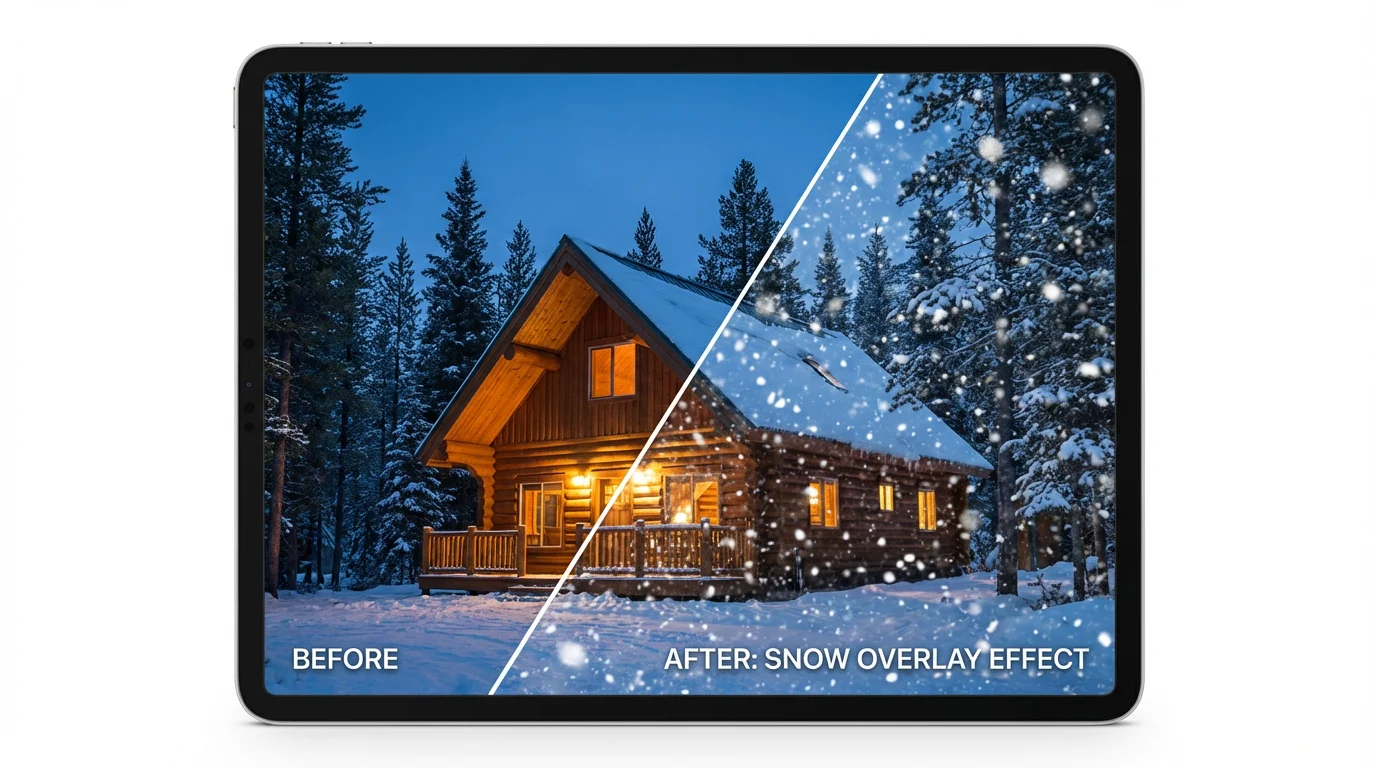
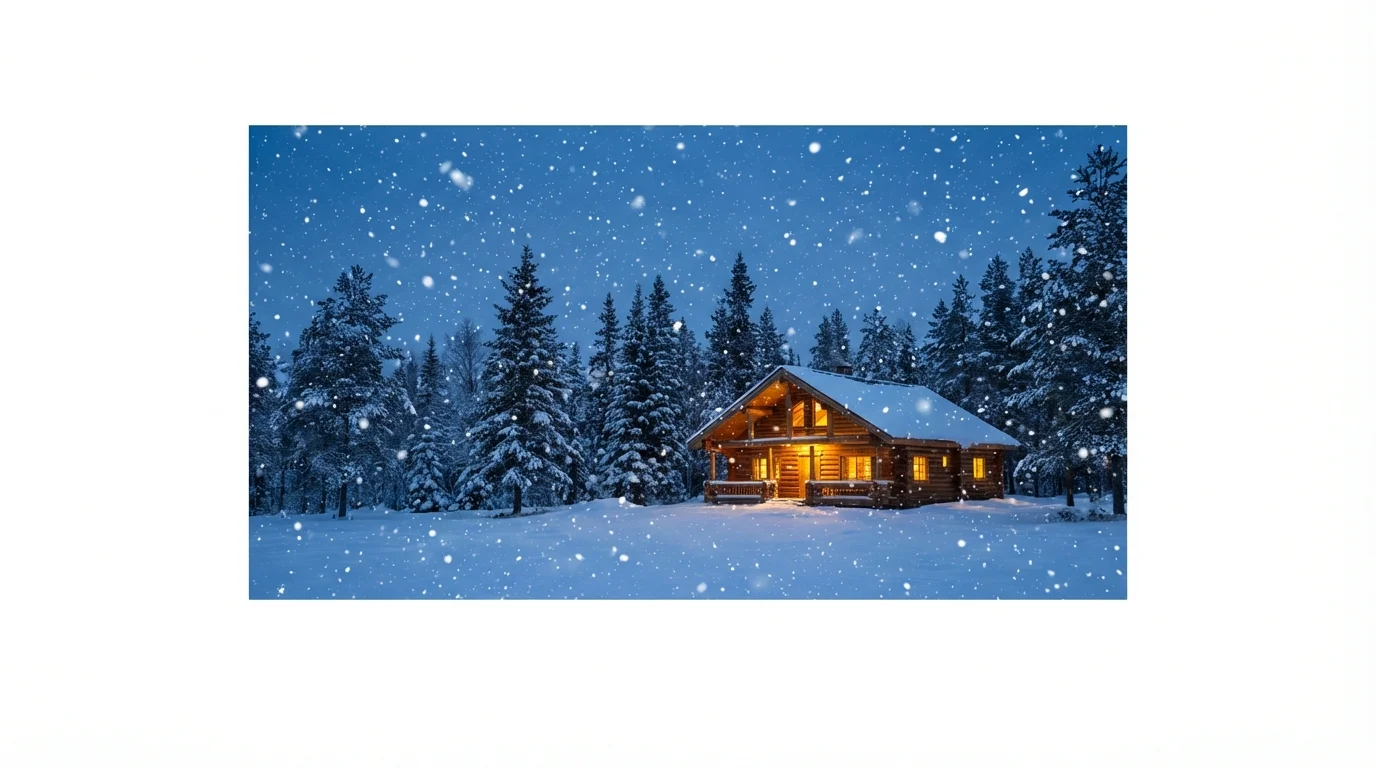
To add a snow effect, upload the photo you want to edit. Then, in the text prompt, describe the type of snow you want, such as 'add gentle falling snow' or 'heavy snowstorm effect'. The AI will then generate the overlay onto your image.
Yes, you can control the intensity by being specific in your text prompt. Use descriptive words like 'light,' 'heavy,' 'flurry,' 'blizzard,' or 'swirling snow' to guide the AI in creating the desired effect.
Yes, the snow particle overlay tool is free to try. You can create and download your winter-themed images at no cost. For users with higher volume needs, credits are available for purchase after the initial free credits are used.
The snow overlay works well on a variety of photos, especially outdoor scenes like landscapes, portraits, and street photography. However, you can apply it to any image to create a unique and artistic winter look.
Our AI is designed to create a realistic snow effect by analyzing your photo and blending the snow particles naturally. It considers elements like depth and perspective to make the overlay look as authentic as possible.
You can download your high-resolution images for free in PNG and JPEG formats. These formats are watermark-free and suitable for both digital use and printing.
Great app, easy to use. Helps our small business save time and money to create different marketing materials professionally. Thank you.
I need a good background remover for my work and I've been through them all it feels like. This one is the best by far. It's so easy to use and the results always look amazing. Thank you Pixelcut!
It's amazingly easy and gives the perfect results for my bags and accessories. It looks like it was done by a professional photographer.