Pixelcut
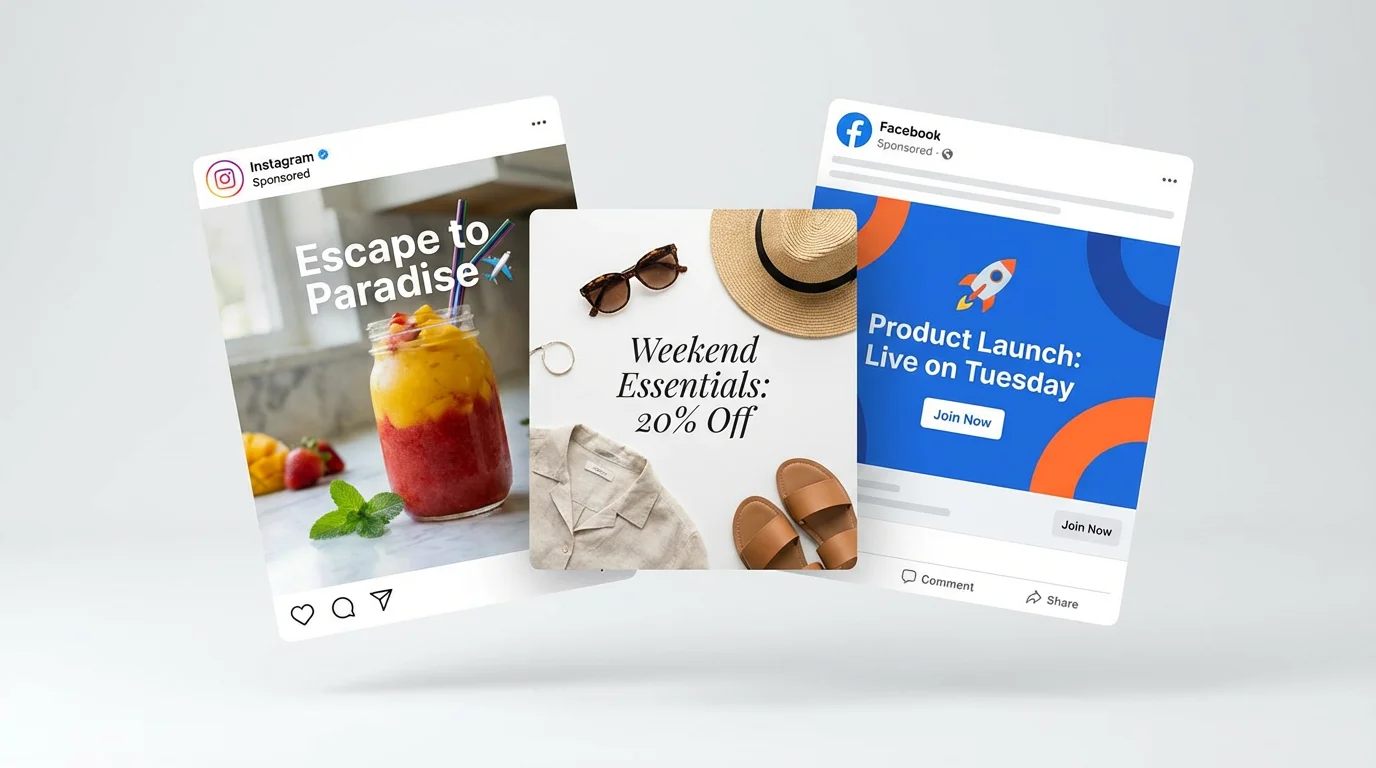
A collection of professionally designed social media posts for travel, fashion, and events, floating against a clean white background to showcase the final output of a design tool.

AI Social Media Image Generator

Trusted by 70 million people
171,800 Reviews
Developer API
Available on iPhone & Android

How to Create AI Social Media Images

  1. 1

    Upload Your Photo

    Start by uploading an image you want to feature, such as a product photo or a headshot.

  2. 2

    Describe Your Post

    In the prompt box, describe the social media graphic you envision. Include details about the background, style, and any text you want to add.

  3. 3

    Generate Your Image

    Click the generate button. Our AI will create a custom social media image based on your photo and prompt.

  4. 4

    Download and Share

    Your high-resolution social media graphic is ready to download. Share it directly to Instagram, Facebook, and more.

Go from a simple idea to a fully realized social media graphic instantly. No more searching for templates or stock photos. Just describe your vision, the colors, the mood, the subject, and get a unique image tailored to your campaign. This approach saves valuable time, allowing you to focus on your social media strategy instead of getting stuck on design. Generate multiple options quickly to test what resonates most with your audience and keep your content calendar full of fresh, eye-catching visuals.

Create Scroll-Stopping Posts in Seconds

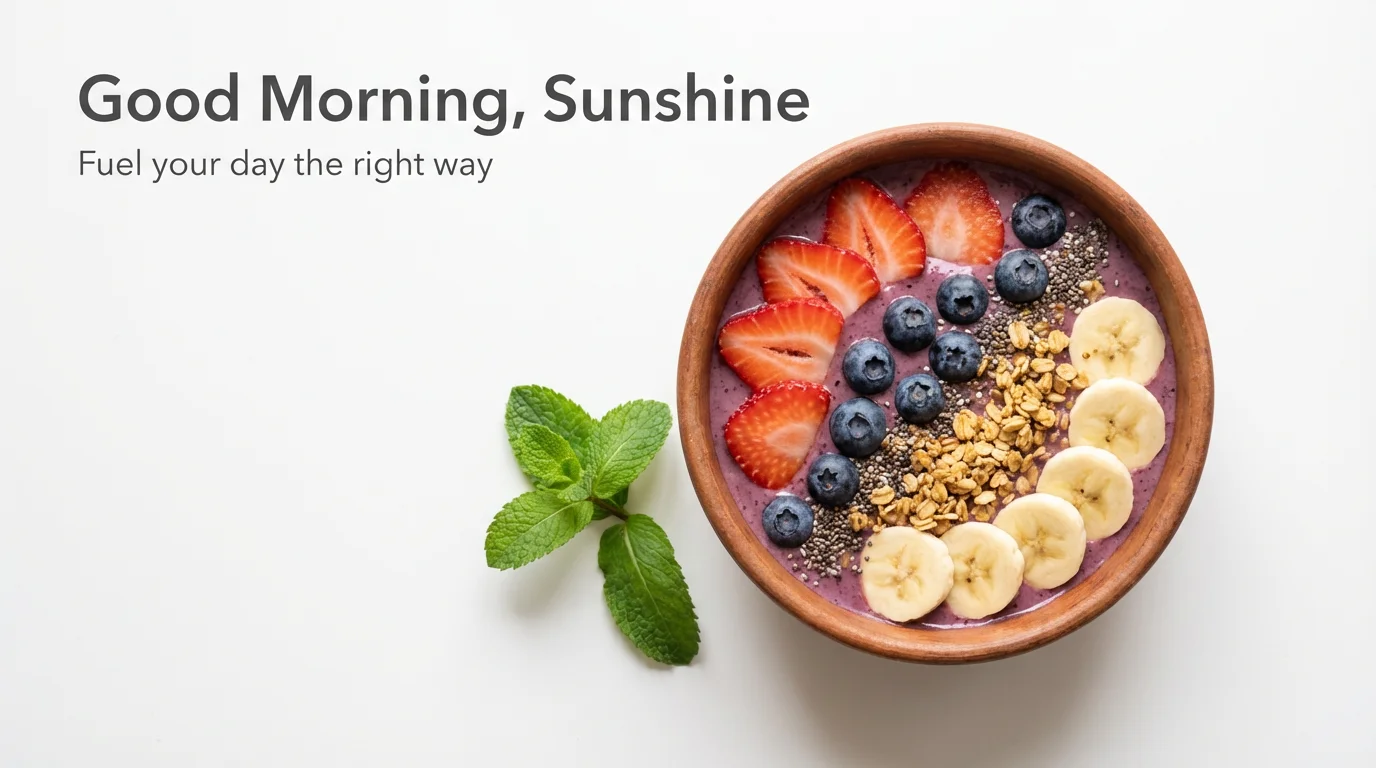
A social media image mockup of a healthy breakfast. A colorful acai bowl topped with fresh fruit and granola is photographed from above on a white background, with text that reads 'Good Morning, Sunshine'.
Keep your social media feed looking cohesive and professional. With our AI social media image generator, you can specify your brand colors, style, and overall aesthetic in your text prompts. Whether your brand is minimalist and modern or bold and colorful, the AI can generate graphics that align perfectly with your identity. This makes it easy to produce a high volume of on-brand content, reinforcing your brand image with every post and building a recognizable presence across all your social media platforms.

Maintain Perfect Brand Consistency

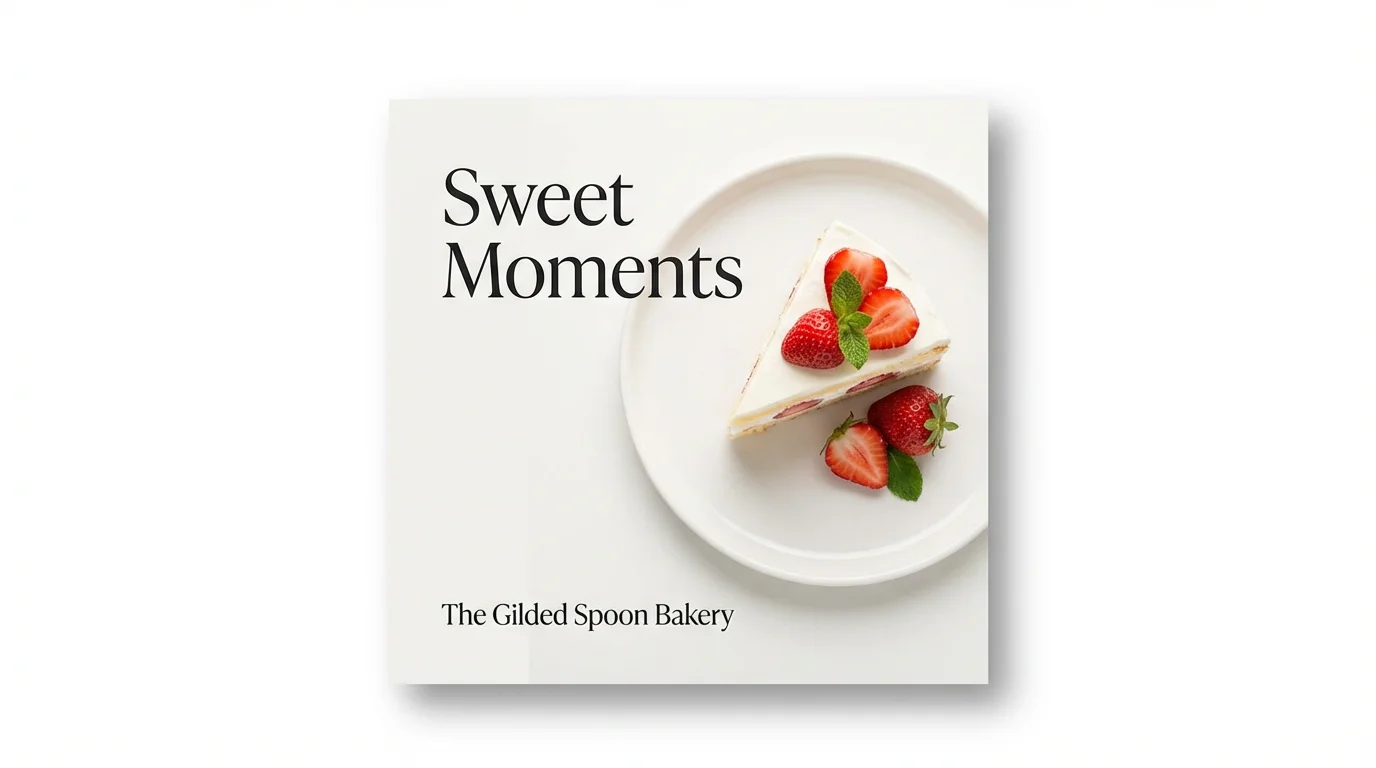
A mockup of a social media post for a bakery. The image shows a slice of strawberry shortcake from above, with text that reads 'Sweet Moments' and 'The Gilded Spoon Bakery'.
Forget the extra step of adding text overlays. Our AI tool can render text directly onto your images as part of the generation process. Just include the text you want in your prompt, like a sale announcement or a catchy headline, and the AI will integrate it into the visual with stylish and appropriate fonts. For example, prompt “An Instagram story for a flash sale with a vibrant background and the text ‘50% Off Today Only!’” This streamlined process ensures your message is a core part of the design, not an afterthought.

Generate Text Directly on Your Images

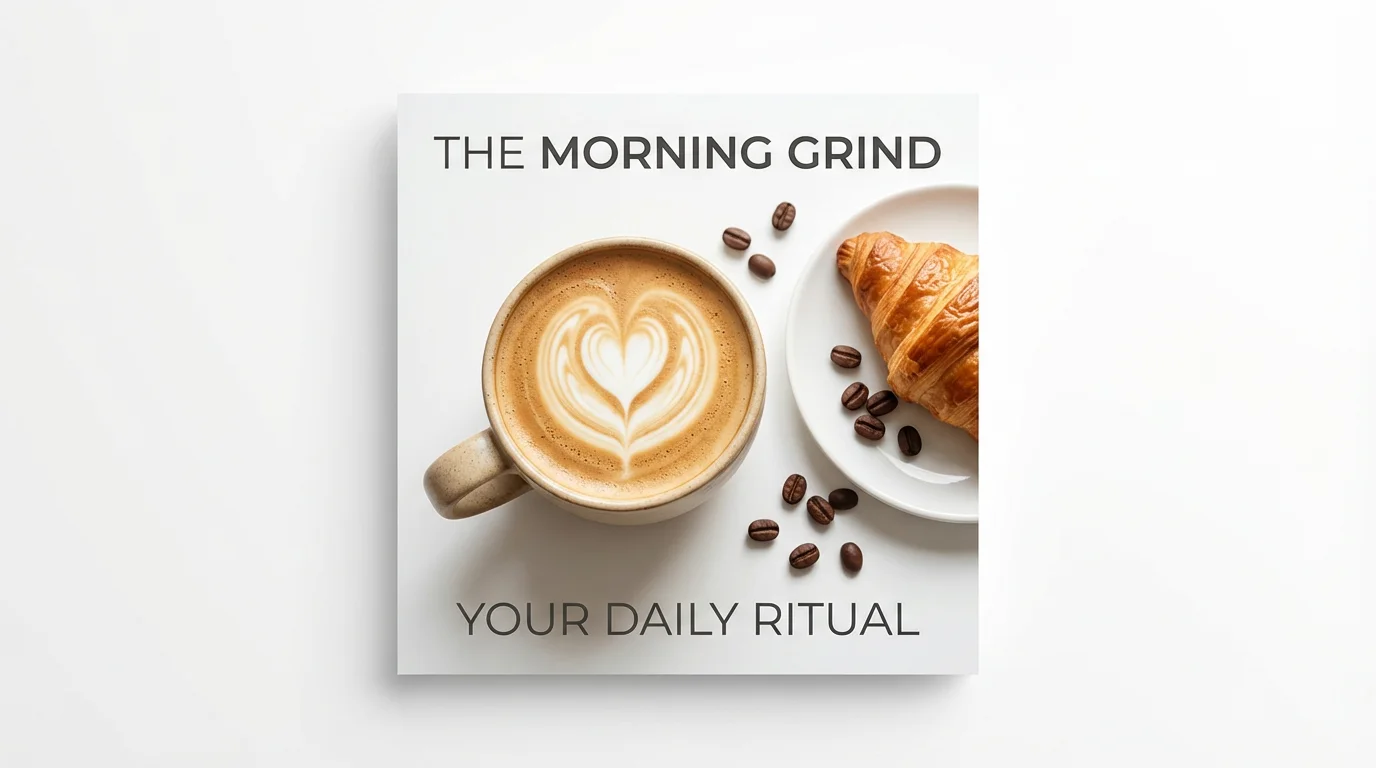
A mockup of a social media post for a coffee shop, shown on a white background. The image is a top-down view of a latte with heart-shaped art, a croissant, and coffee beans, with the text 'The Morning Grind' and 'Your Daily Ritual'.
It’s Fast: Generate complete social media posts in moments, not hours. It’s Simple: If you can describe it, you can create it. No design experience needed. AI-Powered: Leverage advanced AI to create truly unique visuals that stand out from template-based designs. Text-Enabled: Include your call to action or headline directly in your prompt to generate images with text already included. Upload-Friendly: Start with your own product photo and let the AI build a custom scene around it for professional-looking posts.

Why use Pixelcut's AI Social Media Image Generator?

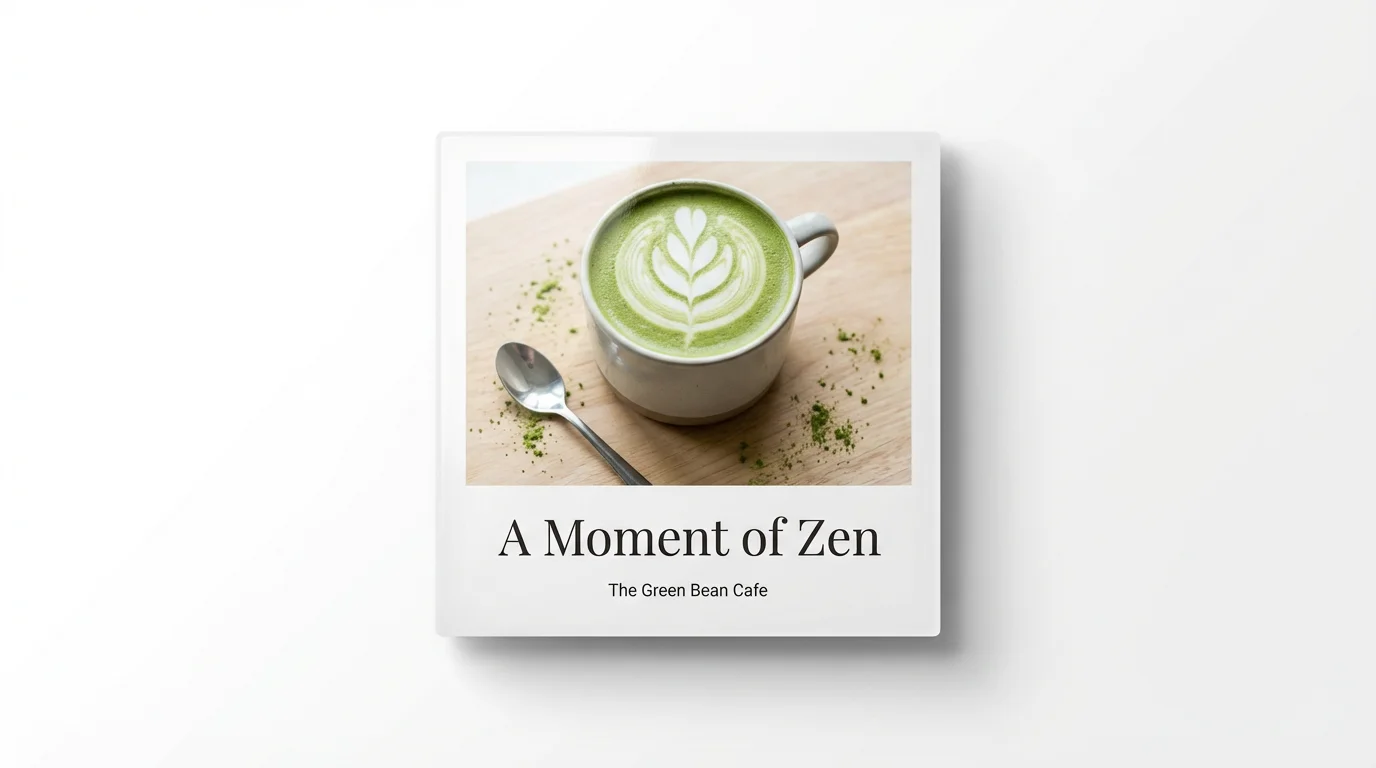
A mockup of a social media post for 'The Green Bean Cafe', showing a beautiful matcha latte with the text 'A Moment of Zen' against a white background.
Promotional Posts: Announce sales, new products, or special offers with eye-catching graphics. Event Announcements: Create posters and banners for online or in-person events. Quote Graphics: Turn powerful quotes into shareable, visually appealing images for your feed. Blog Post Banners: Generate header images for your blog posts to share on platforms like Pinterest and Facebook. Behind-the-Scenes: Upload a photo from your workshop and ask the AI to create a more polished scene to share with your audience.

Social Media Image Generator Use Cases

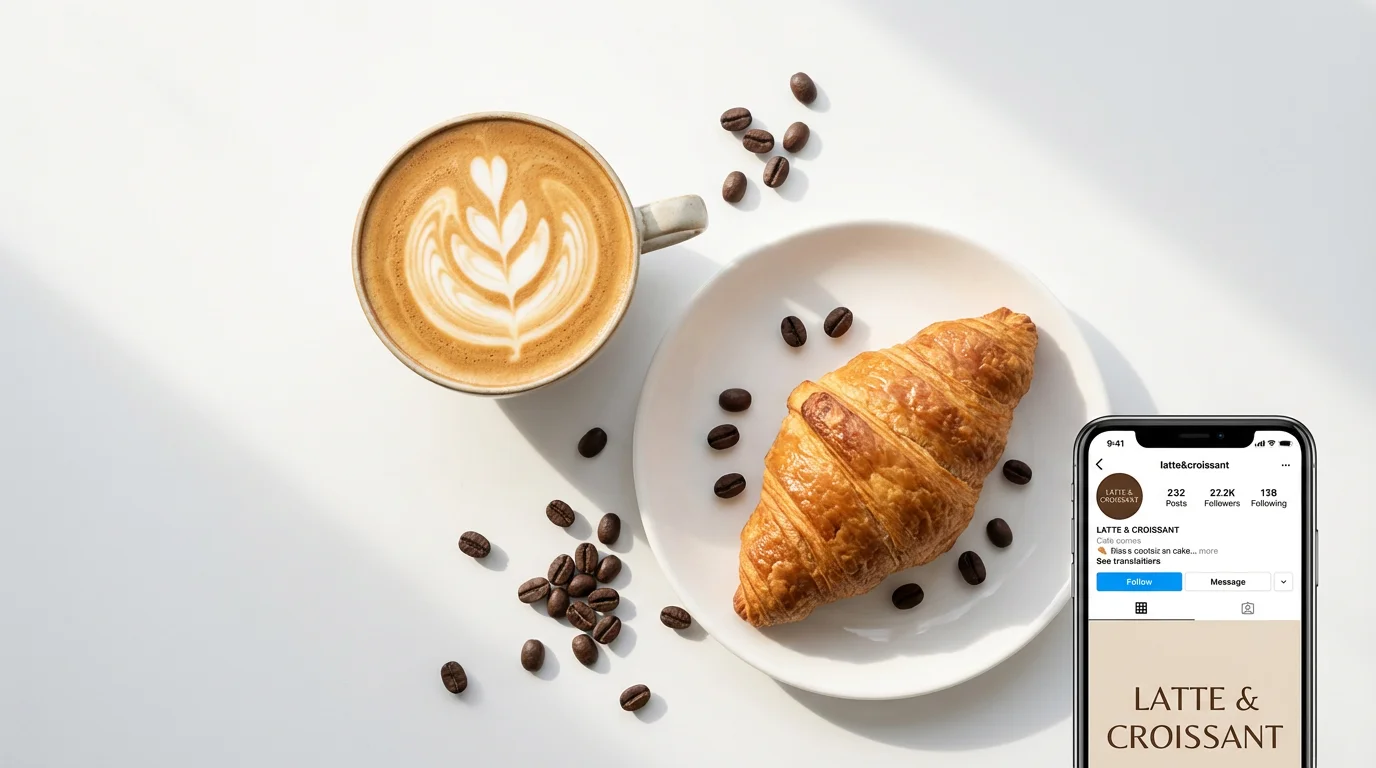
A flat lay photograph of a latte with rosetta art and a croissant, styled for a social media post, on a clean white background.

Frequently Asked Questions

Pixelcut is loved by over 2 million people

  • My favorite app

    Great app, easy to use. Helps our small business save time and money to create different marketing materials professionally. Thank you.
    Shaelyn D.
  • Best background remover

    I need a good background remover for my work and I've been through them all it feels like. This one is the best by far. It's so easy to use and the results always look amazing. Thank you Pixelcut!
    Kira H.
  • Love it

    It's amazingly easy and gives the perfect results for my bags and accessories. It looks like it was done by a professional photographer.
    Mary J.