Pixelcut
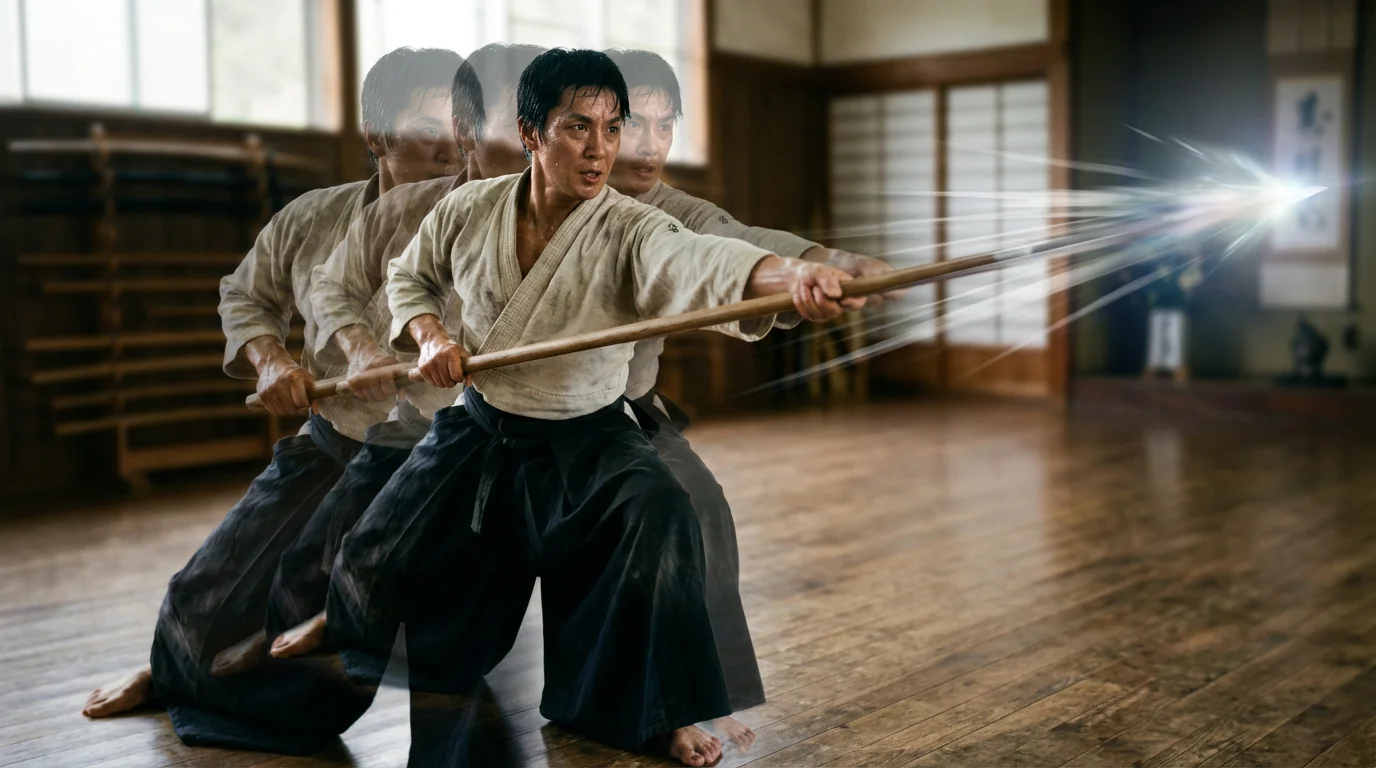
A demonstration of an animation effect, showing a martial artist's spear thrust as a sequence of overlapping, semi-transparent images to illustrate the full range of movement from start to finish.

AI Spear Thrust Animation Generator

Trusted by 70 million people
171,800 Reviews
Developer API
Available on iPhone & Android

How to Create a Spear Thrust Animation

  1. 1

    Upload Your Character Image

    Start by uploading a static image of your character. A clear shot of the character holding a spear works best.

  2. 2

    Describe the Thrusting Motion

    In the prompt box, describe how you want the character to move. For example, type 'a quick and precise spear thrust forward'.

  3. 3

    Generate Your Animation

    Click the generate button and let our AI bring your character to life by creating a fluid animation based on your image and prompt.

  4. 4

    Download Your Animation

    Your spear thrust animation is complete. Download it as a high-resolution video file to use in your project.

Transform a single image into a fluid action sequence in moments. Upload a drawing or picture of your character, and our AI animation tool will bring it to life with a dynamic spear thrust. Forget complex keyframing and rigging; you can now create compelling combat animations without any specialized software. This process makes it simple for game developers, artists, and storytellers to visualize action scenes and character movements, turning a static pose into a believable attack animation with just a few clicks.

Instant Action from a Static Image

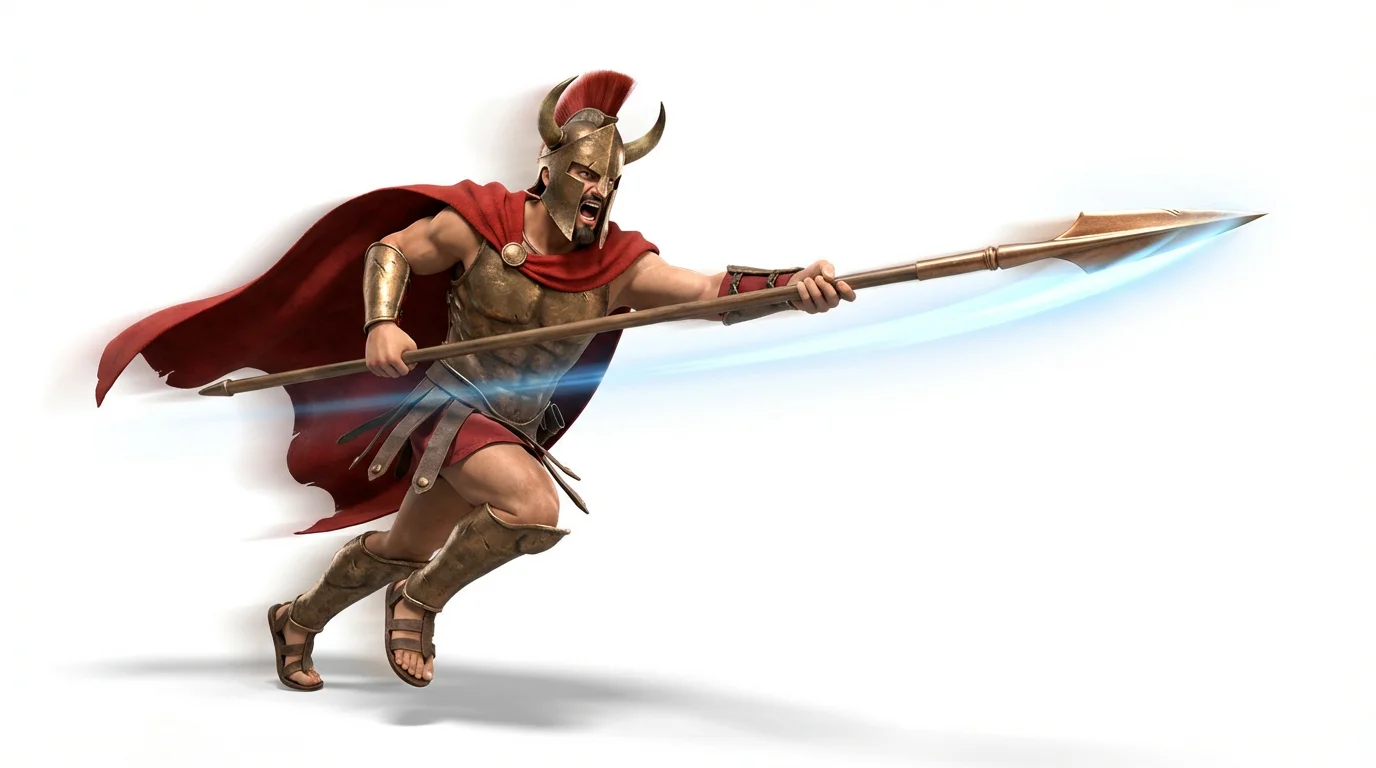
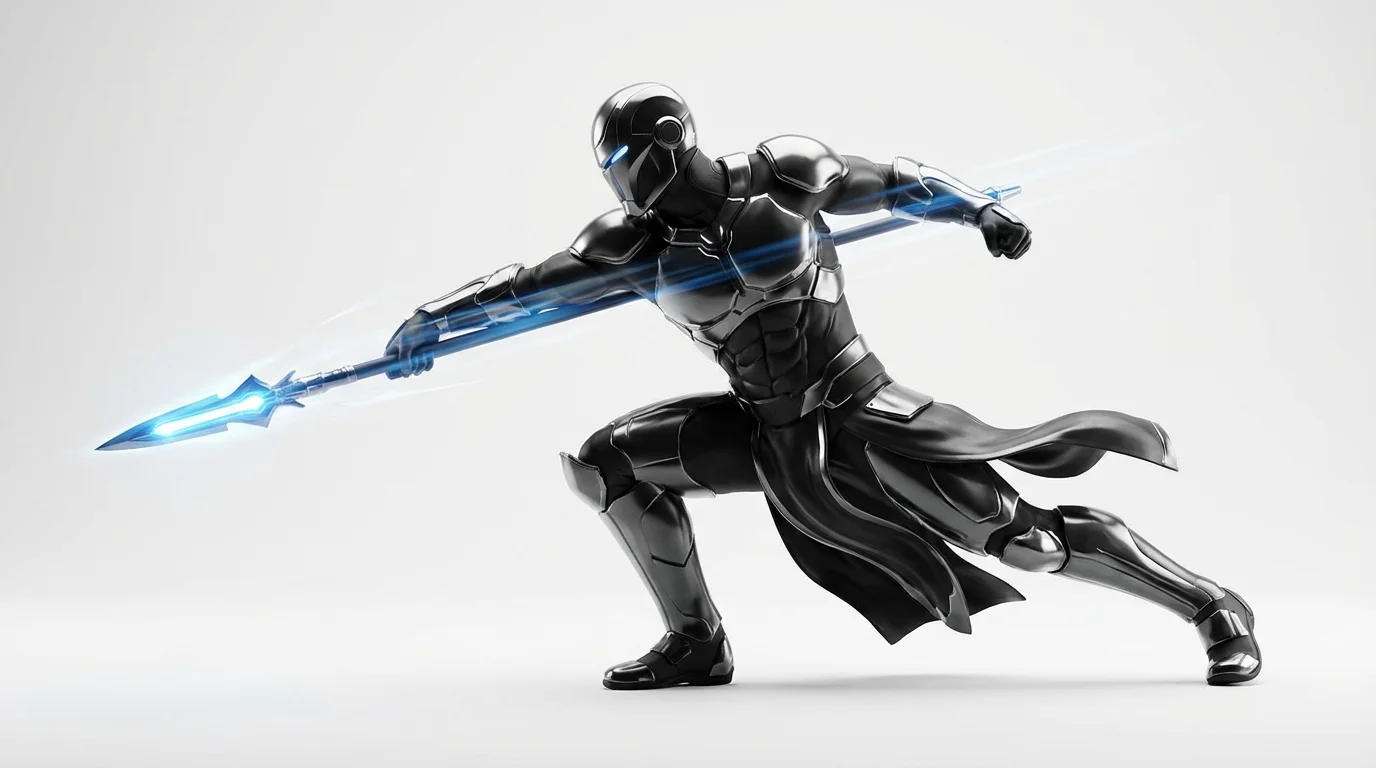
A 3D render of a stylized spartan warrior mid-lunge, executing a powerful spear thrust. Motion lines convey the speed and animation of the attack, set against a clean white background.
You have full creative control over the final animation. After uploading your character's image, use a simple text prompt to guide the AI. Specify the intensity, speed, and style of the spear thrust. For example, describe a 'fast, precise lunge' or a 'heavy, powerful charge' to see your vision realized. This text-based direction allows you to fine-tune the motion, ensuring the animation perfectly matches your character's personality and the scene's emotional tone, all without touching a single timeline.

Direct the Action with Text Prompts

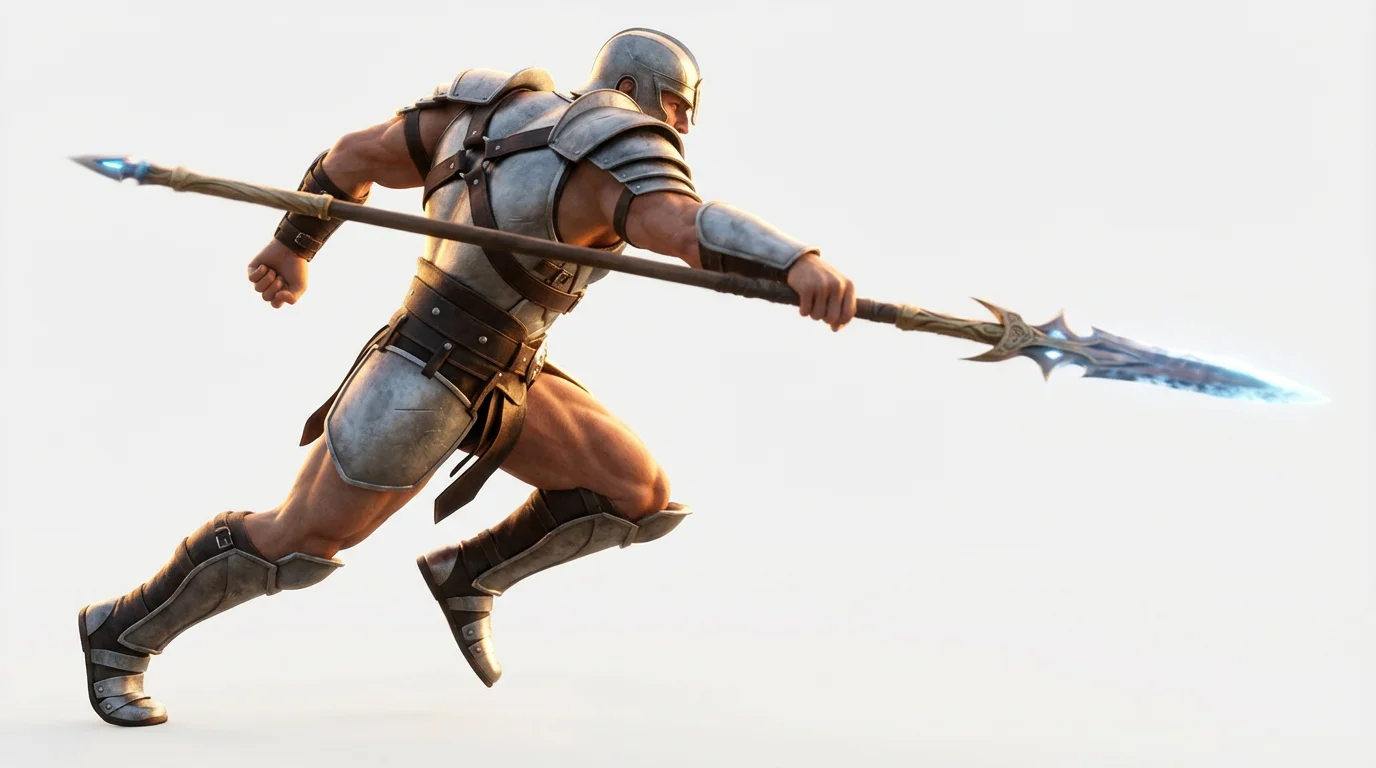
A 3D render of a warrior in the middle of a powerful spear thrust, shown in a dynamic pose against a solid white background, illustrating an animation concept.
Our AI is designed to produce smooth and realistic movements, making your spear thrust animations look natural and impactful. The technology analyzes your image and generates fluid motion that gives your character weight and presence. The result is a high-resolution video that captures the force and precision of a spear attack. Download your animation as a watermark-free MP4 or GIF, ready to be used as a game asset, in a digital comic, or shared on social media to showcase your character in action.

Generate Smooth, High-Quality Animations

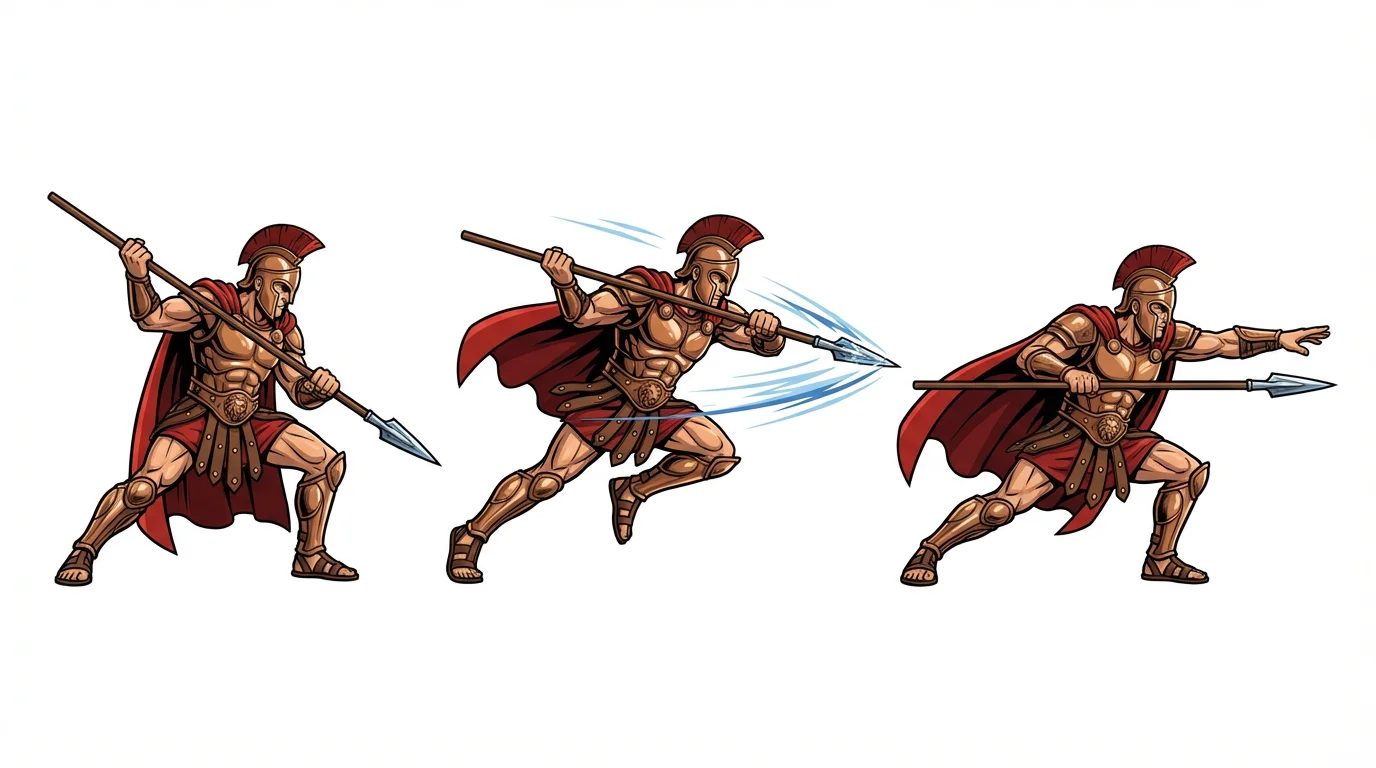
An animation sprite sheet with three keyframes showing a fantasy warrior performing a spear thrust, isolated on a white background. The sequence shows the wind-up, the lunge, and the follow-through.
It’s Quick: Go from a still image to a completed action sequence in seconds. It’s Easy to Use: Simply upload your image, describe the motion, and let the AI handle the animation. No technical skills required. It’s Customizable: Use text prompts to define the exact movement you want, from a swift jab to a mighty charge. AI-Powered: Leverage advanced AI to create realistic and fluid character animations automatically. Versatile Downloads: Export your animation for use in game development, storyboarding, or any creative project.

Why use Pixelcut's AI Spear Thrust Animation?

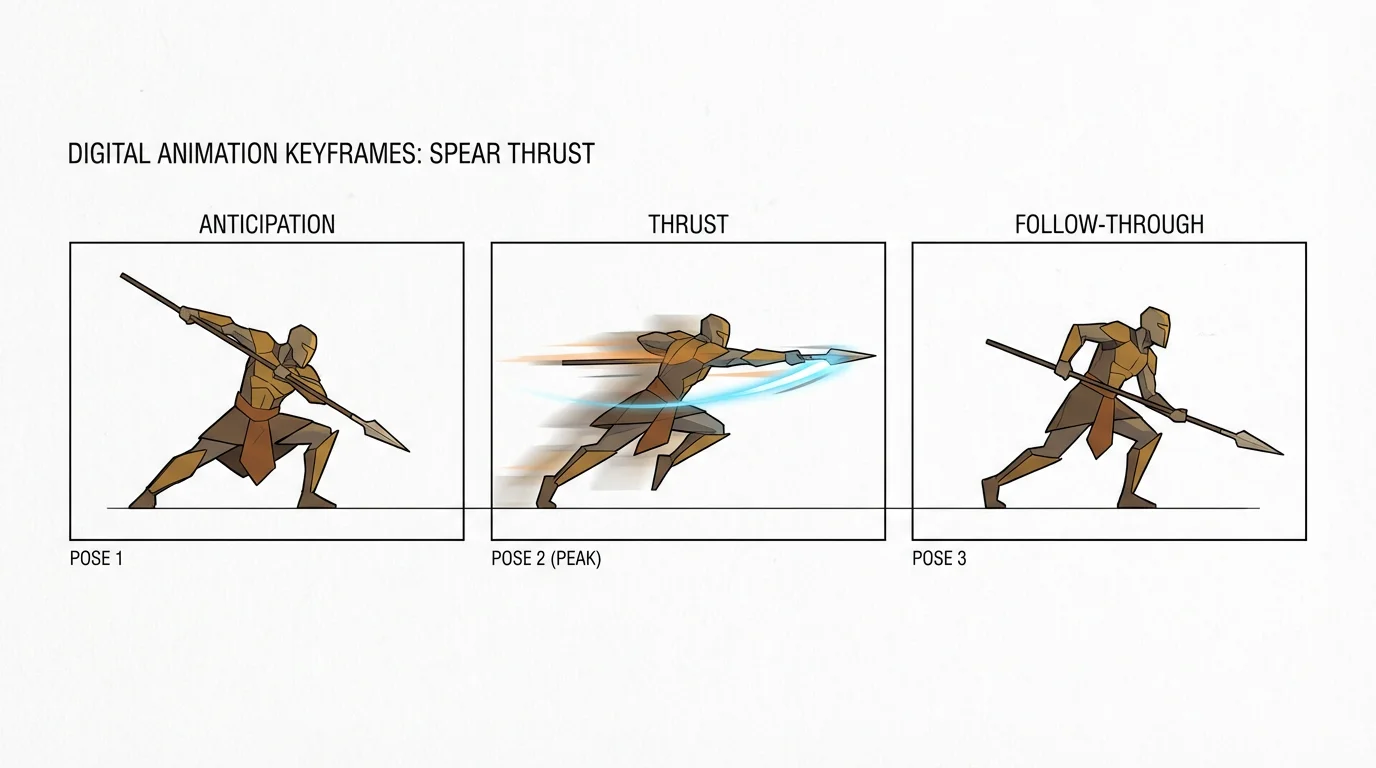
A sequence of three illustrations demonstrating a spear thrust animation, showing a stylized warrior in the wind-up, thrust, and follow-through poses against a plain white background.
Game Development: Quickly create attack animations for player characters or enemies in your 2D game. Ideal for prototyping new moves or generating final assets. Concept Art and Storyboarding: Visualize action sequences for your story or film. Animate your concept art to get a better feel for the pacing and impact of a fight scene. Tabletop RPGs: Bring your Dungeons & Dragons or other RPG characters to life by creating short clips of their signature attacks. Digital Art and Portfolios: Enhance your character designs by showing them in motion, adding a dynamic element to your online portfolio.

Spear Thrust Animation Use Cases

A digital rendering of a warrior in mid-lunge, thrusting a glowing spear forward, demonstrating a spear thrust animation keyframe on a white background.

Frequently Asked Questions

Pixelcut is loved by over 2 million people

  • My favorite app

    Great app, easy to use. Helps our small business save time and money to create different marketing materials professionally. Thank you.
    Shaelyn D.
  • Best background remover

    I need a good background remover for my work and I've been through them all it feels like. This one is the best by far. It's so easy to use and the results always look amazing. Thank you Pixelcut!
    Kira H.
  • Love it

    It's amazingly easy and gives the perfect results for my bags and accessories. It looks like it was done by a professional photographer.
    Mary J.