My favorite app
Great app, easy to use. Helps our small business save time and money to create different marketing materials professionally. Thank you.
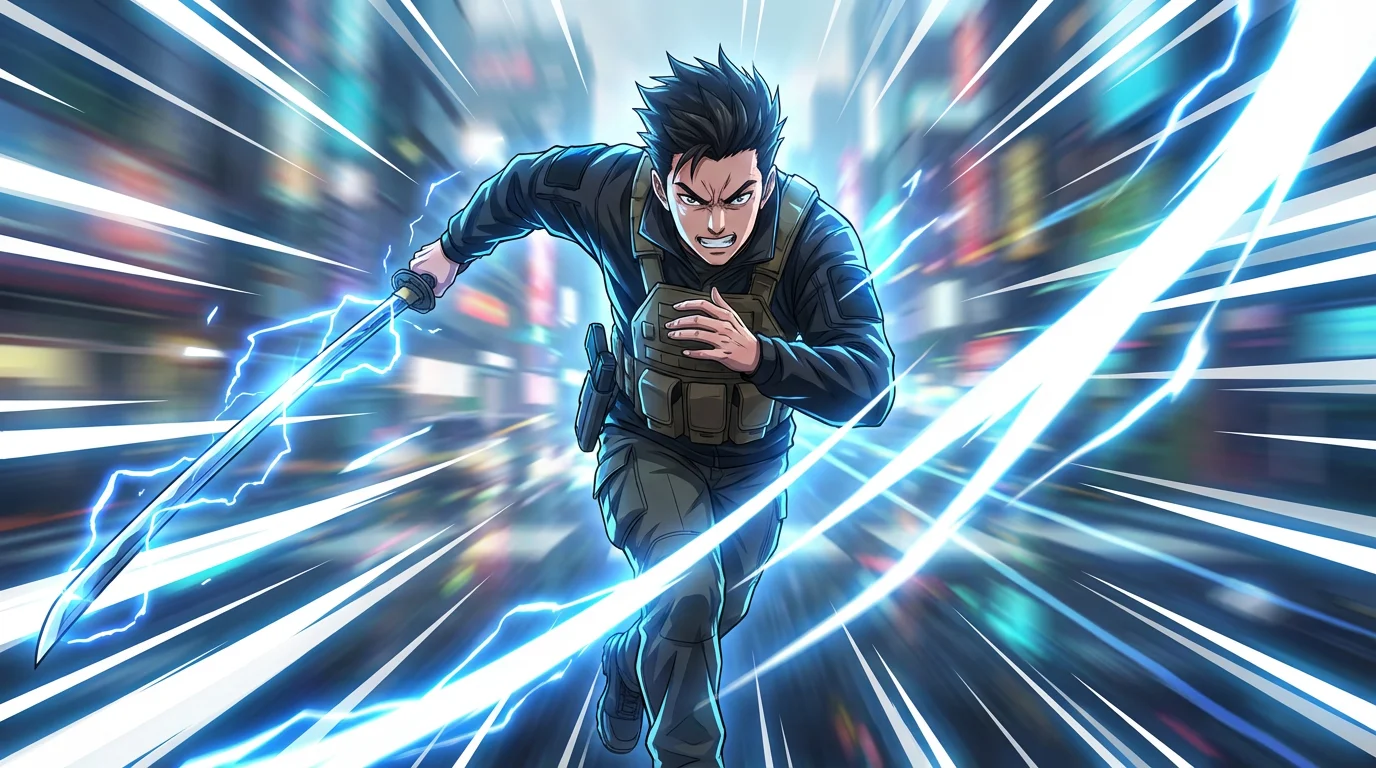
Start by selecting the photo or illustration you want to enhance. Choose any image that needs a boost of energy or motion.
In the prompt box, tell the AI what kind of effect you want. For example, 'Add intense white speed lines radiating outwards from the character'.
Click the generate button and let the AI apply the custom speed lines effect to your image based on your description.
Your new high-resolution image is ready to download. Share your action-packed creation on social media or in your creative projects.
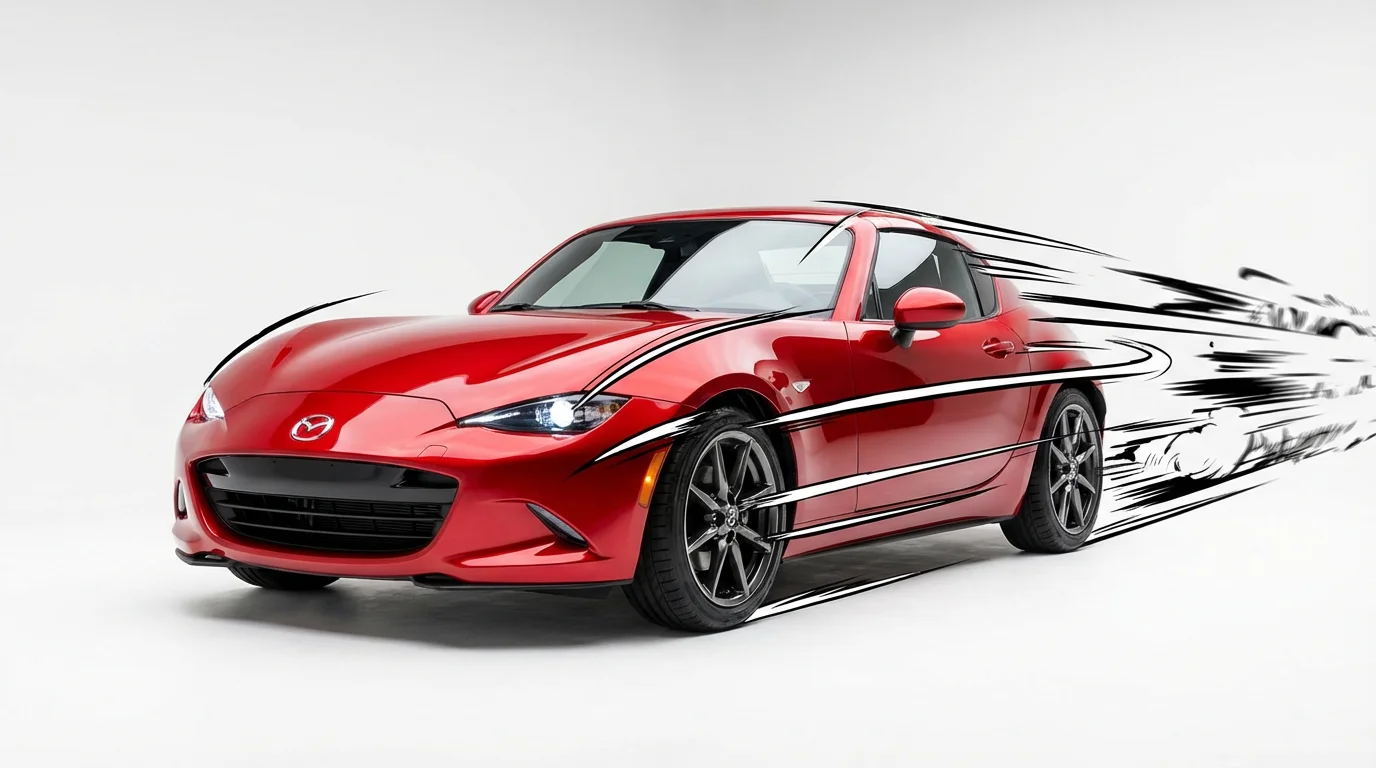
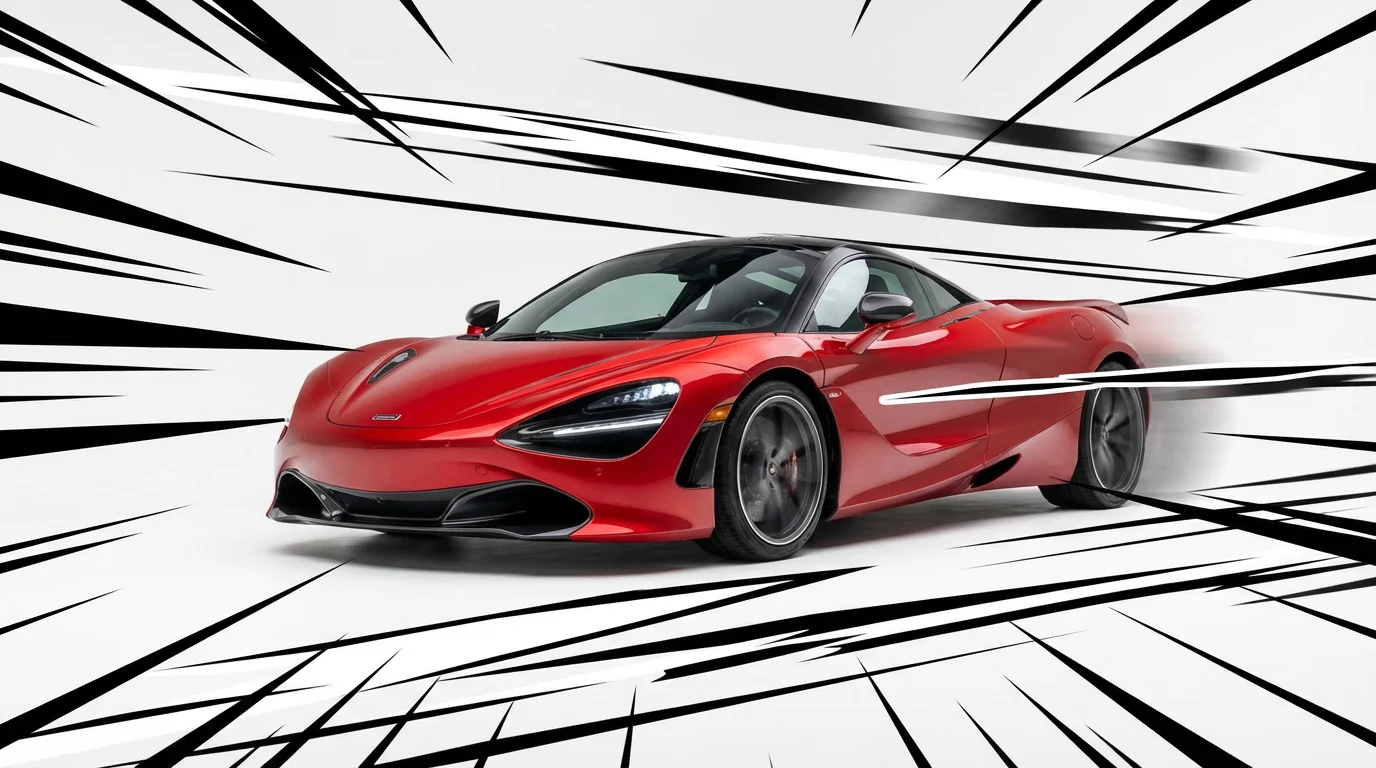
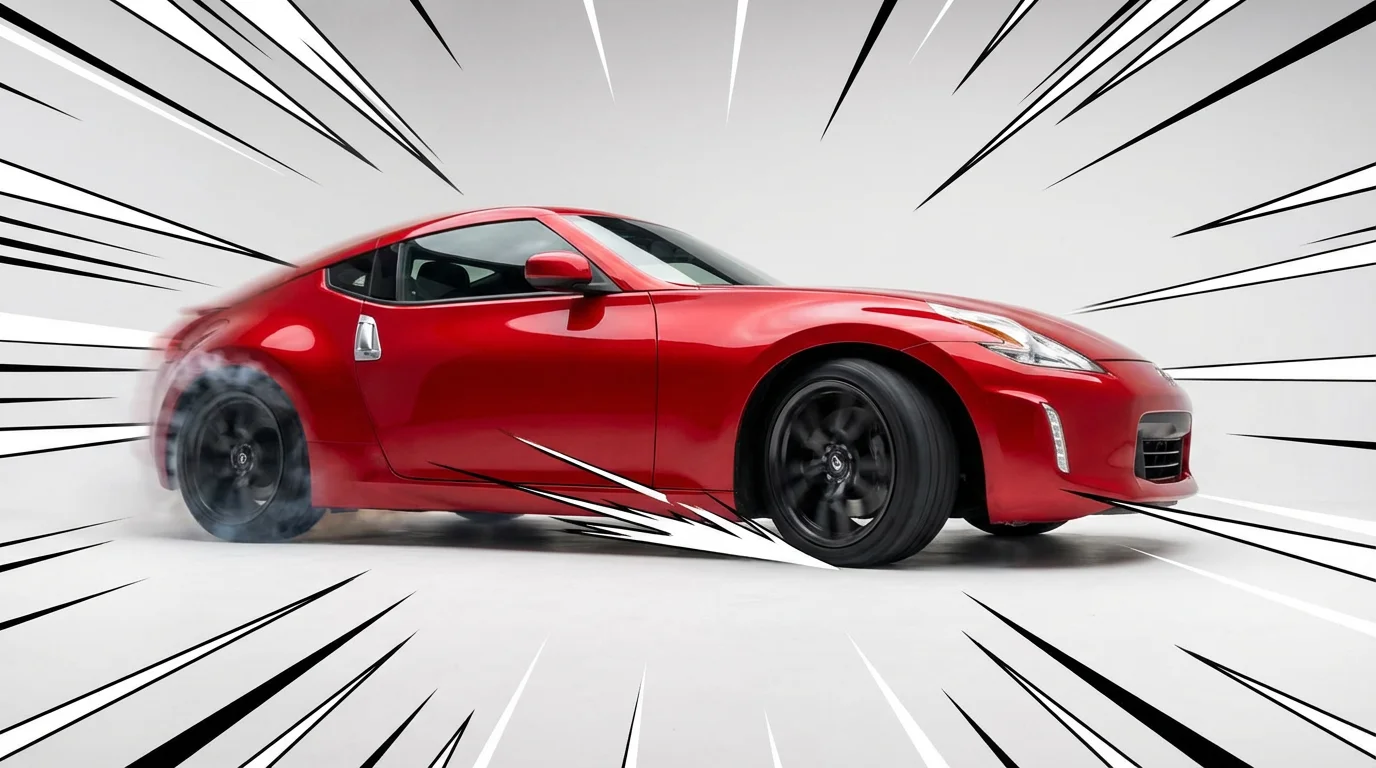
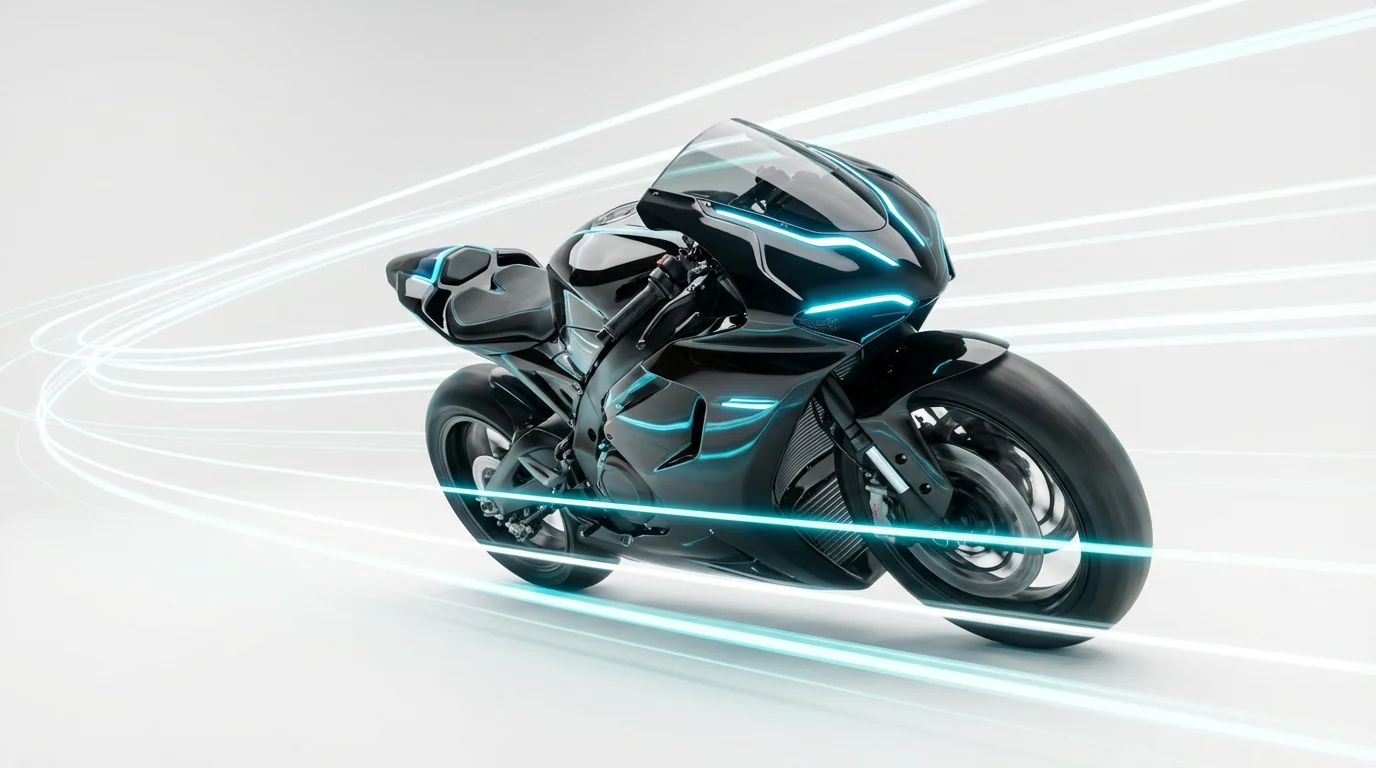
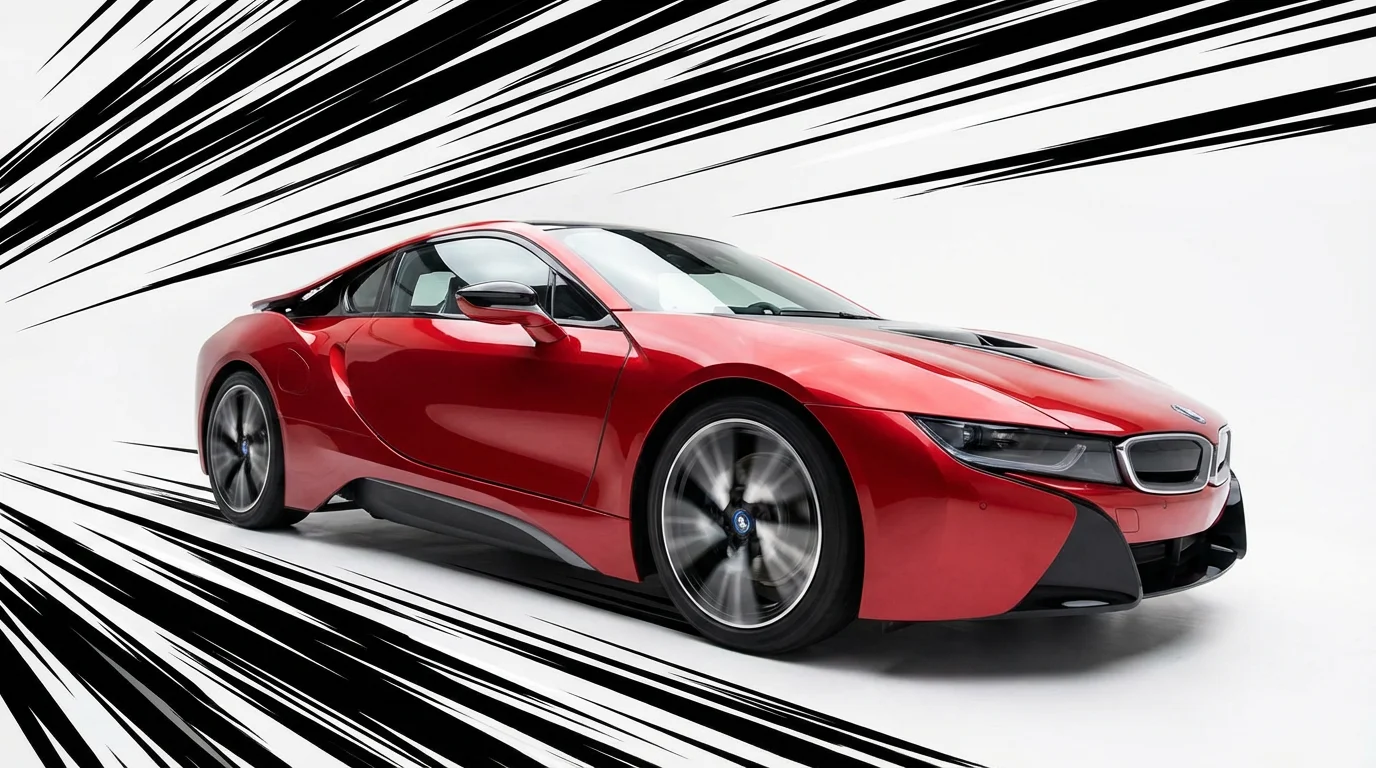
Speed lines, also known as motion or action lines, are a visual technique used in art, comics, and animation to create the illusion of movement. They are drawn parallel to an object's direction of motion to show that it is moving quickly.
To add speed lines, upload the photo you want to edit. Then, use the text box to describe the type of motion effect you want, for example, 'add white manga-style lines behind the running character'. The AI will then apply the effect to your image for you to download.
Yes, you can control the appearance of the speed lines with your text prompt. You can specify the color, direction, style (like radiating or parallel), and thickness of the lines to customize the effect for your image.
Yes, the tool is free to try. You can generate and download your images with speed lines for free. After using your free credits, you will need to purchase more to continue creating images.
Images that already have a sense of motion or a clear subject work best. This includes photos of people running, cars driving, athletes in action, or any character you want to appear dynamic and powerful.
Yes, you can download your final image in high-resolution PNG or JPG formats. All downloads are watermark-free, making them ready to be used in your personal or commercial projects, including comic books and webcomics.
Great app, easy to use. Helps our small business save time and money to create different marketing materials professionally. Thank you.
I need a good background remover for my work and I've been through them all it feels like. This one is the best by far. It's so easy to use and the results always look amazing. Thank you Pixelcut!
It's amazingly easy and gives the perfect results for my bags and accessories. It looks like it was done by a professional photographer.