Pixelcut
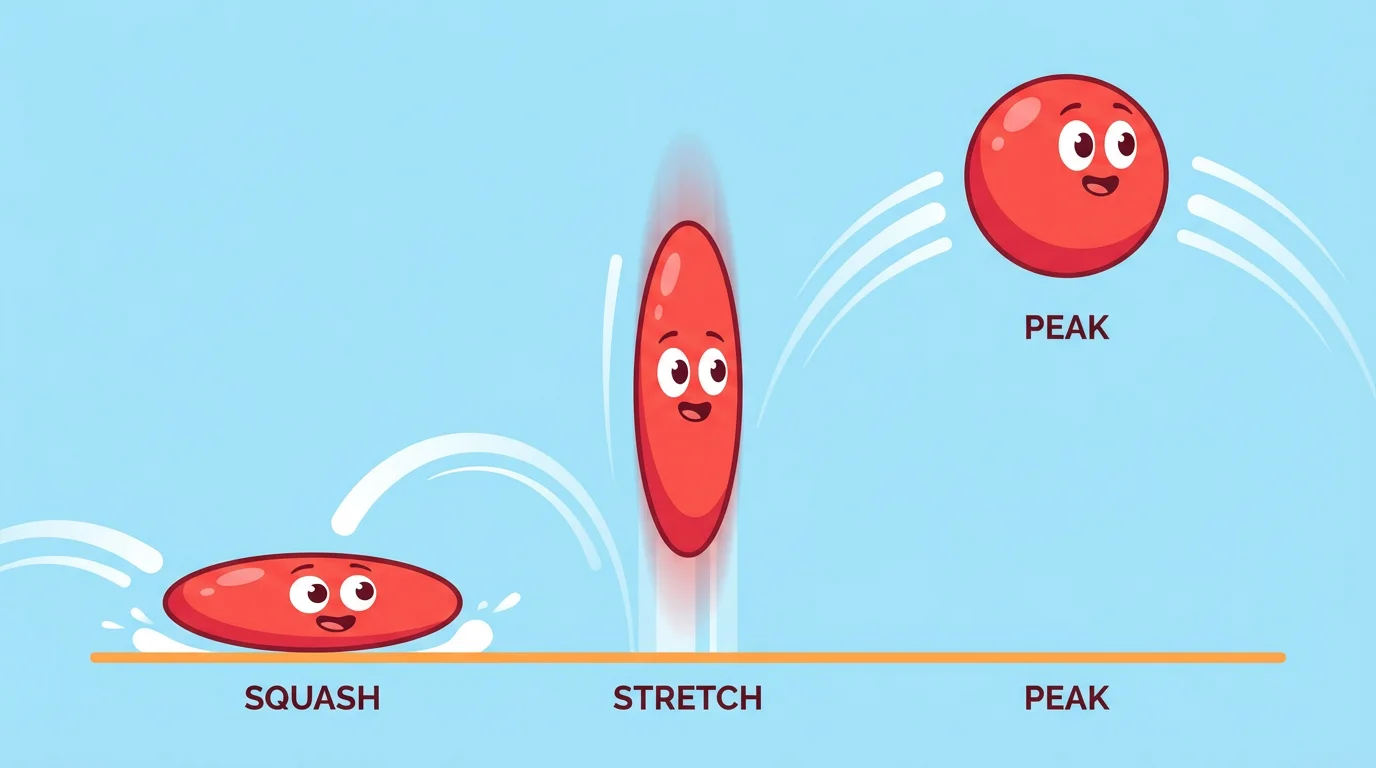
A sequence showing a red cartoon bouncing ball demonstrating the squash and stretch animation principle. The ball is shown squashed on the ground, stretched as it bounces up, and round at the top of its bounce, all in a single vibrant image.

AI Squash and Stretch Animation Generator

Trusted by 70 million people
171,800 Reviews
Developer API
Available on iPhone & Android

How to create squash and stretch animation

  1. 1

    Upload your image

    Start by uploading the static image you want to bring to life. This can be a character, an object, or any graphic.

  2. 2

    Describe the animation

    In the text box, tell the AI how you want your image to move. Be descriptive! For example, 'Animate this ball to bounce with exaggerated squash and stretch.'

  3. 3

    Generate your animation

    Click the generate button and let the AI work its magic. It will process your image and prompt to create a dynamic video.

  4. 4

    Download your animation

    Your squash and stretch animation is ready to download. Save it as an MP4 or GIF and share it with the world.

Transform static pictures into lively animations effortlessly. Our AI tool interprets your text prompts to apply the classic squash and stretch principle, a cornerstone of engaging animation. This technique gives your subjects a sense of weight, flexibility, and character. You no longer need complex software or animation skills to make your images bounce, jiggle, and react. Just upload your picture, describe the motion you envision, and watch as our AI adds a layer of dynamic personality to your visuals, making them more expressive and fun to watch.

Give Your Images Personality in Seconds

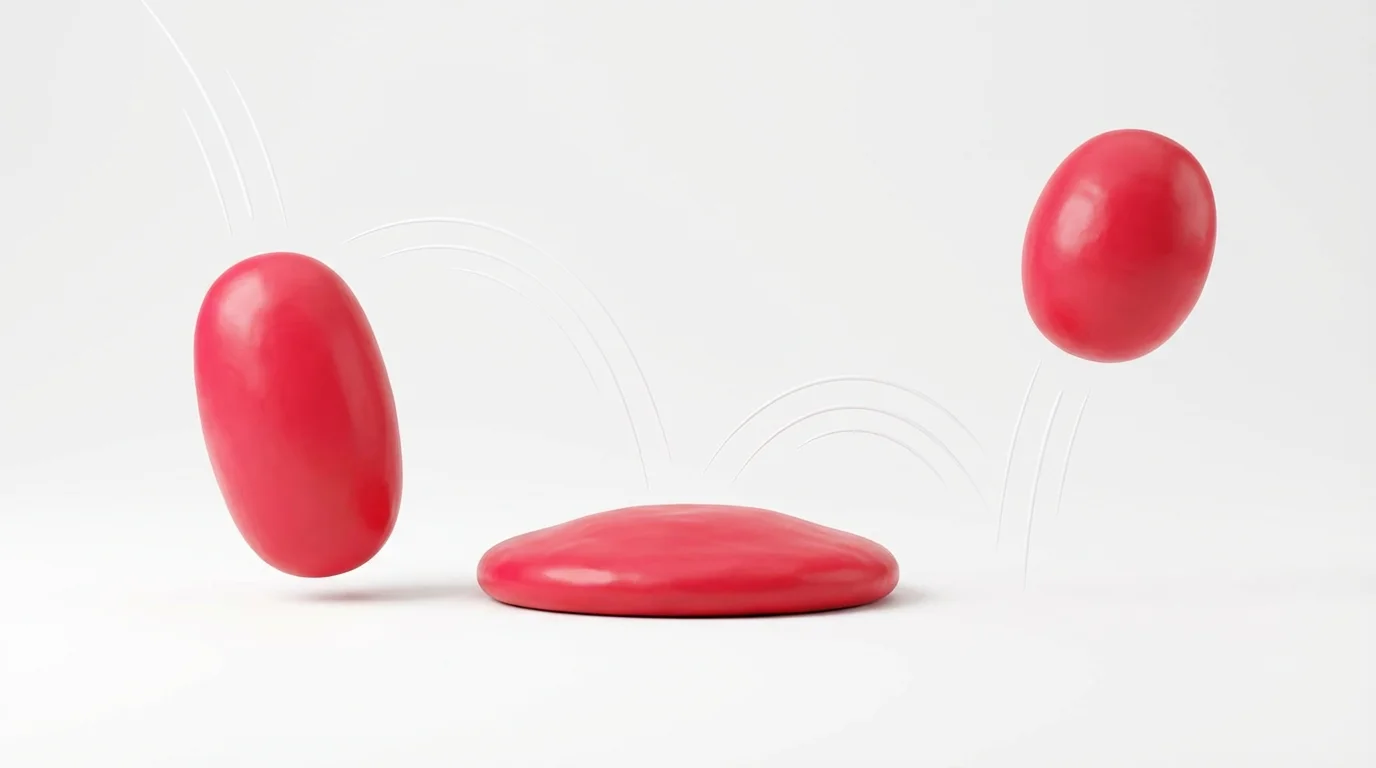
A 3D rendering of a red ball, squashed flat against a white surface, demonstrating the squash and stretch principle of animation.
You are in complete control of the animation. Our image-to-video tool uses your text descriptions to guide the motion. Want a ball to bounce with extreme exaggeration? Just say so. Need a character's face to squash with emotion? Describe it in your prompt. This approach allows you to direct the animation, from subtle movements to over-the-top cartoon physics. Simply upload an image of a character, an object, or even a logo, and tell our AI how you want it to move, squash, and stretch to create a truly custom animation.

Animate Anything with Simple Text Prompts

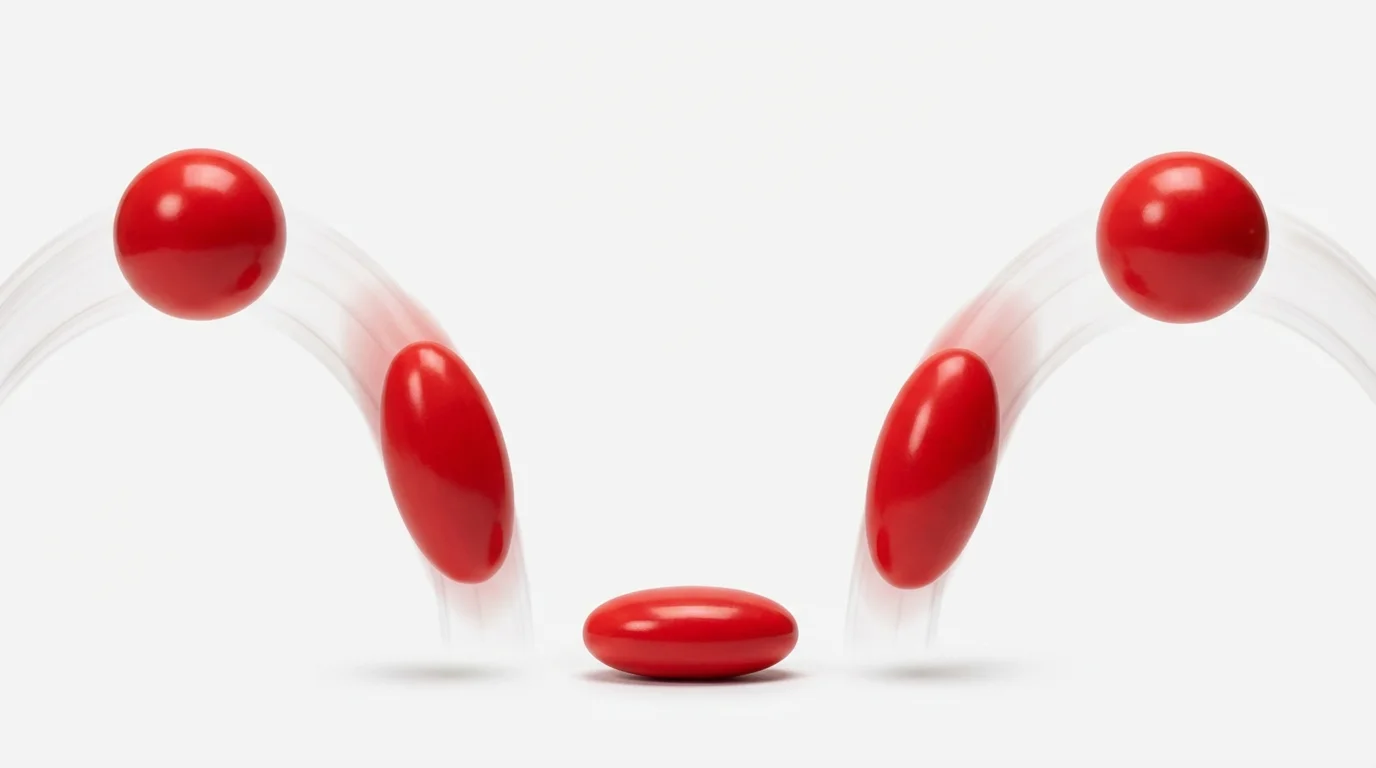
Three red balls demonstrating the squash and stretch animation principle against a white background. The balls are shown in sequence: falling and stretched, squashed on impact, and rebounding and stretched.
Produce fluid, high-resolution animations that are ready for any platform. Whether you are creating engaging content for social media, adding flair to a presentation, or developing assets for a game, the output is crisp and professional. Our AI generates motion that captures the essence of traditional animation principles, ensuring your final video looks polished and captivating. Download your watermark-free animations in popular formats like MP4 or GIF and integrate them seamlessly into your creative projects for that extra touch of life.

High-Quality Motion for Any Project

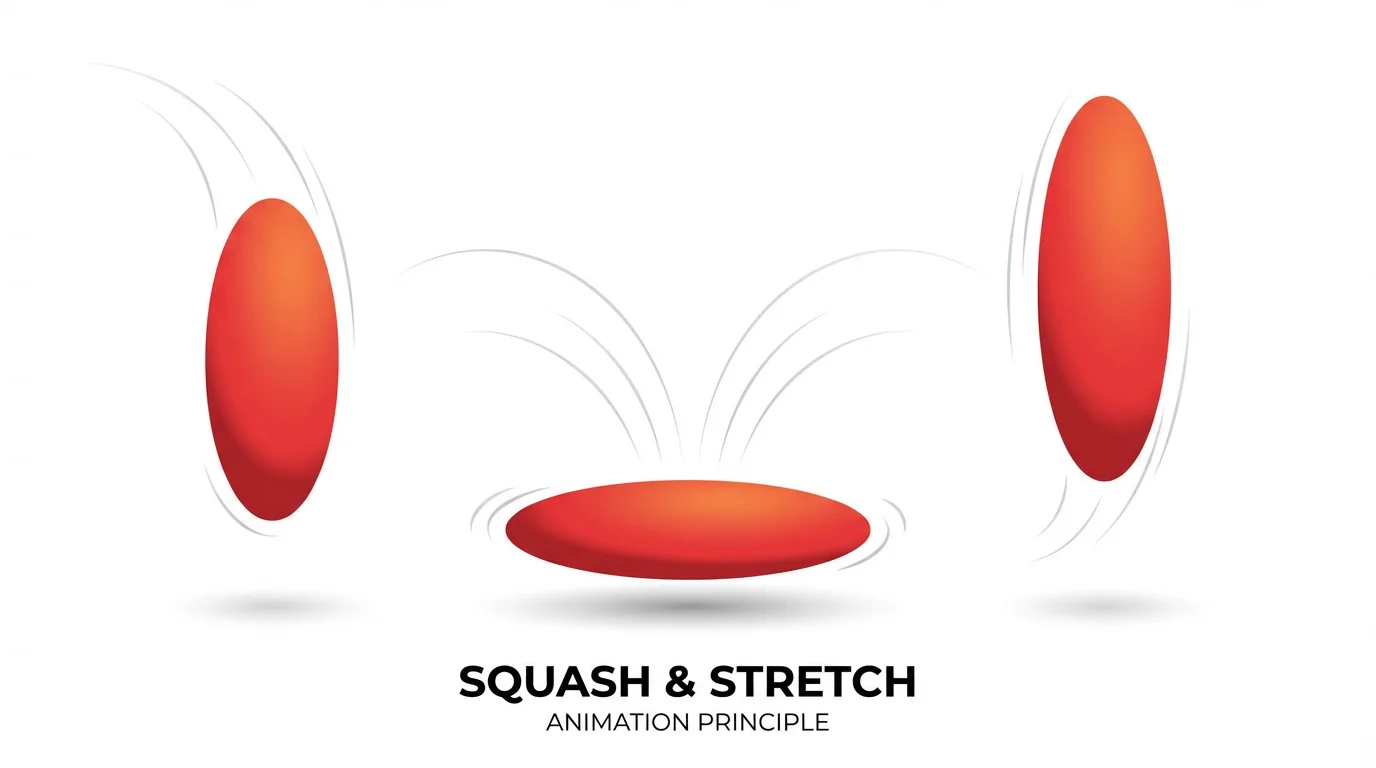
An illustration demonstrating the squash and stretch animation principle using a red bouncing ball shown in three stages: stretched while falling, squashed on impact, and stretched again while rebounding.
It’s Fast: Go from a static image to a dynamic animation in moments. It’s Easy: No keyframes or timelines. Upload an image and type a prompt to get started. AI-Powered: Leverage AI to apply one of the most fundamental principles of animation automatically. Expressive Results: Create animations with personality, weight, and flexibility. Versatile Use: Perfect for social media posts, marketing content, educational materials, or just for fun. Animate characters, logos, and objects with ease.

Why use Pixelcut's AI Squash and Stretch Animation?

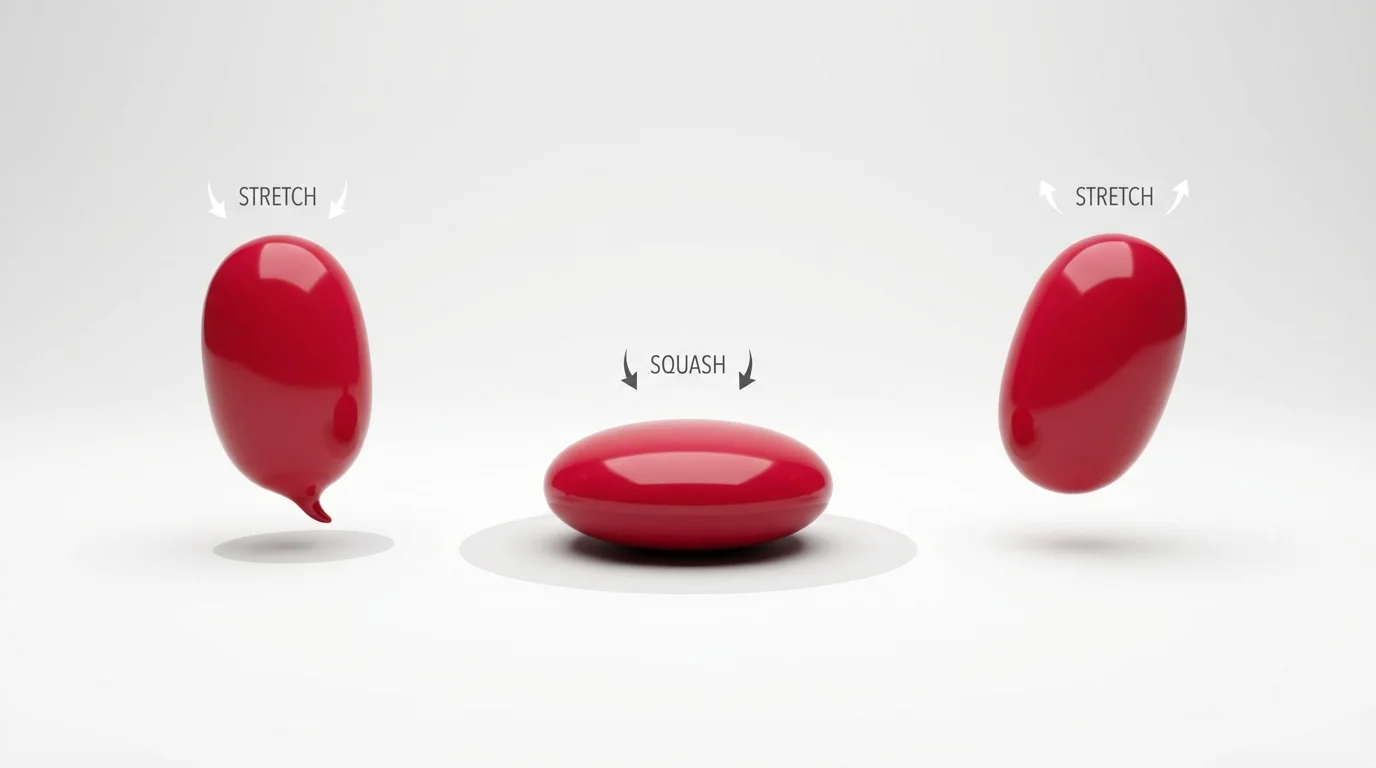
An illustration of the squash and stretch animation principle, showing a red ball in three sequential poses: stretched while falling, squashed upon impact, and stretched again while bouncing up.
Social Media Content: Make your posts stand out by animating static graphics and illustrations to grab attention. Character Animation: Bring your drawn characters to life by giving them expressive and energetic movements. Educational Demos: Explain physics concepts like gravity and momentum with clear visual examples, such as a bouncing ball. Marketing and Ads: Animate product images or logos to create more engaging and memorable promotional videos. UI/UX Mockups: Demonstrate button clicks or interactive elements with satisfying squash-and-stretch feedback.

Squash and Stretch Animation Use Cases

An illustration of the squash and stretch animation principle, showing a sequence of a red ball bouncing. The ball changes shape, stretching as it falls and squashing on impact with the ground.

Frequently Asked Questions

Pixelcut is loved by over 2 million people

  • My favorite app

    Great app, easy to use. Helps our small business save time and money to create different marketing materials professionally. Thank you.
    Shaelyn D.
  • Best background remover

    I need a good background remover for my work and I've been through them all it feels like. This one is the best by far. It's so easy to use and the results always look amazing. Thank you Pixelcut!
    Kira H.
  • Love it

    It's amazingly easy and gives the perfect results for my bags and accessories. It looks like it was done by a professional photographer.
    Mary J.