My favorite app
Great app, easy to use. Helps our small business save time and money to create different marketing materials professionally. Thank you.

Start by uploading the logo or multiple logos you want to feature on your backdrop. High-quality image files work best.
In the prompt box, explain how you want your backdrop to look. Mention the logo layout, background color, and any text you want to add.
Click the generate button and our AI will create a custom step and repeat backdrop based on your logos and description in just a few seconds.
Your high-resolution backdrop design is ready to be downloaded as a PNG file. Send it to a local printer for your next big event.
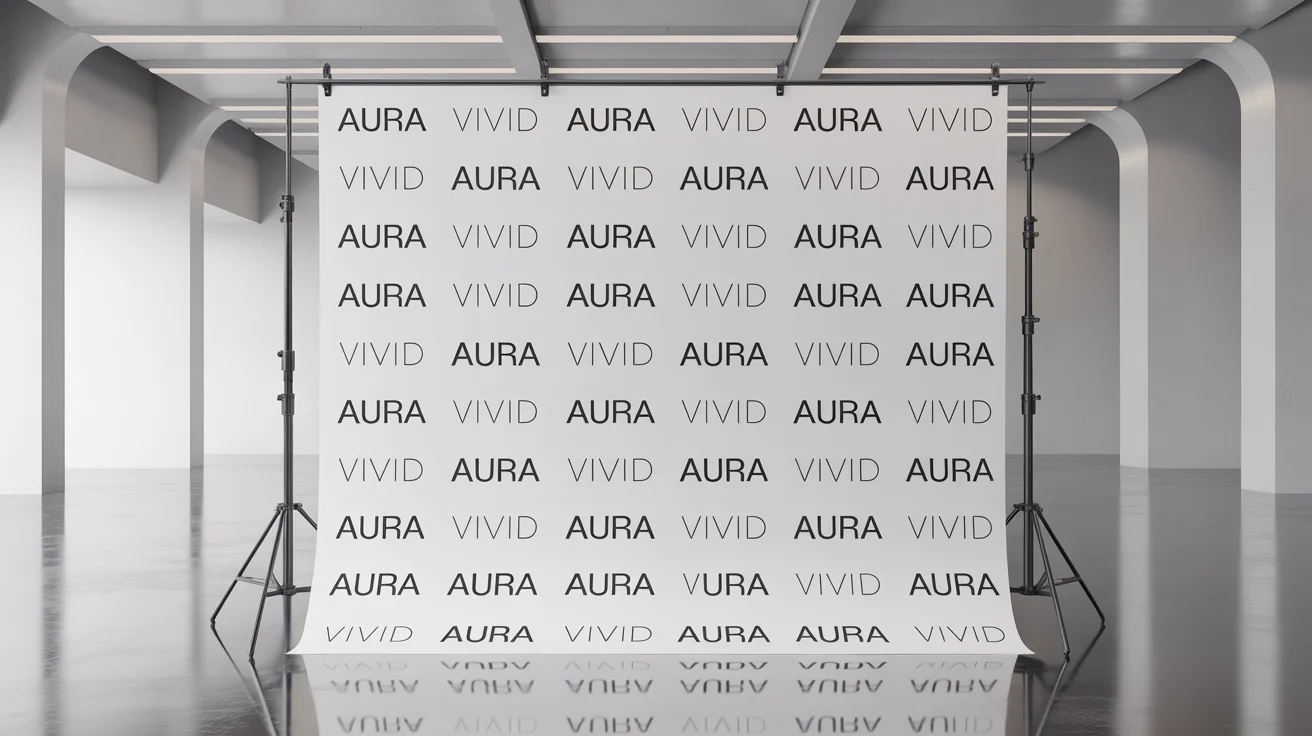
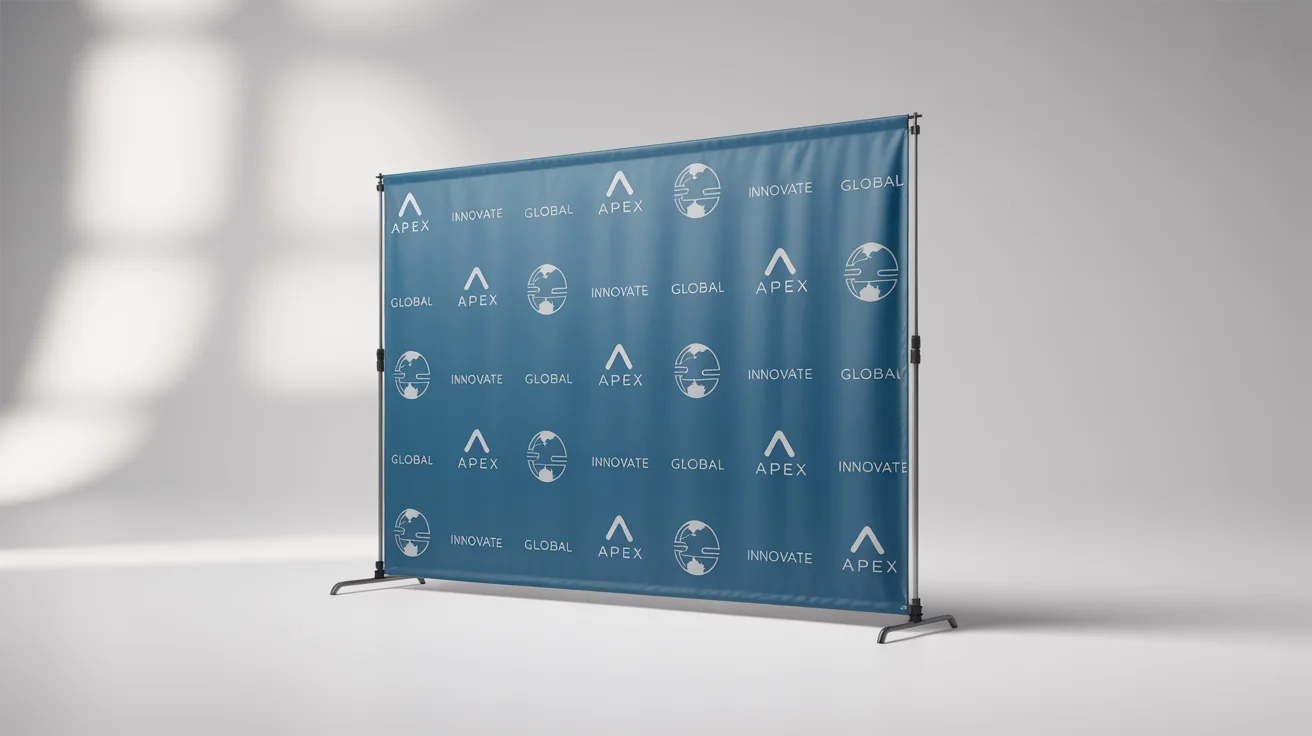
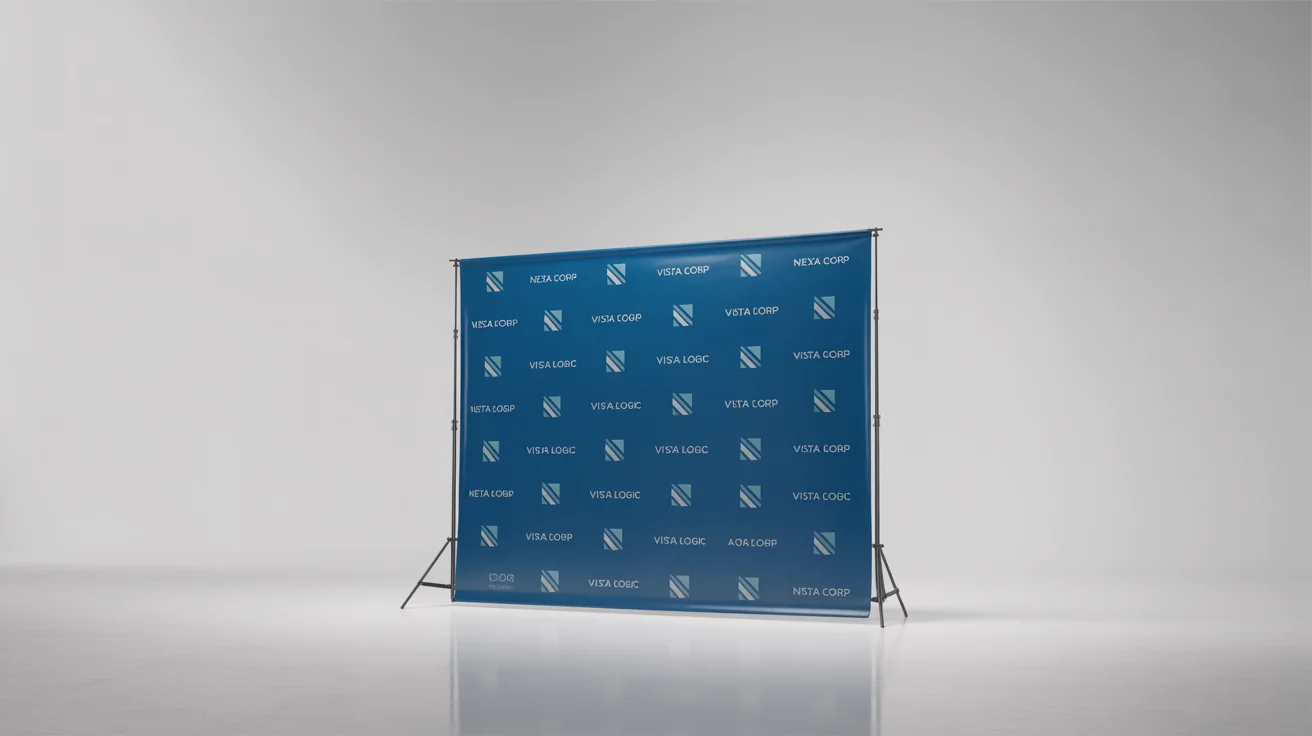
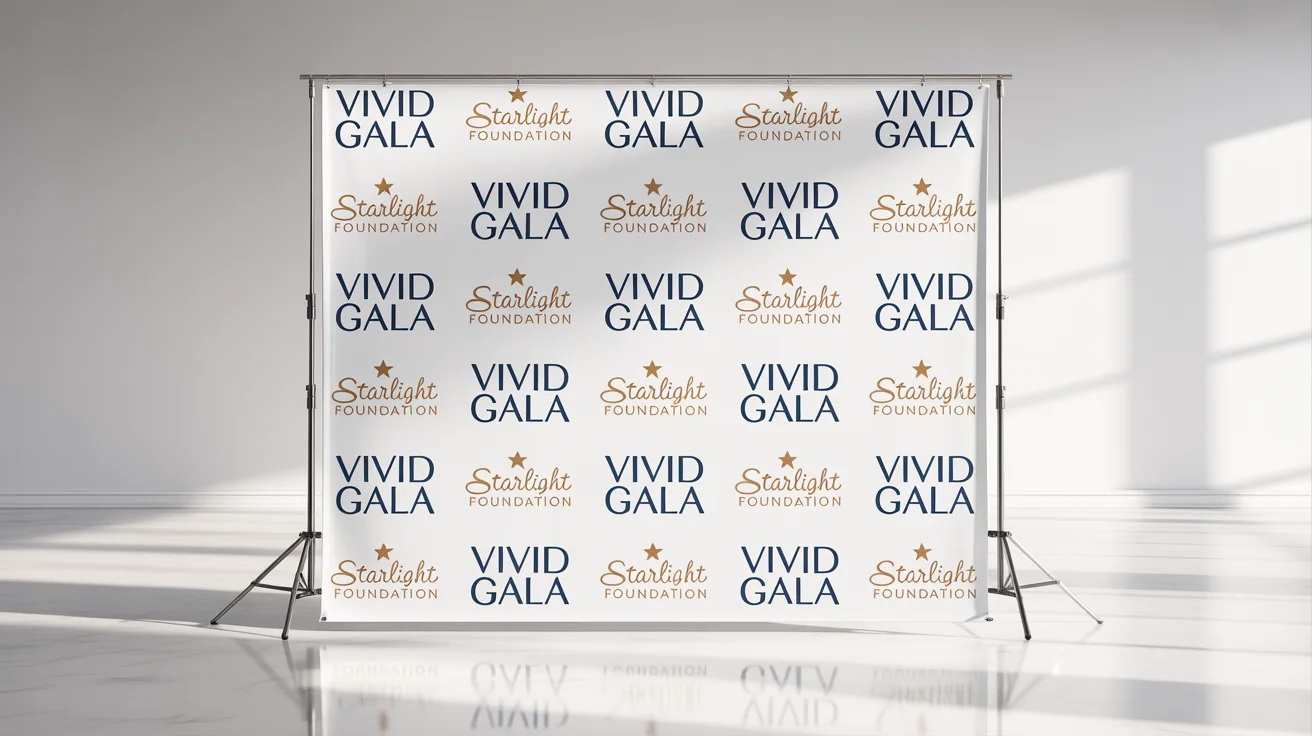
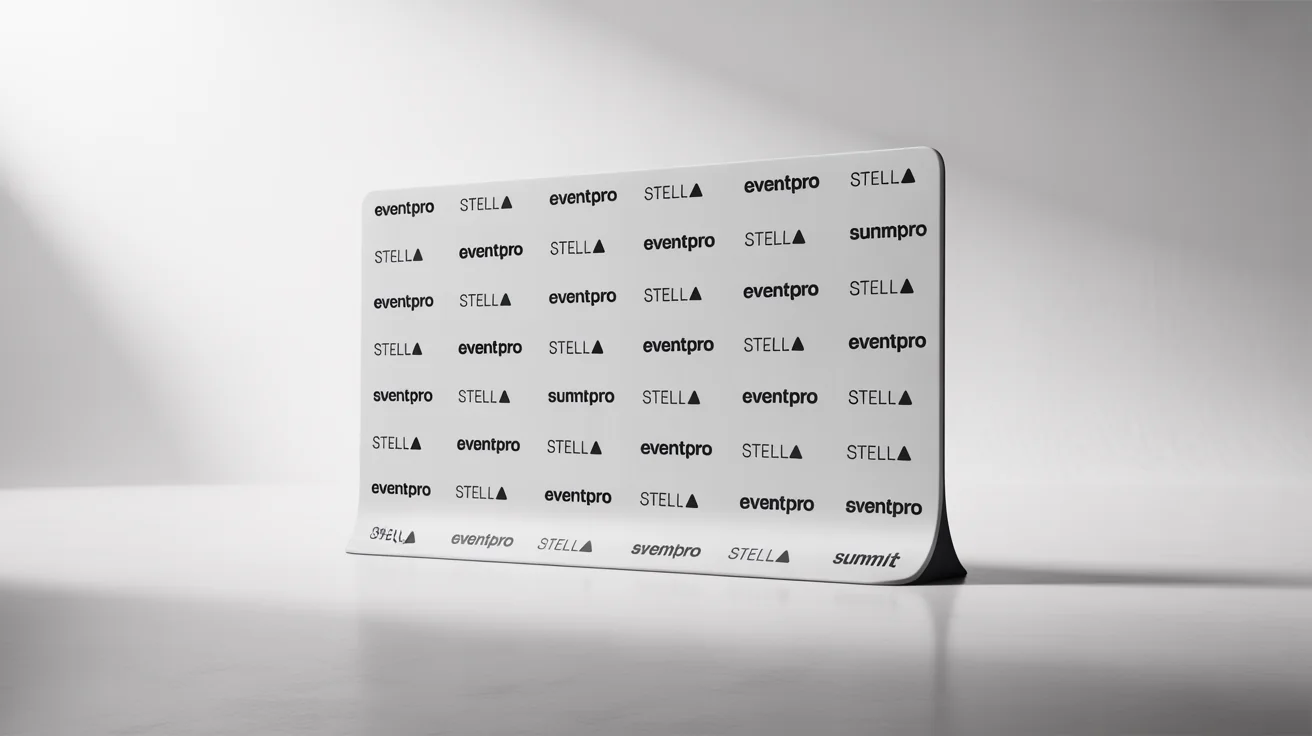











A step and repeat backdrop, also known as a media wall or logo wall, is a banner with a repeating pattern of logos used for event photography. It ensures that sponsoring brands or event logos are visible in photos taken at red carpet events, conferences, and parties.
To create a design with your logo, simply upload your logo file. Then, in the text prompt, describe how you want the logos arranged. For example, you could write, 'A step and repeat pattern with the uploaded logo in a staggered grid on a white background.'
Yes, you can use multiple logos. Upload all the logo files you want to include. In your prompt, you can then specify how they should be arranged, such as 'Alternate between the two uploaded logos in a checkerboard pattern.'
A good design features clean, high-contrast logos that are clearly visible in photos. The spacing should be balanced so logos are not too crowded or too far apart, ensuring they frame the people in the photos effectively. Using a simple background color helps the logos stand out.
They are incredibly versatile and used at a wide range of events, including corporate parties, trade shows, film festivals, weddings, proms, graduations, and charity fundraisers to add a professional and celebratory touch.
Absolutely. Along with uploading your logo, you can include any text in your prompt. For example, instruct the AI to 'Add the tagline 'Innovating the Future' in bold black text at the bottom of the backdrop.'
Great app, easy to use. Helps our small business save time and money to create different marketing materials professionally. Thank you.
I need a good background remover for my work and I've been through them all it feels like. This one is the best by far. It's so easy to use and the results always look amazing. Thank you Pixelcut!
It's amazingly easy and gives the perfect results for my bags and accessories. It looks like it was done by a professional photographer.