Pixelcut
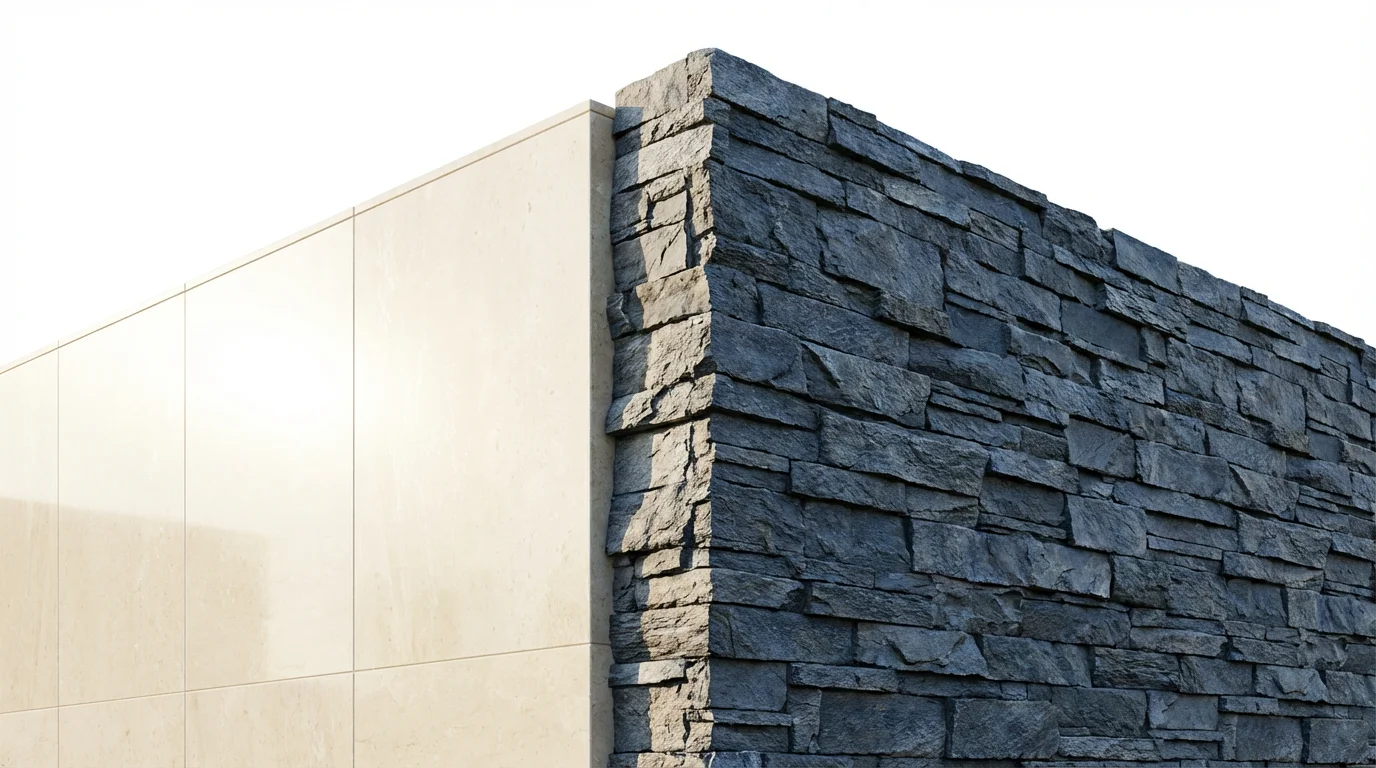
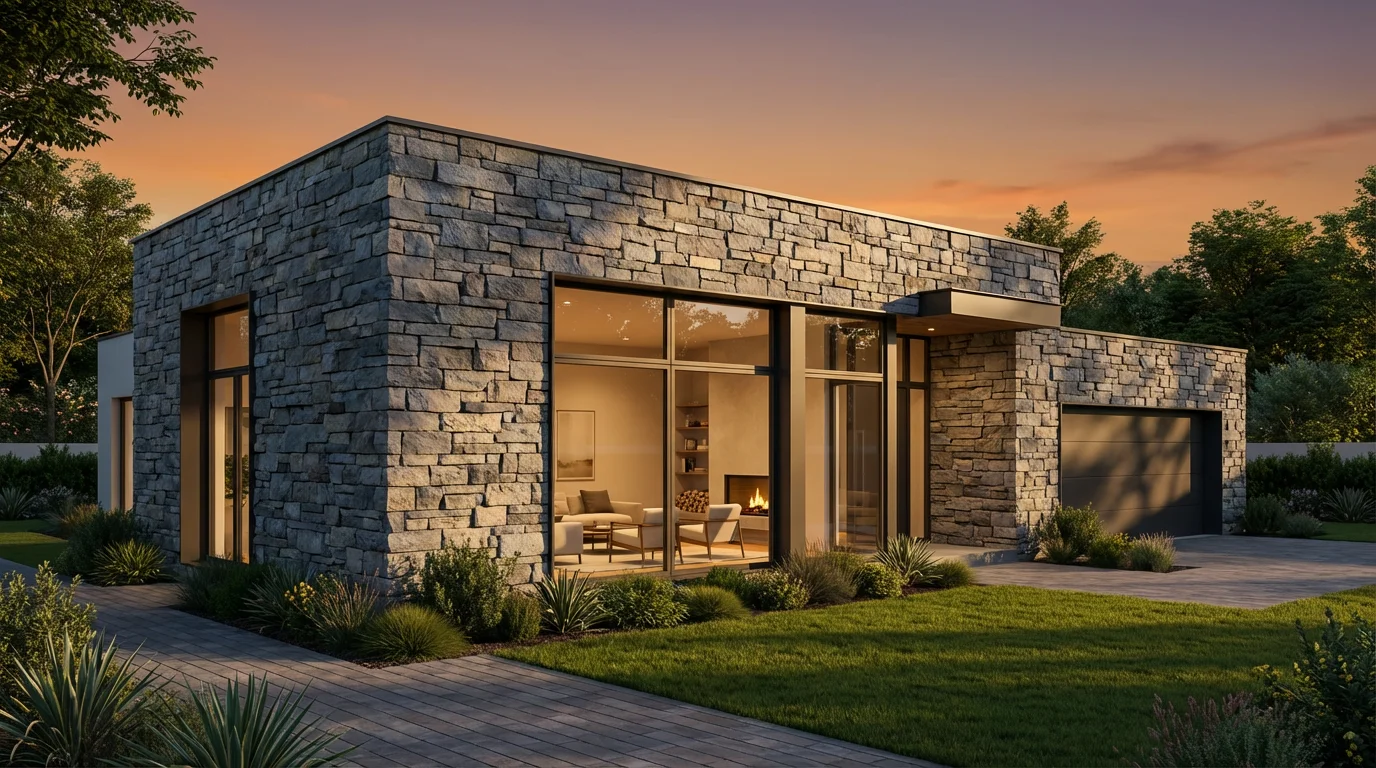
A photorealistic rendering of a modern house featuring a detailed, textured facade made of cool-toned slate and quartzite stacked stone, as seen in the late afternoon sun.

AI Stone Facade Visualizer

Trusted by 70 million people
171,800 Reviews
Developer API
Available on iPhone & Android

How to Visualize a Stone Facade

  1. 1

    Upload your home photo

    Choose a clear, front-facing picture of your house. A photo from your smartphone will work perfectly.

  2. 2

    Describe your ideal facade

    In the prompt box, describe the look you want. For example, 'Apply a warm-toned fieldstone facade to the entire front of the house'.

  3. 3

    Generate your new exterior

    Click the generate button and let the AI create a photorealistic preview of your home with its new stone facade in just a few moments.

  4. 4

    Download your design

    Save your favorite high-resolution designs for free. Use them to get feedback from family or share them with your contractor.

Take the guesswork out of your home exterior project. With our AI stone facade visualizer, you can see your design ideas come to life before committing to a contractor. Simply upload a picture of your home and describe the look you want to achieve. Experiment with different types of stone, from rustic granite to sleek limestone, and explore various color schemes. This tool provides a quick and easy way to make confident decisions, ensuring the final result matches your vision perfectly and saves you time and effort.

Preview Your Renovation Instantly

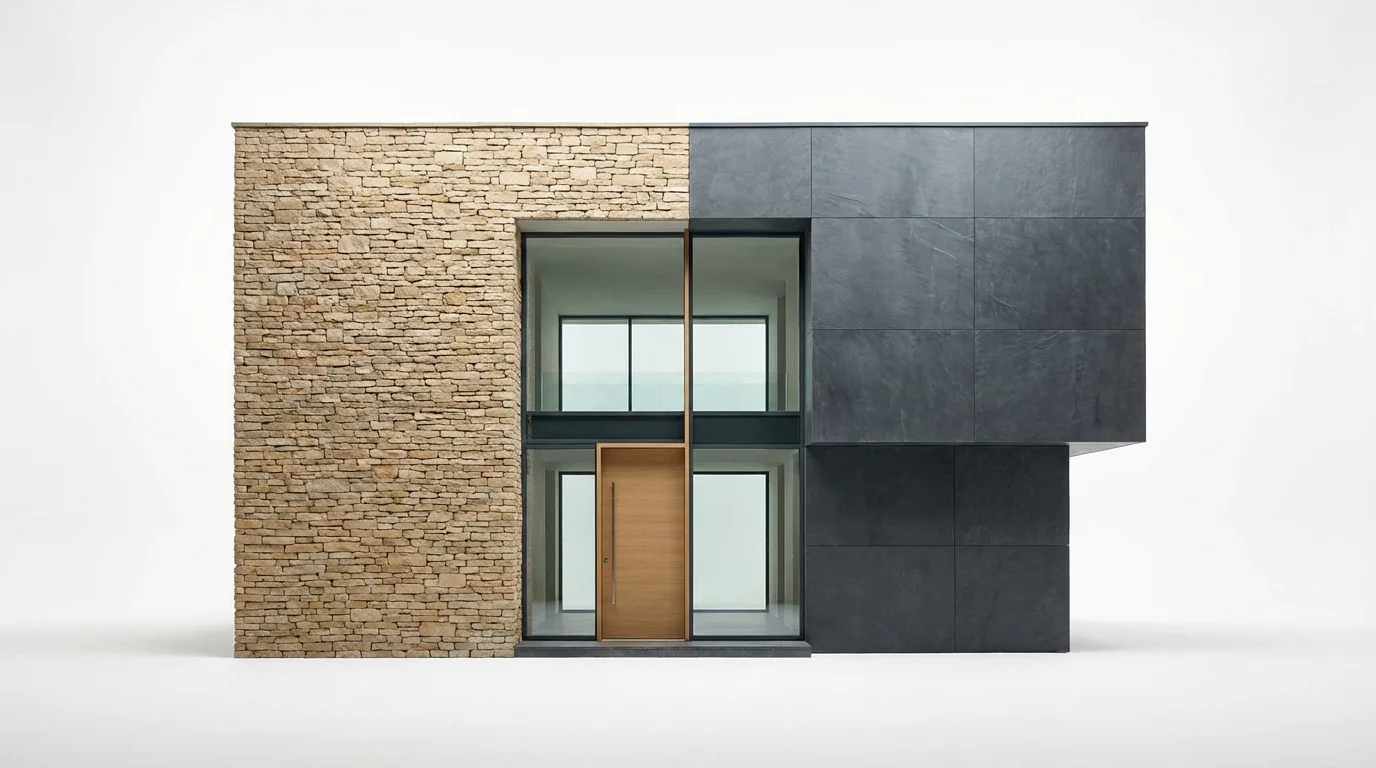
A modern house with its stone facade split in two styles for comparison: rustic beige ledgestone on the left and sleek dark grey slate on the right, set against a plain white background.
Choosing the right stone is a major decision. Our tool lets you explore an extensive range of styles without needing physical samples. Describe contemporary slate panels, traditional fieldstone, or any other pattern to see how it complements your home's architecture. Mix and match materials by telling the AI to combine a stone facade with your existing siding or brick. This freedom to experiment helps you discover the perfect combination of texture, color, and pattern to boost your home's curb appeal before any construction begins.

Explore Countless Stone Styles

Architectural mockup of a modern house corner showing a side-by-side comparison of two stone facade styles: one with smooth, light limestone and one with textured, dark stacked stone, on a white background.
Move beyond flat sketches and uninspired mockups. Pixelcut's AI generates high-resolution images that realistically portray how a new stone facade will look on your property. The technology intelligently interprets light, shadow, and perspective from your original photo to produce a lifelike rendering. This helps you get a true sense of the material's depth, texture, and overall impact on your home’s appearance. Use these detailed visuals to refine your ideas or share them with architects and builders to communicate your vision clearly.

Get Photorealistic Design Concepts

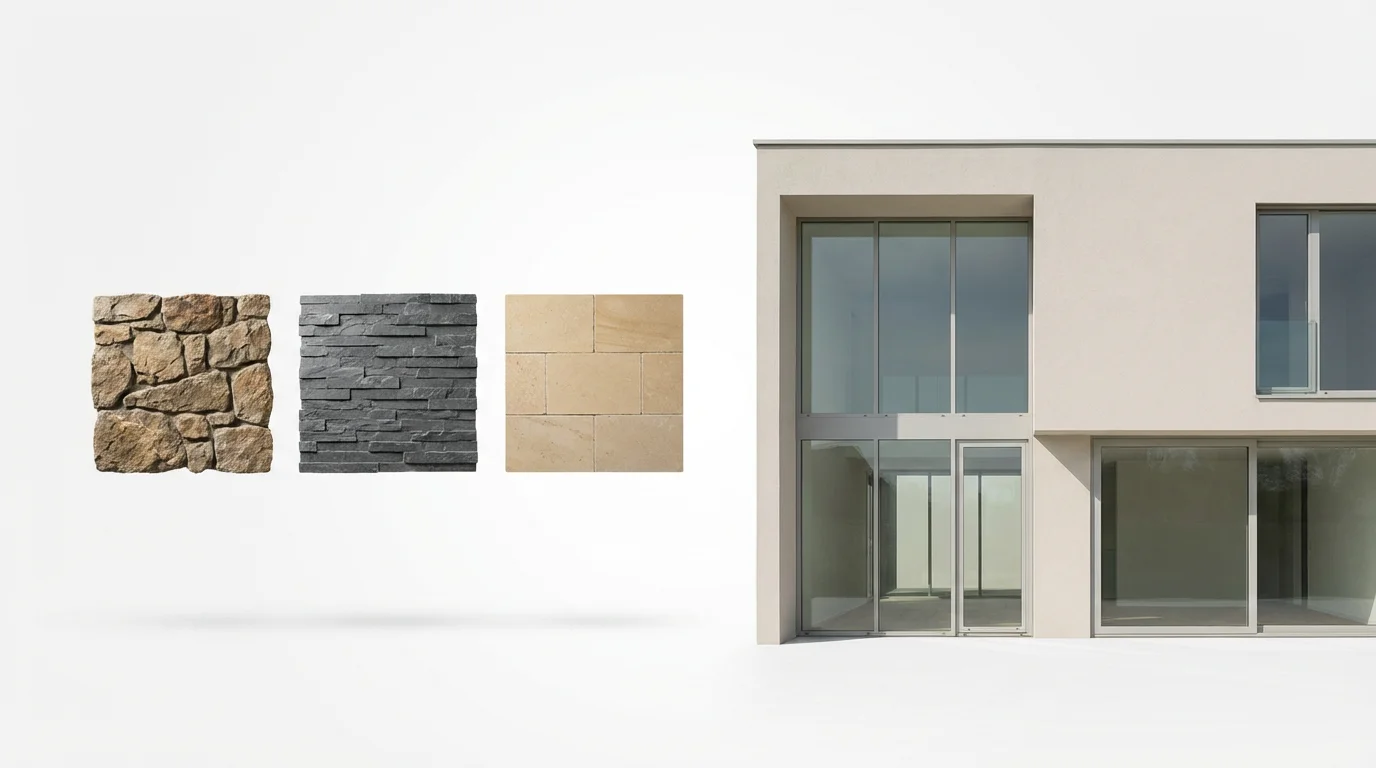
A modern house facade shown next to three floating square samples of different stone textures, fieldstone, slate, and limestone, illustrating options for a stone facade visualizer.
It’s Fast: Go from a simple photo to a complete exterior redesign in seconds. It’s Easy: No complex software is needed. Just upload a photo and type your idea. AI-Powered: Leverage artificial intelligence to create realistic and detailed facade concepts. Cost-Effective: Visualize your project for free before spending on materials and labor. Communication Tool: Create a clear visual reference to share with your family, designer, or construction team, ensuring everyone is on the same page.

Why use Pixelcut's AI Stone Facade Visualizer?

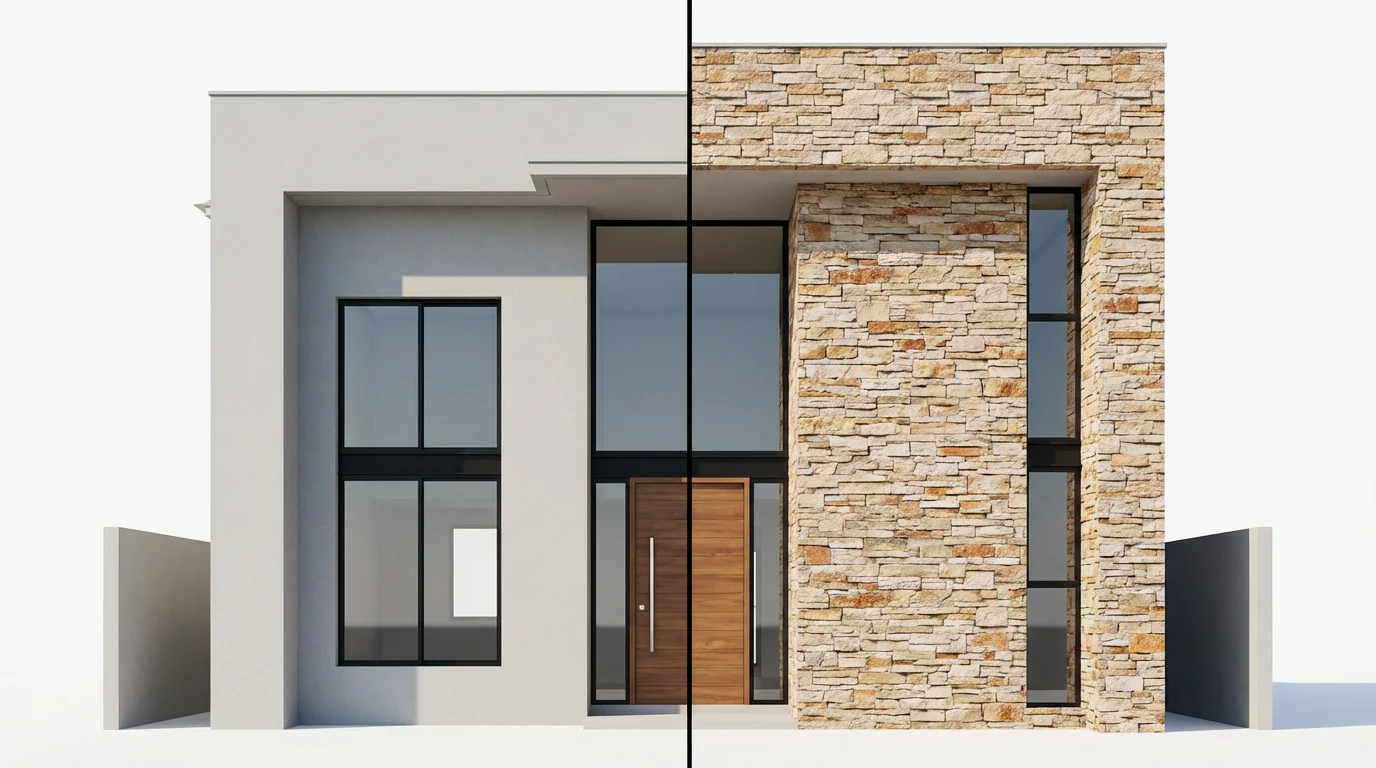
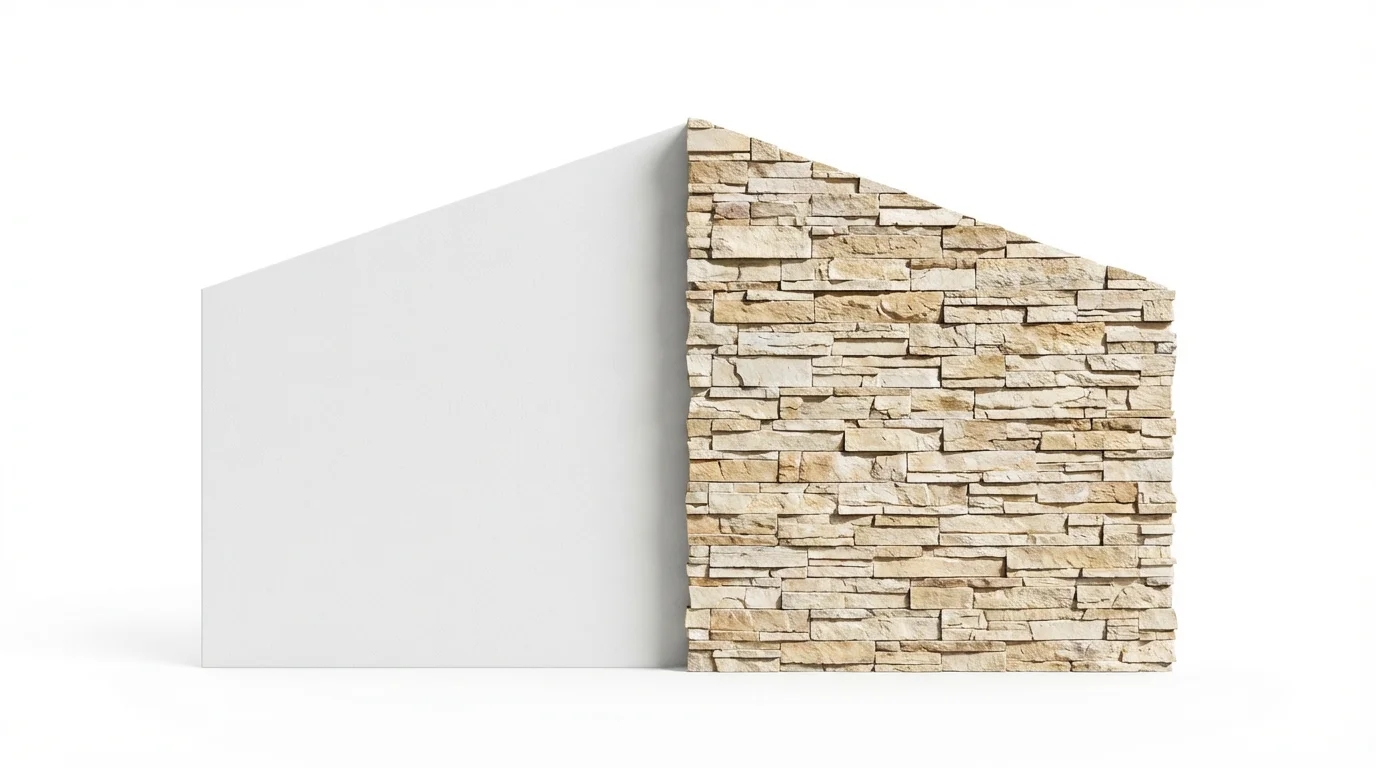
An architectural visualization of a modern house facade, split in two to show a before-and-after of a stone veneer application. One side is plain stucco, the other is a beautiful stacked stone.
Home Renovations: See exactly how a new stone accent wall or full facade will transform your existing home. New Construction Planning: Upload architectural renderings or blueprints to experiment with stone finishes during the design phase. Commercial Properties: Update the look of a storefront, office building, or residential complex by previewing modern and durable stone exteriors. Landscape Design: See how different stone choices for retaining walls or outdoor kitchens will harmonize with your home's exterior.

Stone Facade Visualizer Use Cases

A side-by-side comparison of a modern house facade, with the left half made of plain white stucco and the right half transformed with a beautiful, textured stone veneer, against a white background.

Frequently Asked Questions

Pixelcut is loved by over 2 million people

  • My favorite app

    Great app, easy to use. Helps our small business save time and money to create different marketing materials professionally. Thank you.
    Shaelyn D.
  • Best background remover

    I need a good background remover for my work and I've been through them all it feels like. This one is the best by far. It's so easy to use and the results always look amazing. Thank you Pixelcut!
    Kira H.
  • Love it

    It's amazingly easy and gives the perfect results for my bags and accessories. It looks like it was done by a professional photographer.
    Mary J.