Pixelcut
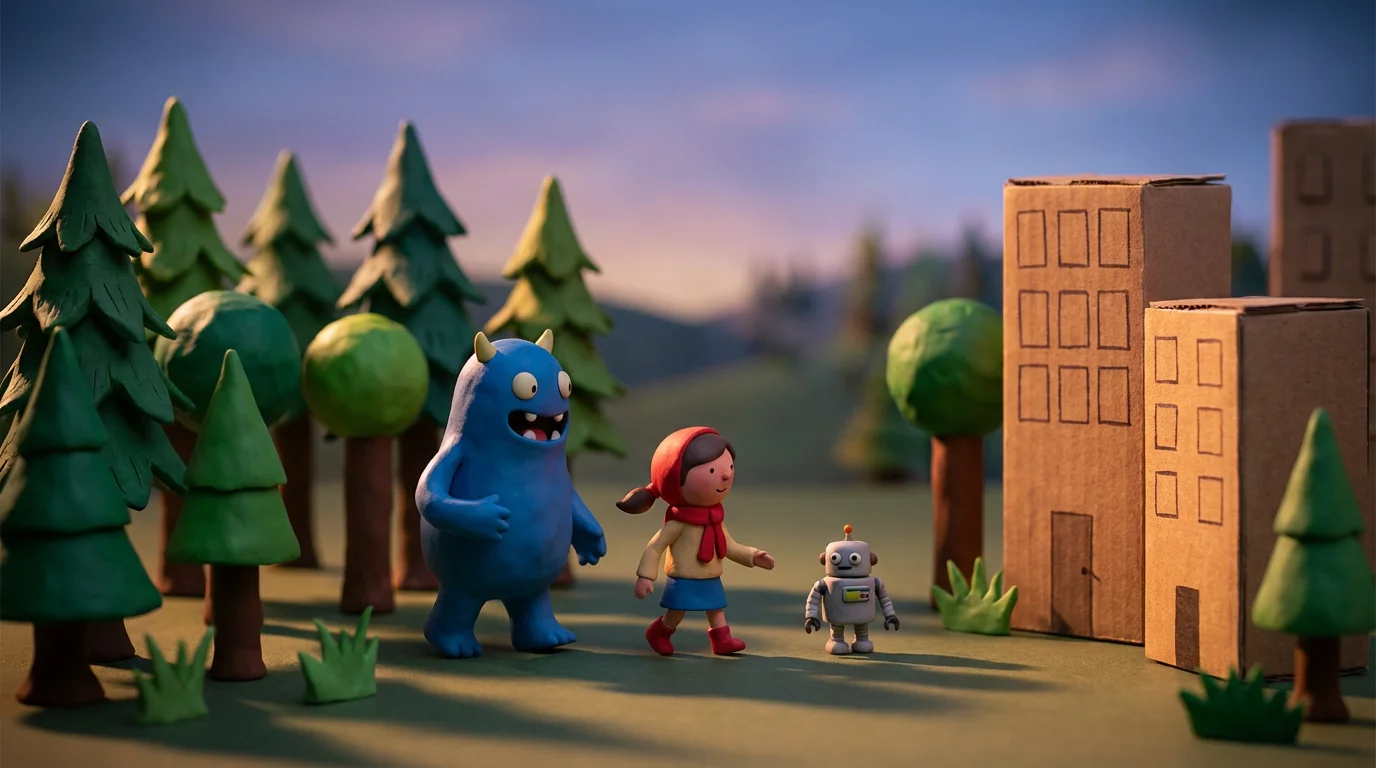
A polished, cinematic still frame from a stop motion animation, showing detailed clay figures in a miniature setting with dramatic, professional lighting. The final result is clean and high-quality.

Free AI Stop Motion Generator

Trusted by 70 million people
171,800 Reviews
Developer API
Available on iPhone & Android

How to create a stop motion animation

  1. 1

    Upload your image

    Choose a single photo you want to animate. This can be a picture of a character, an object, or a product.

  2. 2

    Enter your prompt

    Describe how you want the subject in your image to move. For example, 'make the toy car drive forward' or 'animate the drawing to wave hello.'

  3. 3

    Generate animation

    Click the button to let the AI create your stop motion video. It will generate a sequence of movements based on your prompt.

  4. 4

    Download your video

    Your stop motion animation is ready to download. Save your watermark-free video and share it on social media or use it in your projects.

Forget the tedious process of taking hundreds of photos and using complex software. Our AI stop motion generator simplifies everything. You only need one starting image to create a full animation. Whether it's a drawing, a clay model, or a product photo, our tool intelligently animates it based on your instructions. This approach saves you hours of work, making stop motion animation accessible to everyone, regardless of experience. Get the classic, charming look of stop motion with modern, AI-powered convenience.

Create Stop Motion Without the Hassle

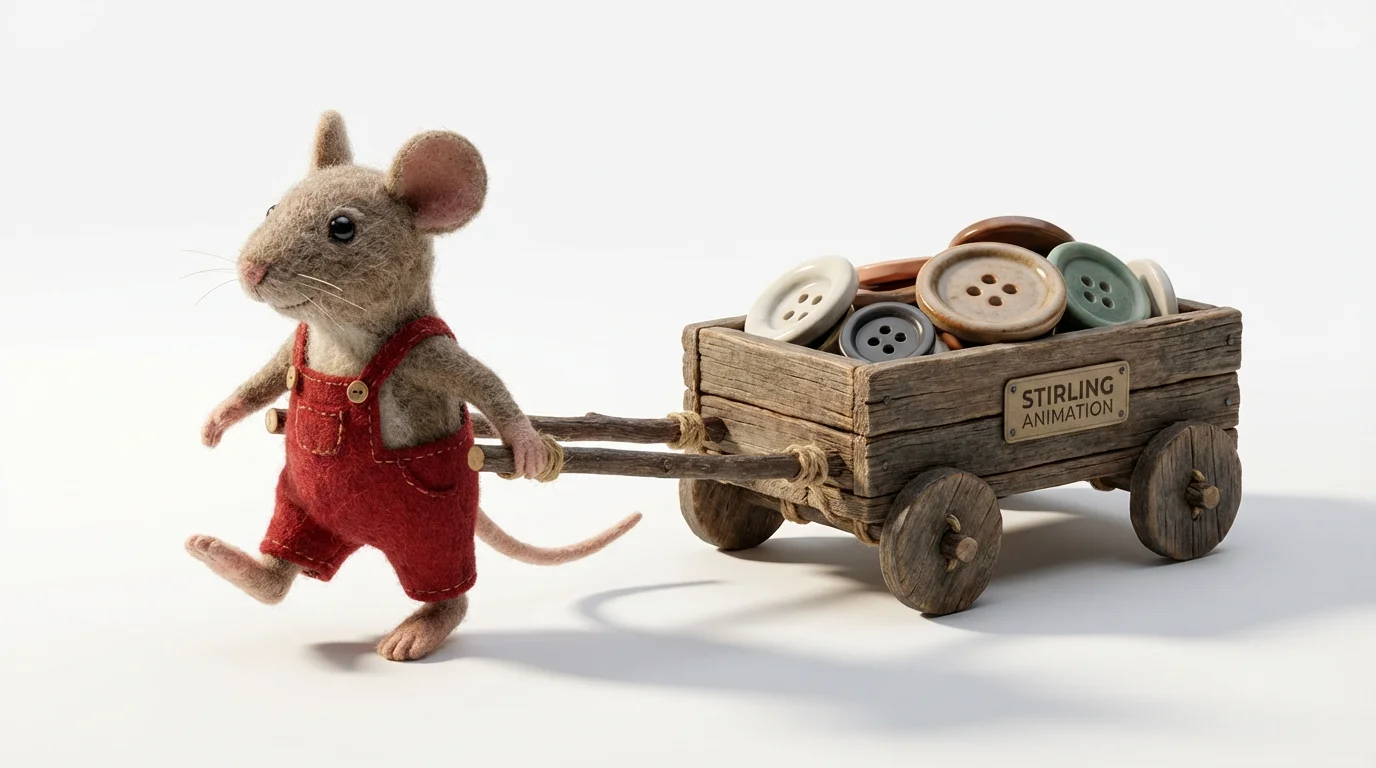
A handcrafted felt mouse in red overalls pulling a tiny wooden wagon of buttons, depicted in a stop motion animation style against a stark white background.
Take full creative control over your animation with simple text commands. Want your character to wave, dance, or jump? Just describe the action in the prompt. You can specify the style of movement, from choppy and classic to something smoother. The AI interprets your words to generate the motion, giving you a powerful way to direct your animation without needing to manually pose a figure for every single frame. This makes it easy to experiment with different actions and find the perfect movement for your story.

Animate Anything with Text Prompts

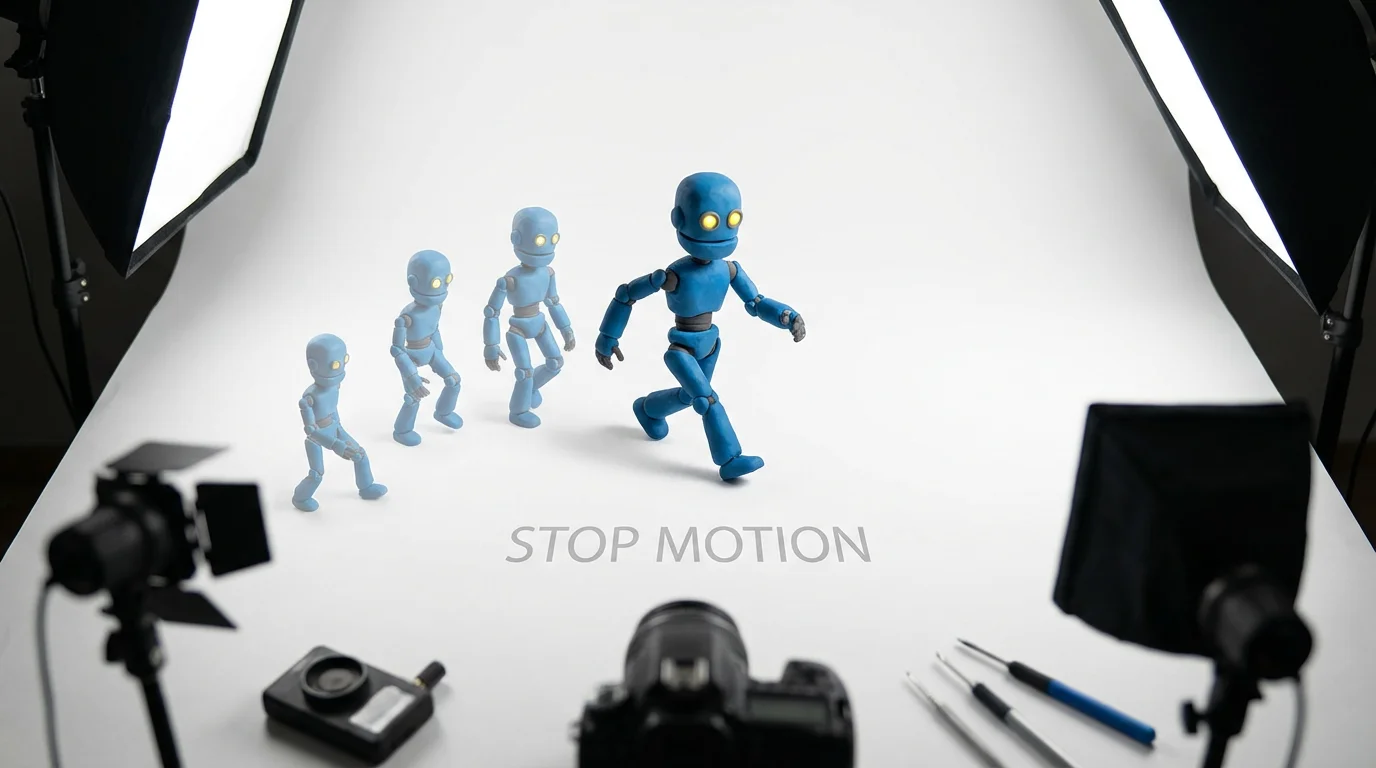
A photorealistic mockup illustrating stop motion, featuring a small blue clay robot captured mid-stride on a white background, with a faint trail of its previous poses showing the illusion of movement.
Download your creations as high-resolution, watermark-free videos, ready for any use. Our stop motion maker produces animations that look great on social media feeds, in marketing campaigns, or as part of a fun personal project. Because the animation is generated from a single high-quality image, the resulting video maintains clarity and detail. Create engaging visual content that captures the unique, handcrafted feel of stop motion and stands out in a world of standard videos. Your animation is ready to share in moments.

High-Quality Animations for Any Project

A charming claymation robot made of blue and silver clay is shown mid-stride, illustrating the art of stop motion animation against a clean white background.
It’s Fast: Go from a static image to a complete animation in seconds, not hours. It’s Easy to Use: No animation skills are needed. If you can write a sentence, you can create a stop motion video. AI-Powered: Our tool uses AI to generate motion from a single image, skipping the most time-consuming parts of traditional stop motion. Customizable: Use text prompts to define the exact movements and style you want. Versatile: Create animations for social media, product showcases, educational content, or just for fun.

Why use Pixelcut's AI Stop Motion Generator?

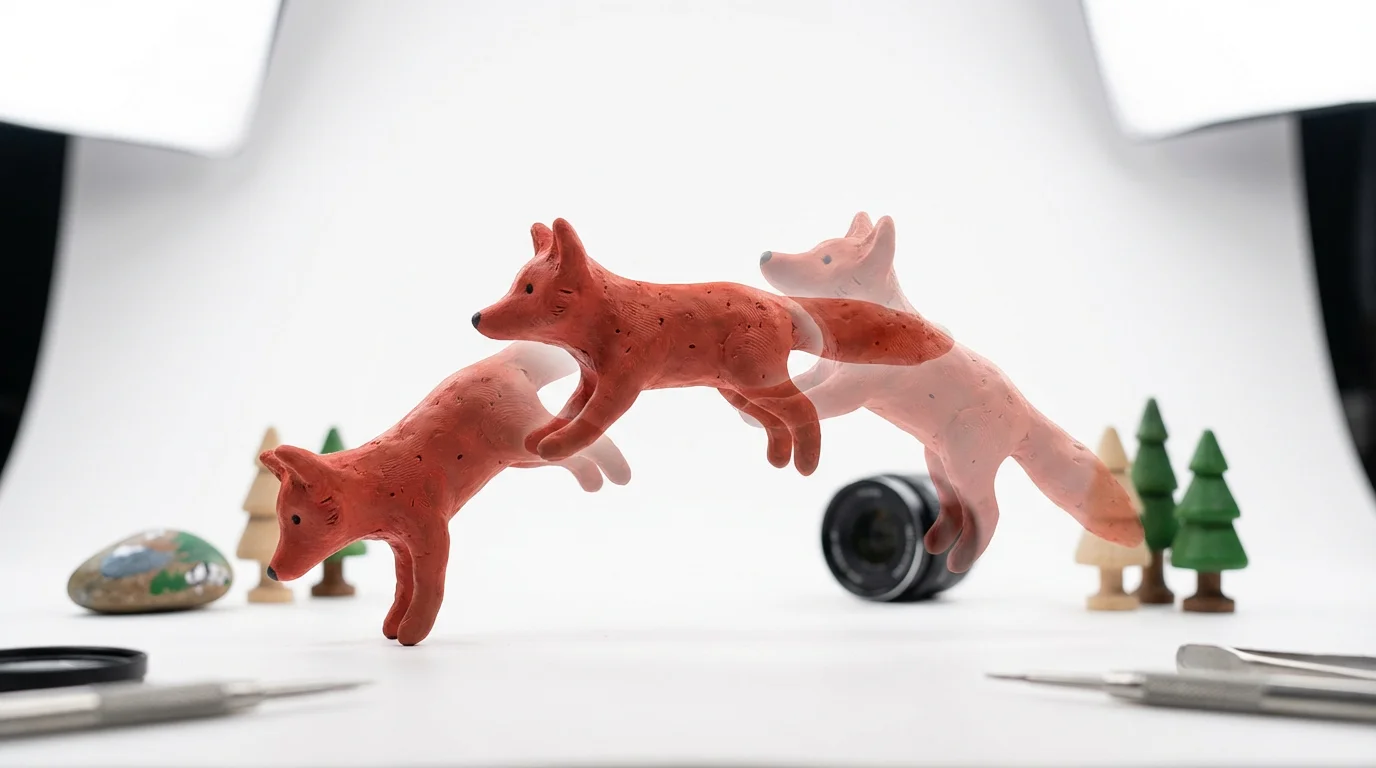
A vibrant mockup illustrating stop motion animation, showing a clay fox in three sequential positions mid-jump against a clean white background.
Social Media Content: Create eye-catching, thumb-stopping posts and stories for Instagram or TikTok. Product Marketing: Showcase a product's features by animating it in a playful and engaging way. Educational Content: Explain a concept or process by animating diagrams or figures to make learning more dynamic. Digital Art: Bring your illustrations and digital characters to life with a unique animated style. Storytelling: Craft short, imaginative narratives using animated objects, clay figures, or drawings for personal or classroom projects.

Stop Motion Generator Use Cases

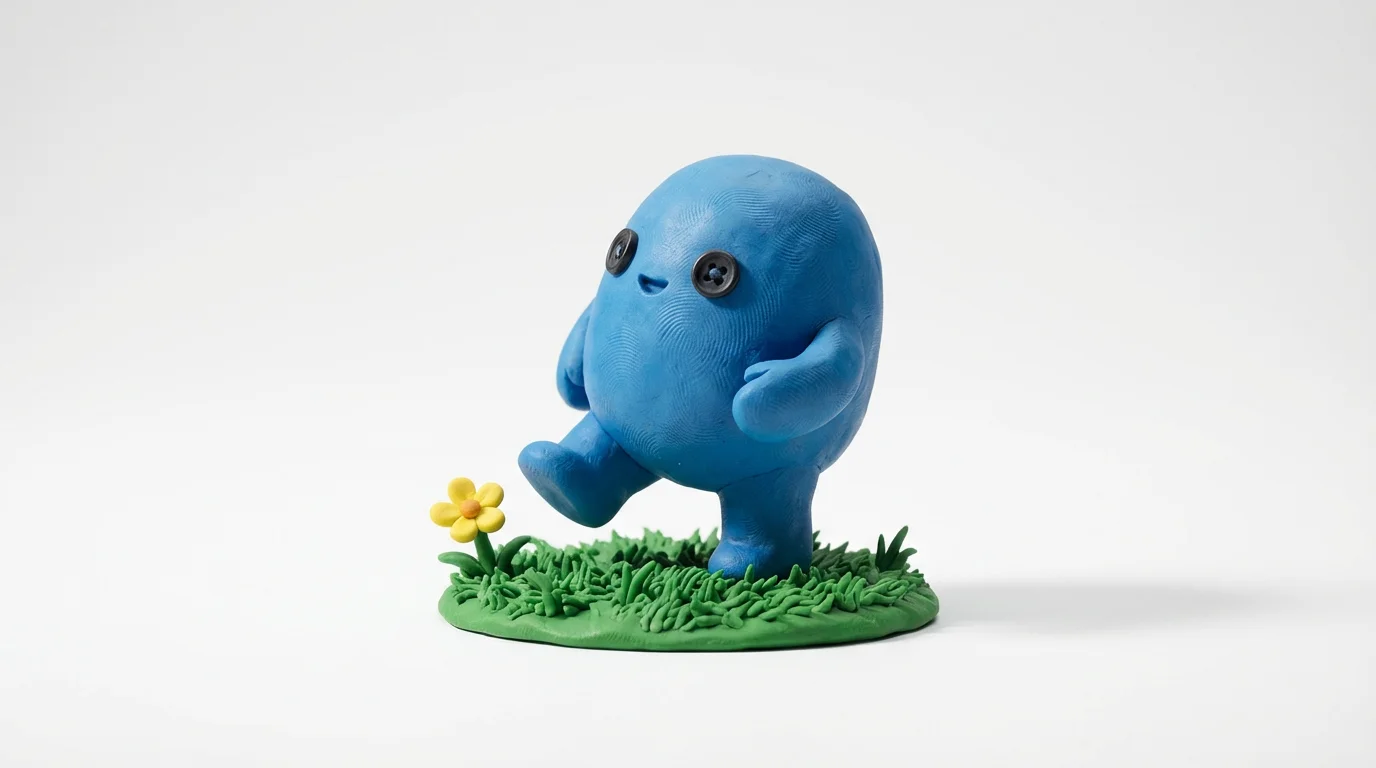
A macro photograph of a stop motion scene featuring a small blue clay character taking a step on a patch of clay grass, set against a stark white background.

Frequently Asked Questions

Pixelcut is loved by over 2 million people

  • My favorite app

    Great app, easy to use. Helps our small business save time and money to create different marketing materials professionally. Thank you.
    Shaelyn D.
  • Best background remover

    I need a good background remover for my work and I've been through them all it feels like. This one is the best by far. It's so easy to use and the results always look amazing. Thank you Pixelcut!
    Kira H.
  • Love it

    It's amazingly easy and gives the perfect results for my bags and accessories. It looks like it was done by a professional photographer.
    Mary J.