My favorite app
Great app, easy to use. Helps our small business save time and money to create different marketing materials professionally. Thank you.
Start by uploading the sunrise or landscape photo you want to enhance. Choose an image directly from your computer or device.
Describe the color adjustments you want. For example: "Enhance the warm tones and make the sky more vibrant with deep oranges and pinks."
Click the generate button and let our AI apply the color grading to your photo based on your prompt. A new, enhanced image will be ready in seconds.
Your beautifully color-graded sunrise photo is ready. Download the high-resolution image for free in PNG or JPG format.
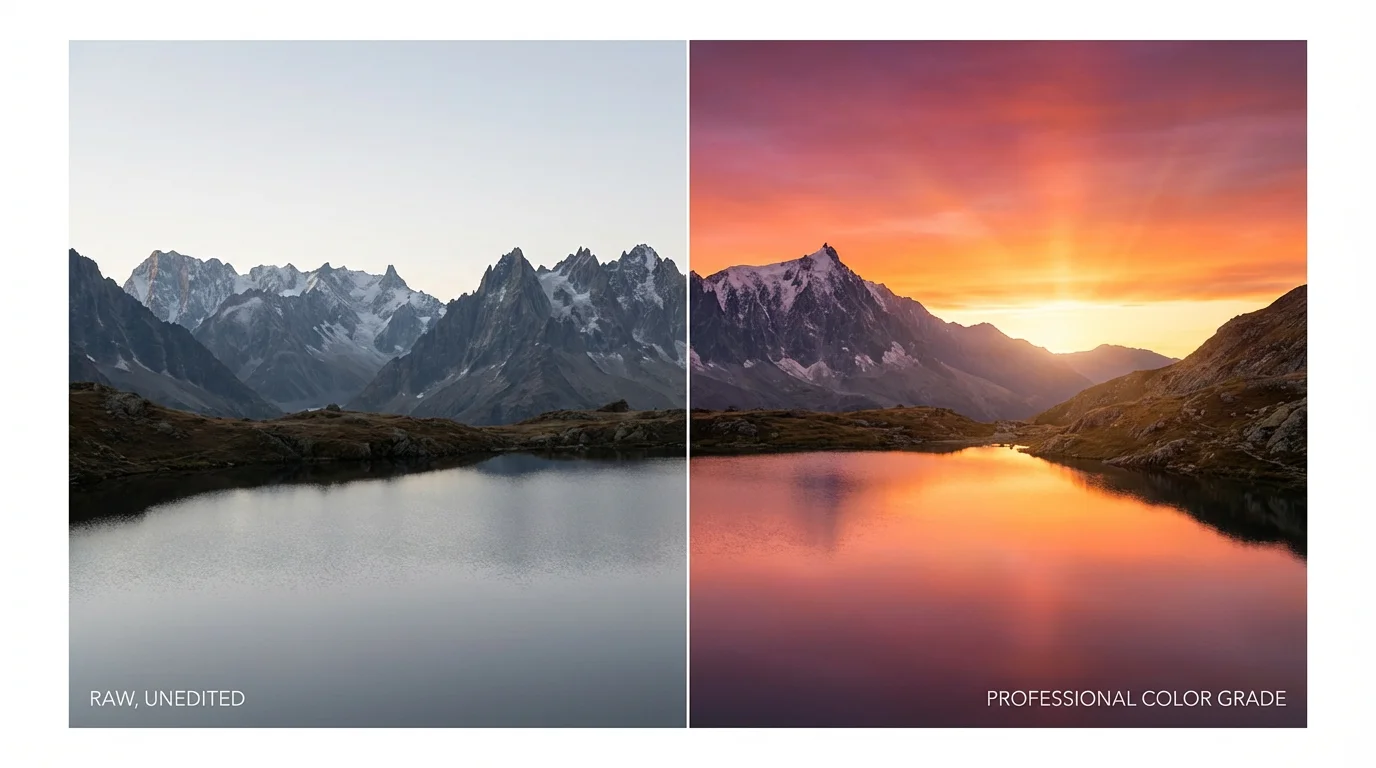
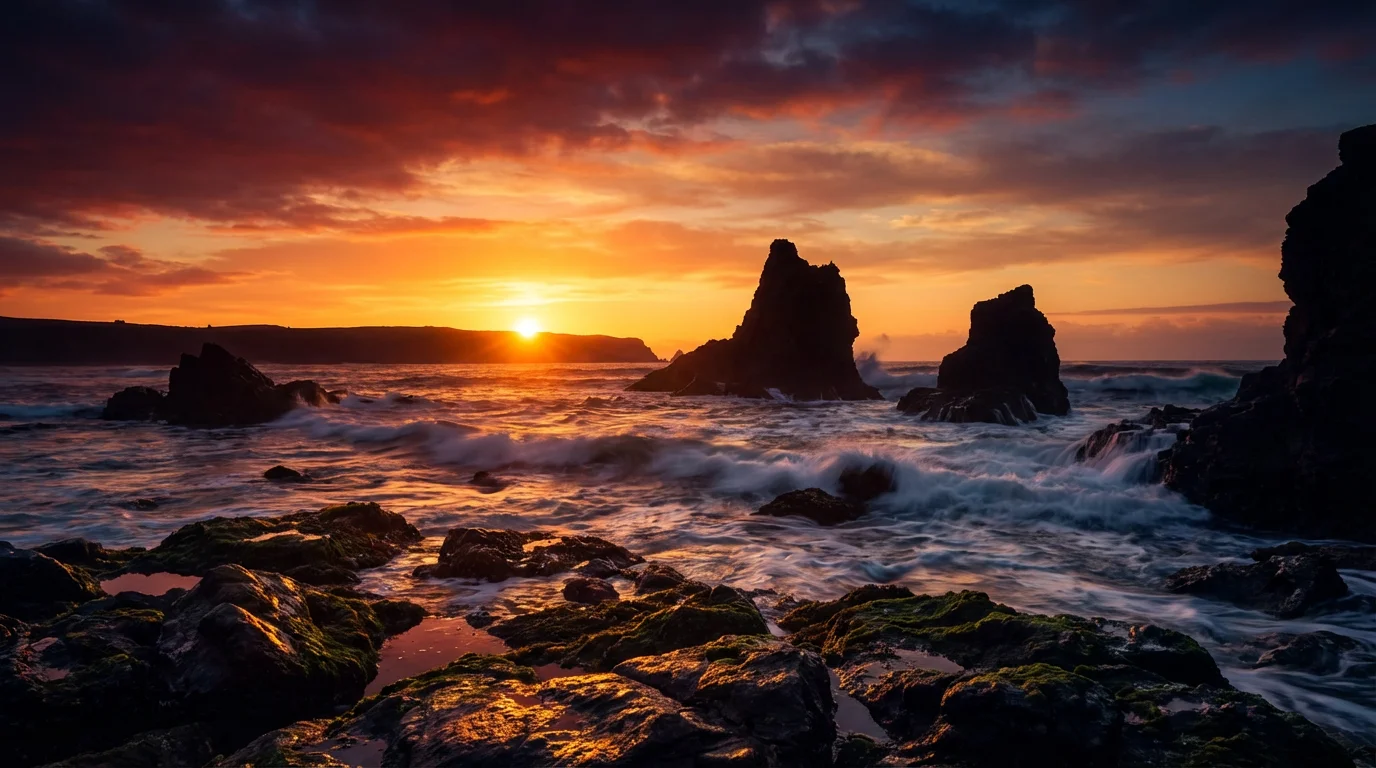
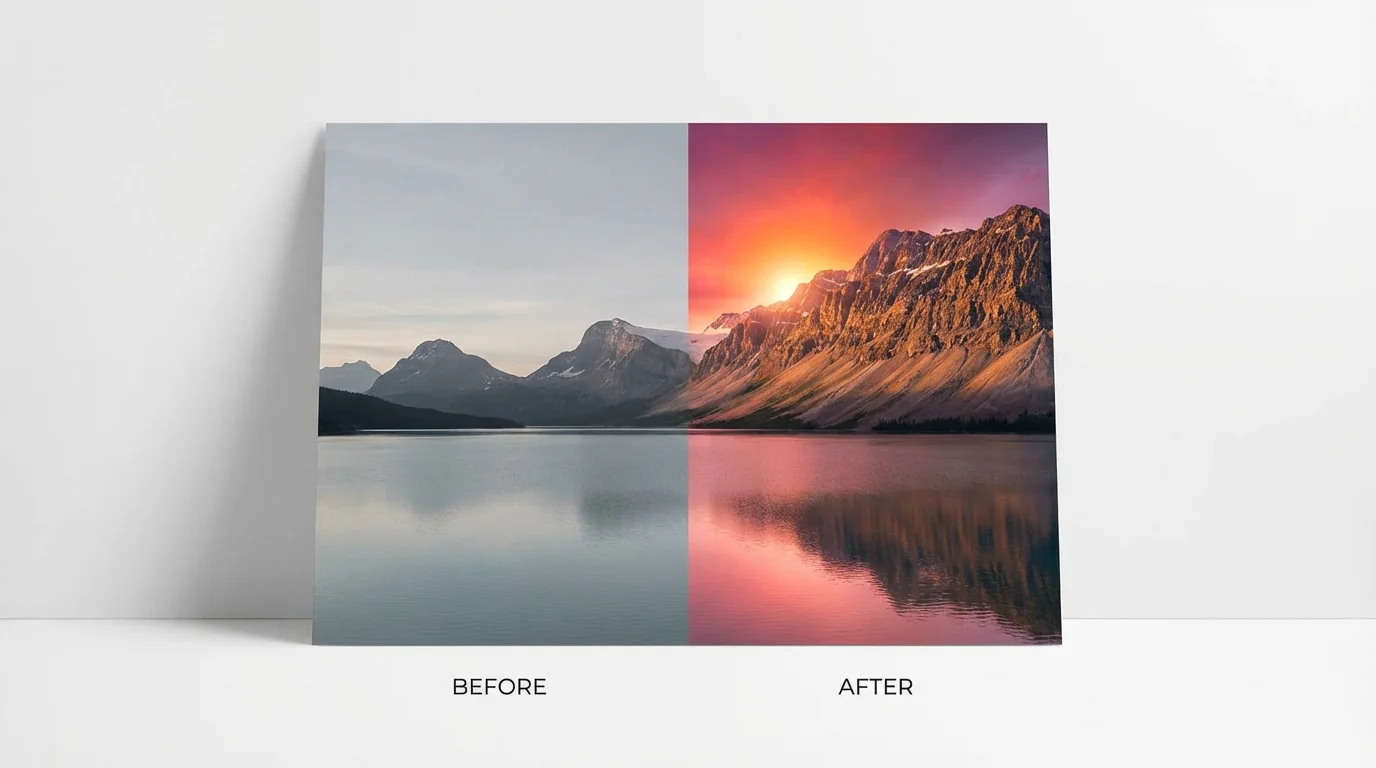
AI color grading is a process where artificial intelligence enhances the colors and tones in your sunrise photos. Instead of manually adjusting settings, you can use text prompts to describe the desired look, and the AI will apply those changes, bringing out details like the warm oranges and soft pinks in the sky.
Not at all. Our tool is designed for everyone, from beginners to professionals. You don't need any experience with complex editing software. All you need to do is upload your photo and type a simple description of the color adjustments you want to see.
This tool works best with photos taken during sunrise or golden hour that have natural light and color to work with. The AI can enhance existing colors, so starting with a photo that already has some sunrise hues will yield the most impressive results.
Yes, that's the primary benefit of our AI tool. You can be specific in your prompt. For example, you could write, "Make the orange tones more intense and add a hint of magenta to the clouds," to guide the AI's adjustments precisely.
For the best results, be descriptive. Mention specific colors (e.g., golden, fiery orange, soft pink), mood (e.g., dramatic, serene, warm), and elements in your photo (e.g., clouds, sky, water). The more detail you provide, the closer the AI can get to your vision.
Yes, you can try our AI color grading tool for free. After using your initial free credits, you have the option to purchase more to continue editing your photos. All downloads are high-resolution and do not have a watermark.
Great app, easy to use. Helps our small business save time and money to create different marketing materials professionally. Thank you.
I need a good background remover for my work and I've been through them all it feels like. This one is the best by far. It's so easy to use and the results always look amazing. Thank you Pixelcut!
It's amazingly easy and gives the perfect results for my bags and accessories. It looks like it was done by a professional photographer.