My favorite app
Great app, easy to use. Helps our small business save time and money to create different marketing materials professionally. Thank you.
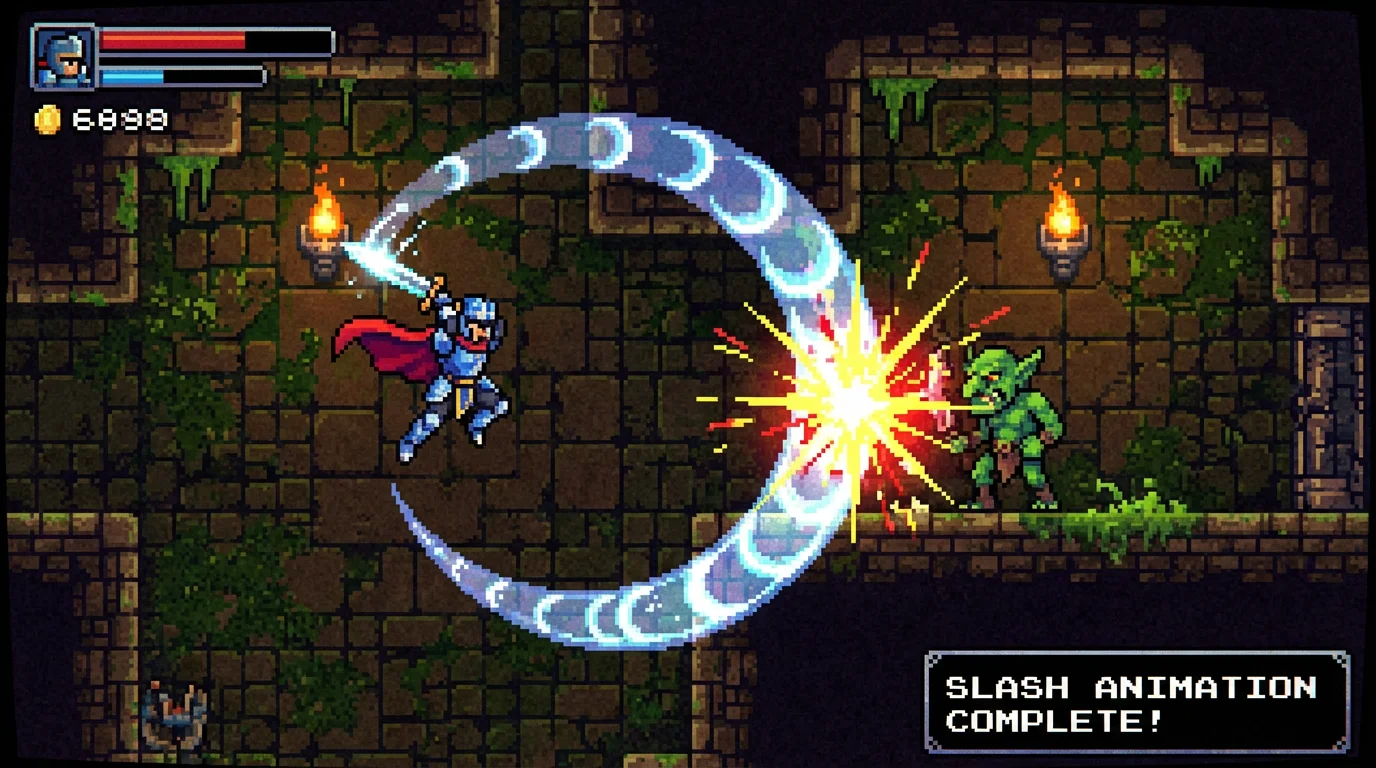
Write a detailed description of the sword slash animation you want. Include style, color, and effects, like 'A cartoon-style blue energy slash with 8 frames'.
Click the generate button and our AI will create a complete, multi-frame sprite sheet of your sword slash animation based on your prompt.
Your new sword slash sprite sheet is ready to be downloaded. It's a high-resolution PNG with a transparent background, perfect for your game project.
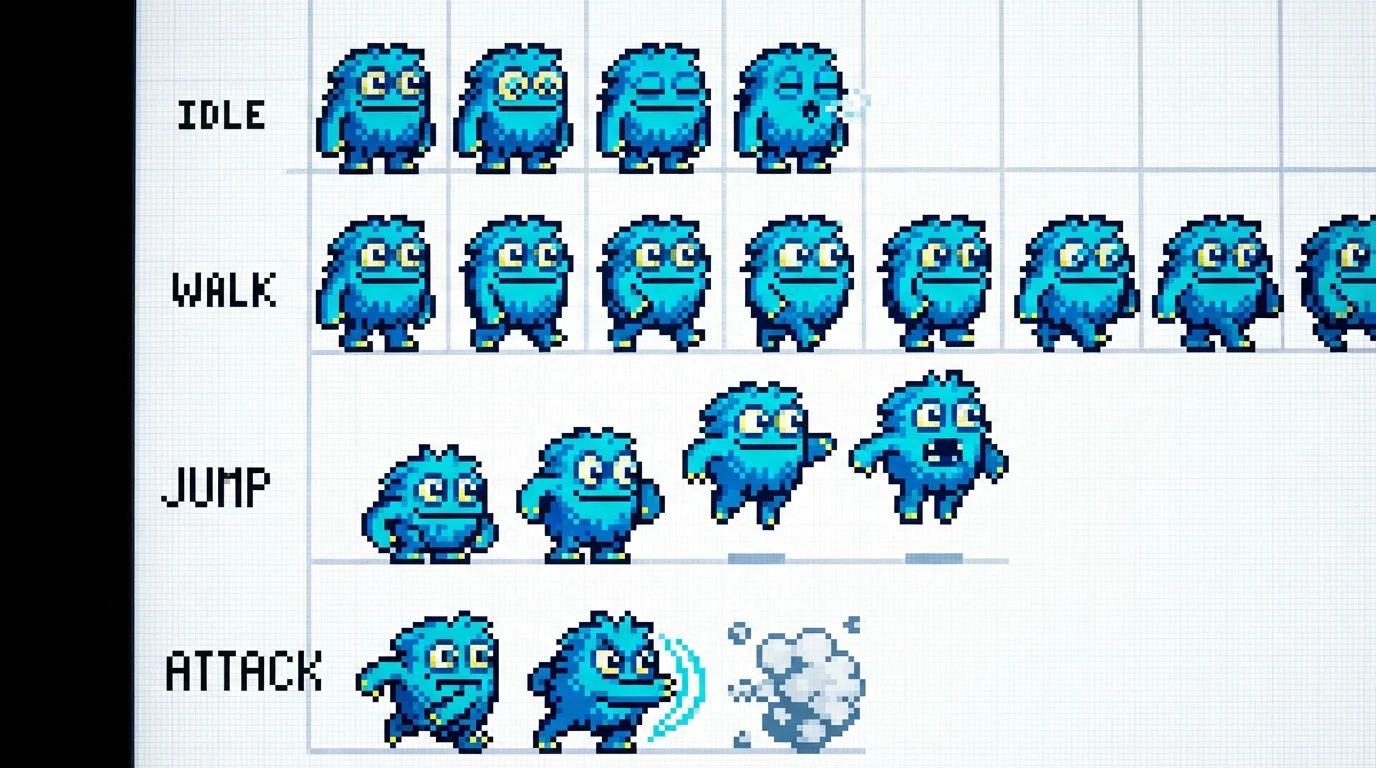
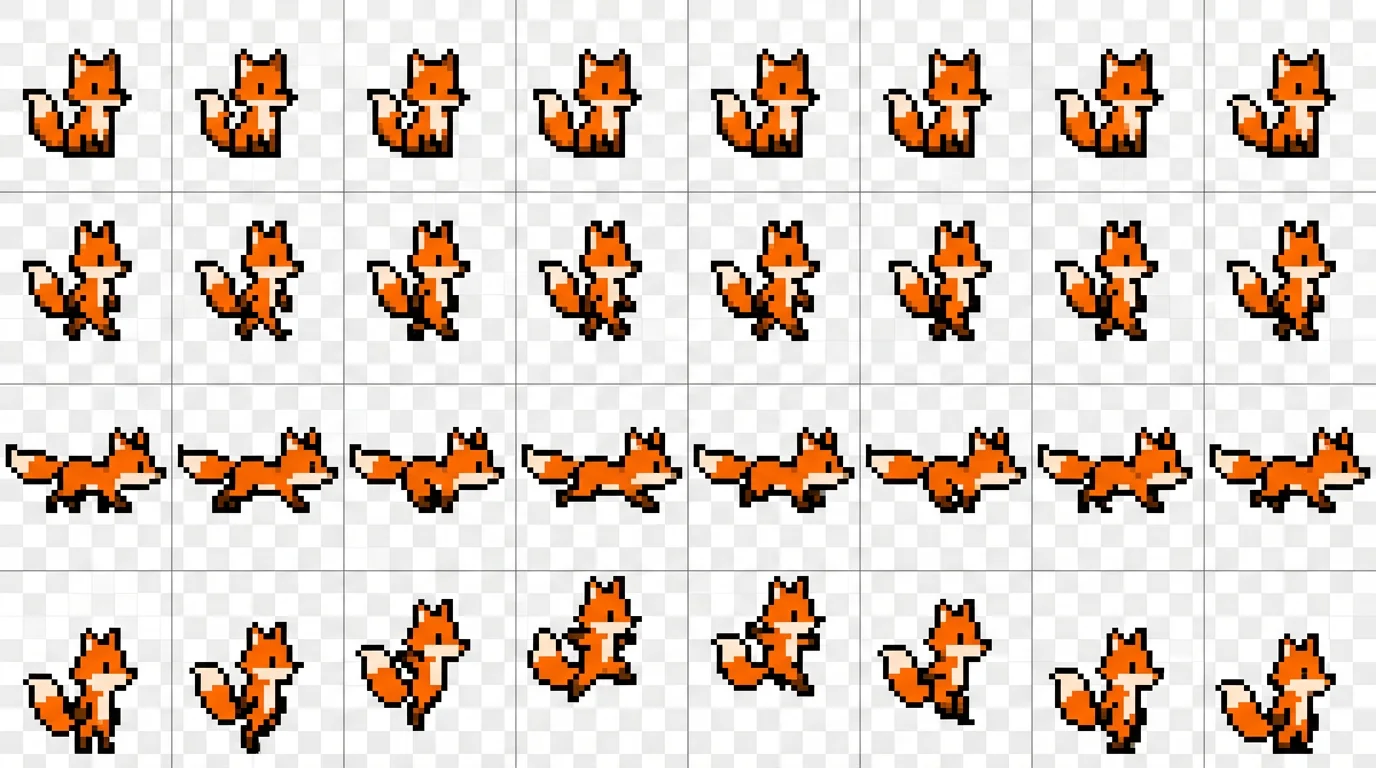
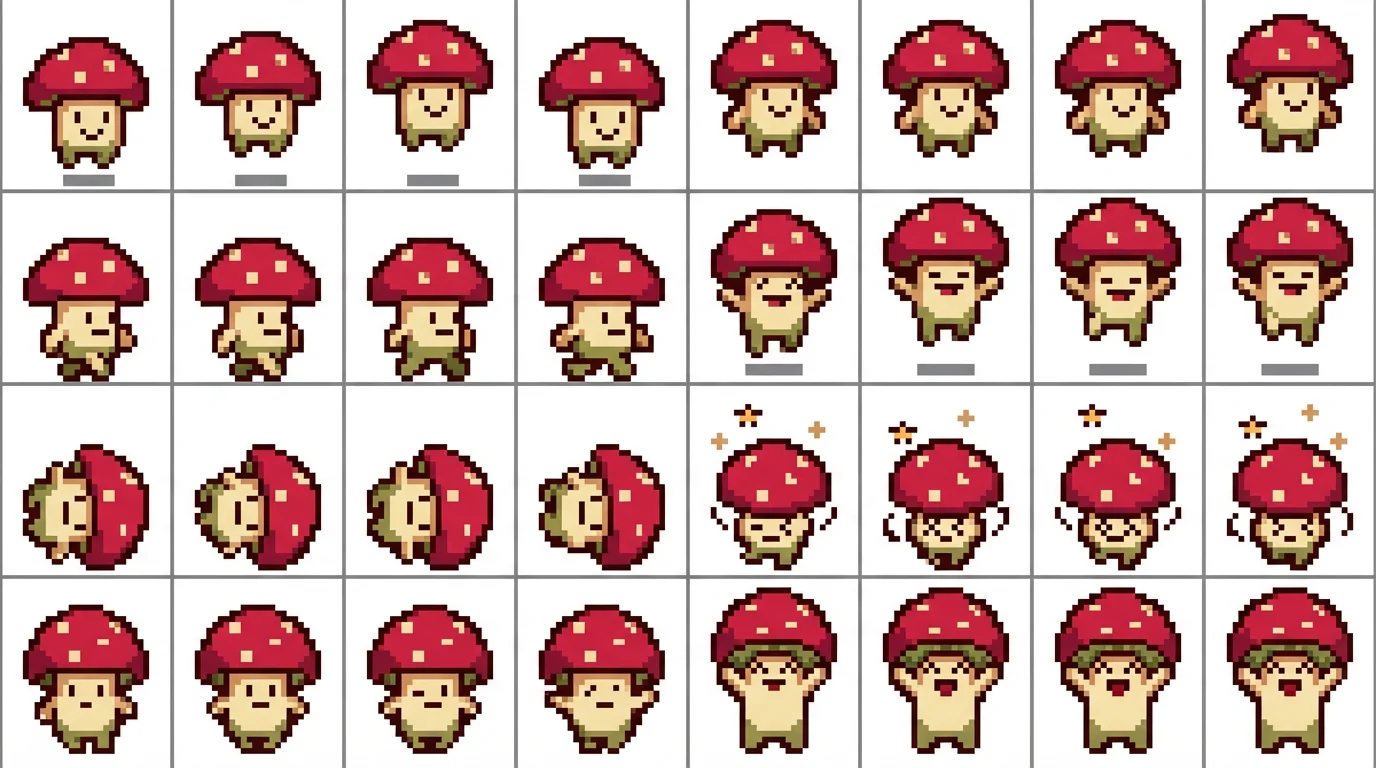
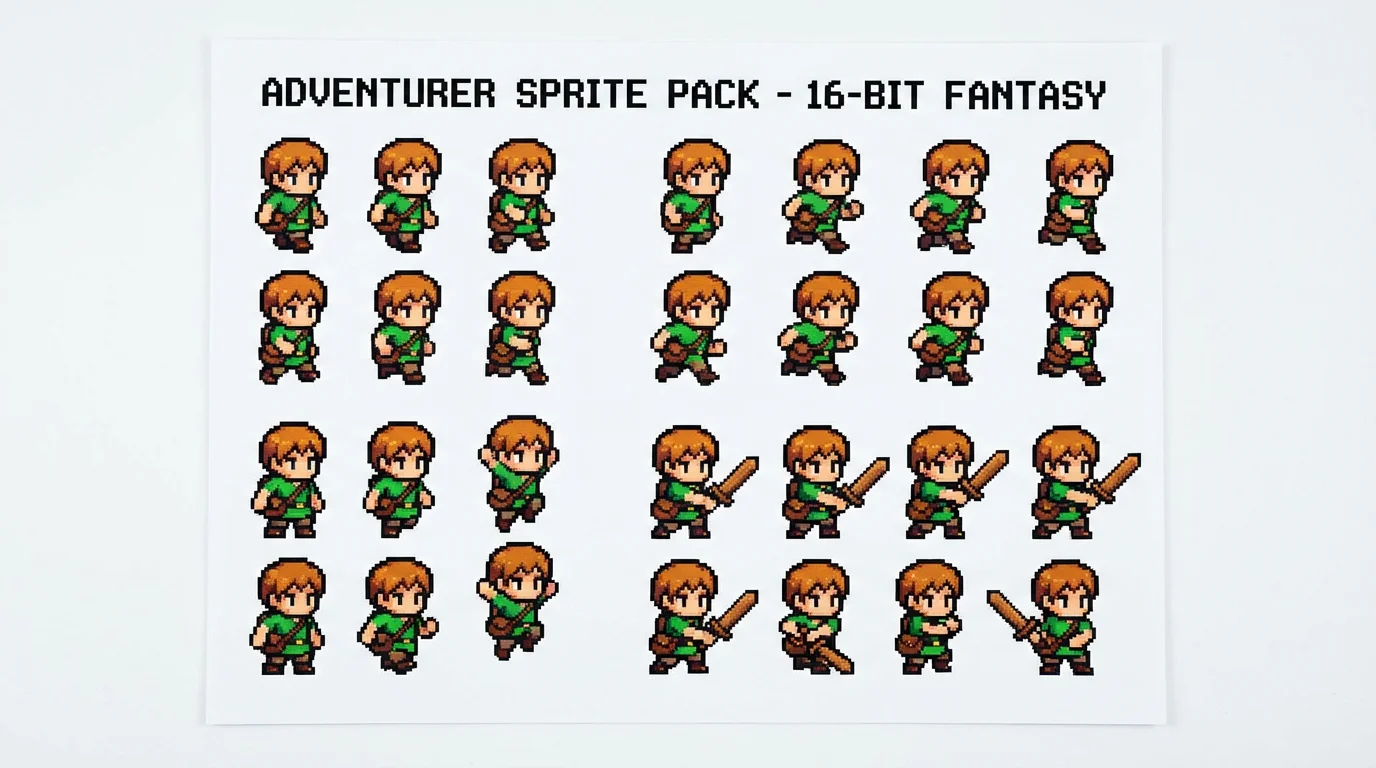
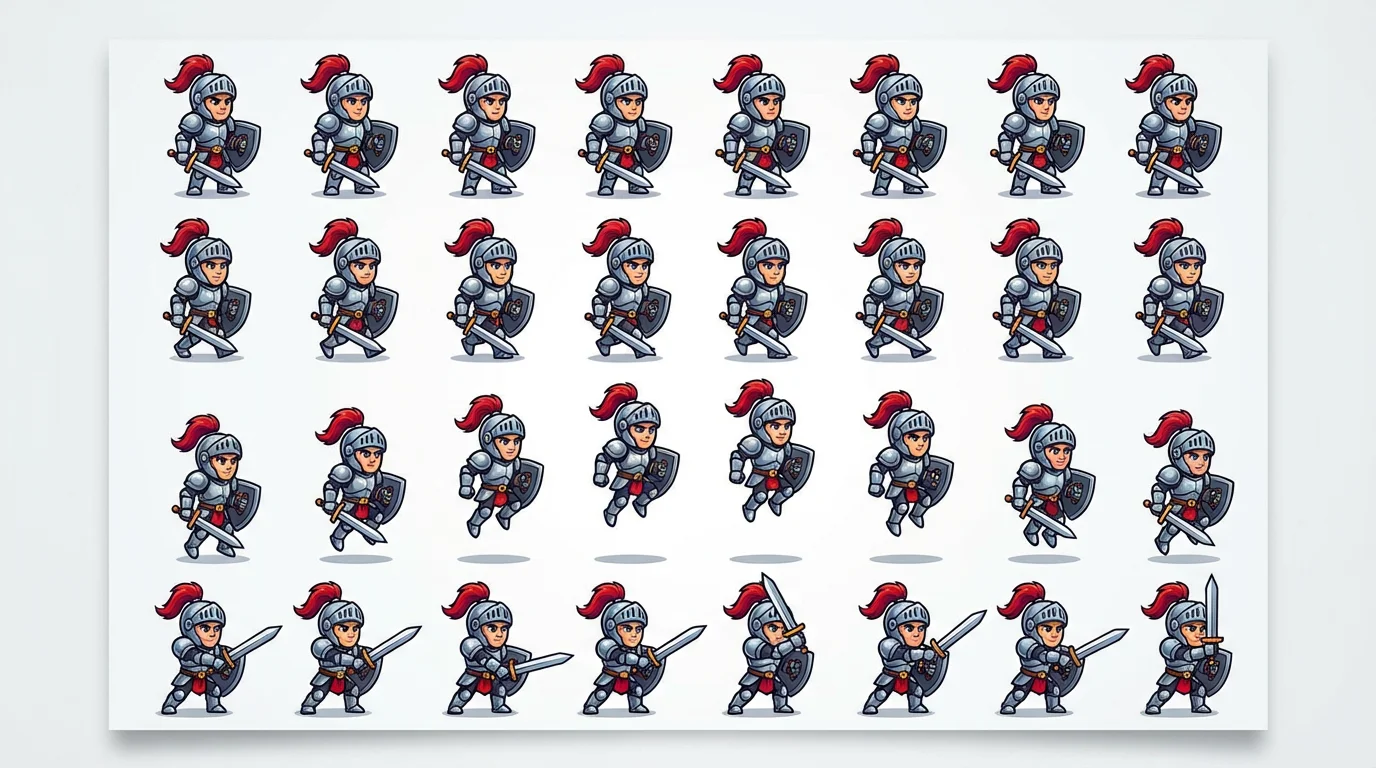
A sword slash sprite sheet is a single image file that contains a sequence of individual frames showing a sword attack animation. Game engines use these sheets by cycling through the frames to create the illusion of motion, which is a highly efficient way to handle 2D animations.
Yes, absolutely. The sprite sheets are generated with transparent backgrounds and a grid layout, making them easy to import and slice in any major game engine that supports 2D sprites, including Unity, Godot, and GameMaker.
You can create a vast range of styles by simply describing them in your text prompt. This includes different art styles like pixel art, anime, or realistic, as well as elemental effects such as fire, ice, lightning, or magical energy. You can also specify the shape and motion of the slash.
Not at all. This tool is designed for everyone, from seasoned developers to beginners. You don't need any drawing or animation skills. All you need is an idea, which you can describe in the text prompt to generate your animation.
You can try the tool for free. The generated assets are high-resolution and watermark-free, and they can be used for both personal and commercial projects. After using your free credits, you can purchase more to continue creating assets.
While you can suggest a number of frames in your prompt for the AI to consider, the generator will create what it determines to be a complete and fluid animation sequence. You can then regenerate the sprite sheet with a modified prompt to get a different result if needed.
Great app, easy to use. Helps our small business save time and money to create different marketing materials professionally. Thank you.
I need a good background remover for my work and I've been through them all it feels like. This one is the best by far. It's so easy to use and the results always look amazing. Thank you Pixelcut!
It's amazingly easy and gives the perfect results for my bags and accessories. It looks like it was done by a professional photographer.