Pixelcut
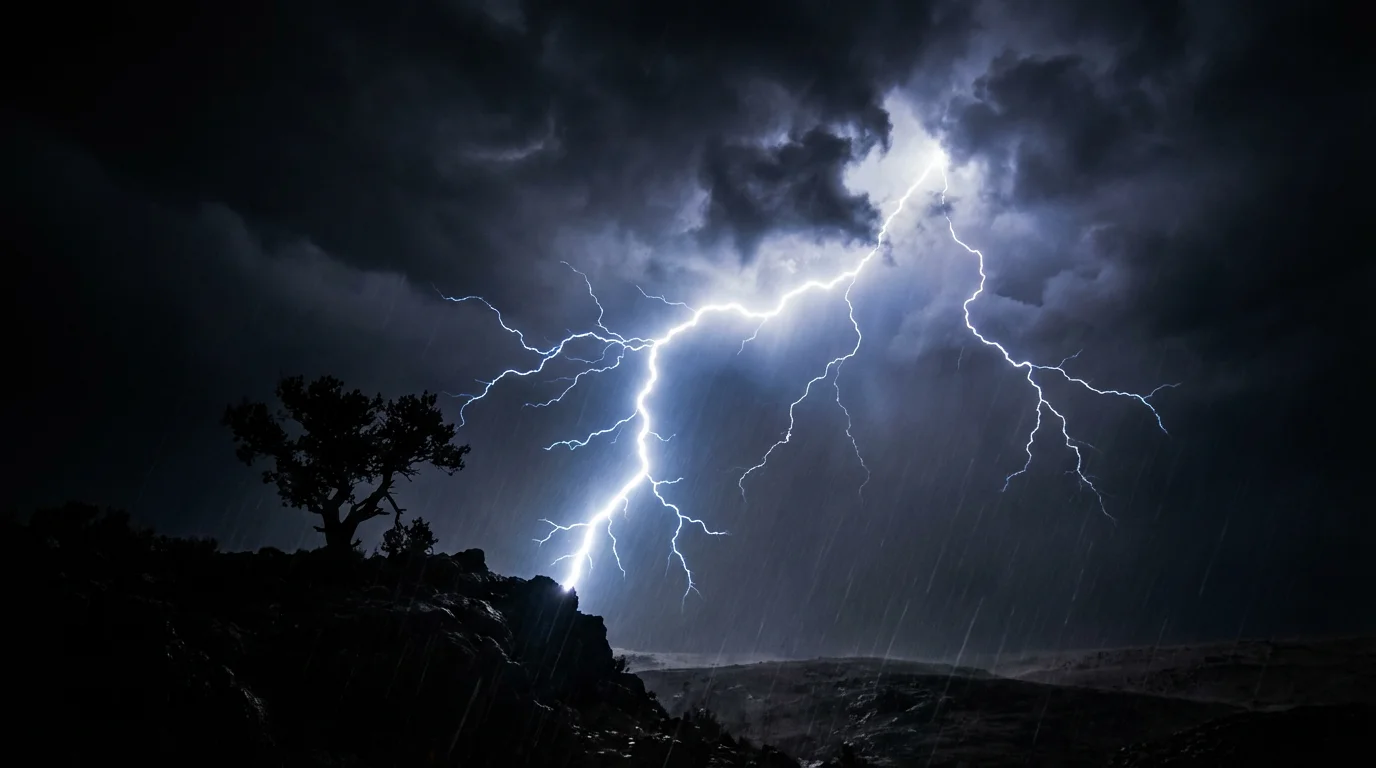
A dramatic, cinematic hero image showing the result of a thunder video effect. A massive bolt of lightning strikes down from a dark, stormy sky over a mountain range, showcasing a professional and high-quality visual.

AI Thunder Video Effect Generator

Trusted by 70 million people
171,800 Reviews
Developer API
Available on iPhone & Android

How to Create a Thunder Video Effect

  1. 1

    Upload your image

    Start by uploading the photo you want to turn into a storm. This can be a landscape, a portrait, or any other image.

  2. 2

    Describe the storm effect

    In the text box, describe the animation you want to see. For example, 'Animate with rolling storm clouds and lightning'.

  3. 3

    Generate your video

    Click the generate button and our AI will create a video, animating your photo with the thunder and lightning effect you described.

  4. 4

    Download your video

    Your high-resolution animated video is ready to download. Share it on social media or use it in your next creative project.

Transform a peaceful landscape or a simple portrait into a scene of dramatic weather. Pixelcut’s AI video animator empowers you to add motion and life to your static photos. By uploading an image and describing the effect, you can generate a captivating video sequence. Imagine dark clouds gathering, windswept trees, and the sky illuminating with flashes of lightning. You don’t need any video editing experience to create a powerful, cinematic storm effect; your words are the only tool you need to direct the weather.

Animate Any Image into a Stormy Scene

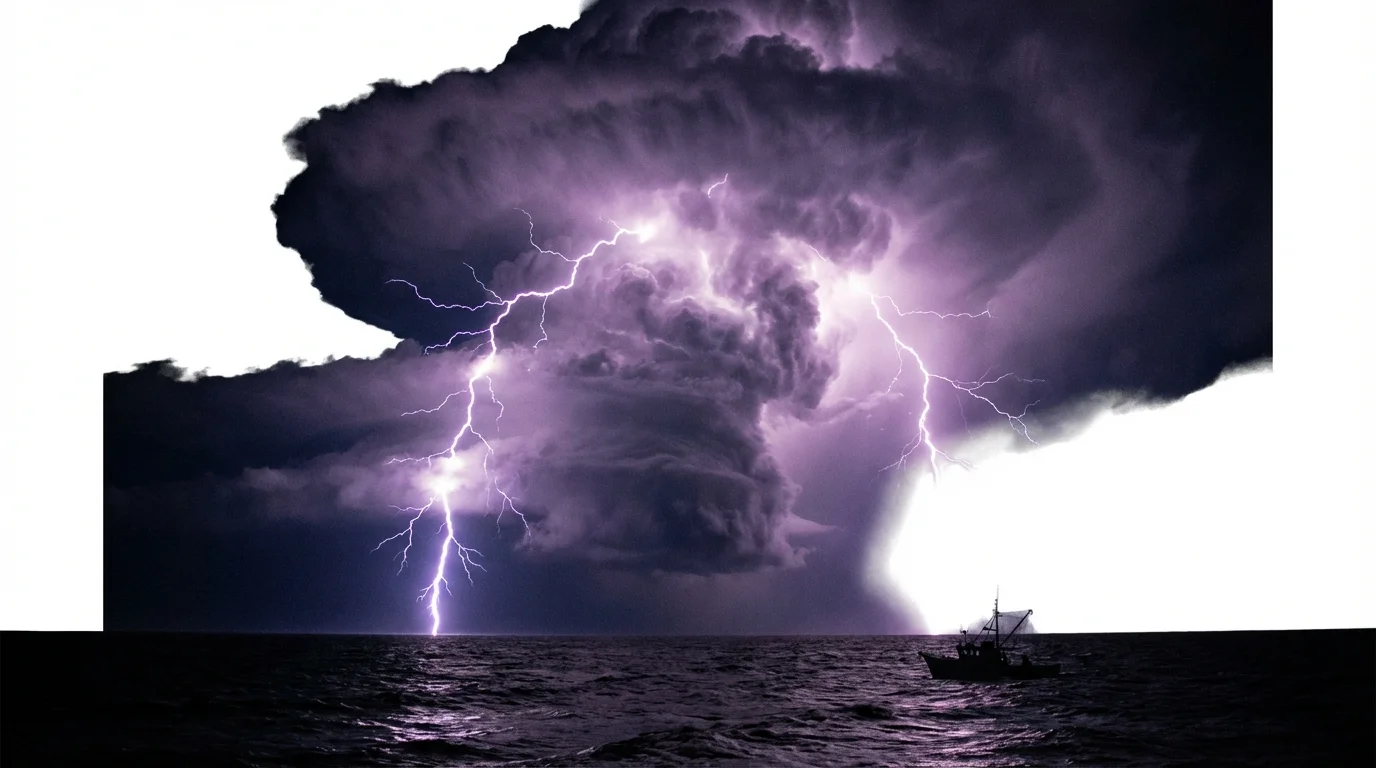
A hyper-realistic image of a powerful thunderstorm over the ocean at night. A massive bolt of purple lightning strikes the water, dramatically lighting up the dark, swirling clouds and turbulent waves.
You have full creative control over your animated storm. Use simple text prompts to guide the AI, specifying every detail of the thunder video effect. Describe the direction you want the clouds to move, the frequency and color of the lightning, and the overall intensity of the storm. Want subtle heat lightning in the distance or a powerful, forked bolt striking down? Just type it out. This allows you to fine-tune the animation until it perfectly matches your artistic vision, creating a unique video every time.

Direct the Storm with Text Prompts

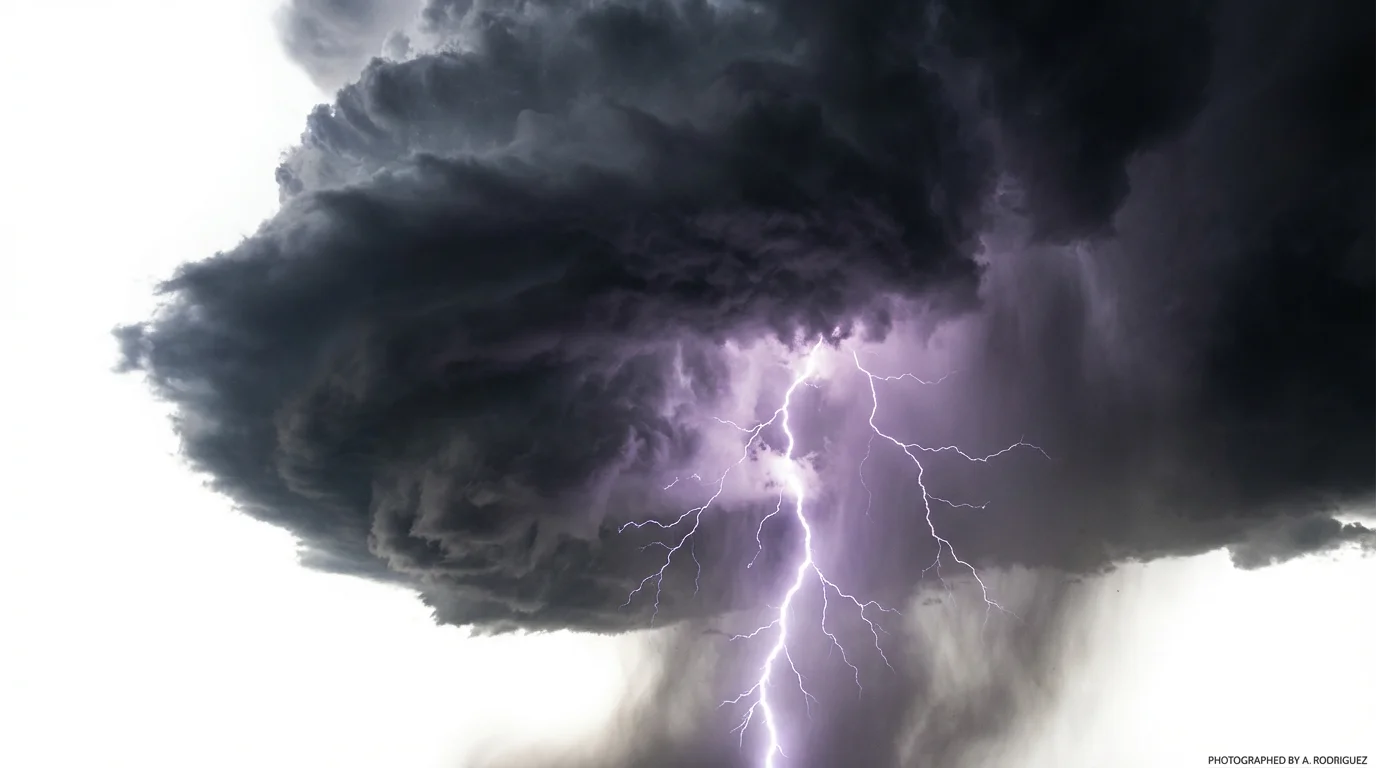
A dramatic depiction of a thunder video effect, showcasing a massive, dark storm cloud with a powerful purple and white lightning bolt striking downwards, all isolated against a clean white background.
Our AI doesn't just add a simple overlay; it generates natural-looking motion that makes your scene feel alive. The tool intelligently animates elements to create a believable storm, from the rolling movement of clouds to the bright, sharp flashes of lightning. The result is a high-resolution video that captures the raw energy of a thunderstorm. The animations are smooth and detailed, making them perfect for sharing on social media, incorporating into creative projects, or using as dynamic digital art.

Produce High-Quality, Realistic Animations

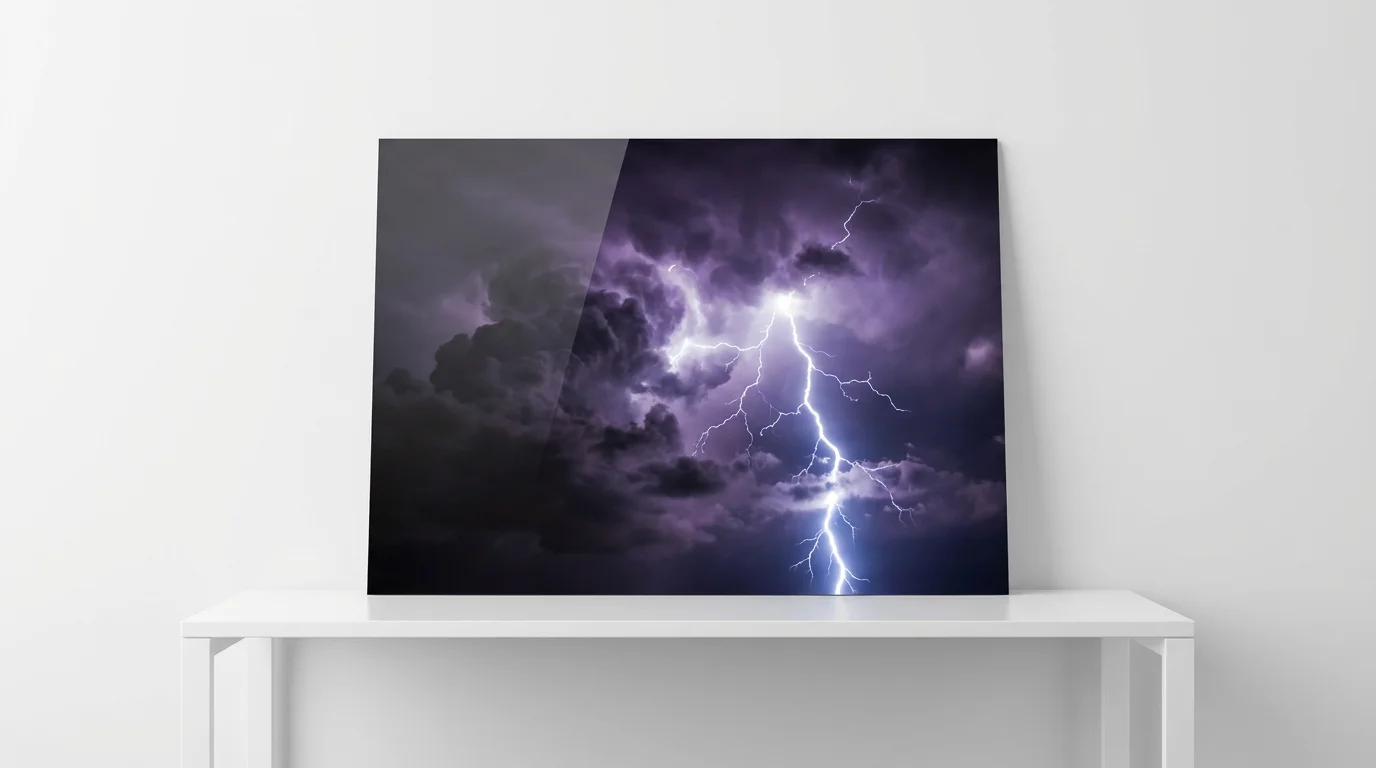
A hyper-realistic image of a powerful, jagged lightning bolt striking down from a dark and stormy sky, illuminating the clouds with a brilliant flash of light.
It’s Fast: Go from a static photo to a dynamic storm video in seconds. It’s Easy to Use: Simply upload your image and type a text prompt to create your animation. No complex software needed. AI-Powered Animation: Our tool uses AI to intelligently interpret your prompts and generate realistic motion. Customizable Effects: You direct the storm. Control cloud movement, lightning style, and intensity with your descriptions. Versatile for Any Project: Create eye-catching content for social media, digital art, or marketing materials.

Why use Pixelcut's AI Thunder Video Effect?

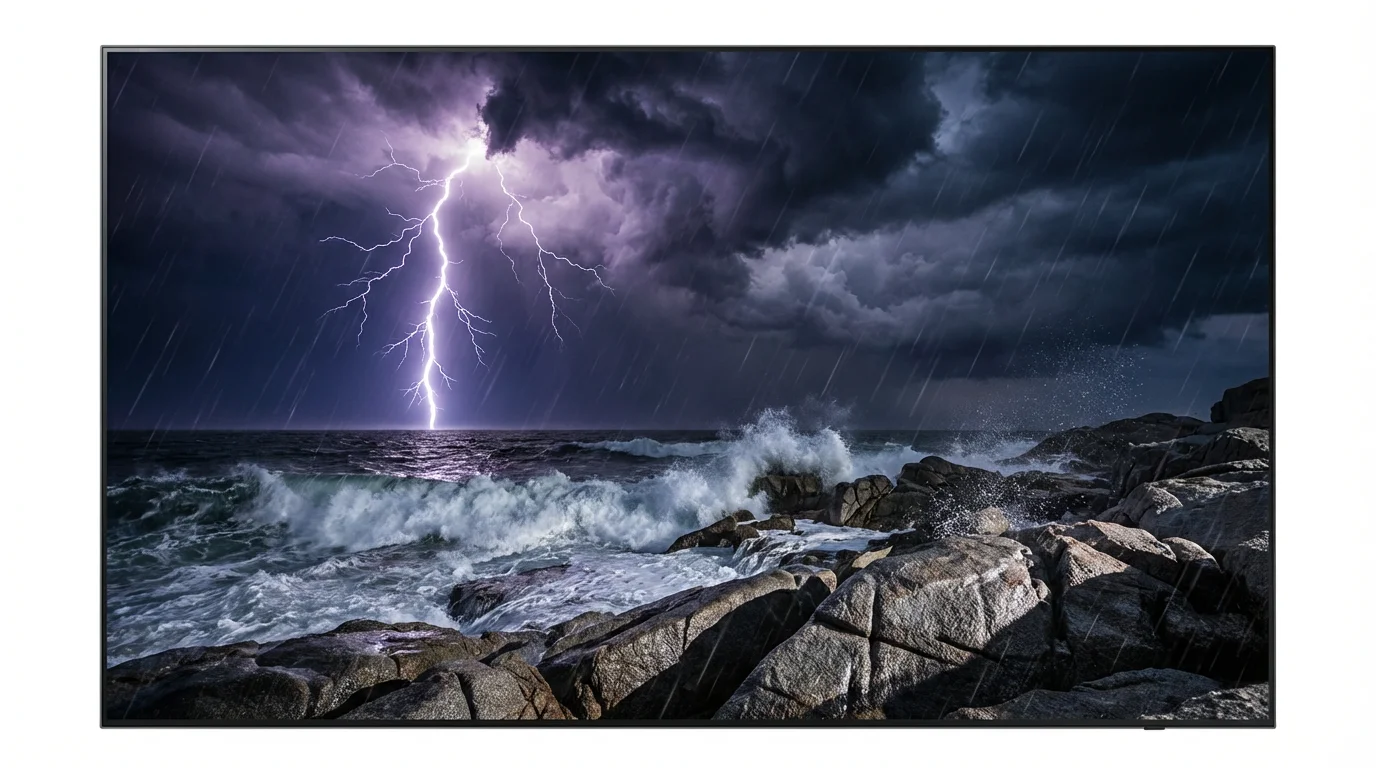
A dramatic and realistic depiction of a thunderstorm over a rocky coast. A massive lightning bolt strikes the turbulent ocean, illuminating the dark storm clouds, crashing waves, and wet rocks in a powerful flash of light.
Social Media Content: Create thumb-stopping videos for Instagram Reels, TikTok, or Facebook stories by animating your photos with a storm. Digital Art: Add a layer of drama and motion to your digital illustrations or photographic art pieces. Marketing and Promotions: Announce a sale or event with a video that grabs attention and conveys energy. Website Backgrounds: Use a looping storm animation to create a moody and engaging background for your website. Music Visualizers: Generate atmospheric visuals to accompany your music or podcast.

Thunder Video Effect Use Cases

A dramatic video still effect of a massive lightning bolt striking across a dark, stormy sky, illuminating the clouds and a silhouetted landscape below.

Frequently Asked Questions

Pixelcut is loved by over 2 million people

  • My favorite app

    Great app, easy to use. Helps our small business save time and money to create different marketing materials professionally. Thank you.
    Shaelyn D.
  • Best background remover

    I need a good background remover for my work and I've been through them all it feels like. This one is the best by far. It's so easy to use and the results always look amazing. Thank you Pixelcut!
    Kira H.
  • Love it

    It's amazingly easy and gives the perfect results for my bags and accessories. It looks like it was done by a professional photographer.
    Mary J.