Pixelcut
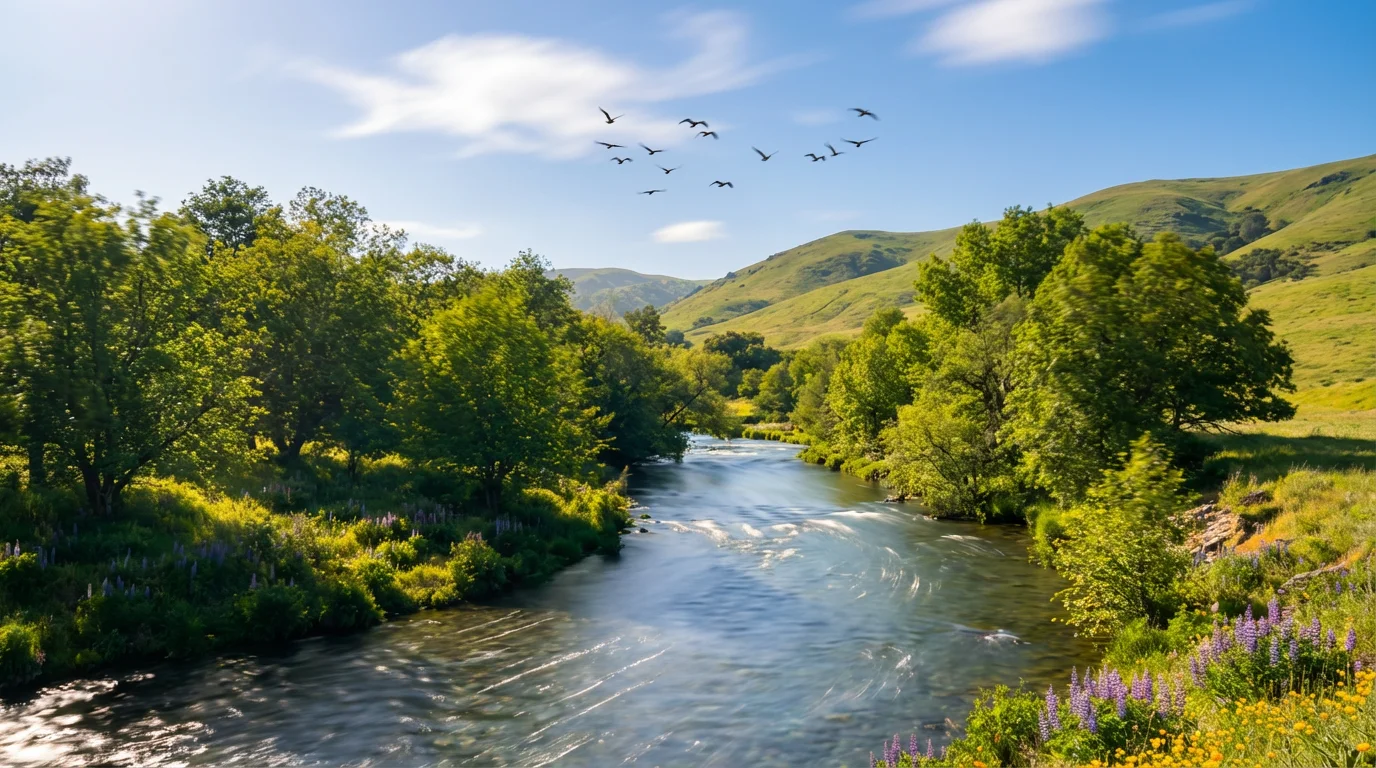
A high-quality image of a landscape that has been animated. Motion is implied through blurred bird wings, flowing water effects, and streaked clouds, showing the result of an image animation tool.

Turn Your Photos to Life with AI Animation

Trusted by 70 million people
171,800 Reviews
Developer API
Available on iPhone & Android

How to Animate Your Image

  1. 1

    Upload your image

    Start by uploading the JPG or PNG photo you want to bring to life. This will be the base for your animation.

  2. 2

    Describe the animation

    In the text box, describe the motion you want to see. For example, 'make the ocean waves crash' or 'make the stars twinkle.'

  3. 3

    Generate your animation

    Click the generate button and let our AI work its magic. In seconds, your static image will be transformed into a dynamic video.

  4. 4

    Download your animation

    Your high-resolution video is ready to download. Share it on your social media channels or use it in your creative projects.

Transform your still photos into dynamic videos in seconds. With our AI-powered tool, animating an image is as easy as describing the movement you envision. There is no need for complex software or keyframes. Just upload your picture, type a prompt like "make the waterfall flow and the leaves rustle," and our AI will generate a smooth, high-quality animation. This intuitive process makes it simple for anyone to add captivating motion to their visuals, bringing a new dimension to your favorite pictures.

Animate Images Instantly with Simple Text

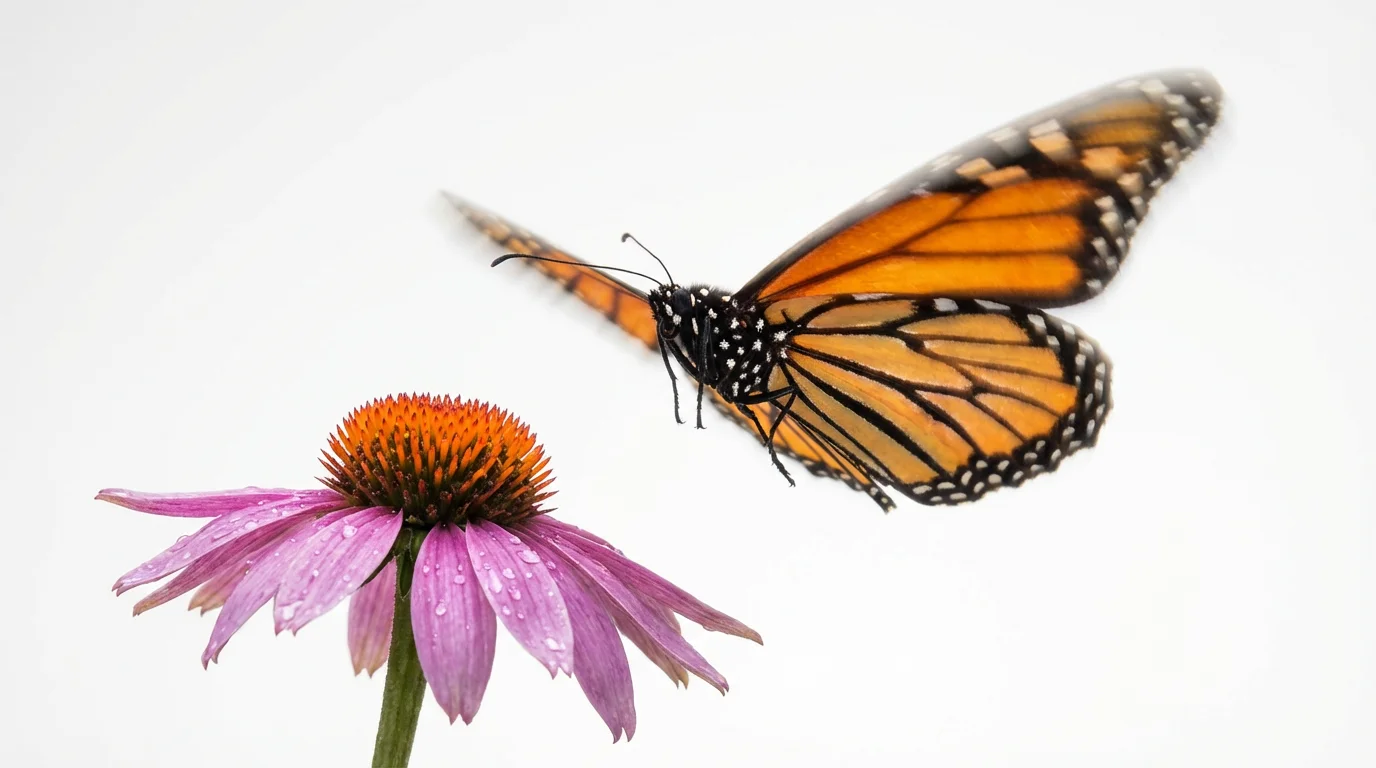
A photorealistic image of a monarch butterfly taking flight from a purple flower, with its wings showing a motion blur effect to symbolize animation, all set against a stark white background.
Take full creative control over your animations. You decide which elements in your image come to life and how they move. Want to make the clouds drift lazily across the sky in a landscape photo? Or make the hair and clothing on a portrait sway gently in the breeze? Your text prompt guides the AI, allowing you to isolate and animate specific parts of the image while keeping everything else perfectly still. This gives you the power to tell a story and add focused, believable motion to any photo.

You Direct the Motion

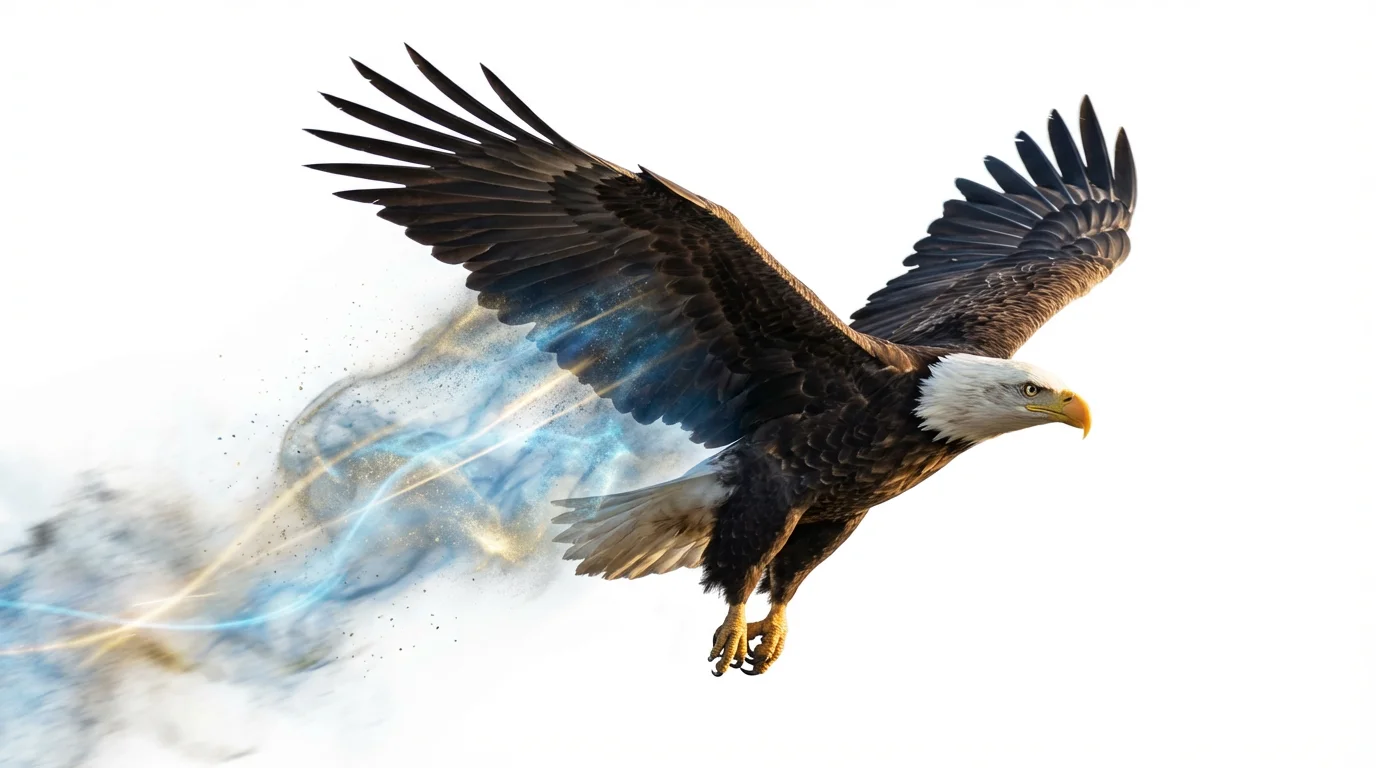
A photorealistic bald eagle in flight against a white background, with glowing light trails and particles streaming from its wings to create an animation effect.
Capture your audience's attention with eye-catching animated images. In a feed full of static pictures, a moving photo stands out and encourages viewers to engage with your content. Turn your product shots, travel photos, or digital art into short, shareable videos perfect for Instagram, TikTok, and other social platforms. The high-resolution video output ensures your animations look crisp and professional on any screen. Elevate your online presence by creating content that is both beautiful and dynamic.

Create Scroll-Stopping Social Media Content

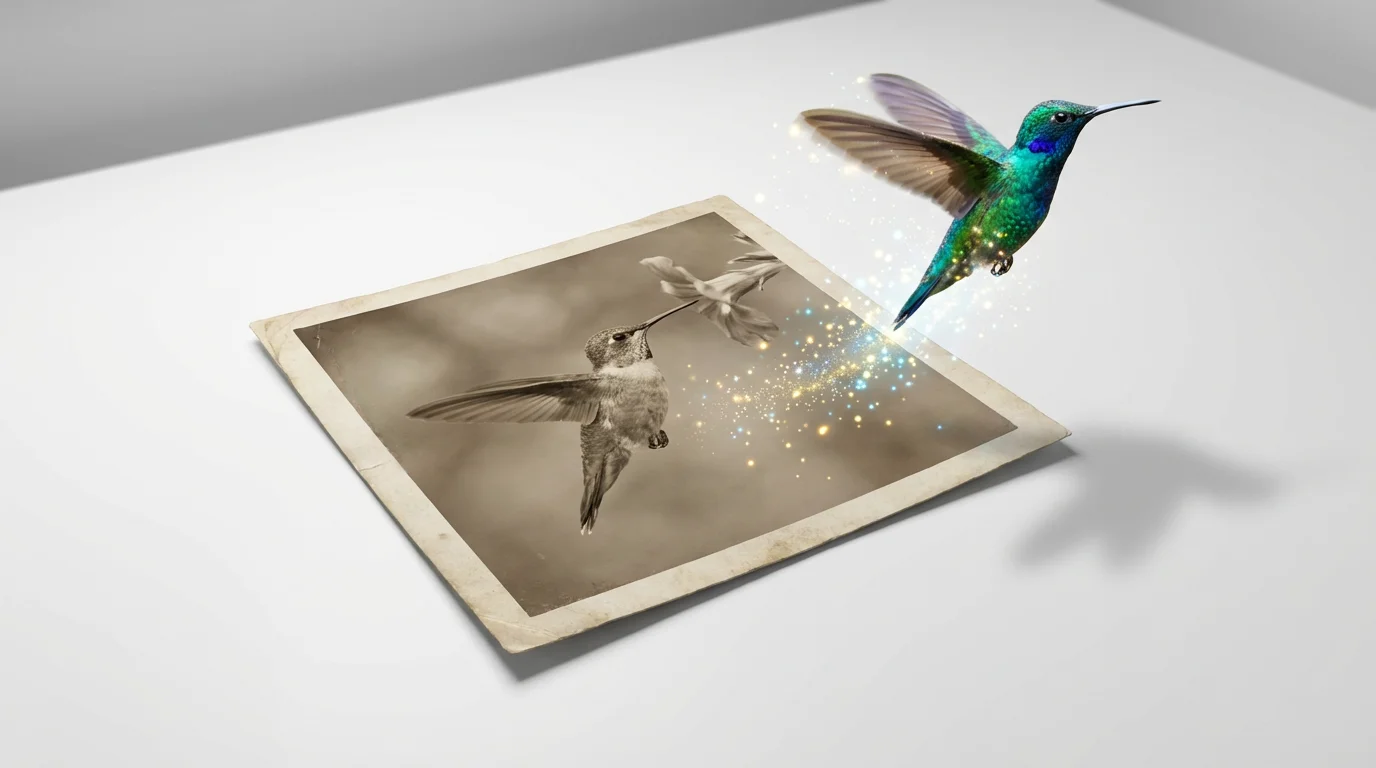
A conceptual photo showing a vibrant hummingbird flying out of a static photograph of itself, with motion blur on its wings, symbolizing the concept of image animation.
It's Fast: Go from a static photo to a moving video in just a few moments. It's Controlled by You: Use text prompts to specify exactly what you want to animate in your image. AI-Powered: Our tool intelligently interprets your descriptions to create realistic and natural motion. Easy to Use: No animation experience is necessary. If you can write a sentence, you can animate a photo. Share Anywhere: Download your creation as a high-resolution video file, ready for any social media platform or website.

Why use Pixelcut's AI Image Animator?

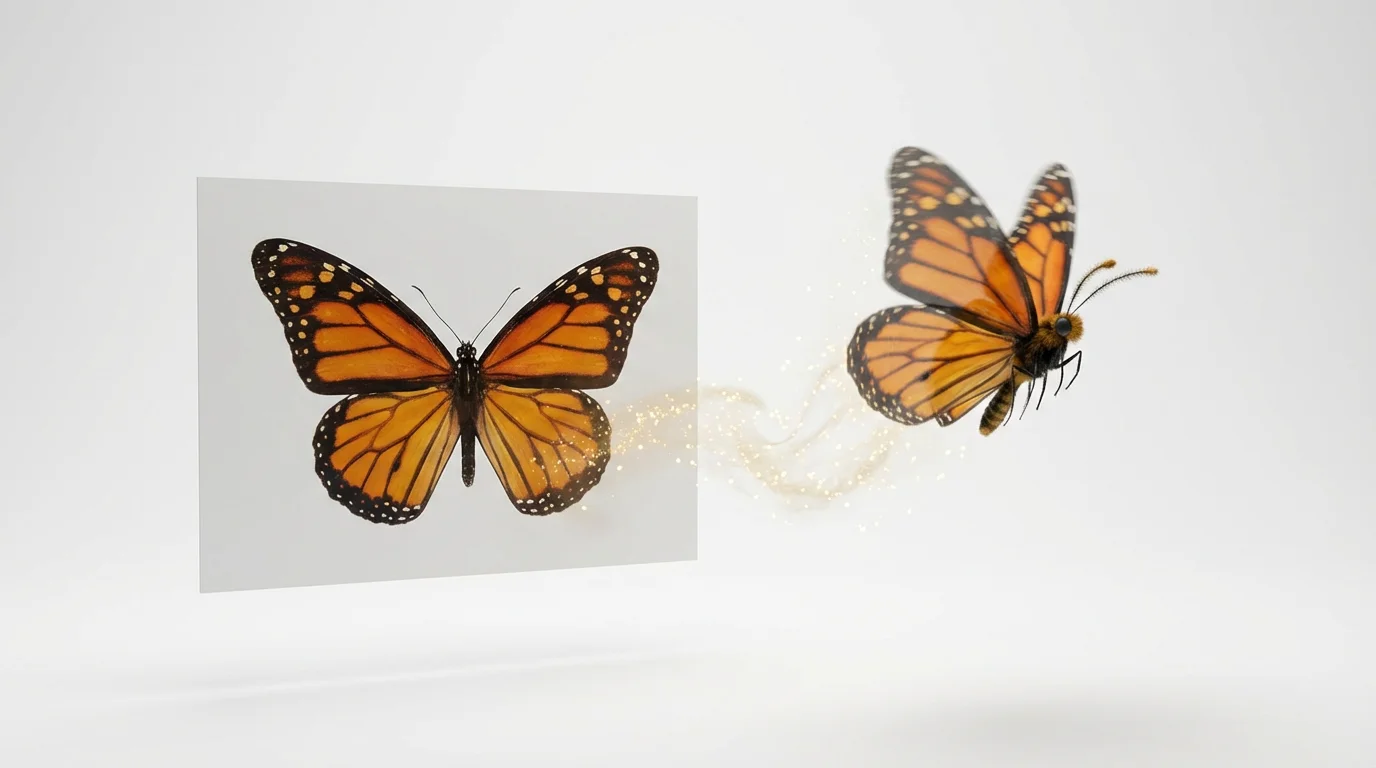
A monarch butterfly is shown transforming from a flat, 2D picture on the left into a dynamic, 3D flying butterfly on the right, against a clean white background, symbolizing the process of image animation.
Digital Artists: Add subtle motion to your illustrations or digital paintings to create living pieces of art. Marketers: Make your product photos more engaging by animating key features or creating dynamic lifestyle shots. Social Media Influencers: Transform your static posts into eye-catching content that stops the scroll and boosts engagement. Photographers: Offer clients a new way to experience their photos by turning portraits and landscapes into beautiful, subtle animations. Personal Projects: Bring old family photos to life or create fun, moving images to share with friends.

Image Animator Use Cases

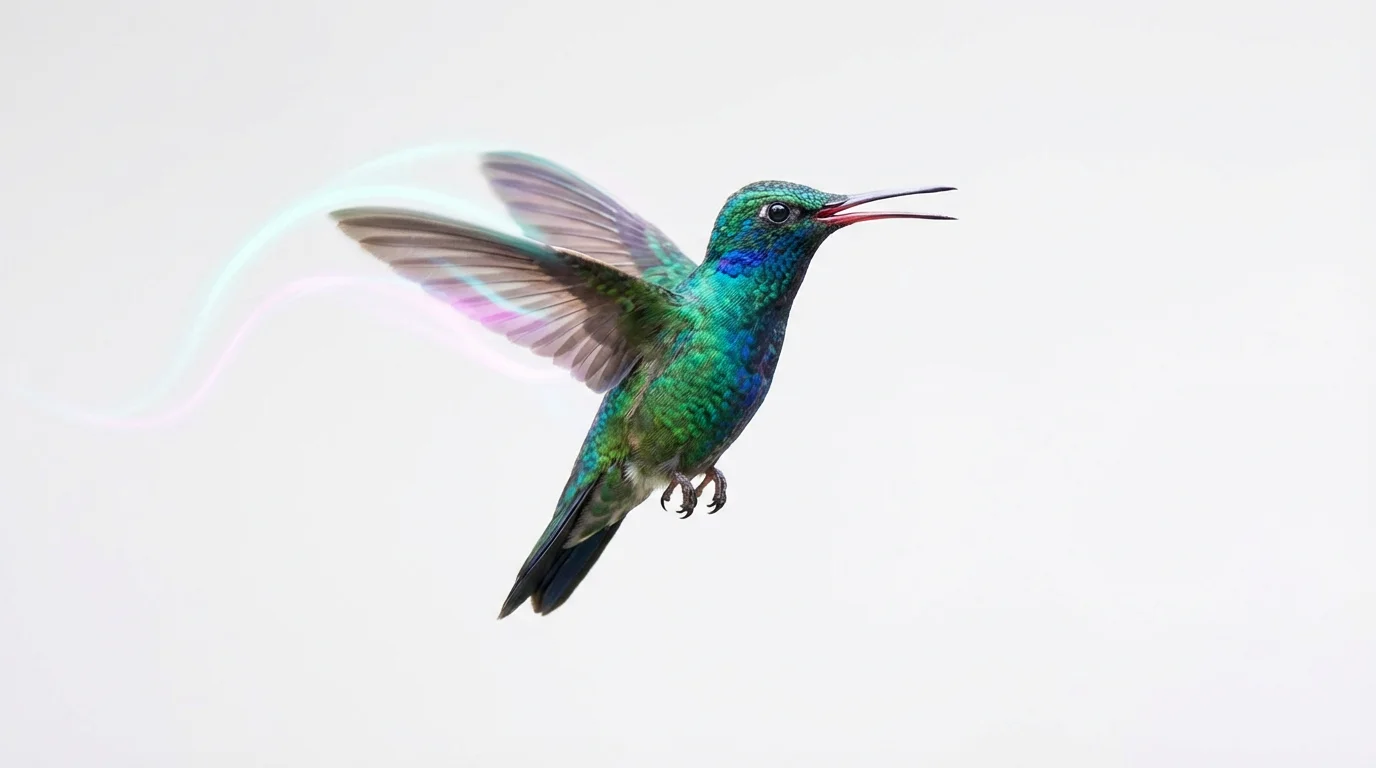
A photorealistic image of a hummingbird in mid-flight against a white background. The wings show motion blur, and light trails follow their path to represent animation.

Frequently Asked Questions

Pixelcut is loved by over 2 million people

  • My favorite app

    Great app, easy to use. Helps our small business save time and money to create different marketing materials professionally. Thank you.
    Shaelyn D.
  • Best background remover

    I need a good background remover for my work and I've been through them all it feels like. This one is the best by far. It's so easy to use and the results always look amazing. Thank you Pixelcut!
    Kira H.
  • Love it

    It's amazingly easy and gives the perfect results for my bags and accessories. It looks like it was done by a professional photographer.
    Mary J.