My favorite app
Great app, easy to use. Helps our small business save time and money to create different marketing materials professionally. Thank you.
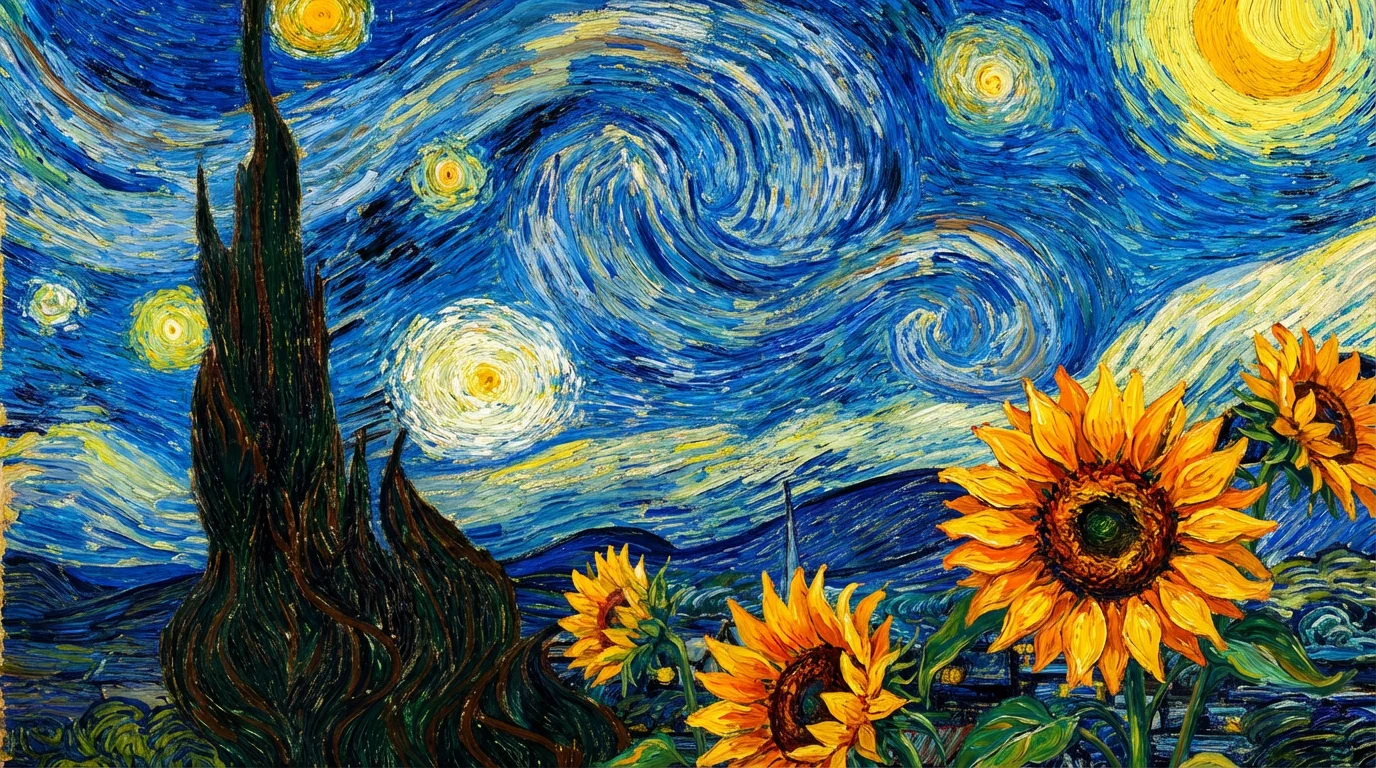
Start by writing a prompt detailing your vision. Mention specific elements, colors, and the mood you want to capture. For example: 'a collage of a Parisian cafe at night in the style of Van Gogh'.
Click the generate button and let the AI work its magic. It will analyze your prompt and create a unique collage that brings your Van Gogh-inspired idea to life.
Your new artwork is ready. You can download the high-resolution image for free and use it for prints, digital wallpapers, or any other creative project you have in mind.
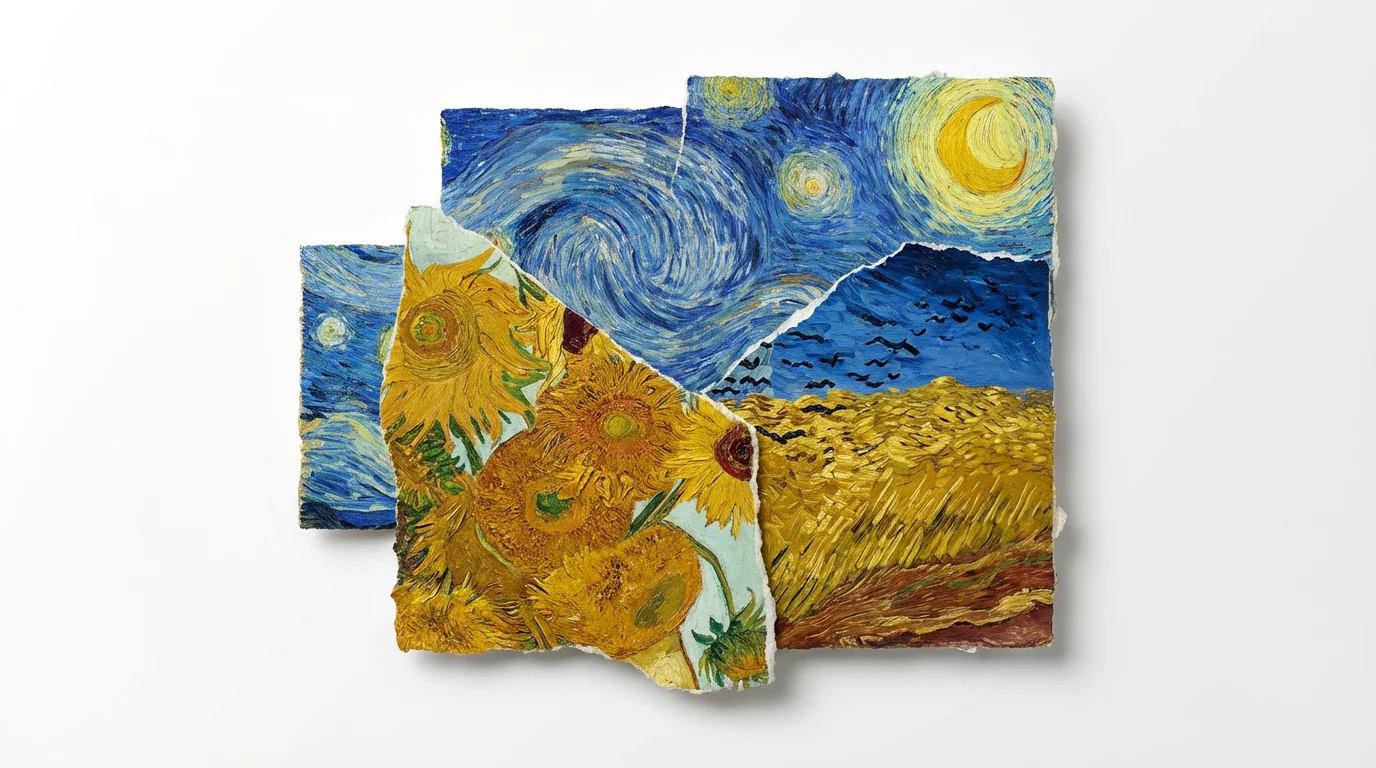
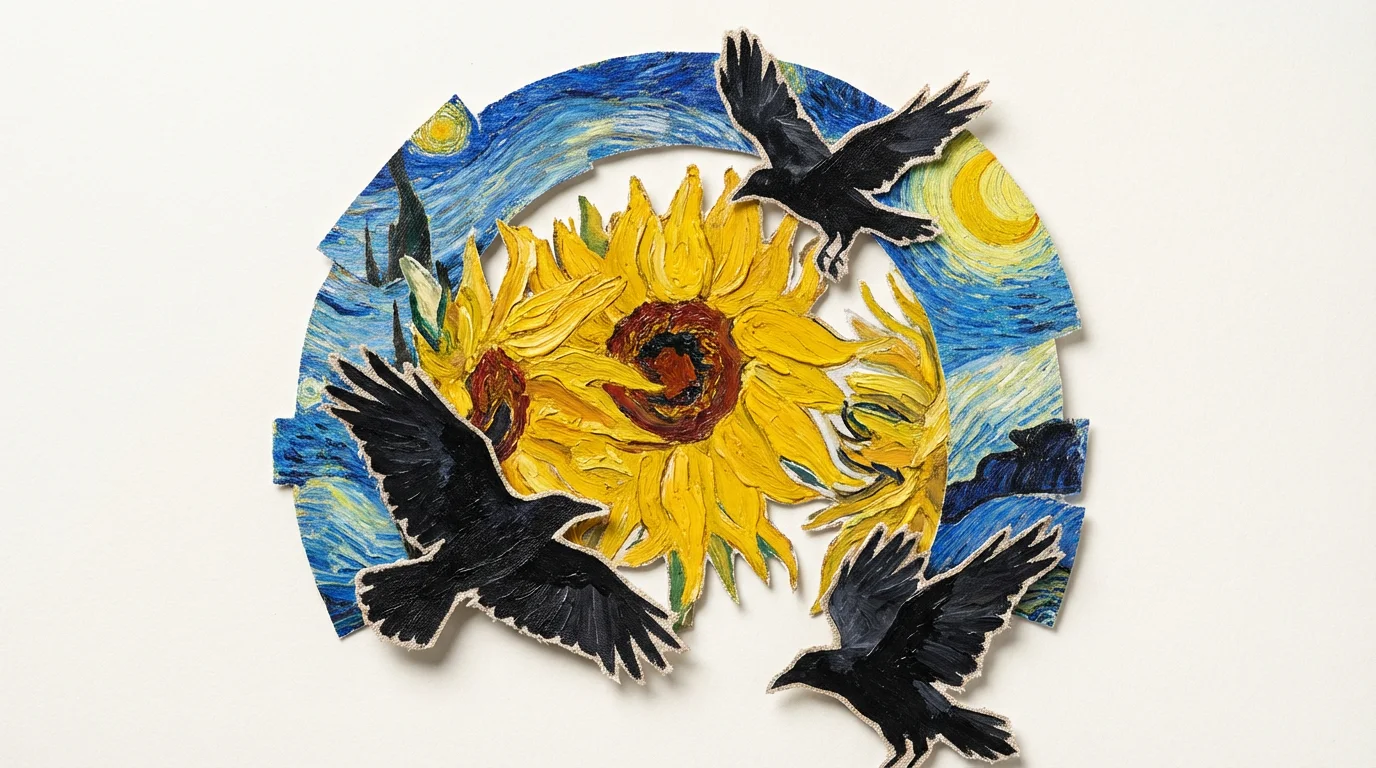
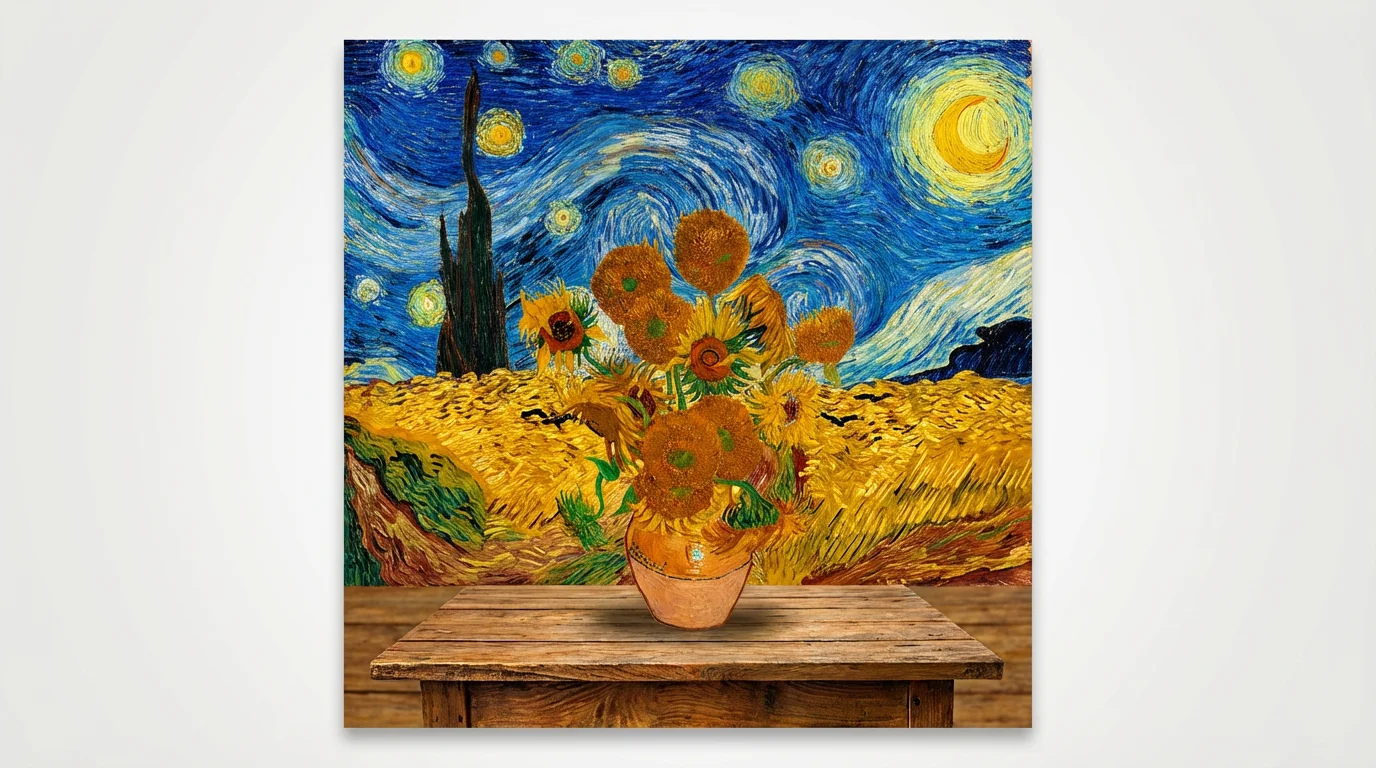
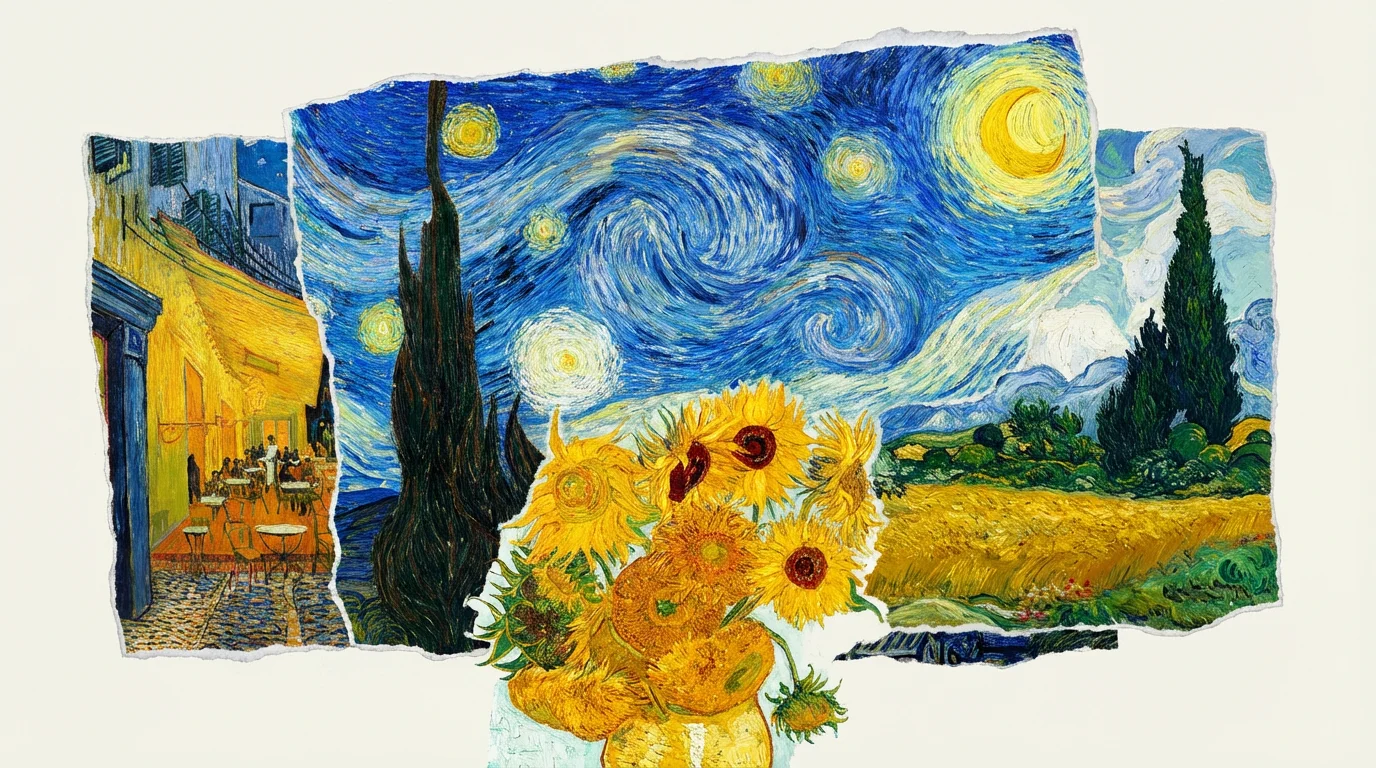
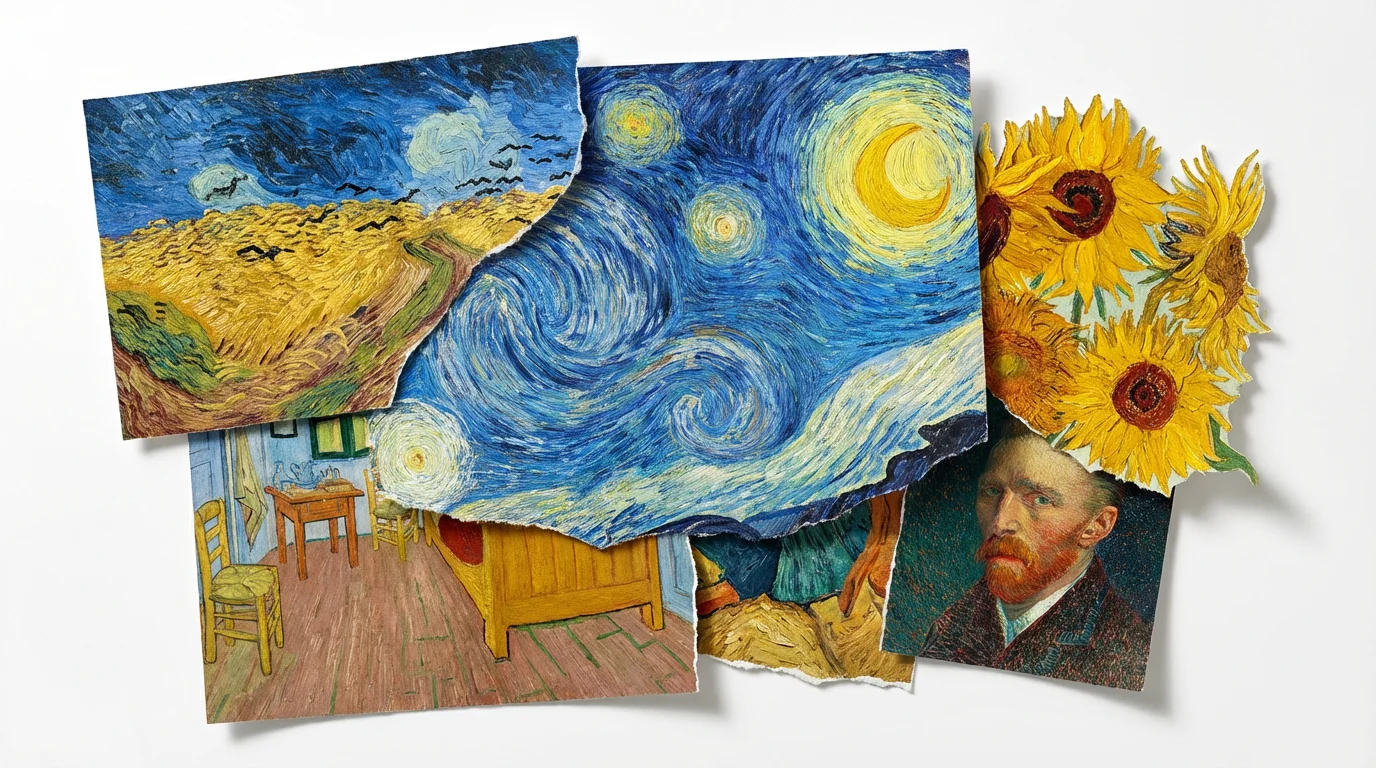
An AI Van Gogh Collage generator is a tool that uses artificial intelligence to create new images from text descriptions. You can describe a scene or a mix of elements in the style of Vincent van Gogh, and the AI will generate a unique collage that captures his signature swirling brushstrokes, vibrant colors, and emotional intensity.
Not at all. This tool is designed for everyone, regardless of artistic skill. You only need to provide a text prompt describing the collage you want to create, and the AI handles the entire artistic process for you.
For the best results, be descriptive in your prompt. Mention specific elements you want to see, such as 'Starry Night sky,' 'yellow sunflowers,' or 'cypress trees.' You can also describe the mood, like 'passionate' or 'dreamy,' to guide the AI in capturing the right emotional tone in your collage.
Yes, that's one of the most exciting features. You can ask the AI to blend elements from different famous paintings. For example, you could prompt: 'A collage with the sunflowers from 'Sunflowers' sitting in the 'Bedroom in Arles' with a 'Starry Night' view out the window.'
Yes, you can upload an image as a reference. While the primary way to use the generator is by typing a text prompt, you can also provide a photo to inspire the AI's creation and guide its style.
Yes, you can download your generated collages for free in high resolution. The images are watermark-free and can be used for your personal or commercial projects.
Great app, easy to use. Helps our small business save time and money to create different marketing materials professionally. Thank you.
I need a good background remover for my work and I've been through them all it feels like. This one is the best by far. It's so easy to use and the results always look amazing. Thank you Pixelcut!
It's amazingly easy and gives the perfect results for my bags and accessories. It looks like it was done by a professional photographer.