My favorite app
Great app, easy to use. Helps our small business save time and money to create different marketing materials professionally. Thank you.
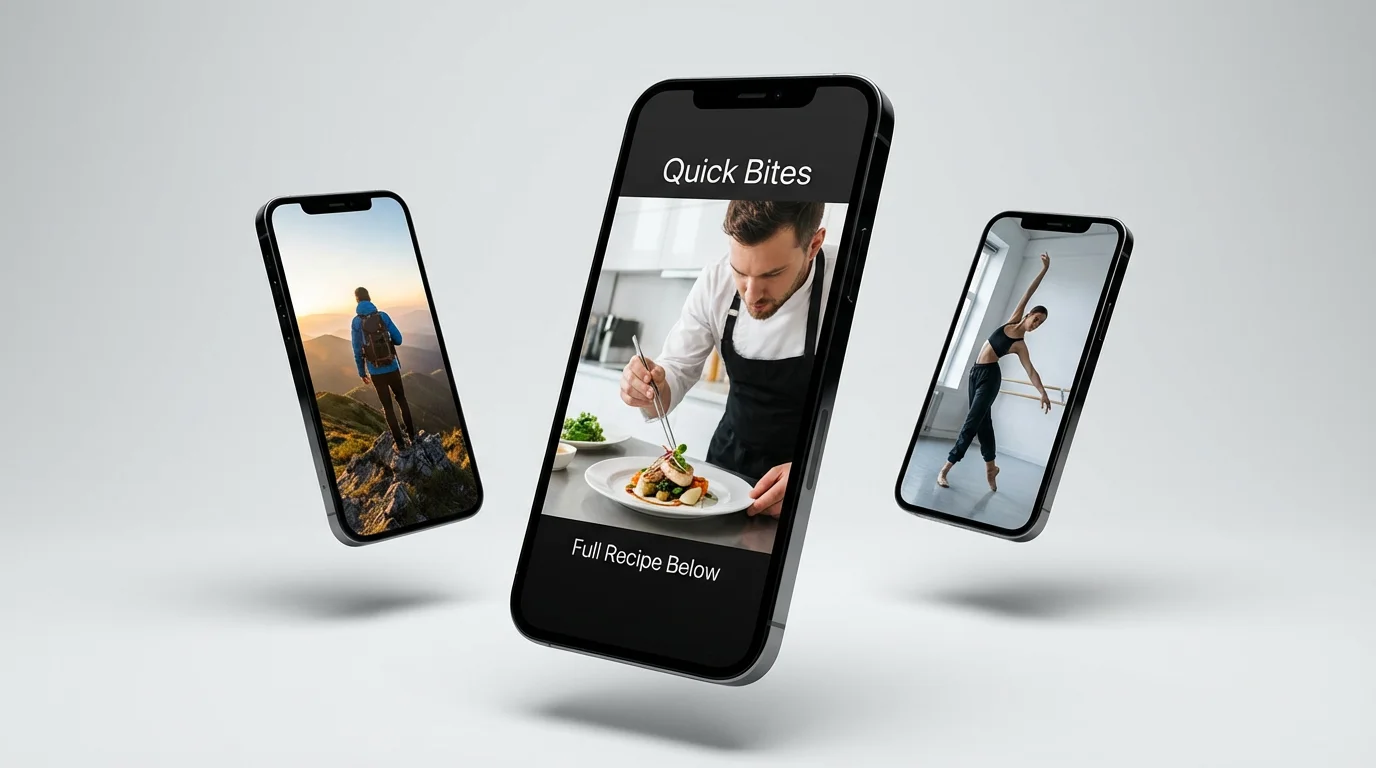
Start by uploading a photo you want to bring to life. This will be the base for your AI-generated animation.
In the prompt box, tell the AI how to animate your image. For example, 'make the flags wave in the wind' or 'add gentle falling snow.'
Click the generate button and let our AI work its magic. It will process your image and prompt to create a unique vertical video.
Your vertical video is ready to download. Save your watermark-free, high-resolution video and post it directly to TikTok, Reels, or Shorts.
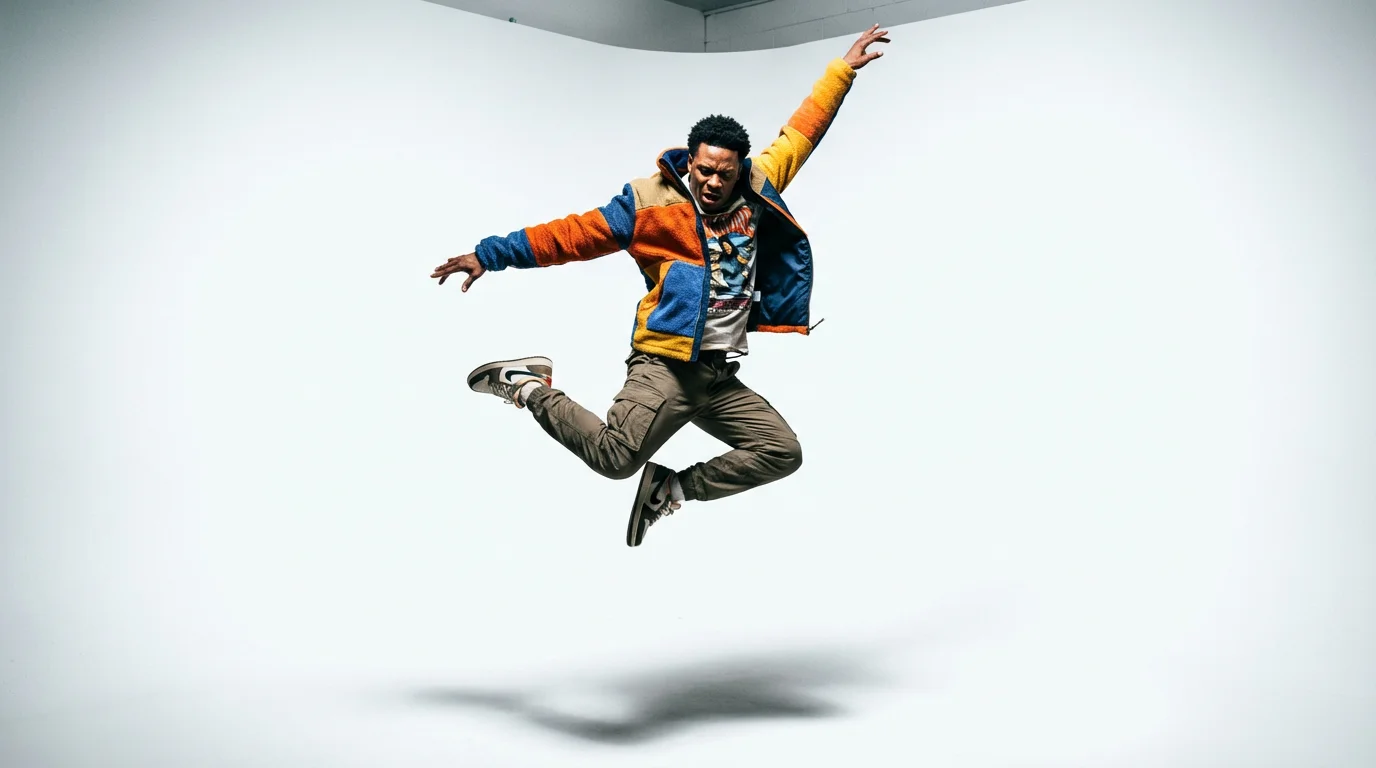
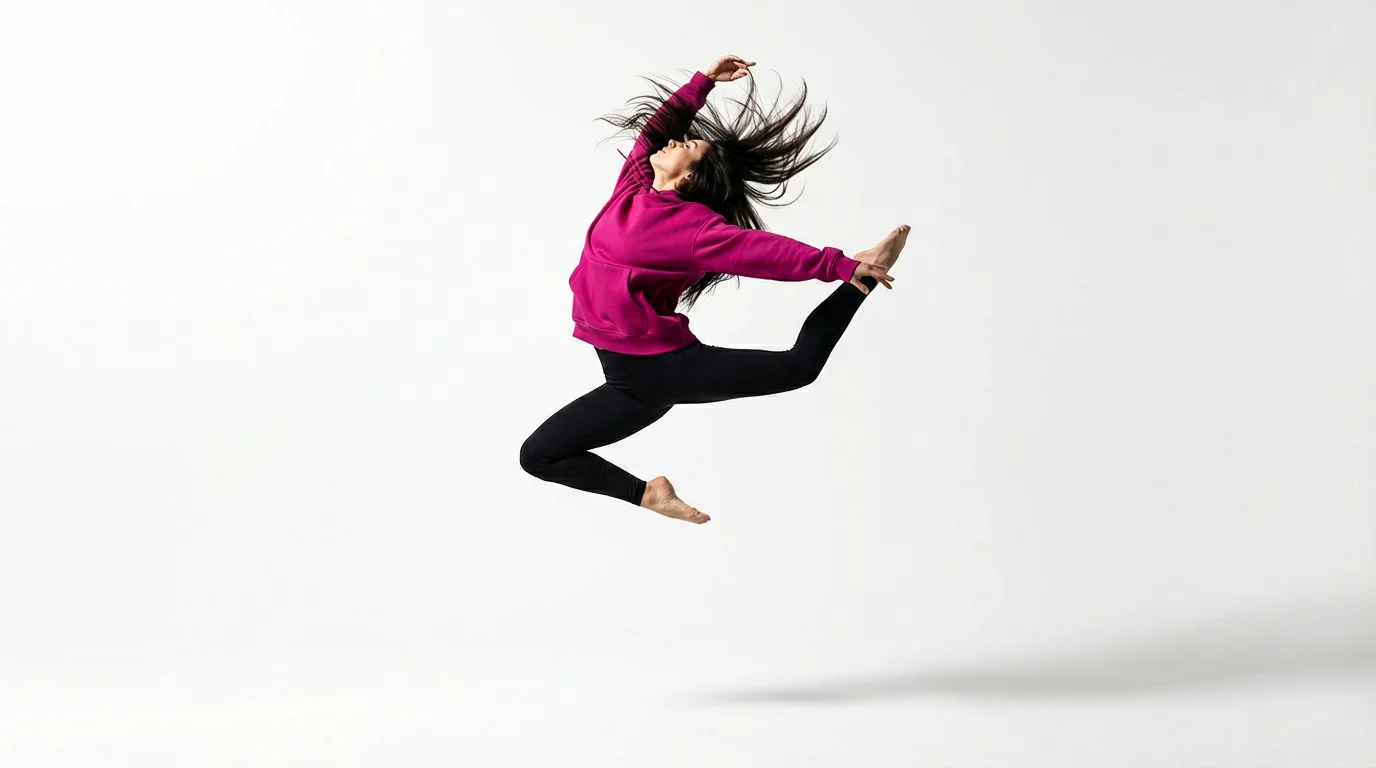
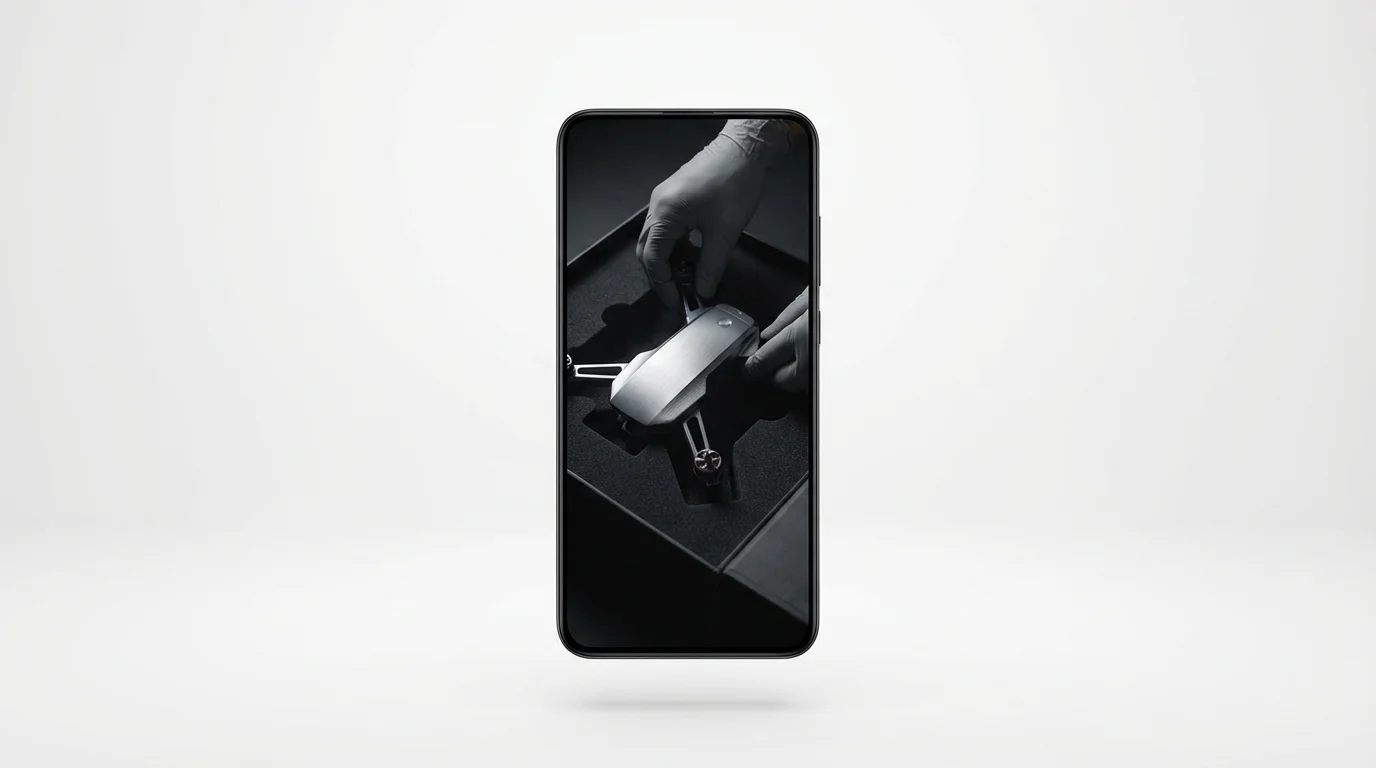
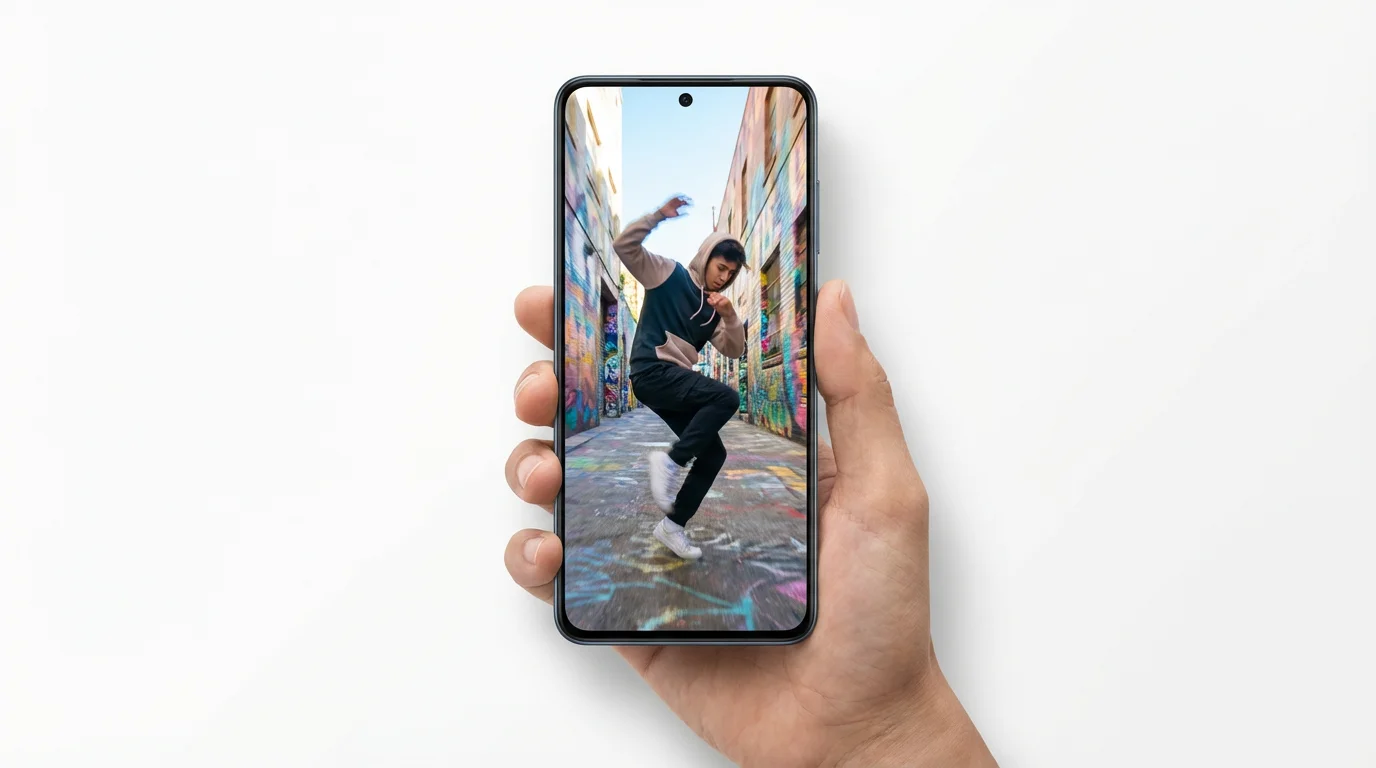
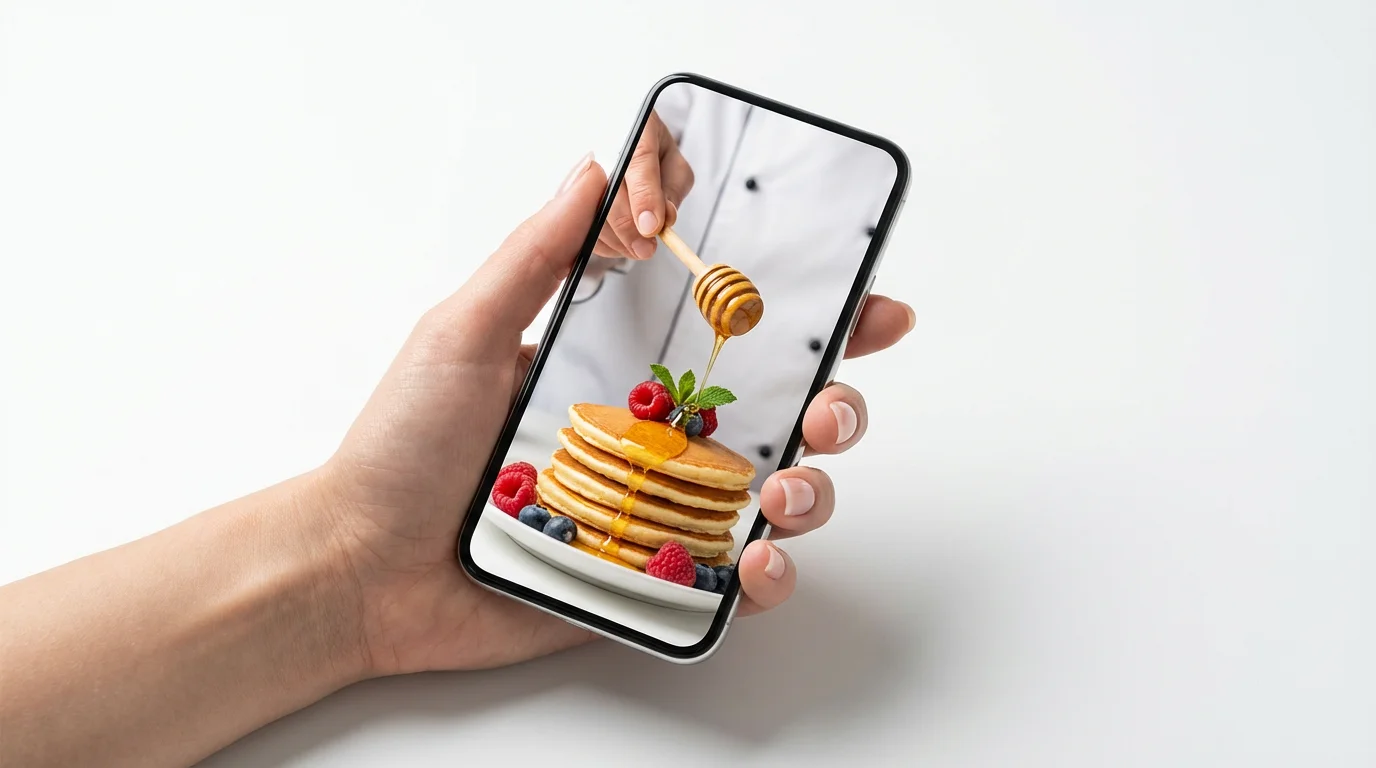
Our tool uses AI to interpret your text prompts. You can either upload an image and describe how you want it animated, or you can describe a full video scene from scratch. The AI then generates a short video clip based on your instructions, formatted for vertical viewing.
Yes. While animating an existing image is a popular use case, you can also generate a video entirely from a text description. Simply describe the scene, the action, and the style you want, and our AI will create it for you.
The videos are generated in a vertical aspect ratio, making them ideal for all mobile-first platforms, including TikTok, Instagram Reels, YouTube Shorts, and Snapchat.
You can include text in your video by specifying it in the prompt. For example, you could write, 'Animate this city scene and add the text 'Welcome to New York' in a glowing neon style.' The AI will render the text as part of the video. You cannot add elements like logos as a separate overlay.
You can download your generated videos in standard formats ready for upload to social media and other platforms. All downloads are high-resolution and do not contain a watermark.
The tool is designed to create short video clips, perfect for social media feeds and stories. The goal is to produce concise, eye-catching motion that grabs attention quickly.
Not at all. The entire process is based on writing a text prompt. There are no timelines, complex settings, or editing tools to learn. It's the easiest way to go from an idea to a finished video.
Great app, easy to use. Helps our small business save time and money to create different marketing materials professionally. Thank you.
I need a good background remover for my work and I've been through them all it feels like. This one is the best by far. It's so easy to use and the results always look amazing. Thank you Pixelcut!
It's amazingly easy and gives the perfect results for my bags and accessories. It looks like it was done by a professional photographer.