Pixelcut
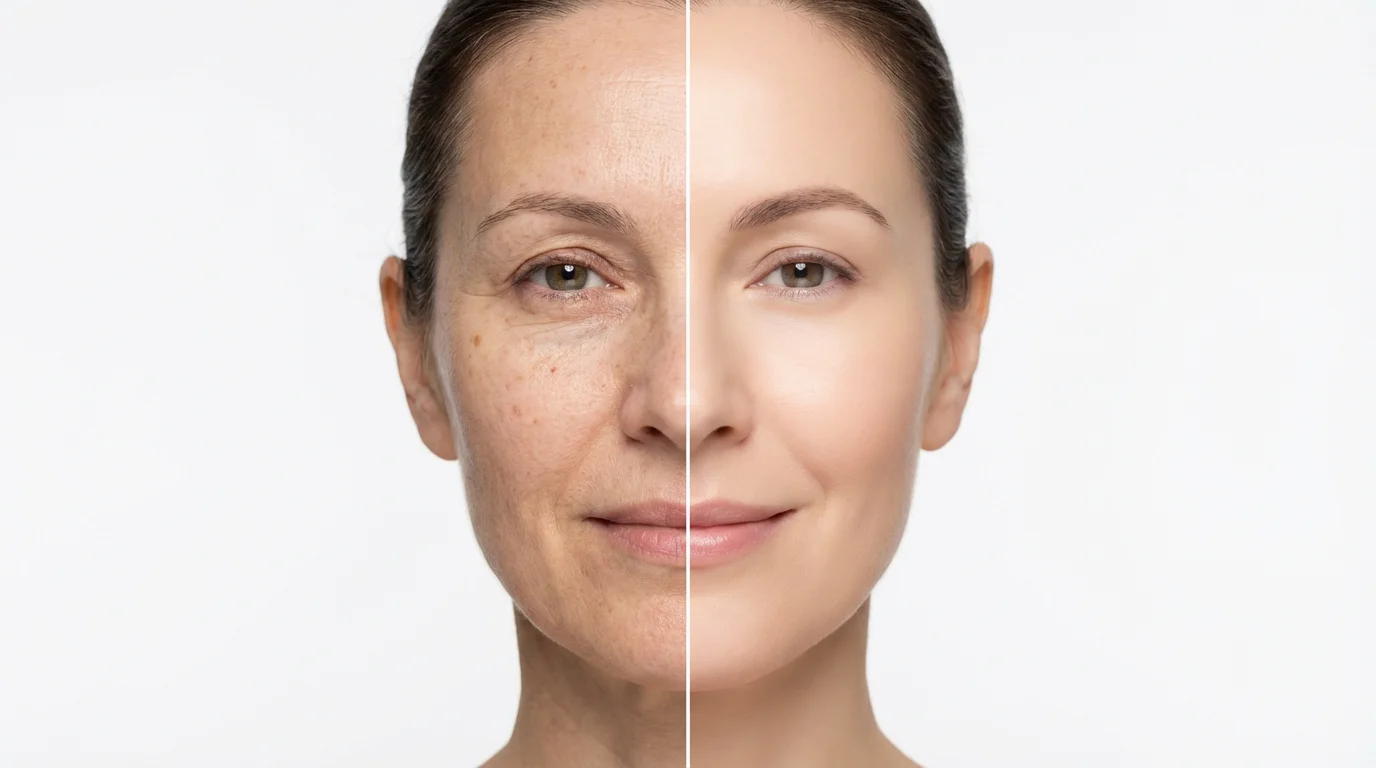
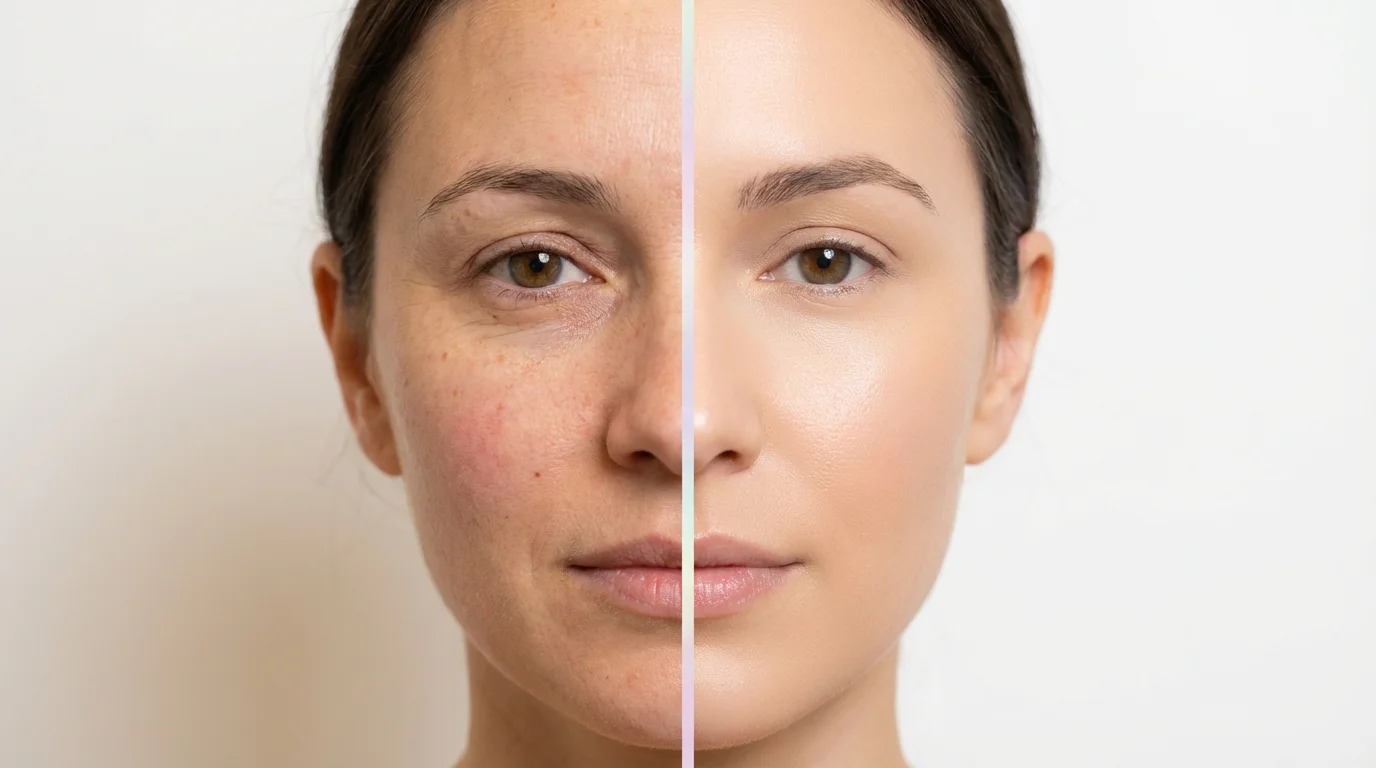
A side-by-side comparison image showing the result of video face retouching. The 'Before' side shows a woman's unedited face, and the 'After' side shows the same face with perfectly smoothed skin, brightened eyes, and a professional, cinematic look.

AI Video Face Retouching

Trusted by 70 million people
171,800 Reviews
Developer API
Available on iPhone & Android

How to Retouch Faces in Your Videos

  1. 1

    Upload Your Video

    Start by uploading the video file you want to edit. Our tool will prepare it for AI retouching.

  2. 2

    Describe Your Edits

    In the text box, type your instructions. For example, 'smooth the skin and remove the blemish from the chin'.

  3. 3

    Generate Your Video

    Click the generate button and let our AI apply your requested edits to the face in the video.

  4. 4

    Download and Share

    Your retouched, high-resolution video is ready to be downloaded and shared, completely watermark-free.

Skip the complicated software and steep learning curves. With Pixelcut, perfecting faces in your videos is as simple as typing a message. Describe the changes you want, like 'smooth the skin and remove acne' or 'brighten the eyes,' and our AI will handle the rest. This conversational approach to editing saves you time and effort, allowing you to achieve professional-looking results without navigating complex timelines, layers, or manual tools. It's the easiest way to get your videos camera-ready.

Effortless Retouching with Text

A before-and-after image demonstrating video face retouching. The left side of a person's face shows natural skin texture, while the right side is perfectly smoothed and digitally retouched.
Our AI video face retouching tool is designed to produce natural-looking enhancements. It intelligently analyzes faces in your footage to apply edits that look subtle and realistic. The AI can smooth skin texture without making it look plastic, remove temporary blemishes, and make eyes pop without an artificial gleam. The technology maintains the unique characteristics of each face, ensuring the final video looks polished and authentic. Your audience will see a better version of you, not a filter.

Achieve Natural, High-Quality Results

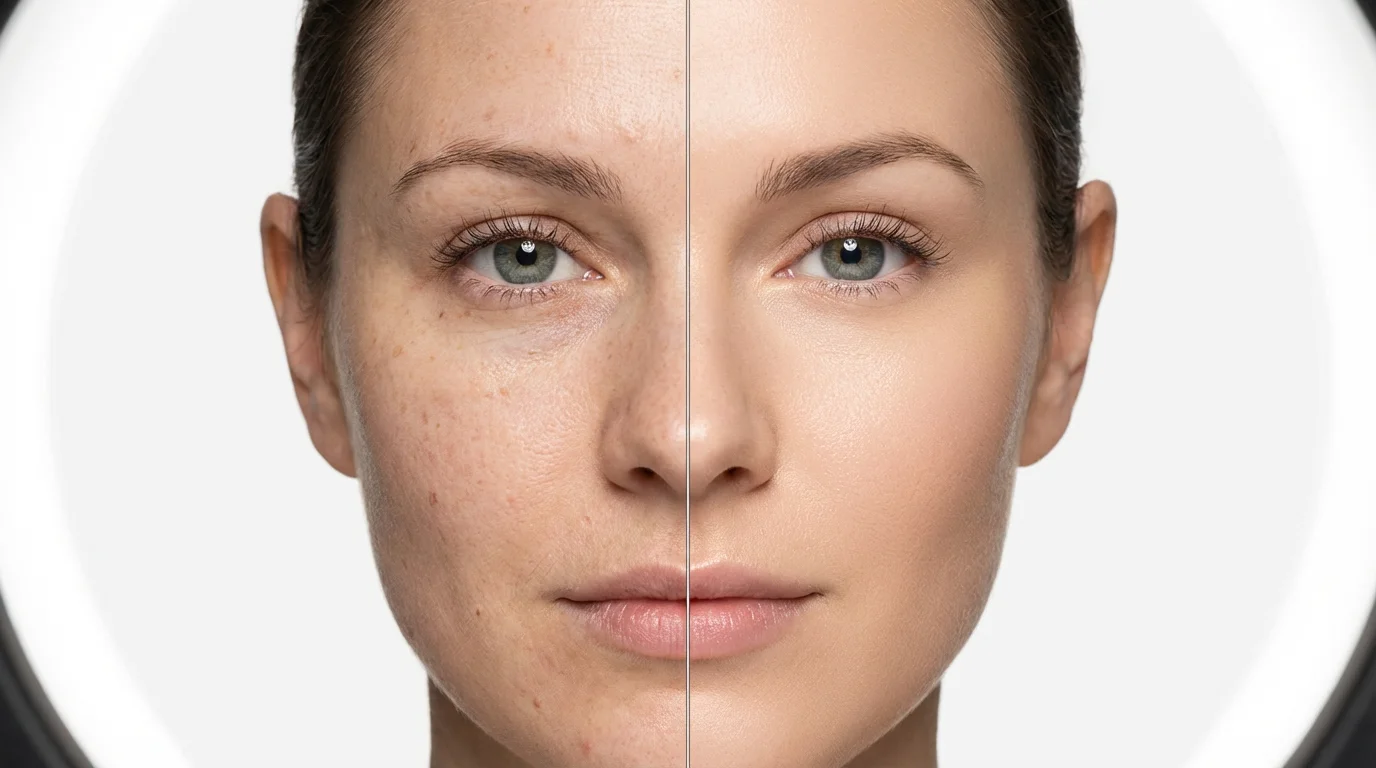
A split-screen comparison image showing video face retouching. The left side of a woman's face has natural skin with minor blemishes, while the right side is digitally retouched to be smooth and flawless.
Go beyond basic filters. Our tool offers a wide range of facial editing capabilities controlled entirely by your text prompts. Whether you need to fix uneven skin tone, reduce the appearance of wrinkles, or even make subtle adjustments to facial features, our AI can interpret your instructions. This gives you precise control over the final look. From quick touch-ups for a social media clip to more detailed edits for a professional interview, you have a full suite of retouching tools at your command.

Comprehensive Facial Enhancements

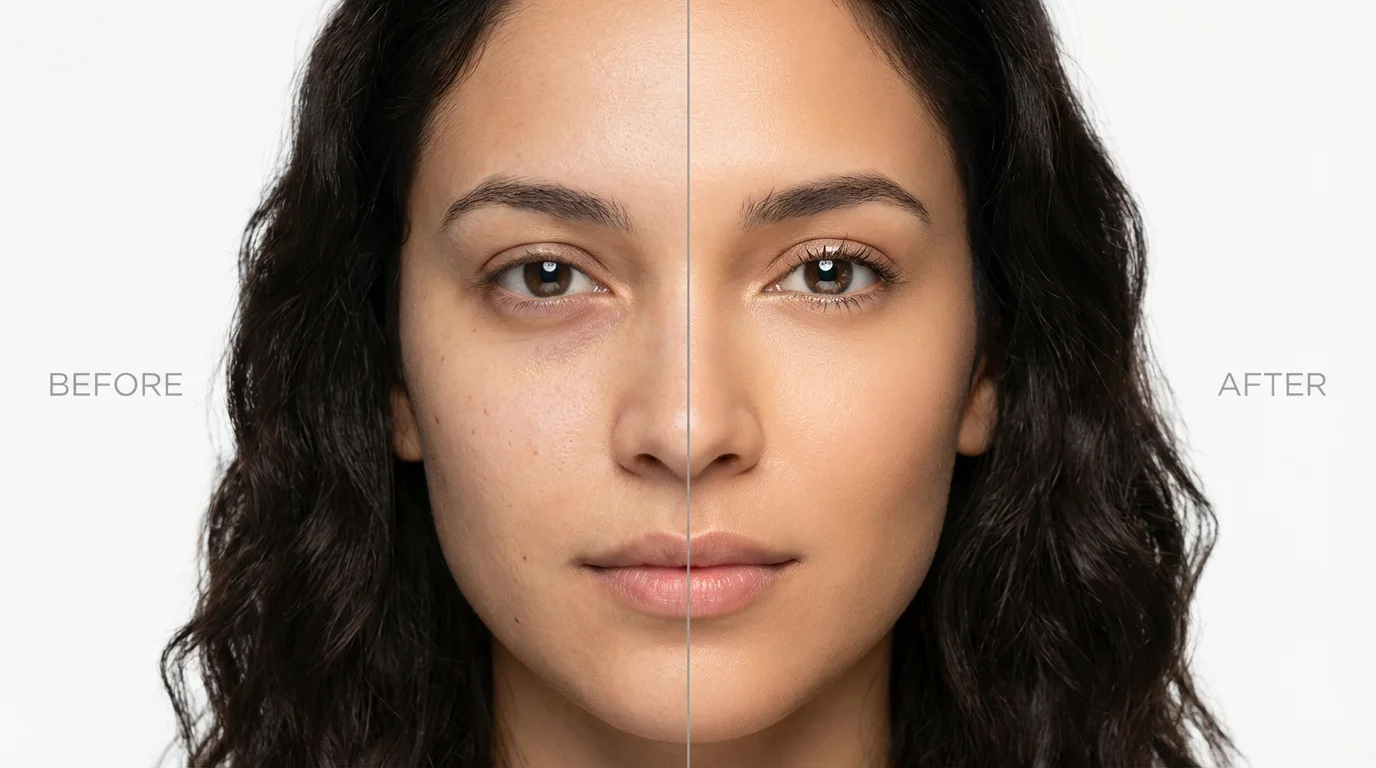
A split-screen close-up of a woman's face showing a before-and-after comparison of digital face retouching. The left side shows natural skin with minor imperfections, while the right side shows the same face with smooth, flawless skin and brighter eyes.
It’s Fast: Get polished videos in minutes, not hours. Upload your clip, type your edits, and let AI do the work. It’s Intuitive: No need for video editing experience. If you can write a sentence, you can retouch a video. AI-Powered: Smart technology detects faces and applies edits naturally across all frames. Customizable: You have full control. Be as general or specific as you want with your text prompts to get the perfect look. Professional Finish: Create high-quality, watermark-free videos that are ready to share anywhere.

Why use Pixelcut's AI Video Face Retouching?

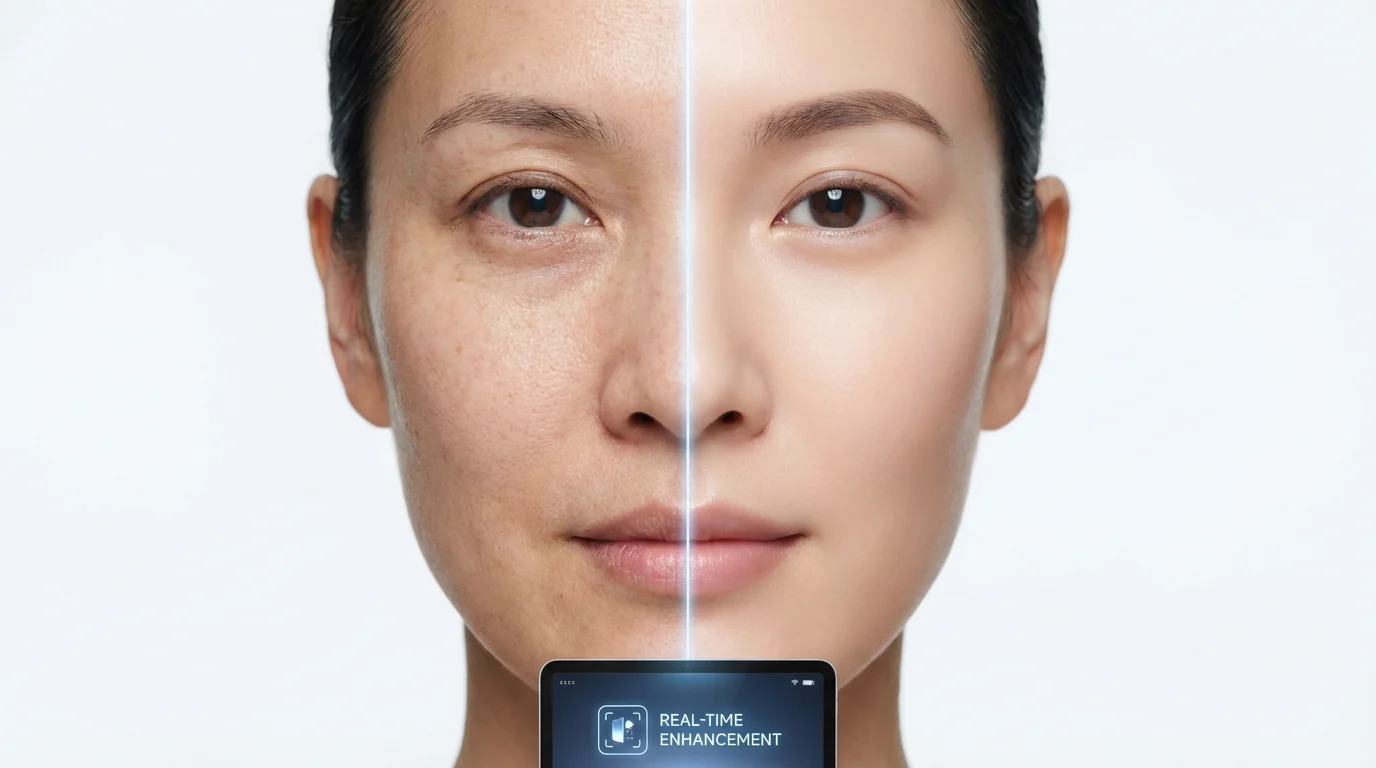
A close-up portrait of a face split in half, illustrating a before-and-after of digital retouching. The left side shows natural, unedited skin, while the right side shows the same face with smooth, flawless skin, set against a clean white background.
Social Media Content: Create flawless Instagram Reels, TikToks, and YouTube Shorts that help you look your best. Professional Videos: Enhance talking head videos, interviews, and online course materials for a more polished appearance. Vlogging: Quickly edit your vlogs to fix lighting issues or minor blemishes, keeping your content looking fresh and engaging. Marketing & Ads: Ensure actors and presenters in your promotional videos have a consistent and professional look. Personal Memories: Touch up videos from events like weddings and parties to create perfect keepsakes.

Video Face Retouching Use Cases

A split-screen image showing the before-and-after effects of video face retouching on a woman's face. The left side shows natural skin with fine lines, while the right side shows the same face retouched to be smooth and radiant.

Frequently Asked Questions

Pixelcut is loved by over 2 million people

  • My favorite app

    Great app, easy to use. Helps our small business save time and money to create different marketing materials professionally. Thank you.
    Shaelyn D.
  • Best background remover

    I need a good background remover for my work and I've been through them all it feels like. This one is the best by far. It's so easy to use and the results always look amazing. Thank you Pixelcut!
    Kira H.
  • Love it

    It's amazingly easy and gives the perfect results for my bags and accessories. It looks like it was done by a professional photographer.
    Mary J.