My favorite app
Great app, easy to use. Helps our small business save time and money to create different marketing materials professionally. Thank you.
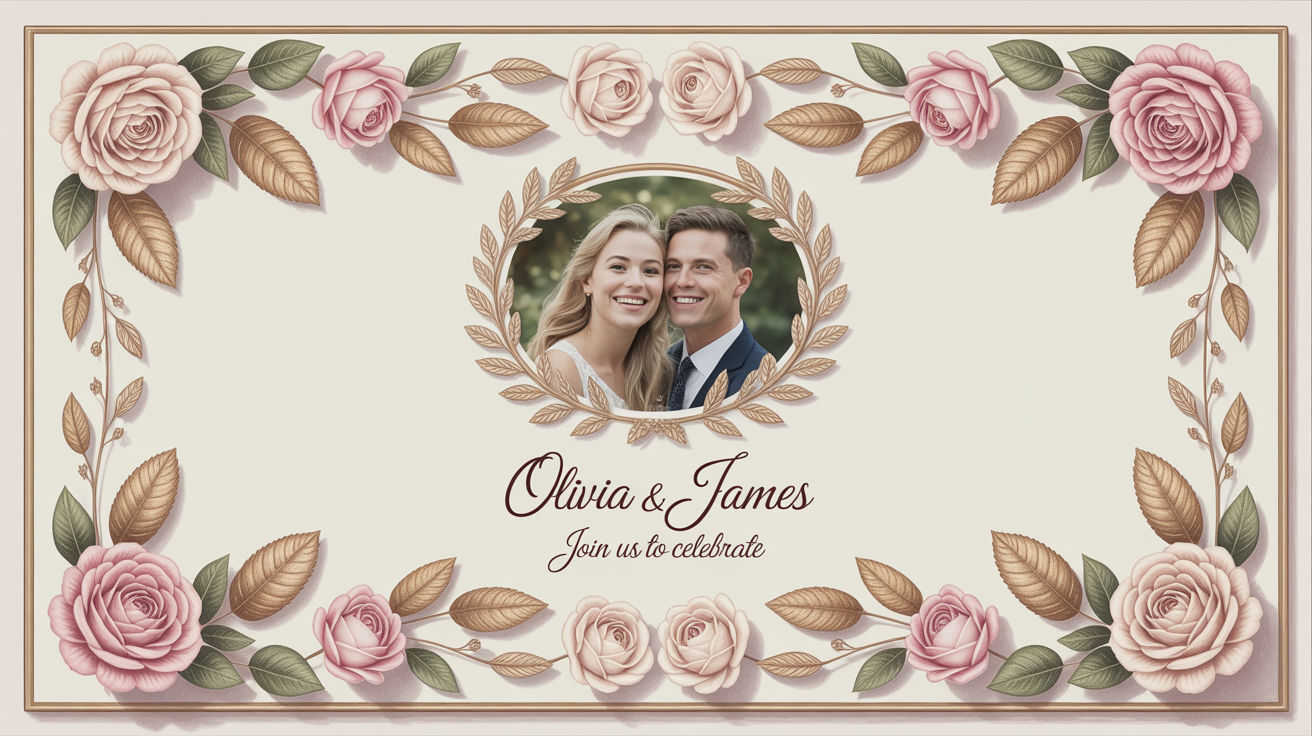
Start by uploading the image you want to frame. This can be a portrait, a product shot, or any picture you want to enhance.
In the prompt box, describe the vintage frame you envision. Be specific about flowers, colors, and style. For example, 'add a delicate frame of lavender and wildflowers'.
Click the generate button and our AI will create a unique floral frame around your image based on your description.
Your new image is ready. Download the high-resolution PNG file to share online or use in your print projects.
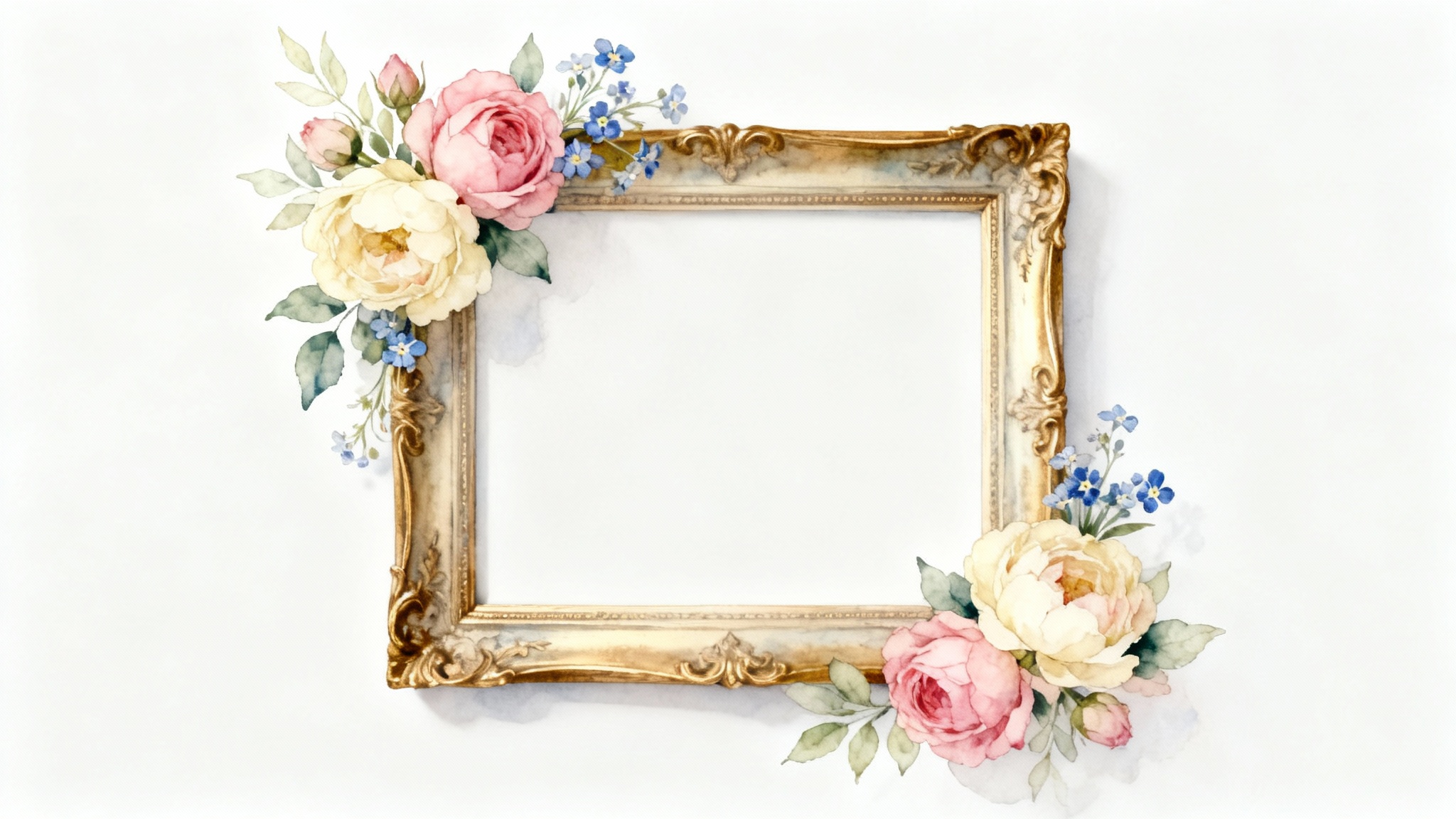
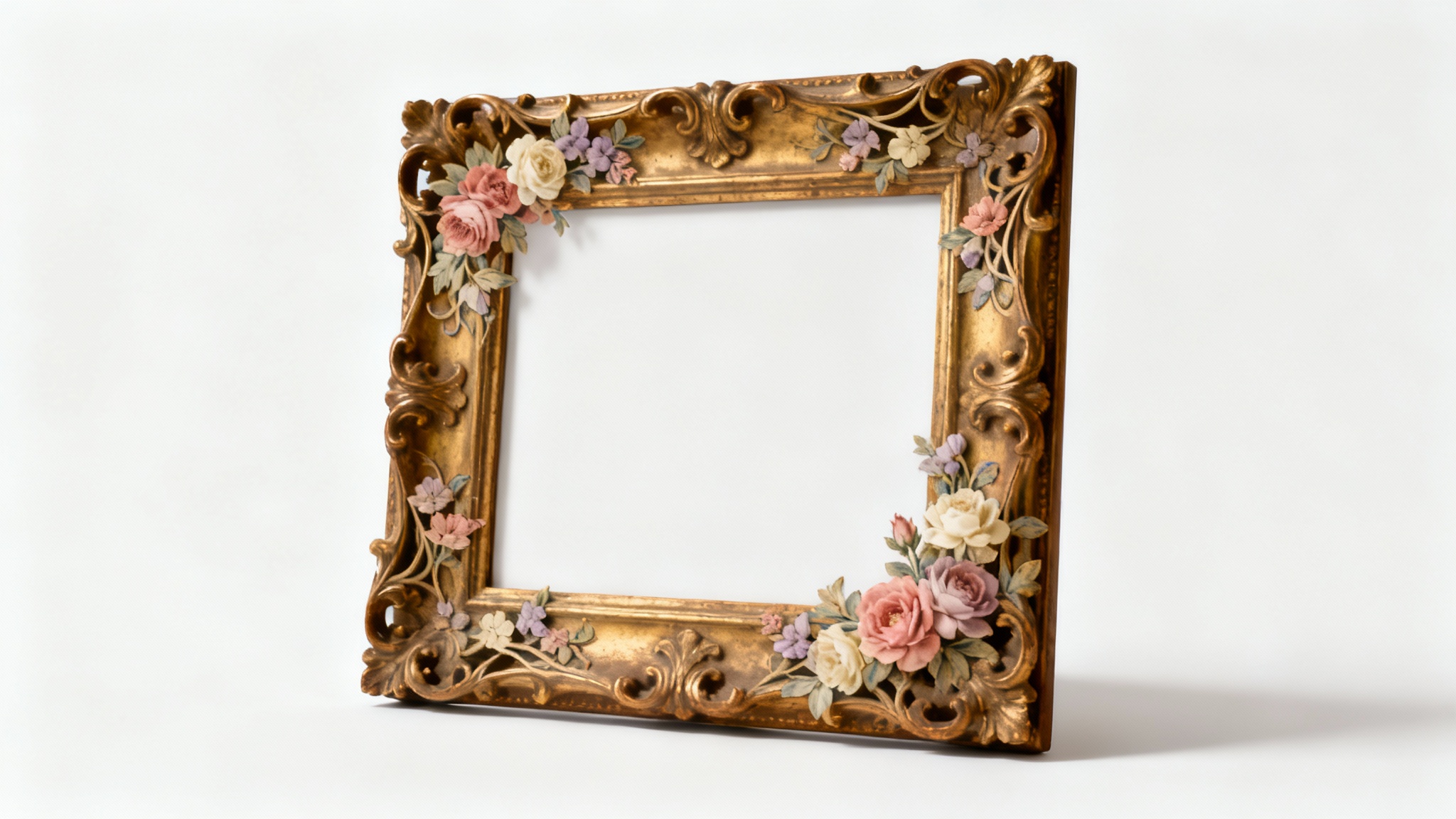
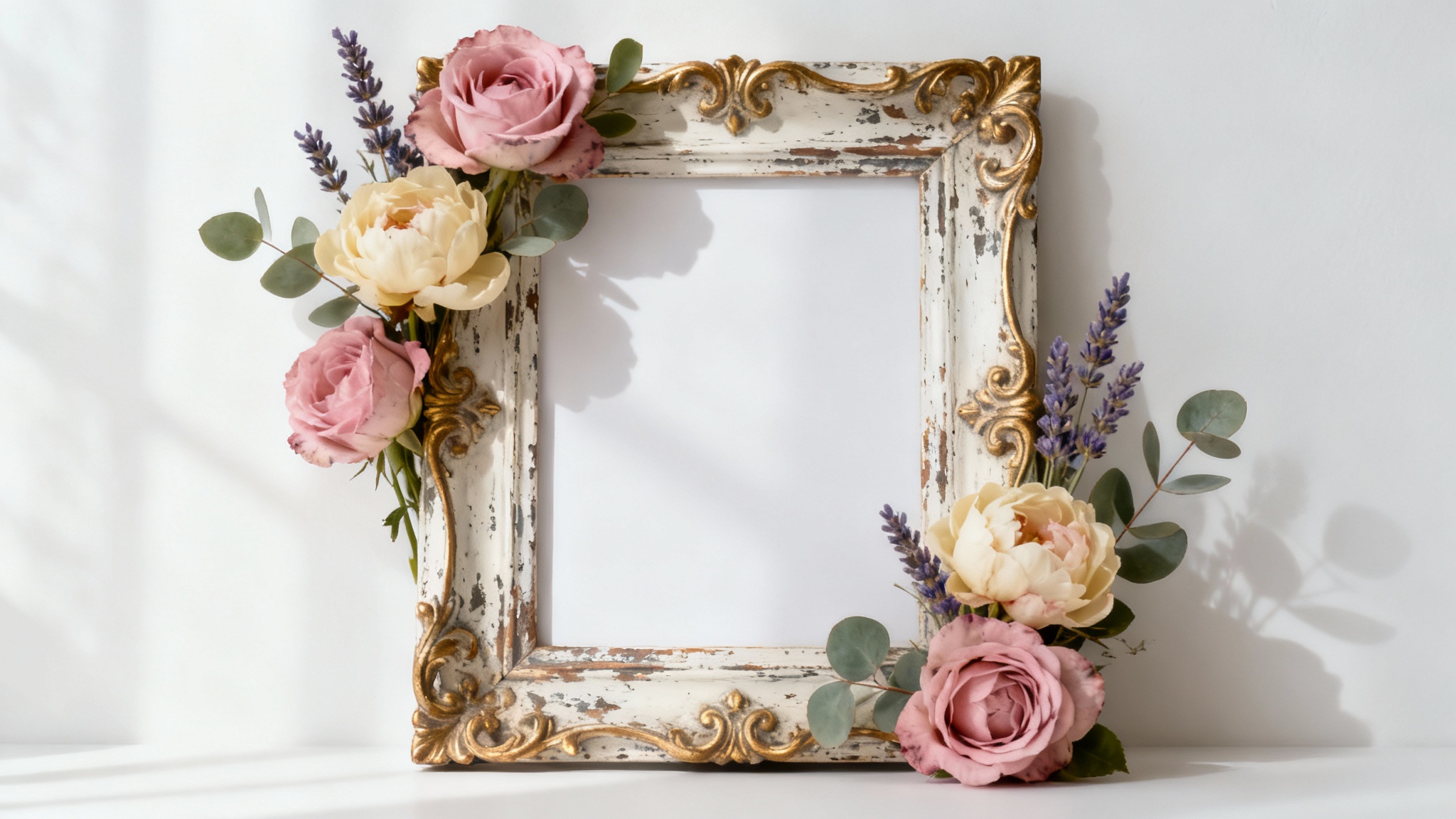
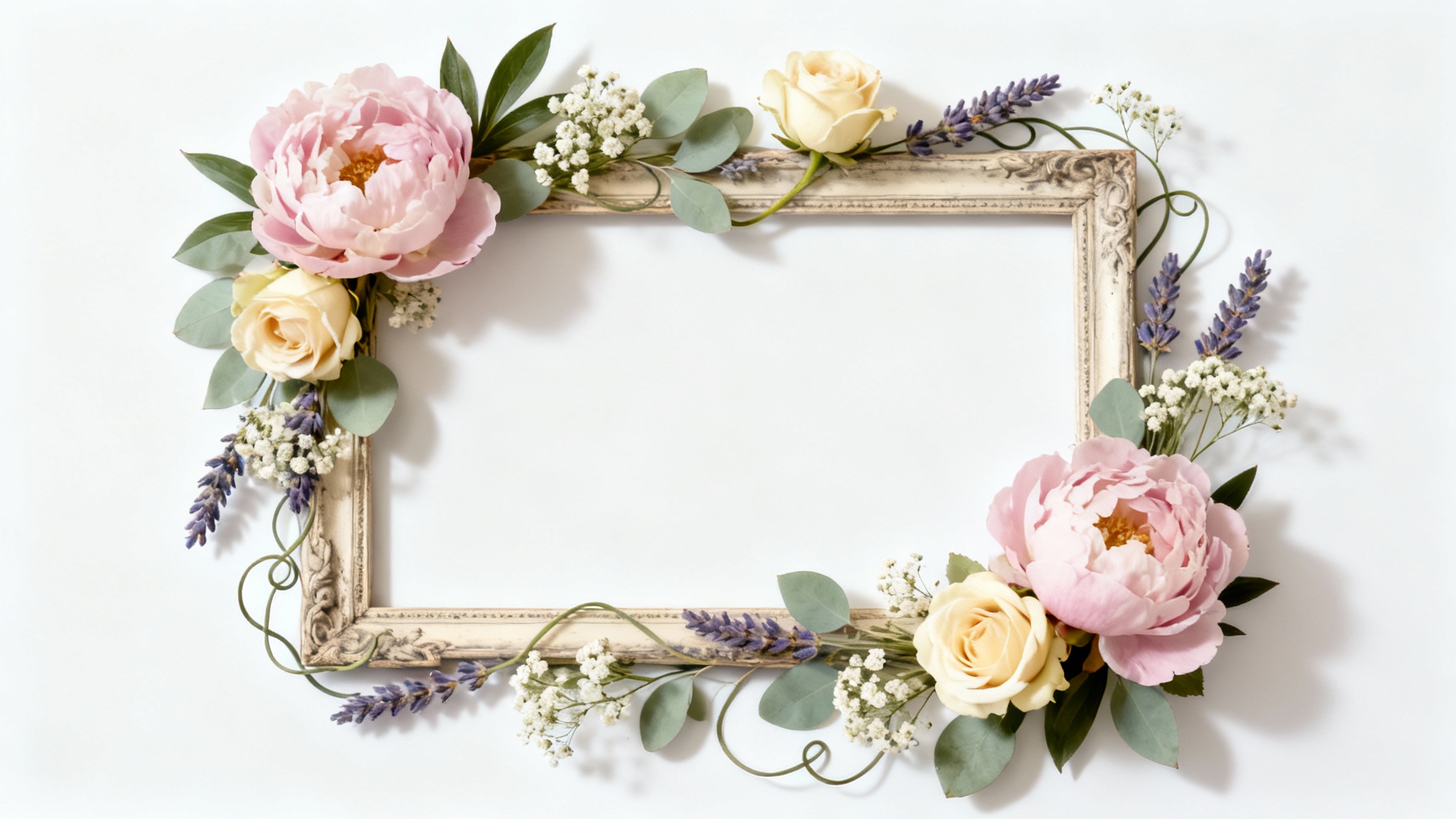
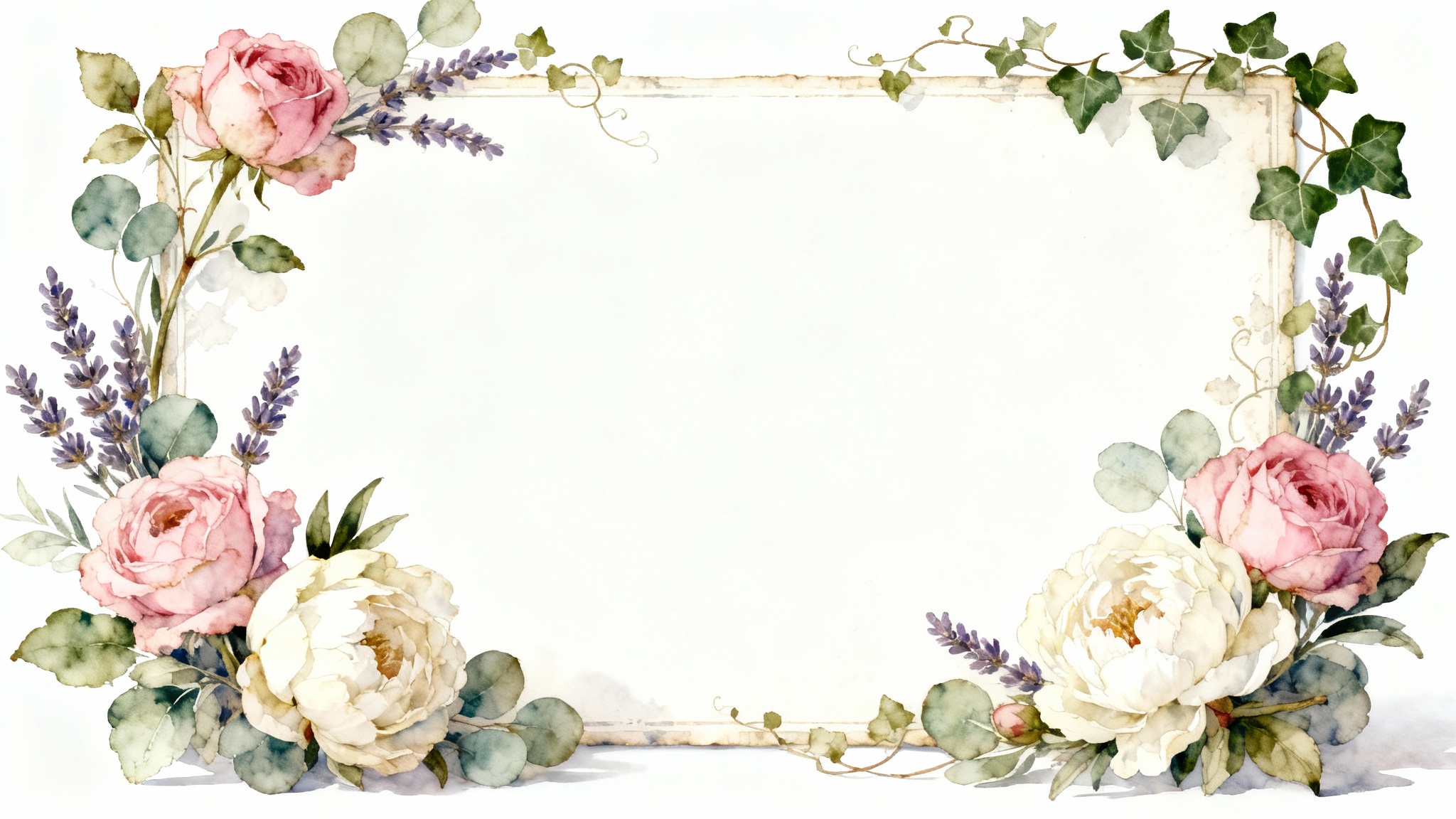
To add a frame, upload the photo you want to use. Then, in the text prompt, describe the vintage floral frame you would like to see around it. Mention specific flowers, colors, and styles for the best results.
Yes, you can be as specific as you like in your prompt. For example, you could ask for 'a frame of pink peonies and white baby's breath' or 'a border of sunflowers and daisies with a rustic feel'.
Yes, all frames are generated as high-resolution PNG files. This makes them suitable for both digital use, like on social media, and for high-quality printing for things like invitations or wall art.
After downloading, you are free to use your custom vintage floral frame for both personal and commercial projects. All downloads are watermark-free.
If the first result isn't quite right, you can easily adjust your text prompt and generate a new frame. Try describing the style differently or changing the types of flowers until you get a design you love.
While the tool is designed to add frames to an existing image, you can generate a frame on a blank or solid-colored background. Simply upload a plain image and describe the frame you'd like to create.
Great app, easy to use. Helps our small business save time and money to create different marketing materials professionally. Thank you.
I need a good background remover for my work and I've been through them all it feels like. This one is the best by far. It's so easy to use and the results always look amazing. Thank you Pixelcut!
It's amazingly easy and gives the perfect results for my bags and accessories. It looks like it was done by a professional photographer.