Pixelcut
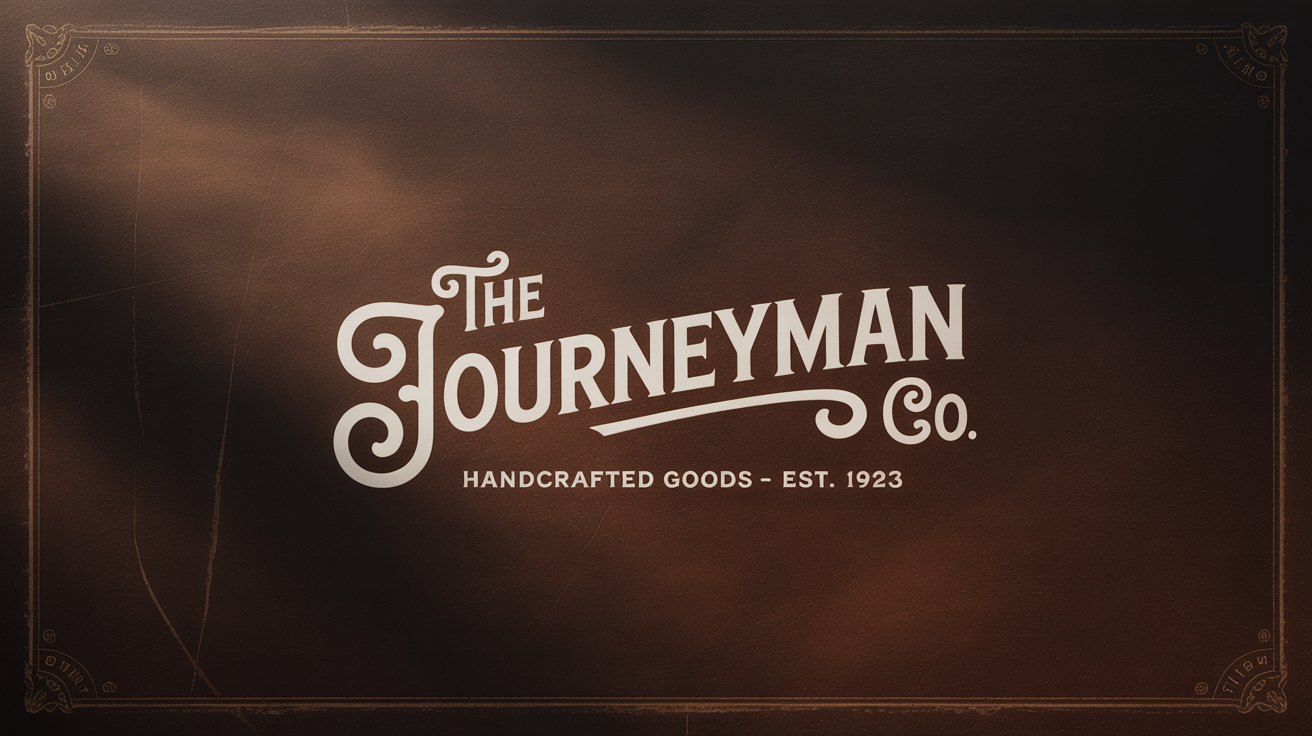
A finished design showing a vintage text effect. The words 'The Journeyman Co.' and 'Handcrafted Goods - Est. 1923' are in an ornate, cream-colored vintage font on a dark, textured sepia background.

AI Vintage Text Generator

Trusted by 70 million people
171,800 Reviews
Developer API
Available on iPhone & Android

How to Generate Vintage Text

  1. 1

    Describe your text and style

    Start by typing a prompt that includes the words you want and a description of the vintage style. For example, 'A 70s groovy font that says "Good Vibes" with a faded, colorful background'.

  2. 2

    Generate your text graphic

    Click the generate button and let the AI create a unique image based on your description. It will interpret the style, colors, and textures to bring your idea to life.

  3. 3

    Download your vintage text

    Your high-resolution text graphic is ready to be downloaded. Save it as a PNG or JPEG and use it for your logo, poster, social media, or any other project.

Step back in time without the complex software. Our AI vintage text generator makes it easy to create beautiful, retro-inspired text graphics instantly. Simply type your words and describe the aesthetic you're aiming for. Whether you want a groovy 70s vibe, a classic 50s diner look, or the elegance of Victorian script, our tool translates your ideas into a high-quality image. Forget spending hours with tutorials; generate the perfect nostalgic text for your project with just a few words and a single click.

Create Nostalgic Text in Seconds

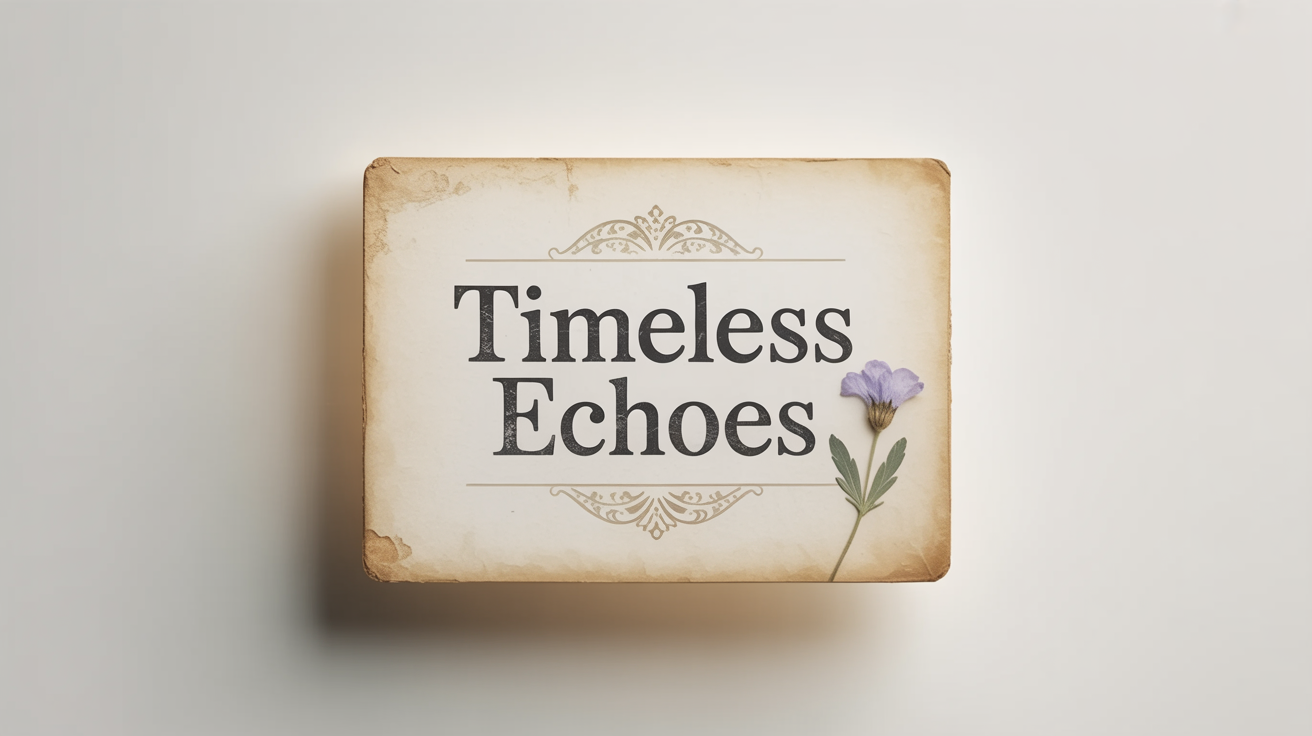
A mockup of a vintage text effect, showing the words 'Timeless Echoes' in an elegant, old-fashioned font on a piece of aged cardstock against a white background.
Your vision, your style. Our generator gives you the creative freedom to specify every detail of your vintage text. In your prompt, be sure to include the words you want to feature, like 'OPEN' or a brand name. Then, describe the stylistic elements. Mention a specific era like the '80s', a font style like 'chrome script', textures such as 'aged paper' or 'film grain', and effects like 'faded ink' or 'neon glow'. The more descriptive you are, the closer the AI can get to the unique retro design you have in mind.

Customize Your Perfect Retro Look

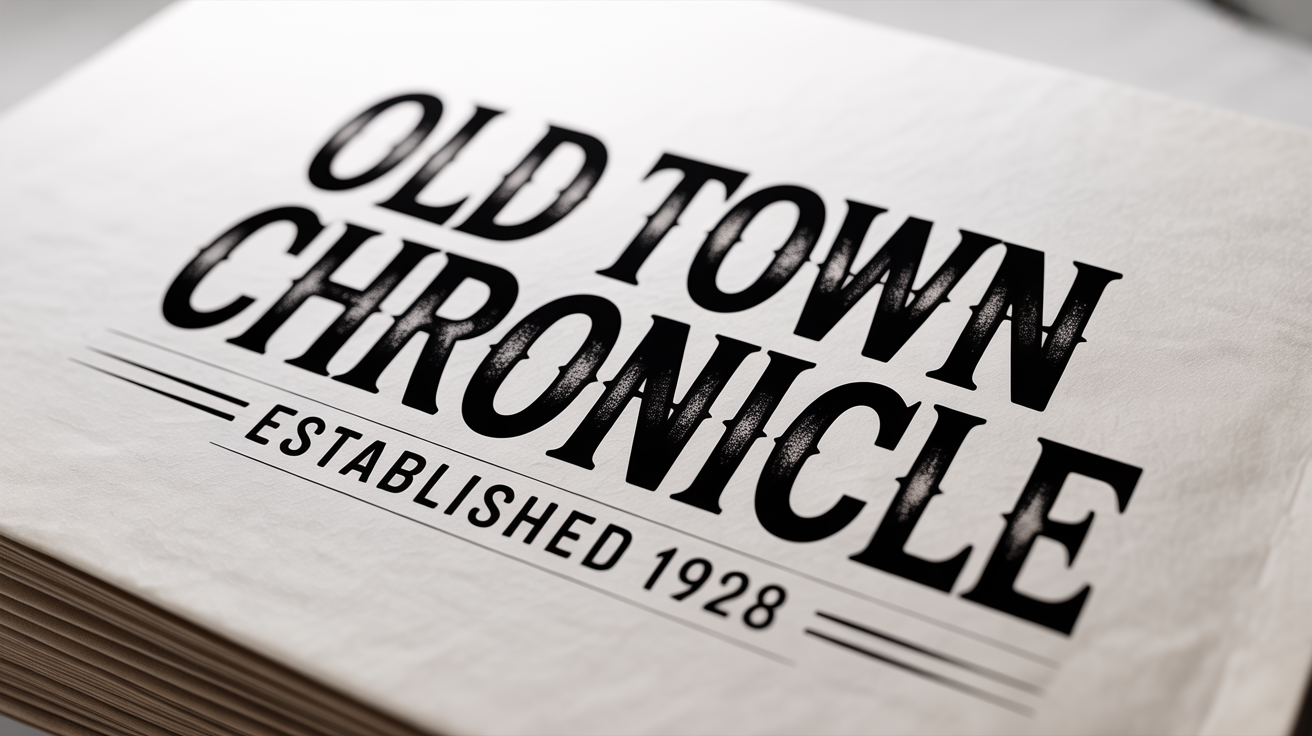
A mockup of vintage-style text on a white background. The words 'OLD TOWN CHRONICLE' are in a distressed Art Deco font, with 'Established 1928' written below.
Move beyond basic fonts and create complete, ready-to-use graphics. Each piece of vintage text you generate is a high-resolution image, perfect for both digital and print applications. Use your creations for eye-catching social media posts, unique brand logos, event flyers, website banners, or custom apparel. All downloads are watermark-free, ensuring your final design looks clean and professional. You can download your creations in PNG and JPEG formats, allowing for easy integration into any project.

Professional Graphics for Any Project

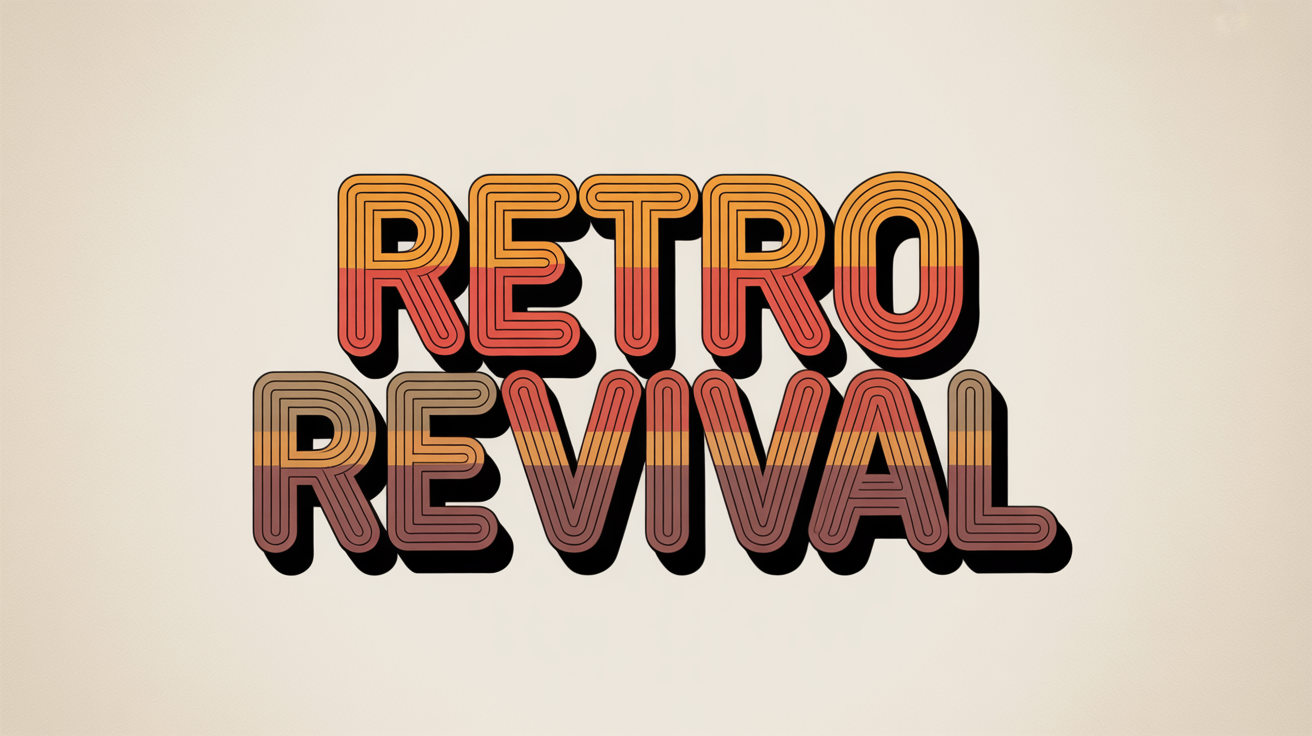
A typography mockup displaying the words 'Retro Revival' in a bold, 1970s-style font with orange and brown gradients and a distressed texture, set against a clean white background.
It’s Fast: Go from a simple text prompt to a fully realized vintage graphic in moments. It’s Easy to Use: No design skills are needed. If you can describe it, you can create it. AI-Powered: Leverage artificial intelligence to explore endless stylistic variations of retro and vintage typography that would be difficult to create manually. Customizable: Specify everything from the text and font style to colors and textures for a truly personal design. Versatile: Produce high-quality graphics for logos, social media, posters, and more.

Why use Pixelcut's AI Vintage Text Generator?

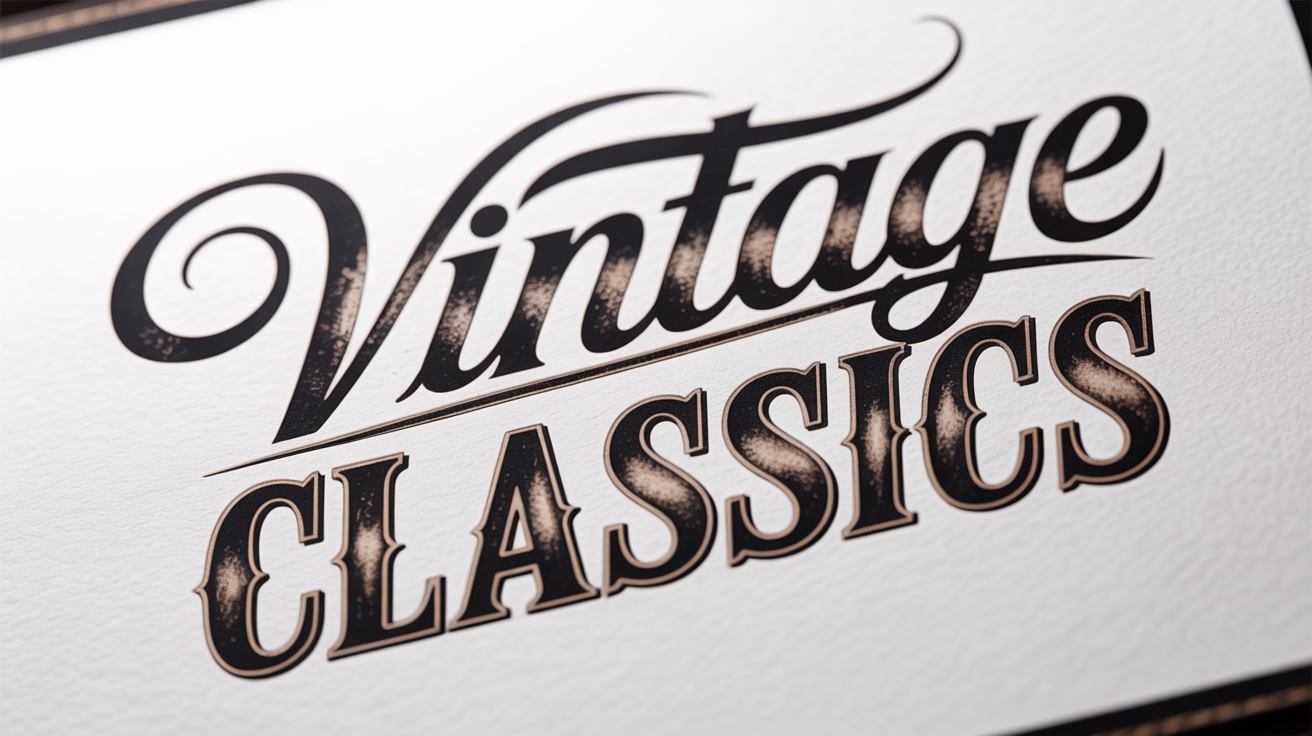
A typography design featuring the words 'Vintage Classics' in a distressed, old-fashioned letterpress font against a clean white background, showcasing a classic and weathered aesthetic.
Event Promotions: Design flyers and social media posts for a themed party or market with text that matches the vibe. Branding and Logos: Create a memorable logo for a coffee shop, barbershop, or clothing brand with a distinct retro feel. Digital Content: Craft unique YouTube thumbnails, blog headers, or Instagram stories that stop the scroll. Personal Projects: Design custom stationery, invitations, or art prints with a beautiful, nostalgic typographic flair. Merchandise Design: Develop unique text-based designs for t-shirts, mugs, and tote bags.

Vintage Text Generator Use Cases

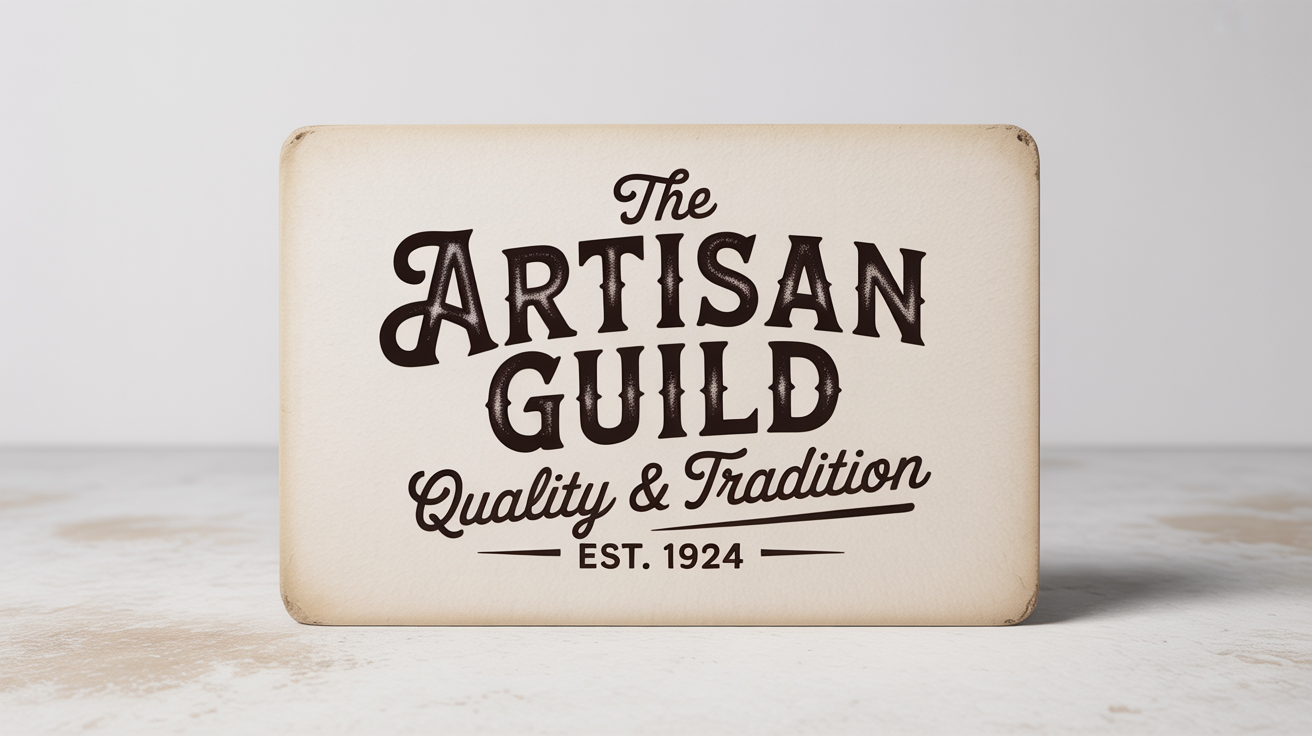
A mockup of a vintage text design on textured off-white paper against a white background. The text reads 'THE ARTISAN GUILD', 'Quality & Tradition', and 'EST. 1924' in various antique fonts.

Frequently Asked Questions

Pixelcut is loved by over 2 million people

  • My favorite app

    Great app, easy to use. Helps our small business save time and money to create different marketing materials professionally. Thank you.
    Shaelyn D.
  • Best background remover

    I need a good background remover for my work and I've been through them all it feels like. This one is the best by far. It's so easy to use and the results always look amazing. Thank you Pixelcut!
    Kira H.
  • Love it

    It's amazingly easy and gives the perfect results for my bags and accessories. It looks like it was done by a professional photographer.
    Mary J.