My favorite app
Great app, easy to use. Helps our small business save time and money to create different marketing materials professionally. Thank you.
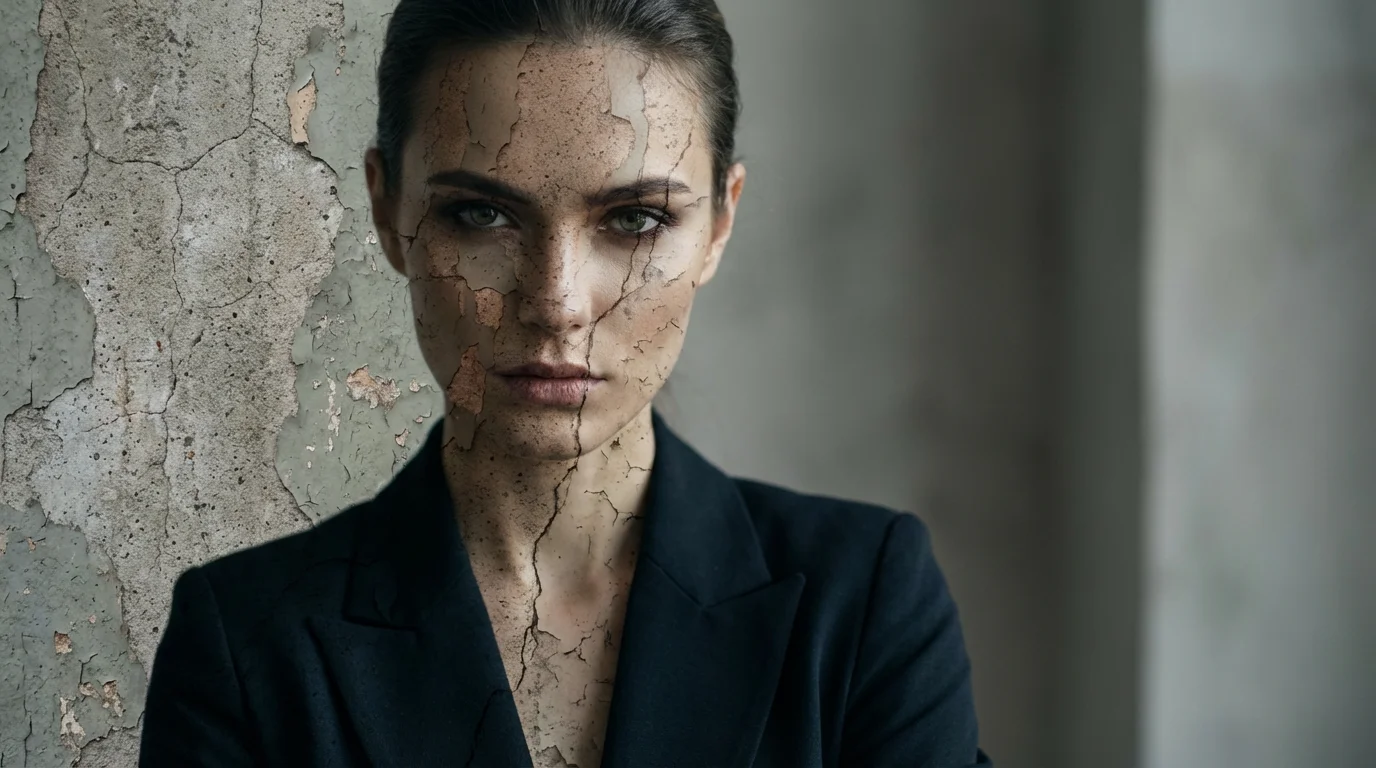
Start by uploading the photo you want to add a texture to. This can be a portrait, product shot, or any other image.
In the prompt box, write a clear description of the wall texture you want. For example: 'Apply a weathered, peeling paint texture'.
Click the generate button and let our AI create and apply the custom texture to your image based on your prompt.
Your high-resolution, freshly textured image is ready. Download it in PNG or JPEG format and use it for your project.
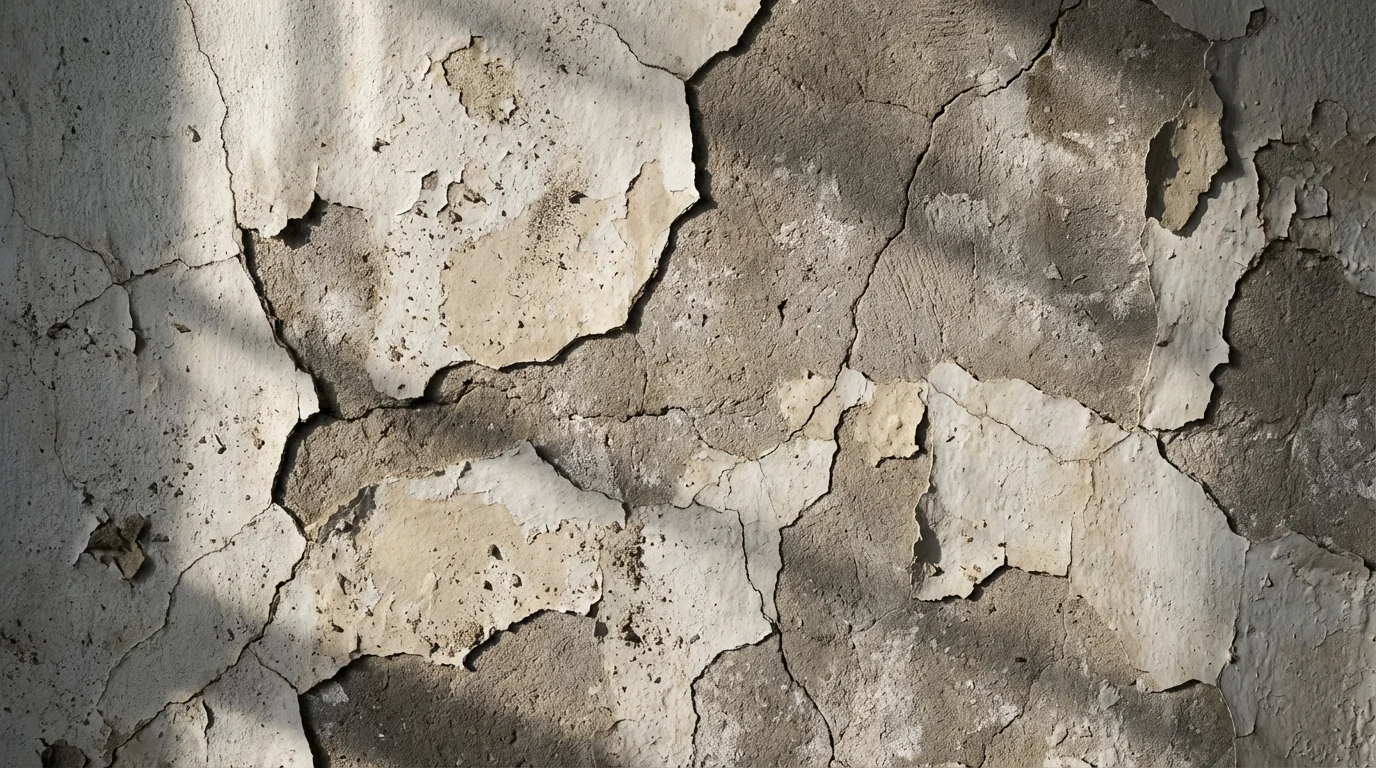
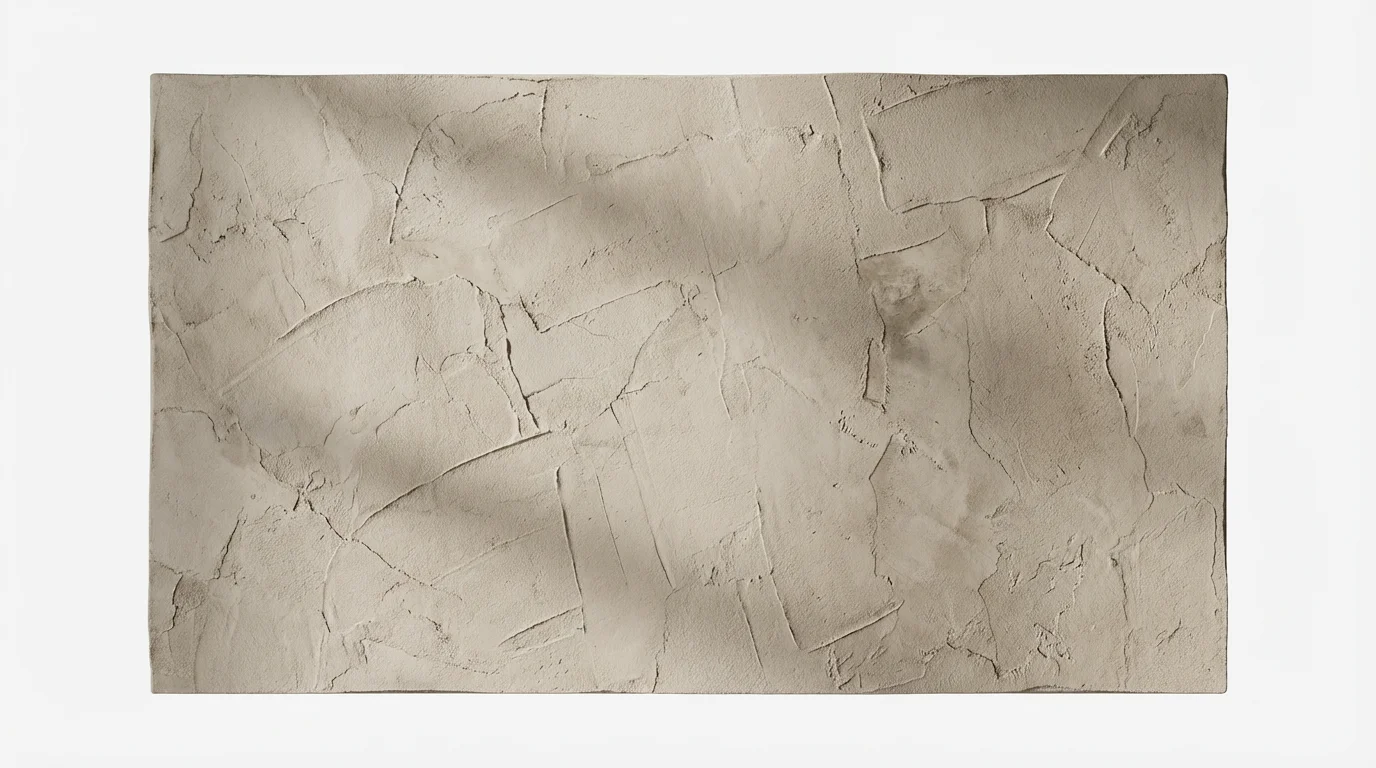
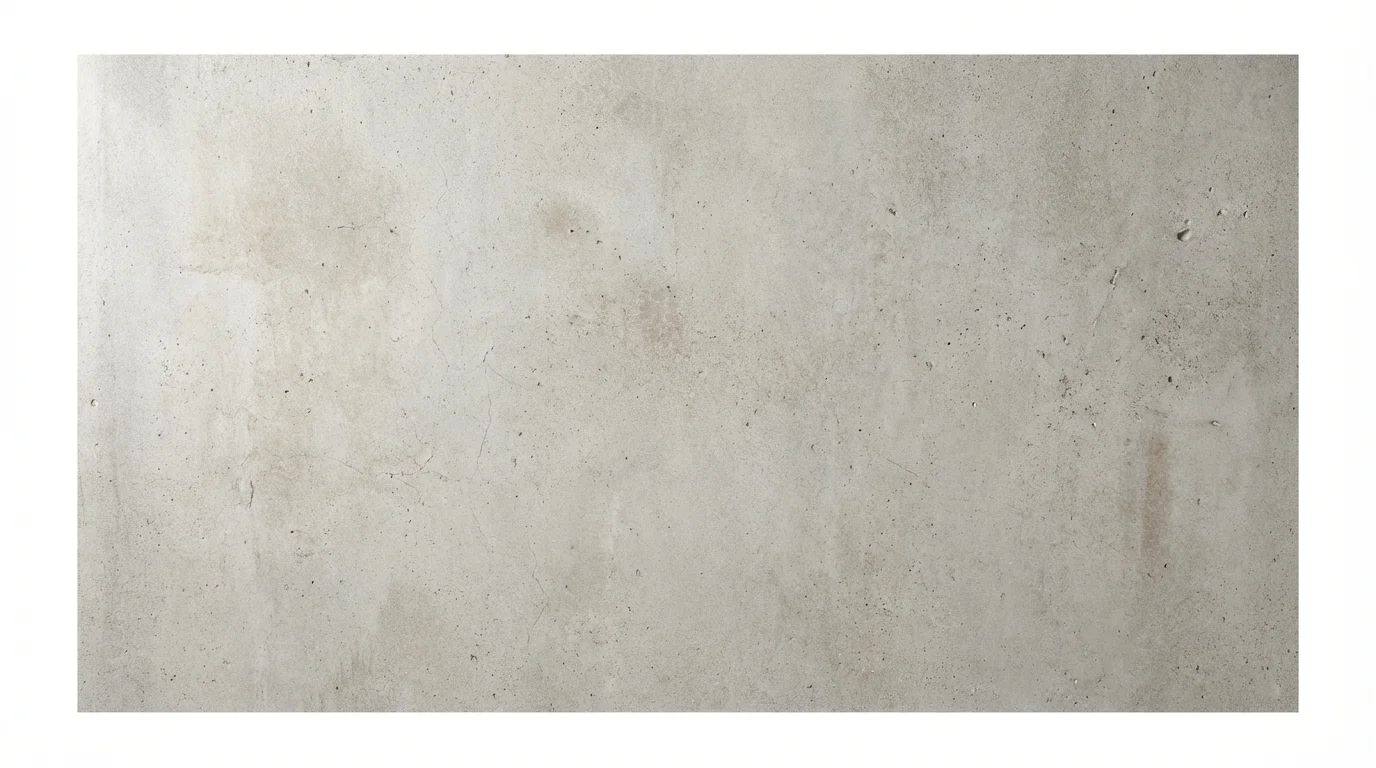
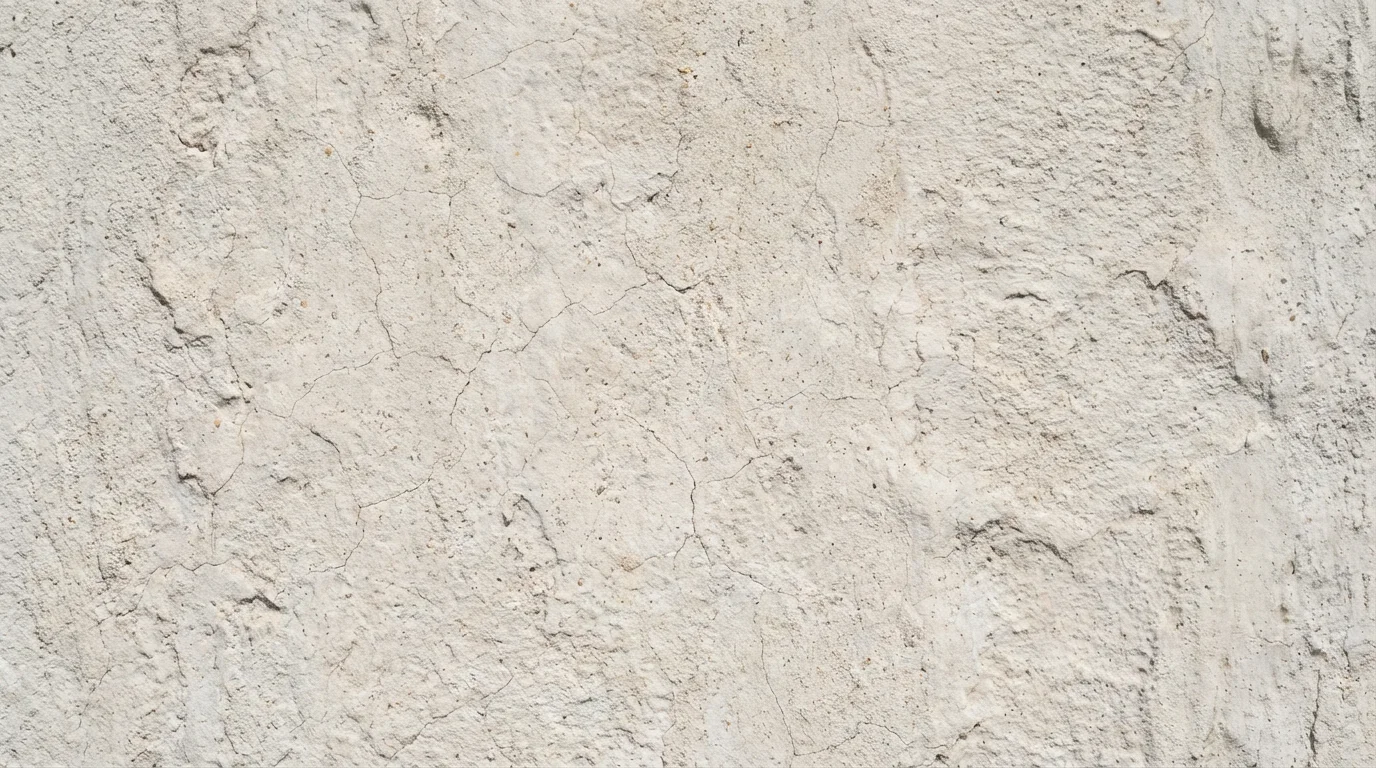
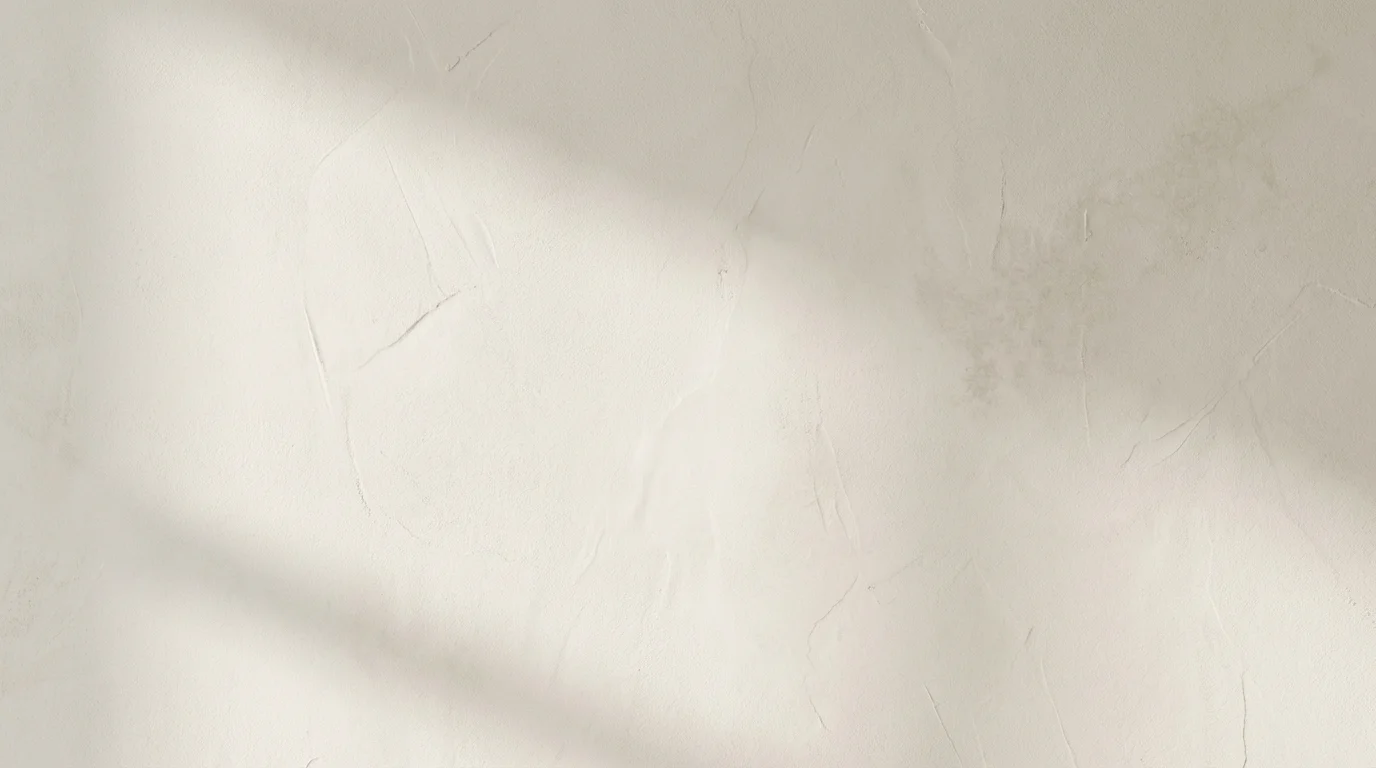
An AI wall texture overlay tool allows you to add a textural layer, like cracked concrete or peeling paint, to your existing photos using artificial intelligence. Instead of using pre-made texture files, you simply describe the texture you want, and the AI generates and applies it to your uploaded image.
The process is simple. First, upload the image you wish to edit. Next, in the text box, describe the wall texture you'd like to apply, for example, 'add a rough, dark brick texture'. Then, click the generate button, and the AI will apply your custom texture to the image for you to download.
Yes, you have immense creative freedom. You can describe a wide variety of textures, from 'smooth white plaster' to 'old weathered brick wall with moss' or 'cracked urban concrete'. The more descriptive your prompt, the more detailed the AI-generated texture will be.
Pixelcut's AI tools are free to try. After using your initial free credits, you can purchase more to continue creating images. All downloads are high-resolution and do not contain a watermark.
Not at all. This tool is designed for everyone, regardless of skill level. You don't need to understand complex editing software, layers, or blending modes. All you need is an image and an idea for the texture you want.
You can control the intensity of the effect through your text prompt. For a strong effect, use words like 'heavy grunge texture' or 'deep cracks'. For a more delicate look, try 'subtle, light plaster texture'. By adjusting your description and regenerating, you can fine-tune the result.
You can apply a texture overlay to any type of image. It works great for portraits where you want to add mood, product photos that need a more interesting background, or any graphic design project where you want to add depth and visual interest.
Great app, easy to use. Helps our small business save time and money to create different marketing materials professionally. Thank you.
I need a good background remover for my work and I've been through them all it feels like. This one is the best by far. It's so easy to use and the results always look amazing. Thank you Pixelcut!
It's amazingly easy and gives the perfect results for my bags and accessories. It looks like it was done by a professional photographer.