My favorite app
Great app, easy to use. Helps our small business save time and money to create different marketing materials professionally. Thank you.
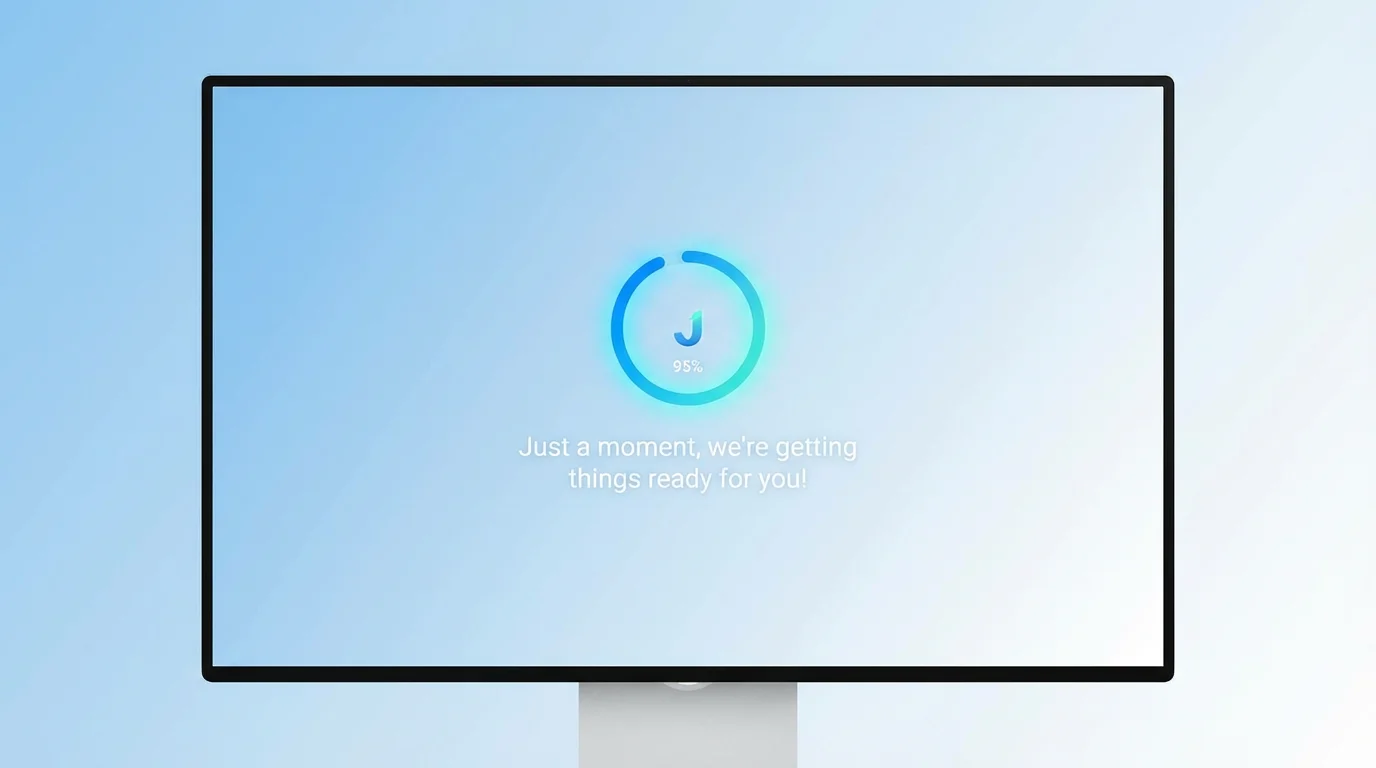
Start by writing a detailed prompt. Include the style, colors, animation type, and any text you want. For example: 'A minimalist black screen with a thin white line that fills up as a progress bar.'
Click the generate button and our AI will interpret your description to create a unique loading screen visual. If it's not quite right, you can adjust your prompt and generate a new version.
Your high-resolution loading screen is ready to be downloaded for free as a PNG or JPEG. You can then add it to your website to improve the user experience while your pages load.
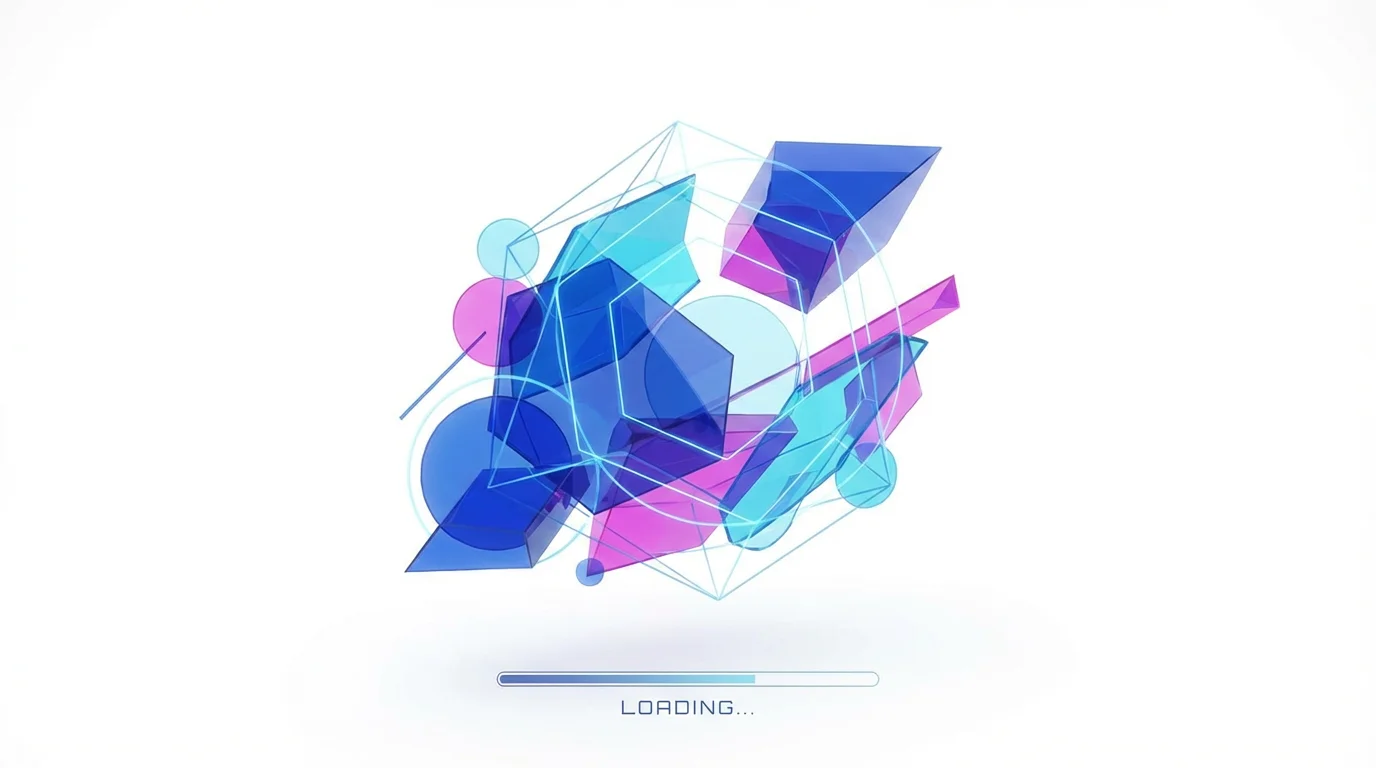
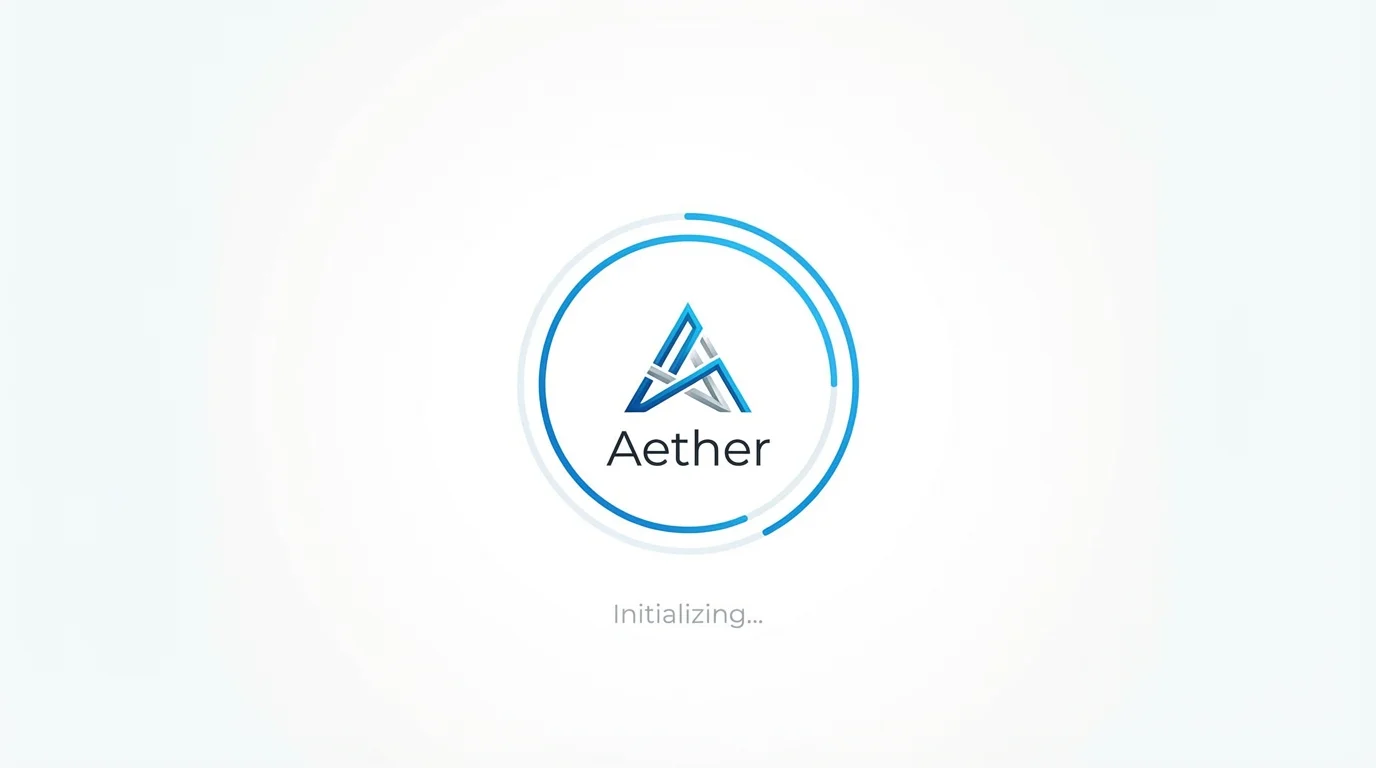
An AI website loading screen generator is a tool that creates visual animations for your website from text descriptions. You can describe the animation style, colors, icons, and text, and the AI will produce a unique loading screen image or GIF for you to use.
No, you do not need any coding skills. Our tool is entirely text-based. You simply type what you want to see, and the AI handles the visual creation, allowing you to generate custom animations without touching HTML, CSS, or JavaScript.
Yes, our AI agent has video capabilities that allow you to generate animated visuals. You can describe the motion you want, such as a 'pulsing circle' or 'bouncing balls', and download the resulting animation to use as a GIF or other video format on your site.
A custom loading screen improves user experience by making wait times less frustrating, which can reduce your site's bounce rate. It also provides an opportunity to reinforce your brand identity and make your website appear more professional and polished.
Absolutely. You can upload an image of your logo to include it in the animation. In your text prompt, be sure to describe your brand's specific colors, fonts, and overall style to generate a loading screen that is perfectly matched to your website's design.
Once you have downloaded your generated visual (as a PNG, JPEG, or GIF), you can provide it to your web developer for implementation. If you use a website builder, you can typically upload the file and configure it as a preloader element through the platform's settings.
You can create a wide variety of designs. Describe anything from minimalist progress bars and spinners to elaborate character animations and abstract patterns. The more detailed your description, the closer the AI-generated result will be to your vision.
Great app, easy to use. Helps our small business save time and money to create different marketing materials professionally. Thank you.
I need a good background remover for my work and I've been through them all it feels like. This one is the best by far. It's so easy to use and the results always look amazing. Thank you Pixelcut!
It's amazingly easy and gives the perfect results for my bags and accessories. It looks like it was done by a professional photographer.