Pixelcut
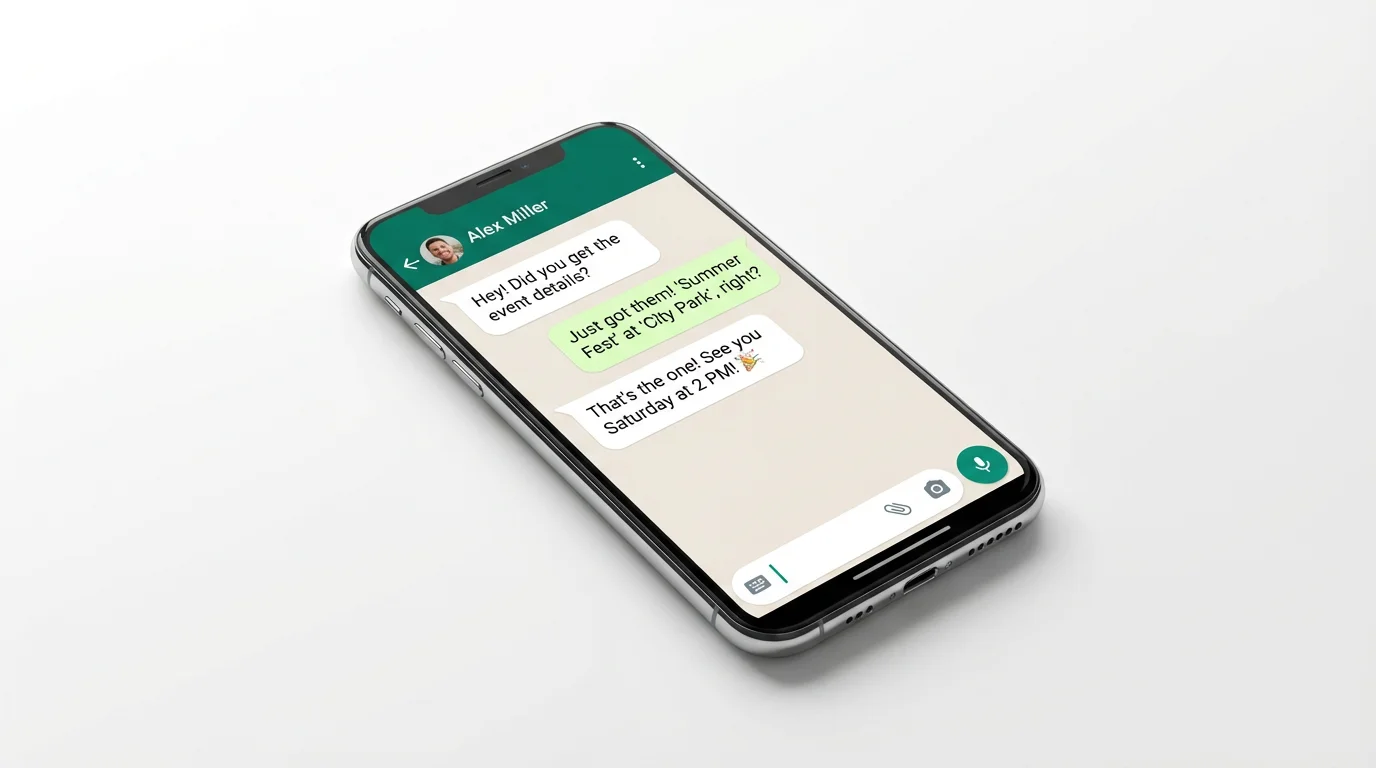
A smartphone on a white surface displaying a realistic mockup of a WhatsApp chat. The chat shows a conversation with green and grey message bubbles, demonstrating a chat mockup tool's final output.

Free AI WhatsApp Chat Mockup Generator

Trusted by 70 million people
171,800 Reviews
Developer API
Available on iPhone & Android

How to create a WhatsApp chat mockup

  1. 1

    Upload your images

    Start by uploading the profile pictures for the participants in your chat mockup for a more realistic result.

  2. 2

    Describe your chat

    Write a prompt detailing the conversation. Include names, messages, and emojis to build the chat.

  3. 3

    Generate mockup

    With one click, our AI will create a realistic WhatsApp chat screenshot based on your prompt and images.

  4. 4

    Download your image

    Your high-resolution chat mockup is ready to be downloaded for free and used in your projects.

Move beyond complicated editing software. With Pixelcut's AI generator, creating a believable WhatsApp chat mockup is as simple as writing a script. Describe the conversation, including the participants and the messages you want to feature, and the AI handles the rest. Our tool generates high-resolution, authentic-looking chat interfaces that are perfect for any project. This approach saves you valuable time and effort, allowing you to produce professional visuals for your campaigns or content instantly, without any design skills required.

Generate Realistic Chat Mockups in Seconds

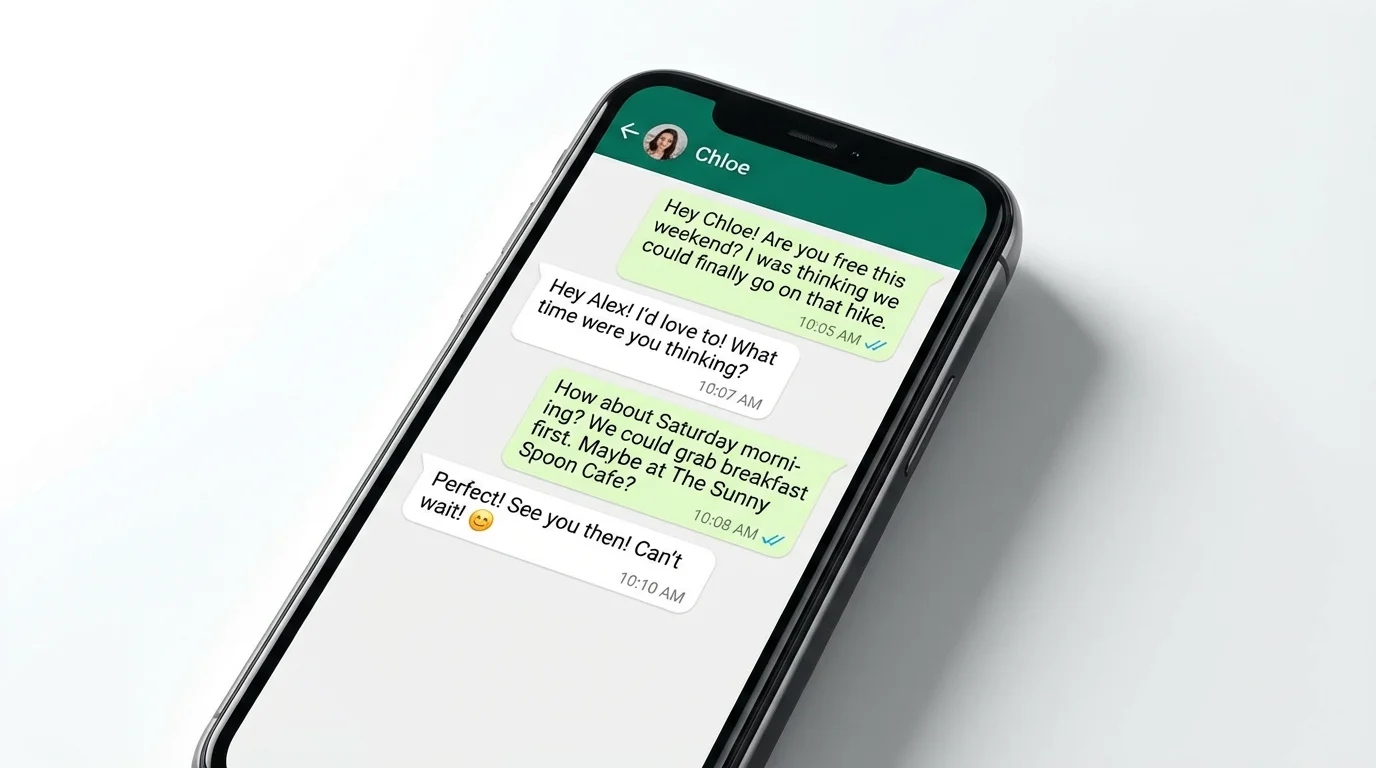
A mockup of a smartphone screen showing a fictional WhatsApp chat conversation between two friends making plans for a weekend hike.
Tailor every detail of your WhatsApp mockup to fit your exact needs. By using simple text prompts and uploading images, you can define the names of the chat participants and even set their profile pictures for added realism. Specify the messages, the order of the conversation, and include emojis to capture the right tone. This level of control ensures that the final output perfectly matches the scenario you want to portray, giving you a powerful tool for storytelling and visual communication that aligns with your creative vision.

Complete Control with Text-Based Customization

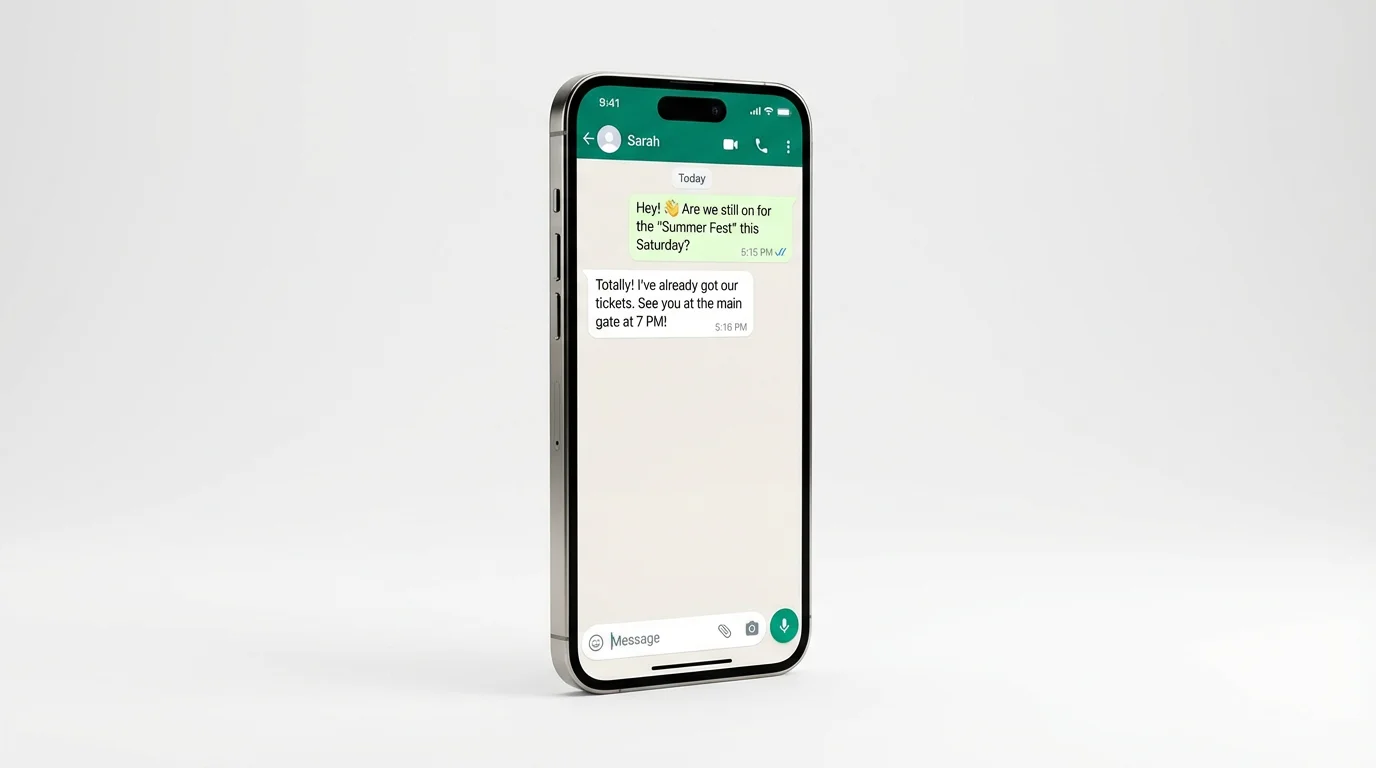
A mockup of a smartphone displaying a WhatsApp chat conversation about meeting at a summer festival.
Your generated WhatsApp chat mockups are created in high resolution, ensuring they look sharp and professional wherever you use them. Whether for a social media post, a marketing advertisement, a presentation slide, or a website asset, your chat visuals will be clear and legible. This commitment to quality means your mockups will effectively engage your audience and integrate seamlessly into your content. Download your finished chat mockup for free as a PNG or JPG, ready for immediate use in your projects.

High-Quality Visuals for Any Platform

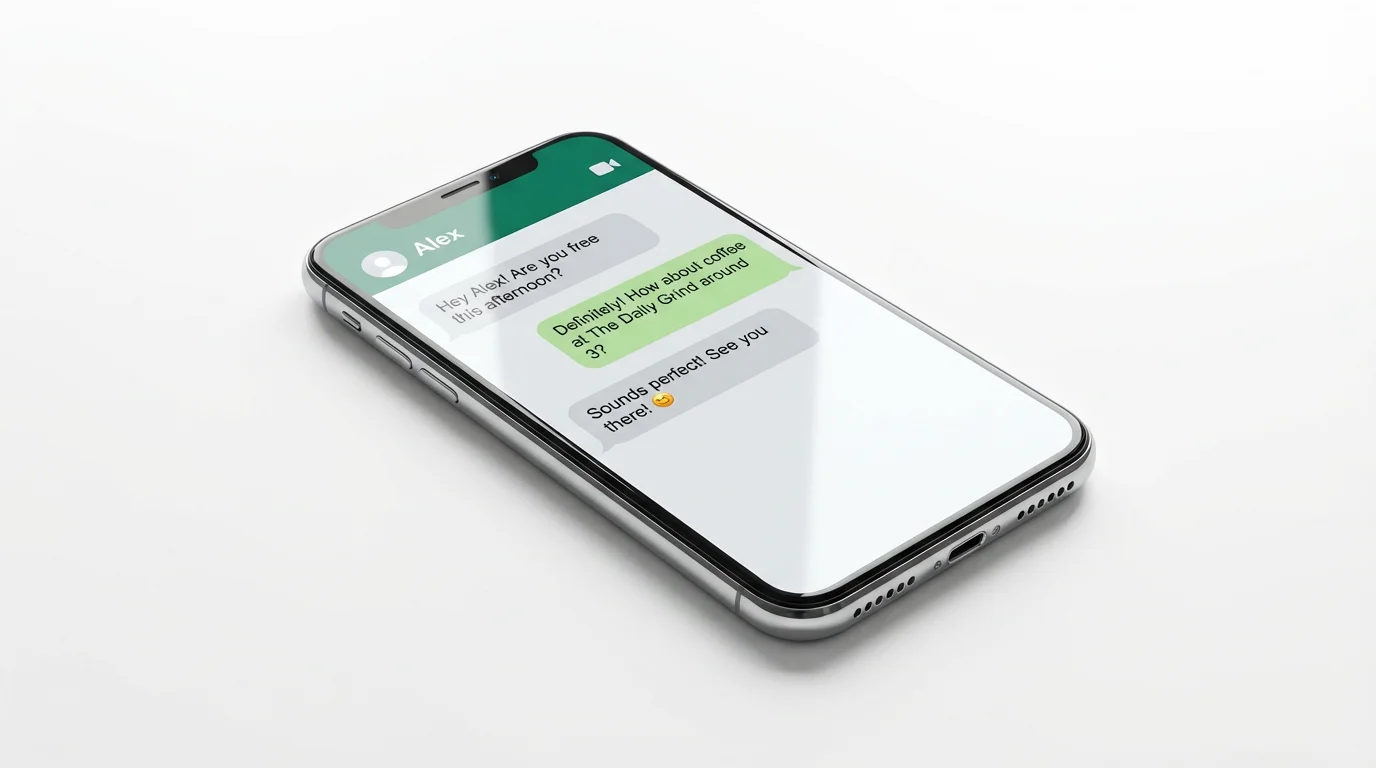
A realistic mockup of a smartphone screen showing a sample WhatsApp chat conversation between two people making plans for coffee. The image is set against a clean white background.
It’s Fast: Create a complete, realistic chat screenshot in just a few moments. It’s Easy: No design experience needed. If you can describe a conversation, you can create a mockup. AI-Powered: Let artificial intelligence build the visual elements for you, from message bubbles to the interface layout. Highly Customizable: Define participants, upload profile pictures, and script the entire conversation with text. Versatile Use: Create visuals for marketing, social media content, tutorials, or user interface demonstrations.

Why use Pixelcut's AI WhatsApp Chat Mockup Generator?

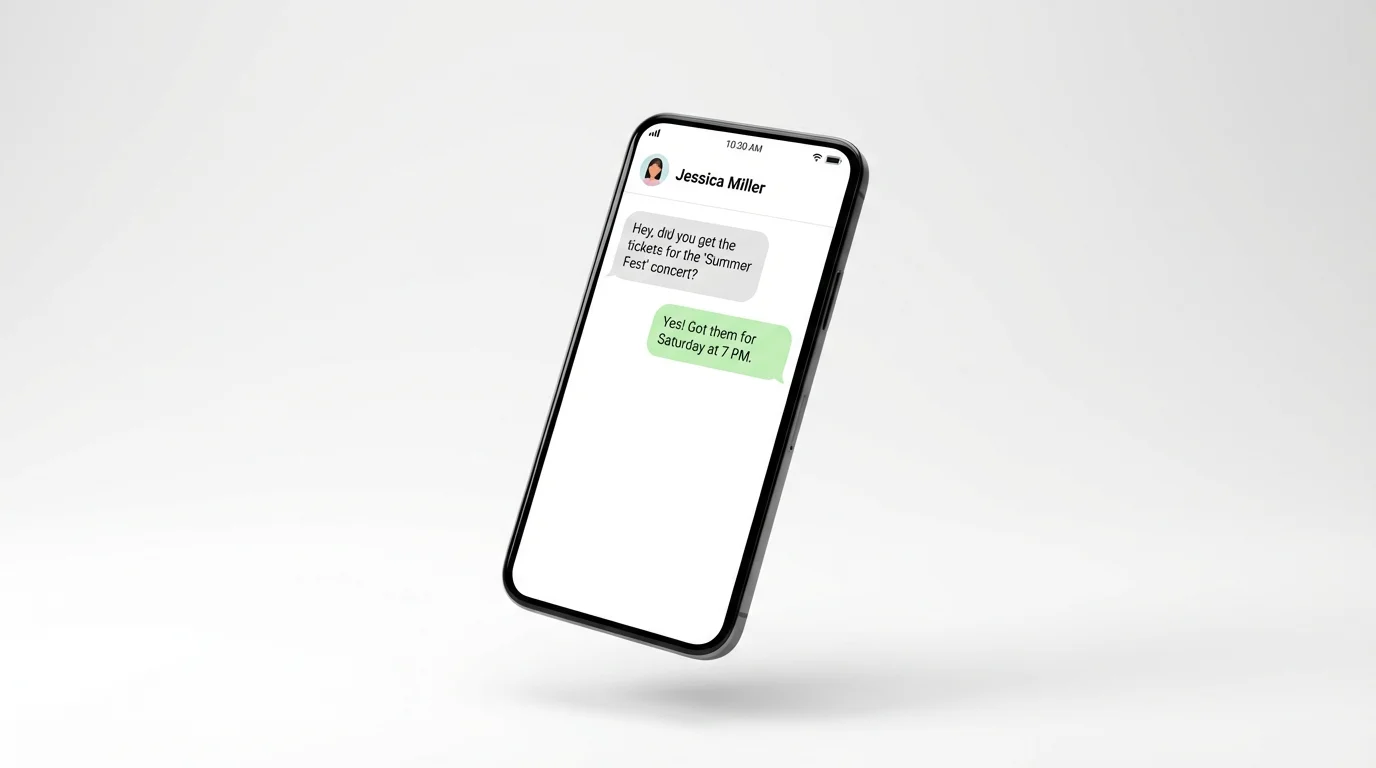
A mockup of a smartphone displaying a sample chat conversation similar to WhatsApp, where two people discuss concert tickets, set against a clean white background.
Social Media Storytelling: Craft engaging narratives, funny memes, or short stories for platforms like Instagram, TikTok, and Facebook. Marketing and Advertising: Create compelling visuals for ad campaigns that feature customer testimonials or promotional conversations. UI/UX Design Presentations: Showcase how a new feature or app integration would look within the WhatsApp interface. Educational Content: Develop clear, visual tutorials or examples for training materials and instructional guides on how to use an app or service.

WhatsApp Chat Mockup Use Cases

A high-quality mockup of a smartphone on a white background, displaying a sample WhatsApp chat conversation about an event called 'Summer Fest'.

Frequently Asked Questions

Pixelcut is loved by over 2 million people

  • My favorite app

    Great app, easy to use. Helps our small business save time and money to create different marketing materials professionally. Thank you.
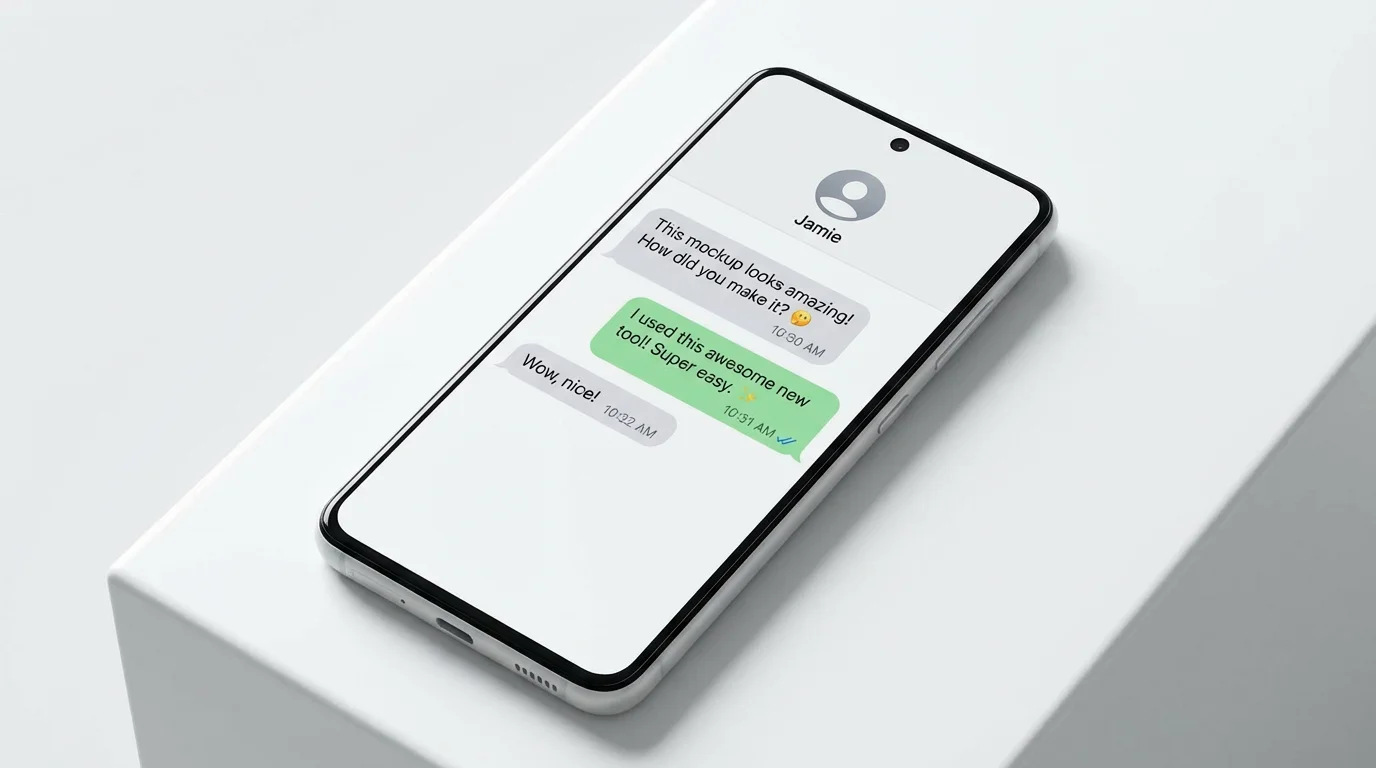
    Shaelyn D.
  • Best background remover

    I need a good background remover for my work and I've been through them all it feels like. This one is the best by far. It's so easy to use and the results always look amazing. Thank you Pixelcut!
    Kira H.
  • Love it

    It's amazingly easy and gives the perfect results for my bags and accessories. It looks like it was done by a professional photographer.
    Mary J.