Pixelcut
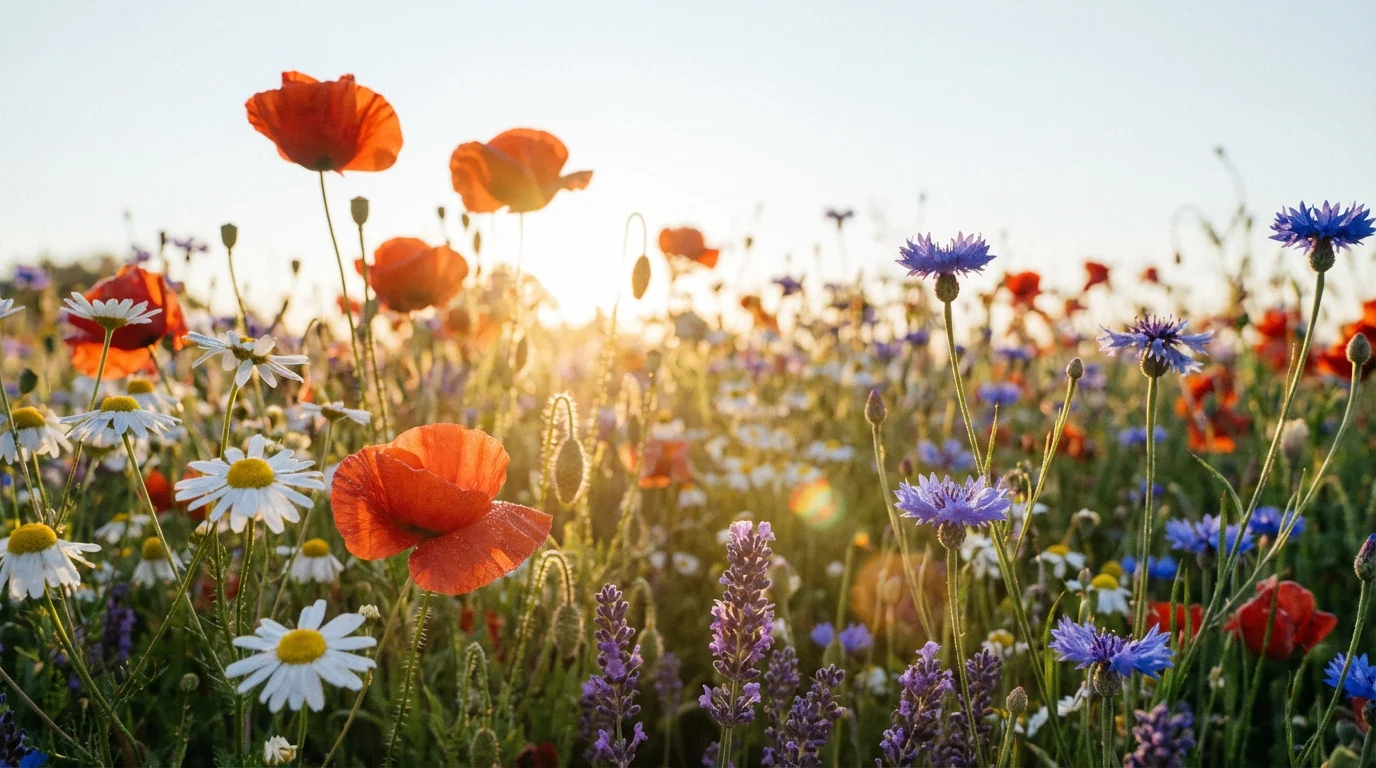
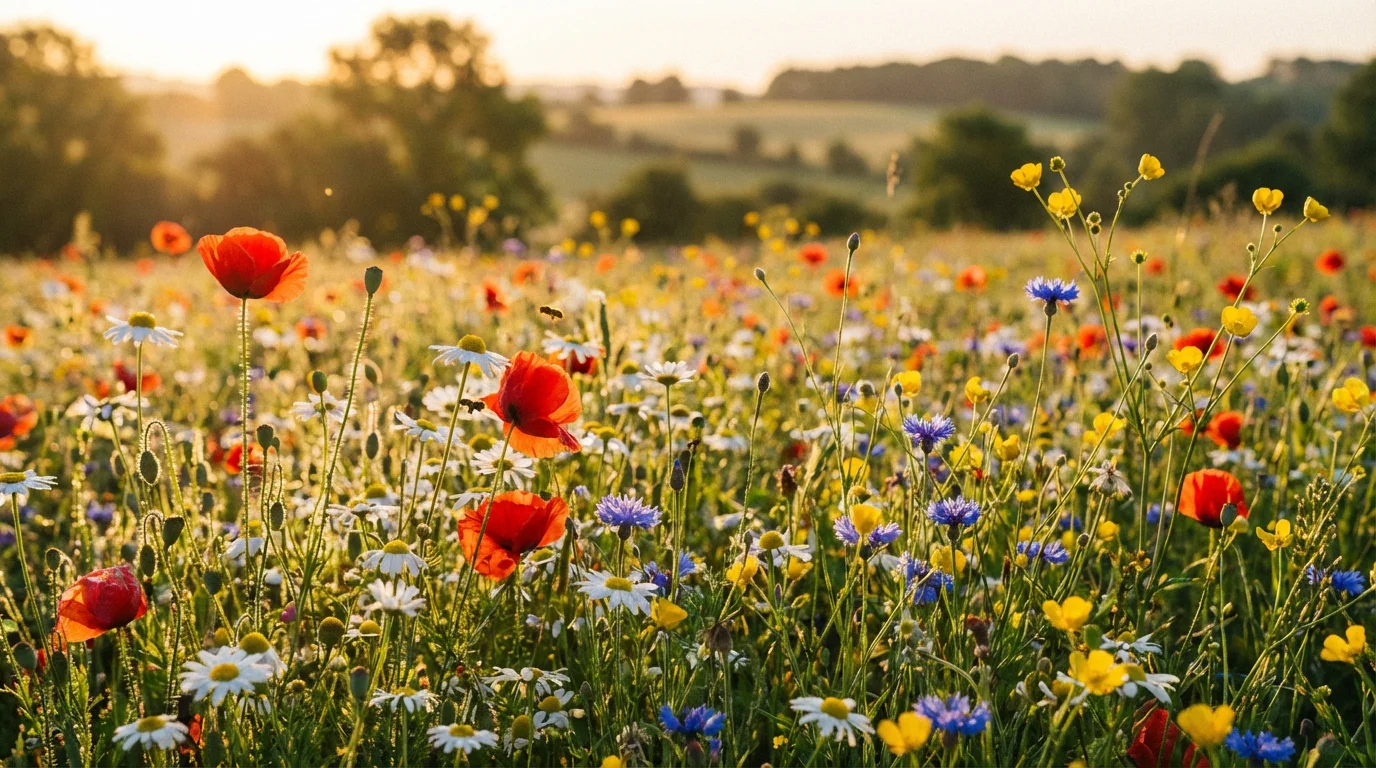
A breathtaking, wide-angle photograph of a wildflower meadow at sunset, used as a beautiful background. The field is bursting with colorful flowers like red poppies and purple lavender, all illuminated by warm, golden light.

AI Wildflower Garden Background Generator

Trusted by 70 million people
171,800 Reviews
Developer API
Available on iPhone & Android

How to Create a Wildflower Garden Background

  1. 1

    Describe your garden scene

    Start by writing a text prompt that describes the wildflower background you envision. Be specific about flowers, colors, and mood for the best results.

  2. 2

    Generate your background

    Click the generate button and our AI will interpret your prompt to create a unique wildflower garden background just for you.

  3. 3

    Download your image

    Your new, high-resolution wildflower background is ready to be downloaded and used for your wallpaper, website, or creative project.

Stop searching through endless stock photo libraries for the right image. With our AI background generator, you can create a custom wildflower garden scene in just a few seconds. Describe the field of flowers you imagine, from a sun-drenched meadow to a tranquil garden path, and the AI will bring it to life instantly. This tool makes it easy for anyone to produce beautiful, high-quality floral backgrounds without any design skills, giving you the perfect visual for your project right when you need it.

Create Your Meadow in Moments

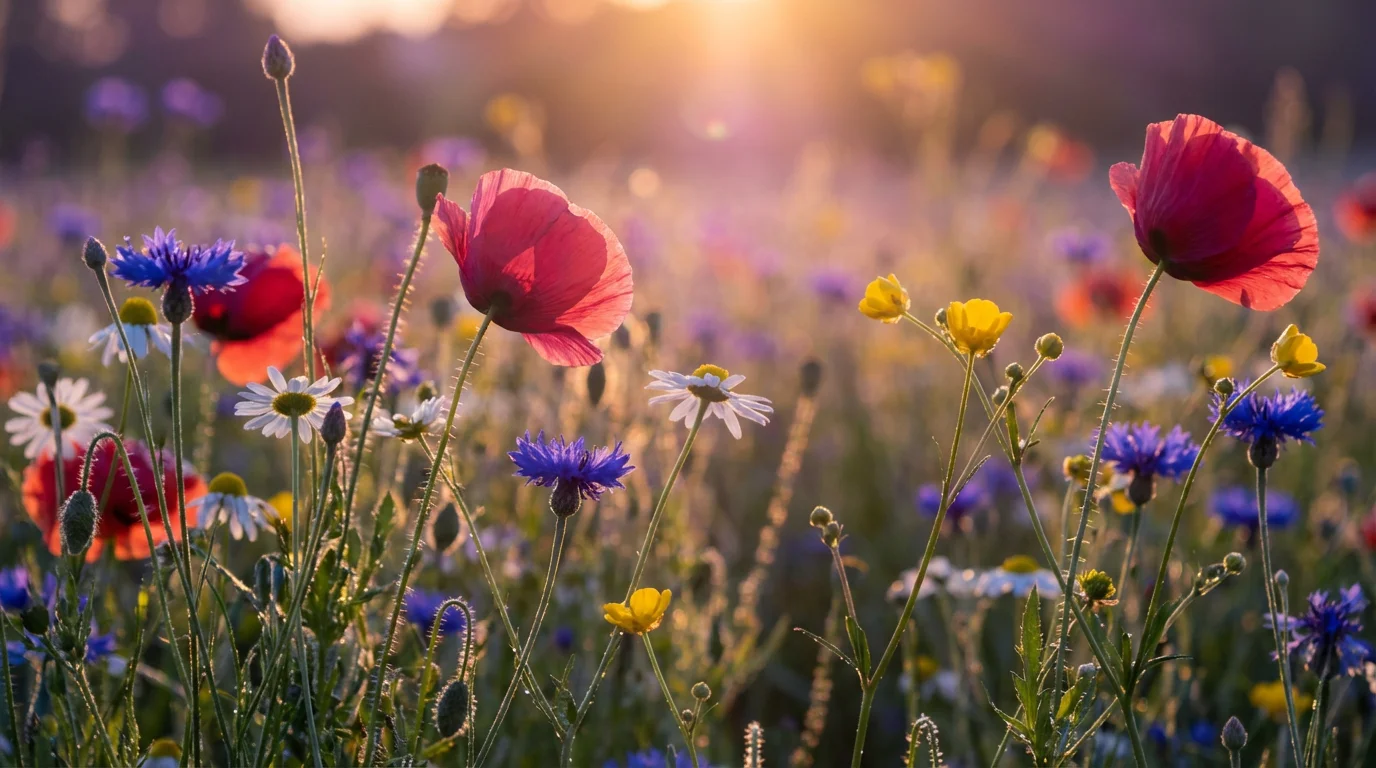
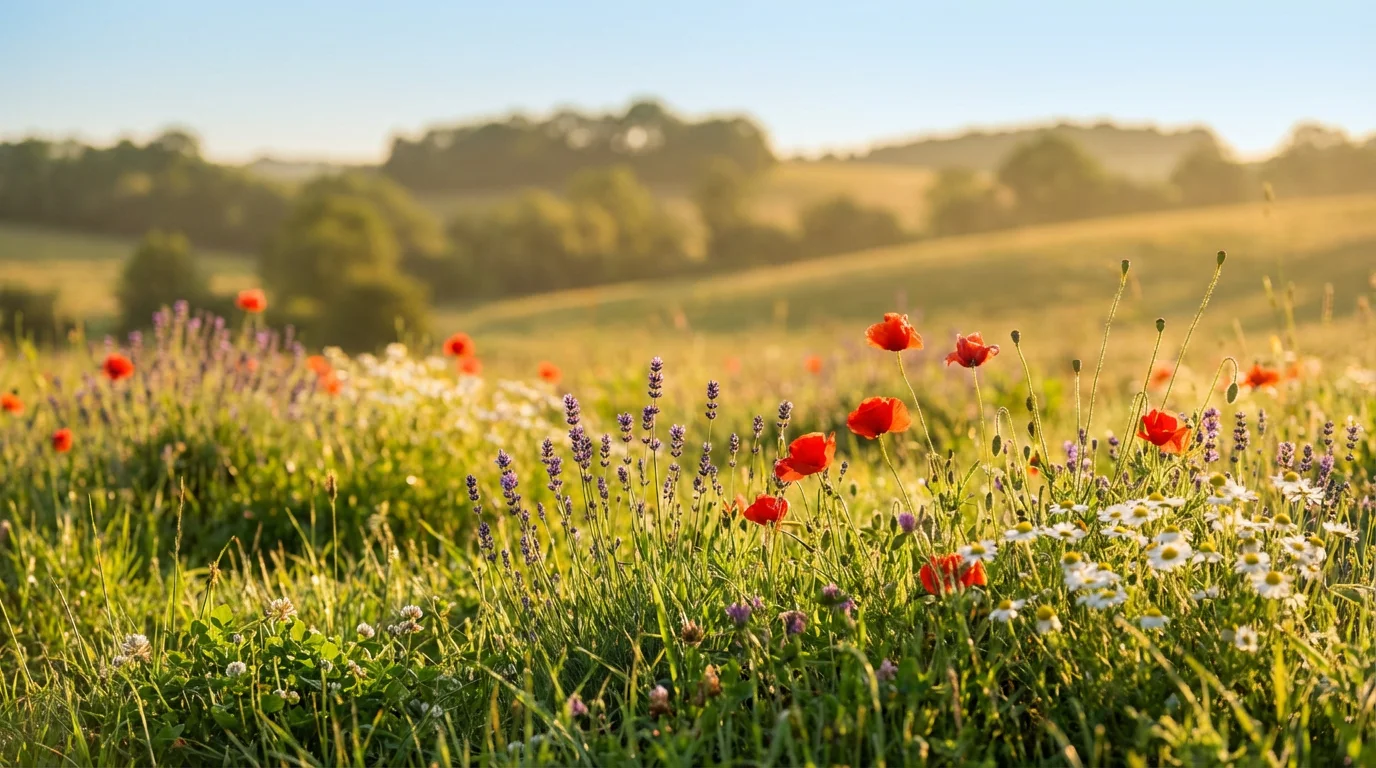
A close-up, low-angle photograph of a vibrant wildflower meadow at sunset, with colorful poppies and daisies in the foreground and a softly blurred, bright background.
Your vision is unique, and your background should be too. Our AI generator gives you detailed control over your creation. Specify the types of flowers, like poppies, daisies, or lavender. Set the scene by describing the time of day, from the bright light of midday to the soft glow of sunset. You can even add elements like a gentle breeze making the flowers sway or a winding path through the grass. This level of customization ensures your final image is a perfect match for your creative idea.

Customize Every Petal and Leaf

A serene and colorful wildflower garden at sunset, with a mix of poppies, daisies, and cornflowers glowing in the warm light.
Every background you generate is produced in high resolution, ensuring your wildflower garden looks crisp and beautiful on any screen or in print. These vibrant, detailed images are perfect for a variety of uses, including desktop wallpapers, website hero images, presentation slides, or even as a backdrop for product photography. Download your creation in popular formats like PNG or JPG, ready to use immediately. The quality of the output makes your designs look professional and polished, no matter the application.

Vibrant, High-Resolution Floral Scenes

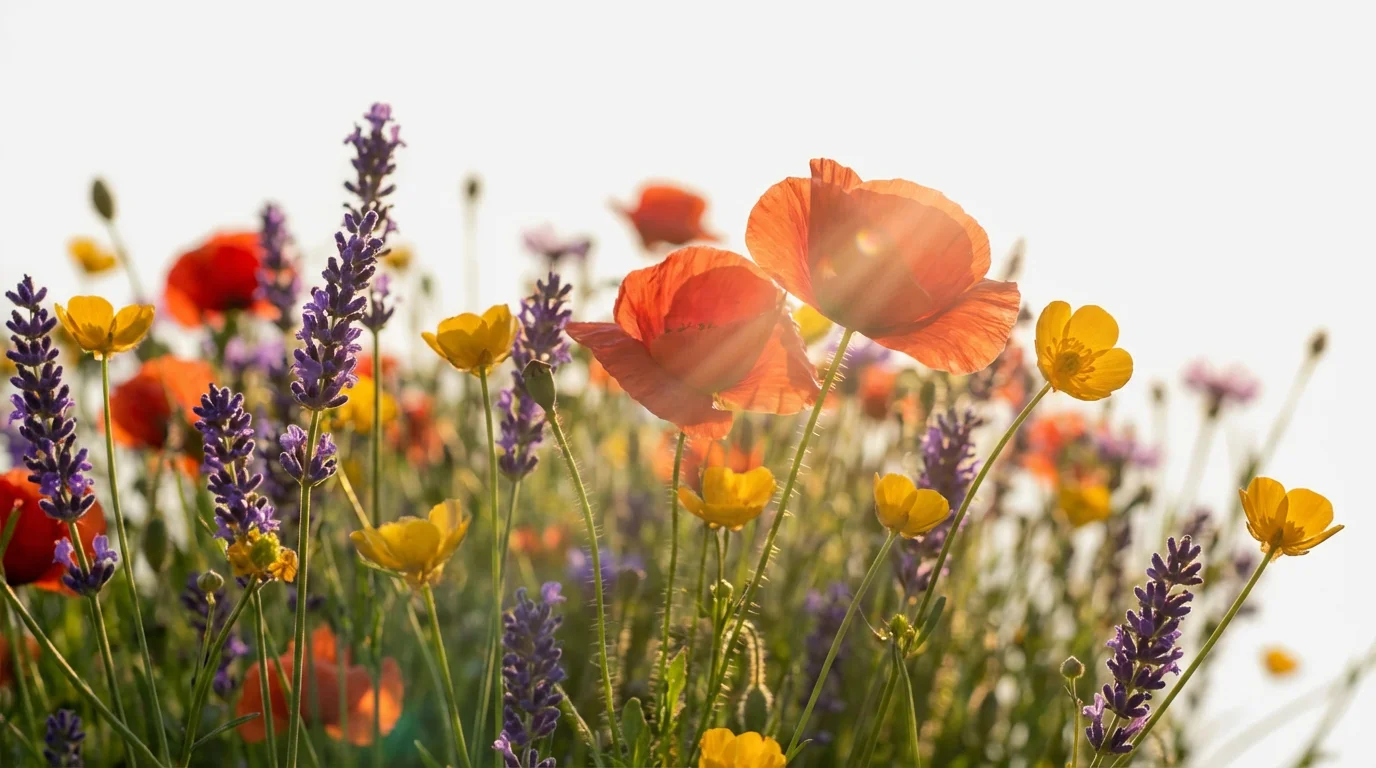
A photorealistic image of a vibrant wildflower garden at golden hour, with a shallow depth of field focusing on red poppies and purple lavender in the foreground.
It's Fast: Generate a complete, ready-to-use background in seconds. It’s Fully Customizable: Describe the flowers, colors, lighting, and mood to get the exact scene you want. AI-Powered: Use advanced AI to create unique and realistic garden scenes from text prompts. Easy to Use: No complicated software or design experience is needed. If you can describe it, you can create it. Versatile: Create beautiful backgrounds for digital use like wallpapers and websites or for print materials.

Why use Pixelcut's AI Wildflower Garden Background Generator?

A close-up, low-angle view of a vibrant wildflower garden at sunset, with red poppies and blue cornflowers in sharp focus against a soft, blurry background.
Digital Wallpapers: Create a peaceful and beautiful background for your computer, tablet, or phone. Website & Blog Imagery: Design an eye-catching hero image or background for your website to welcome visitors. Presentation Slides: Add a touch of natural beauty to your presentations to keep your audience engaged. Social Media Content: Generate unique and serene backgrounds for your social media posts, stories, or banners. Video Call Backgrounds: Bring the tranquility of a wildflower meadow to your virtual meetings.

Wildflower Garden Background Use Cases

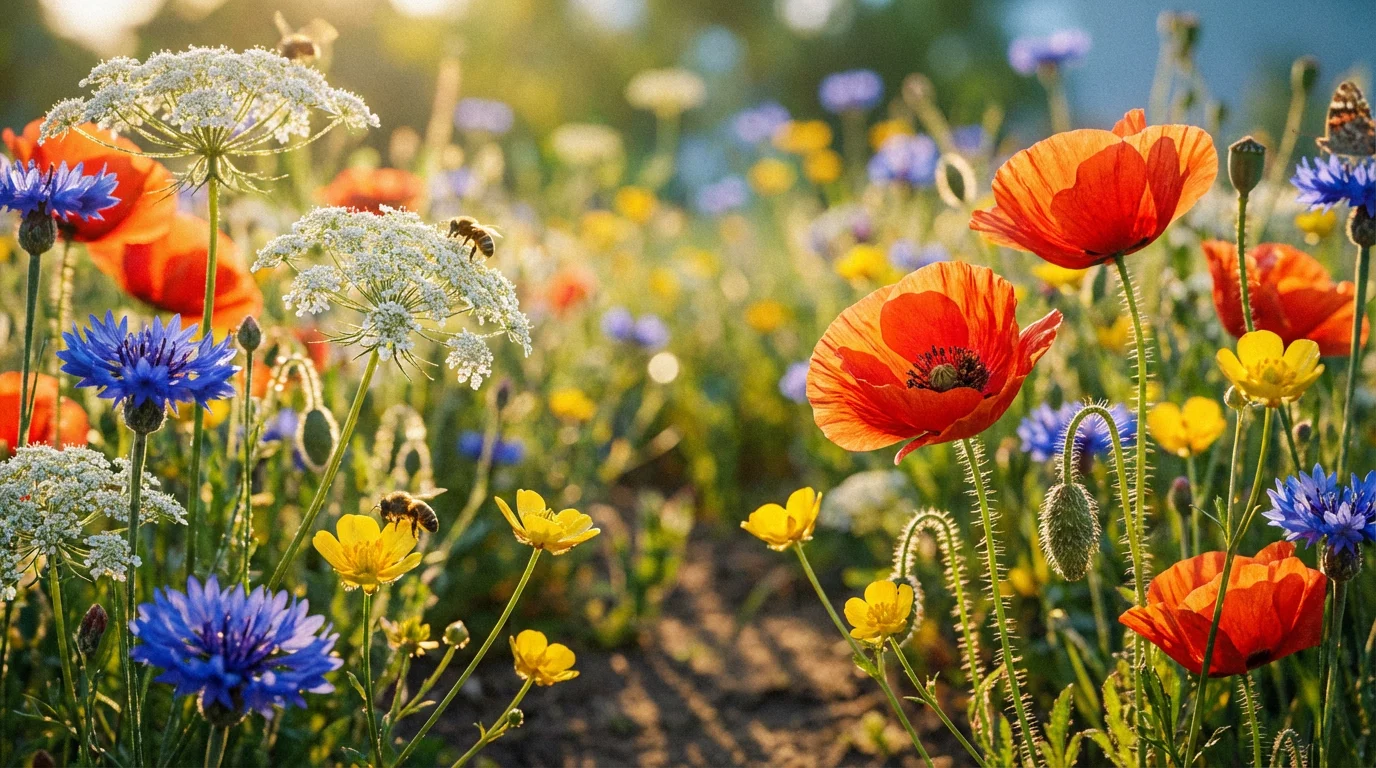
A vibrant, sun-drenched wildflower garden viewed from a low angle, featuring a colorful mix of red poppies, blue cornflowers, and white daisies under the warm glow of the golden hour sun.

Frequently Asked Questions

Pixelcut is loved by over 2 million people

  • My favorite app

    Great app, easy to use. Helps our small business save time and money to create different marketing materials professionally. Thank you.
    Shaelyn D.
  • Best background remover

    I need a good background remover for my work and I've been through them all it feels like. This one is the best by far. It's so easy to use and the results always look amazing. Thank you Pixelcut!
    Kira H.
  • Love it

    It's amazingly easy and gives the perfect results for my bags and accessories. It looks like it was done by a professional photographer.
    Mary J.