Pixelcut
A screenshot of a finished YouTube logo intro for a tech channel named 'Vortex Tech'. A glowing blue and purple stylized 'V' logo is in the center against a dark, professional background.

Generate Your Logo for YouTube Intros with AI

Trusted by 70 million people
171,800 Reviews
Developer API
Available on iPhone & Android

How to create your YouTube logo intro

  1. 1

    Upload your logo

    Start by uploading an image of your logo. For best results, use a high-quality PNG file with a transparent background.

  2. 2

    Describe the animation

    In the prompt box, tell the AI how you want your logo to be animated. For example, 'Animate my logo with a fiery reveal' or 'make the logo slowly fade in with a golden glow'.

  3. 3

    Generate your intro

    Click the generate button and our AI will create a unique animated intro based on your logo and prompt. Feel free to try again with a new prompt for different results.

  4. 4

    Download your video

    Your animated logo intro is ready to download. You'll get a high-resolution, watermark-free video file that you can use at the start of all your YouTube videos.

Your YouTube intro is the first thing viewers see, so make it count. A professional, animated logo captures attention immediately and sets a polished tone for your content. It helps build brand recognition and makes your channel look more established, encouraging new viewers to subscribe. Forget generic templates; create a unique animation that reflects your channel's personality. With our tool, you can generate a high-quality logo reveal that hooks your audience from the very first second, ensuring they stick around for your amazing content.

Make a Lasting First Impression

An abstract 3D rendering of a YouTube play button exploding into colorful splashes of blue, pink, and green paint against a white background, representing a dynamic logo intro.
You don't need any video editing experience to create a dynamic logo intro. Simply upload your logo and describe how you want it to move. Ask for effects like a glitch, a slow zoom, a spinning reveal, or a cinematic fade. Our AI video generator interprets your text to produce a custom animation just for you. This approach gives you creative control without the complexity of traditional animation software. Experiment with different prompts to find the perfect motion that matches your brand's energy and style.

Custom Animations from a Simple Prompt

A professional mockup of a YouTube intro featuring a 3D metallic phoenix logo with glowing orange edges, surrounded by fiery embers on a clean white background. The text 'Ember Rise' is shown below the logo.
Why spend hours with complicated software or days waiting for a designer? Our AI-powered generator delivers your animated logo intro in a matter of seconds. This speed allows you to focus on what really matters: creating great video content for your audience. Whether you need a quick intro for a last-minute upload or want to test different animation styles, our tool streamlines the process. Get a professional, ready-to-use video file that you can immediately add to your YouTube projects.

Get Your Intro in Seconds, Not Hours

A cinematic still of a stylized phoenix logo mid-animation, glowing with orange and blue light against a dark background, representing a dynamic YouTube logo intro.
It's Simple: Upload your logo, type a prompt, and get an animation. No complex timelines or keyframes. It's Fast: Go from a static logo to a fully animated intro in moments. It's Customizable: Your words guide the animation, so you can request anything from a fiery explosion to a gentle shimmer. AI-Powered: Our tool intelligently creates motion and effects based on your description, giving you a unique result every time. Brand-Focused: A custom logo intro reinforces your channel's identity and helps you stand out.

Why use Pixelcut's AI YouTube Logo Intro Generator?

A professional mockup of a YouTube intro for a gaming channel named 'Pixel Pulse Gaming', featuring a glowing neon pixel heart logo against a dark, abstract digital background.
Channel Branding: Start every video with a consistent, professional logo animation to build viewer recognition. Gaming Channels: Create an energetic, glitchy, or futuristic logo reveal to match the excitement of your content. Educational Content: Use a clean, minimal animation to establish authority and a professional tone. Beauty & Lifestyle Vlogs: Design a chic and stylish intro with elegant animations and soft colors. Tech Reviews: Animate your logo with a digital or sci-fi theme to align with your channel's focus.

YouTube Logo Intro Use Cases

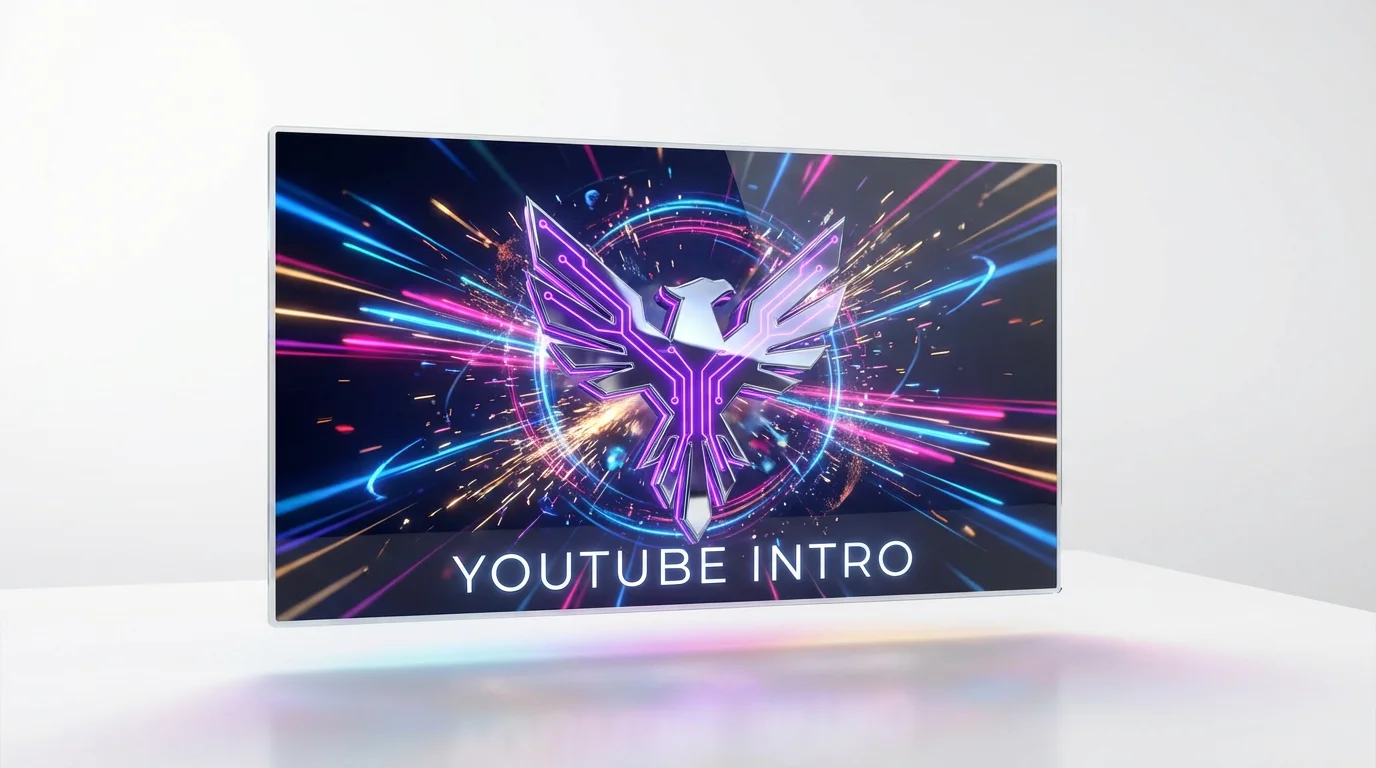
A 3D rendered mockup of a YouTube logo intro on a white background, featuring a chrome and neon purple geometric phoenix logo captured mid-explosion with vibrant blue, pink, and gold light particles.

Frequently Asked Questions

Pixelcut is loved by over 2 million people

  • My favorite app

    Great app, easy to use. Helps our small business save time and money to create different marketing materials professionally. Thank you.

    Shaelyn D.
  • Best background remover

    I need a good background remover for my work and I've been through them all it feels like. This one is the best by far. It's so easy to use and the results always look amazing. Thank you Pixelcut!
    Kira H.
  • Love it

    It's amazingly easy and gives the perfect results for my bags and accessories. It looks like it was done by a professional photographer.
    Mary J.