My favorite app
Great app, easy to use. Helps our small business save time and money to create different marketing materials professionally. Thank you.
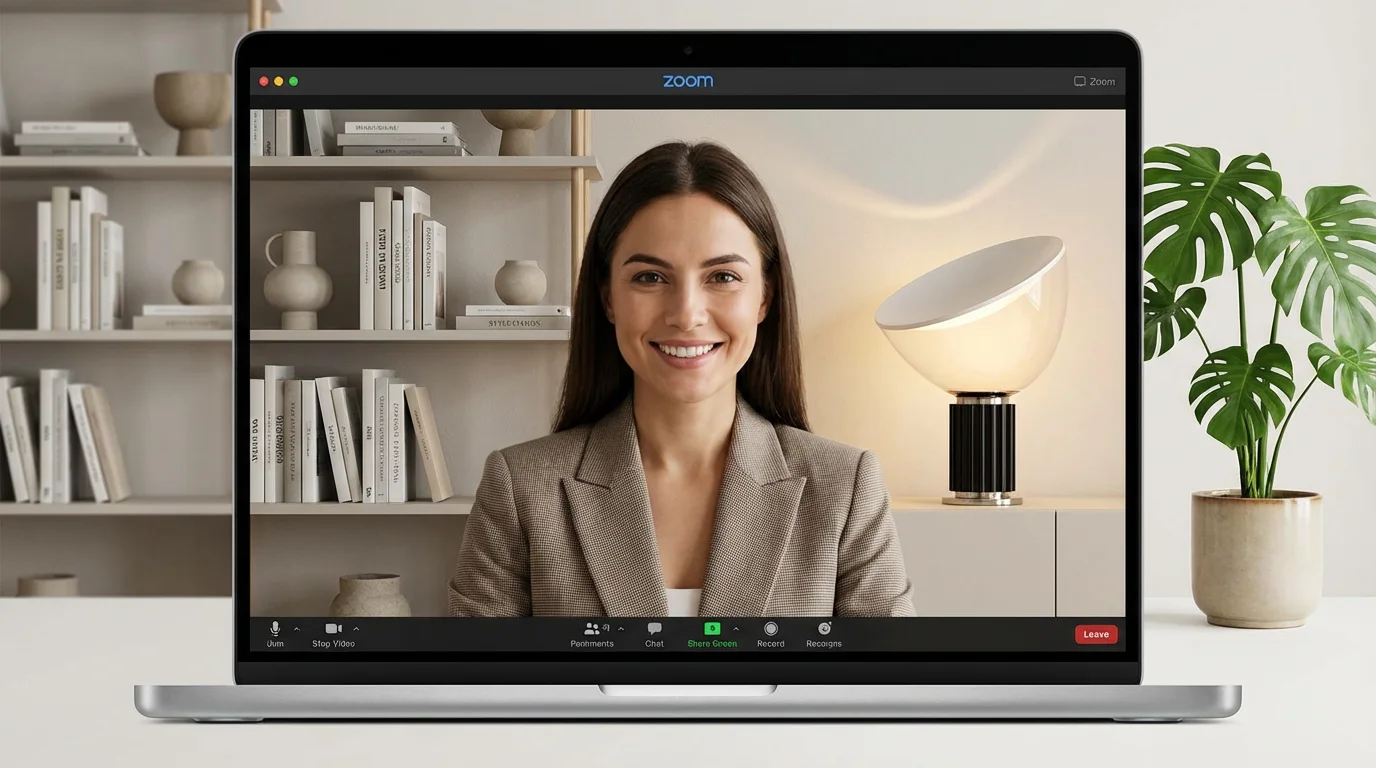
Enter a text prompt describing the virtual background you want. Be specific about the style, objects, and colors for the best results.
Click the button to let the AI create your custom scene. You can try different prompts to generate multiple options.
Save the high-resolution image to your computer. Then, open Zoom, go to 'Settings' > 'Background & Filters,' and upload your new background.
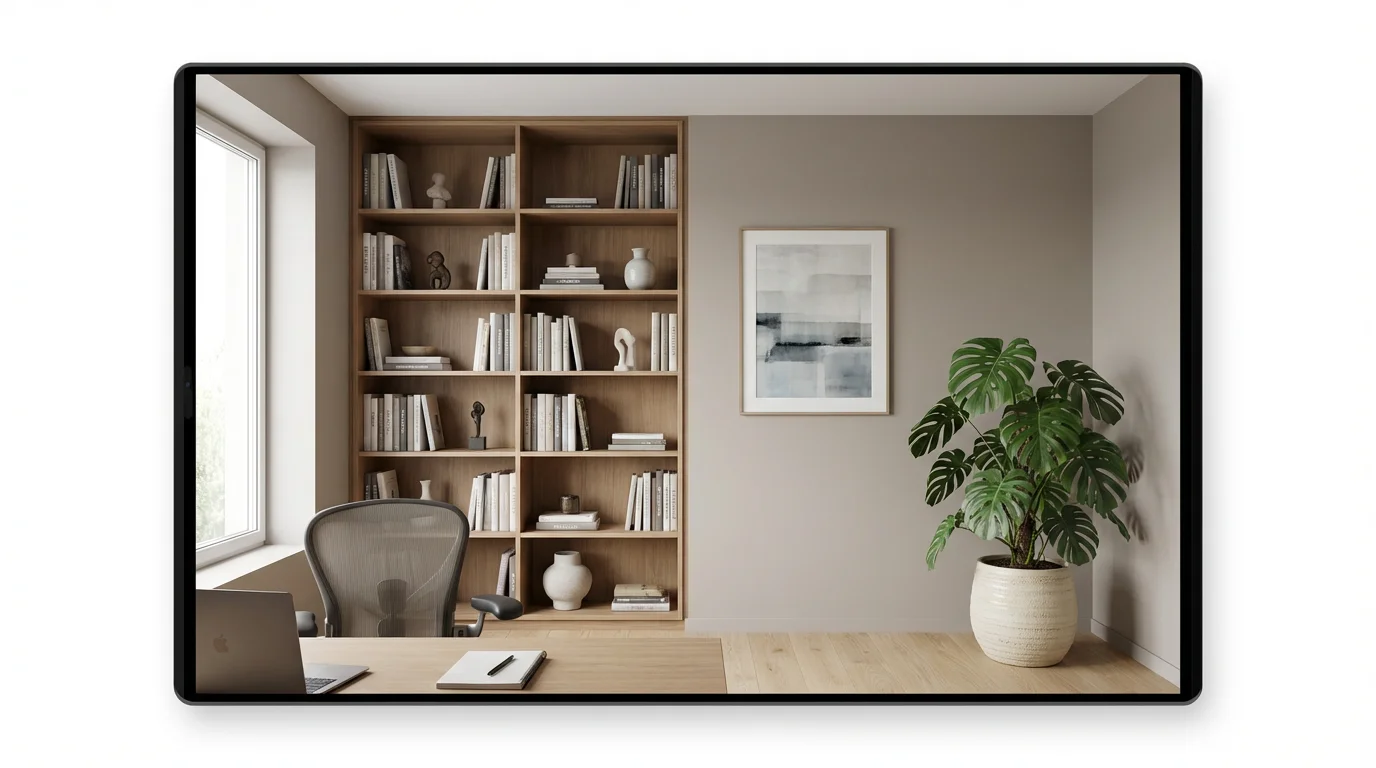
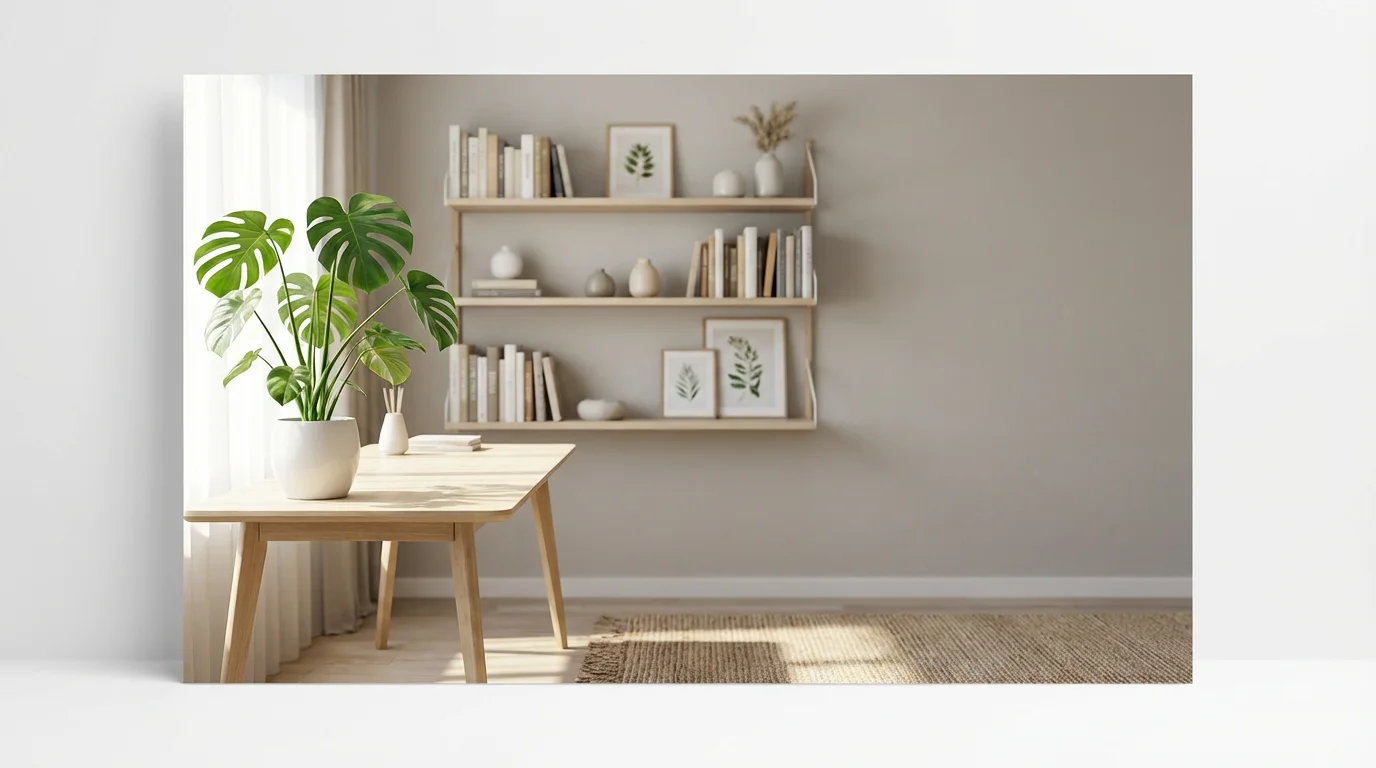
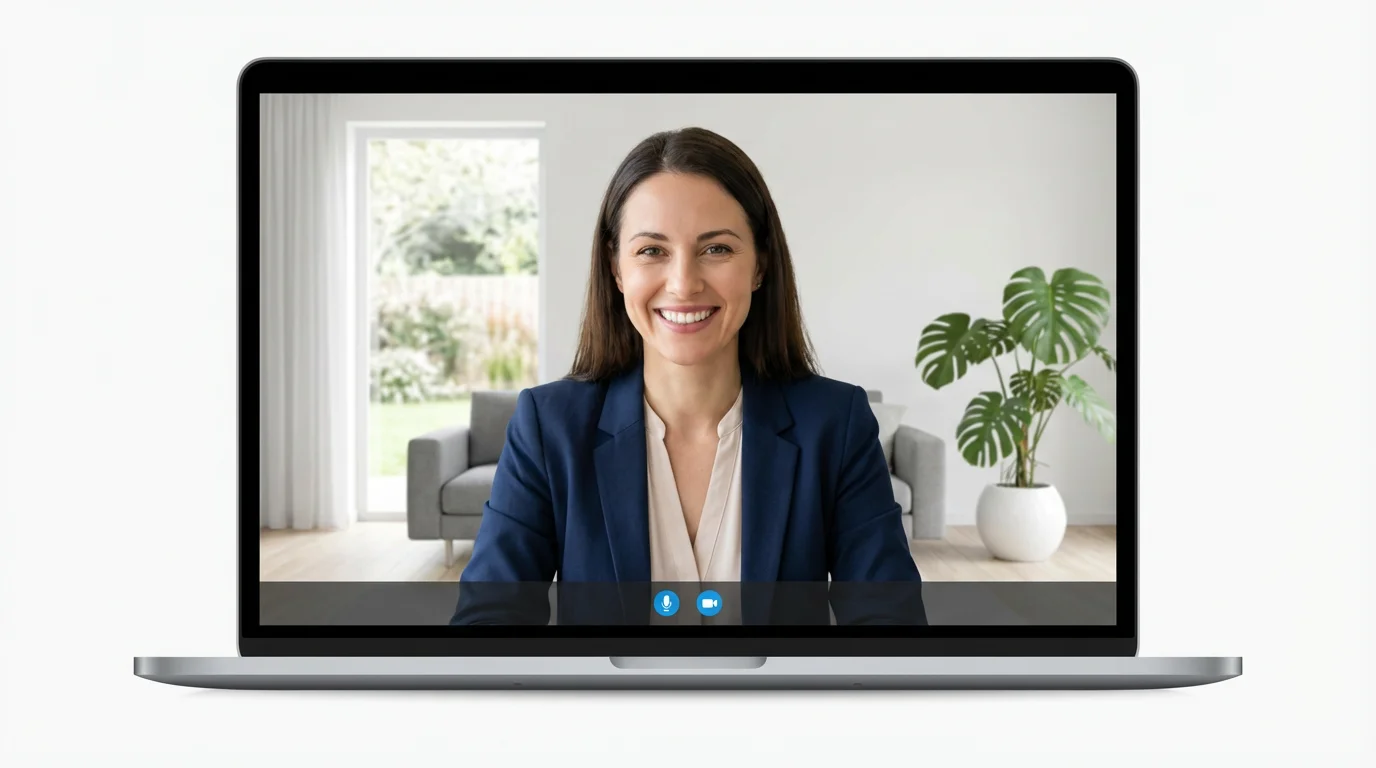
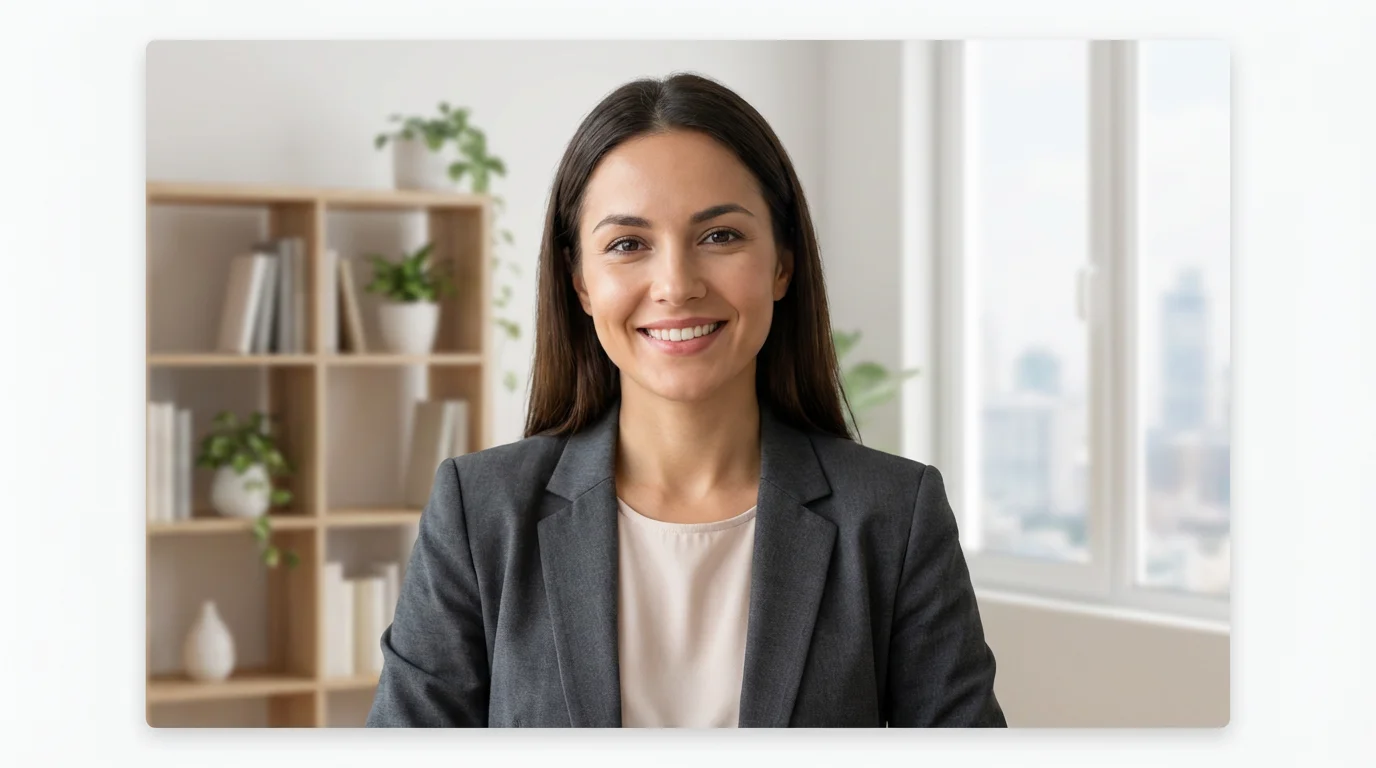
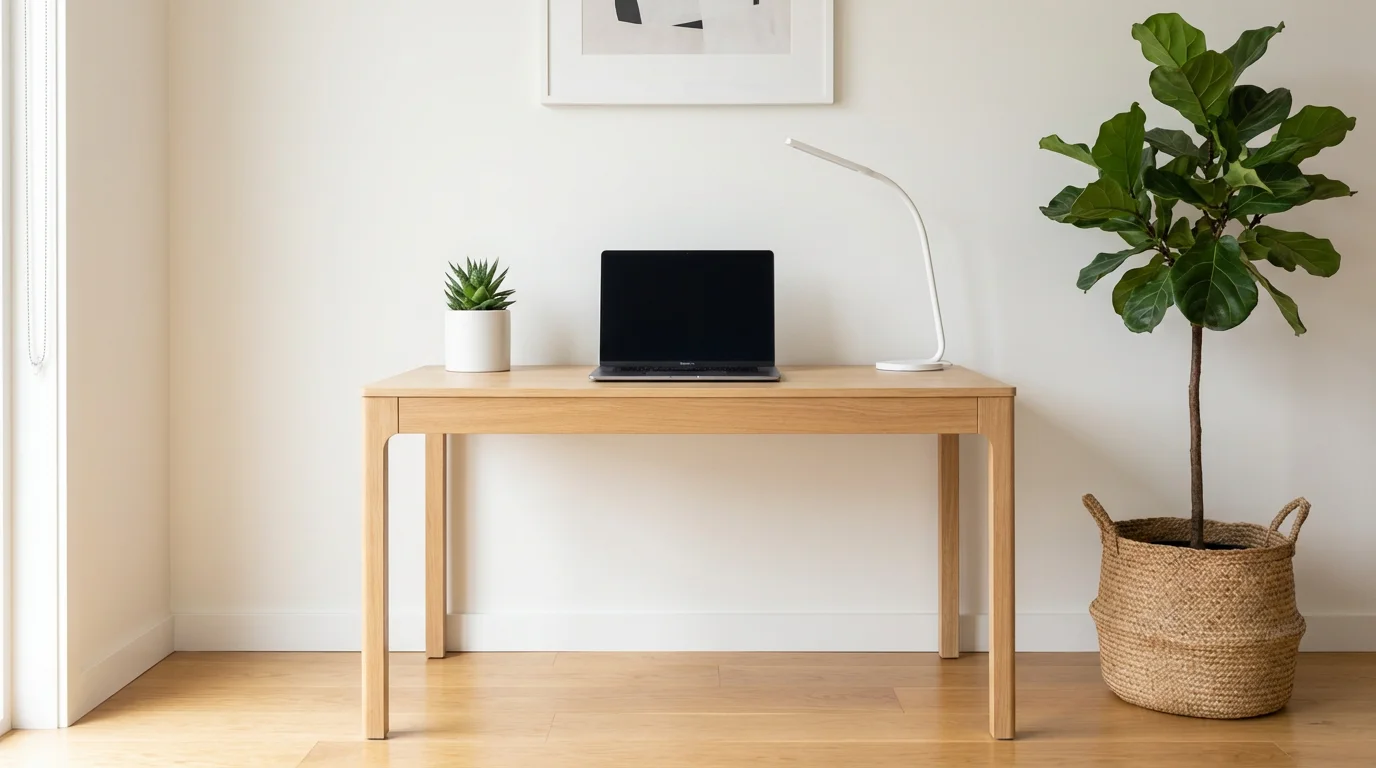
An AI Zoom background generator is a tool that uses artificial intelligence to create a custom image for your video calls from a text description. You can describe any scene, like 'a minimalist office with a city view,' and the AI will create a unique background image for you to use in Zoom.
Simply type a detailed description of the background you want into the prompt box. For example, try 'a cozy coffee shop with soft lighting' or 'a serene beach at sunset.' Then, click the generate button. The AI will produce an image based on your description that you can download and upload to Zoom.
Yes, it is free to try Pixelcut's AI Zoom background generator. You can create and download custom backgrounds for free. After using your initial free credits, you have the option to purchase more.
Our AI generator automatically creates high-resolution images with a 16:9 aspect ratio, which is the ideal format recommended by Zoom. This ensures your background will look sharp and fit perfectly without being stretched or cropped.
While you cannot upload a logo directly to the generator, you can include branding elements in your text prompt. For instance, you could describe 'an office wall with a circular blue and white logo on it' to have the AI incorporate a similar design.
No, a green screen is not required. Modern versions of Zoom can apply a virtual background without a physical green screen. However, using a solid-colored background and good, even lighting will always improve the quality of the effect.
Great app, easy to use. Helps our small business save time and money to create different marketing materials professionally. Thank you.
I need a good background remover for my work and I've been through them all it feels like. This one is the best by far. It's so easy to use and the results always look amazing. Thank you Pixelcut!
It's amazingly easy and gives the perfect results for my bags and accessories. It looks like it was done by a professional photographer.