My favorite app
Great app, easy to use. Helps our small business save time and money to create different marketing materials professionally. Thank you.
Give product shots and portraits an orange background with Pixelcut. Choose the shade you want right in your browser. Try it free.
Upload a product shot, a portrait or a festive photo from your phone or computer. Whatever is behind your subject right now does not matter.
Pixelcut’s AI finds your subject and removes the shelf, wall or desk behind it without any effort from you. Your cutout then opens in the editor for the next step.
Open the color picker in the Background options and choose your orange. Any shade works, from a light coral to a deep burnt orange. Pick the one you love.
Download your photo once the orange feels right. Use it to make a product listing pop, light up a festive post or refresh your profile photo.
Turn a photo with a distracting backdrop into an image you can use for the job at hand. In Pixelcut, your subject stays put while you decide which orange goes behind it. Keep the shot that worked and choose how you want to present it. Even one change to the setting can make an existing photo fit what you need.

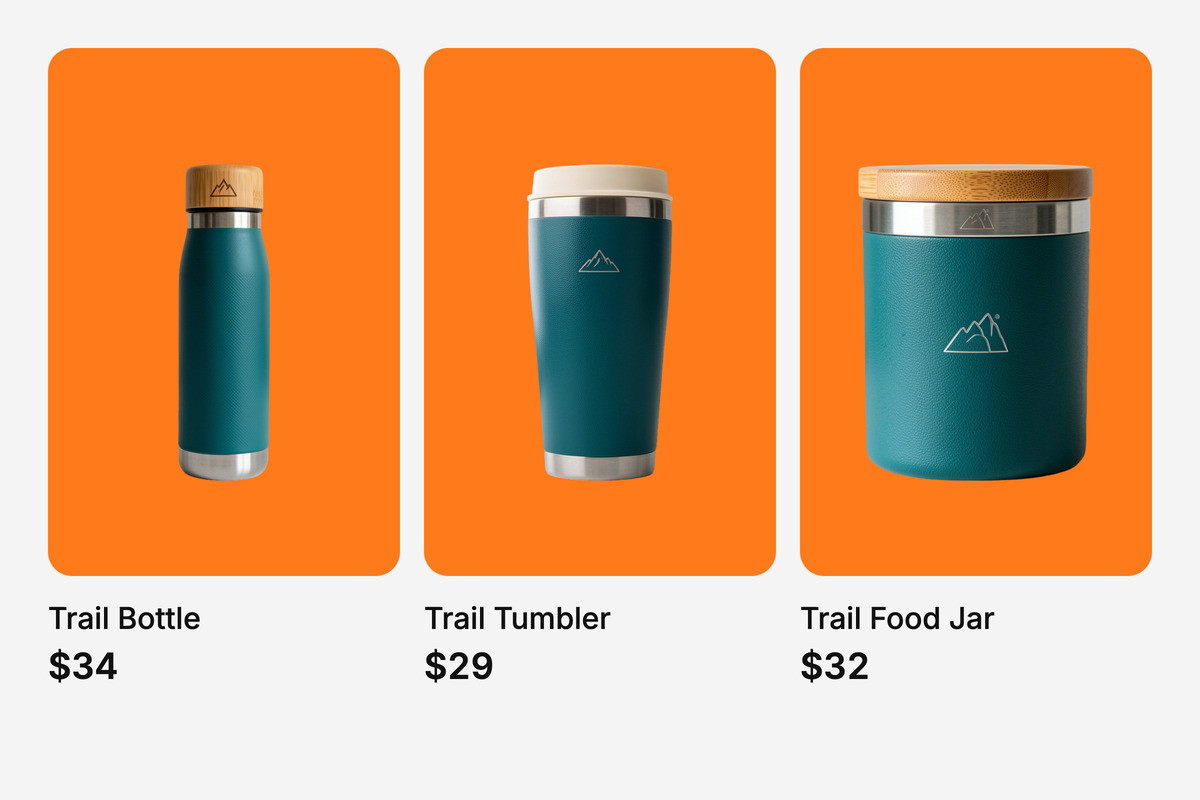
Give a product listing or ad more energy with a bold orange backdrop. Use a vivid shade for a product photo that catches the eye as shoppers scroll past other listings. Choose a muted shade for a warmer look that gives the item more room to stand out. Give the whole campaign a consistent look by repeating the backdrop across your product shots.
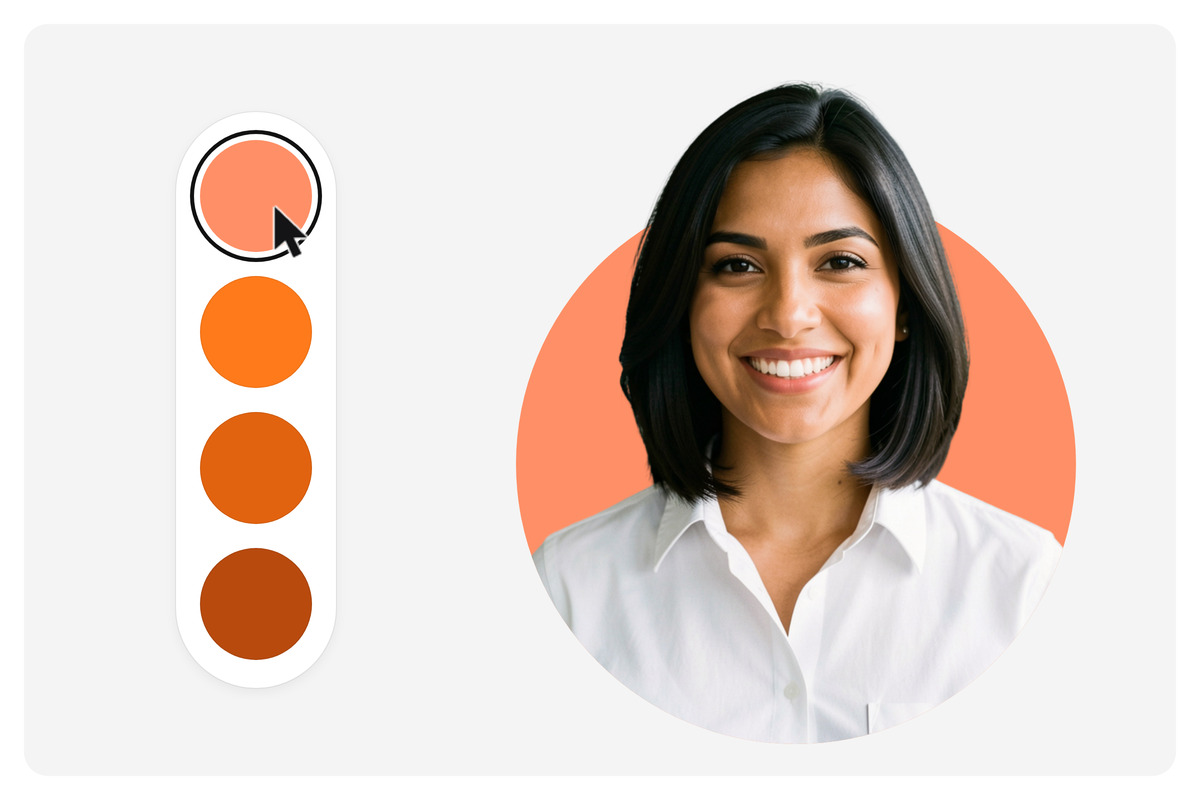
Warm up your profile picture by placing your portrait on a solid orange backdrop. Pick a soft coral to make the look calm and gentle or try a stronger tone to frame your face more boldly. Keep the photo that already feels like you. Frame it with a simple orange backdrop that keeps your face easy to spot in a small thumbnail.
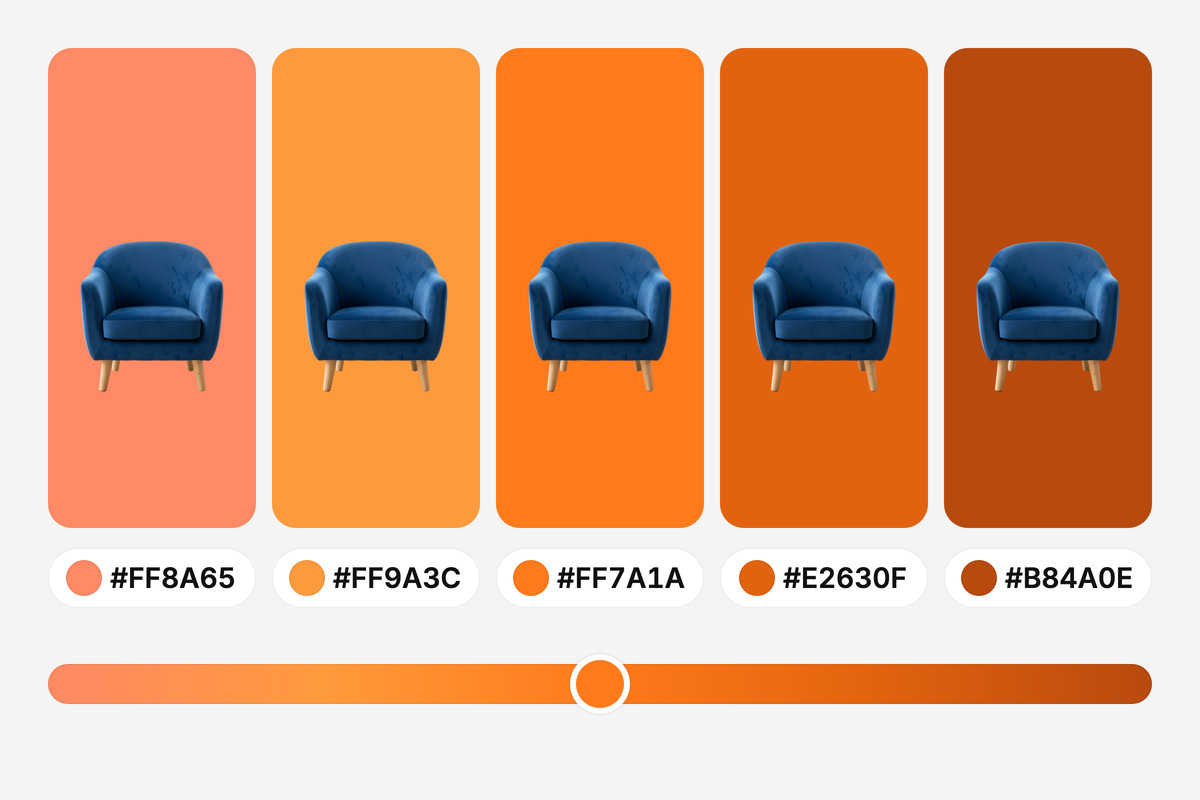
Find a shade of orange that complements the colors already visible around your subject. Start with coral for a softly colored backdrop. Move toward bright orange to give the color a stronger presence or reach for burnt orange for extra depth. Adjust the shade in the color picker until it supports the part of the photo you want people to notice.
Build a custom scene around a photo from your camera roll. In Pixelcut’s AI Background Generator, write a prompt for the backdrop you want. Include hints about the setting, mood or light. Keep the subject you photographed and give it context when a solid color feels too plain for the image. Try another description to take the same photo in a different direction.
Keep orange backgrounds consistent across an entire set of photos. Use the Bulk Background Changer with Pixelcut Pro on the web to set one shade across the batch. For automated production, use Pixelcut’s Background Remover API to create cutouts from your images. Then set your chosen orange behind every cutout before the images reach your product catalog or content library.

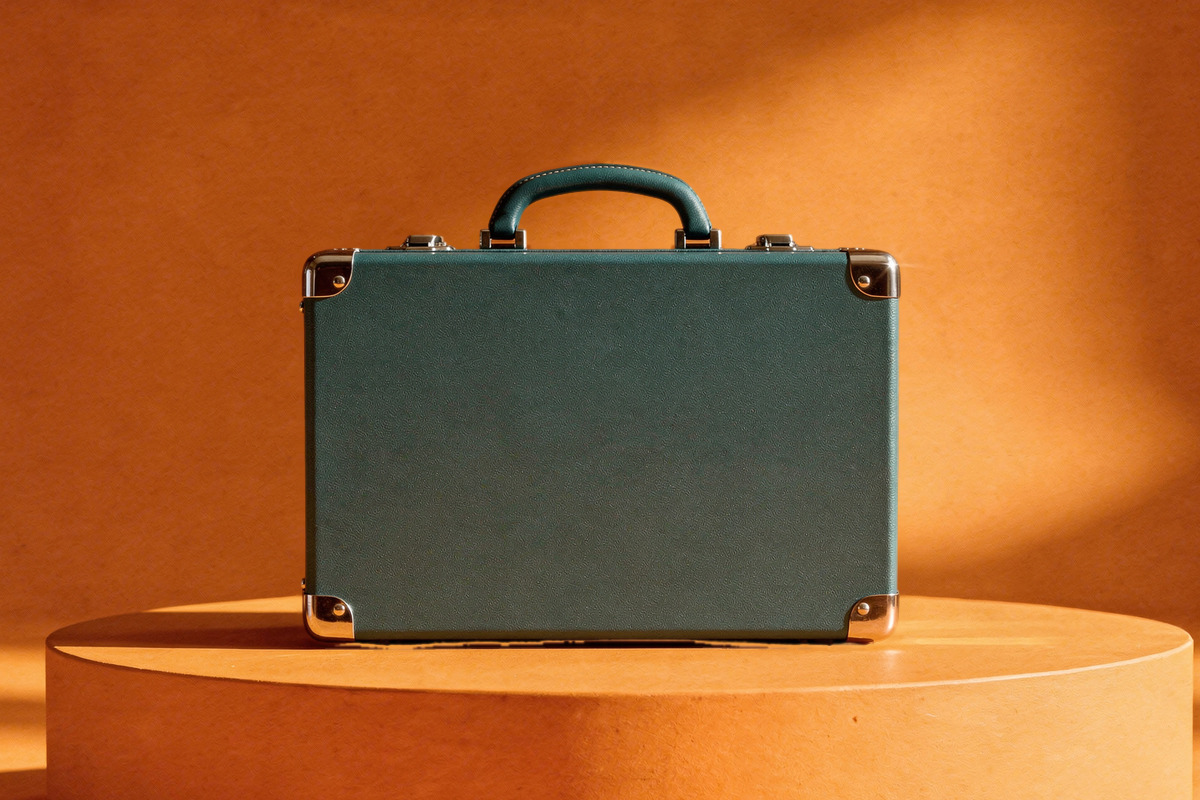
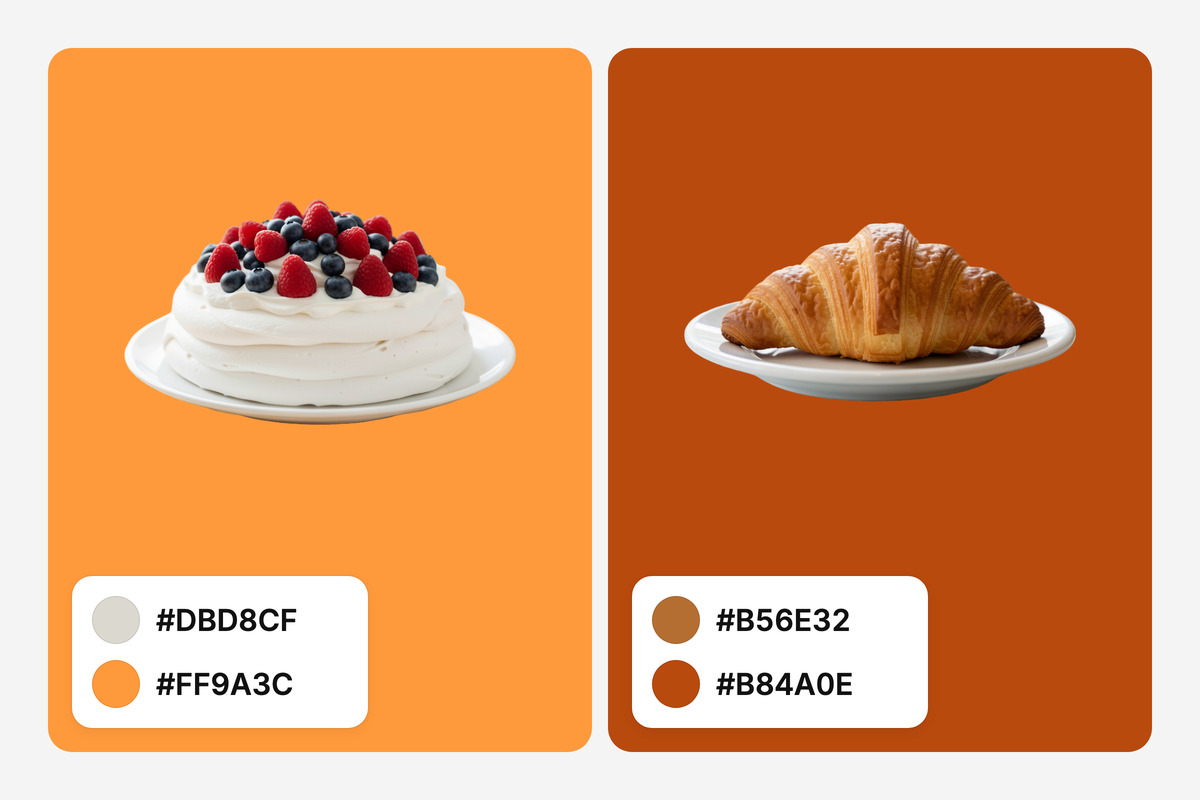
An orange backdrop works when food or drink photos need more warmth or when cool details such as blue and teal should stand out. Pale amber gives a dessert a warm setting without drawing attention away from it. Strong orange works best with some contrast around the subject. A golden pastry or orange label is easier to distinguish when the background is clearly lighter or darker.
Trusted by creatives at











Great app, easy to use. Helps our small business save time and money to create different marketing materials professionally. Thank you.
I need a good background remover for my work and I've been through them all it feels like. This one is the best by far. It's so easy to use and the results always look amazing. Thank you Pixelcut!
It's amazingly easy and gives the perfect results for my bags and accessories. It looks like it was done by a professional photographer.