My favorite app
Great app, easy to use. Helps our small business save time and money to create different marketing materials professionally. Thank you.
Put your product or portrait on a pink background in Pixelcut. Pick a soft or vivid shade in the free editor. Upload your image.
Pick a photo of your skincare jar, birthday cake or favorite selfie from your phone or computer. Any backdrop behind it works, even a crowded kitchen counter.
Pixelcut’s AI spots the subject of your photo and clears the clutter around it for you. It works on products, people and pets alike, with nothing complicated to learn.
In the Background options, open the color picker and pick the pink that suits your photo. Go soft and pastel or bold and bright. The shade is entirely up to you.
Give a product a soft shadow if you like. Then download your pink photo and share it in your shop, across your feed or in a birthday post for someone special.
Save a favorite shot whose original setting distracts from what you wanted to capture. With Pixelcut, a pink background replaces that setting with a color you choose. Keep the parts that make the shot work, from a familiar expression to the way your subject is framed. That gives you more ways to use the original shot without arranging a second shoot just to change the background.

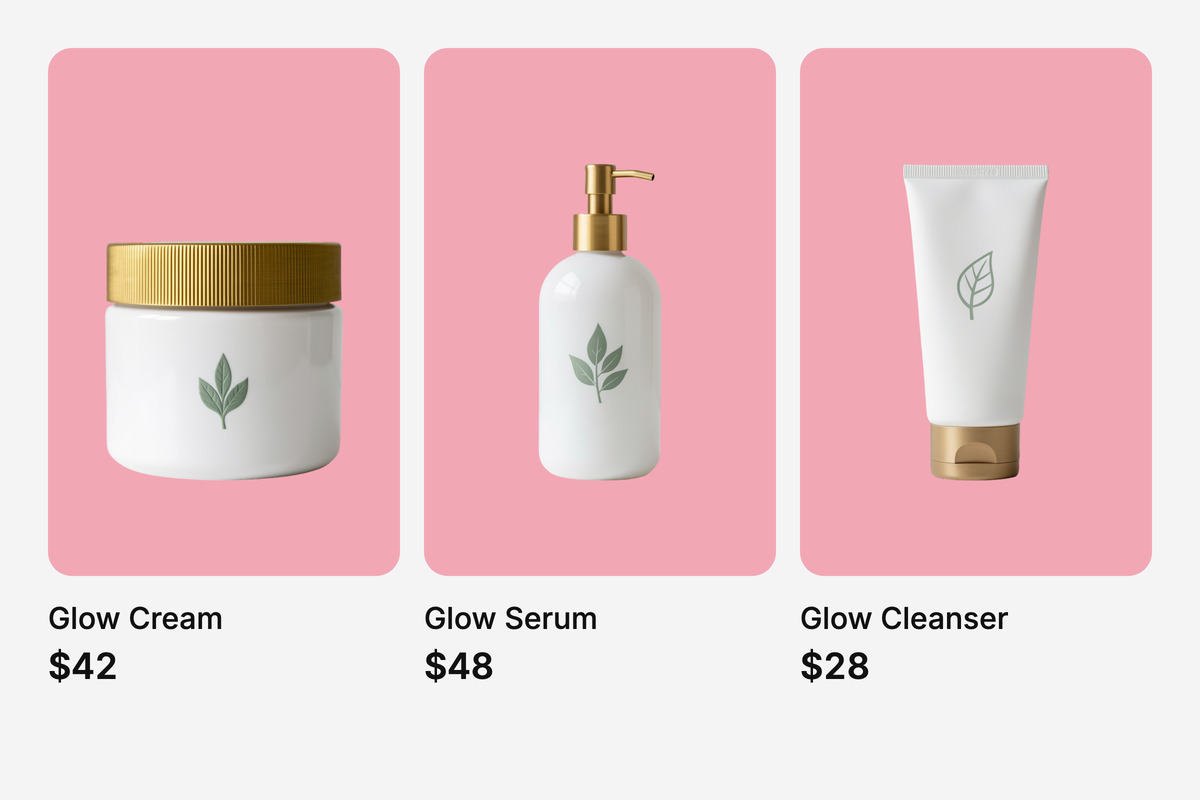
Give every beauty and skincare listing the look of a coordinated collection. Choose a warm pink to complement the packaging and bring out the colors of the products you sell. Carry that shade across photos of different jars and bottles to give your storefront a look shoppers can recognize. Keep each product the clear focus while the shared pink ties the set together.
Give your profile picture a pink backdrop that feels like you. Use a soft blush to give a favorite selfie a gentler look. Reach for hot pink for a profile image with more energy. Keep the portrait you already like and swap in a solid shade. Give your expression a backdrop that lets it read clearly even in a small thumbnail.
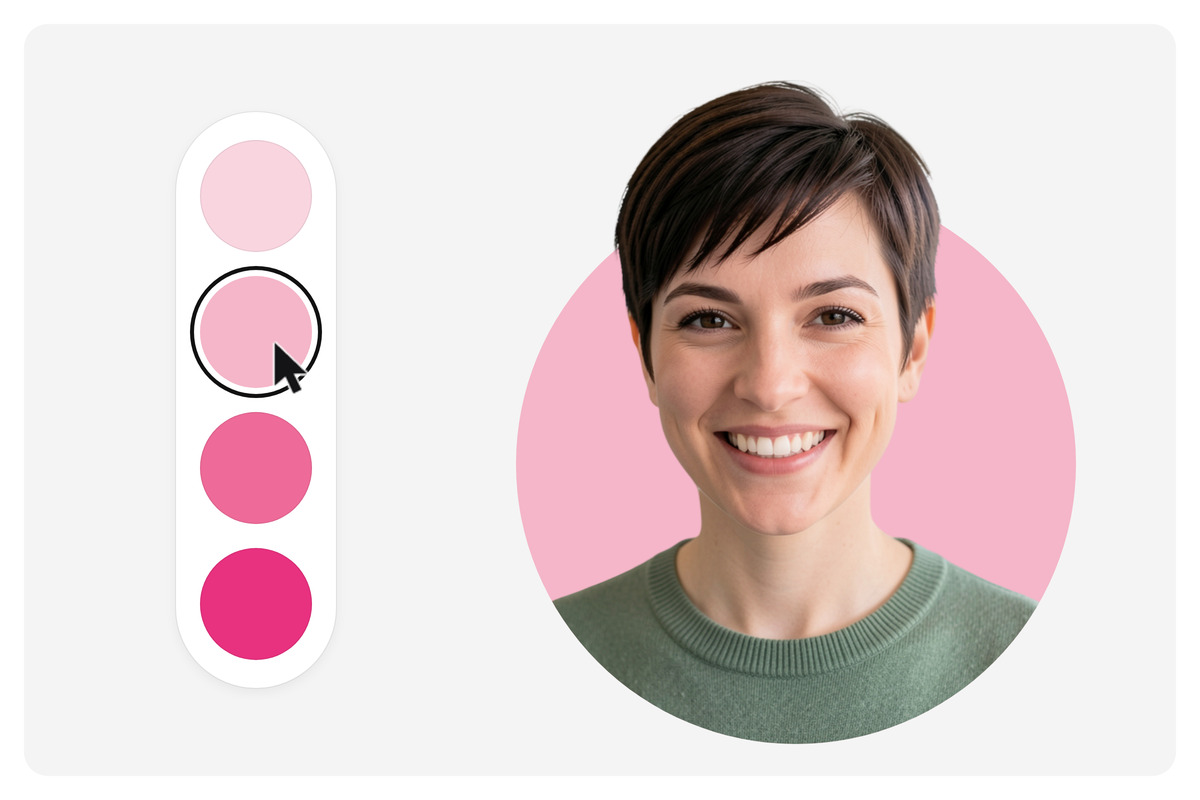
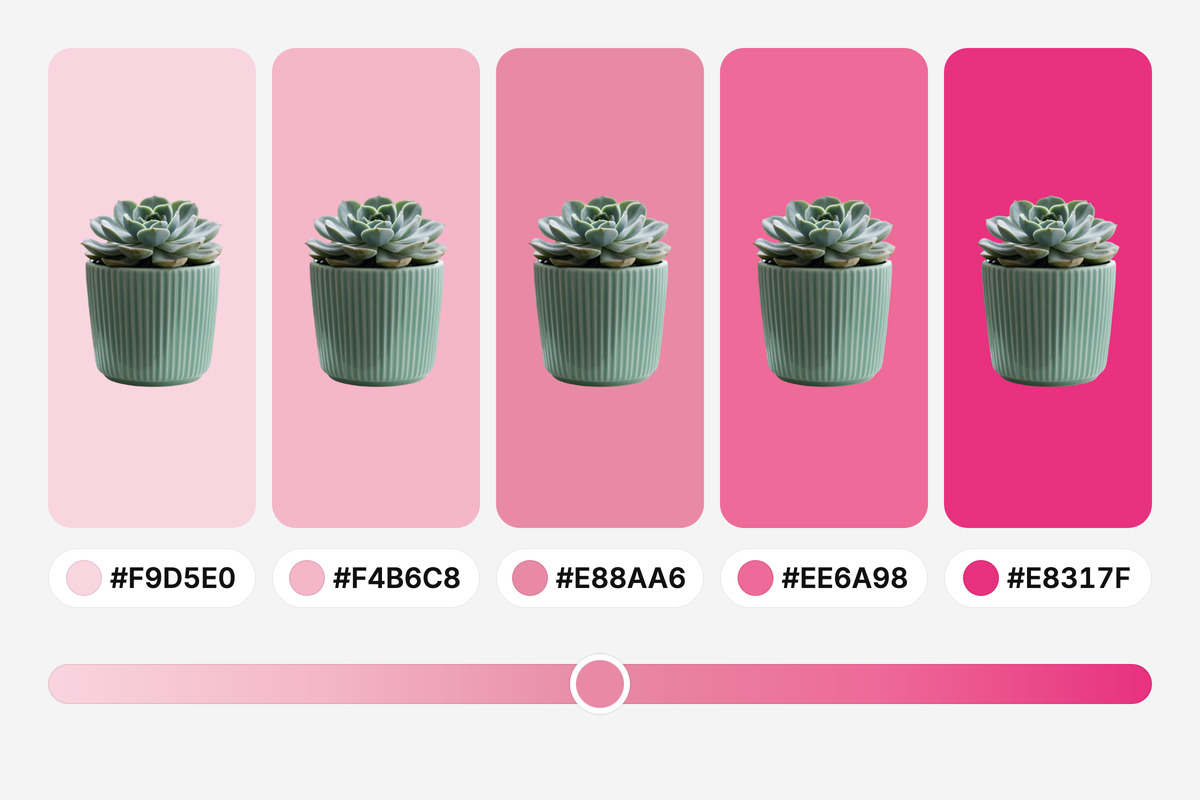
Find a pink that fits the mood of your photo without changing the subject. Keep the backdrop quiet with pastel pink or give the photo more punch with hot pink. Find a middle ground with a soft rose if you want some warmth without the intensity. Adjust the pink in the picker until it sits well alongside the colors in your original photo.
Build a setting around your photo with the mood you have in mind. Open Pixelcut’s AI Background Generator and describe the setting you want around your subject. Guide the backdrop with a prompt that captures the feel you want for the image. Bring a concept to life with a photo from your camera roll without finding a location or setting up a shoot.
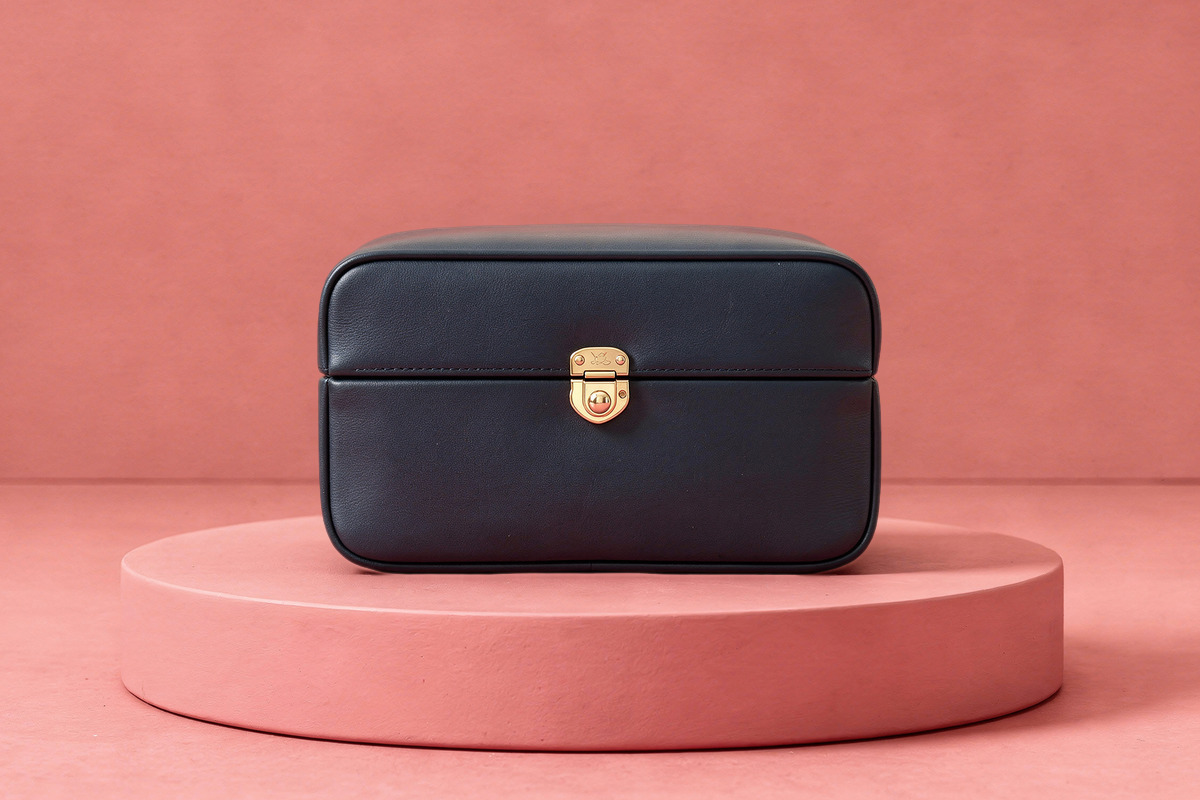
Give a whole collection one consistent pink backdrop and skip editing each photo by hand. Use the Bulk Background Changer with Pixelcut Pro to apply a single pink backdrop to an entire photo batch right in your browser. For an automated workflow, Pixelcut’s Background Remover API returns a cutout of every image. Then add the same pink background across all your images.

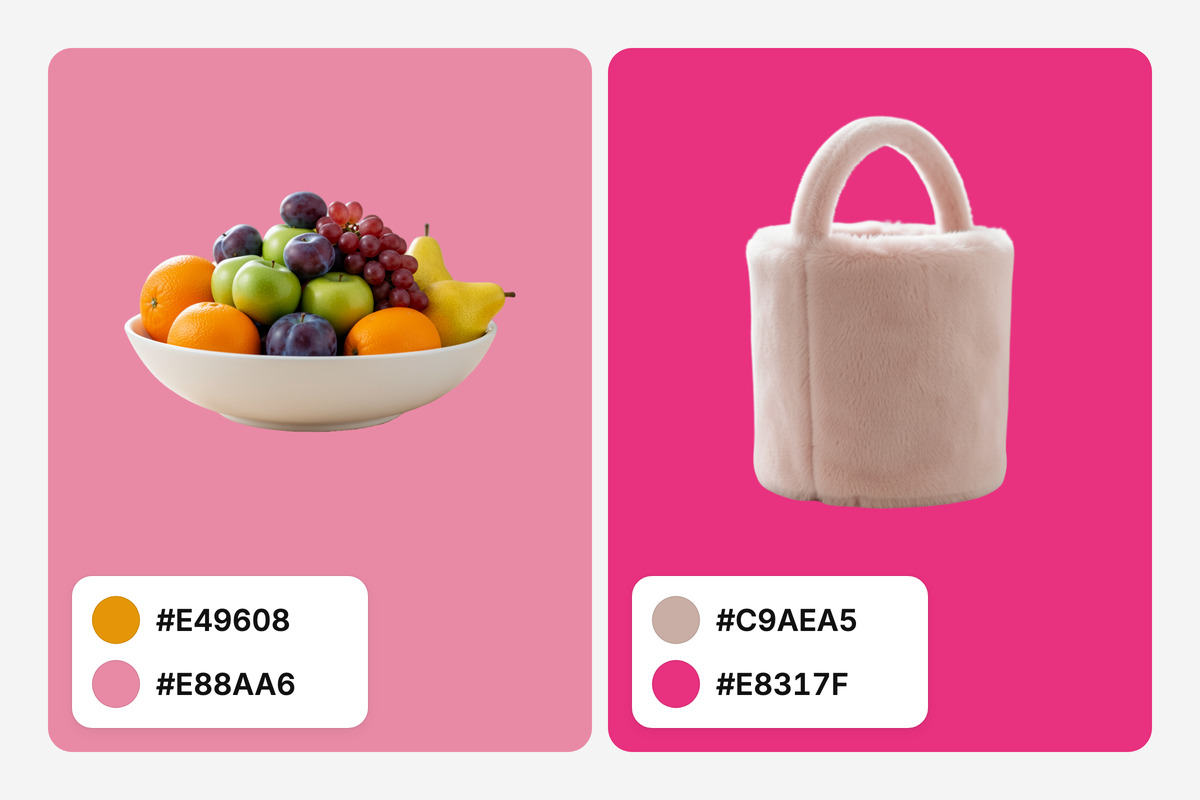
Pink works as a backdrop when a photo needs a little warmth. Dusty pink suits a detailed subject that already has several colors. Vivid pink can work with a simpler subject that has room for a strong backdrop. If the subject is pink too, a difference in lightness makes the outline easier to see. That contrast matters more when you view the image at thumbnail size.
Trusted by creatives at











Great app, easy to use. Helps our small business save time and money to create different marketing materials professionally. Thank you.
I need a good background remover for my work and I've been through them all it feels like. This one is the best by far. It's so easy to use and the results always look amazing. Thank you Pixelcut!
It's amazingly easy and gives the perfect results for my bags and accessories. It looks like it was done by a professional photographer.