Pixelcut
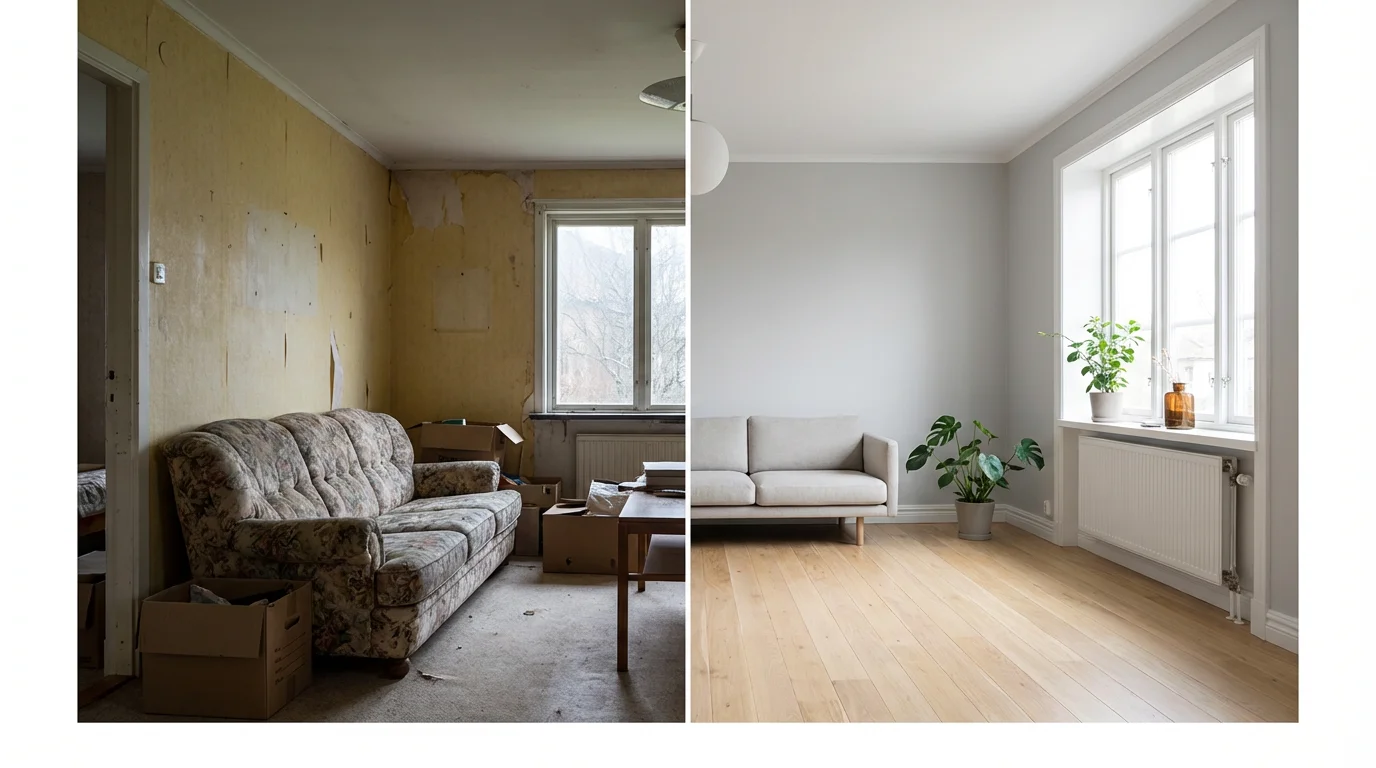
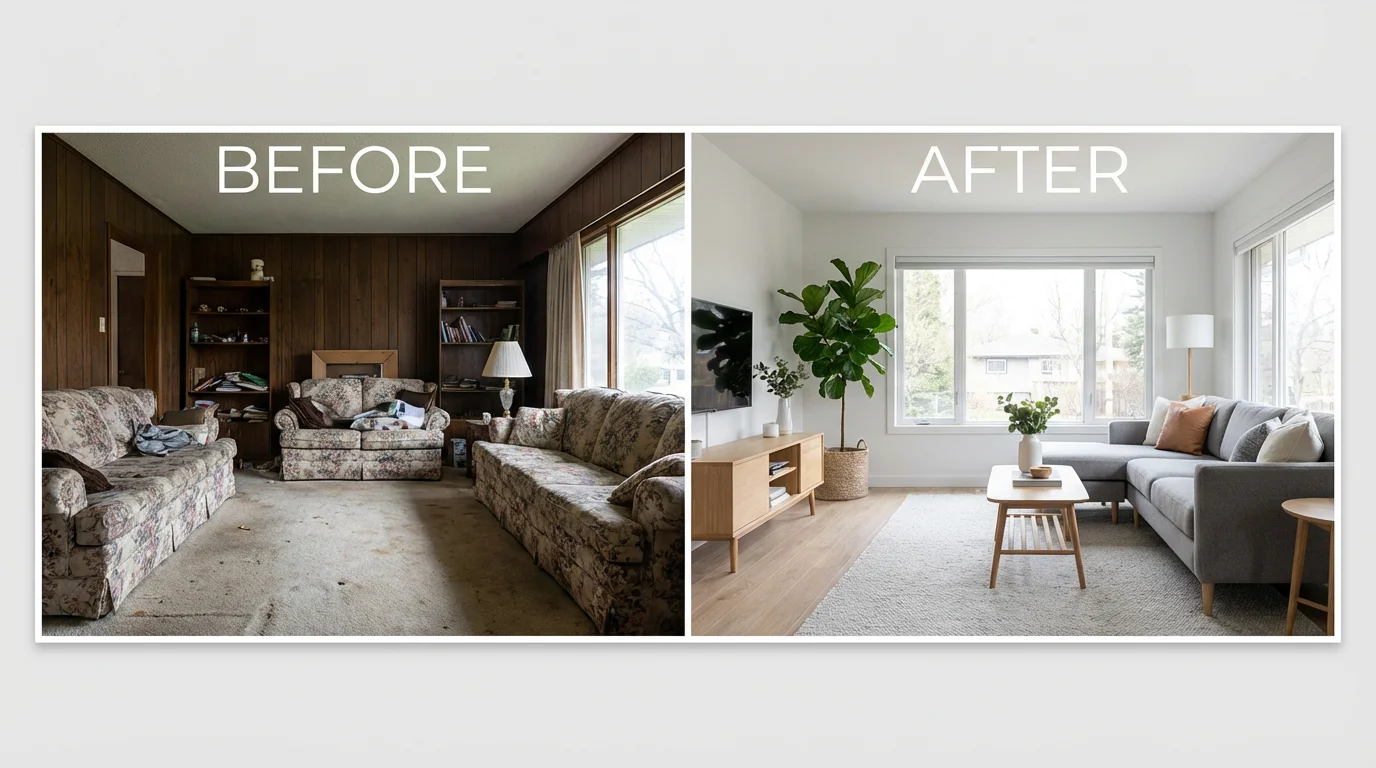
A before and after collage of a living room renovation. The 'before' image shows a cluttered, dated room, while the 'after' image shows the same room beautifully transformed into a modern, stylish space.

AI Before and After Collage Generator

Trusted by 70 million people
171,800 Reviews
Developer API
Available on iPhone & Android

How to create a before and after collage

  1. 1

    Upload your photos

    Start by uploading the two images you want to compare. Select both your 'before' and 'after' pictures from your device.

  2. 2

    Describe your collage

    In the prompt box, tell the AI how you want your collage to look. For example, 'Create a side-by-side comparison with a thin white border'.

  3. 3

    Generate your collage

    Click the generate button and let the AI create your custom before and after collage based on your images and prompt.

  4. 4

    Download and share

    Your high-resolution collage is ready. Download the image and share your transformation story online or in your portfolio.

Showcase progress in a clear and compelling way. Our AI collage generator helps you create impactful before and after images that tell a story of transformation. Whether you're highlighting a fitness journey, a home renovation project, or a creative editing process, a side-by-side comparison is the perfect format. Simply upload your two images, and our tool will place them together in a clean, professional-looking collage. This visual proof makes it easy for your audience to see the results of your hard work and dedication.

Tell a Transformation Story

A split-screen image illustrating a before-and-after home renovation. The left side shows a cluttered, old-fashioned living room, while the right side shows the same room transformed into a modern, bright, and clean space.
Forget about complicated photo editing software. With our AI-powered tool, creating a before and after collage is fast and straightforward. Just upload your photos, type a simple prompt, and generate your comparison image in seconds. You can even add text labels like 'Before' and 'After' directly through the prompt for extra clarity. Our generator handles the alignment and formatting, so you get a polished result every time without any design skills needed, perfect for sharing on social media or in professional portfolios.

Create Professional Comparisons Instantly

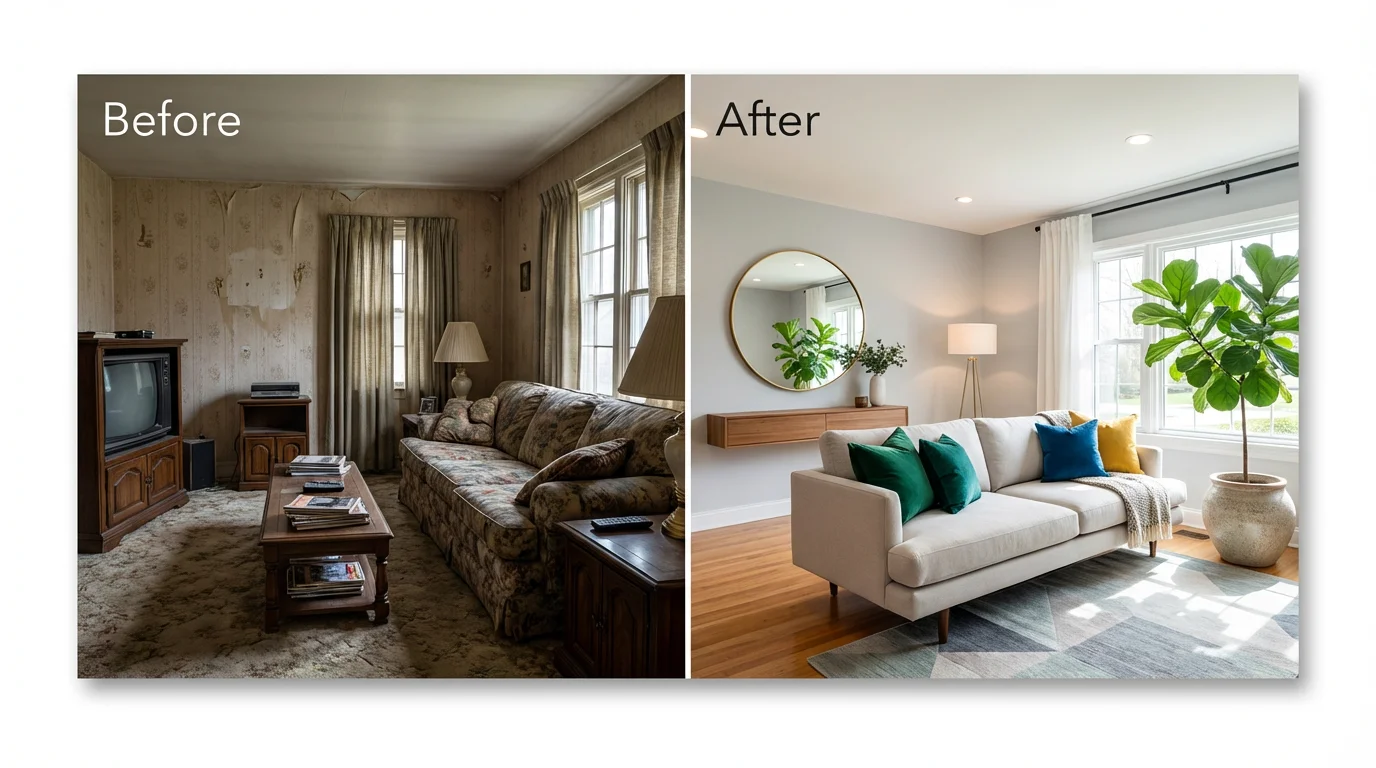
A before and after collage showing a living room transformation. The 'before' side is dated and cluttered, while the 'after' side is bright, modern, and professionally decorated.
Take control of your final image by using simple text commands. Unlike basic collage makers with rigid templates, Pixelcut’s AI allows for greater flexibility. You can instruct the AI on how to arrange your photos, what text to include, and where to place it. For example, ask for a vertical comparison or add specific dates to each image. This prompt-based approach gives you the creative freedom to design a before and after collage that perfectly matches your vision and effectively communicates your message.

Customize Your Collage with Text Prompts

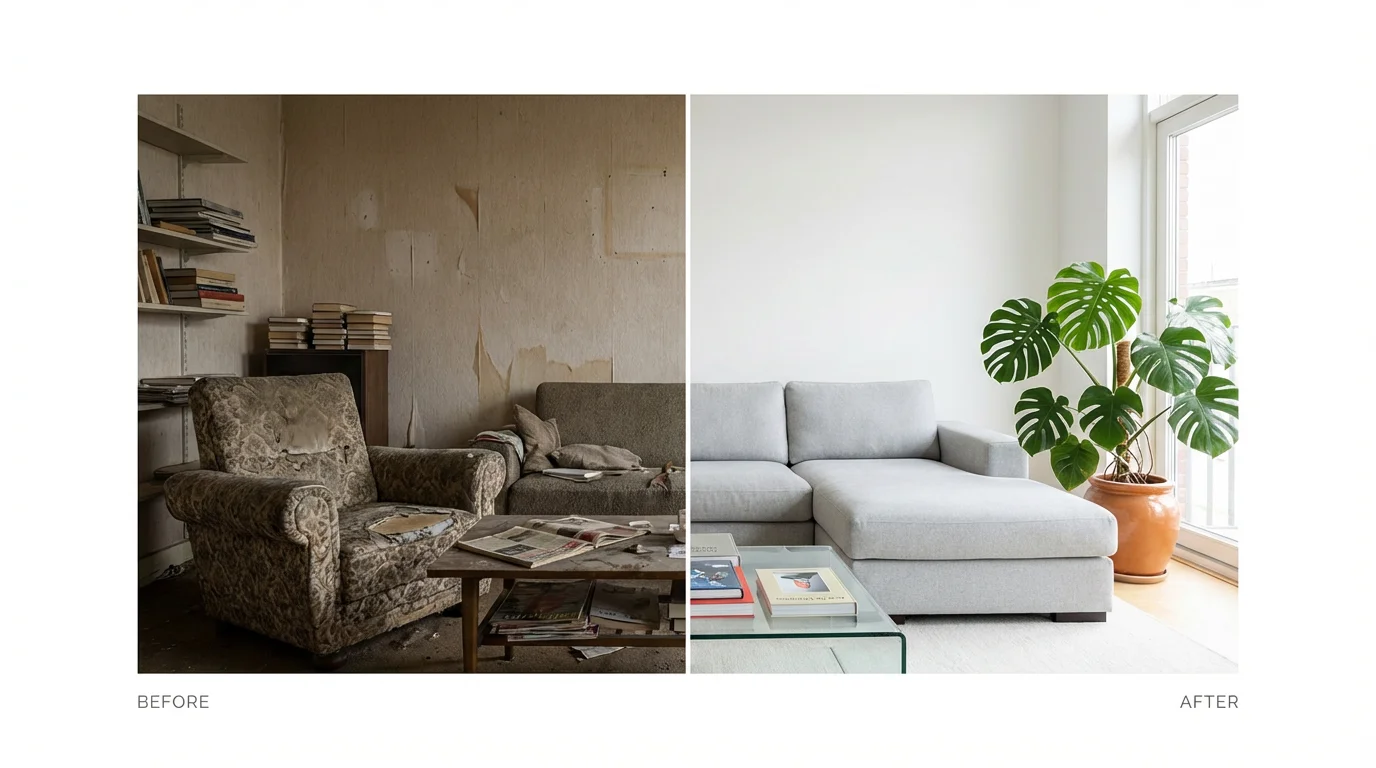
A split-screen collage showing a before-and-after of a living room renovation. The 'before' side is cluttered and dated, while the 'after' side is modern, bright, and minimalist.
It's Effortless: Skip the manual editing. Just upload your images, write a quick prompt, and let the AI do the rest. It's Fast: Generate your comparison collage in seconds, not minutes. It's Text-Aware: Add labels, dates, or other text directly to your image by including it in your prompt. It's High-Quality: Download a crisp, clear collage that looks professional and is ready to be shared anywhere. It's Versatile: Perfect for everything from tracking personal progress to creating marketing content for your business.

Why use Pixelcut's AI Before and After Collage Generator?

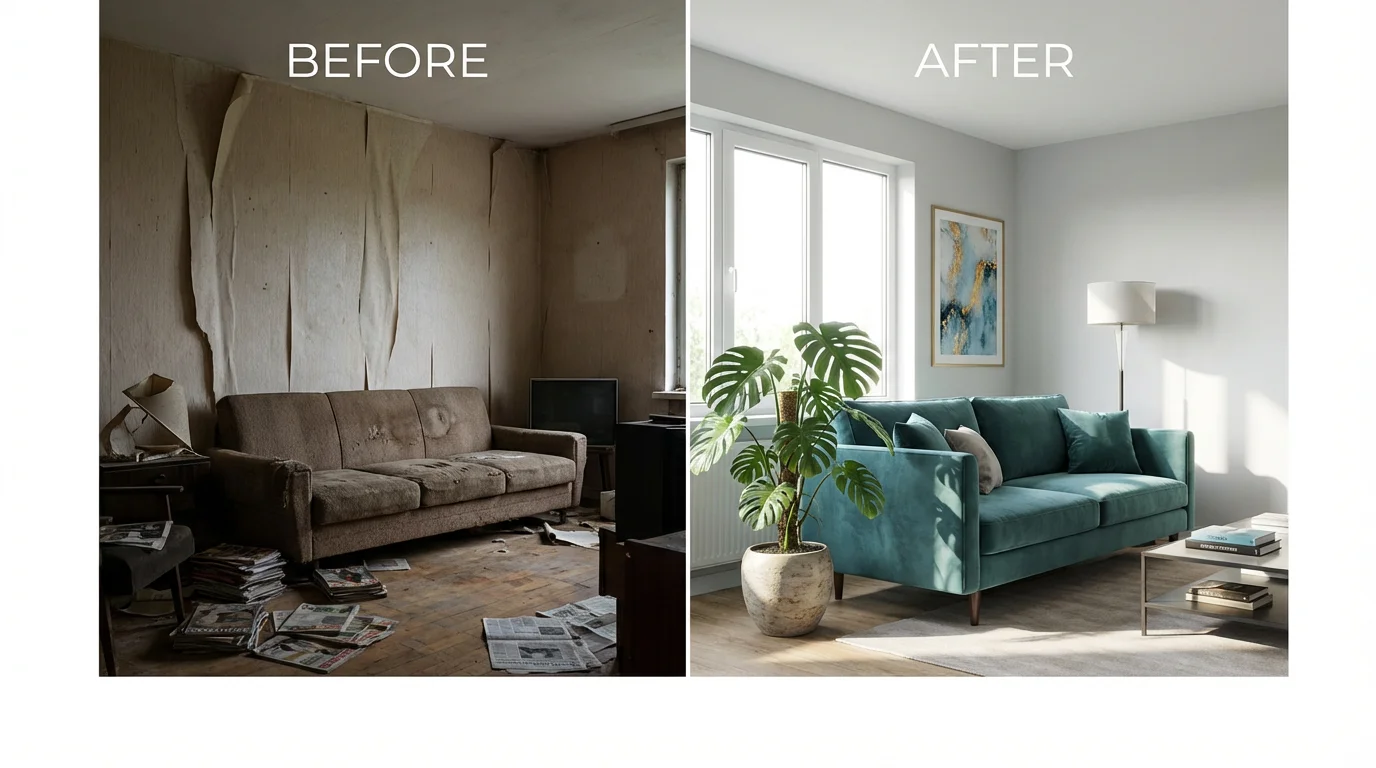
A before-and-after collage comparing a living room's transformation. The left side shows a cluttered, dated room, and the right side shows the same room renovated to be modern, bright, and organized.
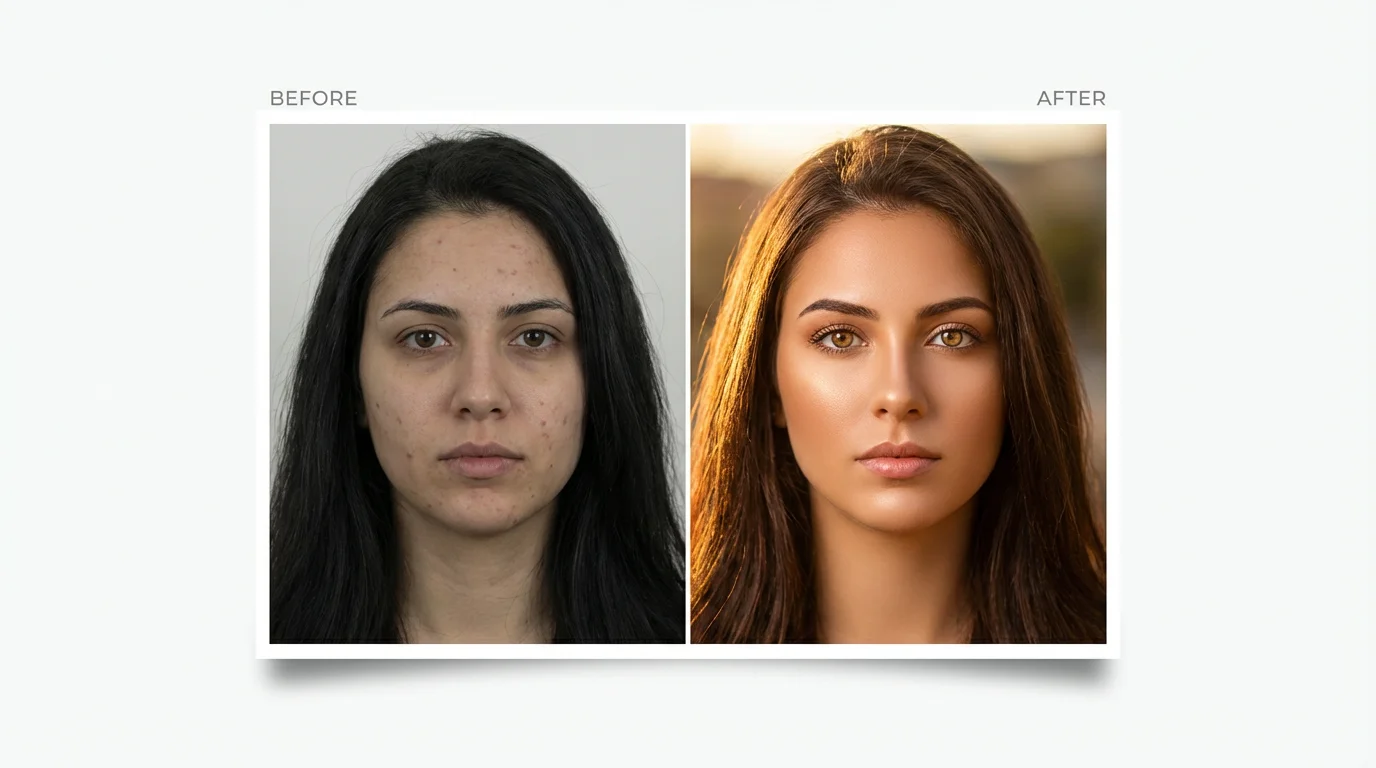
Fitness & Wellness: Track and share body transformation and workout progress. Home Improvement: Showcase stunning before and afters of renovation, redecorating, or landscaping projects. Beauty & Salons: Display the results of makeovers, new hairstyles, or makeup applications. Photo Editing: Demonstrate the impact of your photo editing skills by comparing the original and edited shots. Business & Marketing: Highlight product effectiveness or service results for your customers and clients.

Before and After Collage Use Cases

A 'before and after' collage mockup demonstrating photo retouching. The left image is a dull portrait, and the right image is the same portrait professionally edited to be vibrant and flawless.

Frequently Asked Questions

Pixelcut is loved by over 2 million people

  • My favorite app

    Great app, easy to use. Helps our small business save time and money to create different marketing materials professionally. Thank you.
    Shaelyn D.
  • Best background remover

    I need a good background remover for my work and I've been through them all it feels like. This one is the best by far. It's so easy to use and the results always look amazing. Thank you Pixelcut!
    Kira H.
  • Love it

    It's amazingly easy and gives the perfect results for my bags and accessories. It looks like it was done by a professional photographer.
    Mary J.