My favorite app
Great app, easy to use. Helps our small business save time and money to create different marketing materials professionally. Thank you.
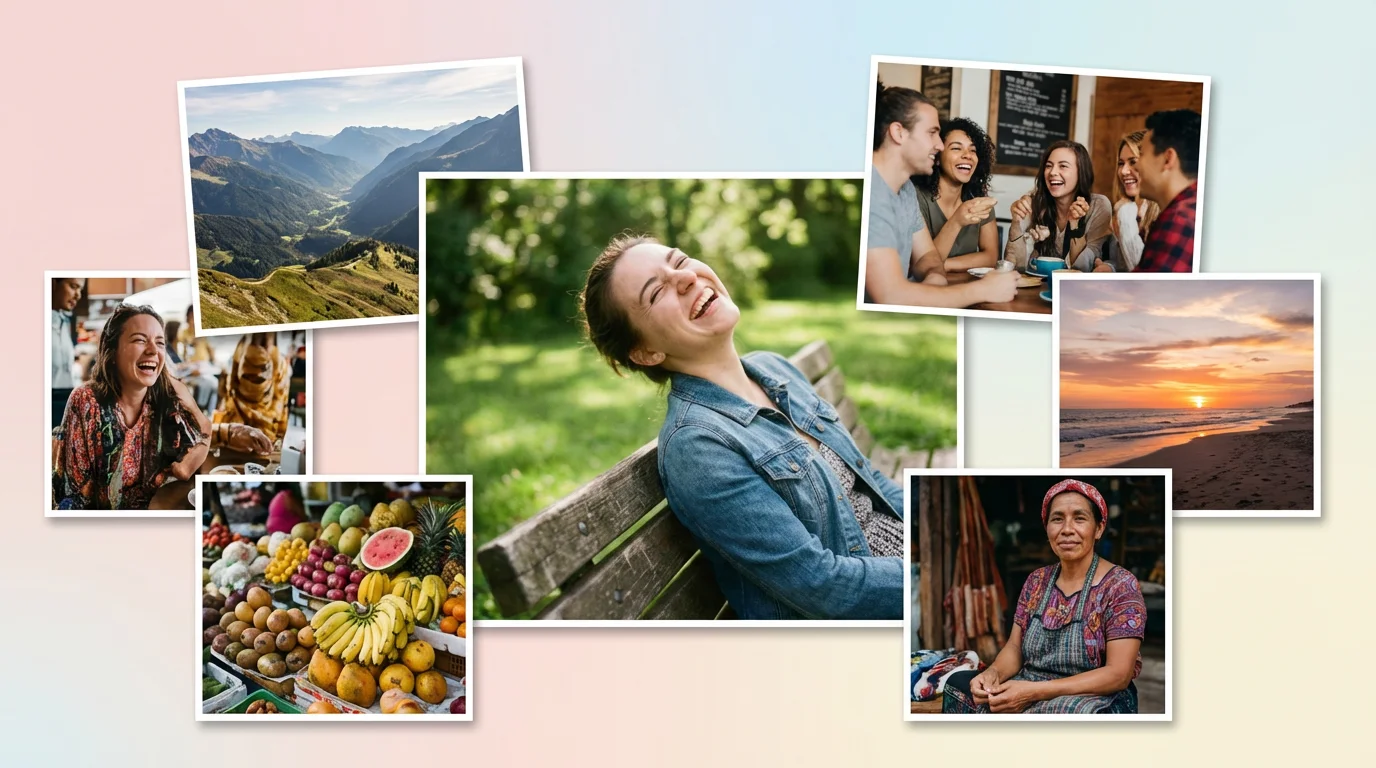
Start by selecting and uploading all the pictures you want to feature in your collage. You can choose photos from your computer or mobile device.
Describe the collage layout you envision. For example, 'Arrange my photos into a neat grid with a navy blue background and no borders'.
Click the generate button and let our AI create a unique collage layout based on your photos and your prompt.
Your high-resolution photo collage is ready to be downloaded. Save it in your preferred format and share your creation with the world.
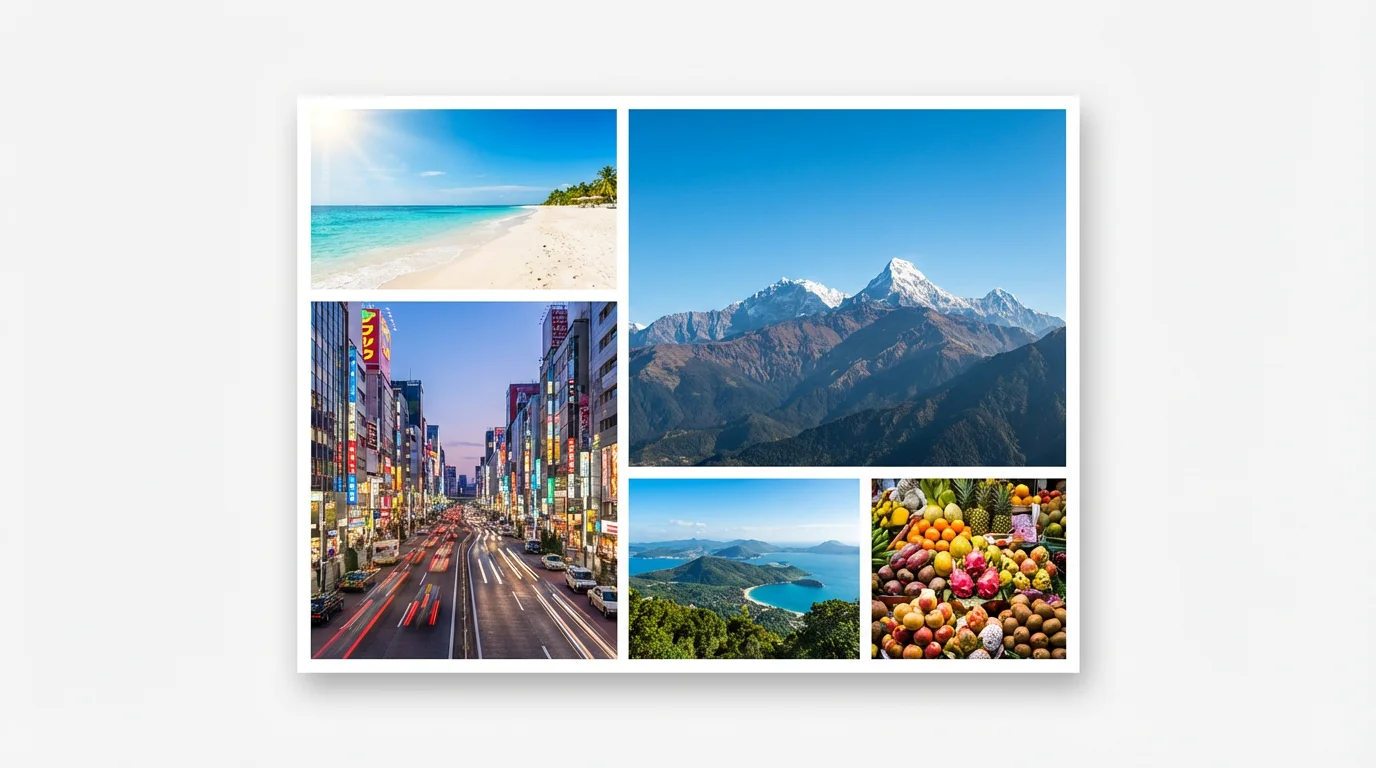
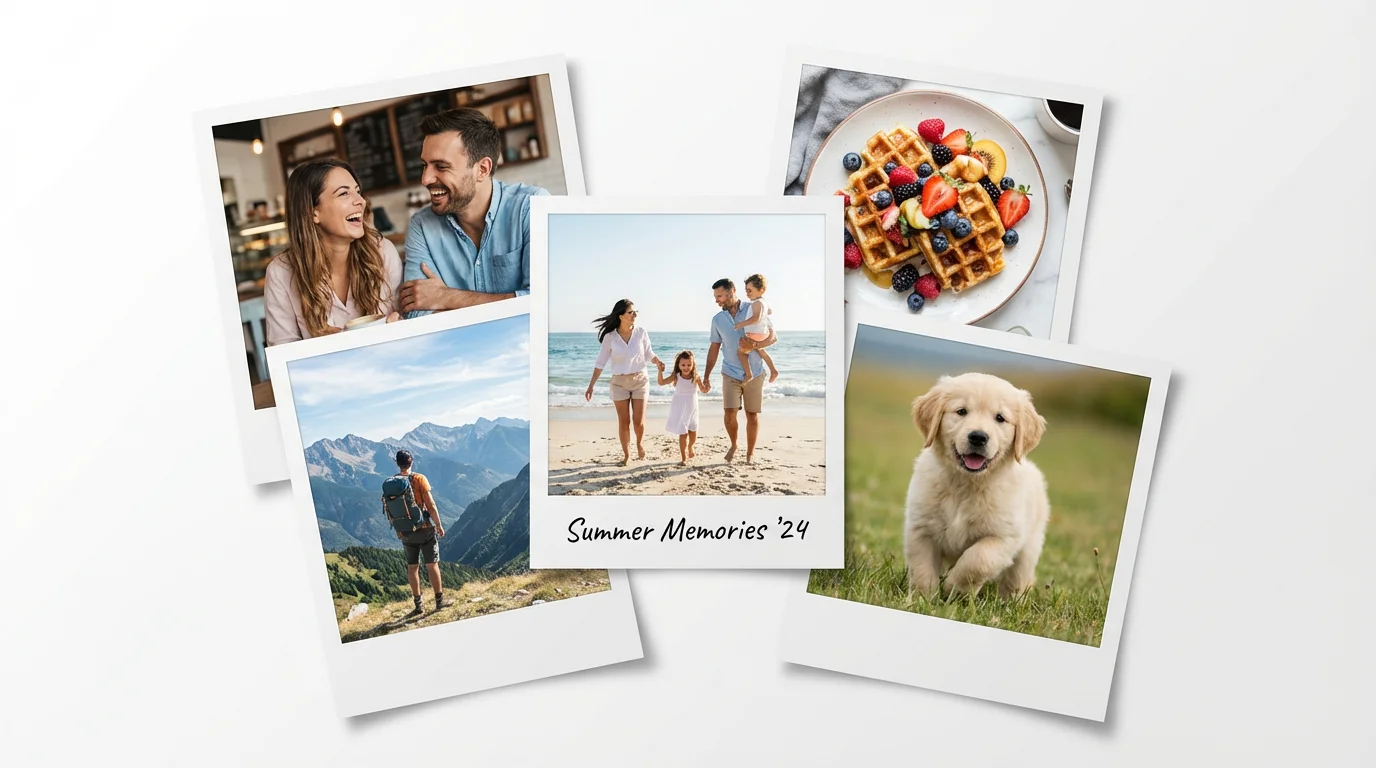
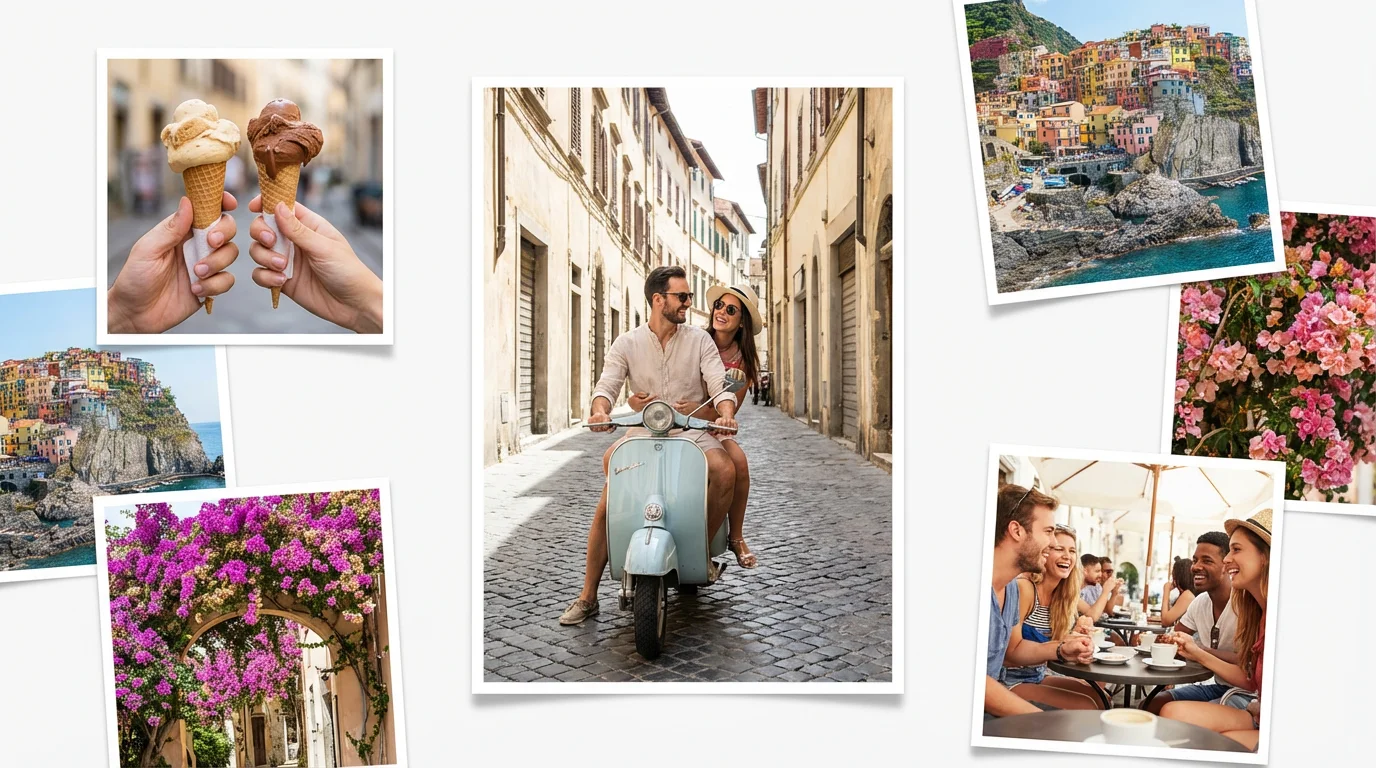
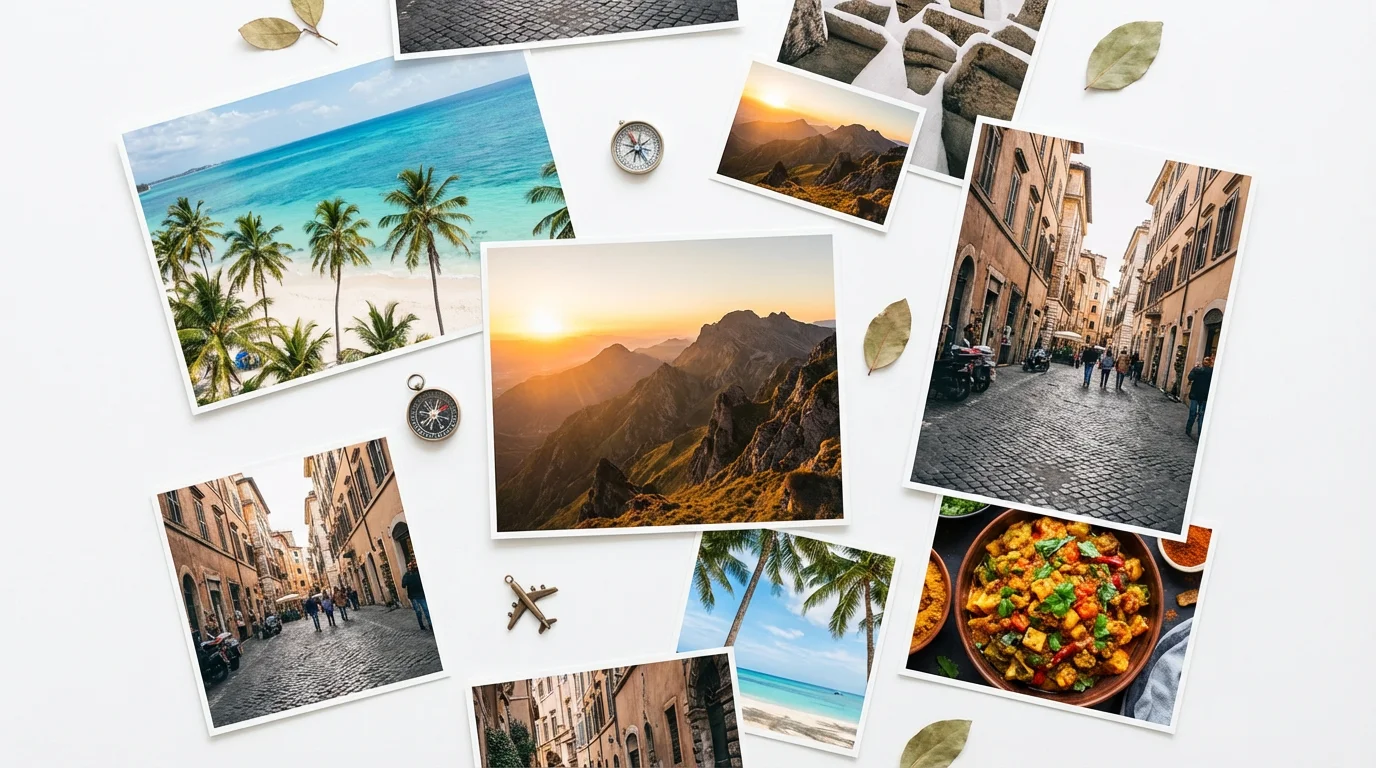
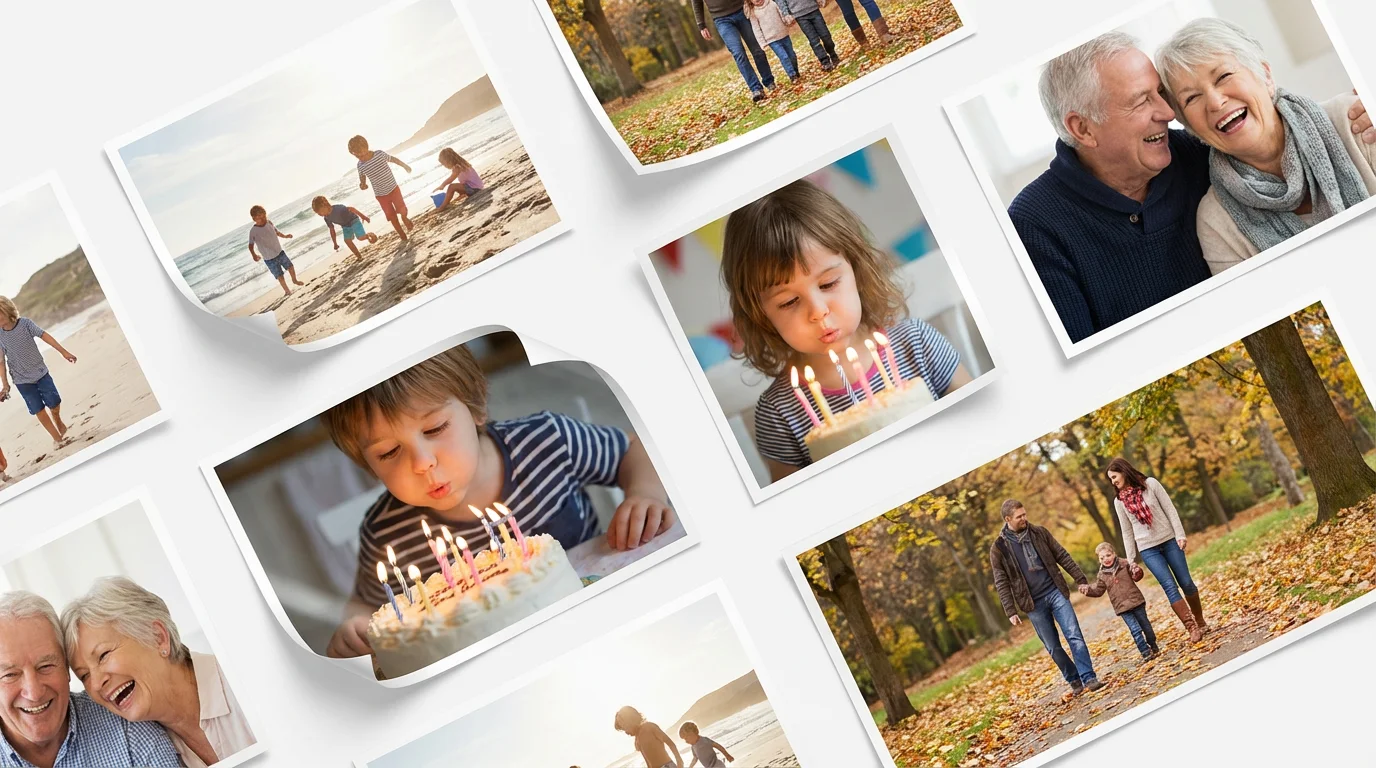
An AI photo collage layout generator is a tool that uses artificial intelligence to automatically arrange your uploaded photos into a visually pleasing collage. Instead of using a fixed template, you can describe the style you want, and the AI builds the layout for you.
Using the tool is simple. First, upload all the photos you want to include in your collage. Next, write a text prompt describing how you want the collage to look, including details about the layout, background, and borders. Finally, click generate, and the AI will create your custom photo collage for you to download.
Yes, you can. In your text prompt, you can describe the background color you'd like and the style of borders you want around the photos. For example, you could ask for a 'soft pastel background' or 'thin white borders' to customize your collage.
You can upload multiple photos to create your collage. The AI will then intelligently arrange the images you've provided according to your prompt. For best results, choose a selection of your favorite photos to tell a clear story.
You can create a wide variety of layouts limited only by your imagination. Describe different arrangements like 'a clean grid layout', 'an overlapping scrapbook style', or 'a collage with one large center photo and smaller ones around it'. Experiment with different prompts to see what the AI can create.
Yes, the tool is free to try. You can upload your photos, generate a custom AI collage, and download the high-resolution result. After using your free credits, you have the option to purchase more.
Great app, easy to use. Helps our small business save time and money to create different marketing materials professionally. Thank you.
I need a good background remover for my work and I've been through them all it feels like. This one is the best by far. It's so easy to use and the results always look amazing. Thank you Pixelcut!
It's amazingly easy and gives the perfect results for my bags and accessories. It looks like it was done by a professional photographer.