My favorite app
Great app, easy to use. Helps our small business save time and money to create different marketing materials professionally. Thank you.
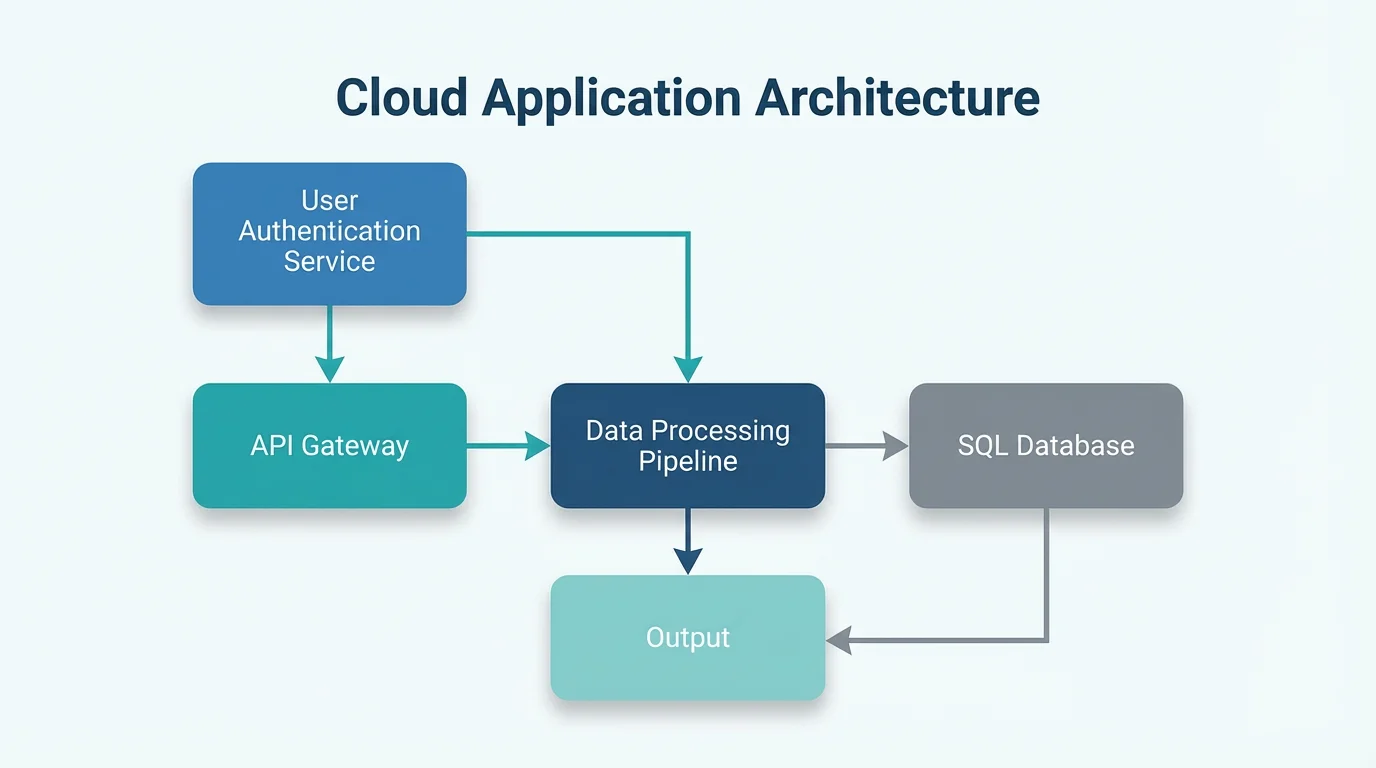
Start by uploading an image of the block diagram you want to modify. This can be a system architecture, process flow, or any other type of block diagram.
In the text box, describe the edits you want to make. Be specific, for example: 'Add a block for 'Payment Gateway' and connect it to 'Shopping Cart'.
Click the generate button and let the AI apply your changes. Your updated block diagram will be ready in seconds.
Your edited, high-resolution block diagram is ready to be downloaded in PNG or JPEG format. Use it for reports, presentations, or documentation.
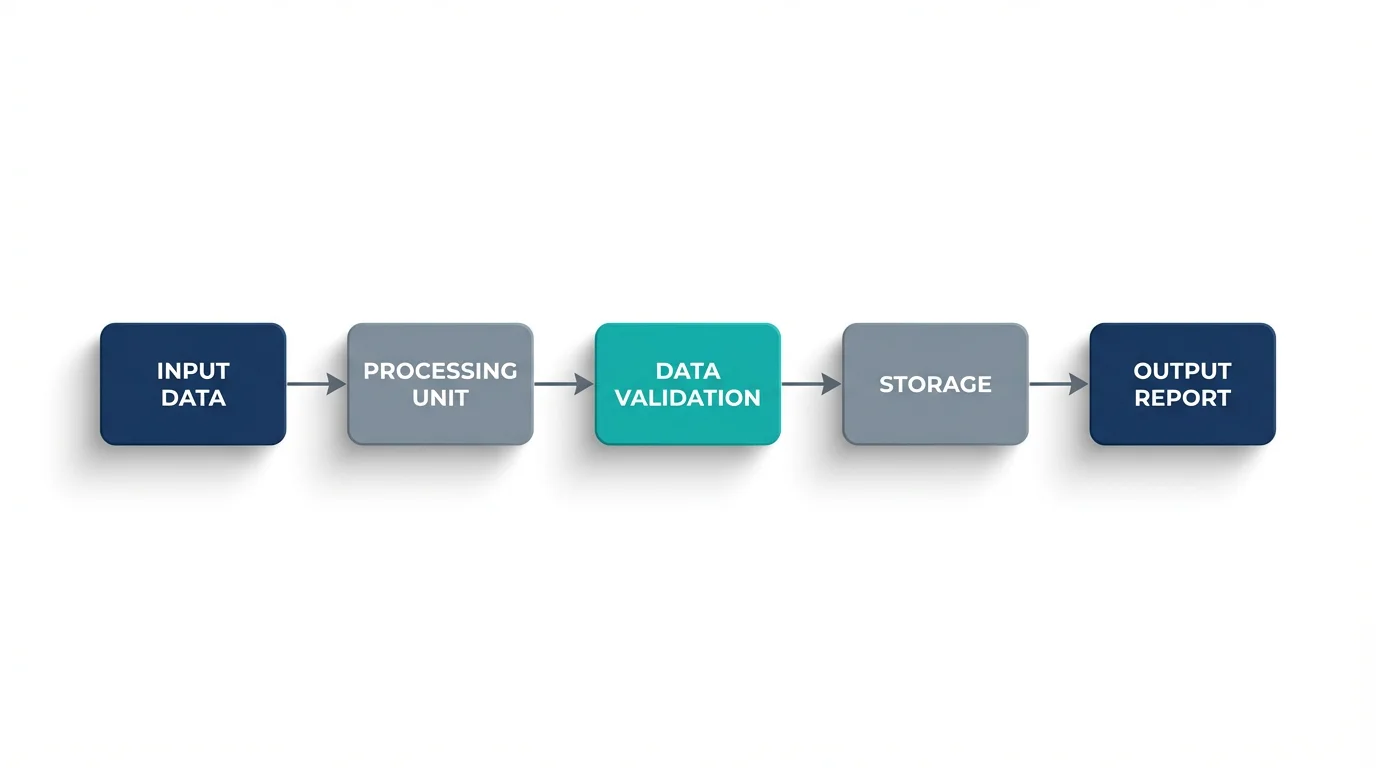
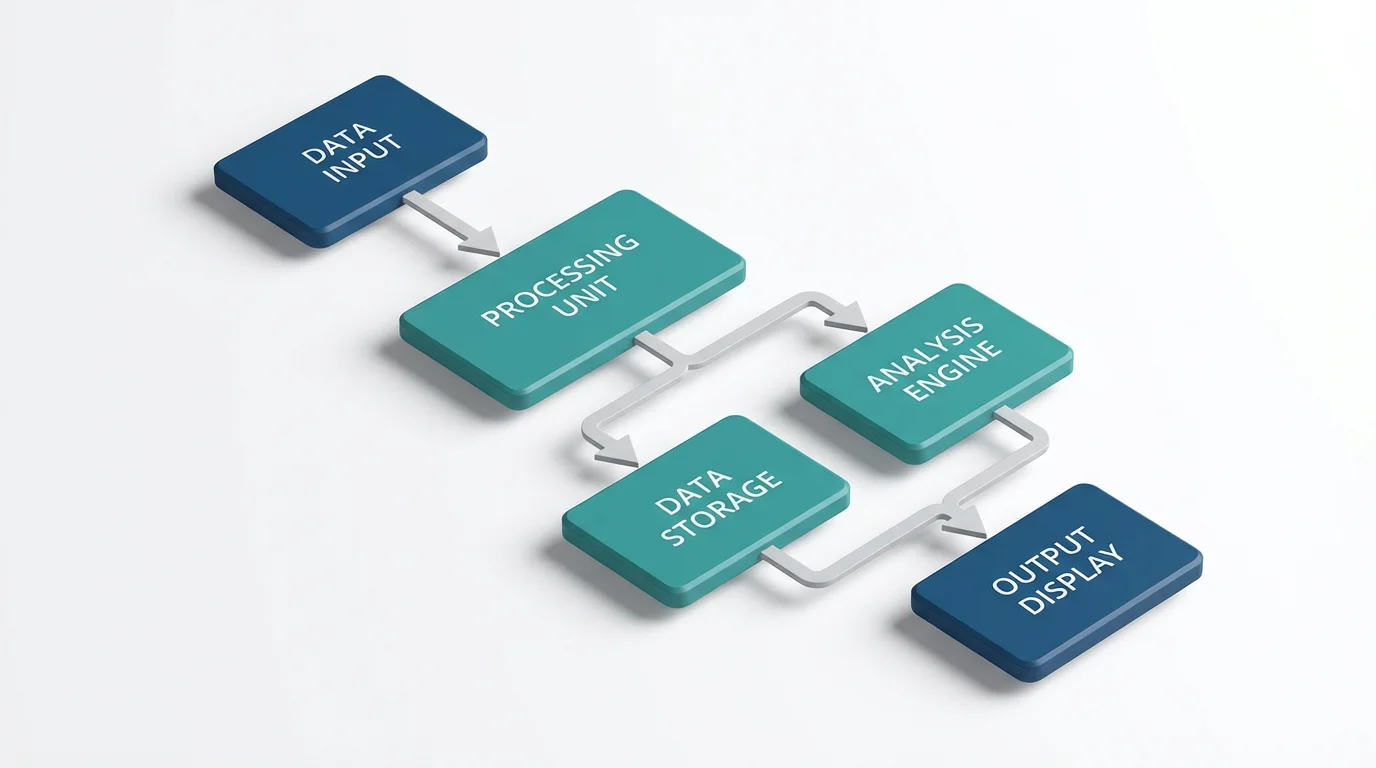
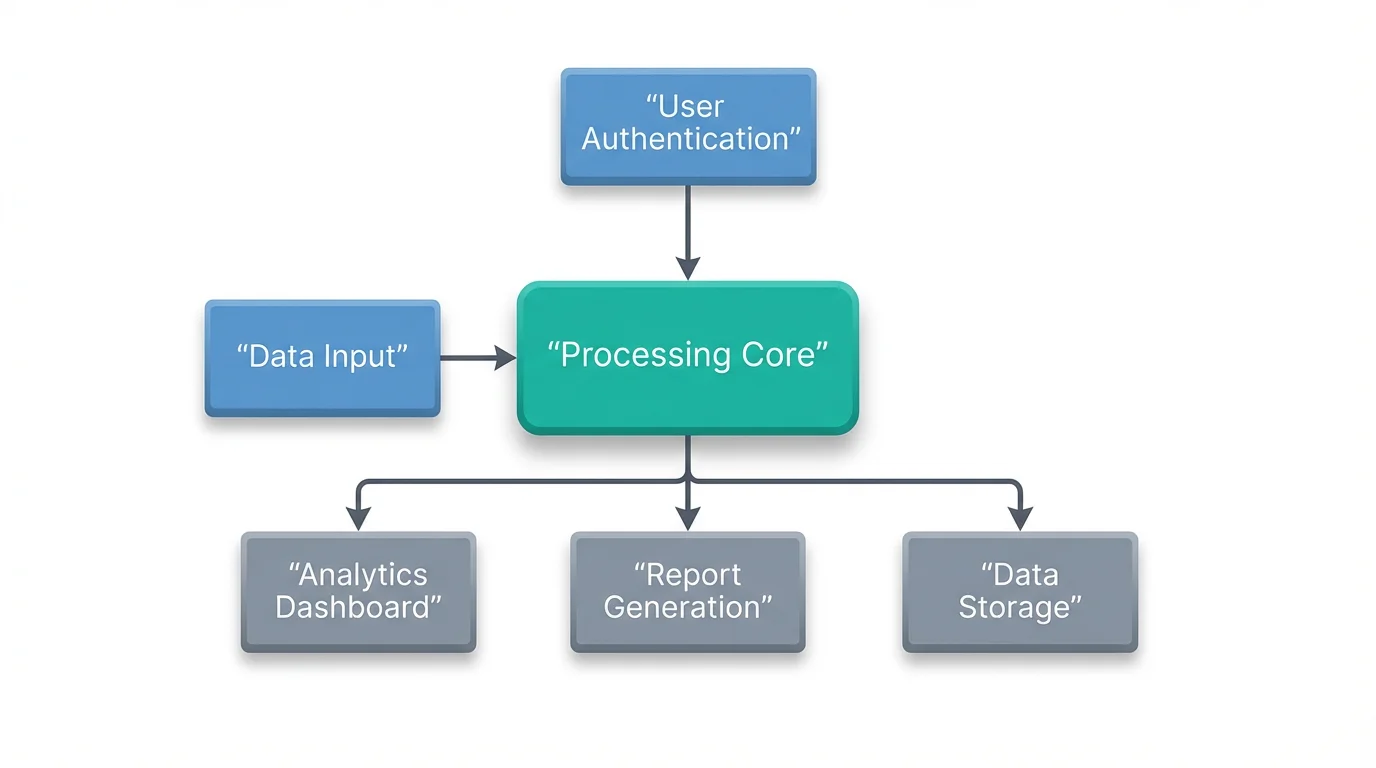
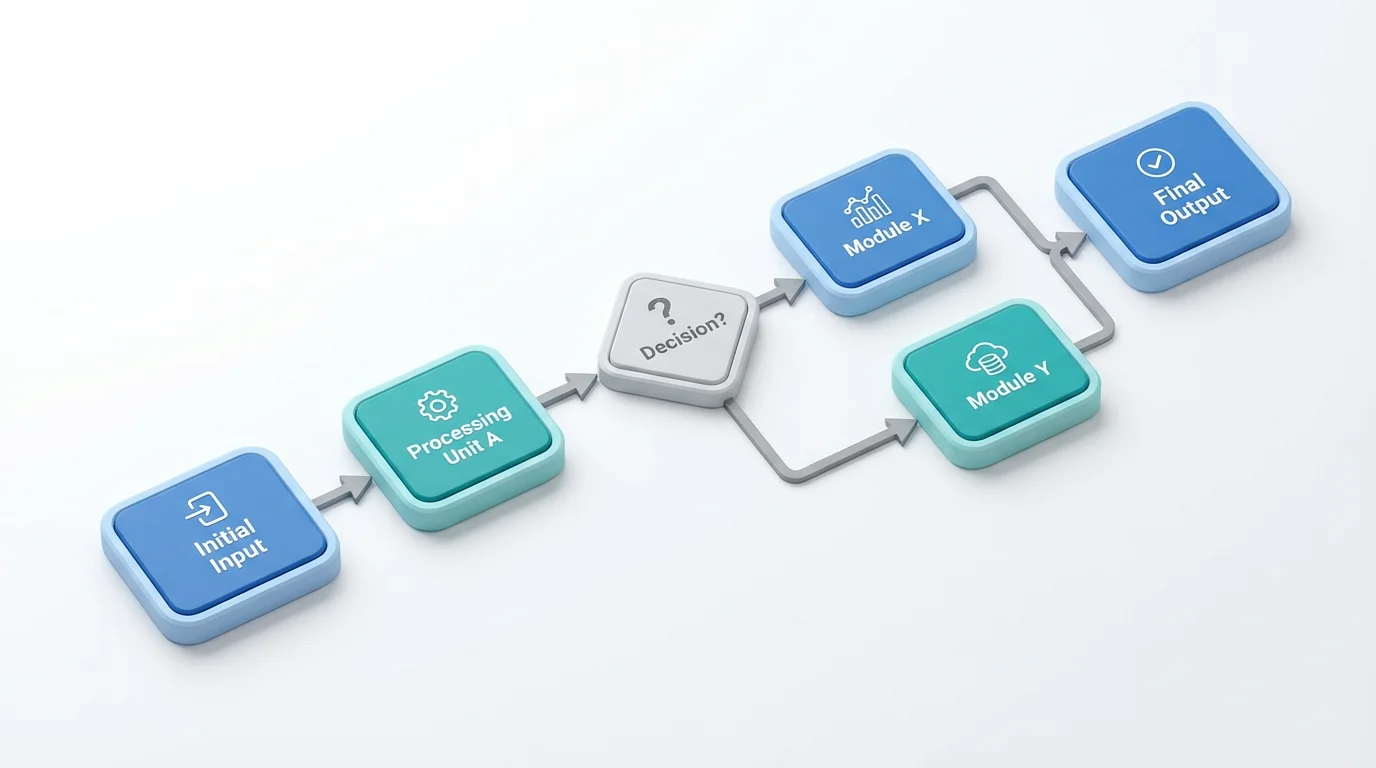
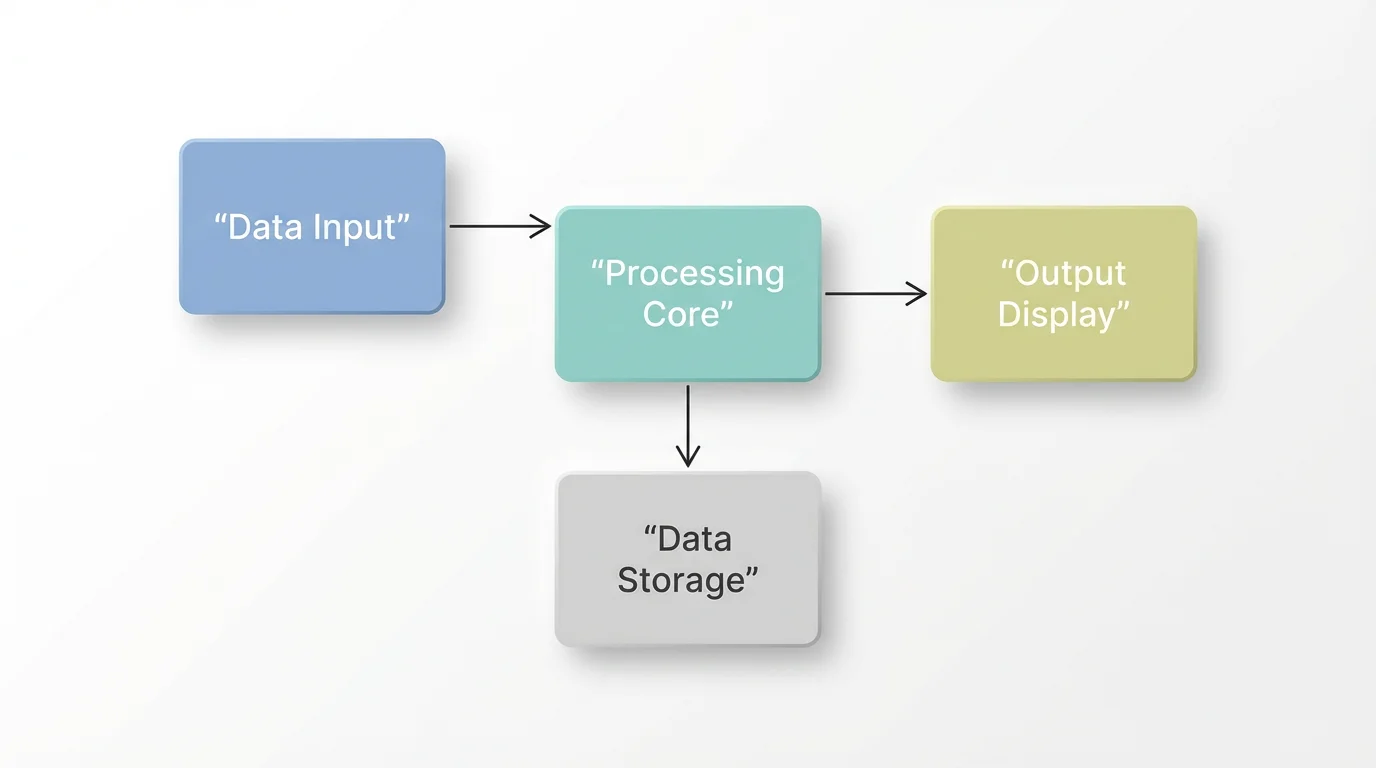
An AI block diagram editor is a tool that uses artificial intelligence to help you modify diagrams using text commands. Instead of manually moving shapes and lines, you upload your diagram and describe the changes you want, such as 'add a new block' or 'change the color of this component'.
First, upload an image of the block diagram you want to edit. Next, type a prompt describing the changes you wish to make. For instance, you could say, 'Connect the User Authentication block to the Main Database.' Finally, generate the updated diagram and download it.
You can edit various types of diagrams, including system architecture diagrams, process flow diagrams, functional block diagrams, and data flow diagrams. The tool is versatile enough to handle diagrams used in software engineering, business analysis, and system design.
Yes, you can customize the visual style of your diagram using text prompts. You can ask the AI to change the color of specific blocks, alter the style of connecting lines (e.g., to a dotted line), and relabel components to make your diagram clearer and more organized.
A block diagram focuses on showing the principal parts of a system and their relationships, often used in engineering to represent system architecture. A flowchart, on the other hand, illustrates the sequential steps of a process or workflow, emphasizing decision points and the order of operations.
While this tool is primarily designed for editing existing diagrams, you can start by uploading a very simple base image (even a single block) and use text prompts to build out a more complex diagram from there.
Great app, easy to use. Helps our small business save time and money to create different marketing materials professionally. Thank you.
I need a good background remover for my work and I've been through them all it feels like. This one is the best by far. It's so easy to use and the results always look amazing. Thank you Pixelcut!
It's amazingly easy and gives the perfect results for my bags and accessories. It looks like it was done by a professional photographer.