My favorite app
Great app, easy to use. Helps our small business save time and money to create different marketing materials professionally. Thank you.
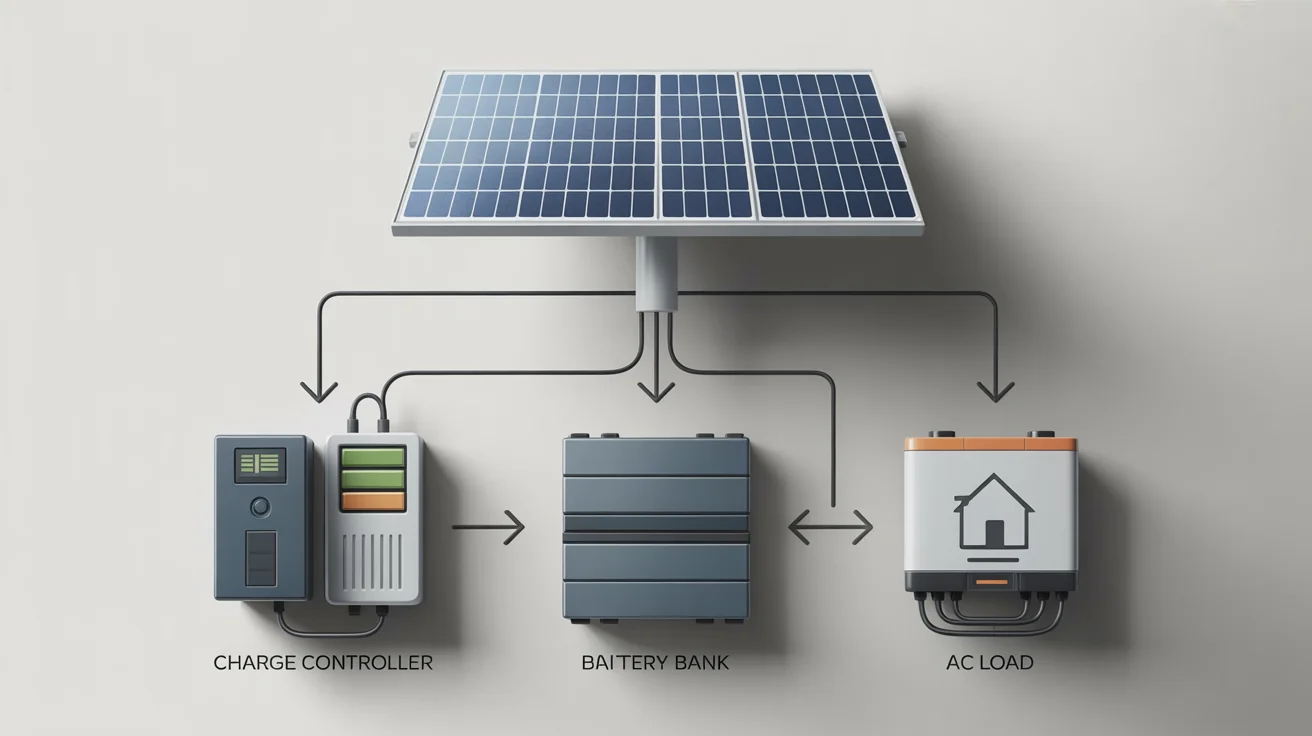
Start by uploading a rough drawing or a reference image of a solar diagram. This gives the AI a visual starting point for your design.
In the text prompt, list all your components. For example: 'A diagram with 8 solar panels, an MPPT controller, a 48V battery bank, and a 3000W inverter'.
Click the generate button. The AI will process your image and text to create a clean and accurate schematic of your off-grid solar system.
Your custom off-grid solar system diagram is ready to download. It's a high-resolution, watermark-free PNG file perfect for printing or digital use.
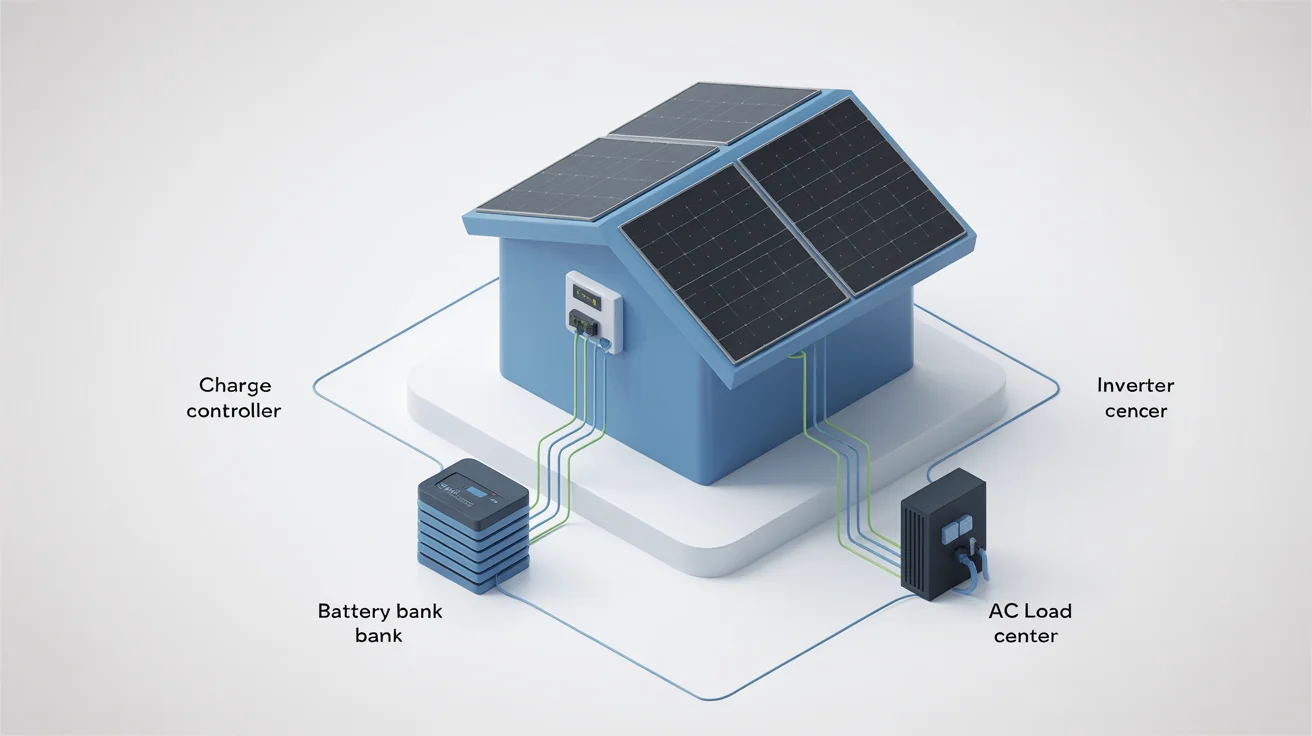
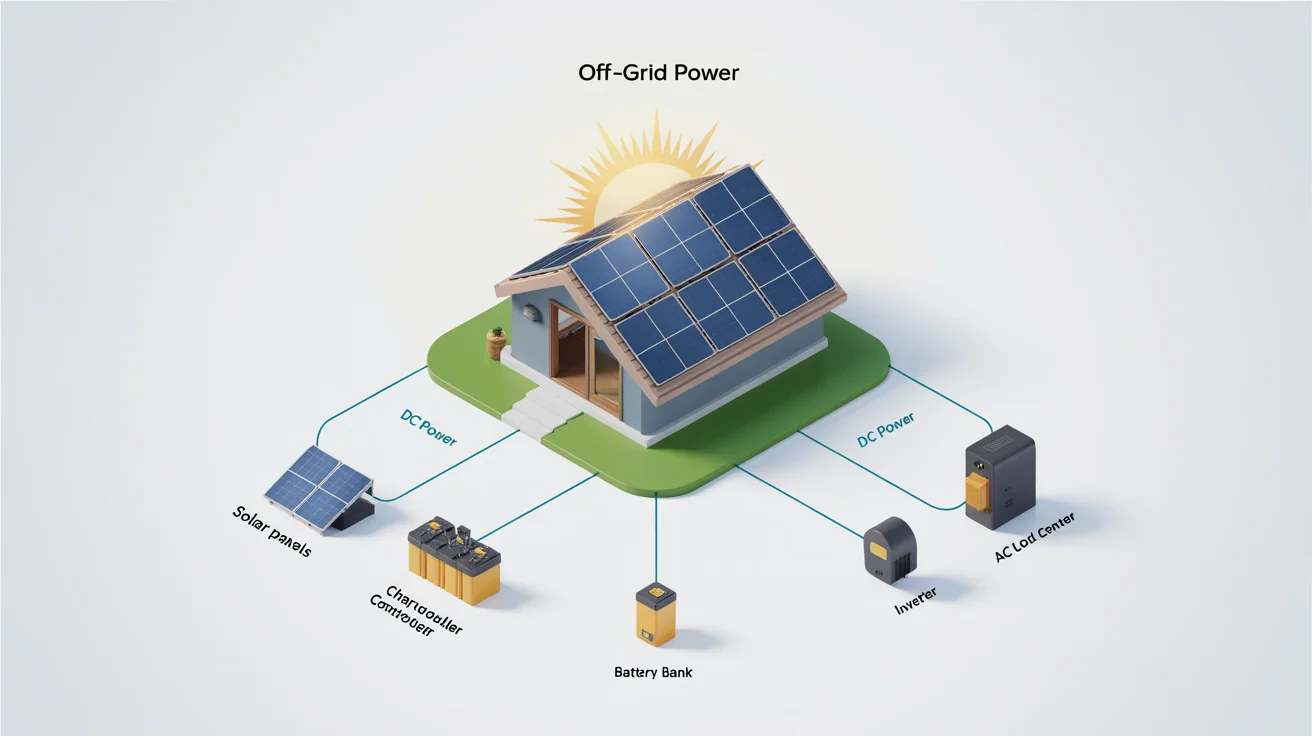
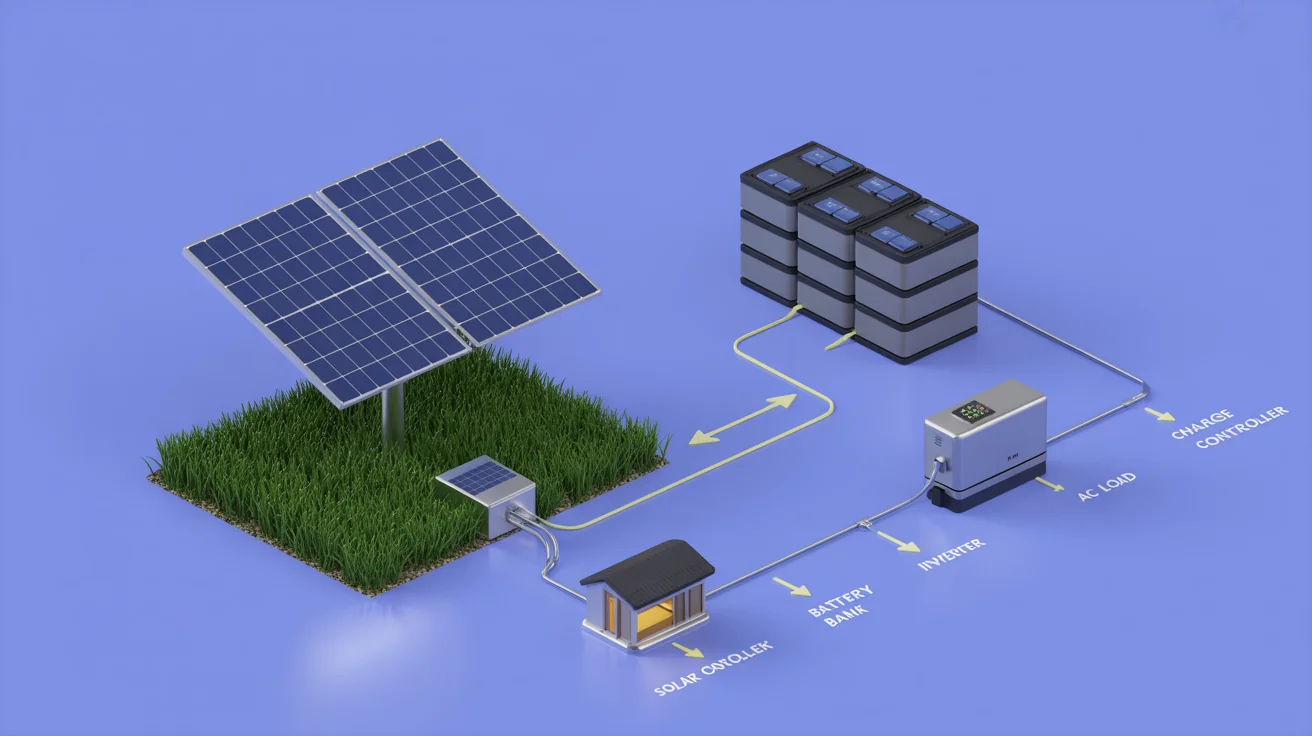
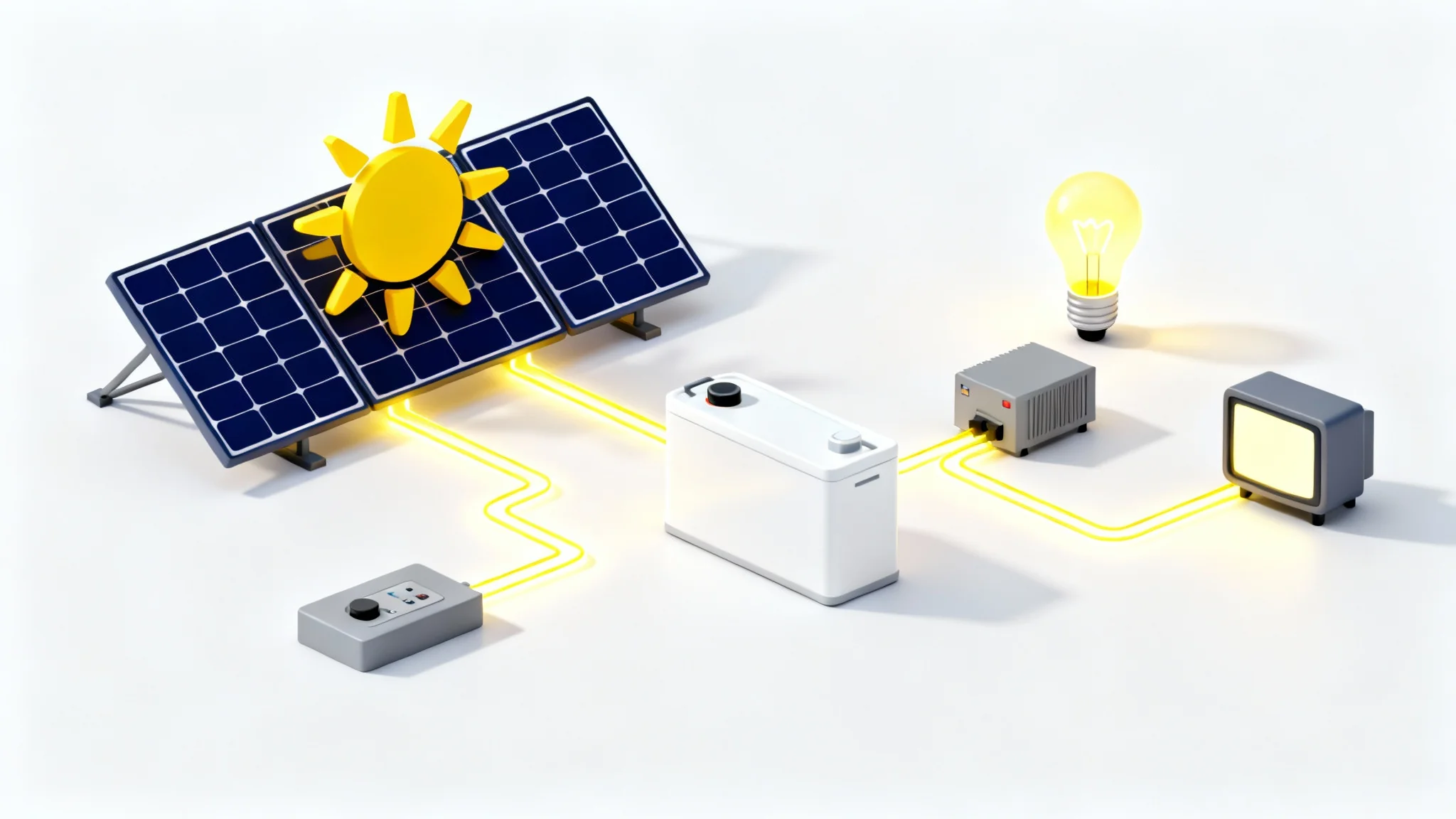
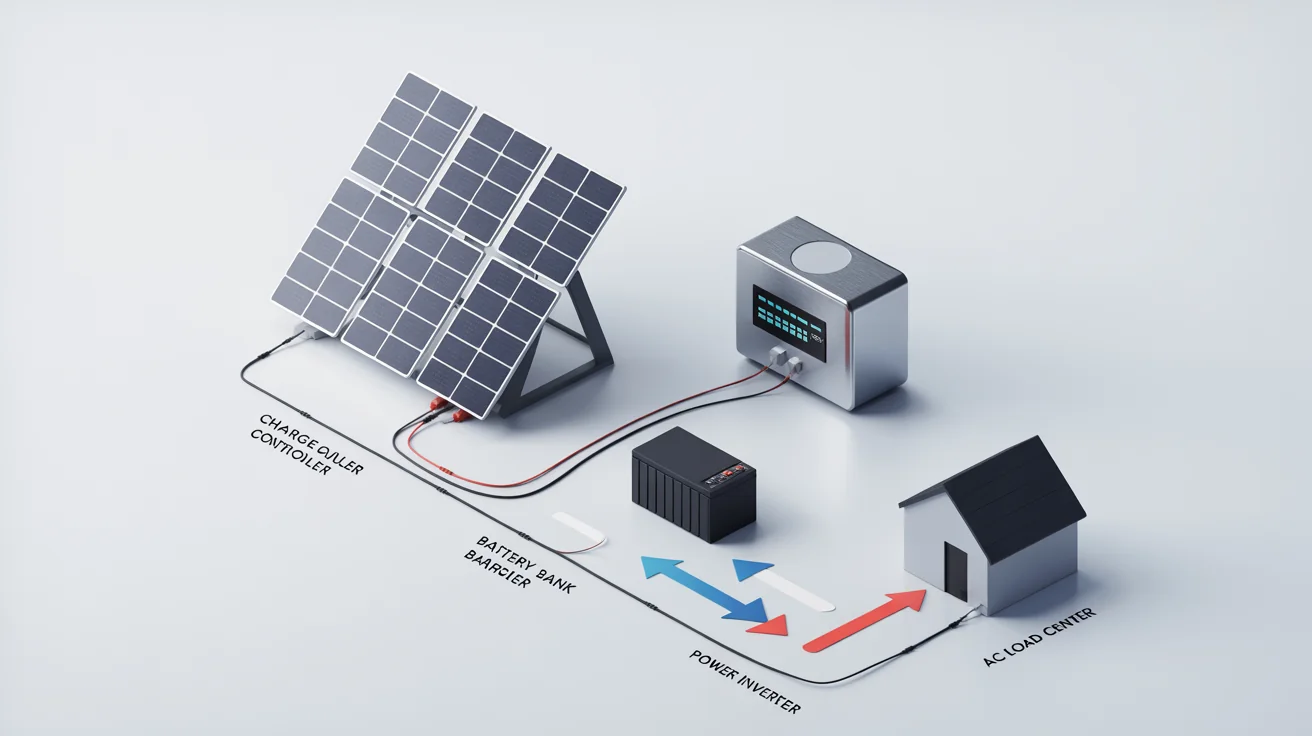











An AI off-grid solar system diagram generator is a tool that uses artificial intelligence to create a visual schematic of your solar power setup based on a text description. You simply list the components, such as panels, batteries, and inverters, and the AI draws the connections for you.
For the most accurate diagram, you should include the main components of your system: solar panels (quantity and wattage), charge controller (MPPT or PWM), battery bank (voltage and amp-hours), and the inverter. You can also specify wiring details, like series or parallel connections.
No, you don't need to be an expert in solar design or drafting software. If you have a basic understanding of the components in your planned system, you can type them into a prompt to generate a diagram. The tool is designed to be intuitive for both beginners and professionals.
Yes. You can specify wiring configurations in your text prompt. For example, you could describe "four solar panels wired in series" or "two batteries wired in parallel" to have the AI generate a diagram that reflects those connections.
The diagrams are useful for many purposes, including planning a DIY installation, creating proposals for clients, documenting your system for maintenance, and as a visual aid for educational content. The clear, professional layout makes it a versatile tool for any solar project.
Yes, you can upload a rough sketch or a reference image of a diagram you like. Then, provide a detailed text prompt describing your specific components and how they should be connected, and the AI will generate a new, clean diagram based on your input.
Great app, easy to use. Helps our small business save time and money to create different marketing materials professionally. Thank you.
I need a good background remover for my work and I've been through them all it feels like. This one is the best by far. It's so easy to use and the results always look amazing. Thank you Pixelcut!
It's amazingly easy and gives the perfect results for my bags and accessories. It looks like it was done by a professional photographer.