My favorite app
Great app, easy to use. Helps our small business save time and money to create different marketing materials professionally. Thank you.
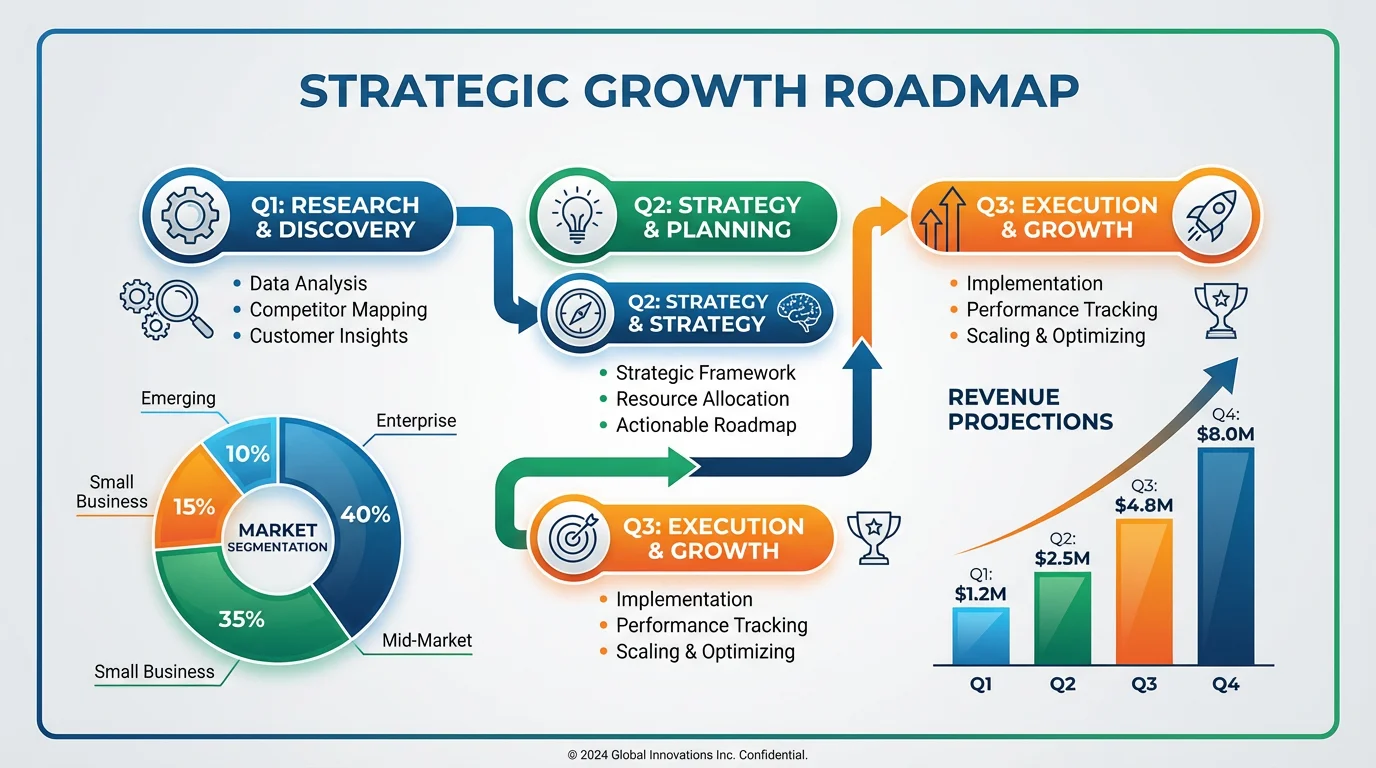
Write a prompt detailing your infographic. Include elements like flowcharts, data charts, and key milestones. Mention desired colors and styles for a more custom result.
Our AI will interpret your text and design a custom infographic that visually represents your business strategy, turning your words into a clear and impactful graphic.
Download your high-resolution infographic for free in PNG or JPEG format. It’s ready for your next investor pitch, team meeting, or company report.
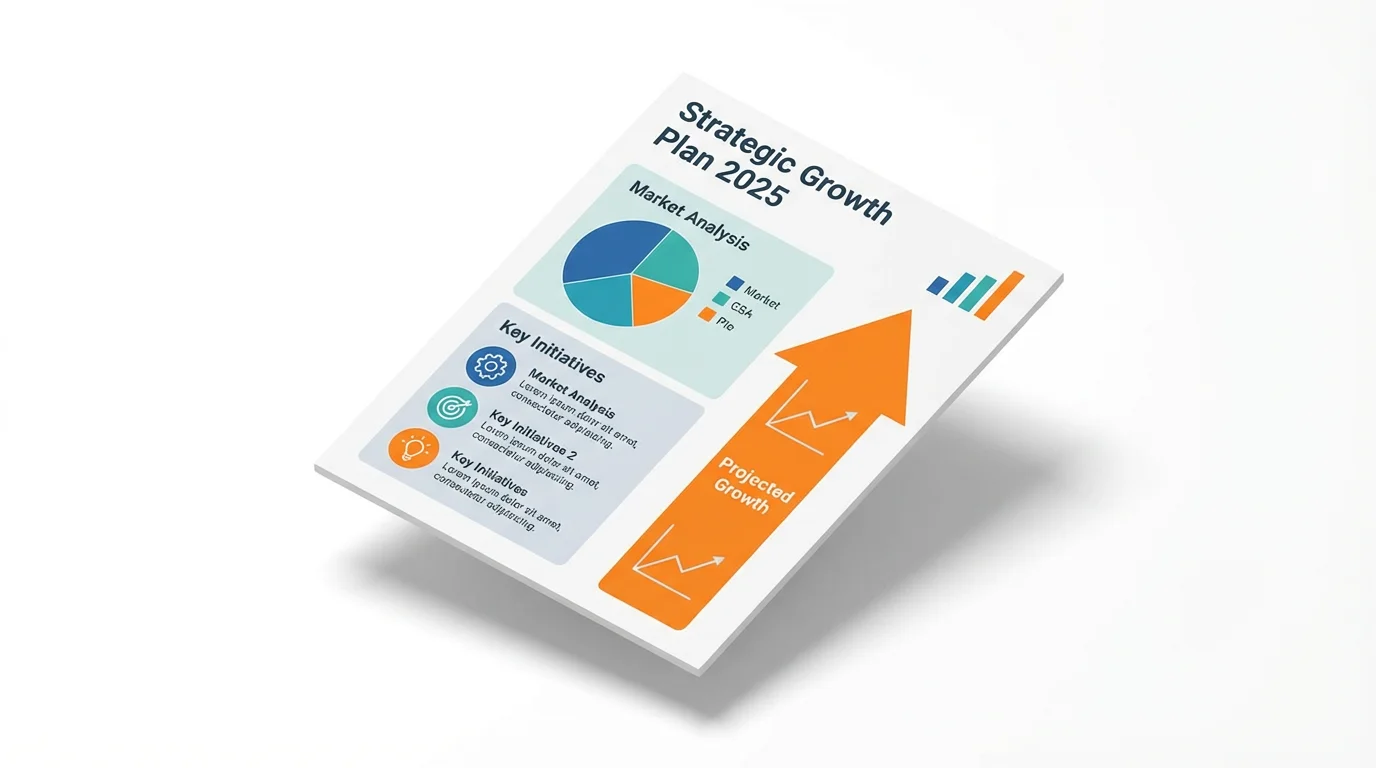
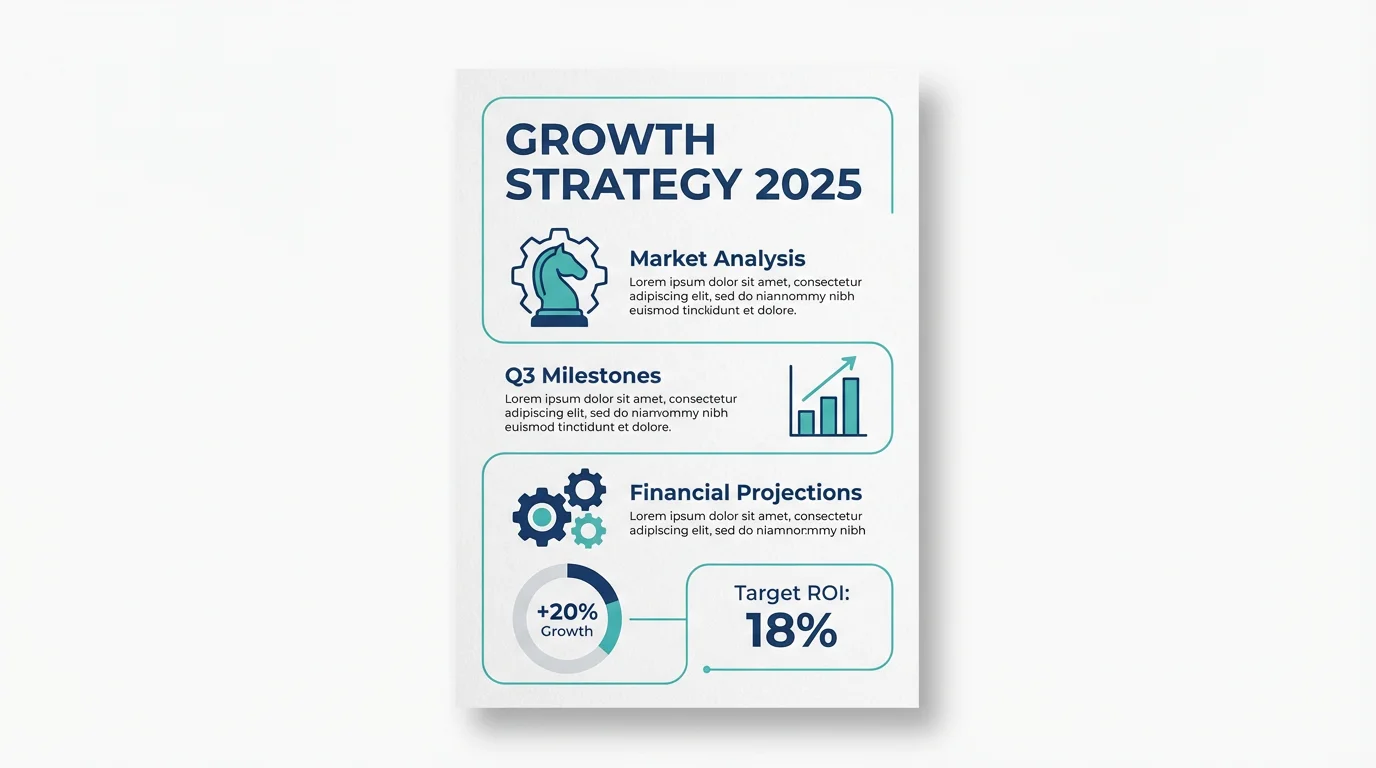
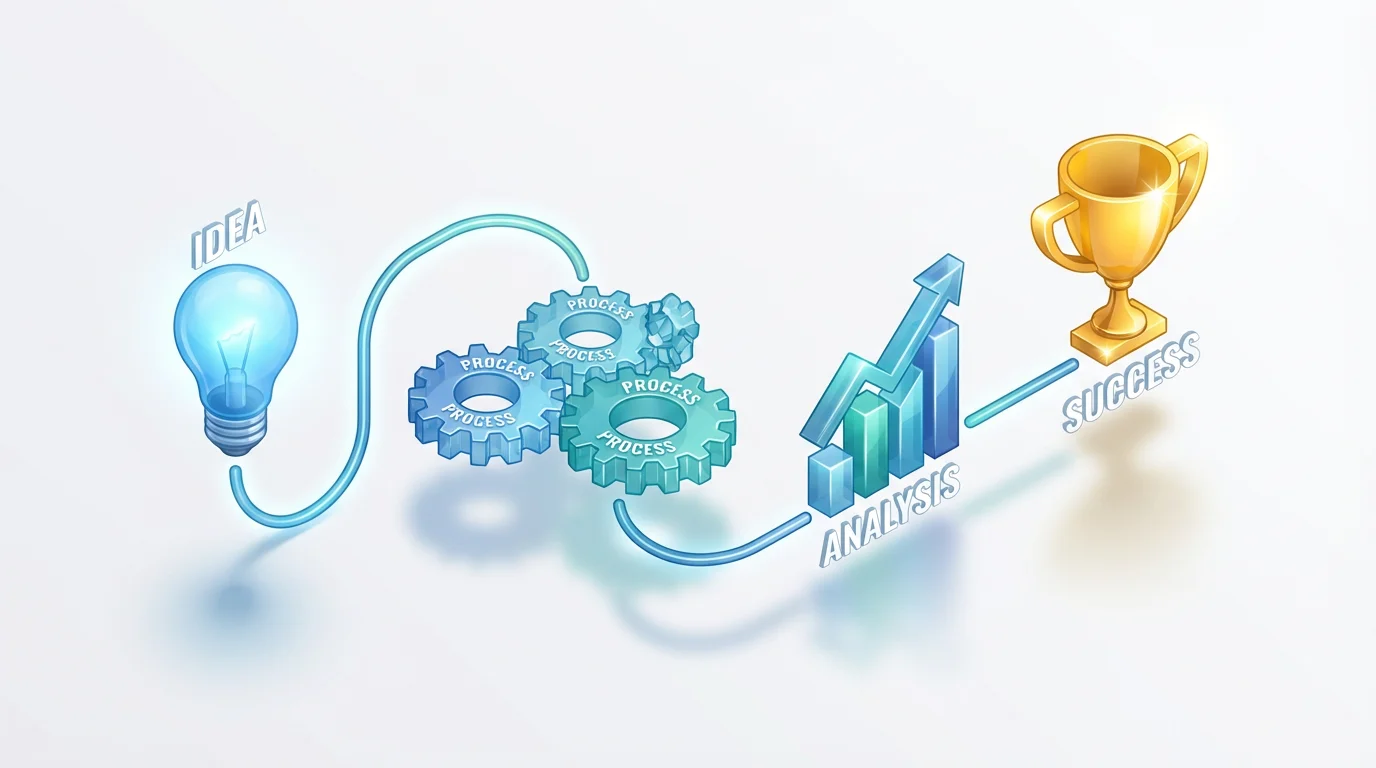
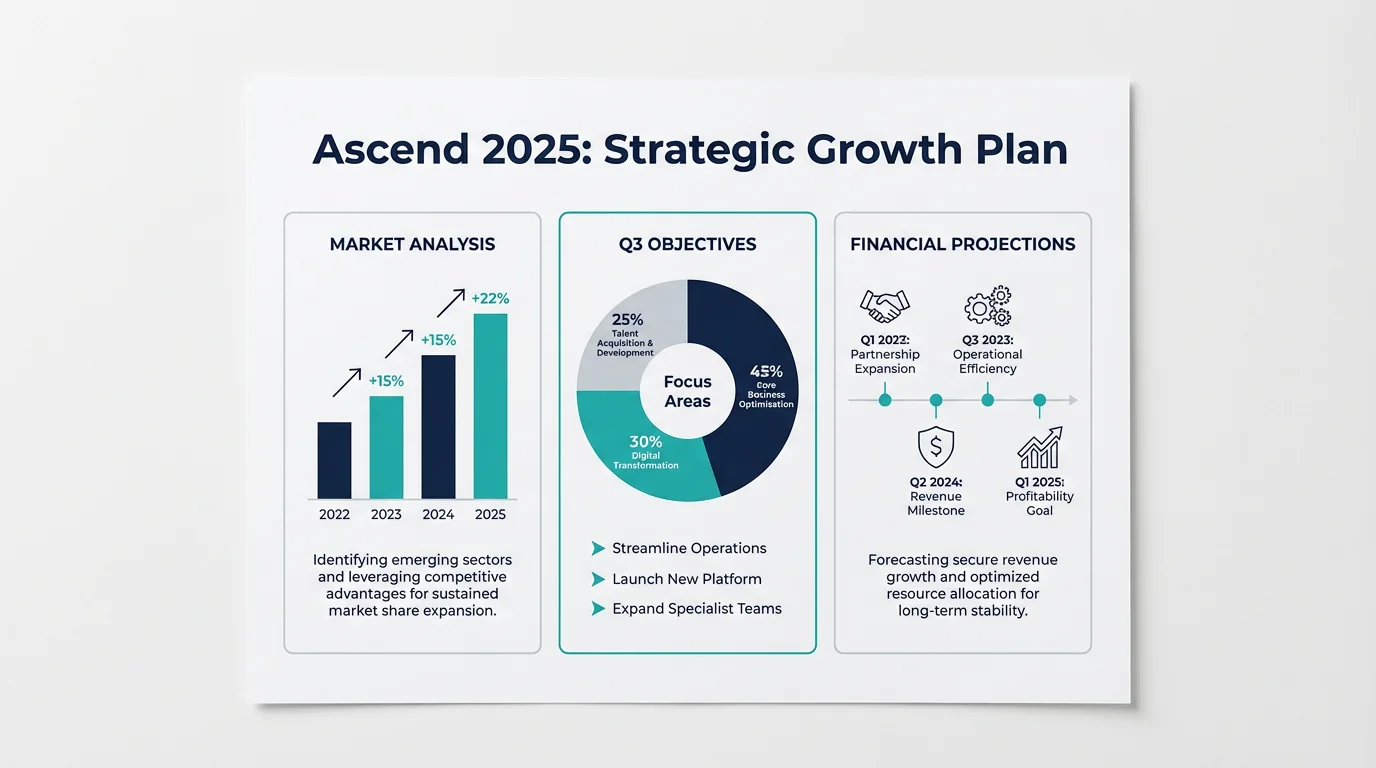
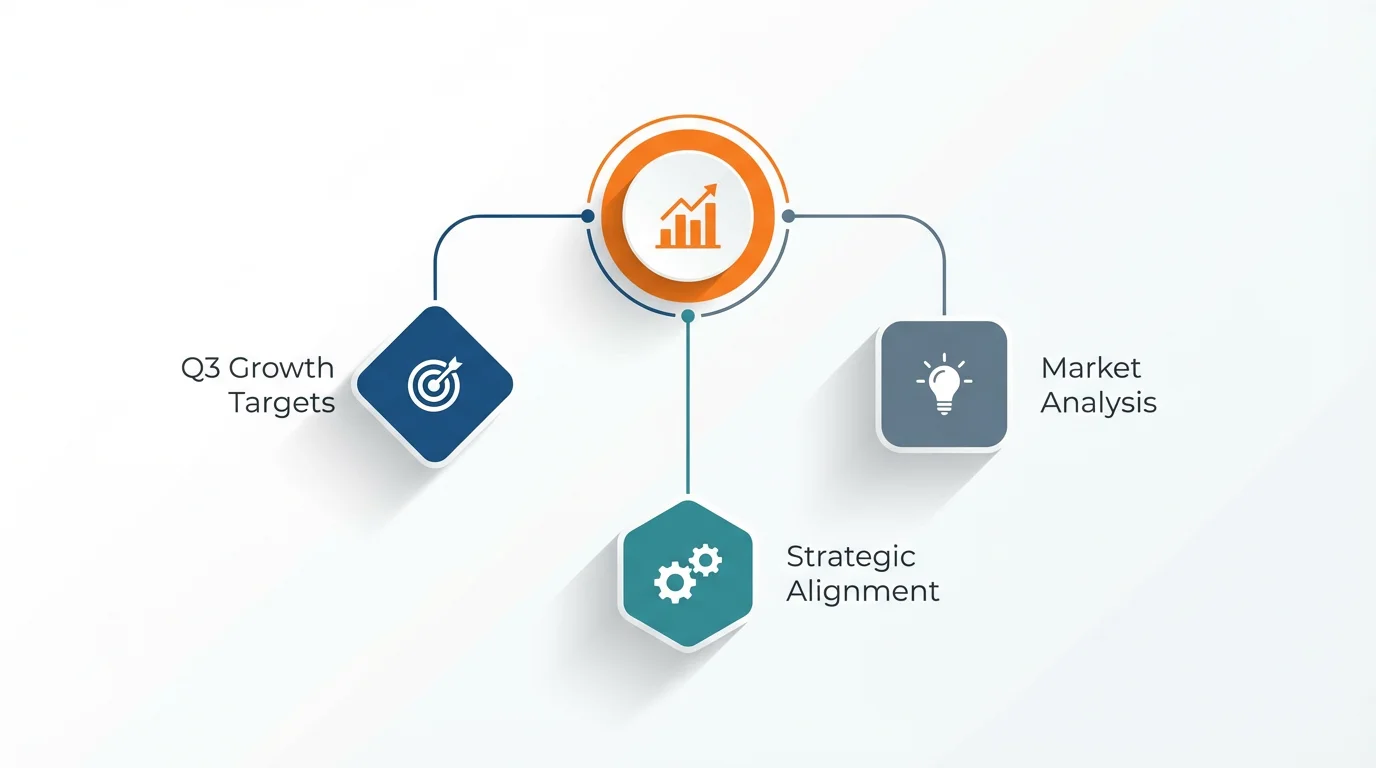
An AI business strategy infographic generator is a tool that uses artificial intelligence to automatically create a visual representation of your business plan from a simple text description. You can specify elements like charts, graphs, icons, and color schemes to produce a custom infographic without needing design skills.
For the best results, provide specific details in your prompt. Mention the purpose of the infographic, the key data points you want to visualize, and the desired style. For example, you could write, 'Create a timeline infographic for our 3-year growth plan, showing revenue targets as a bar chart and key milestones with icons.'
Yes, you can guide the AI to use your brand's identity. In your text prompt, describe your company’s color palette, such as 'use a modern style with blue and gray tones,' and request specific icons or a visual style that matches your existing branding.
The AI visualizes the data that you describe in your prompt. For instance, you can tell it to 'create a pie chart showing a 40% market share for us and 60% for competitors.' The tool generates the visual based on your text; it does not connect to external data sheets or live data sources.
Business strategy infographics are incredibly versatile. Use them for internal presentations to align your team, in pitch decks to impress investors, as content for your marketing channels, or in annual reports to summarize progress for stakeholders.
No design experience is necessary. The tool is designed for everyone, regardless of their design background. If you can write a clear description of what you want, the AI can create a professional-looking infographic for you.
Great app, easy to use. Helps our small business save time and money to create different marketing materials professionally. Thank you.
I need a good background remover for my work and I've been through them all it feels like. This one is the best by far. It's so easy to use and the results always look amazing. Thank you Pixelcut!
It's amazingly easy and gives the perfect results for my bags and accessories. It looks like it was done by a professional photographer.