My favorite app
Great app, easy to use. Helps our small business save time and money to create different marketing materials professionally. Thank you.
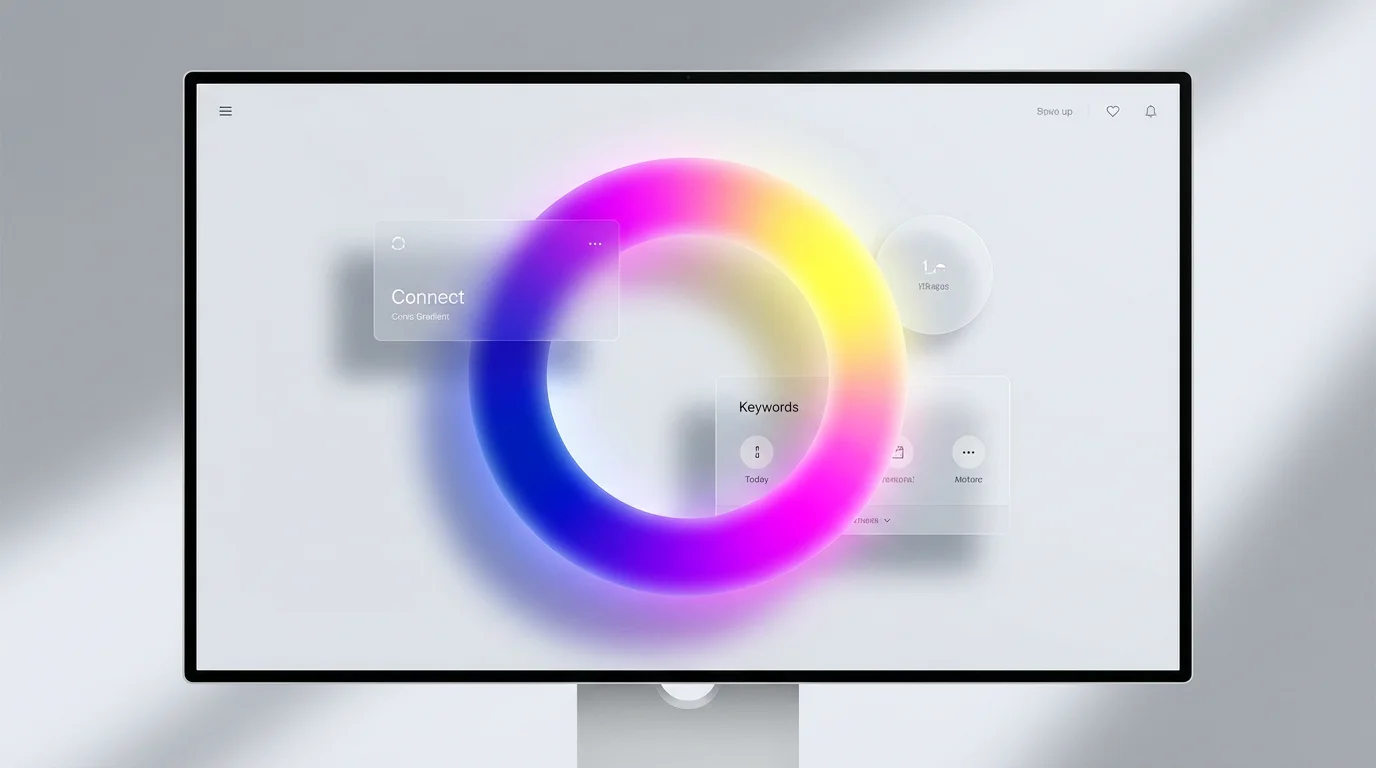
Start by writing a prompt describing the conic gradient you envision. Include colors, styles, and rotation. For instance, 'A conic gradient from pink to purple to blue'.
Click the generate button and our AI will interpret your prompt to create a unique conic gradient image for you in seconds.
Your high-resolution conic gradient is ready to be downloaded. Use it for your website background, app design, or any other creative project.
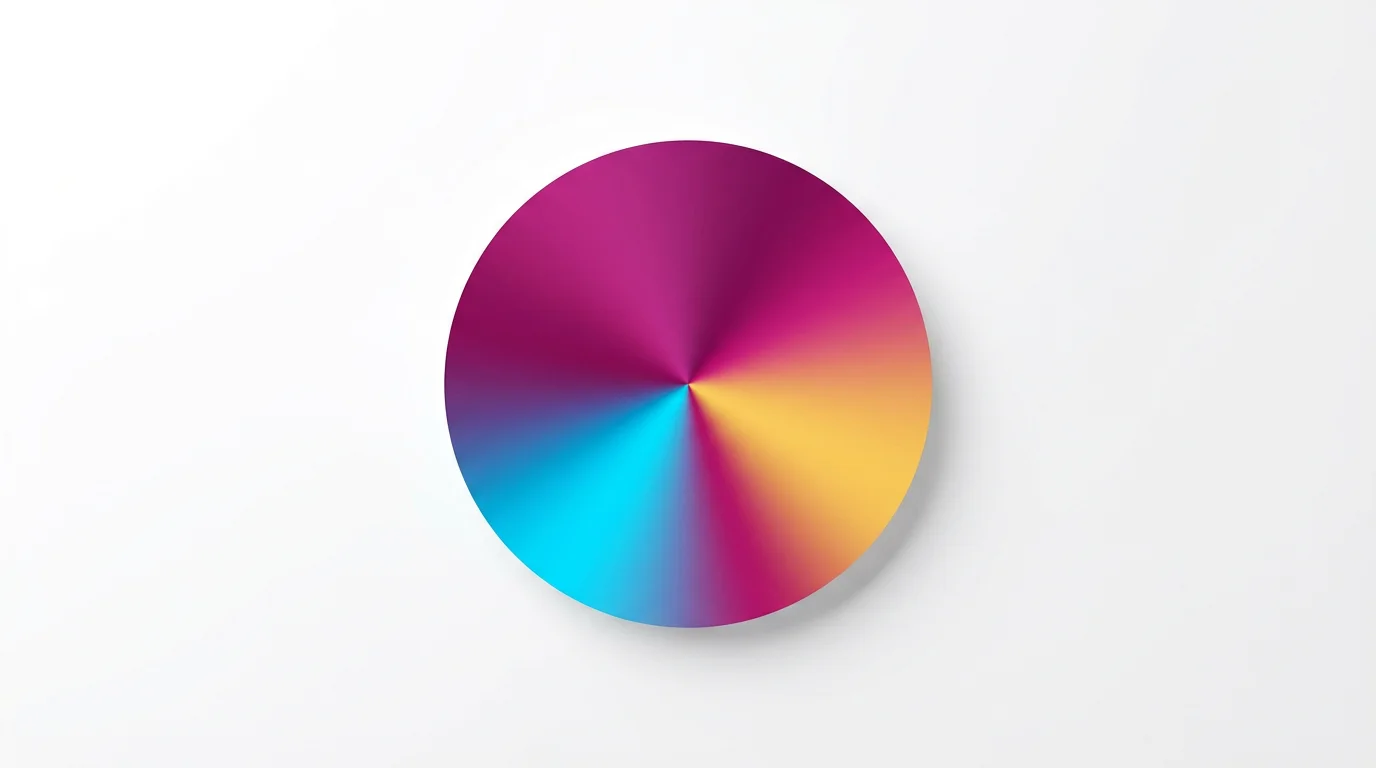
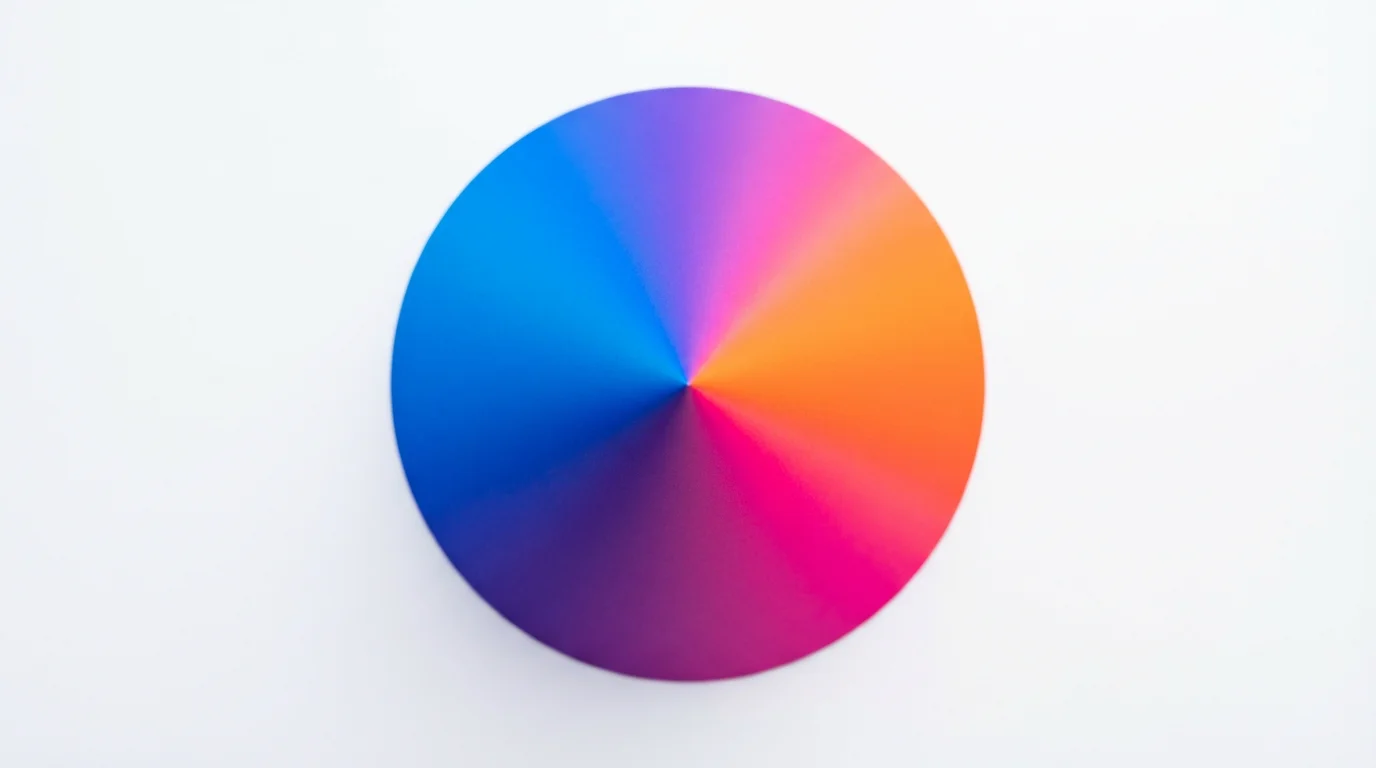
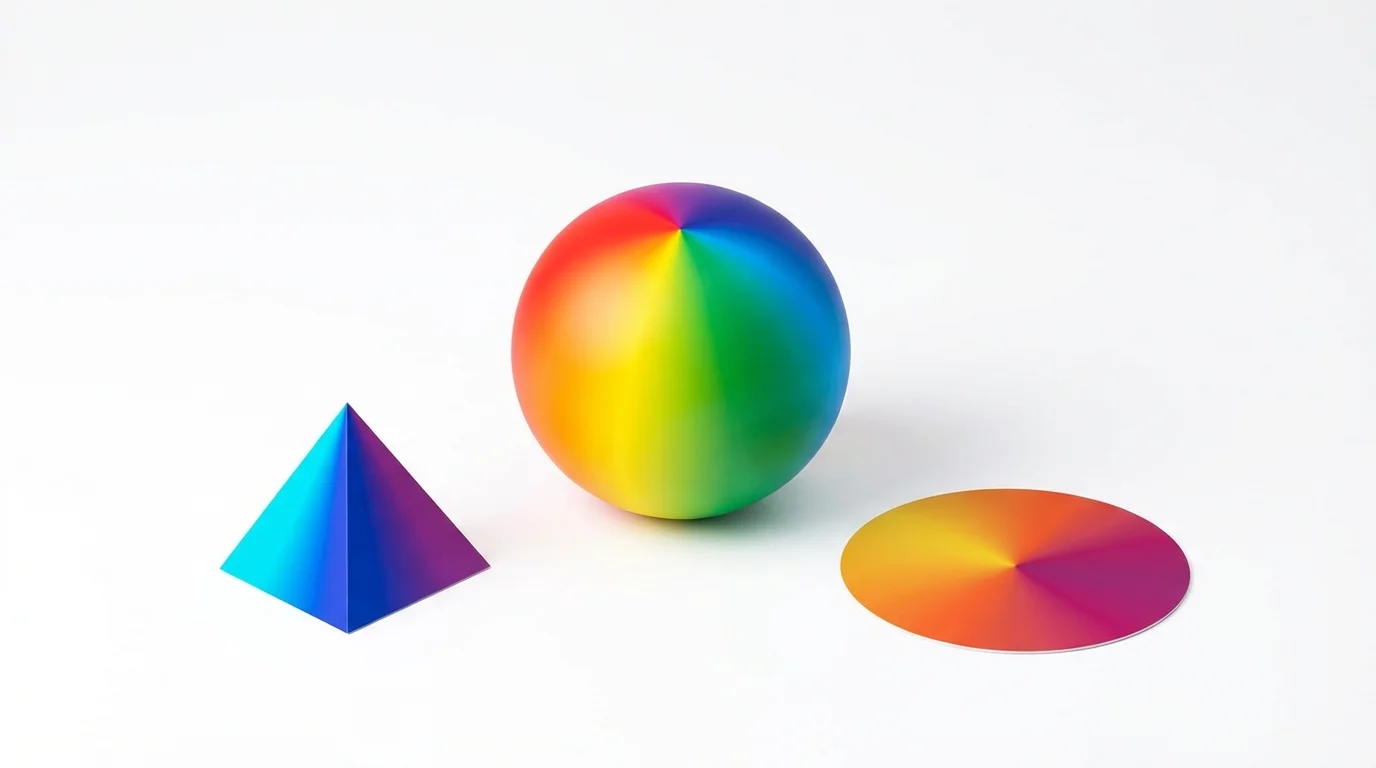
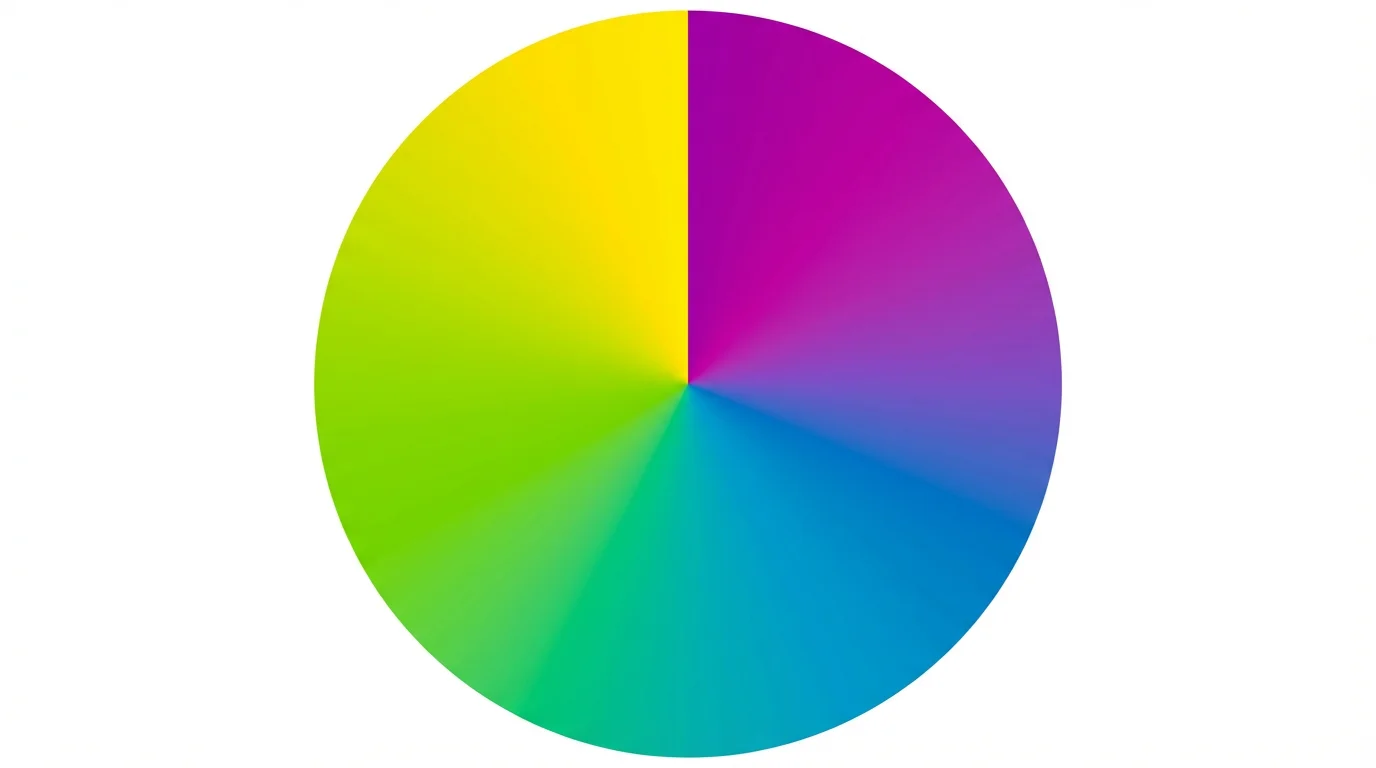
An AI conic gradient generator is a tool that uses artificial intelligence to create a circular gradient image from a text description. Unlike traditional CSS generators, you don't need to know code. You just describe the colors, their rotation, and the style, and the AI creates the visual for you.
A conic gradient transitions colors in a circular path around a central point, much like the hands of a clock. A radial gradient, on the other hand, radiates colors outward from the center in all directions, like a ripple in water.
To create a pie chart, describe a gradient with sharp color changes. In your prompt, specify the colors and the angle each one should occupy. For example, you could write 'a pie chart with red from 0 to 90 degrees, blue from 90 to 180 degrees, and green from 180 to 360 degrees' to create distinct sections.
No, you do not need any coding knowledge. This tool generates an image based on your text prompt, so you don't have to write any CSS. Simply describe the gradient you want to see.
Yes, you can influence the gradient's center in your description. By default, it's in the middle, but you can describe an off-center gradient in your prompt to create different visual effects.
You can download your generated conic gradients for free in PNG and JPEG formats. These images are high-resolution and ready for both digital and print use without any watermarks.
Great app, easy to use. Helps our small business save time and money to create different marketing materials professionally. Thank you.
I need a good background remover for my work and I've been through them all it feels like. This one is the best by far. It's so easy to use and the results always look amazing. Thank you Pixelcut!
It's amazingly easy and gives the perfect results for my bags and accessories. It looks like it was done by a professional photographer.