My favorite app
Great app, easy to use. Helps our small business save time and money to create different marketing materials professionally. Thank you.
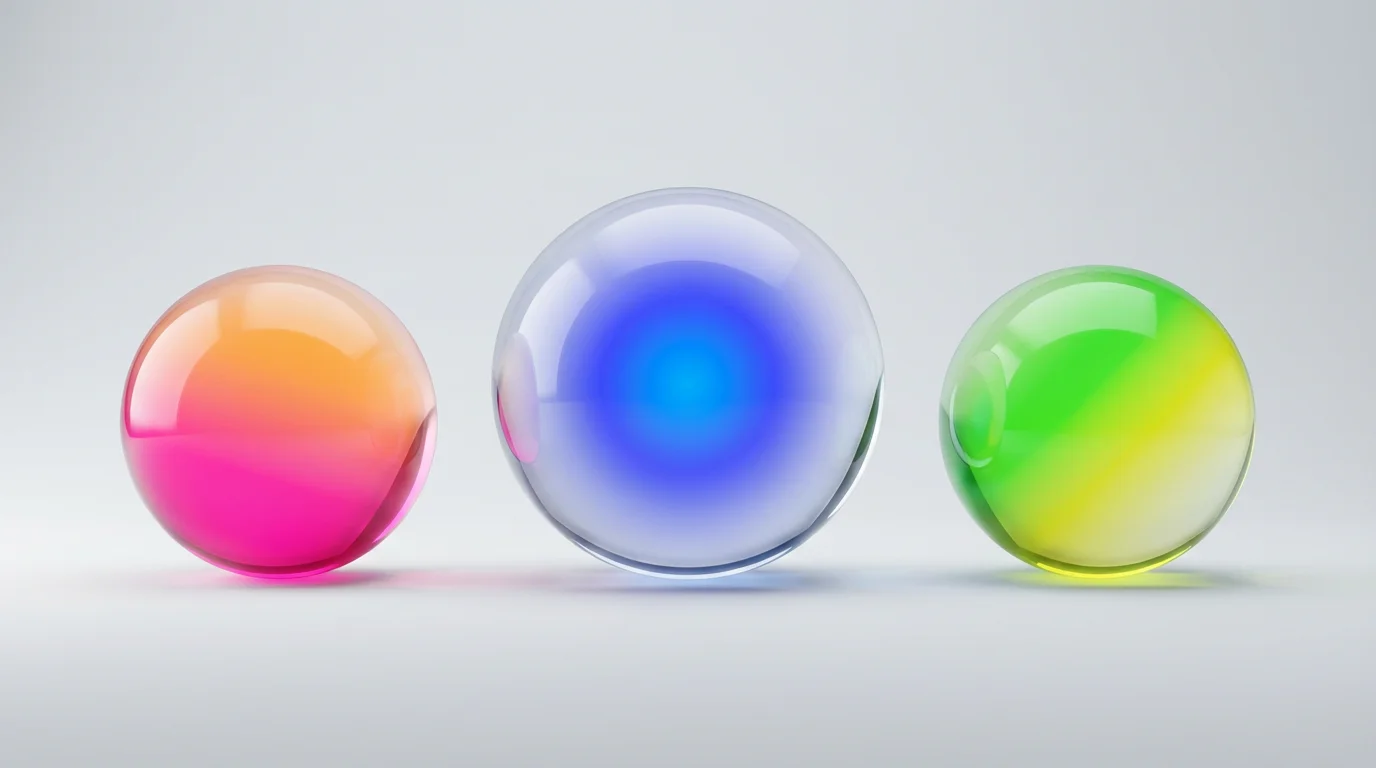
Start by typing a description of the gradient you want. Include the color, shape (linear or radial), and direction. For example, 'A linear gradient from top to bottom, fading from red to transparent'.
Click the generate button and our AI will create a unique, transparent gradient based on your prompt in just a few seconds.
Your high-resolution transparent gradient is ready to be downloaded as a PNG. Use it in your presentations, websites, or any other design project.
An AI transparent gradient generator is a tool that uses artificial intelligence to create a gradual blend between a color and full transparency based on a text prompt. You can describe the color, shape (like linear or radial), and direction, and the AI will generate a high-resolution image of that gradient for you.
Simply type your request into the prompt box. For example, you could write 'a linear gradient from blue to transparent' or 'a radial gradient fading from yellow to clear'. The AI will interpret your description and create the image. You can also upload a reference image if you have a specific style in mind.
A linear gradient creates a color transition in a straight line, for example, from top to bottom or left to right. A radial gradient progresses in a circular pattern, starting from a central point and fading outwards. You can specify which type you want in your prompt.
Yes, you can download the generated gradients as a transparent PNG file for free. This file type is ideal for layering the gradient over other images or backgrounds in your design projects. Pixelcut Pro users have additional format options like SVG.
Transparent gradients are very versatile. They can be used to soften the edges of photos, create modern website backgrounds, add a professional touch to presentation slides, or blend text and other elements into a design for a smoother look.
No, not at all. Our AI generator is designed for everyone. You don't need to write any code or use complex software. If you can describe the gradient you want, you can create it.
Great app, easy to use. Helps our small business save time and money to create different marketing materials professionally. Thank you.
I need a good background remover for my work and I've been through them all it feels like. This one is the best by far. It's so easy to use and the results always look amazing. Thank you Pixelcut!
It's amazingly easy and gives the perfect results for my bags and accessories. It looks like it was done by a professional photographer.