My favorite app
Great app, easy to use. Helps our small business save time and money to create different marketing materials professionally. Thank you.
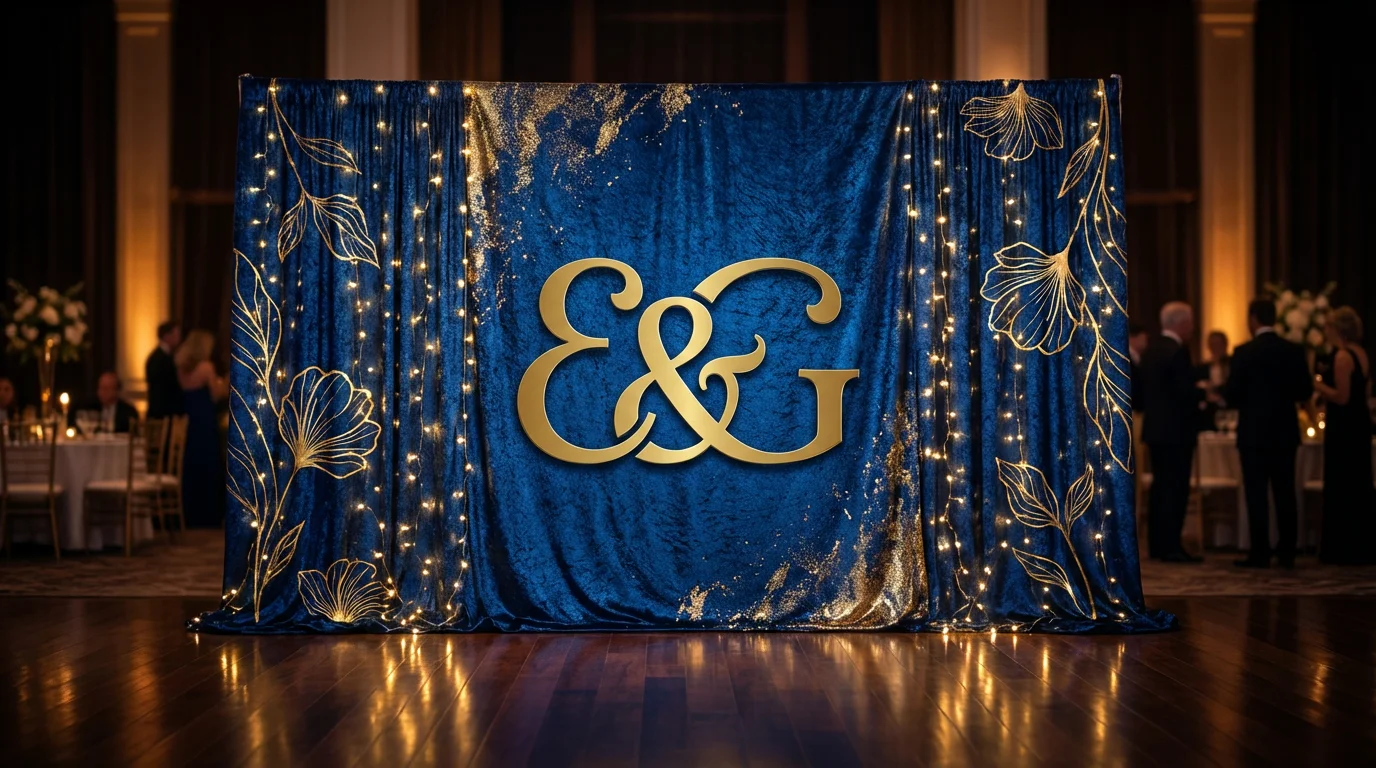
Start by uploading a photo of your event space or a specific logo you want to include in the design.
Describe your ideal backdrop. Include details like the event theme, colors, patterns, and any text you want to appear.
The AI will create a unique backdrop design based on your prompt and uploaded image. Feel free to adjust your prompt and regenerate.
Once you have the perfect design, download your high-resolution image. It’s ready for printing or digital use.
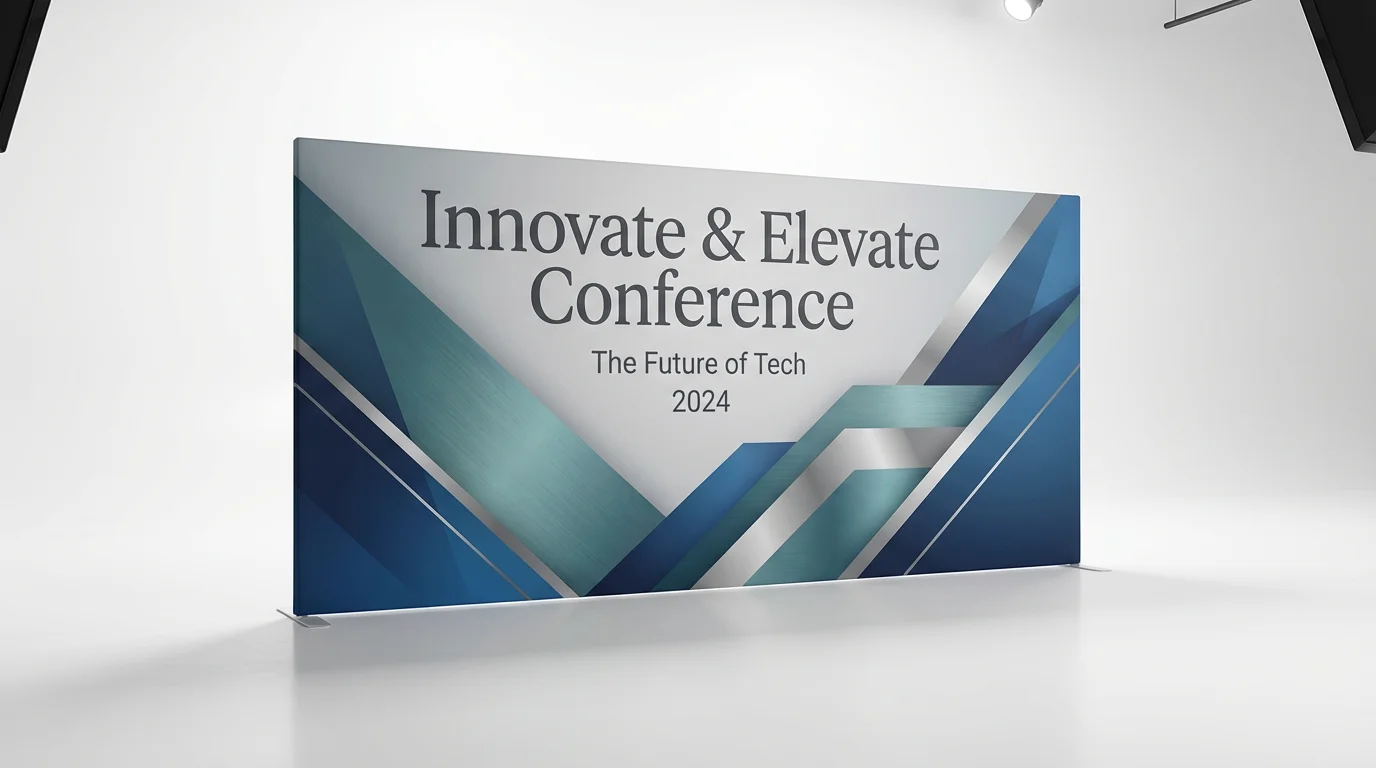
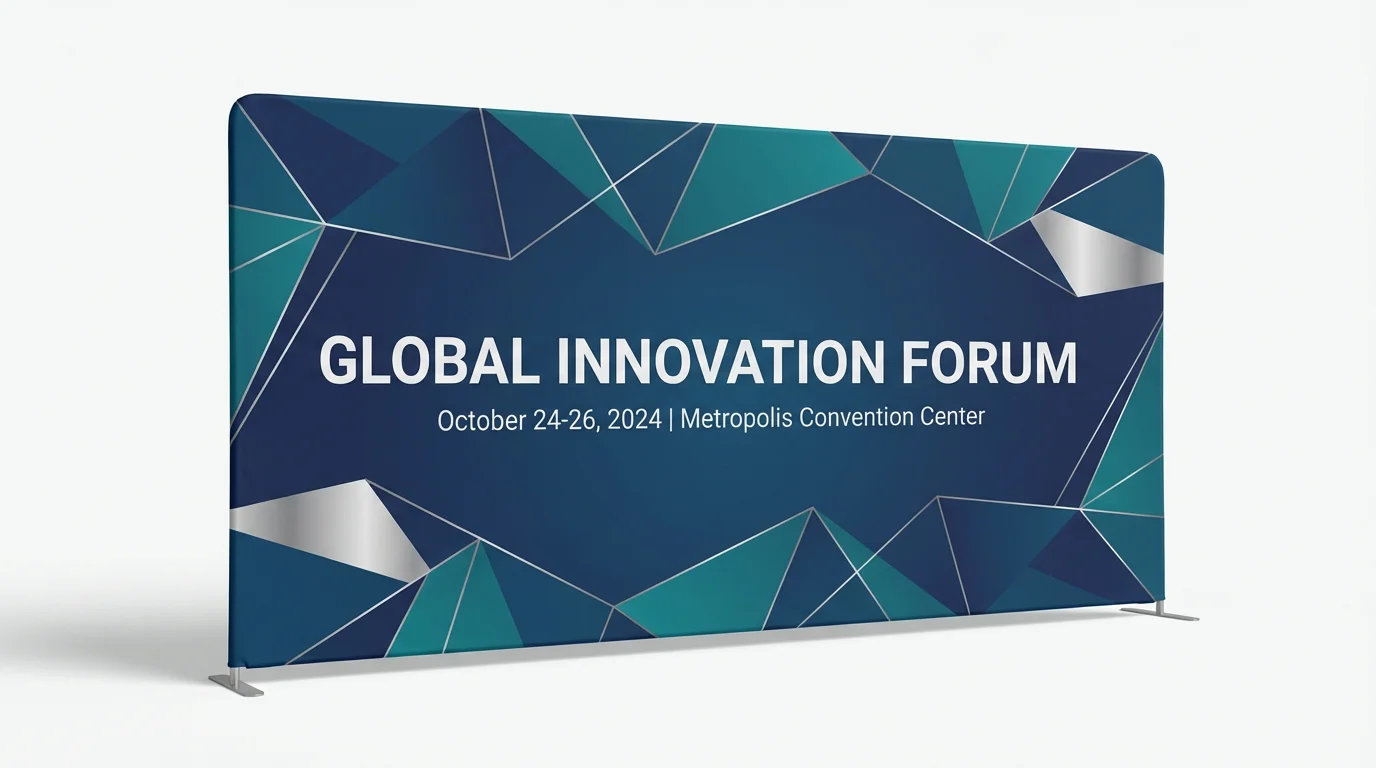
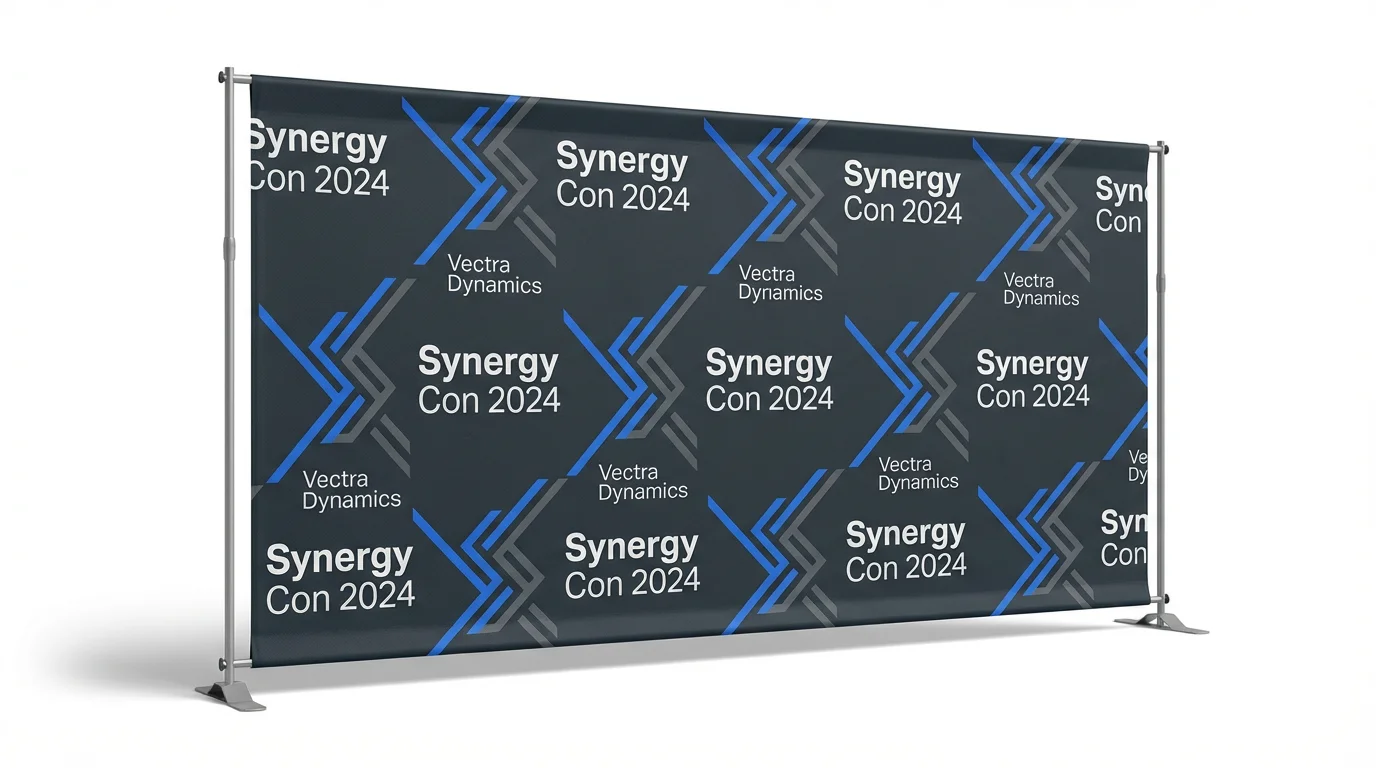
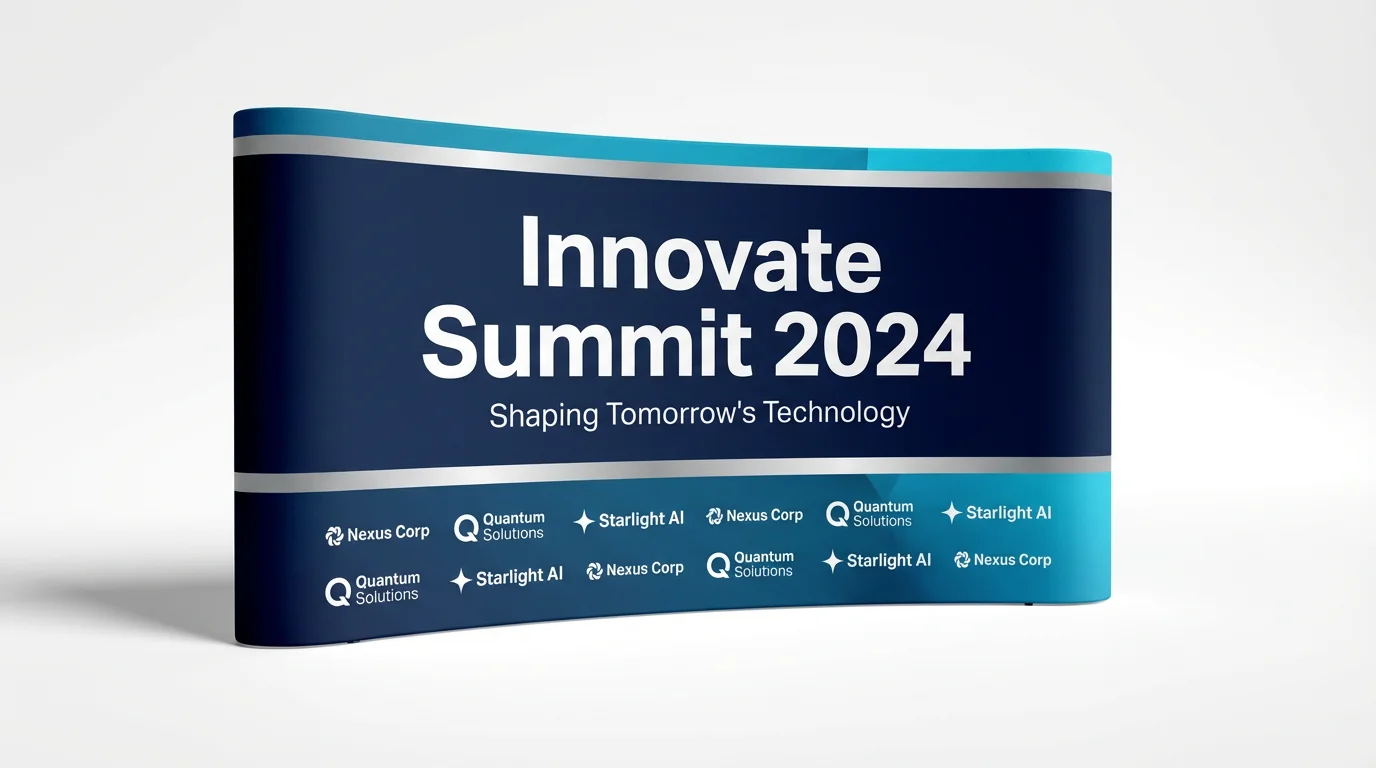
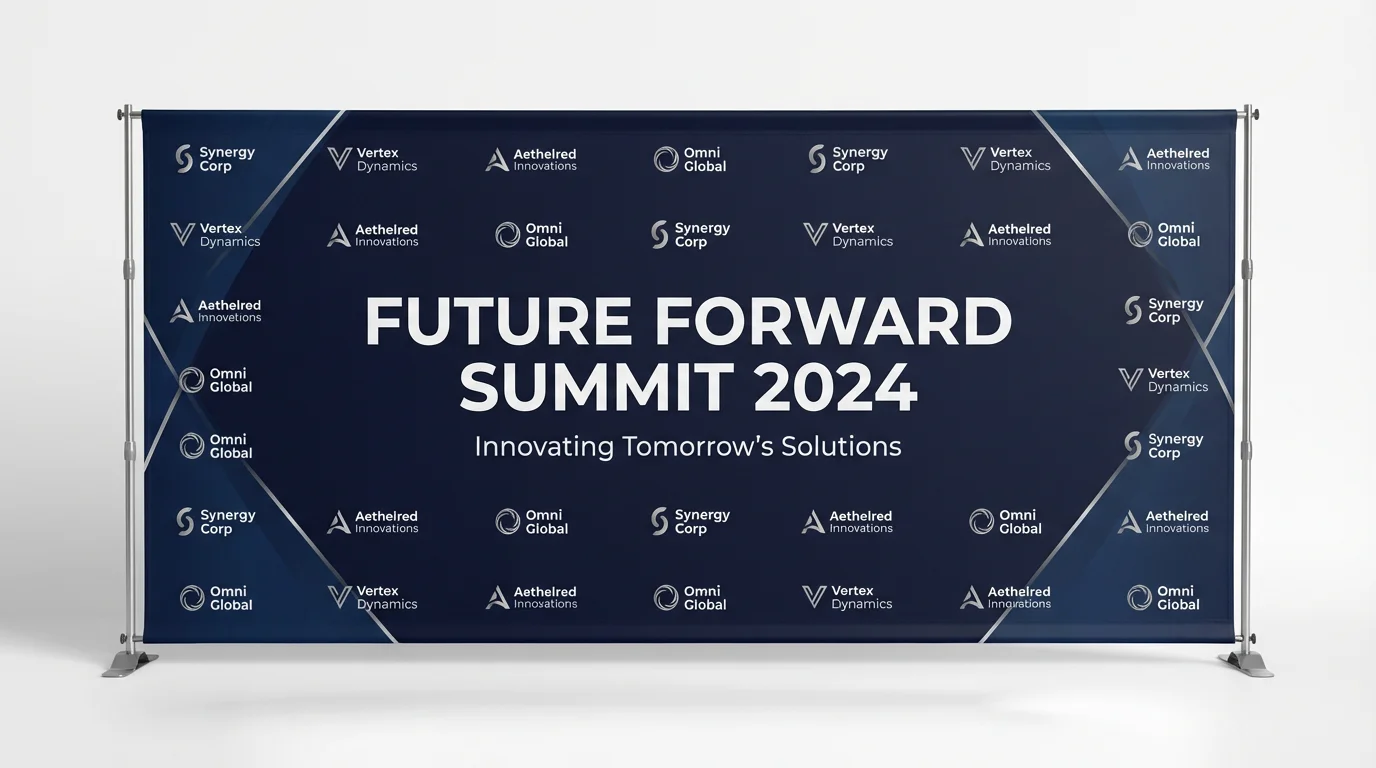
Yes, you can easily add your logo. Simply upload an image of your logo, and then use your text prompt to describe how you want it incorporated into the backdrop design, such as creating a step-and-repeat pattern.
You can create a backdrop for any theme imaginable. The AI can generate designs for weddings, corporate conferences, birthday parties, holidays, and more. Be descriptive in your prompt to match your theme, mentioning colors, styles, and specific elements like flowers or cityscapes.
No design skills are required. All you need is an idea. Simply type a description of the backdrop you want, and our AI will handle the entire design process for you.
Yes, for the best results, you can upload a photo of your event space. This allows the AI to generate a backdrop that fits realistically within your venue, helping you visualize the final setup.
You can download your high-resolution backdrop designs for free in PNG and JPEG formats. If you have a Pixelcut PRO account, you also have the option to download in SVG or WEBP formats.
While you can't manually edit the generated image, you can easily refine your text prompt and regenerate the design. Try adding more details or changing certain keywords to get closer to your desired look.
Great app, easy to use. Helps our small business save time and money to create different marketing materials professionally. Thank you.
I need a good background remover for my work and I've been through them all it feels like. This one is the best by far. It's so easy to use and the results always look amazing. Thank you Pixelcut!
It's amazingly easy and gives the perfect results for my bags and accessories. It looks like it was done by a professional photographer.