My favorite app
Great app, easy to use. Helps our small business save time and money to create different marketing materials professionally. Thank you.
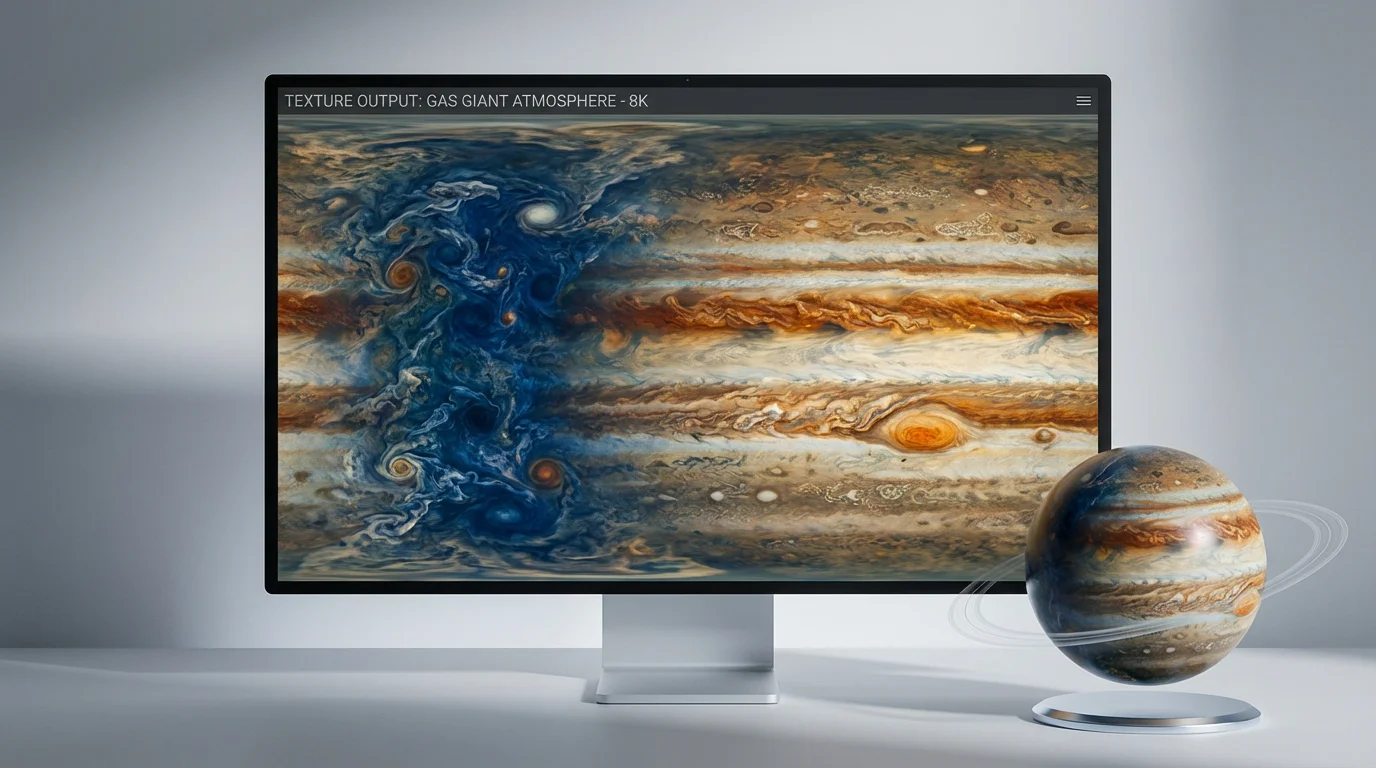
Start by writing a detailed text prompt. For example, 'A gas giant texture with soft pink and orange bands, with subtle white swirls and no large storms.'
Click the generate button and let the AI create a unique, seamless gas giant texture based on your description.
Your high-resolution planetary texture is ready. Download it as a PNG or JPG and apply it to your 3D model or use it in your digital art.
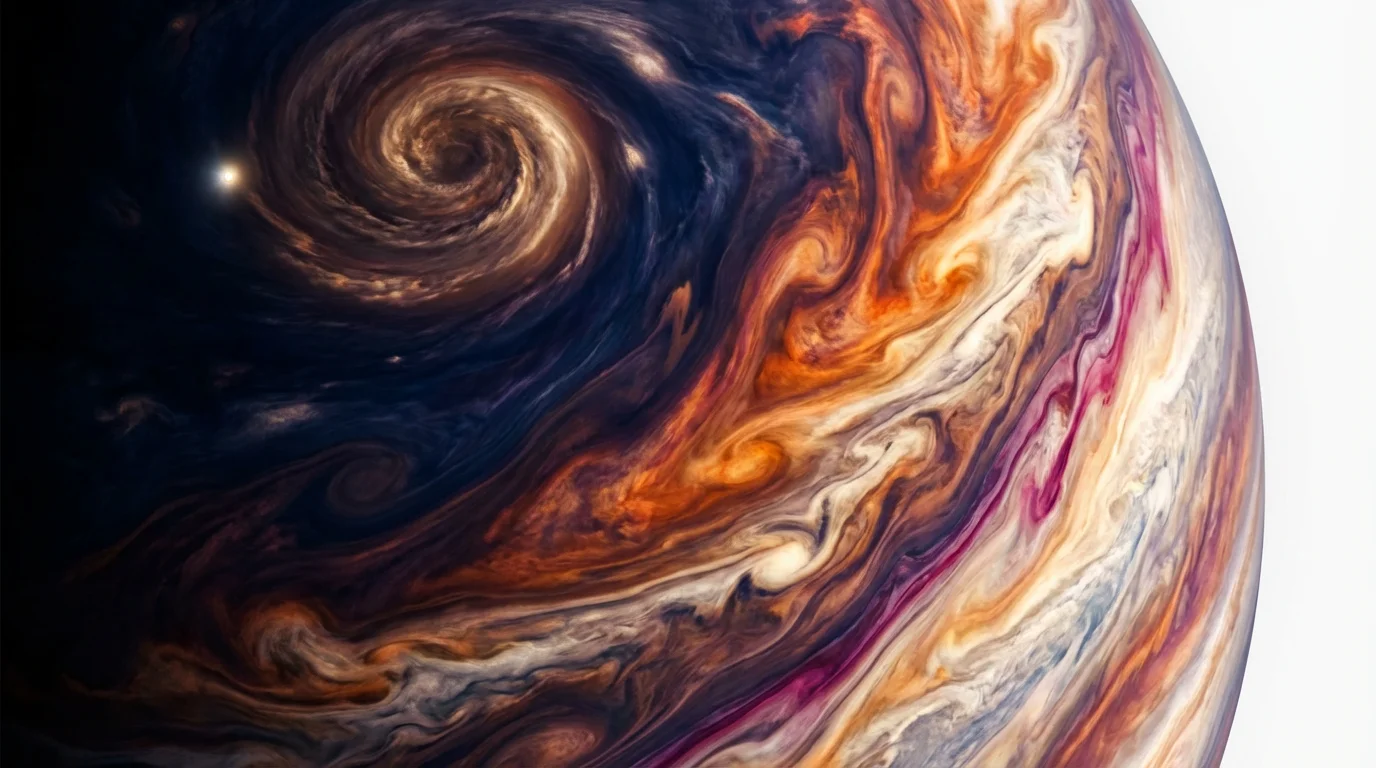
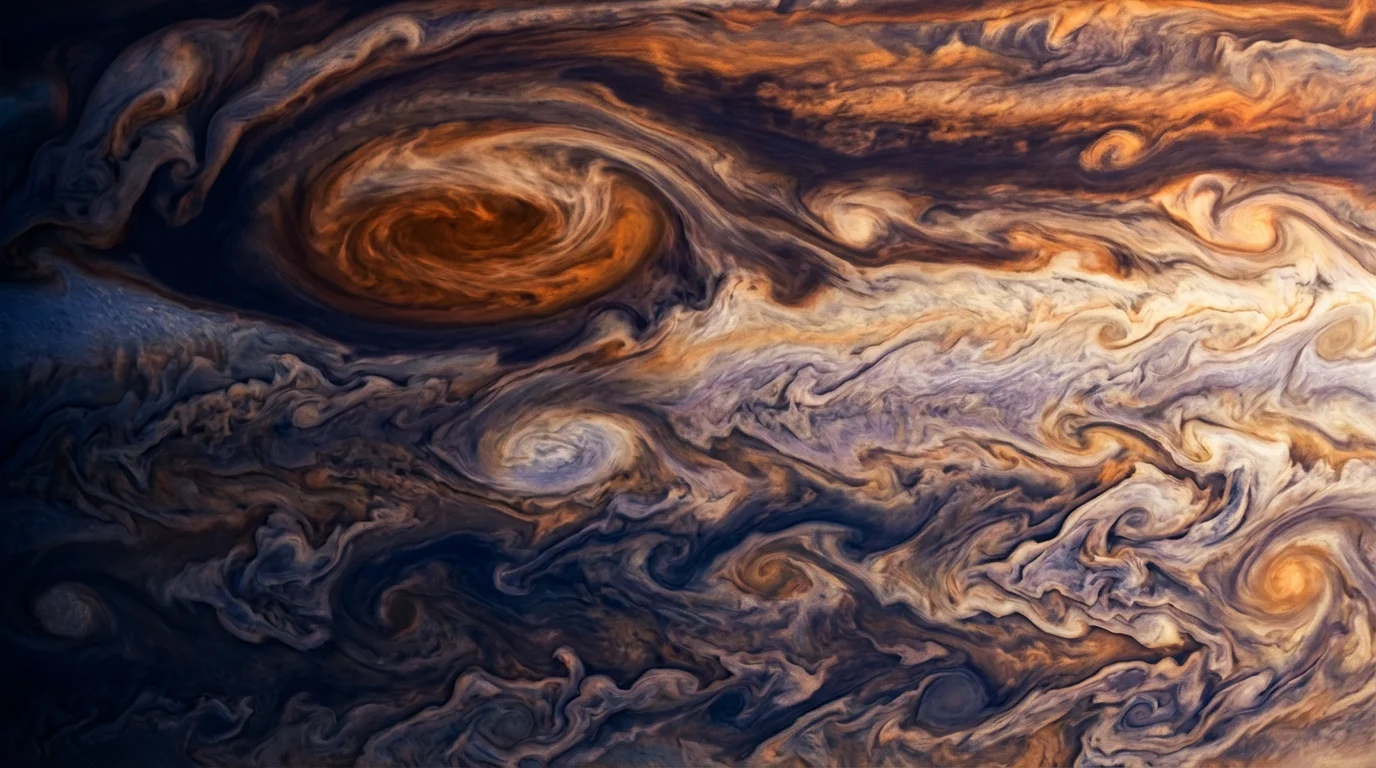
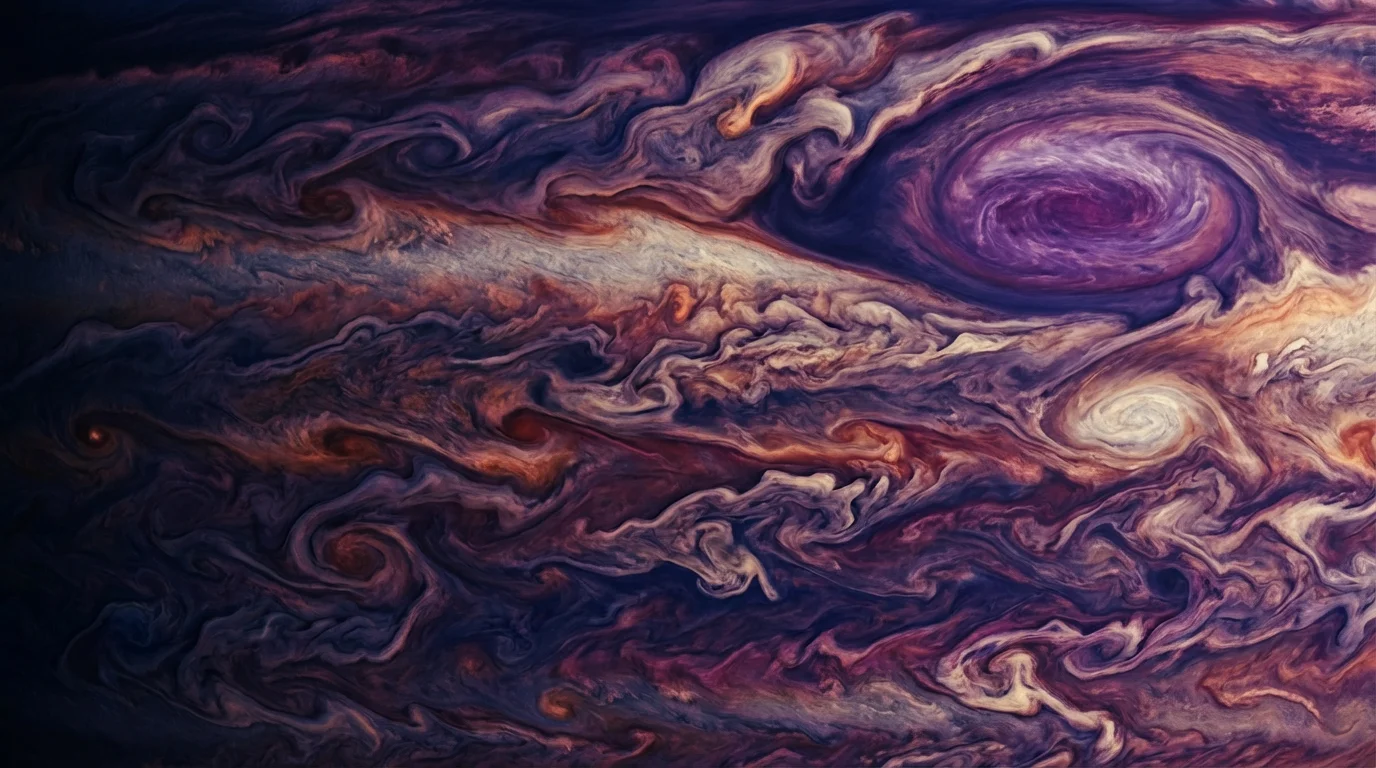
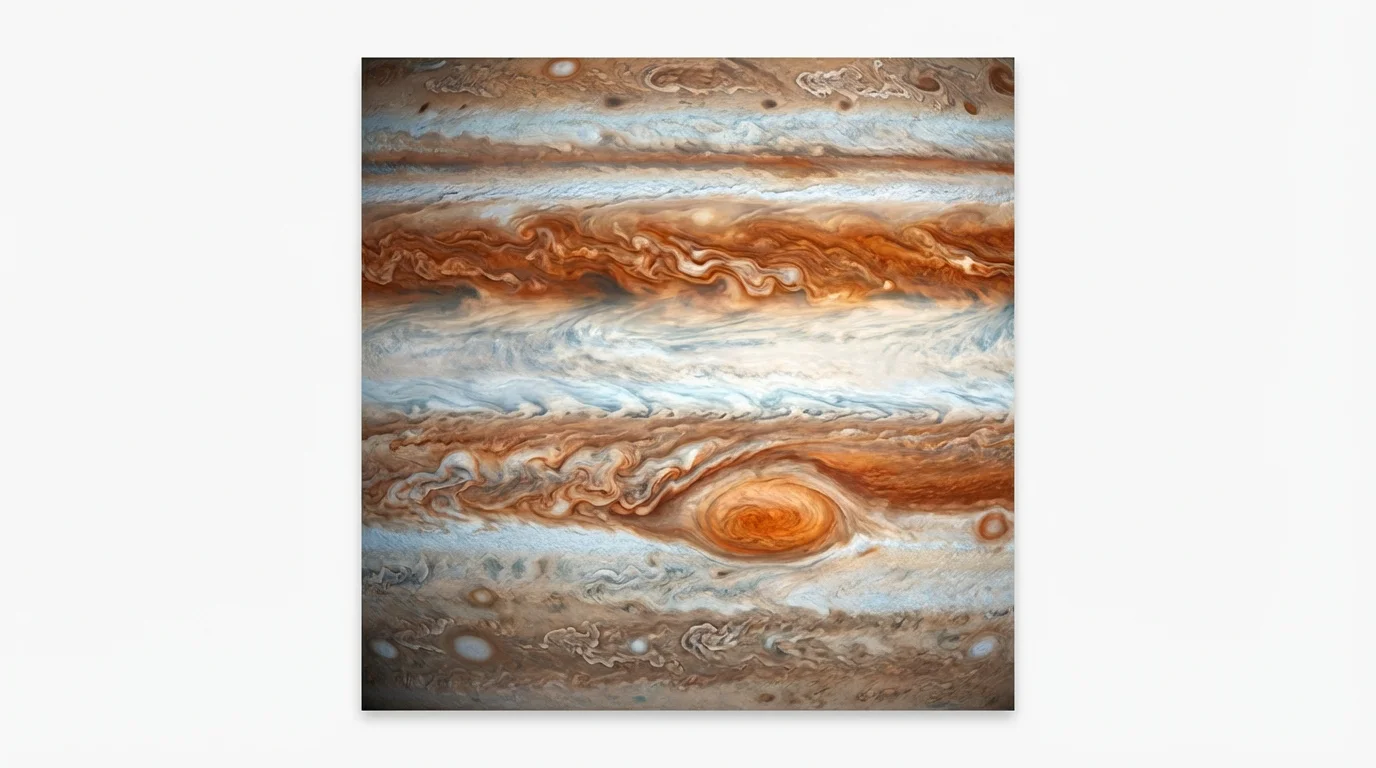
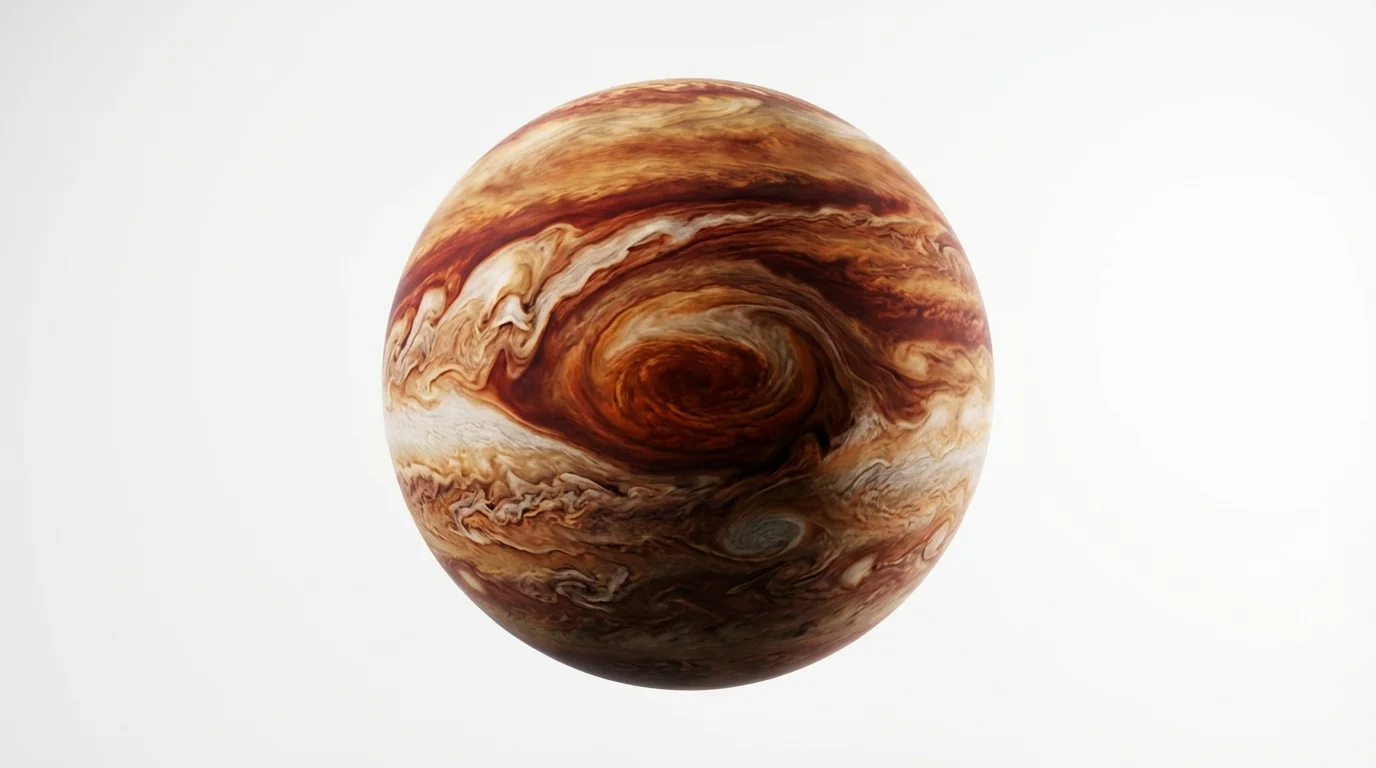
An AI gas giant texture generator is a tool that uses artificial intelligence to create seamless, tileable images of a gas giant's atmosphere from text descriptions. You can specify colors, cloud patterns, storms, and other features to produce a unique texture map for 3D models and other digital art.
To create a stormy look, use descriptive words in your prompt like 'turbulent atmosphere,' 'massive swirling cyclones,' 'dark storm spots,' and 'chaotic cloud bands.' The more detailed your description, the closer the AI can get to your vision.
Yes, the textures are generated to be seamless, which means they can be applied to a 3D sphere without visible seams, making them ideal for creating realistic planets in game engines and 3D rendering software.
All textures, whether for free or Pro users, are high-resolution and suitable for professional use in games, animations, and digital art. They are provided watermark-free.
Yes, you are free to use the textures you generate for both personal and commercial projects, such as in a video game, a movie, or for merchandise.
To add rings to your planet, you can include phrases like 'with faint, icy rings' or 'surrounded by prominent rocky rings' in your text prompt. The AI will interpret this and generate the planet with an accompanying ring system.
Great app, easy to use. Helps our small business save time and money to create different marketing materials professionally. Thank you.
I need a good background remover for my work and I've been through them all it feels like. This one is the best by far. It's so easy to use and the results always look amazing. Thank you Pixelcut!
It's amazingly easy and gives the perfect results for my bags and accessories. It looks like it was done by a professional photographer.