My favorite app
Great app, easy to use. Helps our small business save time and money to create different marketing materials professionally. Thank you.

Start by uploading a photo of the space where you plan to set up your backdrop, like a living room wall or an outdoor area.
Describe your ideal graduation backdrop. Include details like text, colors, and decorations for a more accurate design.
The AI will create a unique backdrop design based on your prompt, visualizing it in the context of your uploaded photo.
Download your high-resolution backdrop image for free. Use it as inspiration for a DIY project or to order a custom-printed banner.
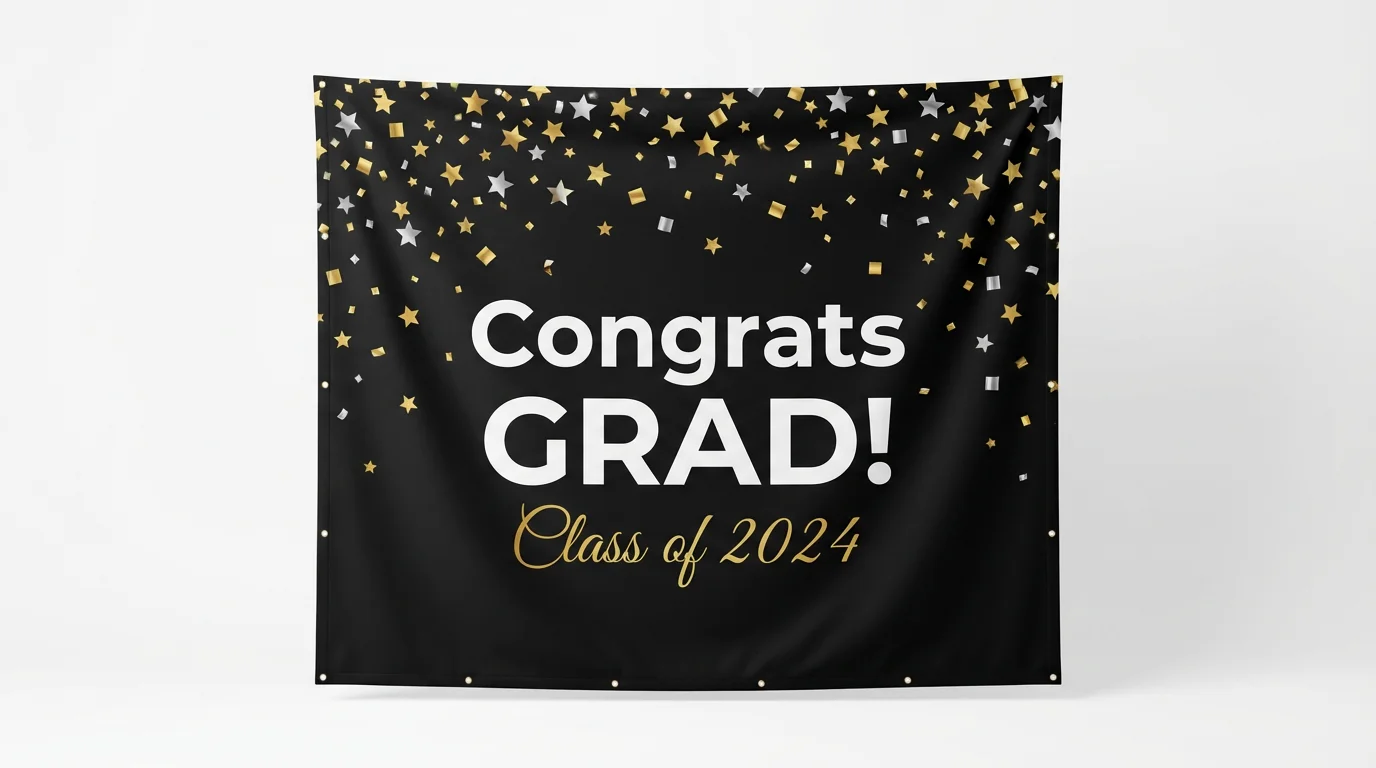
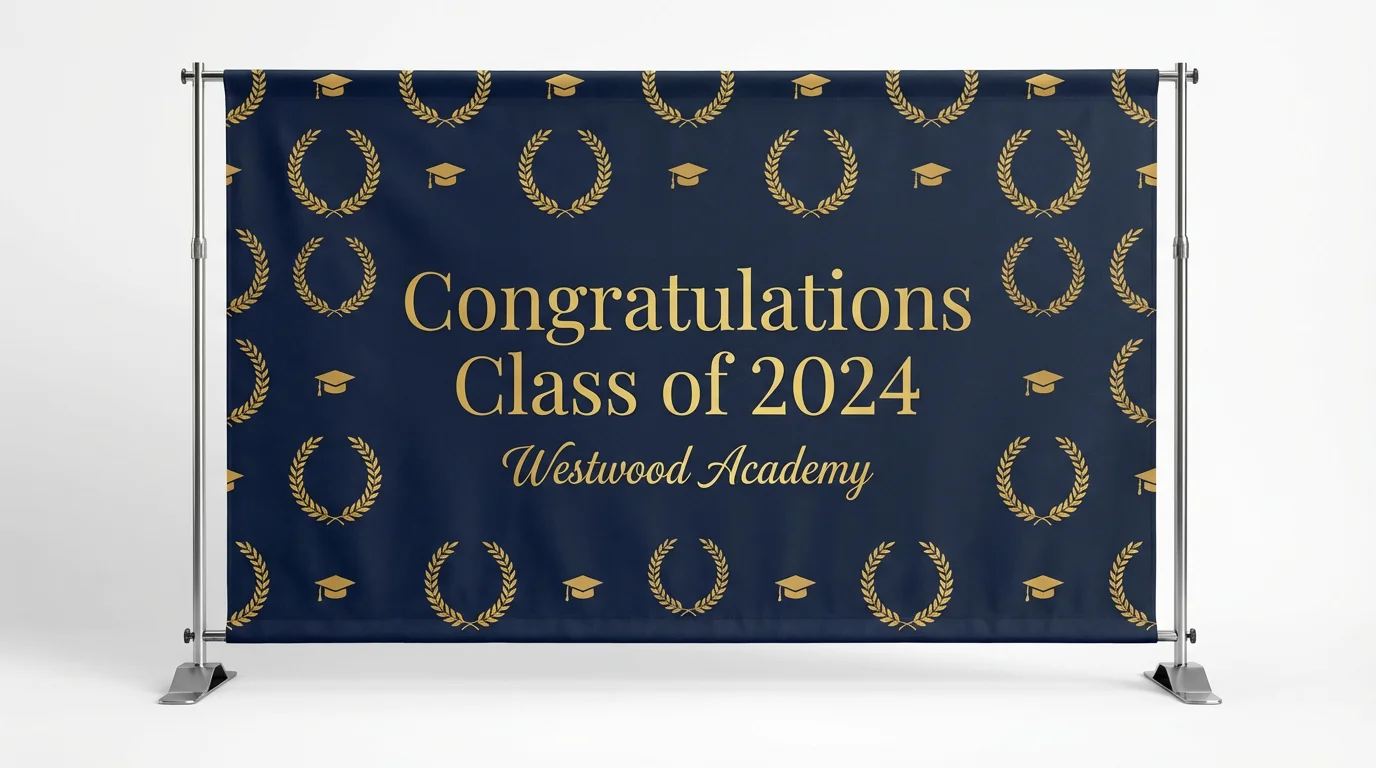
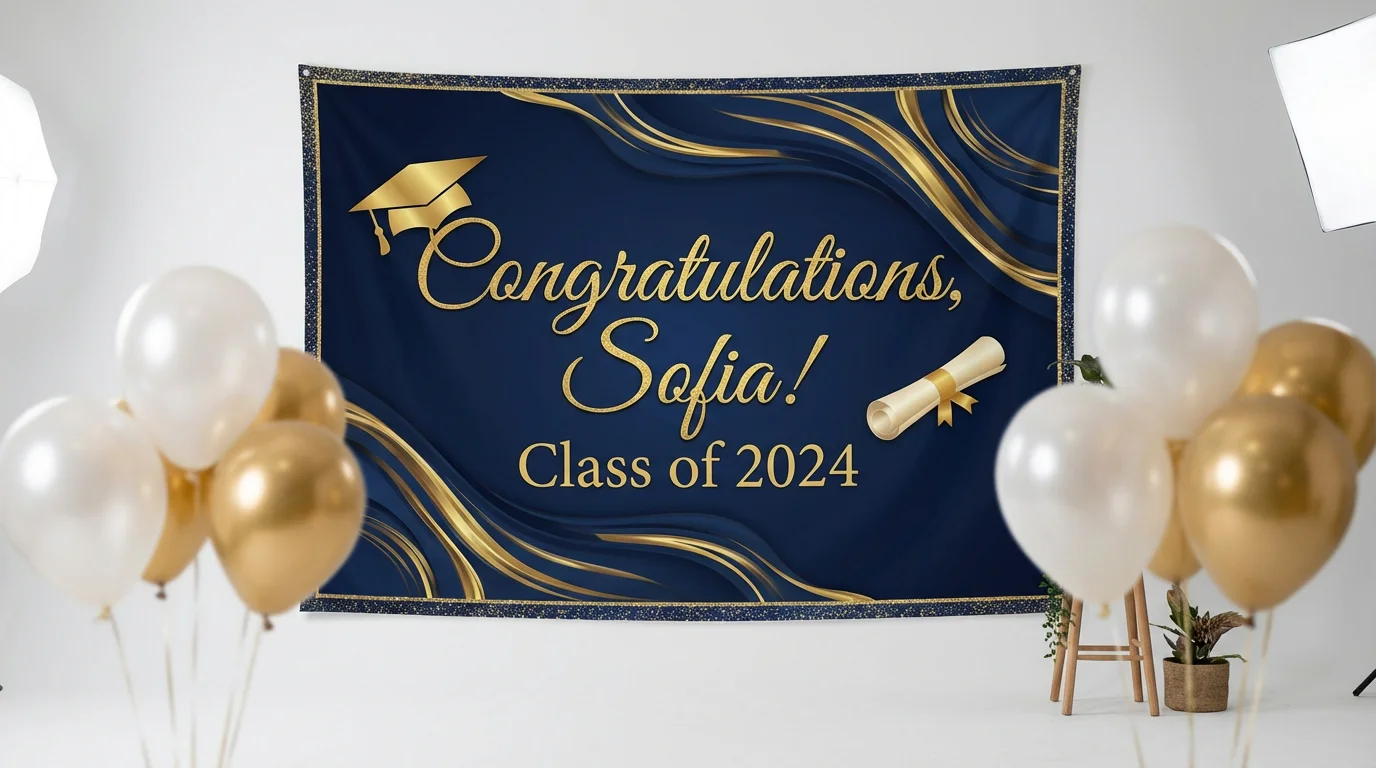
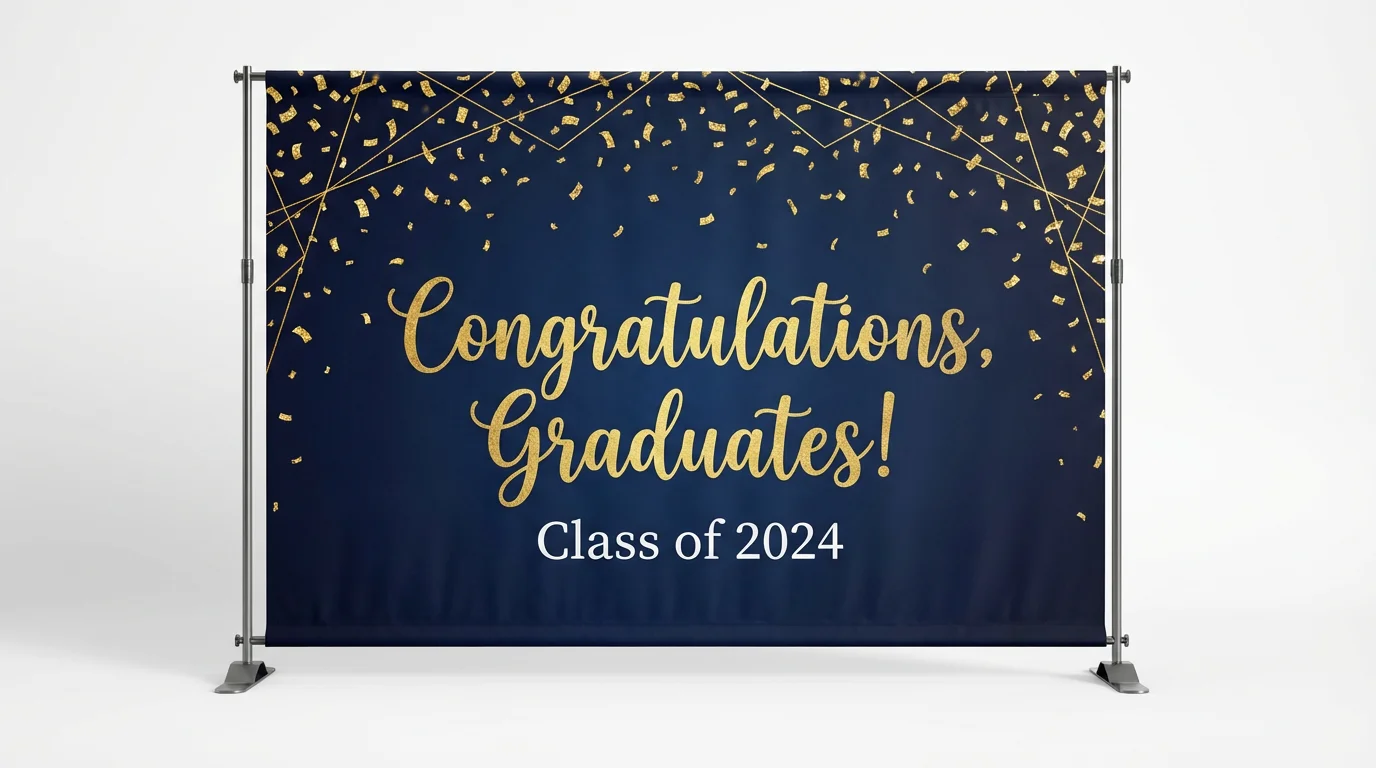
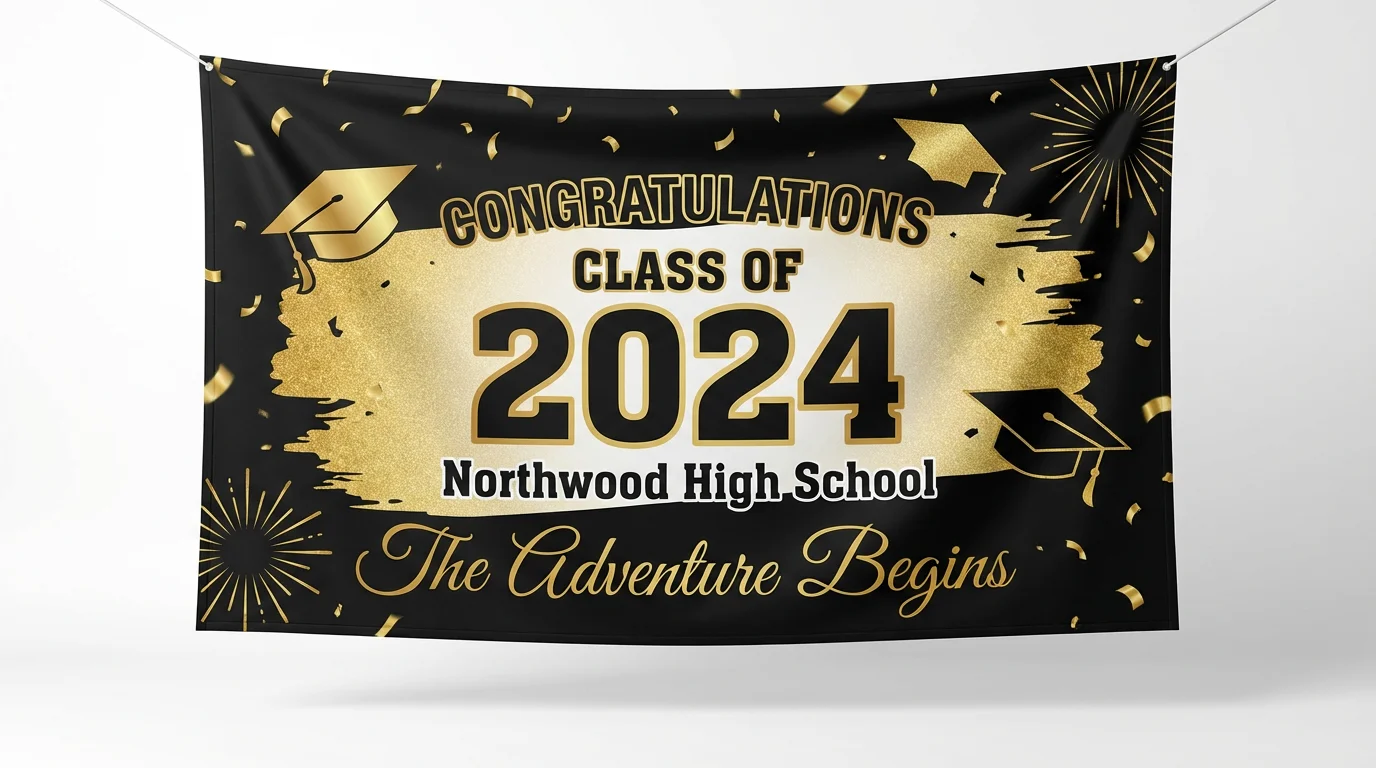
An AI graduation backdrop generator is a tool that uses artificial intelligence to create visual designs for party backdrops from text descriptions. You can describe elements like banners, colors, decorations, and text, and the AI will produce a unique image of your desired backdrop.
To create a personalized backdrop, simply type a detailed prompt describing what you want. Include the graduate's name, school colors, graduation year, and any specific themes or symbols you'd like to see. For example: 'A backdrop for 'Congrats, Alex!' Class of 2025, with green and white balloons and a law school theme.'
Yes, you can. After uploading a photo of your venue, such as your backyard or living room, the AI can generate the backdrop design within that image. This helps you visualize the final result and make adjustments to your prompt as needed.
You can include a wide variety of elements in your prompt. Think about text for banners, balloon colors and arrangements, floral decorations, glitter or confetti effects, string lights, and thematic props related to the graduate's field of study.
No design experience is necessary. The tool is built for everyone. All you need is an idea and the ability to describe it in words. The AI handles the entire design process, turning your prompt into a visual concept.
You can use the high-resolution design as a reference to build your own DIY backdrop, send it to a professional printer to create a physical banner, or use it as a virtual background for online celebrations. All downloads are watermark-free.
Great app, easy to use. Helps our small business save time and money to create different marketing materials professionally. Thank you.
I need a good background remover for my work and I've been through them all it feels like. This one is the best by far. It's so easy to use and the results always look amazing. Thank you Pixelcut!
It's amazingly easy and gives the perfect results for my bags and accessories. It looks like it was done by a professional photographer.