Pixelcut
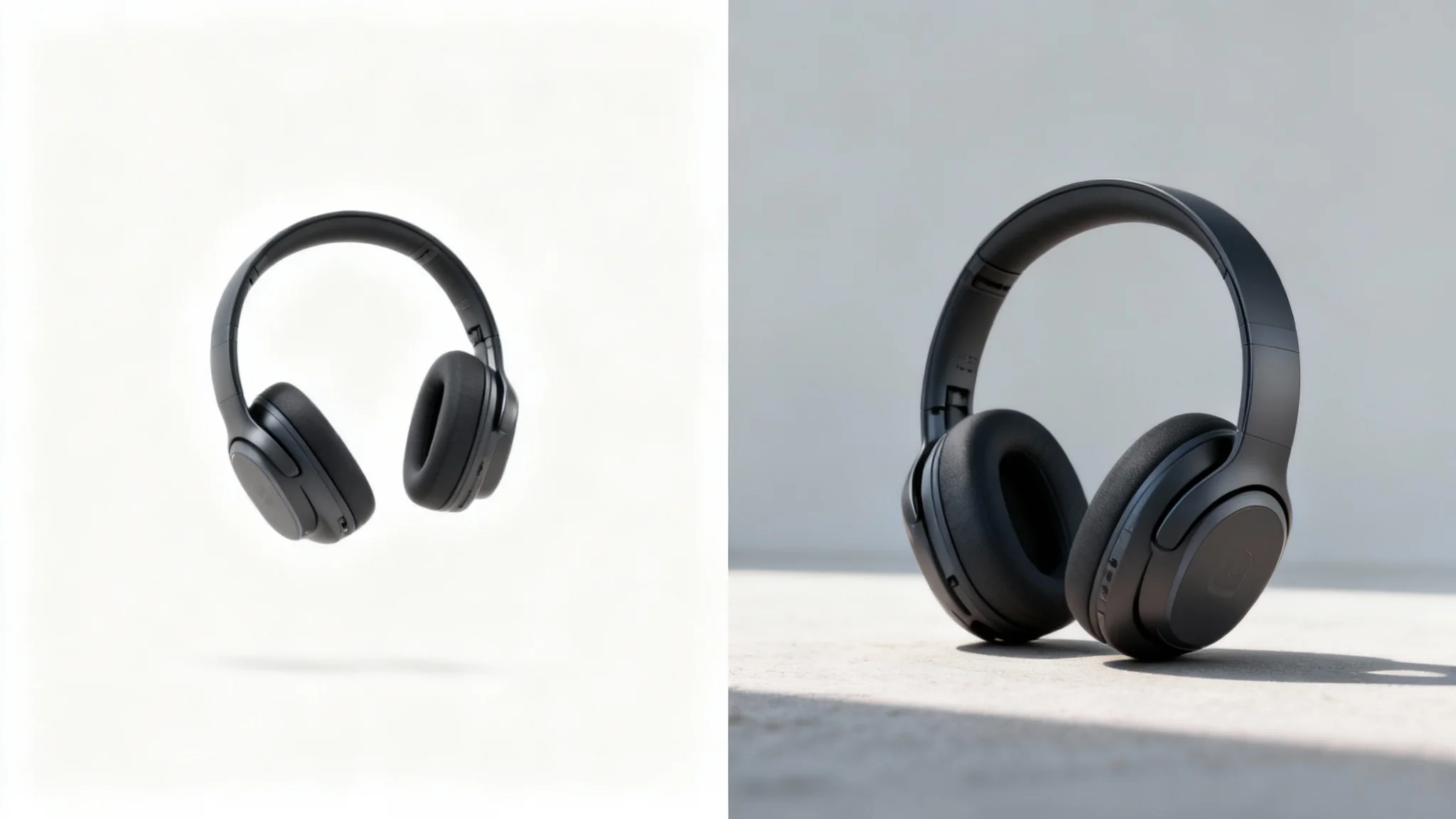
A split-screen comparison showing a product photo before and after adding a shadow. On the left, a headphone looks flat. On the right, the same headphone has a realistic shadow, making it look grounded and professional.

AI Ground Shadow PNG Generator

Trusted by 70 million people
171,800 Reviews
Developer API
Available on iPhone & Android

How to Add a Ground Shadow to Your Image

  1. 1

    Upload your image

    Start by uploading the image you want to edit. For best results, use a photo with a clearly defined object.

  2. 2

    Enter your prompt

    In the text box, describe the edit you want. For example, simply type "add a realistic ground shadow".

  3. 3

    Generate your shadow

    Click the generate button and let our AI create a natural-looking shadow for your object in just a few seconds.

  4. 4

    Download your image

    Your new, enhanced image is ready. Download the high-resolution PNG file to use for your website, social media, or marketing materials.

Say goodbye to flat, unconvincing product shots. Our AI shadow generator is designed to create shadows that mimic real-world lighting. It intelligently adds soft-edged ground shadows that give your object a sense of place and dimension. By analyzing your product, the AI generates a natural-looking shadow that adds depth, making your items appear grounded and more appealing to customers. This process elevates your images, giving them a professional quality that was once only achievable through complex editing software.

Create Shadows with Lifelike Realism

A photorealistic image of a red sphere floating above a white surface, casting a soft, realistic shadow.
Stop spending hours manually creating shadows in complicated design programs. With our tool, you can add a perfect ground shadow to your product photos in a matter of seconds. Simply upload your image, and our AI does the heavy lifting. This allows you to create a consistent, professional look across your entire product catalog with minimal effort. Whether you're preparing images for your online store, a marketing campaign, or social media, you can get high-quality results fast and focus on growing your business.

Accelerate Your E-commerce Workflow

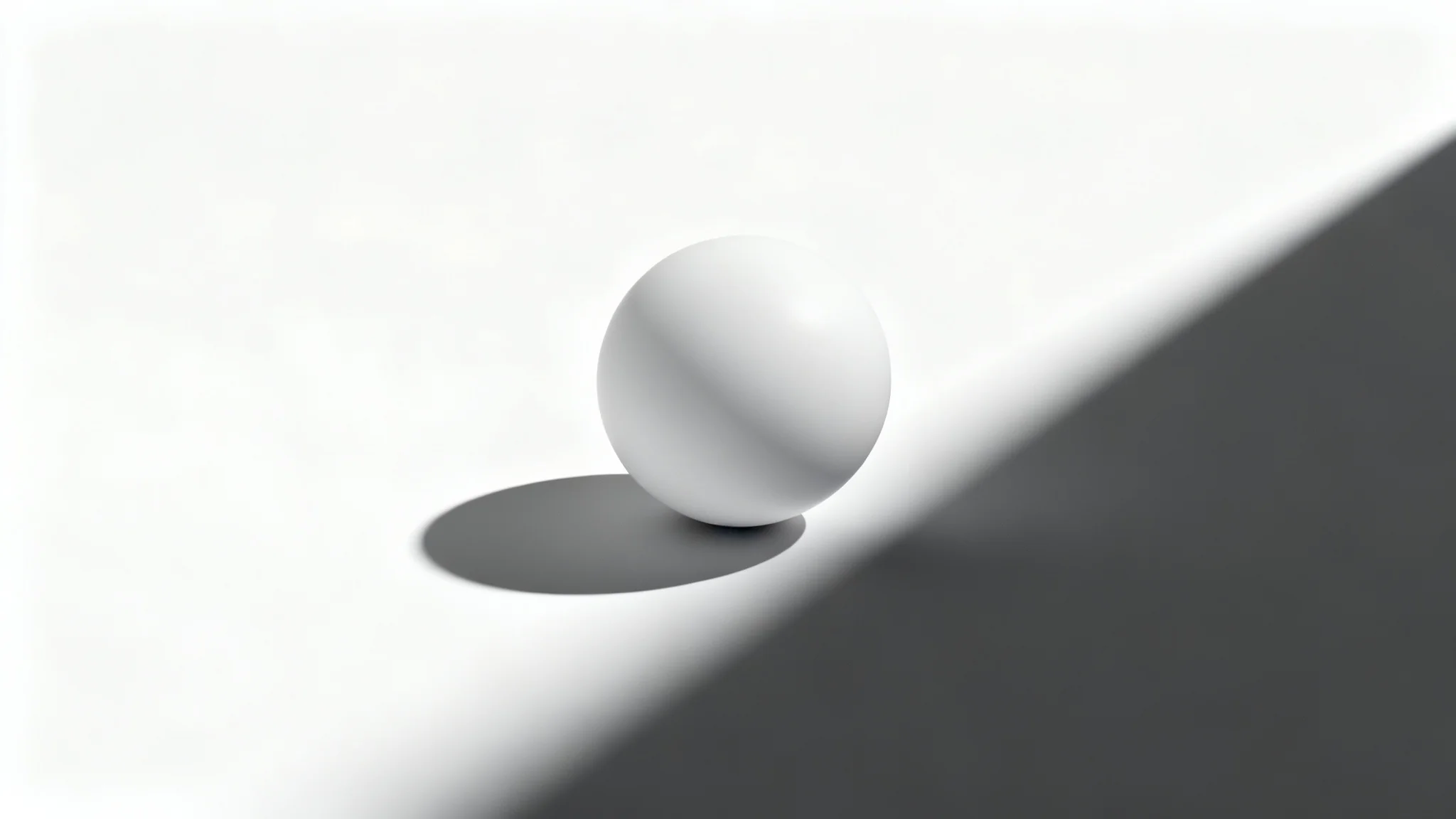
A modern white sphere on a white surface, casting a long, sharp, and dramatic shadow, illustrating the effect of adding a shadow to an object.
A realistic shadow can make all the difference in how customers perceive your products. Adding a ground shadow makes your items pop and separates them from the background, creating a more professional and trustworthy presentation. This simple addition adds a three-dimensional effect, making your products look more tangible and desirable. High-quality visuals are proven to increase customer engagement and can lead to higher conversion rates for your e-commerce store. Give your products the professional touch they deserve.

Enhance Product Appeal and Boost Sales

A photorealistic image of a single red apple on a white background, casting a sharp, clean shadow to its left, illustrating the 'add shadow' effect.
It’s Instant: Go from a flat image to a dynamic product photo in seconds. It’s Realistic: Our AI is trained to produce natural, soft shadows that add depth and professionalism. It’s Effortless: No design skills or complex software needed. Upload your photo and let the AI handle the rest. It’s Built for Commerce: Create a uniform, high-quality look for all your product listings to build a strong brand identity. It’s Free to Try: Experiment with adding shadows to your images and see the difference it makes.

Why use Pixelcut's AI Ground Shadow Generator?

A red sphere hovering over a white surface, casting a distinct and soft shadow, illustrating an add shadow effect.
E-commerce Product Listings: Make your products stand out on platforms like Amazon, Shopify, and Etsy with professional, consistent visuals. Marketing and Advertising: Create eye-catching promotional materials, from social media ads to website banners, that feature realistic product mockups. Digital Art and Composites: Add depth and realism to your artistic creations by grounding objects and characters within their scenes. Furniture and Home Goods Visualization: Show customers how furniture or decor will look in a room by adding realistic shadows.

Ground Shadow Use Cases

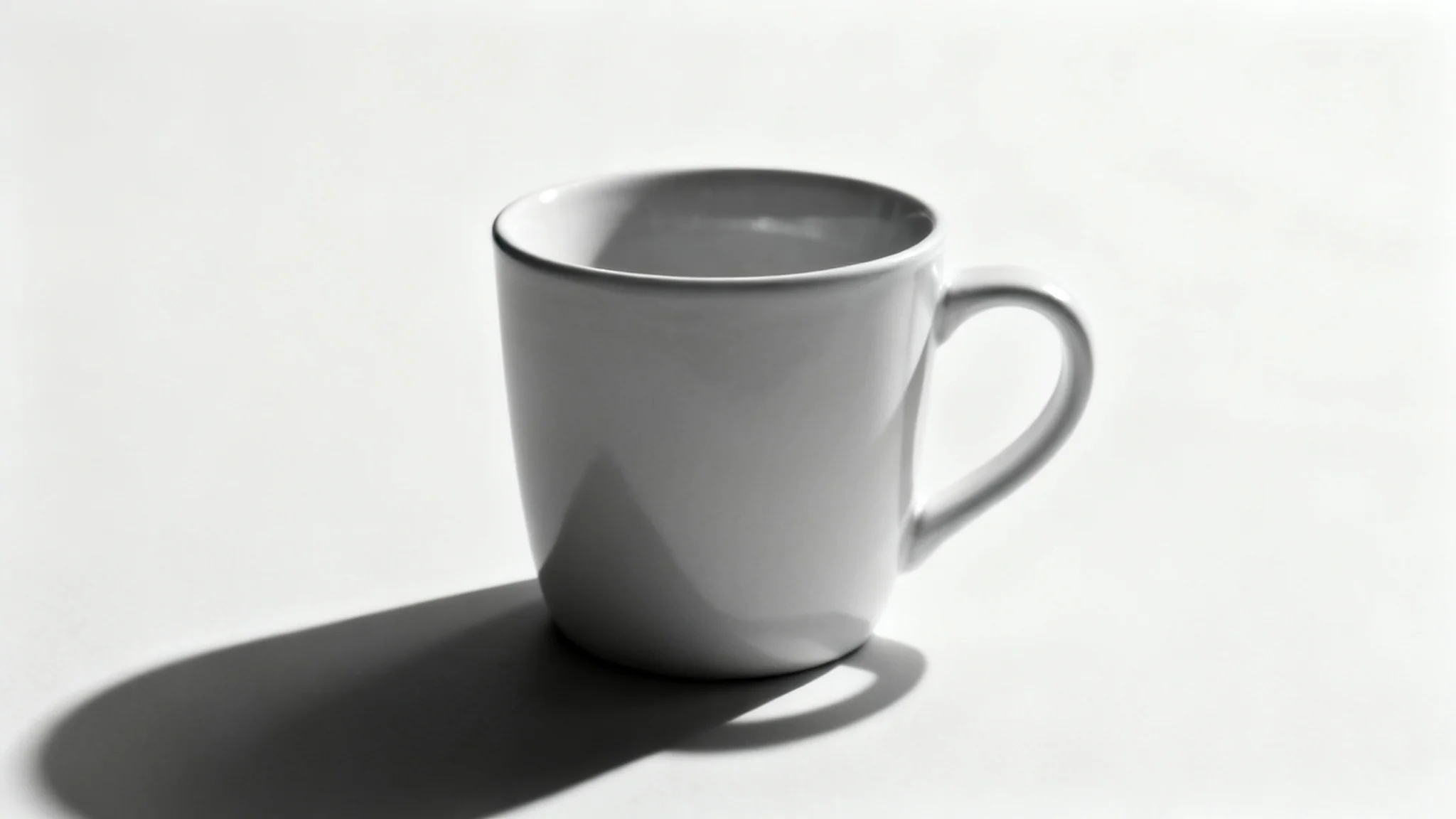
A photorealistic image of a ceramic mug on a white background, casting a soft, realistic shadow that makes it look three-dimensional.

Frequently Asked Questions

Pixelcut is loved by over 2 million people

  • My favorite app

    Great app, easy to use. Helps our small business save time and money to create different marketing materials professionally. Thank you.
    Shaelyn D.
  • Best background remover

    I need a good background remover for my work and I've been through them all it feels like. This one is the best by far. It's so easy to use and the results always look amazing. Thank you Pixelcut!
    Kira H.
  • Love it

    It's amazingly easy and gives the perfect results for my bags and accessories. It looks like it was done by a professional photographer.
    Mary J.