Pixelcut
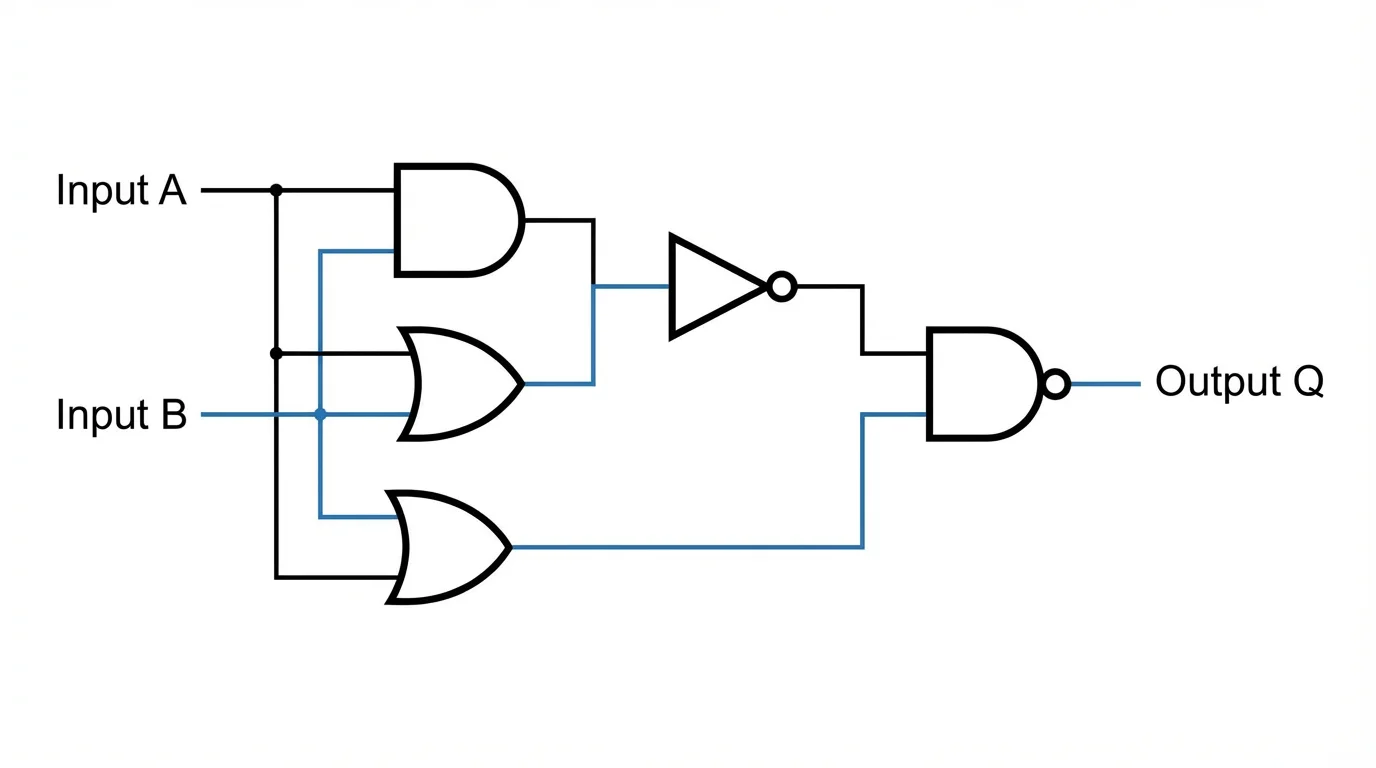
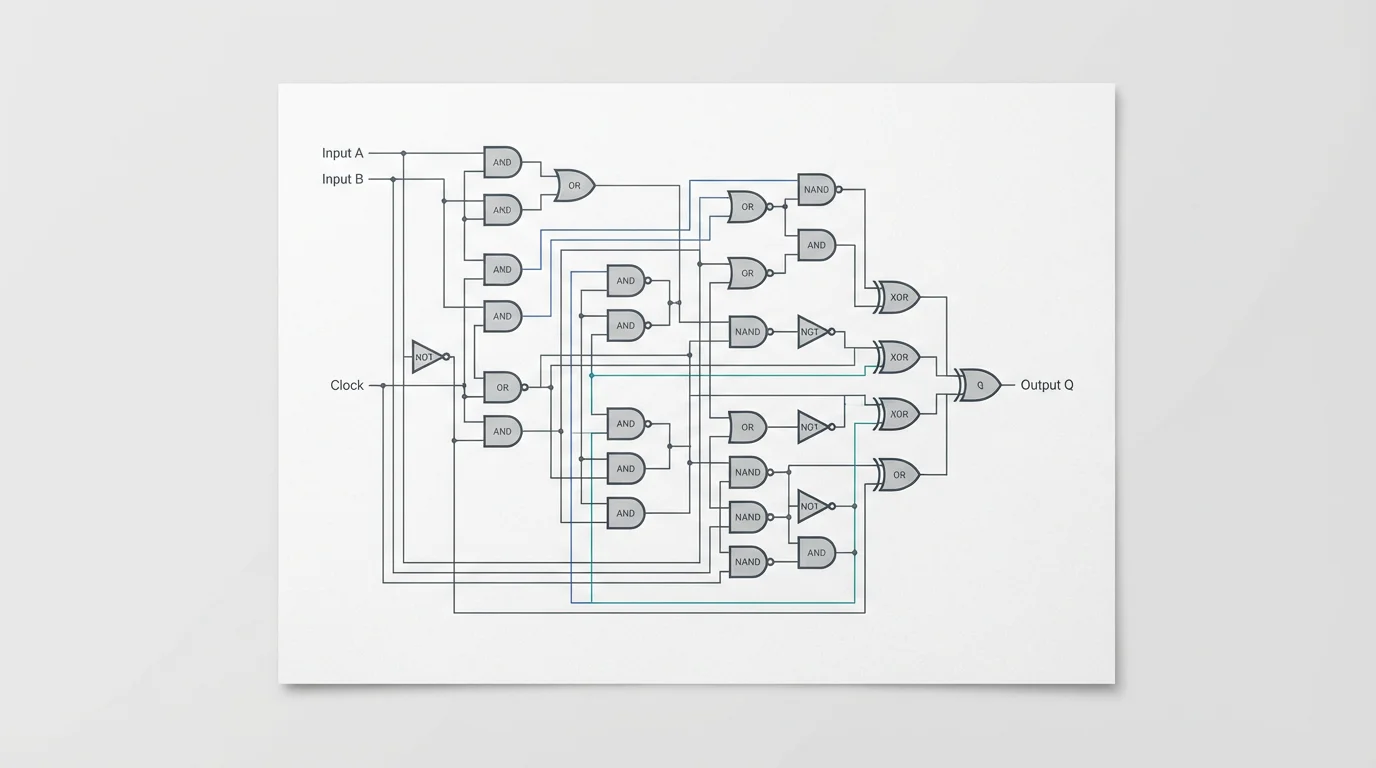
A professionally designed logic gate diagram showing a complex circuit with color-coded AND, OR, and NOT gates connected by clean lines on a light gray background.

AI Logic Gate Diagram Generator

Trusted by 70 million people
171,800 Reviews
Developer API
Available on iPhone & Android

How to Create a Logic Gate Diagram in 3 Steps

  1. 1

    Describe Your Logic Circuit

    Start by typing a clear description of your circuit or the Boolean expression you want to visualize. For example, 'A diagram showing a 2-input XOR gate and a 2-input AND gate.'

  2. 2

    Generate Your Diagram

    Click the generate button. Our AI will instantly interpret your prompt and draw a clean and accurate logic gate diagram for you.

  3. 3

    Download Your Diagram

    Your high-resolution logic circuit diagram is ready to download for free. Use it for your projects, assignments, or professional documentation.

Transform your ideas into diagrams instantly. Our AI logic gate diagram generator converts your text descriptions or Boolean expressions into clear, visual circuits in seconds. This eliminates the slow process of manually placing and connecting symbols in traditional software. Describe the gates you need, whether they are AND, OR, NOT, or NAND, and watch as the AI brings your design to life. It's a faster way for anyone to build and visualize digital logic without prior design experience.

Instant Logic Circuit Visualization from Text

A professionally illustrated logic gate diagram on a white background, featuring standard symbols for AND, OR, and NOT gates connected by clear lines to represent a digital circuit.
Designing complex circuits is no longer a difficult task. Our tool can interpret detailed descriptions to generate intricate, multi-level logic diagrams. You can specify precise connections between a variety of gates, define input and output labels, and lay out sophisticated systems with simple text commands. This makes it easier to map everything from basic Boolean functions to advanced logic without the confusion of manual drawing tools. Let AI handle the complexity of arranging your circuit elements.

Complex Digital Logic, Simplified

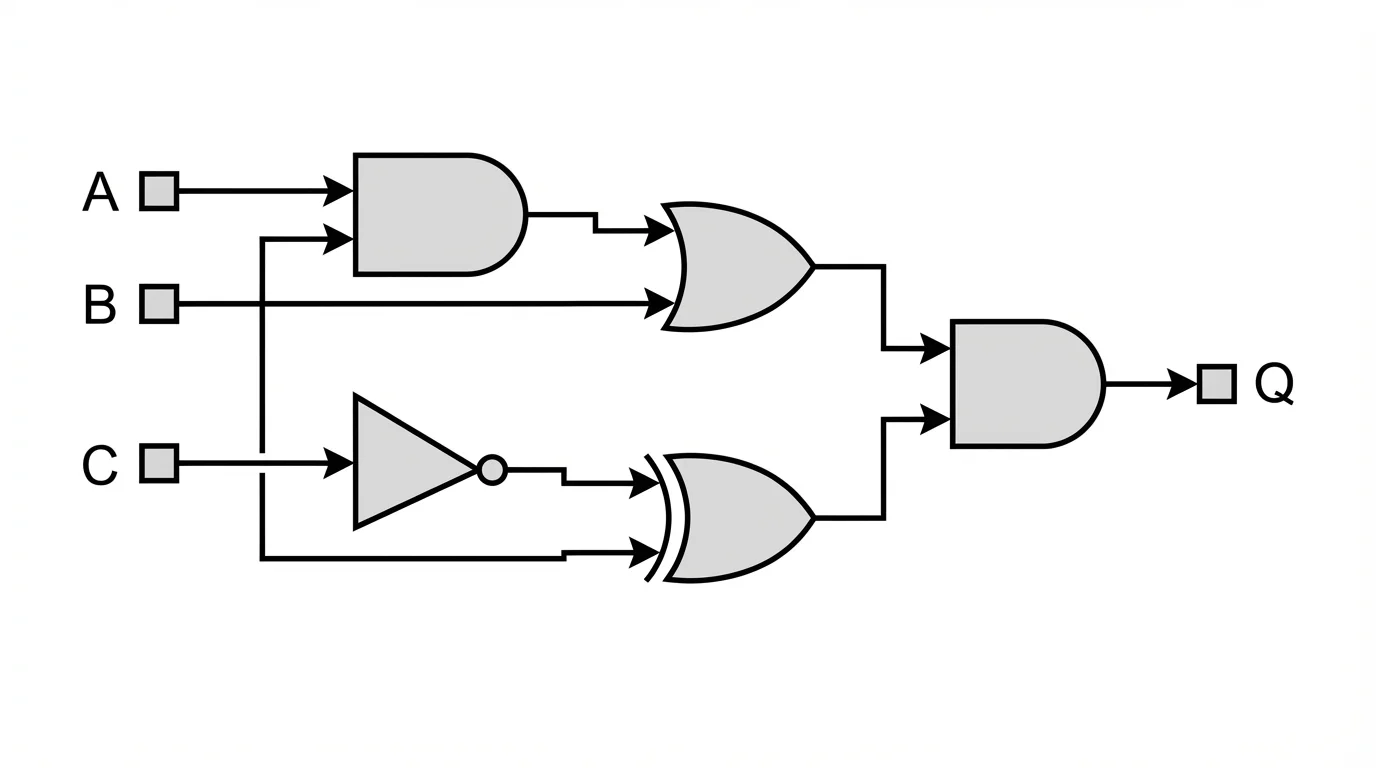
A clear and professional digital logic gate diagram with labeled inputs 'A', 'B', 'C' and an output 'Q', showing the flow through various interconnected gates on a clean white background.
Produce clean and organized logic gate diagrams every time. The AI automatically arranges gates and connections to ensure your final circuit is easy to read, analyze, and present. This is ideal for academic assignments, technical documentation, or classroom instruction where clarity is critical. Forget about messy, overlapping lines or poorly spaced components. Our generator prioritizes a logical layout, ensuring that your work is both professional and easy to understand for you and your audience.

Generate Clear and Readable Diagrams

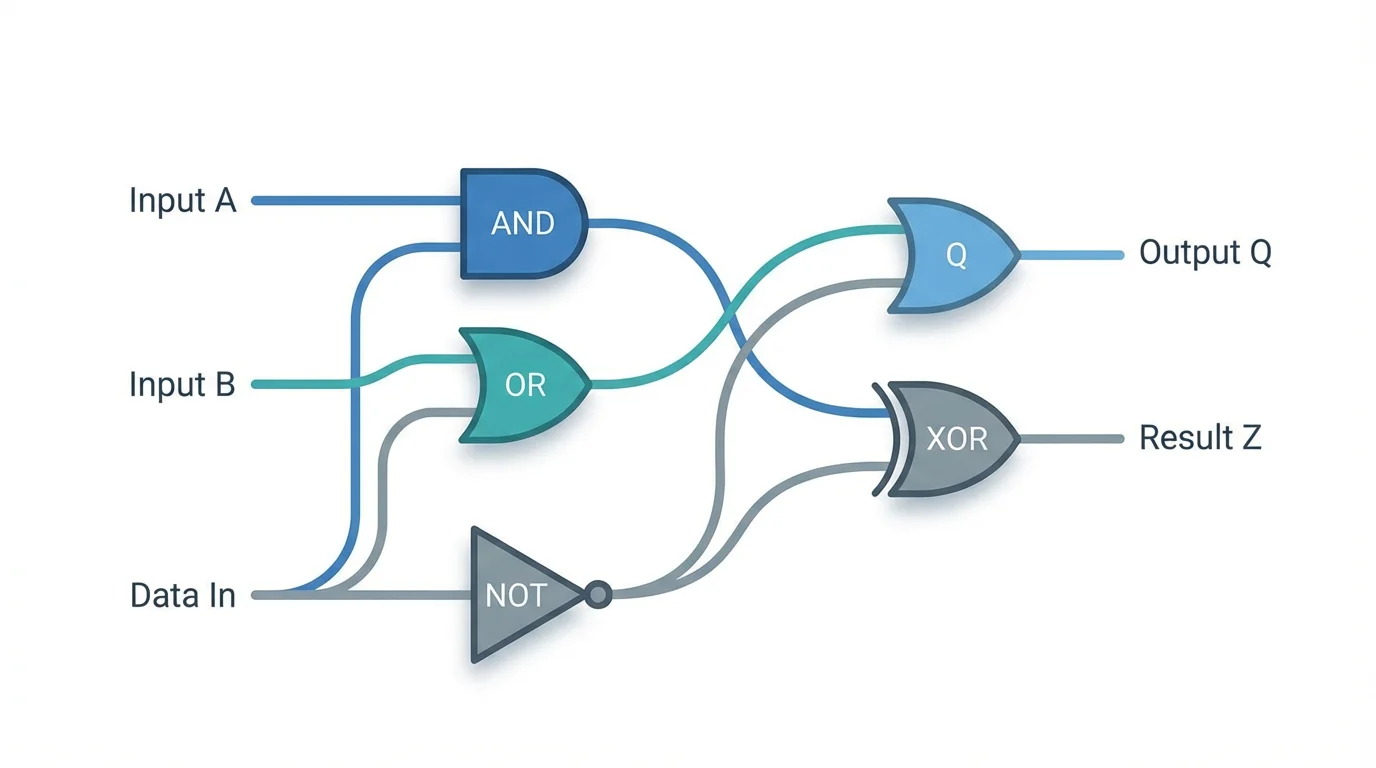
A stylized and modern isometric diagram of various interconnected logic gates, like AND and XOR, with clear labels for inputs and outputs, all set against a clean white background.
It’s Fast: Go from a Boolean expression or text description to a completed diagram in moments. It’s Customizable: Clearly describe your desired gates, inputs, and connections to create a circuit that matches your vision. AI-Powered: Leverage artificial intelligence to automatically handle the layout and drawing of complex logic. Easy to Use: There is no software to download or manual drawing required. Use Designs Anywhere: Your diagrams are perfect for study guides, technical reports, and presentations.

Why use Pixelcut's AI Logic Gate Diagram Generator?

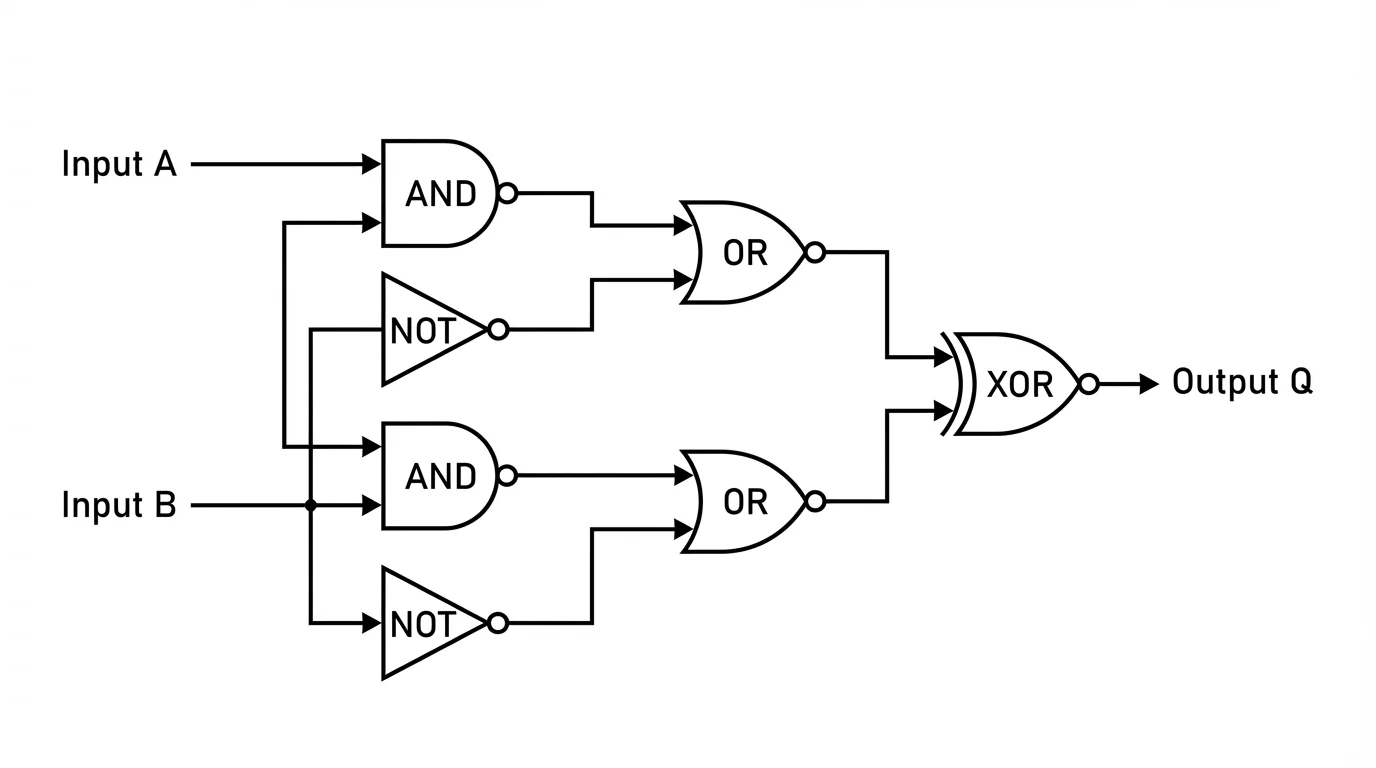
A clean and professional logic gate diagram featuring AND, OR, and NOT gates with labeled inputs and outputs, set against a plain white background.
Education: Students can quickly visualize Boolean algebra concepts for computer science and engineering courses. A visual diagram makes abstract ideas easier to grasp. Engineering: Digital circuit designers and engineers can rapidly prototype and document logic designs, streamlining their workflow. Teaching: Educators can create clear and accurate visual aids for lectures, assignments, and online course materials. Self-Learning: Hobbyists and enthusiasts exploring digital electronics can build and visualize circuits to deepen their understanding of how they work.

Logic Gate Diagram Generator Use Cases

A clean, professional diagram of a complex logic gate circuit, showing various gates like AND, OR, and NOT connected by neat lines on a white background.

Frequently Asked Questions

Pixelcut is loved by over 2 million people

  • My favorite app

    Great app, easy to use. Helps our small business save time and money to create different marketing materials professionally. Thank you.

    Shaelyn D.
  • Best background remover

    I need a good background remover for my work and I've been through them all it feels like. This one is the best by far. It's so easy to use and the results always look amazing. Thank you Pixelcut!
    Kira H.
  • Love it

    It's amazingly easy and gives the perfect results for my bags and accessories. It looks like it was done by a professional photographer.
    Mary J.